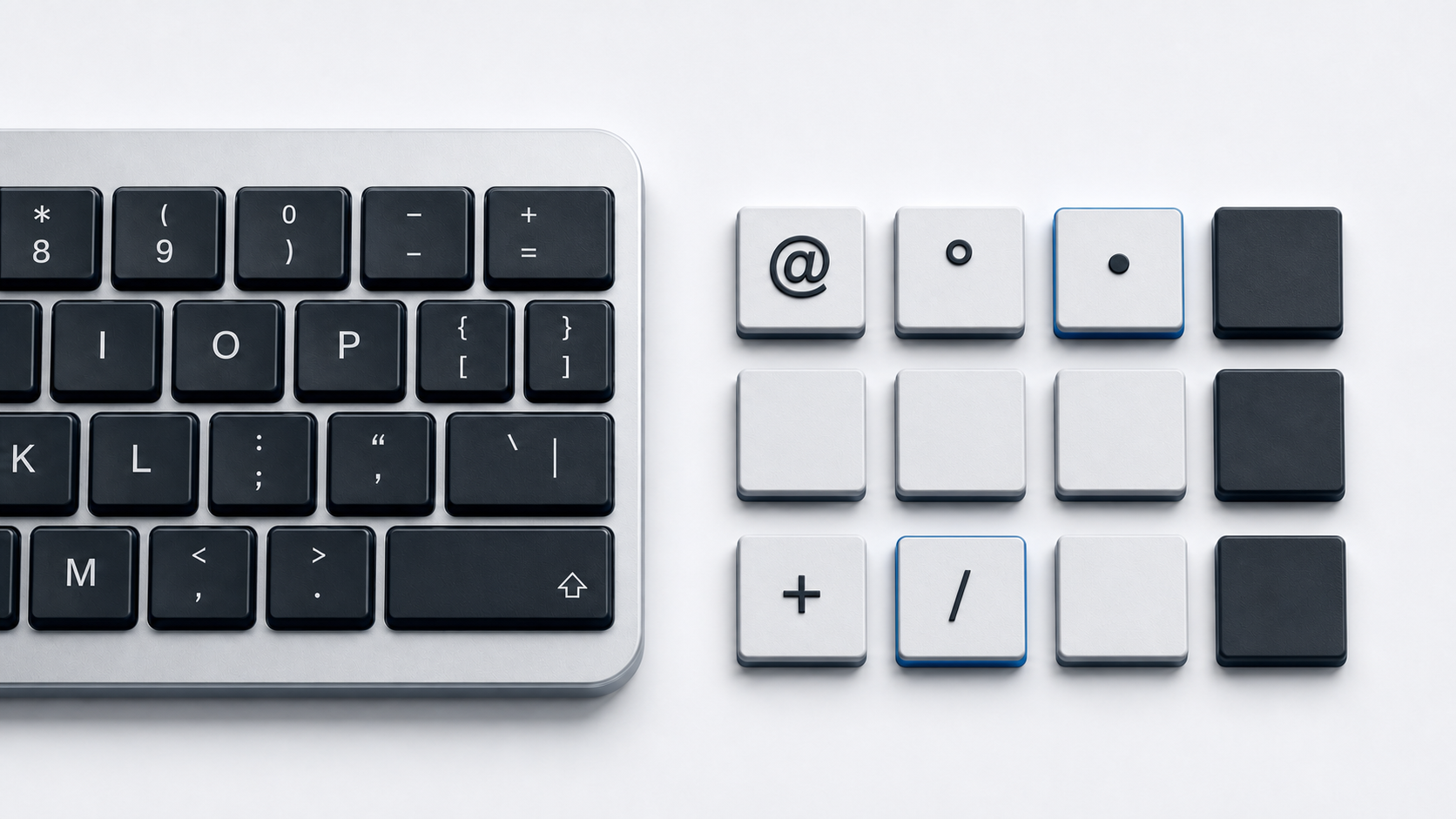
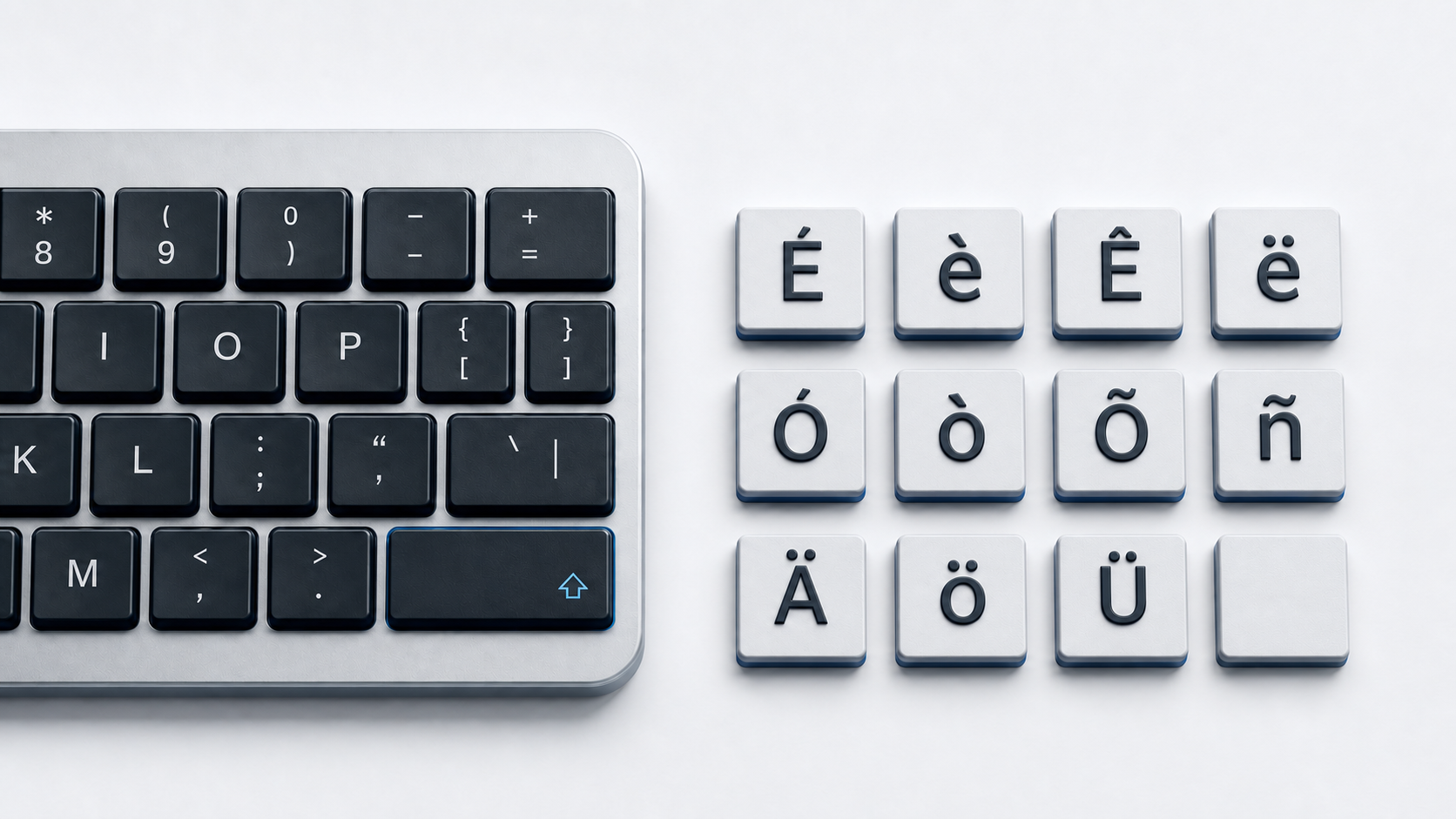
Copy ~ from the panel above when you need the Basic Latin tilde. On Microsoft's U.S. layout, hold Shift and press the key shared with the grave accent. In Word, type 007E and press Alt-X. Do not use the HTML name ˜ for this character because that name resolves to the separate U+02DC SMALL TILDE.
Identify the tilde character
Unicode names ~ TILDE and assigns it U+007E in Basic Latin. It is a spacing keyboard character. U+0303 COMBINING TILDE is a nonspacing mark intended to combine with a preceding base character, and U+223C TILDE OPERATOR is a mathematical operator.
Unicode also defines ˜ U+02DC SMALL TILDE. These characters can look related, but they have different code points and properties. Use the exact character required by the destination rather than choosing by appearance alone.
Type ~ on a U.S. keyboard
Microsoft's standard U.S. layout places ~ in the shifted position of the key that produces the grave accent when unshifted. Hold Shift and press that key to enter U+007E.
This mapping is layout-specific. Country layouts can put tilde on another modifier layer or treat a related mark as a dead key. If the printed key and output disagree, inspect the active input layout. The backslash guide covers another punctuation key whose location should not be treated as universal.
Understand dead-key behavior
A dead key does not immediately insert a visible character. It waits for the next keystroke so the layout can produce a combined or precomposed result. That is useful for accented letters but confusing when the intended output is the standalone ~.
Do not assume that a waiting mark means the physical key has failed. Confirm the active layout, inspect its modifier states, and use direct copy, Word's Unicode conversion, or Unicode Hex Input when a standalone U+007E is required. For letters that use a tilde, continue with the N with accent guide or the broader accented letters guide.
Type tilde in Microsoft Word
Type 007E where the character should appear and press Alt-X. Microsoft documents this hexadecimal conversion in Word, while Unicode establishes 007E as the value for TILDE.
If a hexadecimal letter or digit immediately before the code becomes part of the conversion, select only 007E and press Alt-X. This inserts the standalone spacing tilde. It does not insert U+0303 COMBINING TILDE or apply an accent to another letter.
Use the scoped Windows legacy value
The documented legacy Windows sequence for ~ is Alt-126 entered on the numeric keypad. The value 126 is the ASCII and Windows-1252 decimal value for U+007E. Microsoft's documentation of Alt input explains that application behavior, code pages, the numeric keypad, and leading-zero form can affect legacy results.
Use Alt+126 only with that scope. It is not a universal Unicode-entry system, and the top number row is not a substitute for the numeric keypad in the documented legacy mechanism. Use Word Alt-X or direct copy when the legacy route behaves differently.
Type tilde on a Mac without guessing a layout shortcut
Apple Keyboard Viewer shows the keys and modifier characters for the active Mac input source. Use it to find what the selected layout actually produces instead of applying a shortcut from another regional layout.
The Unicode Consortium documents a separate Unicode Hex Input method. Enable and select that input source, hold Option, enter 007E, and release Option to insert ~. This instruction requires Unicode Hex Input and does not describe the ordinary Mac layout.
Use tilde in HTML correctly
A UTF-8 HTML document can contain ~ directly. Decimal ~ and hexadecimal ~ also represent U+007E. There is no HTML named reference for U+007E in the WHATWG named-character table.
The named reference ˜ resolves to ˜ U+02DC SMALL TILDE, not ~ U+007E. Changing the font does not make those code points identical. Use a numeric reference when HTML source must represent the Basic Latin tilde without including it directly.
Keep character identity separate from software meaning
Software can assign special meaning to ~ in paths, command languages, search syntax, or programming languages. Those meanings do not alter its Unicode identity. The character remains U+007E even when a program interprets it as an operator or abbreviation.
Follow the syntax rules of the destination program before adding, removing, or escaping a tilde. This page establishes the character and verified input routes, not one universal software meaning.
Fix the wrong tilde or delayed output
- 1.Check whether the intended character is ~ U+007E, ˜ U+02DC, combining U+0303, or operator ∼ U+223C.
- 2.On the cited U.S. layout, hold Shift with the grave-accent key.
- 3.Check the active layout if the mark waits for another letter or appears on a different key.
- 4.Use
007Eplus Alt-X in Word for the standalone character. - 5.Use Keyboard Viewer before claiming a normal Mac layout shortcut.
- 6.Use the numeric keypad for the scoped legacy Alt+126 method.
- 7.Replace
˜with~or~when HTML must produce U+007E.
Common questions
Does ˜ produce the keyboard tilde?
No. It produces ˜ U+02DC SMALL TILDE. Use ~ directly, ~, or ~ for U+007E.
Why does a tilde key wait for the next letter?
The active layout can treat a mark key as a dead key so it can compose an accented result. Check the active layout or use a verified direct-entry method for standalone ~.
Are ~ and the tilde over ñ the same code point?
No. ~ is U+007E. A decomposed accented letter can use U+0303 COMBINING TILDE, while ñ also exists as the precomposed U+00F1 character.