Copy _ to insert an underscore immediately. On a standard U.S. Windows keyboard, hold Shift and press the hyphen key beside 0. That key position is layout-specific, so switch to the intended input layout or use a character picker if the result differs. The underscore is U+005F LOW LINE, not a long dash, underline style, or blank space.
Copy and identify the underscore
The character _ has the Unicode code point U+005F and the formal Unicode name LOW LINE. It is one Basic Latin character. A visual underline applied to a word is formatting, while an underscore remains part of the text and can appear in usernames, file names, identifiers, and URLs. Use the Symbol Finder to compare other punctuation characters.
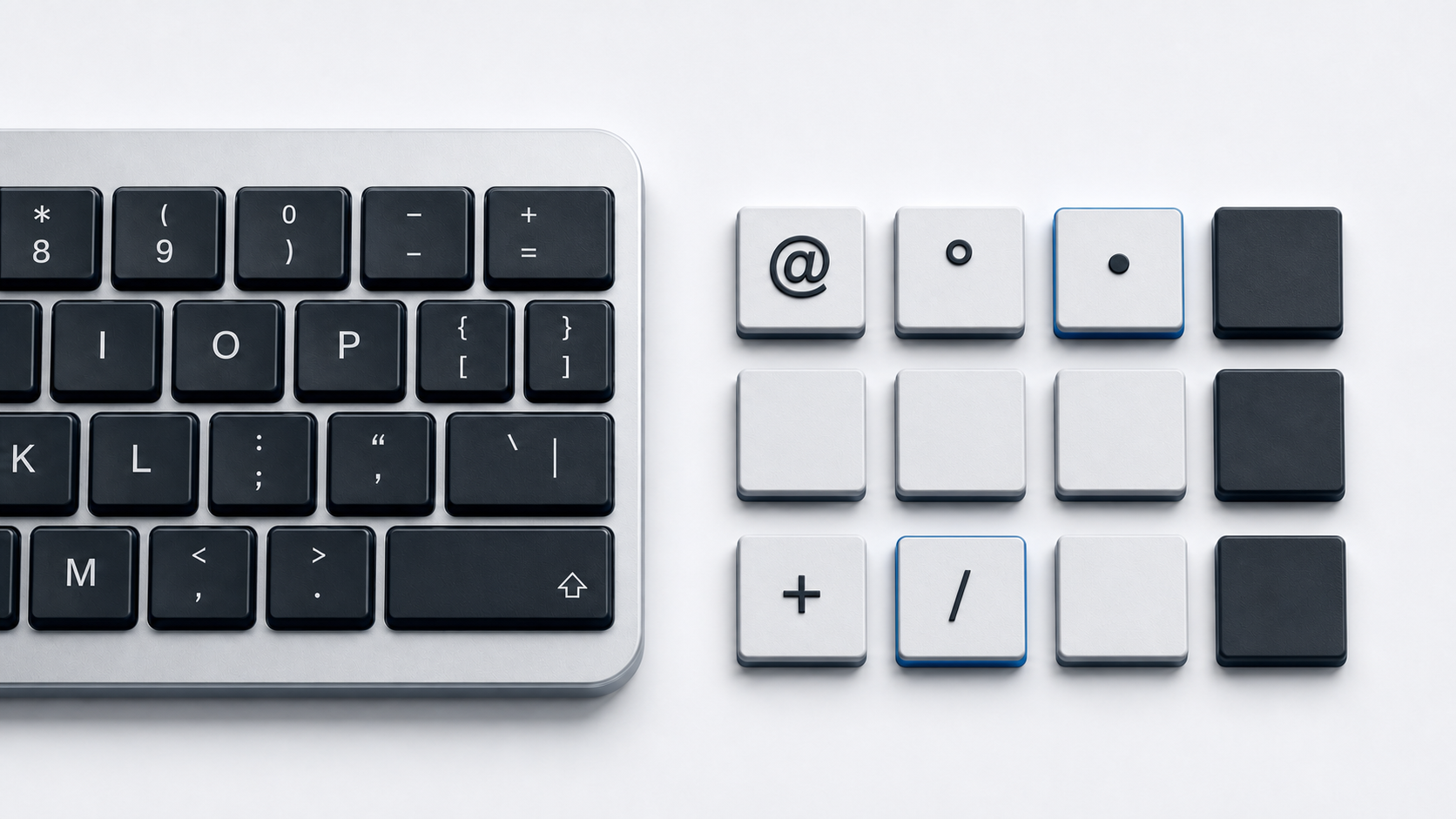
Type an underscore on a physical keyboard
U.S. keyboard layout
- 1.Place the insertion point.
- 2.Hold Shift.
- 3.Press the key that produces a hyphen without Shift, located beside 0 on Microsoft's U.S. layout.
The result should be _. This description is deliberately scoped to the U.S. layout. The printed keycap does not determine the active software layout, and a different layout may map the same physical key to another character.
Other keyboard layouts
On Windows, check the input-language indicator in the taskbar. Windows+Space cycles through installed layouts, so use it only when you know which installed layout you want. Microsoft's published keyboard-layout pages show the base and shifted characters for each layout. On Mac, open Keyboard Viewer from the Input menu, hold Shift, and observe which key displays _. That viewer reflects the active input source instead of assuming U.S. placement.
Find the underscore on a phone or tablet
On an onscreen keyboard, switch from letters to the number or symbol layer, then choose _. A second symbol layer may be required. Labels and positions vary by keyboard app, language, device, and orientation, so instructions such as a universal key sequence would be misleading. Apple's iPhone and iPad guides describe switching keyboard modes, and Google's Pixel Tablet help shows how to open additional onscreen symbol layouts. If the symbol is not visible, inspect the additional symbol page or copy it from this guide.
Use Word or a character picker
Word Unicode conversion
In Microsoft Word on Windows, type 005F and press Alt+X. Word converts the hexadecimal value to _. This is useful when the active layout is unknown, but Alt+X works inside Word; it is not a system-wide Windows shortcut.
Mac Keyboard Viewer
Choose the Input menu in the macOS menu bar and open Keyboard Viewer. Press modifier keys to reveal the active mapping, then select the key that produces _. If the Input menu is hidden, add the desired input source in Keyboard settings first. Apple documents both input-source management and Keyboard Viewer.
Unicode and HTML values
- Unicode name: LOW LINE
- Code point: U+005F
- HTML named reference:
_ - HTML decimal reference:
_ - HTML hexadecimal reference:
_
HTML may also contain the literal _. The named and numeric forms all resolve to the same Basic Latin character. In Markdown, underscores can act as formatting delimiters depending on context, so escape or place them in code markup when the source syntax requires a literal character.
Troubleshoot a missing or wrong underscore
- 1.Type in a plain-text field to determine whether the issue affects one app or the whole system.
- 2.Check the active keyboard layout or input source before changing hardware.
- 3.Test both Shift keys; accessibility settings or a stuck modifier can change the result.
- 4.Open Windows On-Screen Keyboard or macOS Keyboard Viewer to compare the active mapping with the physical keycap.
- 5.If the visual key works but the physical key does not, reconnect the keyboard, try another port, or test another keyboard.
If the same layout problem affects email entry, use the separate at-key troubleshooting guide. For a different long punctuation mark, see how to type an em dash.
Official references
- Unicode Consortium Basic Latin chart
- Microsoft U.S. keyboard layout
- Microsoft Support keyboard layout guide
- Microsoft Support Unicode input in Word
- Apple User Guide for Keyboard Viewer
- Apple User Guide for input sources
- Apple User Guide for the iPhone onscreen keyboard
- Apple User Guide for the iPad onscreen keyboard
- Google help for the Pixel Tablet onscreen keyboard
- WHATWG named character references
- WHATWG HTML character reference syntax