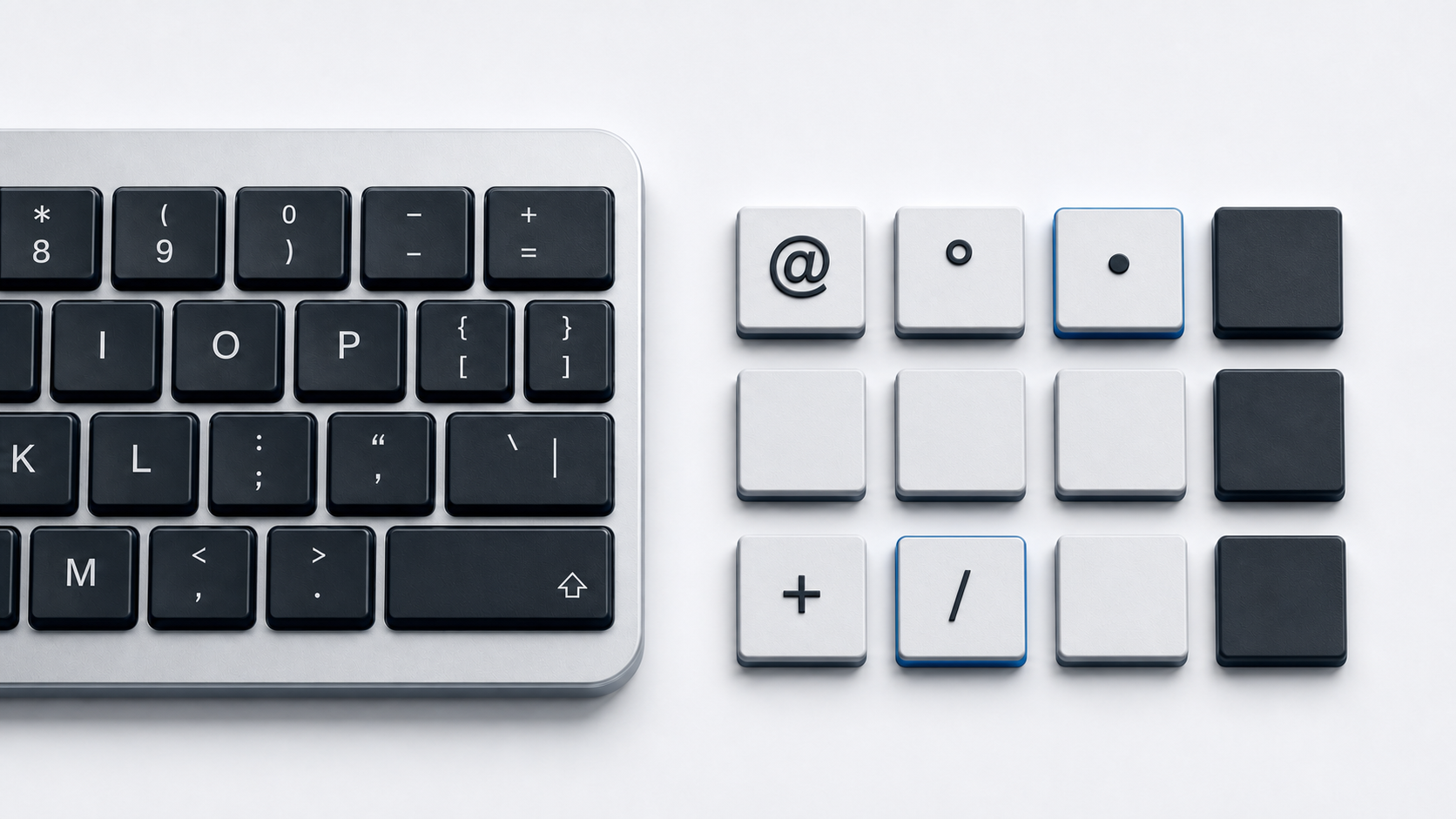
Copy \ from the panel above when you need a backslash. On Microsoft's U.S. keyboard layout, press the key shared with the vertical line without holding Shift. In Word, type 005C and press Alt-X. The backslash is not the forward slash / or the vertical line |, even when those characters appear on nearby or shared keys.
Identify the backslash
Unicode assigns \ code point U+005C and the formal name REVERSE SOLIDUS. BACKSLASH is recorded as an alias. The forward slash / is U+002F SOLIDUS, while | is U+007C VERTICAL LINE. These are three separate Basic Latin characters.
The direction is easiest to check in a font where the stroke is clear. A backslash descends from left to right. A forward slash rises from left to right. Font shape does not change the code point.
Find backslash on a U.S. keyboard
Microsoft's standard U.S. layout places \ on the unshifted position of the key shared with |. Press that key alone for backslash and use Shift on the same key for the vertical line. This statement is specific to the cited U.S. layout.
Physical key shapes, labels, and positions differ by country and keyboard design. If the printed key does not match the output, inspect the active layout before treating the keyboard as broken. The at sign guide shows another character whose key combination changes by layout.
Type backslash in Microsoft Word
Type 005C at the insertion point and press Alt-X. Microsoft documents this hexadecimal conversion in Word, and Unicode establishes U+005C as REVERSE SOLIDUS. If Word includes an adjacent hexadecimal character in the conversion, select only 005C and press Alt-X.
This Word method is useful when the active keyboard layout does not put backslash where expected. It works inside Word and is not a global Windows shortcut.
Use legacy Windows numeric input carefully
Backslash has decimal value 92 in ASCII and Windows-1252. Windows legacy Alt input can produce that value by holding Alt and entering 92 on the numeric keypad. Microsoft's documented history of Alt input also explains why leading zeroes, code pages, and application handling matter.
Use Alt+92 only as the scoped legacy method described here. It is not evidence that the top number row works, that every application accepts the sequence, or that all Unicode characters have matching portable Alt codes. Word Alt-X, Character Map, or direct copy is clearer when legacy behavior is uncertain.
Type backslash on a Mac without assuming a layout shortcut
Apple Keyboard Viewer displays the characters produced by the active Mac input source and reveals modifier layers. Open it and inspect the current layout rather than assuming a shortcut taken from a different country layout.
The Unicode Consortium also documents macOS Unicode Hex Input. With that input source enabled and selected, hold Option, enter 005C, and release Option to insert \. This method requires the Unicode Hex Input source and does not describe an ordinary layout's key combination.
Recognize backslash in paths and code
The stored character remains U+005C, but software can assign it special meaning. A programming language or data format may use backslash to begin an escape sequence, so source text can require two backslashes to represent one literal backslash. That requirement belongs to the language or format, not to Unicode keyboard input.
Do not add or remove an extra backslash without checking the syntax of the specific program. For general symbol entry rather than code syntax, copy the literal character from this page. The related tilde guide similarly separates a literal keyboard character from meanings assigned by software.
Use backslash in HTML
A UTF-8 HTML document can contain \ directly. WHATWG defines the named reference \. Decimal \ and hexadecimal \ also resolve to U+005C.
HTML character references are source notation. A plain-text field can show \ literally because no HTML parser converts it. Backslash itself does not need to become a reference merely because it appears in HTML text.
Fix slash or pipe mix-ups
- 1.Compare the intended U+005C backslash with U+002F slash and U+007C vertical line.
- 2.On the cited U.S. layout, release Shift to get \ from the key shared with |.
- 3.Check the active layout if the printed key and typed result disagree.
- 4.Use Word
005Cplus Alt-X or Mac Unicode Hex Input when a physical mapping is unclear. - 5.Use the numeric keypad for the scoped legacy Alt+92 method and avoid calling it universal.
- 6.Check the target language's escaping rules if one typed backslash appears as two in source code.
Common questions
Are \ and / the same character?
No. \ is U+005C REVERSE SOLIDUS and / is U+002F SOLIDUS.
Why does the backslash key type |?
On Microsoft's U.S. layout, those characters share a key. The unshifted position produces \ and the shifted position produces |. Other layouts may map them differently.
Why does code sometimes show two backslashes?
Some languages and formats use backslash as an escape introducer, so their source notation can require two characters to represent one literal backslash. Consult that language's syntax before changing it.
Official references
- Unicode Character Database
- Unicode NamesList
- Microsoft United States keyboard layout
- Microsoft Word Unicode and Character Map guide
- Microsoft history of Windows Alt numeric input
- Microsoft explanation of Alt-code leading zero behavior
- Apple Keyboard Viewer guide
- Unicode Consortium font and keyboard FAQ
- HTML named character references
- HTML character-reference syntax