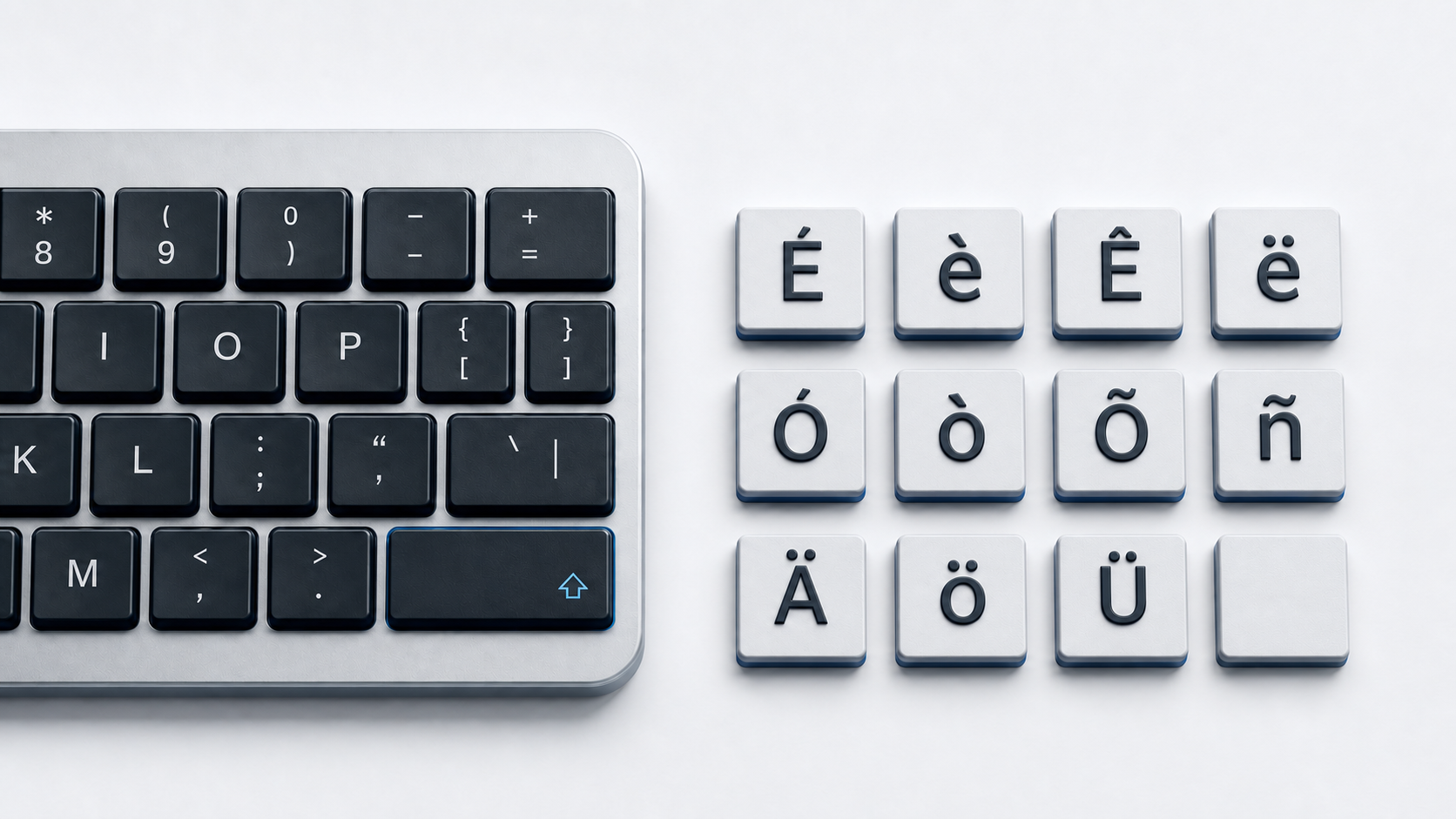
Copy Ä Ö Ü ä ö ü ẞ or ß from the panel above. For regular German typing on Windows, install and select the German keyboard layout; use the dedicated umlaut and ß positions shown by that layout, and press Shift with AltGr and the ß key for uppercase ẞ.
The German special-letter set
This practical reference covers the three uppercase and lowercase German Umlaut letters plus uppercase and lowercase sharp S. Unicode calls the umlaut characters LATIN LETTER ... WITH DIAERESIS. It assigns ß U+00DF the name LATIN SMALL LETTER SHARP S and ẞ U+1E9E the name LATIN CAPITAL LETTER SHARP S.
For Word, Mac, iPhone, iPad, Chromebook, normalization, and HTML instructions focused only on Ä Ö Ü ä ö ü, open the umlaut letters guide.
Use the German keyboard layout in Windows
Microsoft provides a German keyboard layout and an interactive layout reference whose Shift, Caps, and AltGr states can be inspected. After adding the layout in Windows Settings, select it from the input indicator or press Windows-Space to cycle through installed layouts.
On the standard German layout, the umlaut and ß letters occupy dedicated positions. Press the required character key directly for lowercase ä, ö, ü, or ß, use Shift with an umlaut key for Ä, Ö, or Ü, and press Shift with AltGr and the ß key for ẞ. Use the Microsoft layout viewer to match the on-screen layout to the physical keyboard instead of applying U.S.-layout key positions.
Enter German letters by Unicode in Word
Word's Alt-X conversion is useful for a character that is not visible on the active layout. Type a hexadecimal code and press Alt-X: 1E9E for ẞ, 00DF for ß, 00C4/00E4 for Ä/ä, 00D6/00F6 for Ö/ö, or 00DC/00FC for Ü/ü. This conversion works inside Word rather than in every Windows text field.
Windows Character Map is the official copy-and-paste fallback. Open it, select the character supported by the chosen font, copy it, and paste it into the target app.
Choose ẞ or SS in all-capital German text
The 2024 official German orthography states that when writing in capital letters, either uppercase ẞ or SS may be used. Its example is Straße – STRAẞE – STRASSE. This is an orthographic choice for all-capital writing; ẞ and SS remain different Unicode data.
The same official rules say to write ss where ß is unavailable, and that ss may always be written in Switzerland and Liechtenstein. Follow the spelling convention required by the language variety and publication.
Do not substitute Greek beta β for ß. Unicode assigns them different names and code points. Copy the actual sharp S character when the text requires it.
Use German letters in HTML
UTF-8 HTML can contain all eight characters directly. WHATWG defines named references for the six umlaut characters and for lowercase ß. Decimal references include Ä for Ä, ß for ß, and ẞ for ẞ. WHATWG defines no named reference for ẞ, so use the character itself or the numeric reference.
Fix wrong German keyboard output
- 1.Check the Windows input indicator before using the German layout's key positions.
- 2.Press Windows-Space only when more than one layout is installed, then select German.
- 3.Use Microsoft's interactive German layout reference to inspect Shift and AltGr states.
- 4.Use Shift plus AltGr plus the ß key on the German layout for uppercase ẞ; use Word Alt+X or Character Map when the active layout does not provide it.
- 5.Verify that sharp S is ß or ẞ, not Greek β or the letters B and S.
Technobezz's guide to changing a Windows keyboard layout covers the Settings path and switcher. If the active layout is correct but keys still fail, use the keyboard test checklist to separate layout behavior from hardware trouble.
Common questions
Which page should I use for German typing?
Use this page for the German keyboard layout, sharp S, and the official all-caps rule. Use the umlaut guide for the full cross-platform method for Ä, Ö, Ü, ä, ö, and ü.
Is uppercase ẞ part of official German spelling?
Yes. The official 2024 rules permit ẞ as well as SS when a word containing ß is written in capital letters.
Is ß the Greek letter beta?
No. ß is U+00DF LATIN SMALL LETTER SHARP S. Greek small letter beta is a separate character.