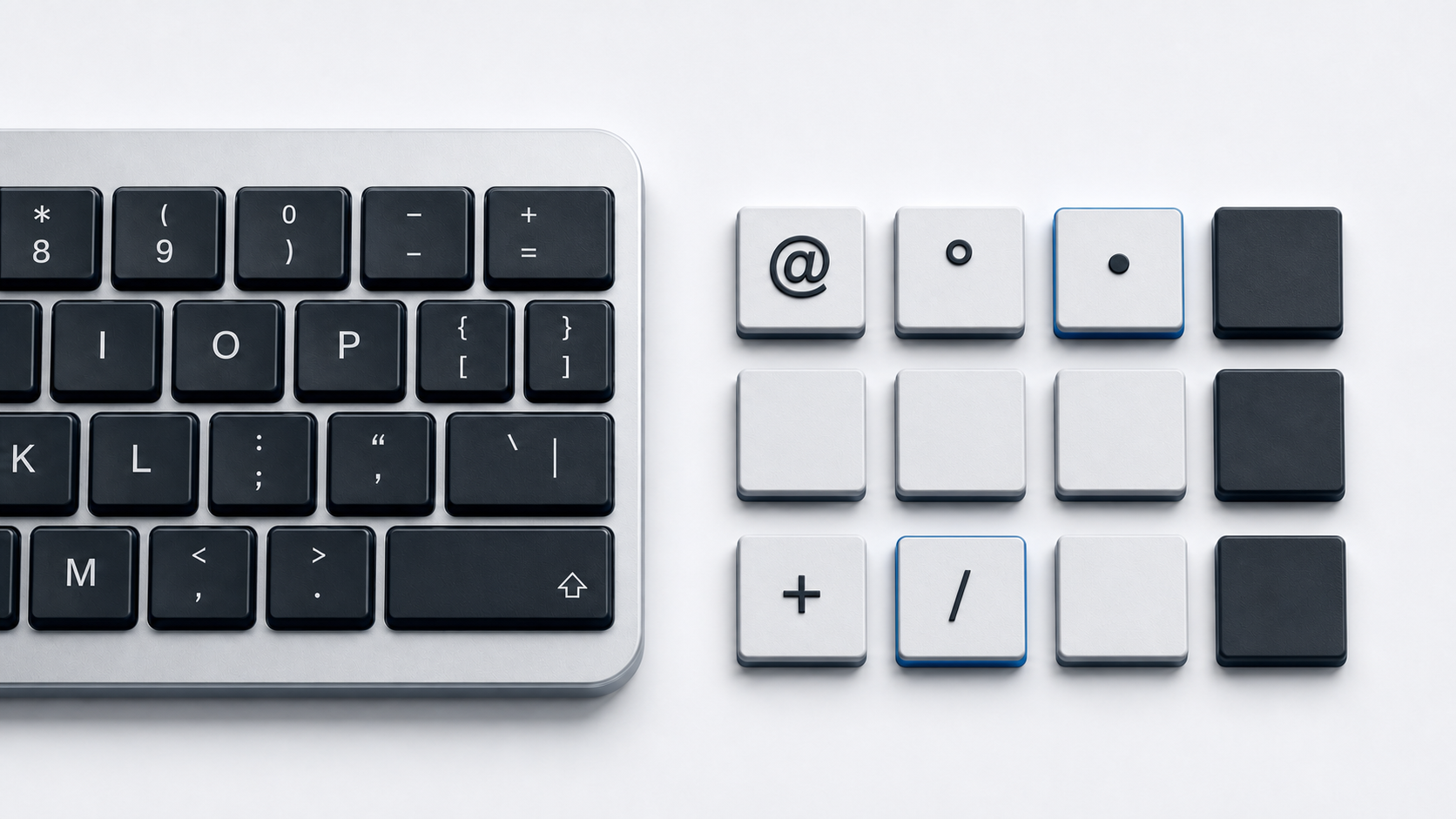
Copy @ from the panel above. On the Windows U.S. layout it is the shifted 2 key, but the shortcut changes on U.K., German, and Spanish layouts, so check the active layout before treating a different result as a broken key.
Identify the at sign
Unicode names @ COMMERCIAL AT and assigns it U+0040 in the Basic Latin block. HTML can represent the same character literally, with the named reference @, with decimal @, or with hexadecimal @.
The character stays U+0040 even when its physical key location changes. Country and regional layouts assign punctuation to different key combinations, so a shortcut should always be labeled with the layout it describes.
Type @ on the Windows U.S. layout
Hold Shift and press 2. Microsoft's U.S. layout reference places @ in the shifted digit-2 position.
Type @ on the Windows U.K. layout
Hold Shift and press the apostrophe key. Microsoft's U.K. layout reference places @ in that shifted position rather than on Shift-2.
Type @ on German and Spanish Windows layouts
Microsoft's German layout places @ on AltGr-Q, while its Spanish layout places @ on AltGr-2. These mappings show why a universal Shift-2 instruction is unreliable.
Check or switch the Windows keyboard layout
Windows lets you add and change installed keyboard layouts. Use the input indicator in the taskbar, or press Windows-Space to cycle through installed layouts. Select the layout that matches the physical keyboard and then use that layout's @ mapping.
Find @ with Mac Keyboard Viewer
Apple's Keyboard Viewer displays the active input source and reveals how characters change when you press modifier keys such as Shift or Option. Open Keyboard Viewer and inspect the current mapping instead of applying a shortcut copied from another country's layout. Apple separately documents that physical keyboard layouts vary by country and region.
Use @ in HTML
A UTF-8 HTML document can contain @ directly. The WHATWG named-character table defines @, and HTML character-reference syntax also accepts decimal @ and hexadecimal @ for U+0040.
Fix the wrong output
- 1.Check the input indicator to identify the active Windows layout.
- 2.Compare the active layout with the labels on the physical keyboard.
- 3.Press Windows-Space to select another installed layout when needed.
- 4.On Mac, use Keyboard Viewer to inspect the active input source and modifier positions.
- 5.Copy @ directly when you need the character before changing a layout.
Common questions
Why does Shift-2 produce another character?
Microsoft's U.S. Windows layout maps @ to Shift-2; it is not a universal shortcut. The U.K., German, and Spanish Windows references place @ on other key combinations.
Does the code point change with the keyboard layout?
No. The keyboard mapping changes, but the standard at sign remains U+0040 COMMERCIAL AT.
Official references
- Unicode Basic Latin chart
- Microsoft keyboard layout settings
- Microsoft U.S. keyboard layout
- Microsoft U.K. keyboard layout
- Microsoft German keyboard layout
- Microsoft Spanish keyboard layout
- Apple guide to Keyboard Viewer
- Apple guide to identifying keyboard layouts by country or region
- HTML named character references