
Bluetooth pairing issues on a Samsung Galaxy S25 Edge can be annoying, especially when you just want to connect your headphones or sync with your car. The good news is that most Bluetooth problems on the S25 Edge are software-related and can be fixed with the right steps. Here are the solutions that actually work.
Check the Basics
Before digging into deeper fixes, make sure the simple stuff is right. Check that both devices have enough battery, above 15% is a good rule of thumb. Verify Bluetooth is actually on by looking for the icon in your quick settings panel.
Keep your S25 Edge within 30 feet of the device you're pairing. Make sure the other device is in pairing mode. If you're connecting Samsung earbuds or a smartwatch, you'll need the Galaxy Wearable app, the phone won't pair without it. Test with another Bluetooth device to see if the problem is with your phone or the specific accessory.
Toggle Bluetooth
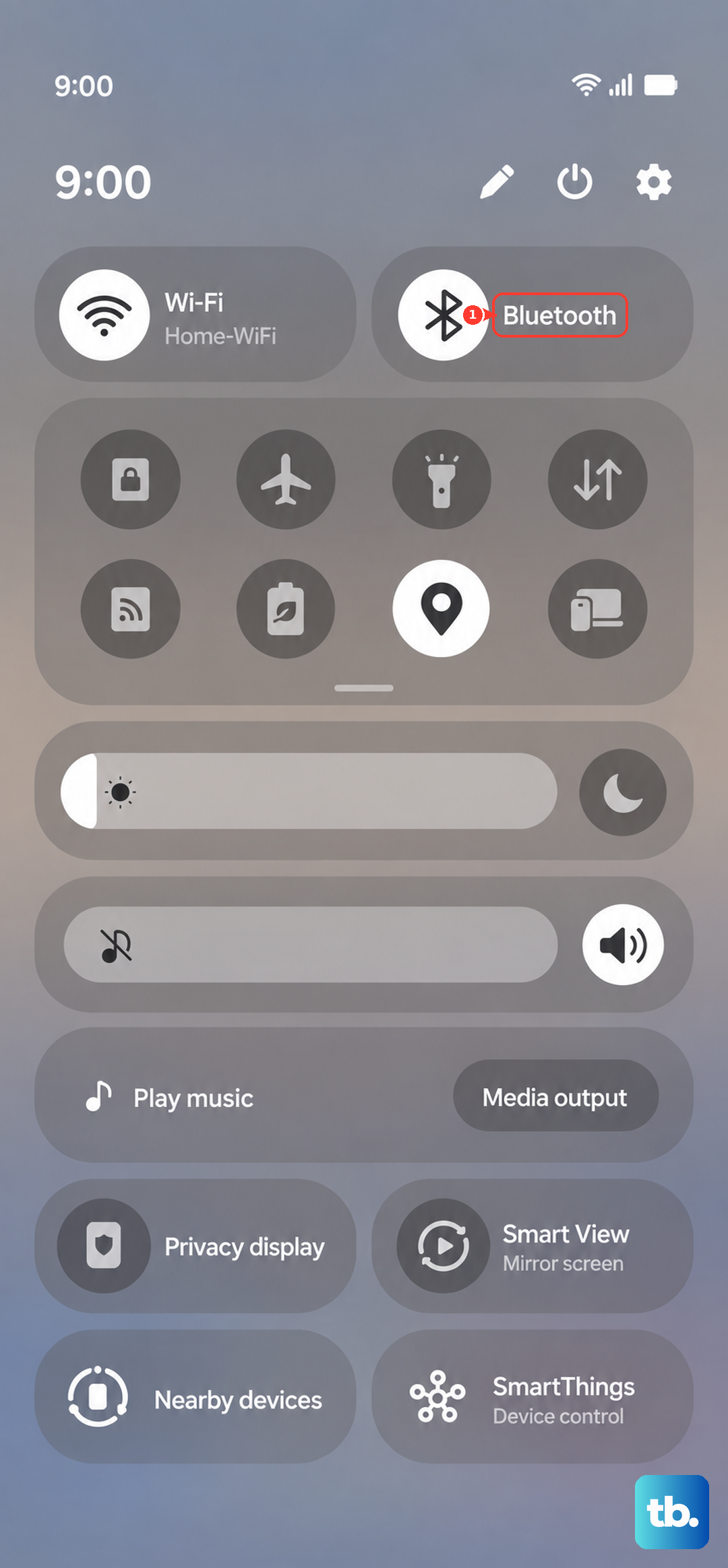
The quickest fix is to turn Bluetooth off and back on. Swipe down the notification shade, tap the Bluetooth icon to disable it, wait about 10 seconds, then tap it again. Try pairing afterward. This clears minor glitches without needing to restart anything.
Restart Your S25 Edge
A simple restart can resolve temporary software hiccups. Press and hold the Side button (power button) and tap Restart. If the phone is unresponsive or frozen, you can force a restart: press and hold the Volume Down and Side buttons together for about 10 seconds until the Samsung logo appears. Also restart the Bluetooth device you're trying to connect to.
Remove All Paired Devices
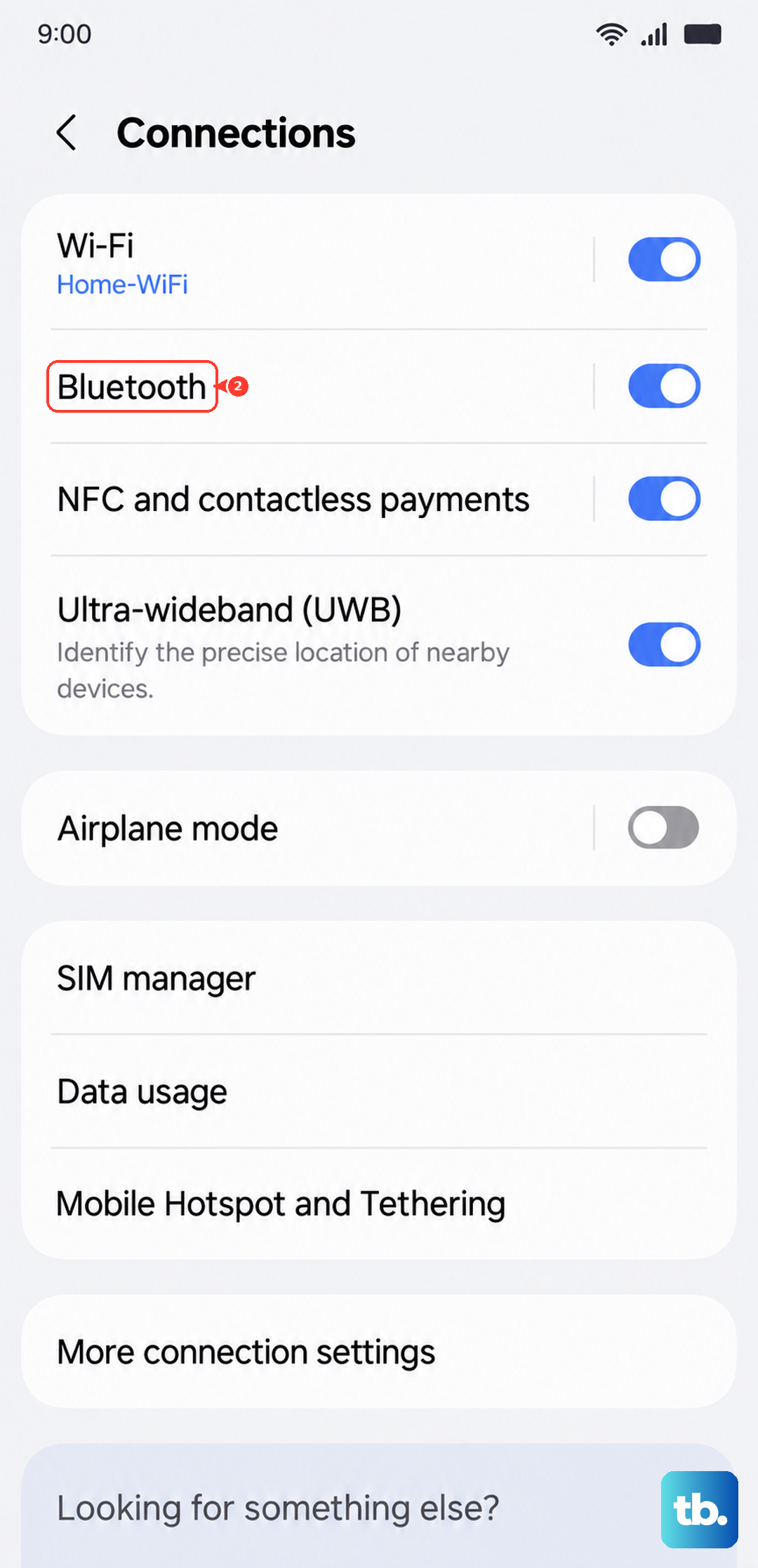
Having too many saved pairings can cause conflicts. Clear out your phone's Bluetooth history. Go to Settings > Connections > Bluetooth. Tap the gear icon next to each paired device and select Unpair or Forget. Once all are removed, try a fresh pairing with your device.
Clear Bluetooth Cache and Data
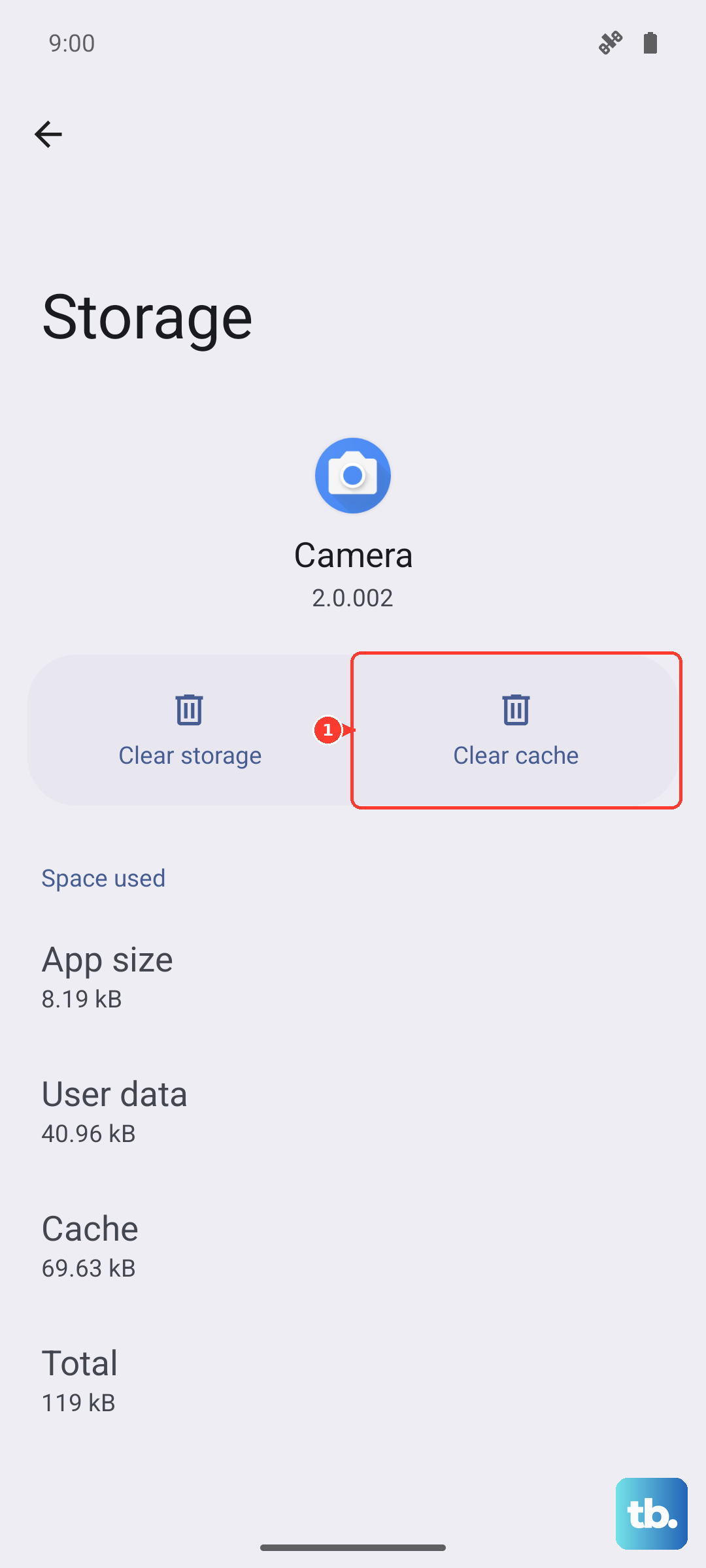
Corrupted cache files can stop Bluetooth from working properly. This won't delete your personal data. Go to Settings > Apps, tap the sort icon and choose Show system apps. Find Bluetooth, tap it, then tap Storage. First select Clear Cache and restart. If that doesn't help, go back and tap Clear Data, this removes all paired devices, so you'll need to re-pair everything after a restart.
Reset Network Settings
This restores Wi-Fi, mobile data, and Bluetooth to factory defaults. It's a more thorough reset that often fixes persistent pairing issues. Go to Settings > General management > Reset > Reset network settings. Enter your PIN if asked and confirm. After the reset, re-connect to Wi-Fi and try pairing again.
Update Your Software
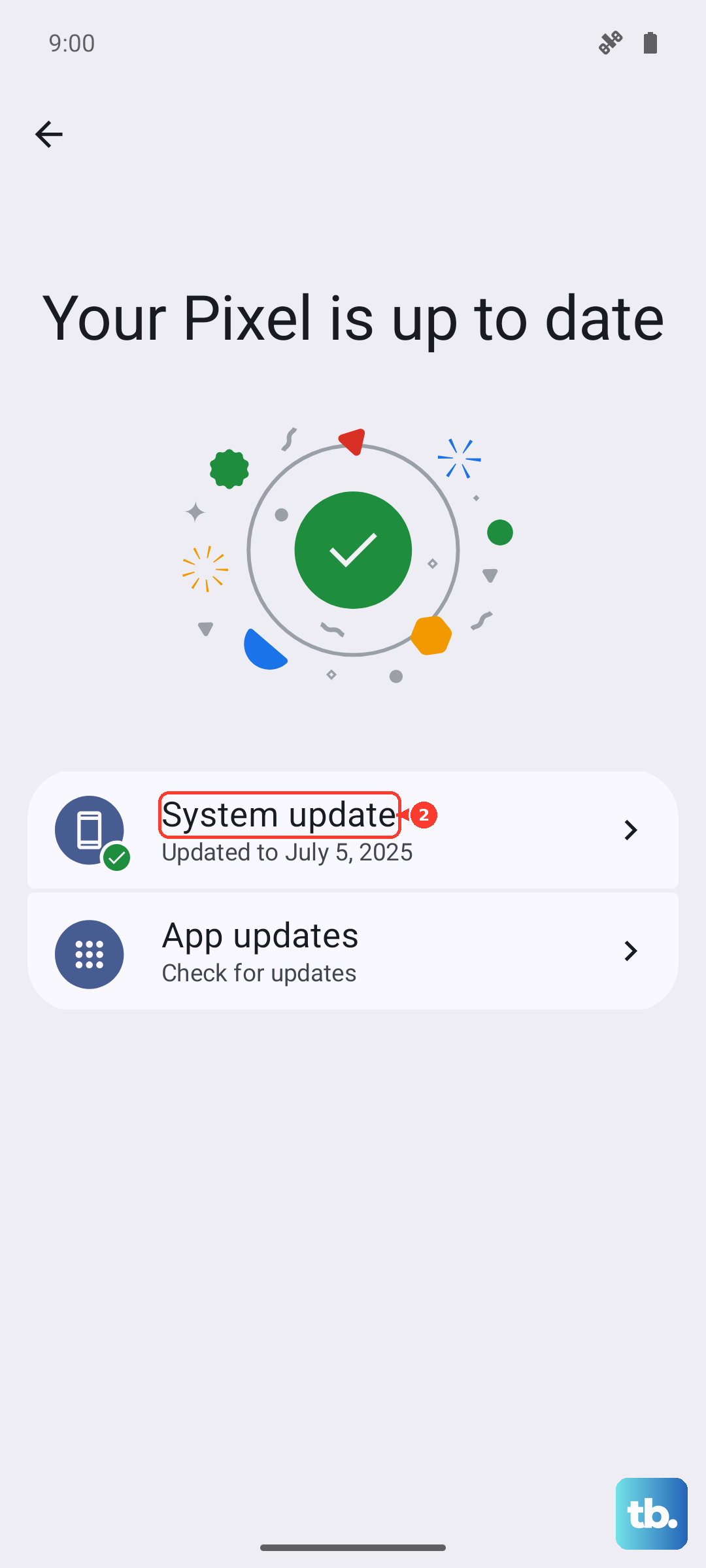
Outdated software can cause Bluetooth compatibility problems. Check for system updates: open Settings > Software update > Download and install. Also update the companion app for your Bluetooth device, for Samsung accessories, that means updating Galaxy Wearable through the Galaxy Store or Google Play.
Test in Safe Mode
Third-party apps can interfere with Bluetooth. Safe Mode disables all of them so you can isolate the issue. Press and hold the Side button until the power menu appears, then tap and hold Power off. You'll see a prompt to enter Safe Mode, tap OK. Once in Safe Mode, try Bluetooth. If it works, a third-party app is the culprit. Restart normally and uninstall recently installed apps one by one until you find the offender.
Factory Reset
If you've tried everything else and Bluetooth still won't pair, a factory reset might be your last software fix. Back up all important data first, photos, contacts, files, because this erases everything. Go to Settings > General management > Reset > Factory data reset. Follow the prompts to complete the process. After the reset, set up your phone as new and test Bluetooth before restoring anything.
Check for Hardware Issues
If Bluetooth still doesn't work after a factory reset, the problem could be hardware-related. A damaged antenna or motherboard issue can prevent Bluetooth from functioning. If your S25 Edge is still under warranty, contact Samsung for repair or visit an authorized service center. Unfortunately, hardware problems require professional help.