
Unlock your Samsung Galaxy S23 from carrier restrictions and use any network provider
What to Know
- Network Unlock Code is an 8-16 digit code that removes the carrier lock from your Galaxy S23.
- Contact your carrier first - they are legally required to provide it for free if you meet their requirements.
- Your IMEI is key - you'll need this unique number, found in Settings > About phone > Status information.
- Third-party services are an option if your carrier can't or won't provide the code.
- Be precise with attempts - entering too many wrong codes can permanently lock the device.
If your Galaxy S23 is asking for a network unlock PIN, it's because the phone is currently restricted to a single carrier's network. This is common with phones purchased on installment plans or with carrier discounts. The good news is, getting it unlocked is usually a straightforward process.
Get Your Unlock Code from Your Carrier
This is always the first and best step. In the United States, carriers are required by FCC rules to unlock your phone upon request if you meet their eligibility criteria. The process is generally free.
Start by checking your eligibility. Your device must not be reported lost or stolen, and you typically need to have paid off any installment plan or completed your service contract. All outstanding bills should be settled, and the phone often needs to have been active on the carrier's network for a minimum period, like 60 days.
Once you've confirmed you're eligible, contact your carrier's customer support. You can usually do this via phone, online chat, or through your account portal on their website. Clearly request a "network unlock code" or "SIM unlock code" for your Samsung Galaxy S23.
They will ask for your device's IMEI number. You can find this quickly by dialing *#06# on your phone's keypad. It will also be in your phone's settings. Be prepared to verify your account ownership with security questions or a PIN.
After submitting the request, processing can take anywhere from a few hours to several business days. Once approved, the carrier will send you the unlock code via email or text message. Save this code in a secure place until you're ready to use it.
How to Enter the Unlock Code on Your Galaxy S23
When you have the code, the actual unlock process on the S23 is simple. First, power your phone completely off. Remove the current SIM card from the tray.
Now, insert a SIM card from a different carrier. This is crucial, the phone needs to detect a "foreign" SIM to trigger the unlock prompt. Turn your Galaxy S23 back on.
Once it boots, you should see a screen asking for the "Network Unlock Code" or "SIM network unlock PIN." Carefully enter the code you received from your carrier. I'd recommend double-checking each digit before pressing OK.
If the code is correct, you'll see a confirmation message like "Network unlock successful." Your phone will then restart, and it will be permanently unlocked for use with any compatible carrier.
Using a Third-Party Unlocking Service
If your carrier refuses to provide the code, or if you purchased a second-hand locked phone, a reputable third-party service is your next option. These services purchase unlock codes from various sources and resell them.
Choosing a trustworthy service is important. Look for sites with clear guarantees, positive user reviews on independent platforms, and a professional presentation. Be wary of any service promising "instant free unlocks," as these are almost always scams.
You'll need to provide the service with your Galaxy S23's IMEI number and the original carrier it's locked to. They use this information to source the correct code. Payment is usually required upfront, with costs varying based on the carrier and device model.
The turnaround time can range from an hour to a couple of days. Once they email you the code, you follow the exact same steps to enter it on your phone as you would with a carrier-provided code. A legitimate service will have a very high success rate for modern Samsung devices like the S23.
Fixing "SIM Network PIN Blocked" or "Device is Blocked"
If you see a "SIM network PIN blocked" message, it means you've entered too many incorrect codes. The phone's security has temporarily frozen the unlock function. Don't panic, this is usually reversible.
You'll need to contact the source that gave you the unlock code, either your carrier or the third-party service. Explain the situation and request a "Master Unlock Code" or "PUK code for network unlock." This is a separate code that resets the attempt counter.
Enter this master code when prompted on your phone. You might then see a message saying "Network unlock unsuccessful," which is actually a good sign, it means the block is cleared. After this, you can re-enter your original, correct network unlock code to complete the process.
If the Unlock Code Isn't Working
First, ensure you're using a SIM card from a completely different network. The prompt won't appear if you reinsert the original carrier's SIM. Also, verify you're entering the code correctly; it's easy to mix up similar-looking digits like 8 and B, or 0 and O.
If you're sure the code and SIM are correct, stop entering it. Continuing to try will likely trigger a permanent block. Contact the provider of the code immediately for verification. There's a small chance they supplied an incorrect code for your specific IMEI.
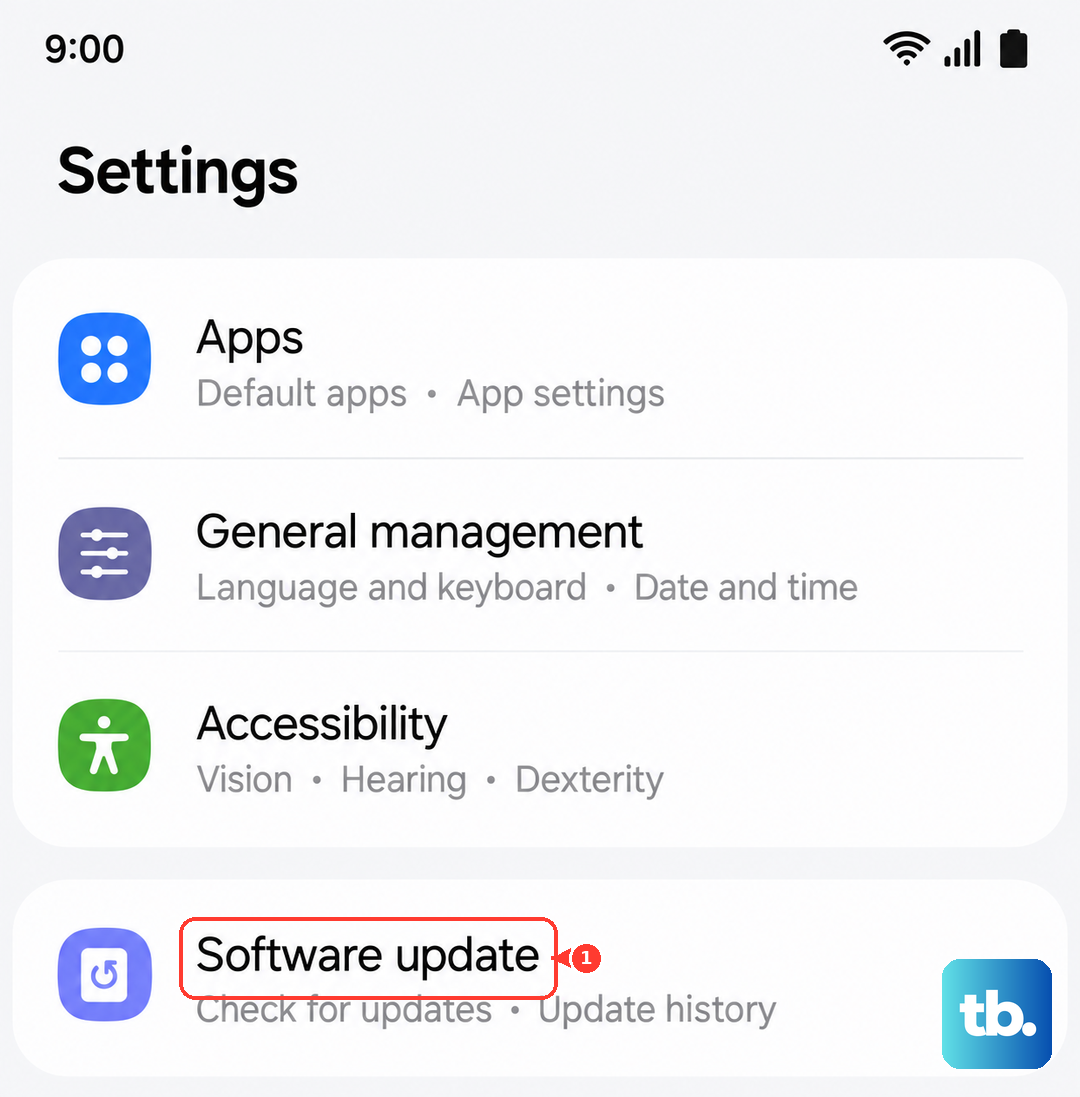
In my experience with Samsung phones, a persistent failure can sometimes be tied to a software glitch. It's worth checking for a software update in Settings > Software update before proceeding further, as updates can resolve baseband-related issues.
Unlocking a Samsung Galaxy S23 on Specific Carriers
The general process is the same, but here's how to initiate it with major US carriers. For all, have your IMEI and account information ready.
For an AT&T-locked S23, you can submit an unlock request directly through their online portal. You'll need to log in to your AT&T account, navigate to the device unlock section, and follow the prompts. They typically email the code within 24-48 hours if you're eligible.
For T-Mobile, the phone must be fully paid off and have been active on their network for 40 days. You can request the unlock through the T-Mobile app or by contacting customer care. They often push the unlock remotely, but may provide a code if needed.
Following a January 2026 FCC waiver, Verizon no longer automatically unlocks phones after 60 days; devices activated on or after January 2026 stay locked until the device financing balance is paid in full (postpaid) or until 365 days of paid, active service (prepaid), while phones activated before the change remain unlocked. Contact Verizon support to have them check your eligibility and submit the unlock request to their backend system.
For other carriers or international models, the principle remains: contact customer support, verify eligibility, and request the network unlock code for your Samsung Galaxy S23's IMEI. Keep a record of all correspondence in case you need to follow up.