The average person spends $1,200 yearly on tech upgrades, but you can make your current devices perform like new with these proven tricks. You don't need the latest model to get a fast, responsive experience.
Key strategies include clearing out storage space and replacing your battery to restore lost performance. A deep clean of your hardware and a critical update to your operating system are also essential steps.
For a more significant boost, consider adding more RAM or switching to SSD storage. Finally, optimize your startup programs or perform a reset to factory settings for a truly fresh start.
Clear Out Storage Space
A cluttered device can run significantly slower. Remove unused apps and clear cached data to free up space. Your phone or laptop will run noticeably faster within minutes.
Regular maintenance keeps your device operating at peak performance. Today, delete your five largest unused apps and clear your browser cache. Tip: Use the built-in storage analyzer to identify space-hogging files.
Replace Your Battery
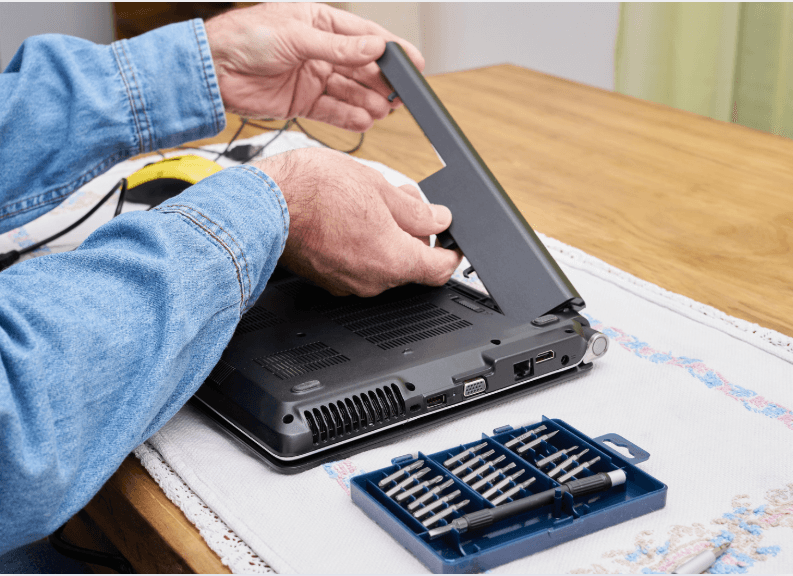
A device's battery can lose up to 20% of its capacity after 500 charge cycles. If your battery lasts less than 80% of its original runtime, consider replacing it. A new battery can restore performance and prevent sudden shutdowns.
Investing in a new battery extends your device's usability. Replace your battery to regain full functionality. A battery replacement costing around $50 can add two or more years to your device's life.
See also - iPhone Battery Draining Too Fast? Try These 27 Quick Fixes
Deep Clean Your Hardware
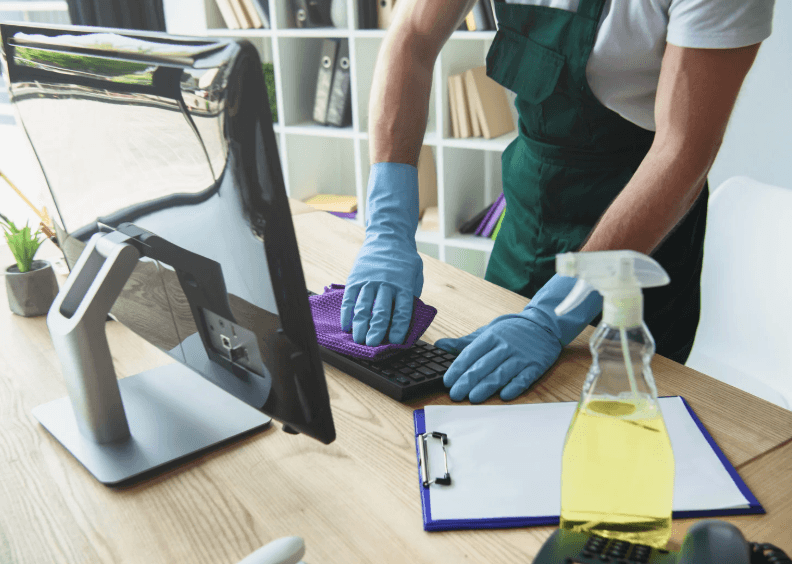
Dust accumulation can raise internal temperatures by up to 10°C, slowing performance. Use compressed air to clean vents and keyboards monthly. Your device will run cooler and faster.
See also - 10 Signs That Your CPU Is Failing or Dead on Your Computer
Regular cleaning prevents overheating and extends hardware lifespan. Today, spend five minutes cleaning external vents.
Update Your Operating System
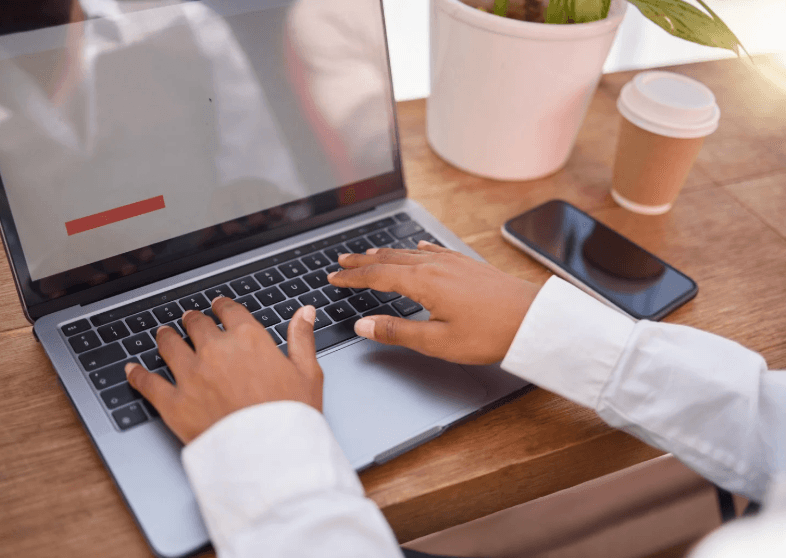
Running outdated software can slow down your system and expose it to security risks. Install all pending system updates to improve speed and security. You'll notice faster app launches and better battery life.
Updates provide essential fixes that improve your device's performance. Check for updates now and schedule monthly update checks.
See also - 10 Outdated Computer Habits That Are Slowing You Down
Add More RAM
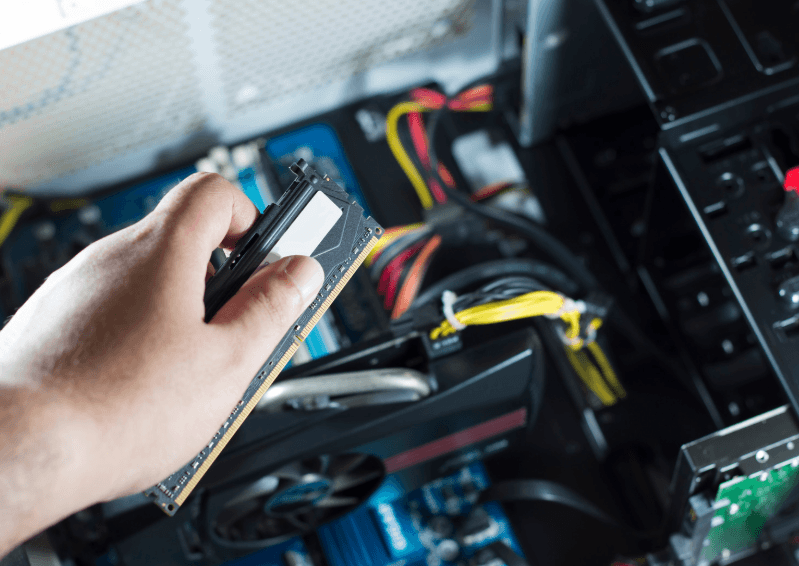
Adding more RAM can significantly boost your computer's performance, allowing you to run more apps smoothly. Check your device's maximum RAM capacity and current usage. Upgrading RAM is a cost-effective way to enhance performance.
See also - How to upgrade your desktop RAM (crucial.com)
A $50 RAM upgrade can extend your computer's life by two to three years.
If you enjoyed this guide, follow us for more.
Switch to SSD Storage
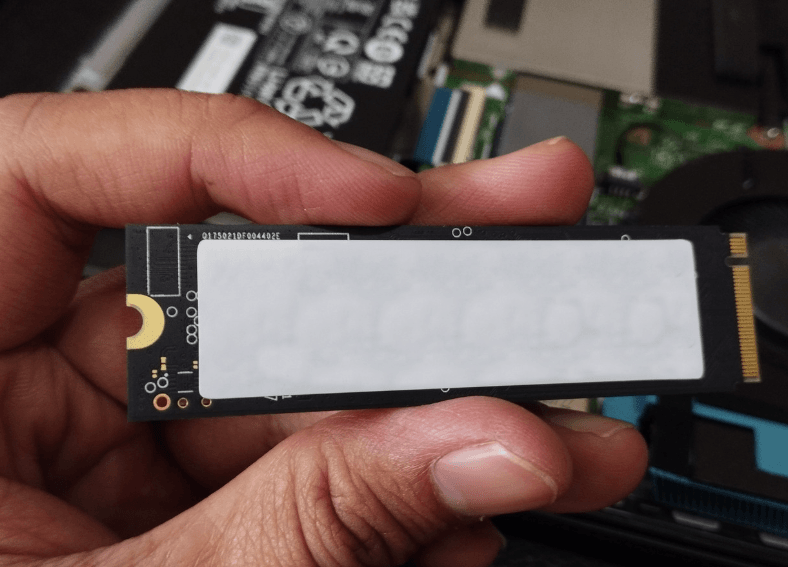
SSDs are up to six times faster than traditional hard drives. Replacing your old drive dramatically improves boot and load times. Clone your current drive to an SSD for instant performance gains.
See also - How to Upgrade to an SSD (crucial.com)
Upgrading to an SSD is simple and offers immediate benefits. A 500 GB SSD costs around $60 and can make a five-year-old computer feel new.
Optimize Startup Programs

Too many startup programs can add up to 2 minutes to boot time. Disable unnecessary automatic launches to speed up startup.
Review your startup list today and disable programs you rarely use.
See also - 10 Outdated Computer Habits That Are Slowing You Down
Reset to Factory Settings

A fresh start can significantly boost your device's speed. Back up your data and reset your device to remove accumulated digital clutter.
You'll get a clean, fast system like when it was new. Regular resets help maintain optimal performance over time. Plan monthly backups and consider resetting every 6 to 12 months.
Install a Lighter OS
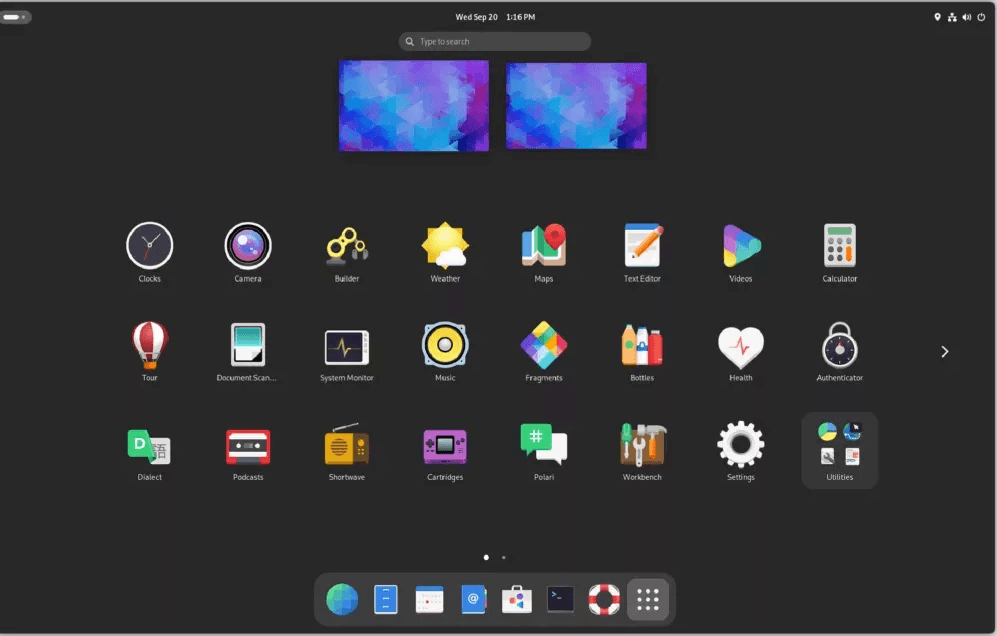
Linux can use significantly fewer resources than Windows. Switch to a lightweight operating system to revive old hardware. Your old laptop could become a fast, reliable workstation.
Alternative operating systems breathe new life into aging devices. Try Linux Mint or Chrome OS Flex for an easy transition.
Upgrade Your WiFi
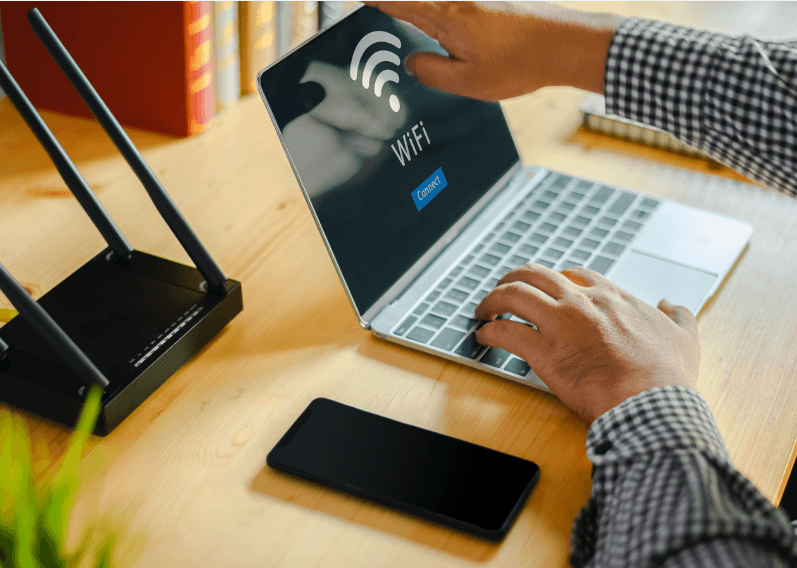
Older WiFi equipment can significantly limit your internet speeds. Upgrade your router or network card to modern standards like WiFi 5 or WiFi 6 for faster connectivity.
See also- Why Your WiFi Keeps Dropping (And The 30-Second Fix)
You'll experience better streaming and quicker downloads. A $40 USB WiFi adapter can dramatically improve online performance.
If you enjoyed this guide, follow us for more.