If you're serious about digital art, the right drawing tablet makes all the difference. The Wacom Intuos Pro Medium delivers the most reliable screenless experience, while the Apple iPad Pro with Apple Pencil Pro offers unmatched standalone portability. This list covers the best options for beginners, professionals, and everyone in between.
Technobezz is supported by its audience. We may get a commission from retail offers.
Best Drawing Tablets for 2026
Wacom Intuos Pro Medium leads our picks for the best drawing tablets of 2026. Compare top models for beginners, pros, and value.
T
Technobezz
Senior Editor
Updated June 15, 2026Jun 15, 2026
•9 min read

Get Deals Like These in Your Inbox
The best prices, reviewed weekly.
At a Glance
| Category | Product | Why We Picked It |
|---|---|---|
| Best overall | Wacom Intuos Pro Medium | Reliable performance with excellent pen feel |
| Best value | Xencelabs Pen Tablet Medium | Premium features at a competitive price |
| Best for beginners | Huion Inspiroy 2 | Affordable with good tracking and hotkeys |
| Best standalone | Apple iPad Pro (M5) | Portable with top-tier app ecosystem |
| Best pen display | Huion Kamvas 16 (Gen 3) | Balanced performance and price |
| Also recommended | Wacom Movink | Ultra-thin OLED display that’s great for travel |
| Also recommended | XPPen Artist Pro 16 Gen2 | Sharp 2.5K display with a handy wireless remote |
| Also recommended | Ugee M908 | Solid budget pick with a large drawing area |
| Also recommended | Samsung Galaxy Tab S11 Ultra | Top Android tablet for artists with S Pen |
How we chose and tested
We evaluated drawing tablets based on pen performance, build quality, and real-world usability. Our assessment considers pressure sensitivity, tilt recognition, driver stability, and workflow efficiency. We prioritize products that deliver consistent performance across different creative software, from Photoshop to Clip Studio Paint. The evaluation focuses on how each tablet handles actual drawing tasks rather than just technical specifications.
The best drawing tablets right now
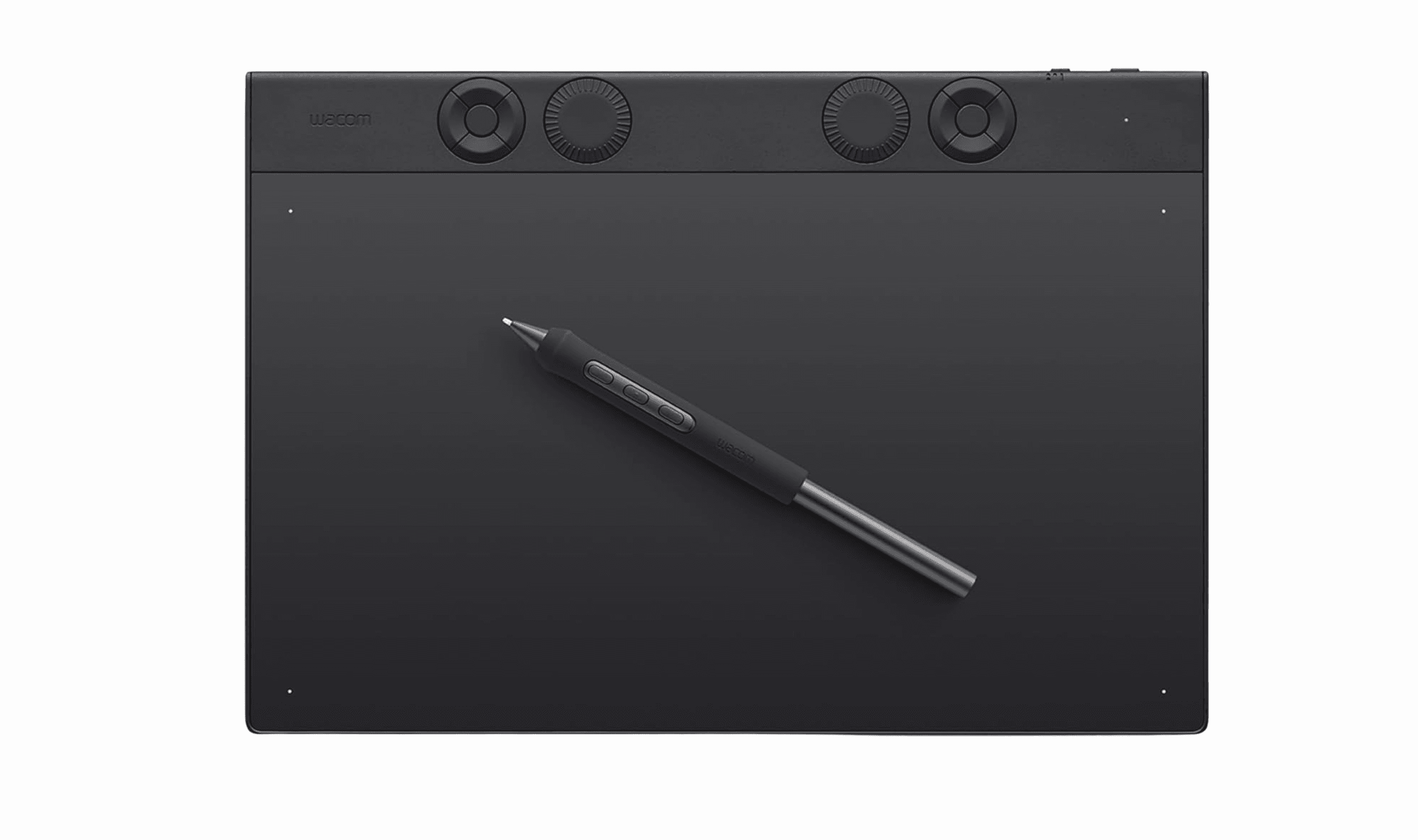
Wacom Intuos Pro Medium - Best overall
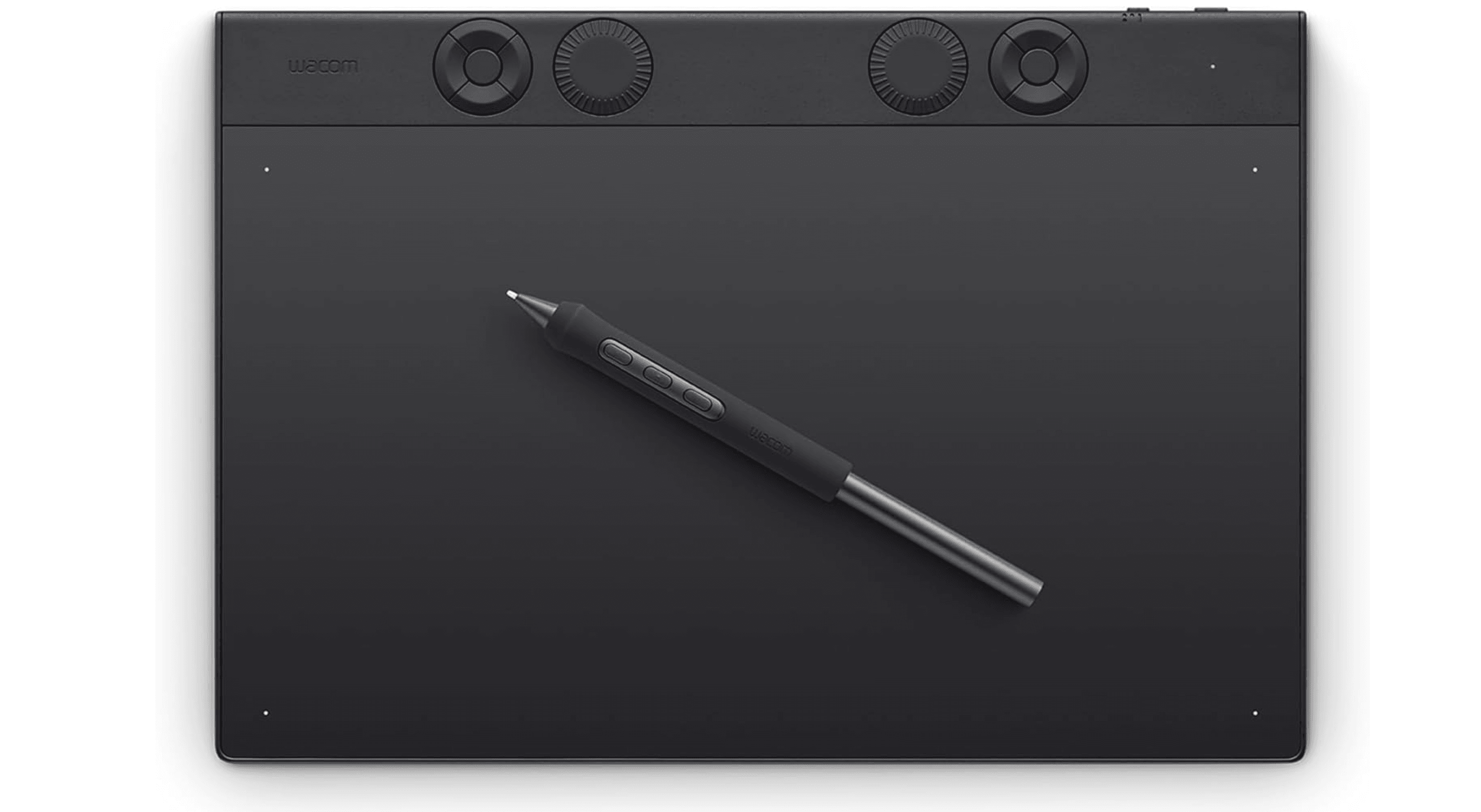
This screenless tablet sets the standard for professional digital art with exceptional pen feel and reliable wireless connectivity. The Pro Pen 3 delivers precise control, making it ideal for detailed illustration and photo editing.
Key highlights
- Pro Pen 3 with 8,192 pressure levels and tilt support
- Magnesium alloy construction for durability
- Wireless Bluetooth connectivity with good battery life
- 10 customizable ExpressKeys and two mechanical dials
- Compatible with all major creative software
Pros
- Industry-leading pen accuracy and consistency
- Excellent build quality that withstands daily use
- Wireless operation reduces desk clutter
- Customizable controls speed up workflow
Cons
- Higher price than competitors
- No touch input on current models
- Can be challenging for beginners to adjust to screenless drawing
Who it is for: Professional illustrators, photo editors, and serious artists who want reliable performance and excellent pen control.
Skip if
You need a built-in screen or are on a tight budget.
Xencelabs Pen Tablet Medium - Best value
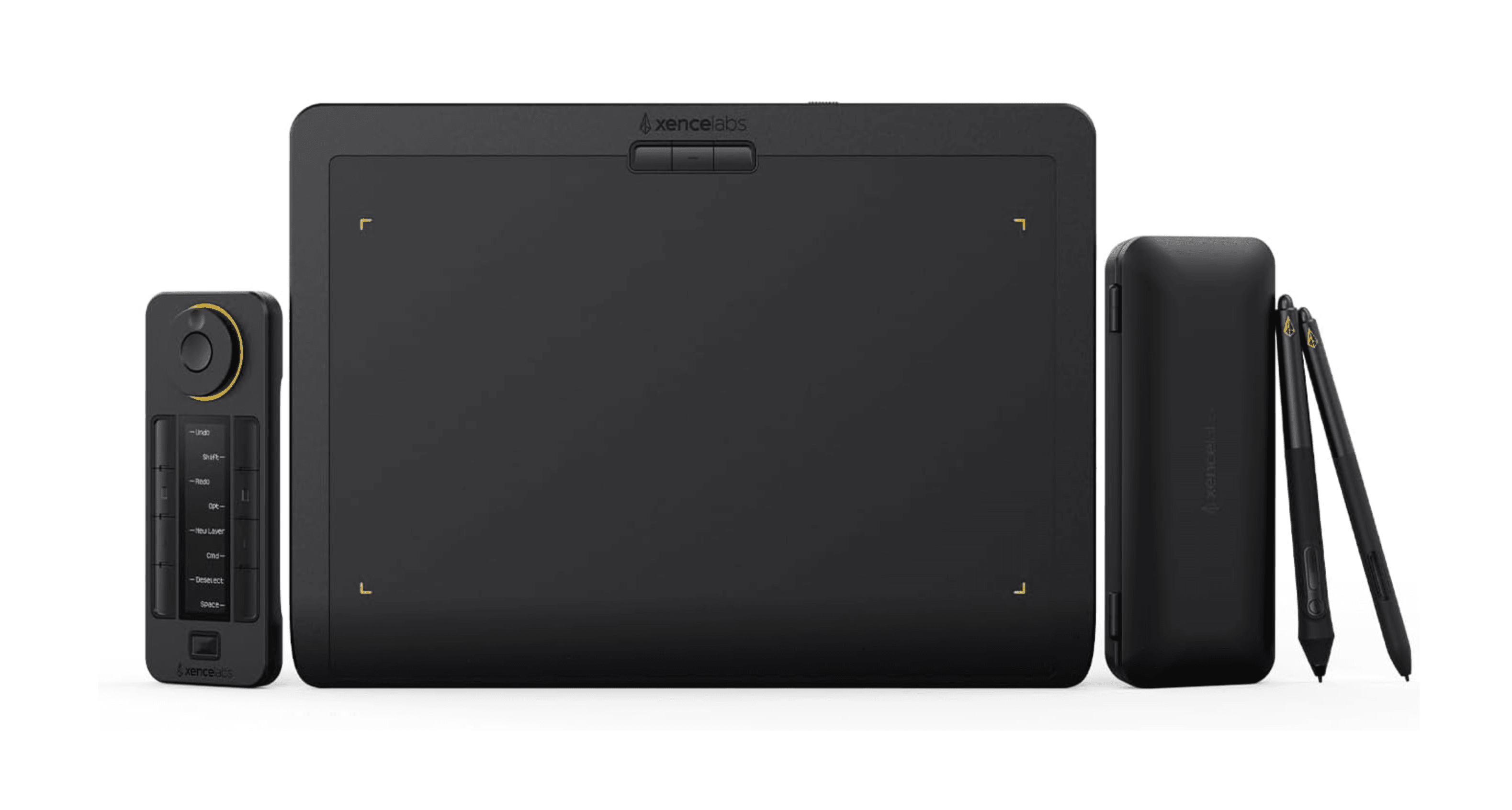
This tablet offers premium features at a more accessible price point, with thoughtful design touches that enhance the drawing experience. The included two-pen setup provides flexibility for different artistic tasks.
Key highlights
- Comes with two styluses for different grip preferences
- Separate Quick Keys remote for customizable shortcuts
- Excellent surface texture with just the right amount of friction
- 8,192 levels of pressure sensitivity with tilt support
- Solid build quality with good driver support
Pros
- Great value compared to premium competitors
- Two pens included for versatile workflow
- Separate remote keeps tablet surface clean
- Comfortable drawing surface with good tactile feedback
Cons
- Remote requires separate charging
- Some users prefer built-in shortcut keys
- Brand recognition not as established as Wacom
Who it is for: Intermediate artists, students, and professionals looking for premium features without the premium price.
Skip if
You need wireless connectivity or prefer all controls on the tablet itself.
Huion Inspiroy 2 - Best for beginners
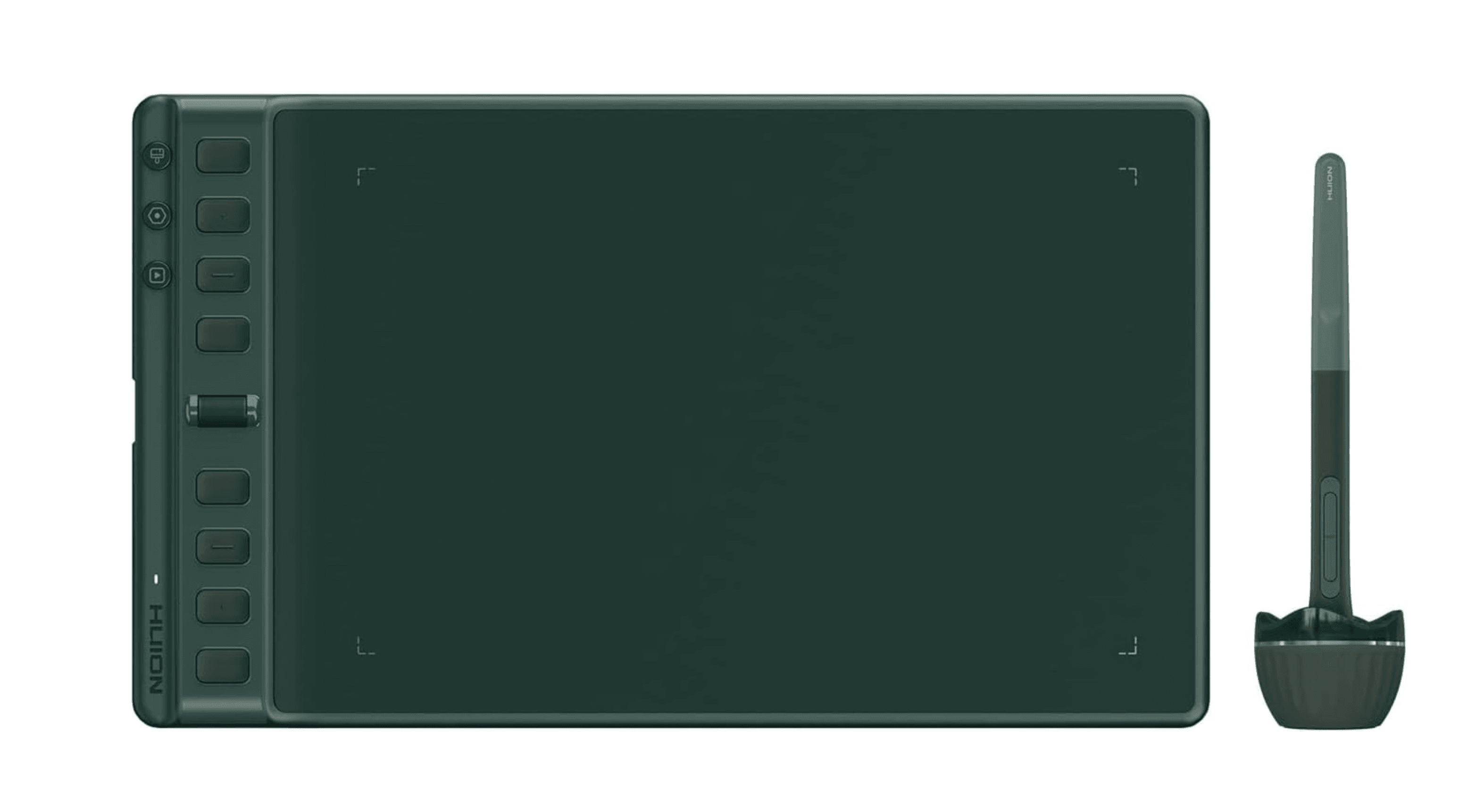
An affordable entry point that doesn't compromise on essential features, this tablet proves you don't need to spend a lot to get started with digital art. The comfortable pen and good tracking make it easy to learn on.
Key highlights
- Large drawing area for the price
- Battery-free pen with 8,192 pressure levels
- Eight programmable hotkeys and a scroll wheel
- Smooth surface with pleasant drawing feel
- Easy setup with stable drivers
Pros
- Excellent value for money
- Comfortable pen that doesn't require charging
- Good tracking accuracy for the price
- Multiple color options available
Cons
- Wired connection only
- Plastic build feels less premium
- No touch support
Who it is for: Beginners, students, and hobbyists who want a capable tablet without a large investment.
Skip if
You need wireless connectivity or plan to use it professionally long-term.
Apple iPad Pro (M5) - Best standalone
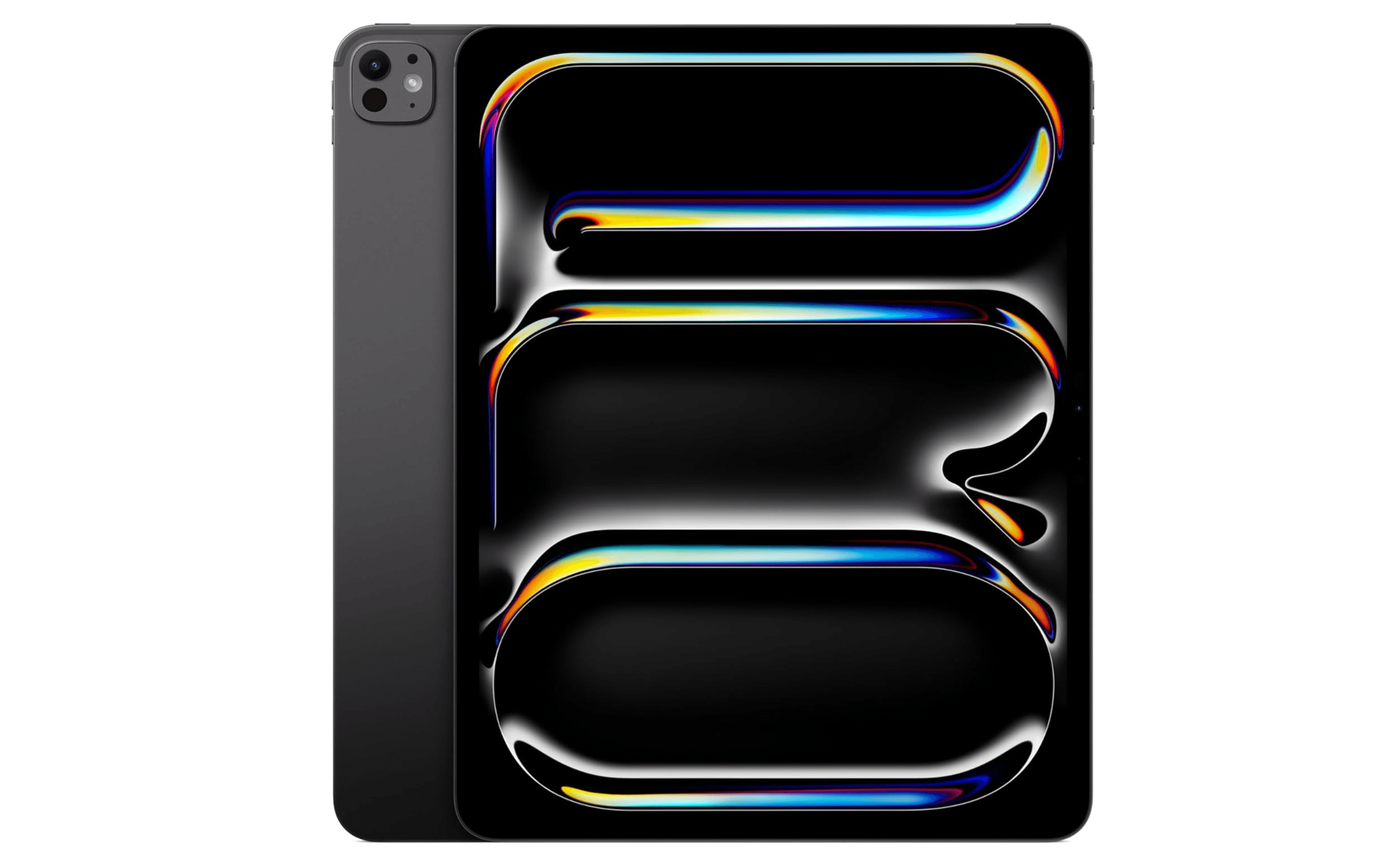
For artists who want complete portability without sacrificing performance, the iPad Pro delivers a seamless drawing experience with the best app ecosystem available. The Apple Pencil Pro adds intuitive controls that feel natural.
Key highlights
- Stunning Liquid Retina display with excellent color accuracy
- Apple Pencil Pro with squeeze gestures and barrel roll
- Powerful M5 chip handles complex projects
- Procreate and other exclusive art apps
- All-day battery life for on-the-go creation
Pros
- Unmatched portability and versatility
- Best-in-class app ecosystem for artists
- Instant responsiveness with minimal latency
- Can replace a computer for many workflows
Cons
- Expensive, especially with accessories
- iPadOS has some file management limitations
- Drawing on glass lacks paper-like texture
Who it is for: Artists who value portability, professionals who work on location, and anyone invested in the Apple ecosystem.
Skip if
You need desktop software or work primarily at a fixed workstation.
Huion Kamvas 16 (Gen 3) - Best pen display
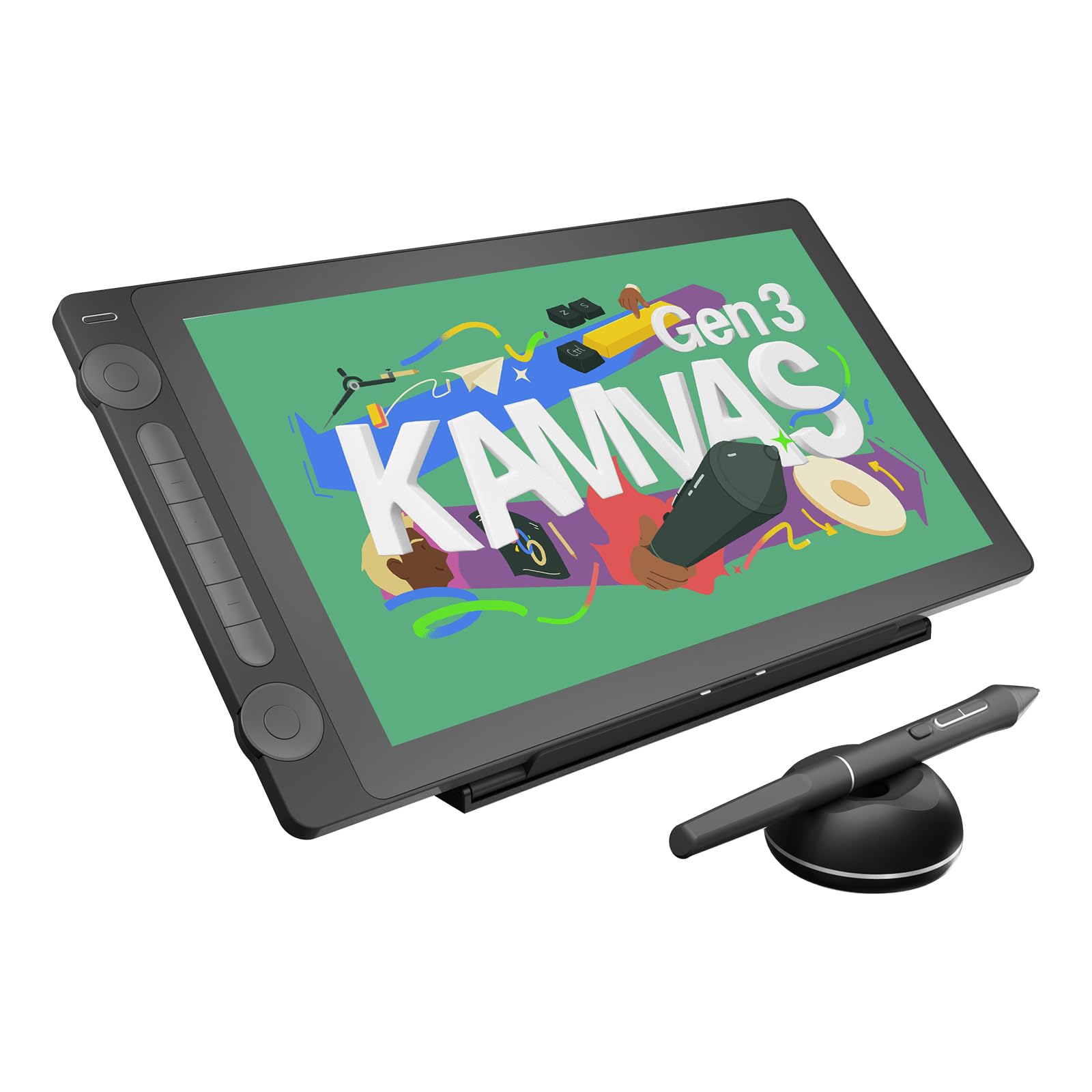
This mid-range pen display strikes an excellent balance between performance and price, offering a quality drawing experience without breaking the bank. The 2.5K resolution provides sharp visuals for detailed work.
Key highlights
- 15.8-inch 2.5K QHD laminated display
- PenTech 4.0 stylus with 16,384 pressure levels
- Good color accuracy with 99% sRGB coverage
- Six shortcut keys and two dials
- Included stand for adjustable viewing angles
Pros
- Excellent value for a pen display
- Minimal parallax with laminated screen
- Good color reproduction for the price
- Comfortable drawing surface texture
Cons
- Requires connection to a computer
- Build quality not as premium as higher-end options
- Some driver setup required
Who it is for: Artists transitioning from screenless tablets, intermediate creators, and professionals on a budget.
Skip if
You need maximum portability or require studio-grade color accuracy.
Also Good
- Wacom Movink - ultra-thin OLED display that’s great for travel.
- XPPen Artist Pro 16 Gen2 - sharp 2.5K display with a handy wireless remote.
- Ugee M908 - solid budget pick with a large drawing area.
- Samsung Galaxy Tab S11 Ultra - top Android tablet for artists with S Pen. Check Price on Samsung
How to Choose
Consider these factors when selecting your drawing tablet:
Type of tablet: Screenless tablets offer better posture and are more affordable, while pen displays provide direct drawing feedback. Standalone tablets give complete portability but may have software limitations.
Size matters: Larger tablets (16+ inches) provide more drawing space but are less portable. Smaller tablets (under 13 inches) travel well but can feel cramped for detailed work.
Pen performance: Look for at least 8,192 pressure levels and tilt support. Battery-free pens are more convenient, while active pens may offer additional features.
Software compatibility: Ensure your tablet works with your preferred creative software. Some tablets have better driver support for specific applications.
Budget reality: You can get a capable beginner tablet for under $100, while professional setups can cost over $1,000. Mid-range options around $300-$600 often offer the best value.
FAQ
What's the difference between a drawing tablet and a pen display?
Drawing tablets (screenless) connect to your computer and you draw while looking at your monitor. Pen displays have built-in screens so you draw directly on the display. Screenless tablets are generally more affordable and better for posture, while pen displays offer a more intuitive drawing experience.
Do I need a computer for a drawing tablet?
Most drawing tablets and pen displays require connection to a computer. Standalone tablets like the iPad Pro or Android drawing tablets work independently, running their own operating systems and apps.
How important are pressure sensitivity levels?
While higher numbers (8,192 vs 16,384) sound impressive, the quality of implementation matters more. Most artists find 8,192 levels sufficient, with driver stability and pen feel being more important factors in actual use.
Can I use a drawing tablet for photo editing?
Yes, many photographers and photo editors use drawing tablets for precise adjustments in programs like Photoshop and Lightroom. The pressure-sensitive pen allows for more natural brush control than a mouse.
What should beginners look for in their first tablet?
Start with an affordable screenless tablet to learn hand-eye coordination. Look for good driver support, a comfortable pen, and enough programmable keys to streamline your workflow without overwhelming complexity.
Published March 10, 2026 Last updated June 15, 2026
Share this article
More in News
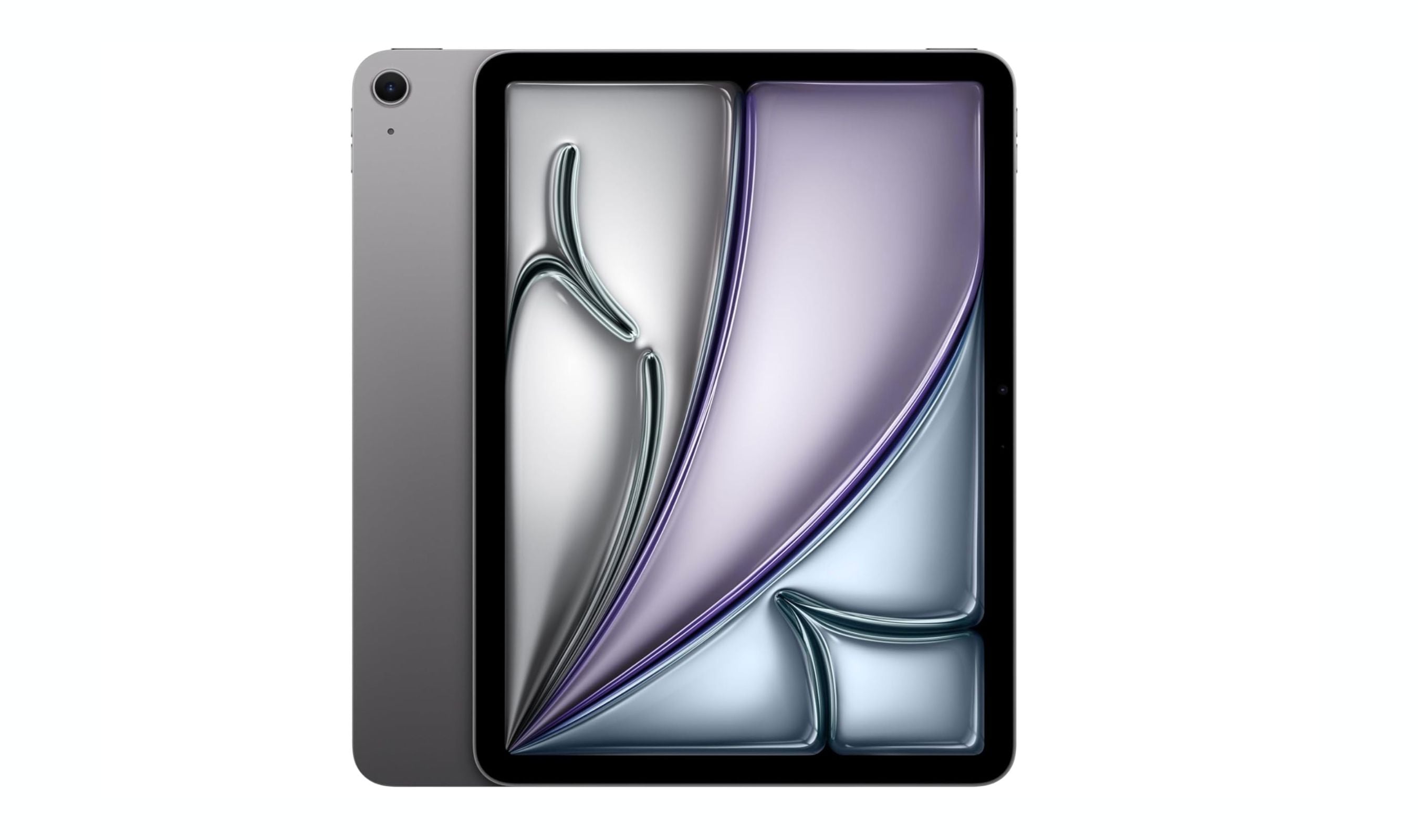
8 Best Tablets for Note Taking in 2026
The iPad Air 7th gen tops our list of the 8 best tablets for note taking in 2026, balancing Apple Pencil Pro support with a full app ecosystem and distraction-free e-ink options.
5 min read
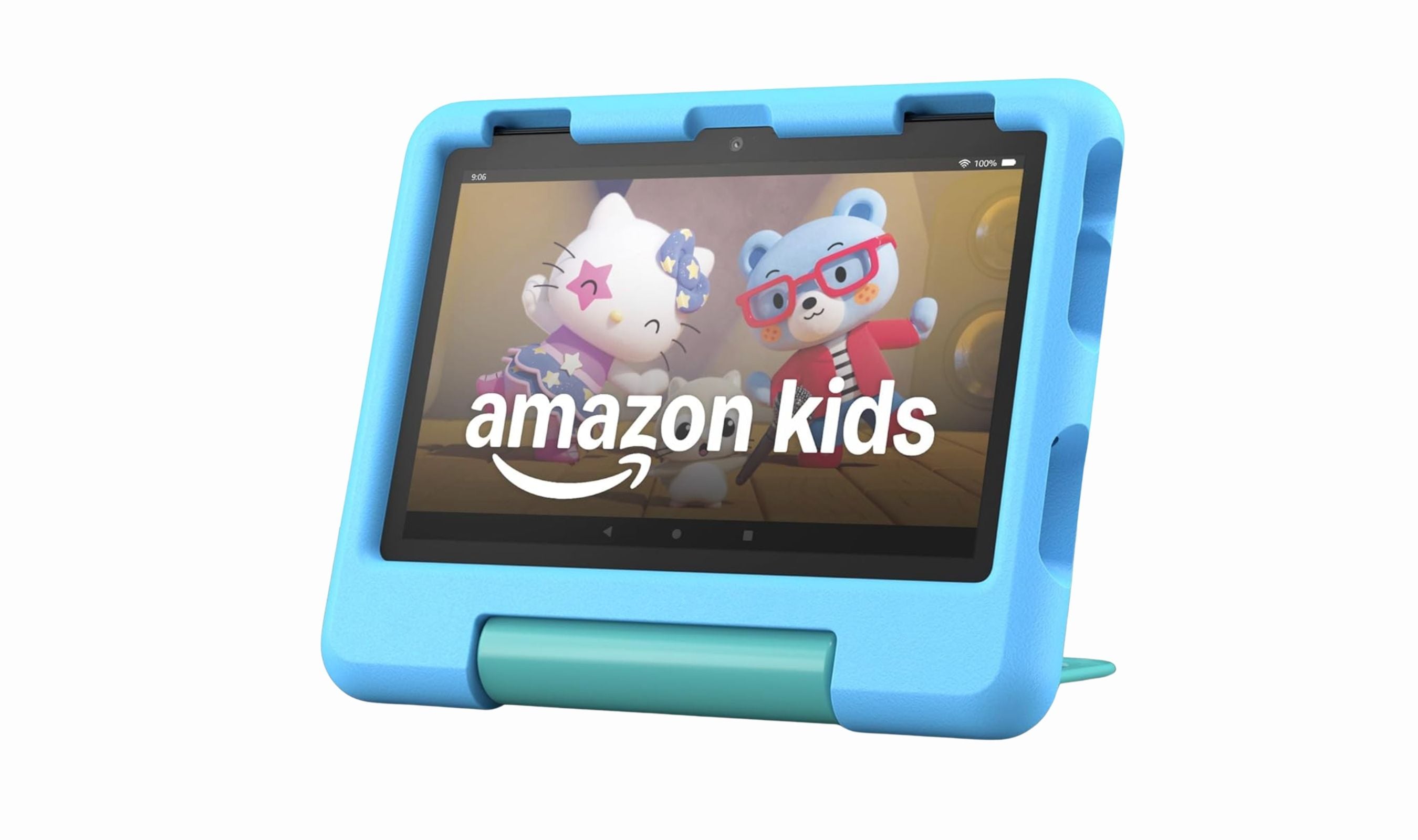
7 Best Tablets for Toddlers to Buy in 2026
Amazon Fire HD 8 Kids leads our picks for 2026. Compare the best toddler tablets for durability, parental controls, and value.
3 min read
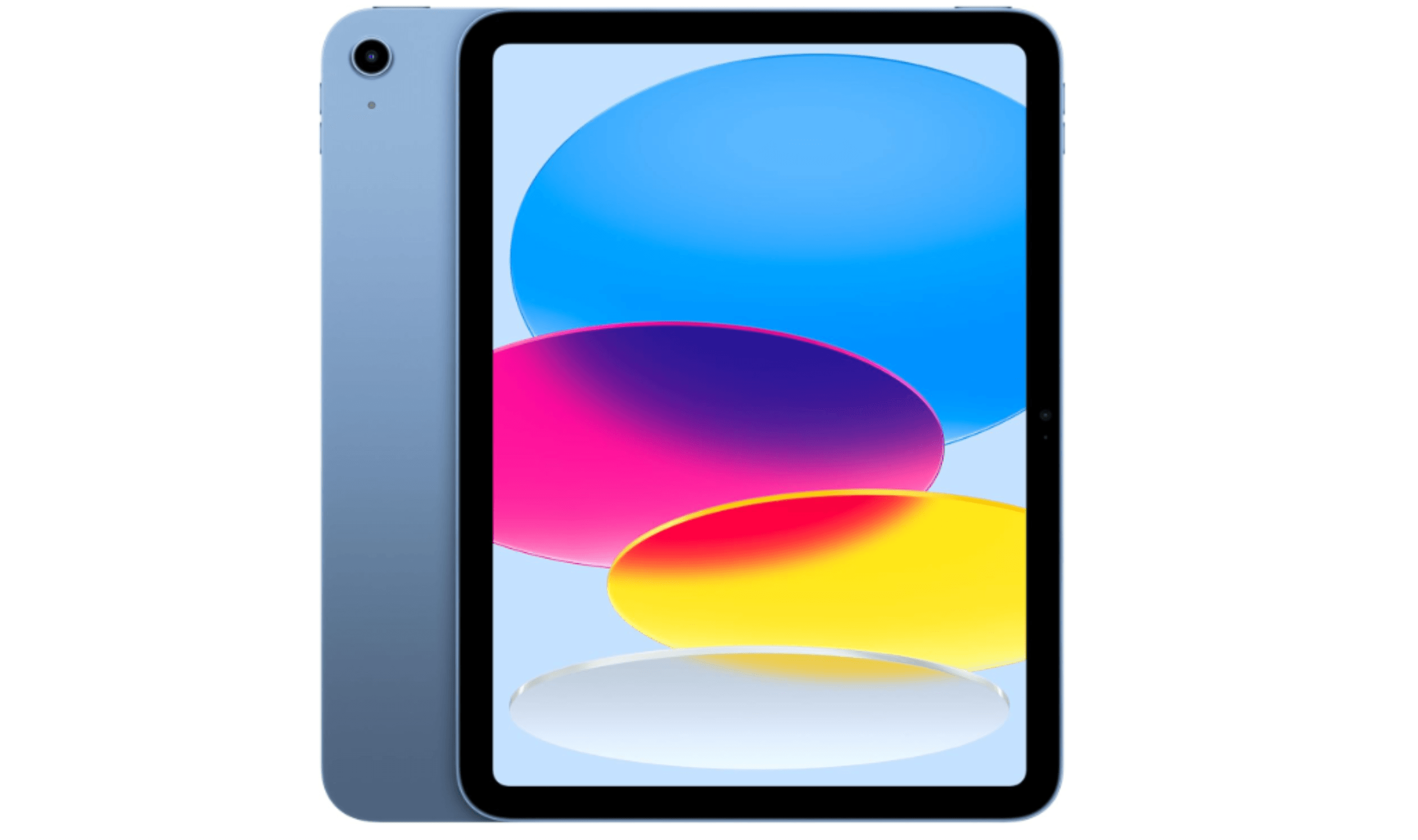
5 Best Cheap Tablets for 2026
Discover the 5 best cheap tablets for 2026. Our top pick is the Apple iPad 11-inch, delivering premium performance for less. Find the perfect budget tablet for you.
3 min read

6 Best Tablets for Bloggers in 2026
Discover the best tablets for bloggers in 2026, featuring the top pick Microsoft Surface Pro 7 for a full Windows experience and productivity.
4 min read
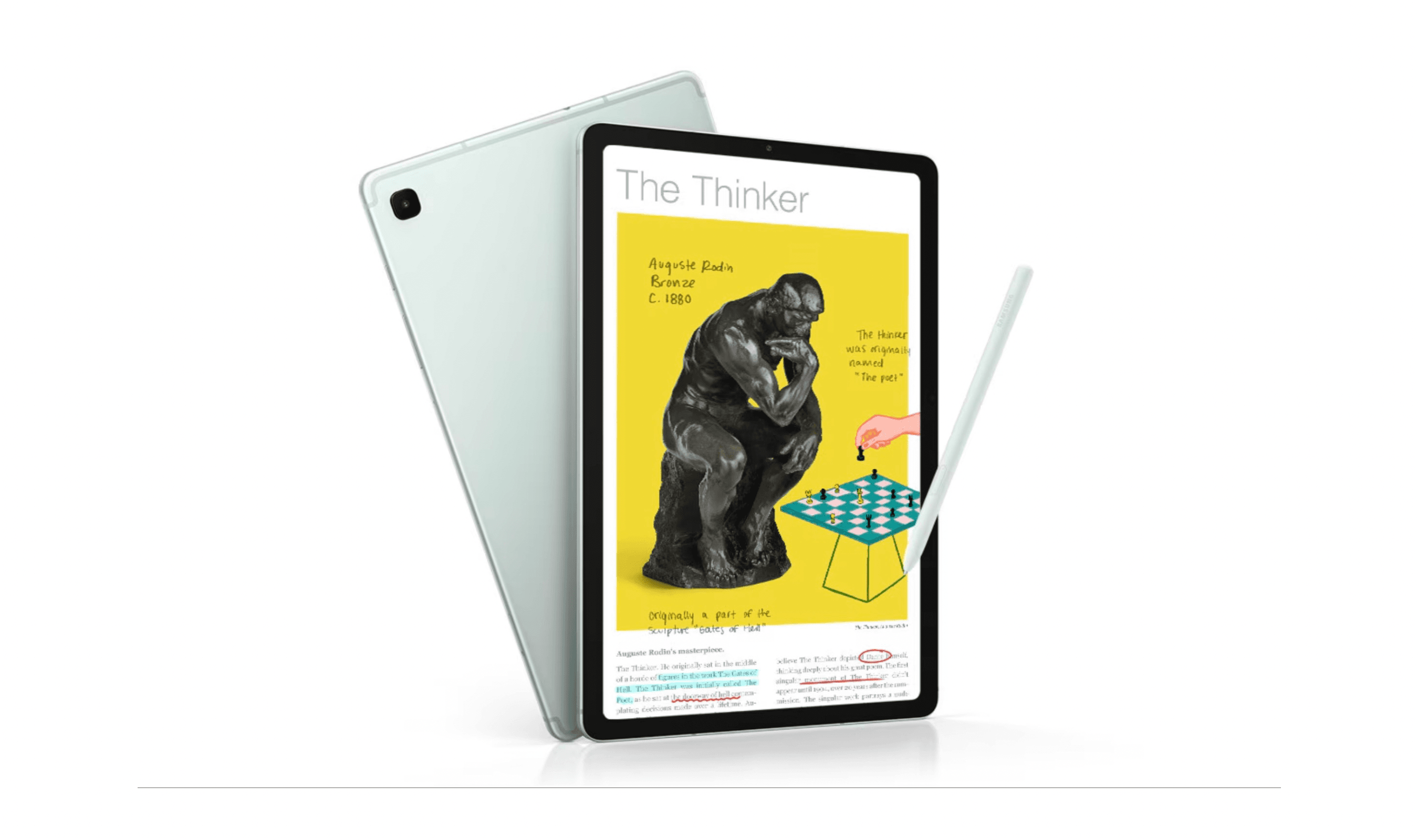
7 Best Tablets for Seniors in 2026
4 min read
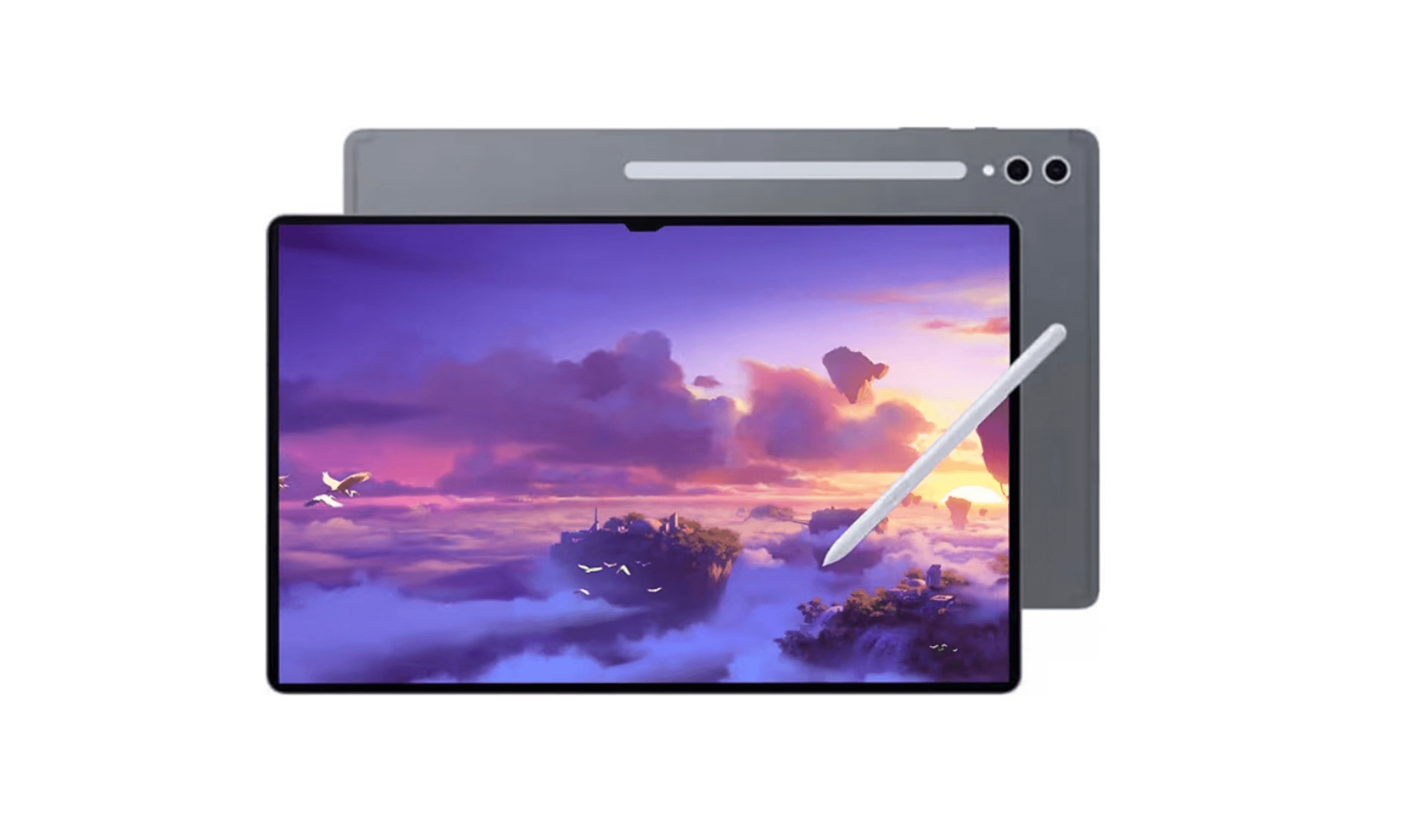
7 Best Tablets for Gaming in 2026
4 min read
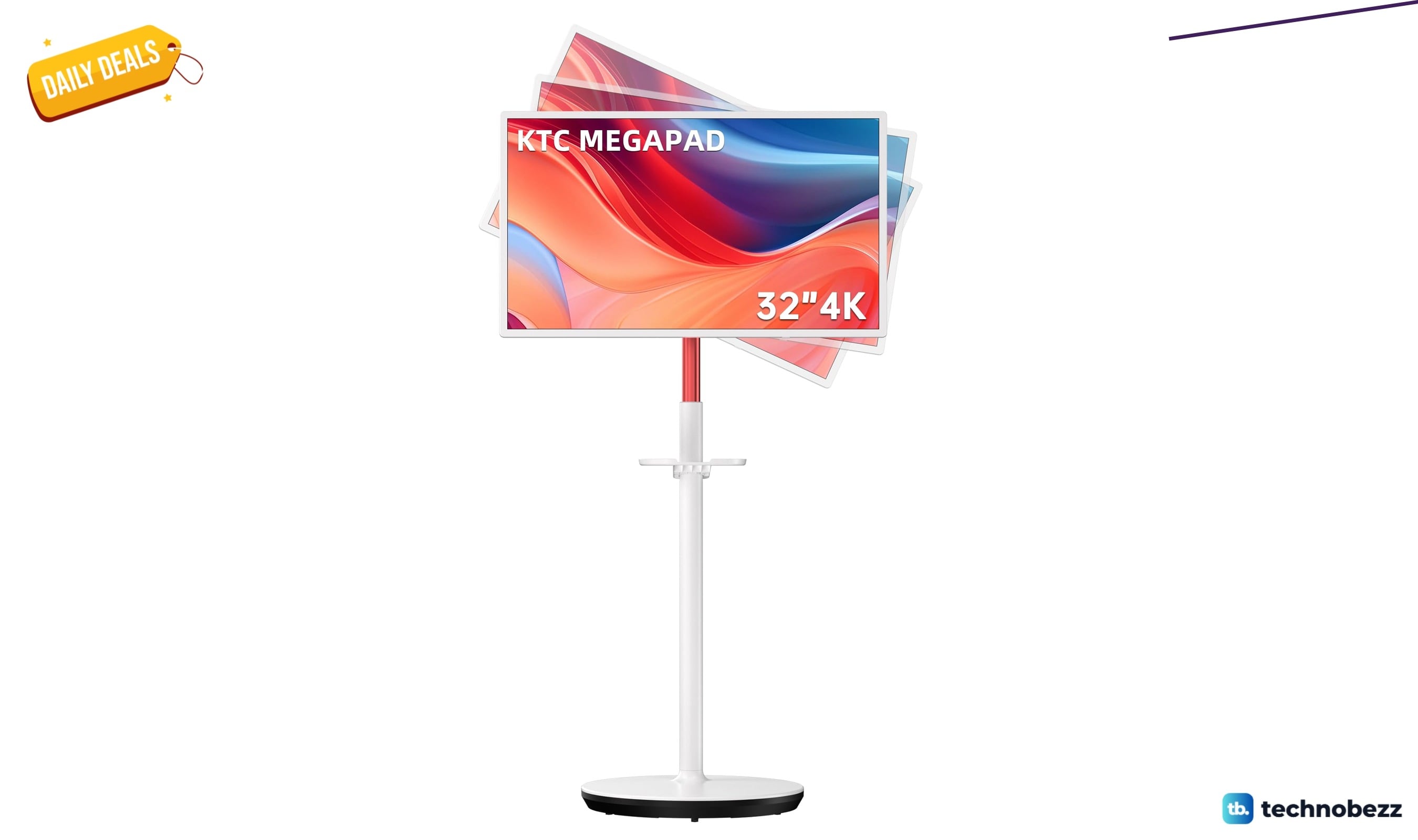
KTC MEGAPAD 32-inch 4K UHD Smart Portable TV down to $729.99 in latest price cut
4 min read
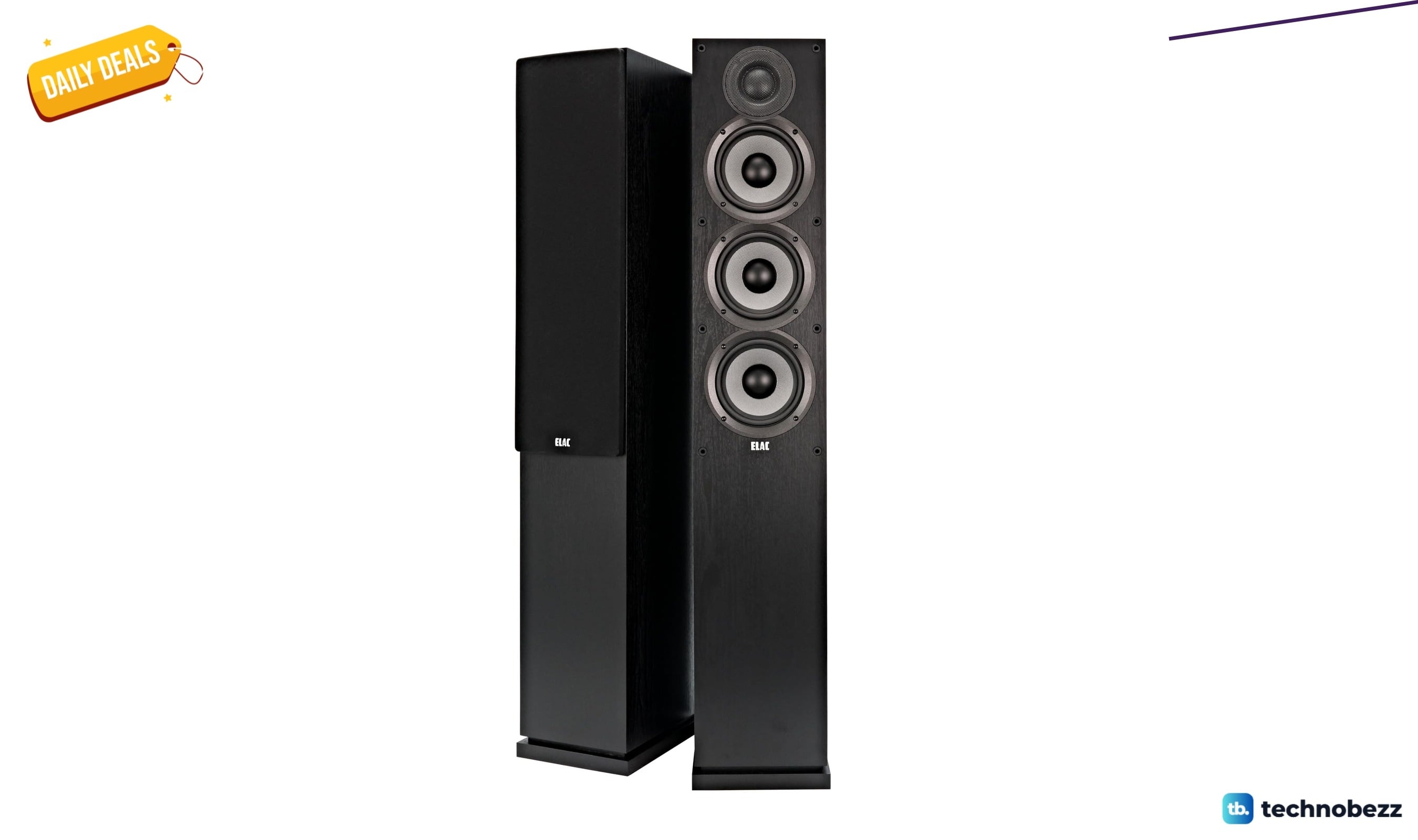
ELAC Debut 2.0 F5.2 Floorstanding Speaker price drops to $319
3 min read
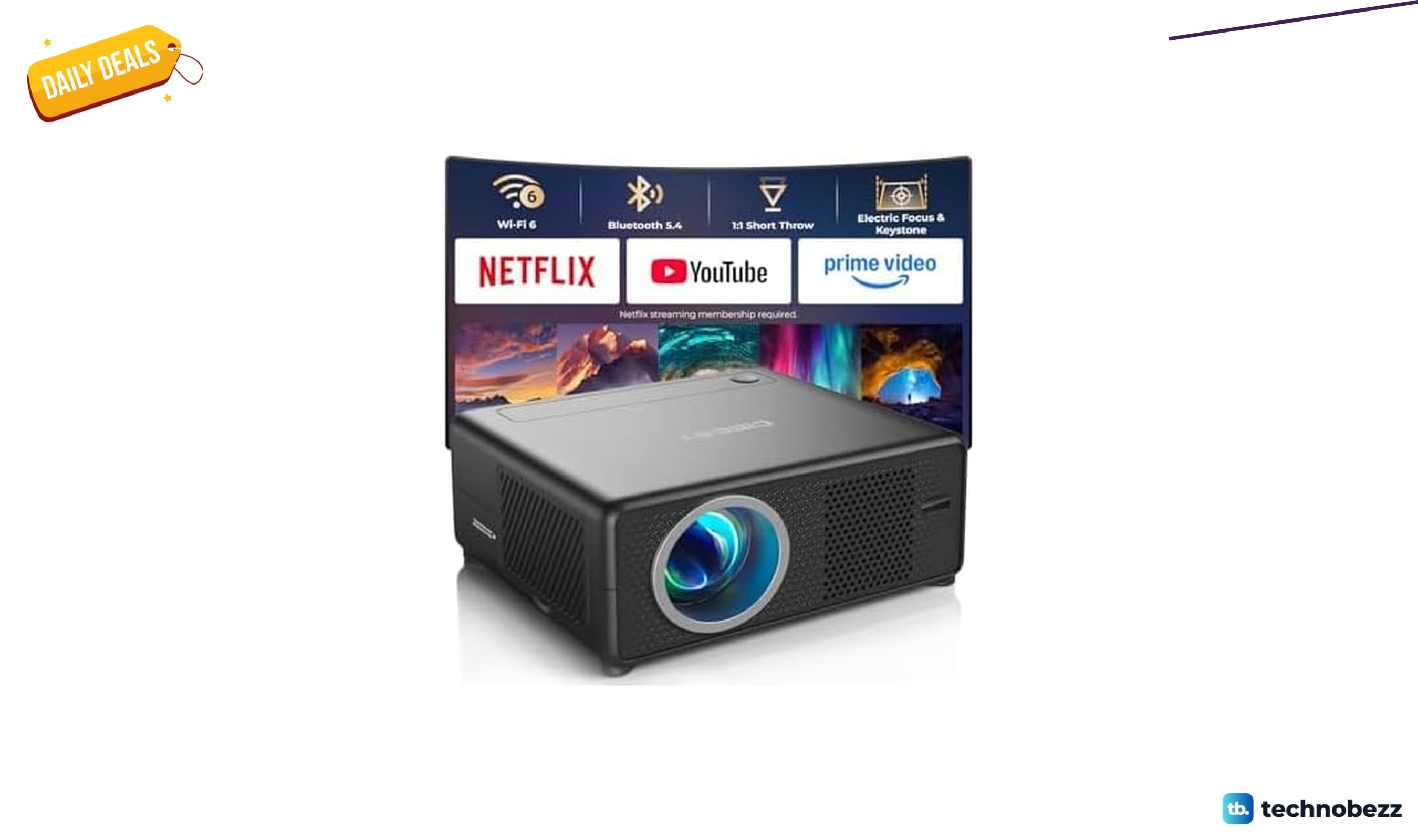
CiBest 1080P WiFi Bluetooth Projector is $57.99 at Woot
5 min read
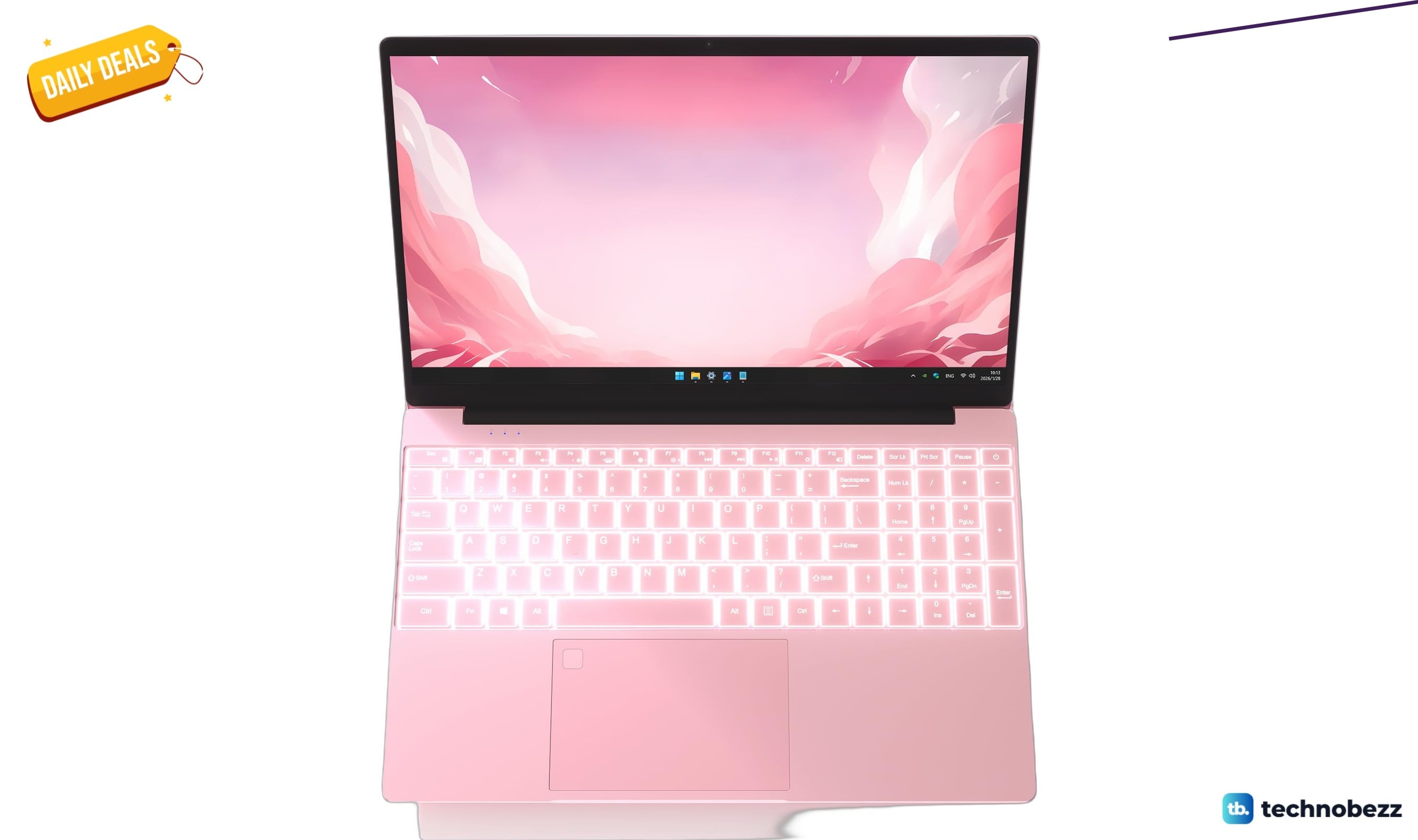
Auusda Business Computer slips to $315.86
4 min read

Samsung coupon codes and deals
5 min read

Best tech coupon codes and online deals
4 min read