If you're a blogger looking for a tablet that can handle writing, research, and content creation, you need something that balances portability with productivity. For those in the Apple ecosystem, the iPad Pro provides exceptional performance and app support, while Samsung's Galaxy Tab series delivers great value with included stylus support.
Technobezz is supported by its audience. We may get a commission from retail offers.
6 Best Tablets for Bloggers in 2026
Discover the best tablets for bloggers in 2026, featuring the top pick Microsoft Surface Pro 7 for a full Windows experience and productivity.
T
Technobezz
Editorial Team
Updated September 5, 2026Sep 5, 2026
•8 min read


Get Deals Like These in Your Inbox
The best prices, checked by our editors.
At a Glance
| Category | Product | Why We Picked It |
|---|---|---|
| Best overall | Microsoft Surface Pro 13-inch (12th Edition) | Windows 11, Snapdragon X2 Plus and an optional Flex Keyboard |
| Best value | Samsung Galaxy Tab S10 FE | Includes S Pen and solid performance |
| Best for Apple users | iPad Pro (M5) | Exceptional app ecosystem and performance |
| Best for creative bloggers | Wacom MovinkPad Pro 14 | Professional drawing capabilities |
| Also recommended | iPad Air (M4) | M4 performance, an 11-inch display and Apple Pencil Pro support |
| Also recommended | Samsung Galaxy Tab S10+ | A 12.4-inch AMOLED display with an included S Pen |
How we chose
We evaluated tablets based on several key factors for bloggers: typing experience, screen quality for long writing sessions, battery life for working on the go, app availability for content creation tools, and overall portability. We considered how each device handles the core blogging workflow of research, writing, editing, and publishing.
The best tablets for bloggers right now
Microsoft Surface Pro 13-inch (12th Edition) - Best overall
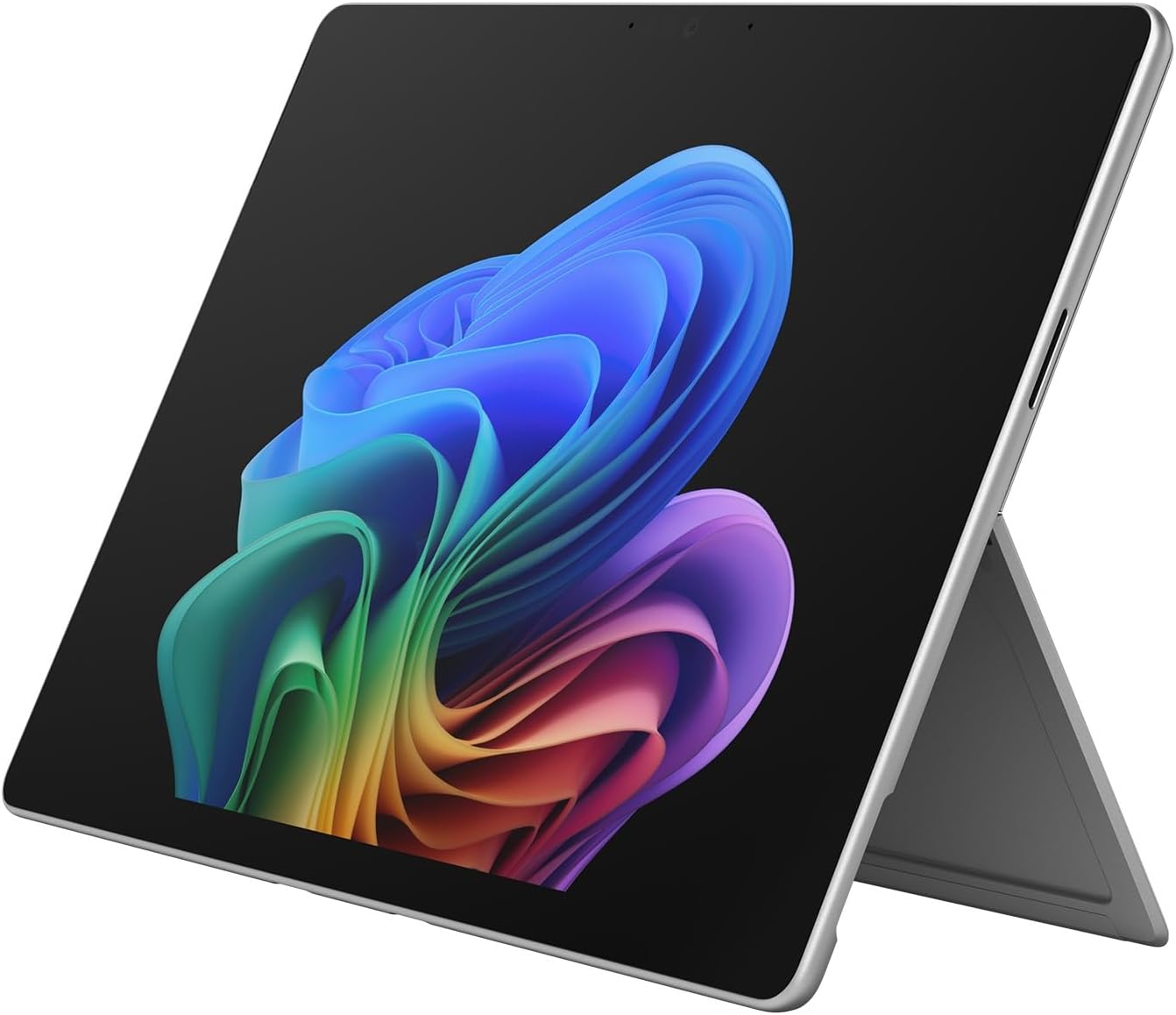
The 13-inch Surface Pro 12th Edition suits bloggers who need Windows applications for writing, research, and publishing. This configuration combines a Snapdragon X2 Plus processor, 16GB RAM, and 256GB storage; the optional Surface Pro Flex Keyboard adds a typing surface and touchpad.
Key highlights
- Windows 11 with Copilot+ PC features
- Snapdragon X2 Plus 10-core processor and 16GB RAM
- 13-inch PixelSense LCD touchscreen
- 256GB SSD storage
- Two USB-C/USB4 ports and a built-in adjustable kickstand
Pros
- Windows applications for writing, research, and publishing
- Optional Flex Keyboard adds laptop-style typing and a touchpad
- Adjustable kickstand supports tablet and desk use
- Microsoft rates battery life at up to 15.5 hours of local video playback
Cons
- Keyboard and pen are sold separately
- Check compatibility of specialist apps and peripherals with Windows on Arm
- 256GB storage may be limiting for large media libraries
- This configuration has an LCD rather than the optional OLED display
Who it is for: Bloggers who need a true laptop replacement that can handle research, writing, and basic content creation without switching devices.
Skip if
You're heavily invested in the Apple ecosystem or want maximum app optimization for tablet use.
Samsung Galaxy Tab S10 FE - Best value
Samsung's Tab S10 FE offers impressive value with its included S Pen and solid performance for the price. It strikes a good balance between capability and cost, making it accessible for bloggers starting out or watching their budget.
Key highlights
- S Pen included in the box at no extra cost
- Laminated display reduces parallax for precise input
- Samsung's DeX mode provides desktop-like interface
- Good battery life for extended writing sessions
- MicroSD card slot for expandable storage
Pros
- Included stylus is great for note-taking and light editing
- DeX mode improves productivity with windowed apps
- Solid performance for blogging apps and web browsing
- Good display quality for reading and writing
- More affordable than premium tablets
Cons
- Android still has limitations for tablet-optimized apps
- Processor isn't as powerful as premium models
- Keyboard accessory sold separately
- Some apps may not scale well to tablet size
Who it is for: Budget-conscious bloggers who want stylus support and decent performance without premium pricing.
Skip if
You need desktop applications or maximum processing power for video editing.
iPad Pro (M5) - Best for Apple users

Apple's iPad Pro represents the pinnacle of tablet performance with its M-series chips, making it incredibly capable for any blogging task. The app ecosystem is unmatched, though you'll need to adapt to iPadOS limitations for some workflows.
Key highlights
- Apple M5 chip delivers laptop-level performance
- 11-inch Ultra Retina XDR OLED display with ProMotion
- Excellent Magic Keyboard with trackpad support
- Vast selection of optimized productivity apps
- Apple Pencil Pro support for precise input
Pros
- Blazing fast performance for any blogging task
- Best-in-class display for reading and content creation
- Magic Keyboard provides excellent typing experience
- Huge selection of blogging and creative apps
- Seamless integration with other Apple devices
Cons
- iPadOS limitations for some desktop workflows
- Magic Keyboard and Apple Pencil add significant cost
- File management can be cumbersome compared to desktop
- Limited connectivity options without adapters
Who it is for: Bloggers already in the Apple ecosystem who want maximum performance and app selection.
Skip if
You need desktop applications or prefer Windows/Android workflows.
Wacom MovinkPad Pro 14 - Best for creative bloggers

For bloggers who create visual content like illustrations, comics, or detailed graphics, the Wacom MovinkPad Pro 14 offers professional-grade drawing capabilities. It's specifically designed for digital artists but works well for any visually-focused blogger.
Key highlights
- Professional-grade pen performance with minimal lag
- 14-inch OLED matte display that feels like drawing on paper
- Excellent color accuracy for visual work
- Lightweight and portable for a display tablet
- Runs Android creative apps and supports Instant Pen Display on compatible Windows PCs and Macs
Pros
- Best pen performance for drawing and illustration
- Matte screen surface reduces glare and feels natural
- Excellent for webtoon creation and digital art
- Good for bloggers who create visual content
- Professional-grade build quality
Cons
- Expensive for blogging-only use
- Limited as a general-purpose tablet
- Instant Pen Display requires a compatible computer; Windows on Arm and Intel Macs are unsupported
- Overkill for text-only bloggers
Who it is for: Bloggers who create visual content like comics, illustrations, or detailed graphics.
Skip if
You primarily write text content or need general productivity features.
Also Good
- iPad Air (M4) - an 11-inch M4 tablet with 128GB storage, Wi-Fi 7, and Apple Pencil Pro support. This listing is Wi-Fi only; keyboard and pencil are sold separately.
- Samsung Galaxy Tab S10+ - a 12.4-inch Android tablet with a Dynamic AMOLED 2X display, 256GB storage, and an included S Pen for notes and sketches.
How to Choose
Consider these factors when selecting a tablet for blogging:
- 1.Typing experience: If you write thousands of words daily, prioritize tablets with excellent keyboard options. Surface Pro keyboards and the iPad Magic Keyboard are top choices.
- 2.Operating system: Windows gives you desktop applications but may feel less optimized for touch. iPadOS has better tablet apps but limits some workflows. Android offers flexibility but varies by manufacturer.
- 3.Screen size and quality: Larger screens (11-13 inches) are better for split-screen research and writing. Consider display quality if you edit photos or create visual content.
- 4.Battery life: Look for all-day battery if you work in cafes or travel frequently. Most modern tablets offer 8-10 hours of mixed use.
- 5.Accessory ecosystem: Factor in the cost of keyboards, styluses, and cases. Some tablets include these, while others require separate purchases.
- 6.Content type: Text-focused bloggers need different features than visual content creators. Consider your primary content format when choosing.
FAQ
Do I really need a tablet for blogging, or is a laptop better?
Tablets offer better portability and touch interaction, while laptops provide more powerful multitasking and desktop applications. Many bloggers find 2-in-1 devices like the Surface Pro offer the best of both worlds.
Can I use a tablet for all my blogging tasks?
Most tablets can handle writing, research, basic image editing, and publishing. However, complex tasks like advanced video editing or managing large databases may still require a desktop or laptop.
How important is stylus support for bloggers?
It depends on your content. Text-focused bloggers may rarely use a stylus, while those creating visual content, taking handwritten notes, or marking up drafts will find it invaluable.
Should I get cellular connectivity on my blogging tablet?
Cellular adds cost but provides always-on internet access, which is valuable for bloggers who work in multiple locations without reliable Wi-Fi. For most, tethering to a phone is sufficient.
How much storage do I need for blogging?
64-128GB is usually sufficient for text-focused bloggers. If you work with lots of high-resolution images or videos, consider 256GB or more, or choose a tablet with expandable storage.
Can I connect external monitors to tablets?
Many modern tablets support external displays through USB-C or proprietary connectors. This can be useful for extended writing sessions or when working from a fixed location.
Published February 15, 2026 Last updated September 5, 2026
Share this article
More in News
8 Best Tablets for Photo Editing in 2026
Discover the best tablets for 2026, featuring our top pick, the Apple iPad Air M2. Find the perfect device for photo editing, drawing, and productivity.
3 min read
8 Best Tablets for Note Taking in 2026
The iPad Air 7th gen tops our list of the 8 best tablets for note taking in 2026, balancing Apple Pencil Pro support with a full app ecosystem and distraction-free e-ink options.
5 min read
5 Best Cheap Tablets for 2026
Discover the 5 best cheap tablets for 2026. Our top pick is the Apple iPad 11-inch, delivering premium performance for less. Find the perfect budget tablet for you.
3 min read
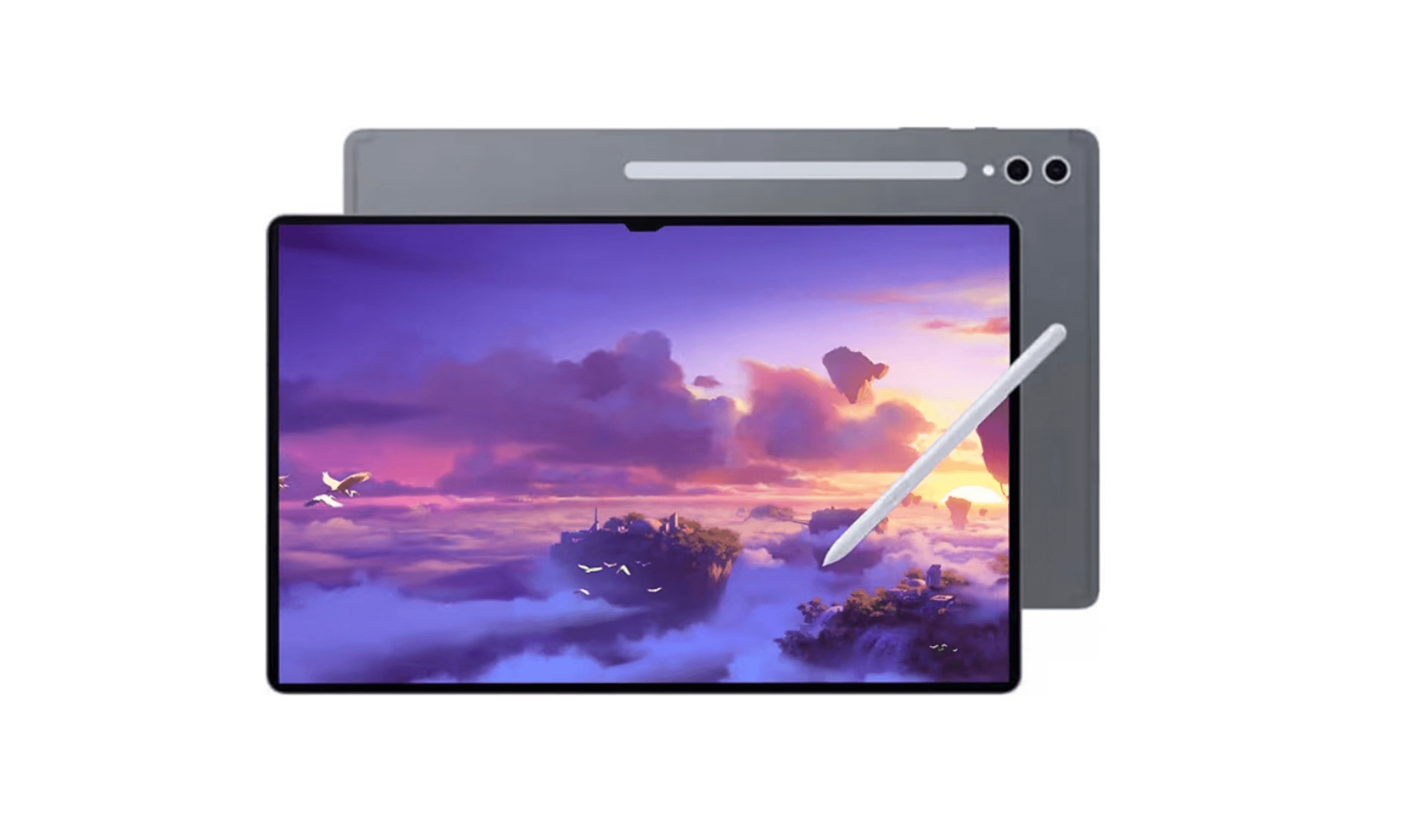
7 Best Tablets for Gaming in 2026
Discover the top gaming tablets for 2026, led by the Apple iPad Pro (M5). Compare performance, value, and features for on-the-go gaming.
4 min read
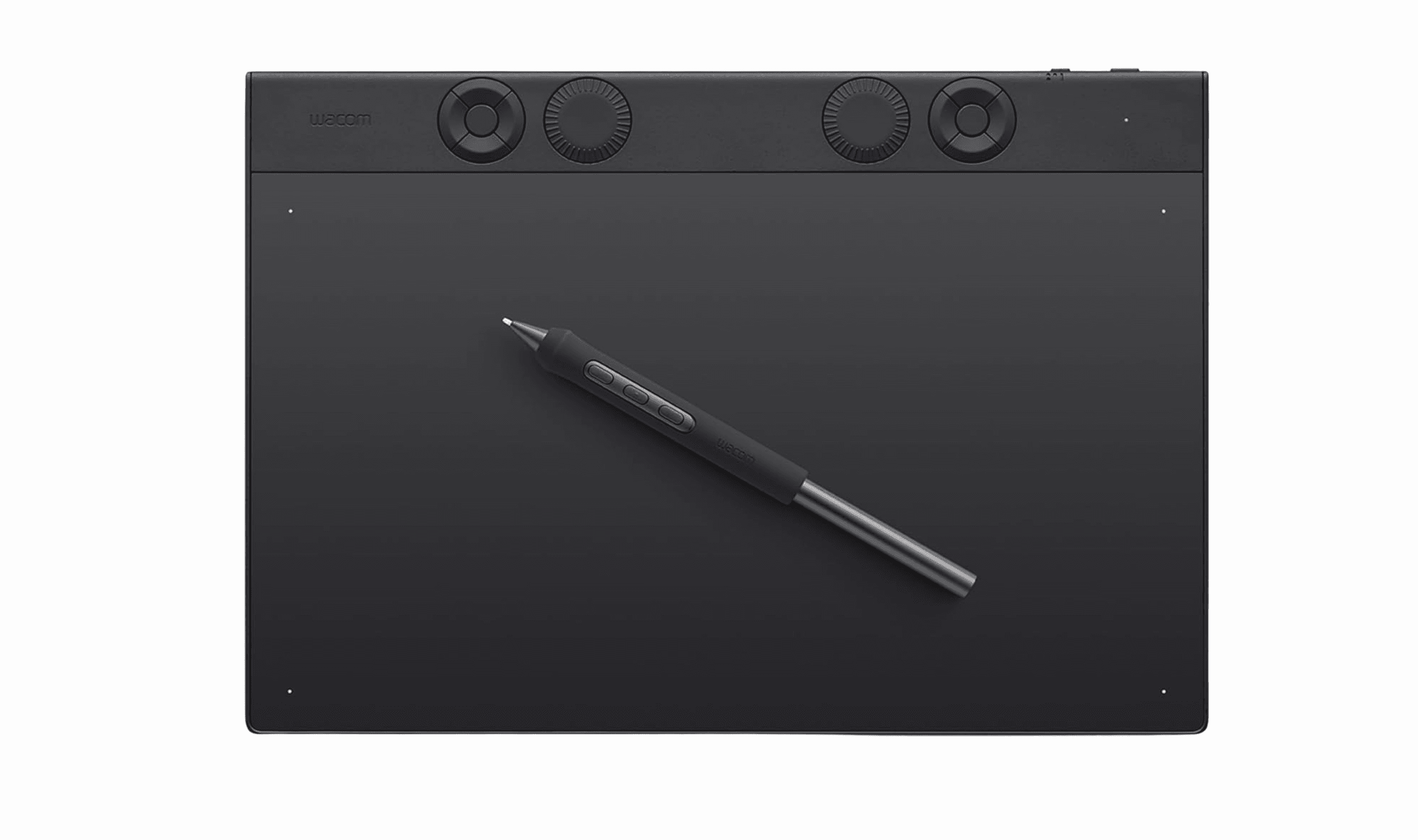
Best Drawing Tablets for 2026
5 min read
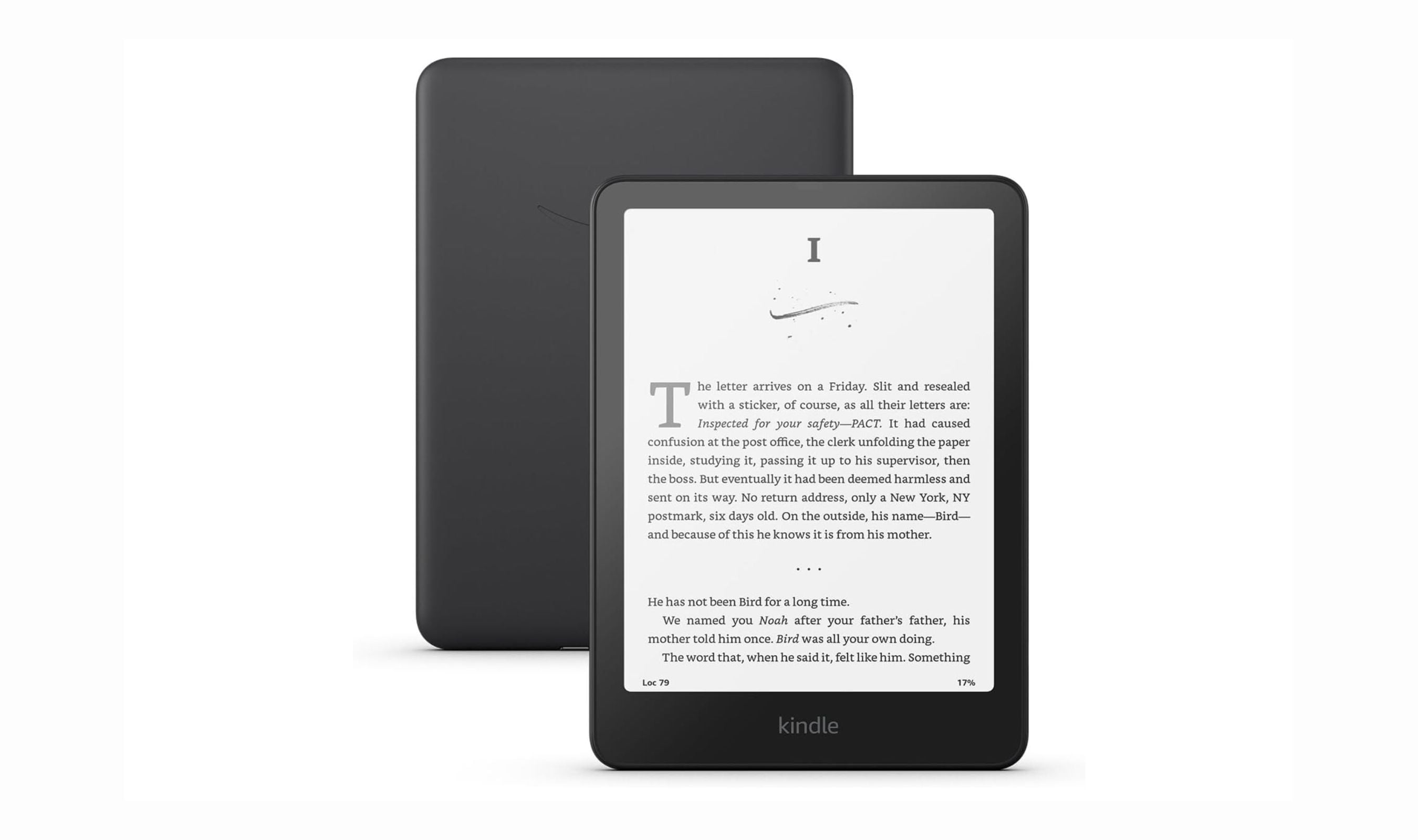
Best Tablets for Reading in 2026
5 min read

AKG K 701 Ultra Reference Class Stereo discounted to $247.37
5 min read

Apple Watch SE 3 GPS 40mm Smartwatch discounted to $189.97
5 min read

Cleer Audio Enduro ANC Noise Canceling Headphones price drops to $94.99
3 min read

Lenovo coupon codes and deals
5 min read

Woot coupon codes and deals
3 min read

Samsung coupon codes and deals
5 min read