If you're running out of space on your Mac, an external drive is the practical fix. The Crucial X9 is our top pick for most people because it balances speed, reliability, and decent pricing. Whether you need backups, extra storage for projects, or a portable work drive, this list covers the real options that actually work with Macs.
Product
Technobezz is supported by its audience. We may get a commission from retail offers.
Top 7 External Hard Drives to Purchase in 2026
Discover the best external hard drives for Mac in 2026. Our top pick is the Crucial X9 Pro for speed, value, and reliability.
T
Technobezz
Senior Editor
Updated June 16, 2026Jun 16, 2026
•7 min read

Get Deals Like These in Your Inbox
The best prices, reviewed weekly.
At a Glance
| Category | Product | Why We Picked It |
|---|---|---|
| Best overall | Crucial X9 | Fast SSD with good value |
| Best value | WD Elements | Reliable backup drive at low cost |
| Best for portability | Western Digital My Passport Ultra | High capacity in compact form |
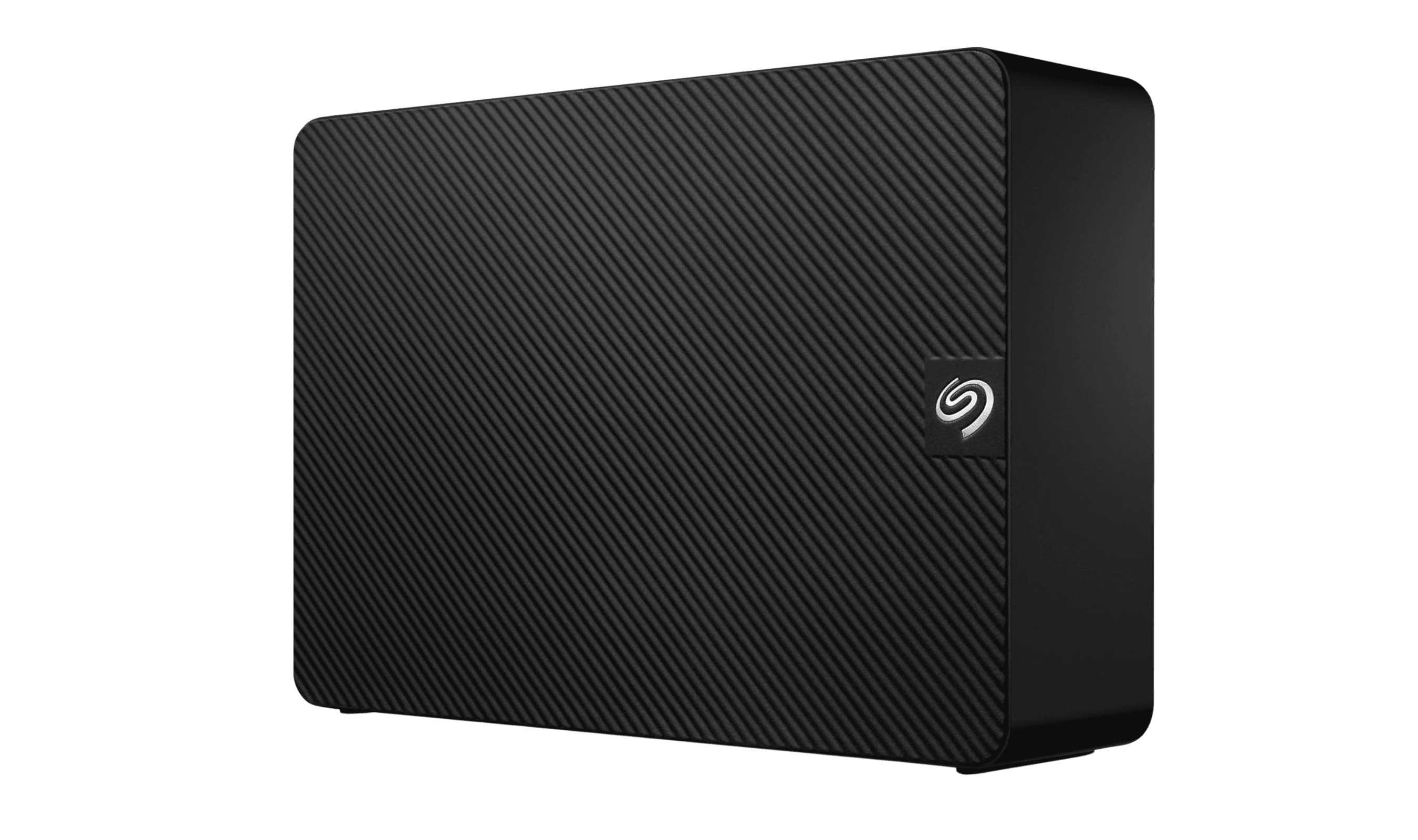
| Best desktop drive | Seagate Expansion Desktop | Lots of storage for the money |
| Best rugged option | LaCie Rugged | Protection for on-the-go work |
| Also recommended | Samsung T9 | Fast and reliable, but a bit pricier |
| Also recommended | Seagate One Touch | Has built-in encryption for secure backups |
How we chose and tested
We focused on drives that work reliably with macOS, offer good value, and serve clear purposes like backups, portability, or speed.
The best external hard drives for Mac right now
Crucial X9 - Best overall
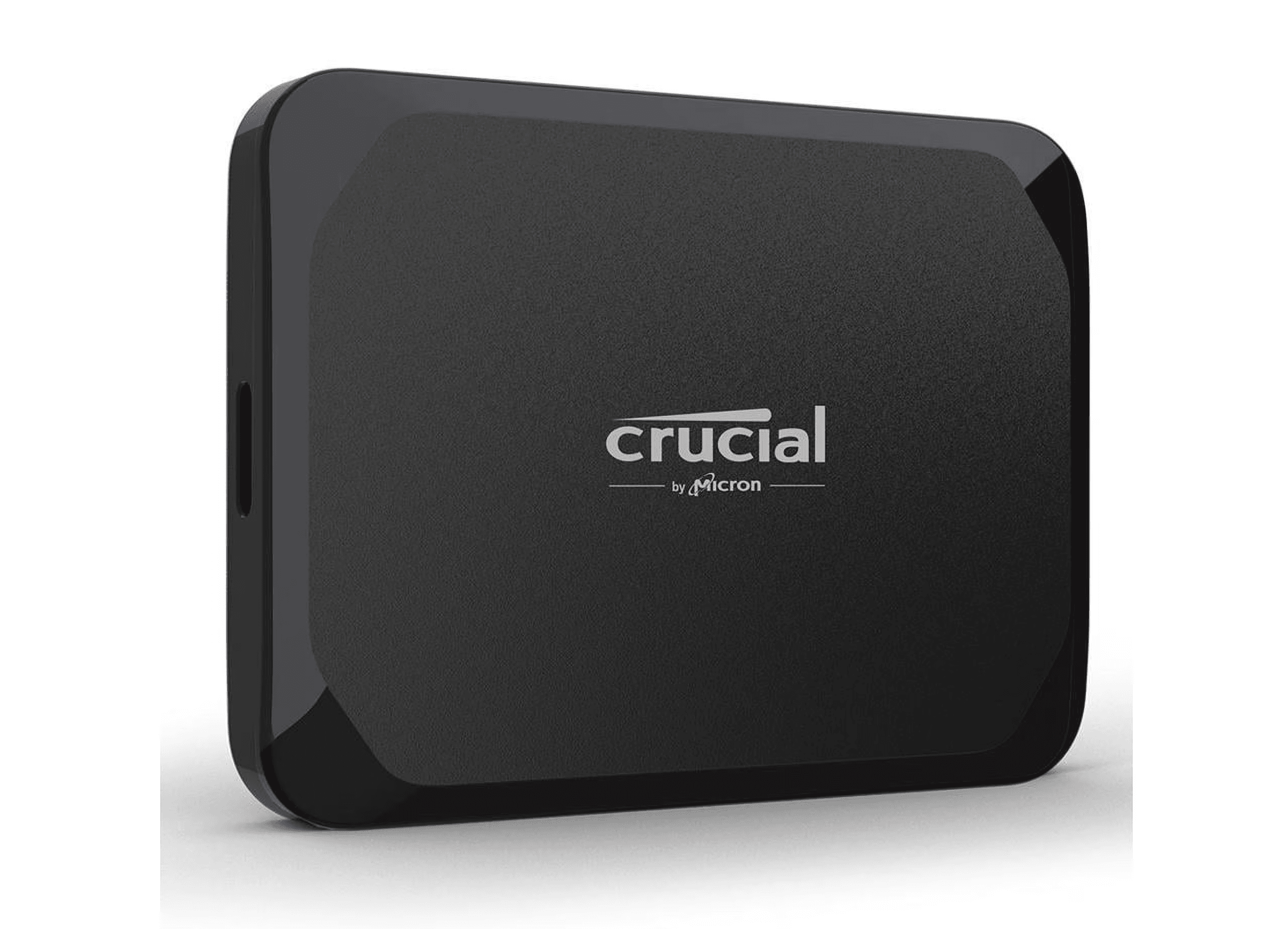
This SSD hits the sweet spot between speed and price, making it the best general-purpose drive for most Mac users.
Key highlights
- Fast SSD performance for quick file transfers
- Compact and portable design
- USB-C connectivity that works with modern Macs
- Good balance of speed and storage capacity
Pros
- Much faster than traditional hard drives
- Small enough to carry in a bag
- Reliable performance for everyday tasks
- Compatible with both Mac and Windows if needed
Cons
- More expensive per terabyte than hard drives
- Limited maximum capacity compared to desktop drives
Who it is for: Anyone who wants faster file transfers and doesn't need massive storage space.
Skip if
You need 8TB+ of storage or are on a very tight budget.
Western Digital My Passport Ultra - Best for portability
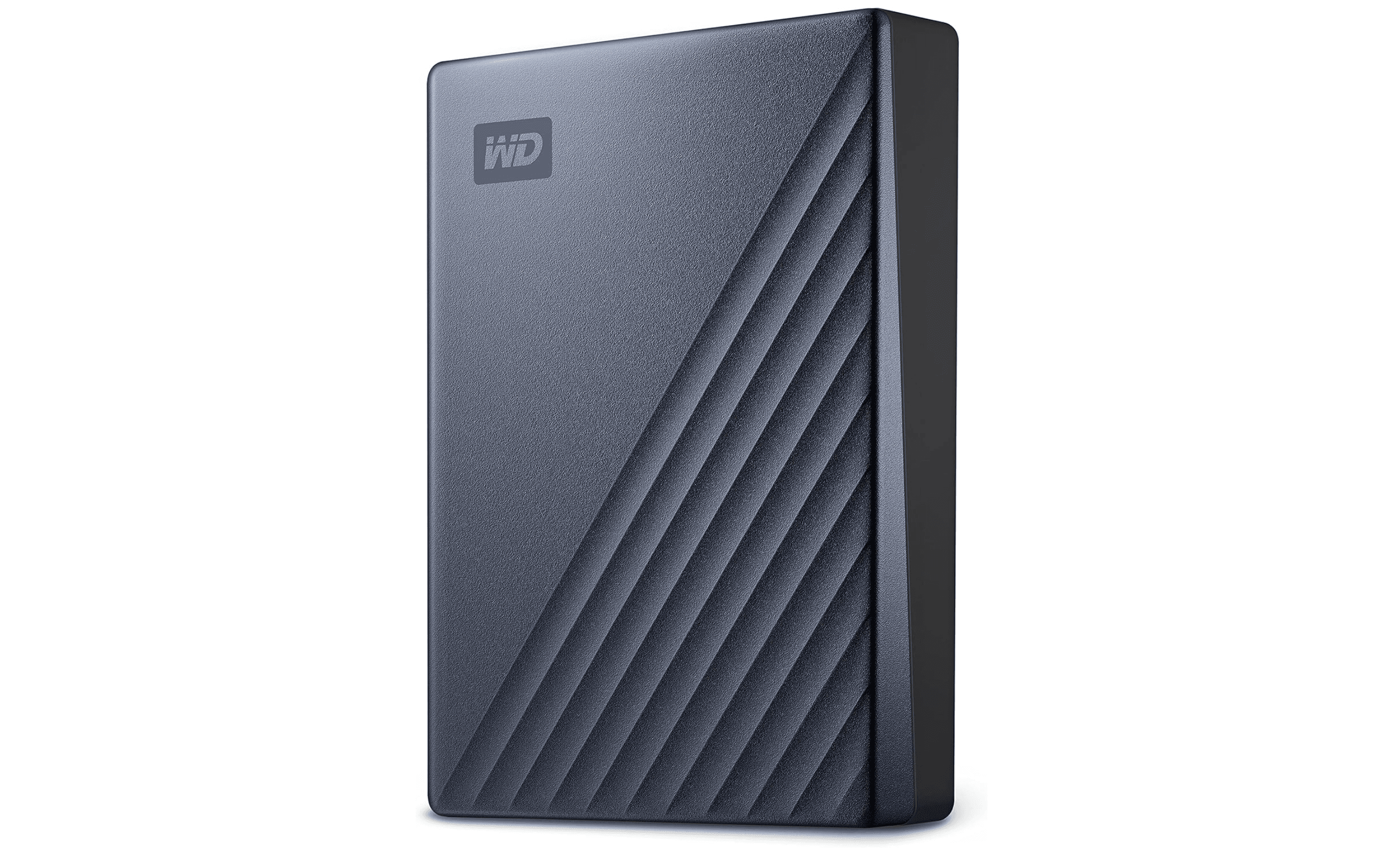
With up to 6TB in a portable package, this drive offers serious storage that you can actually take with you.
Key highlights
- High capacity in portable form factor
- USB-C port built into the drive body
- Three-year warranty for peace of mind
- Available in multiple color options
Pros
- Excellent storage-to-size ratio
- USB-C makes connection easy with modern Macs
- Longer warranty than many competitors
- Good value for the capacity
Cons
- Slower than SSDs for file transfers
- Requires separate power adapter for some models
Who it is for: People who need lots of portable storage for photos, videos, or project files.
Skip if
You need lightning-fast transfer speeds or work with very large video files regularly.
WD Elements - Best value
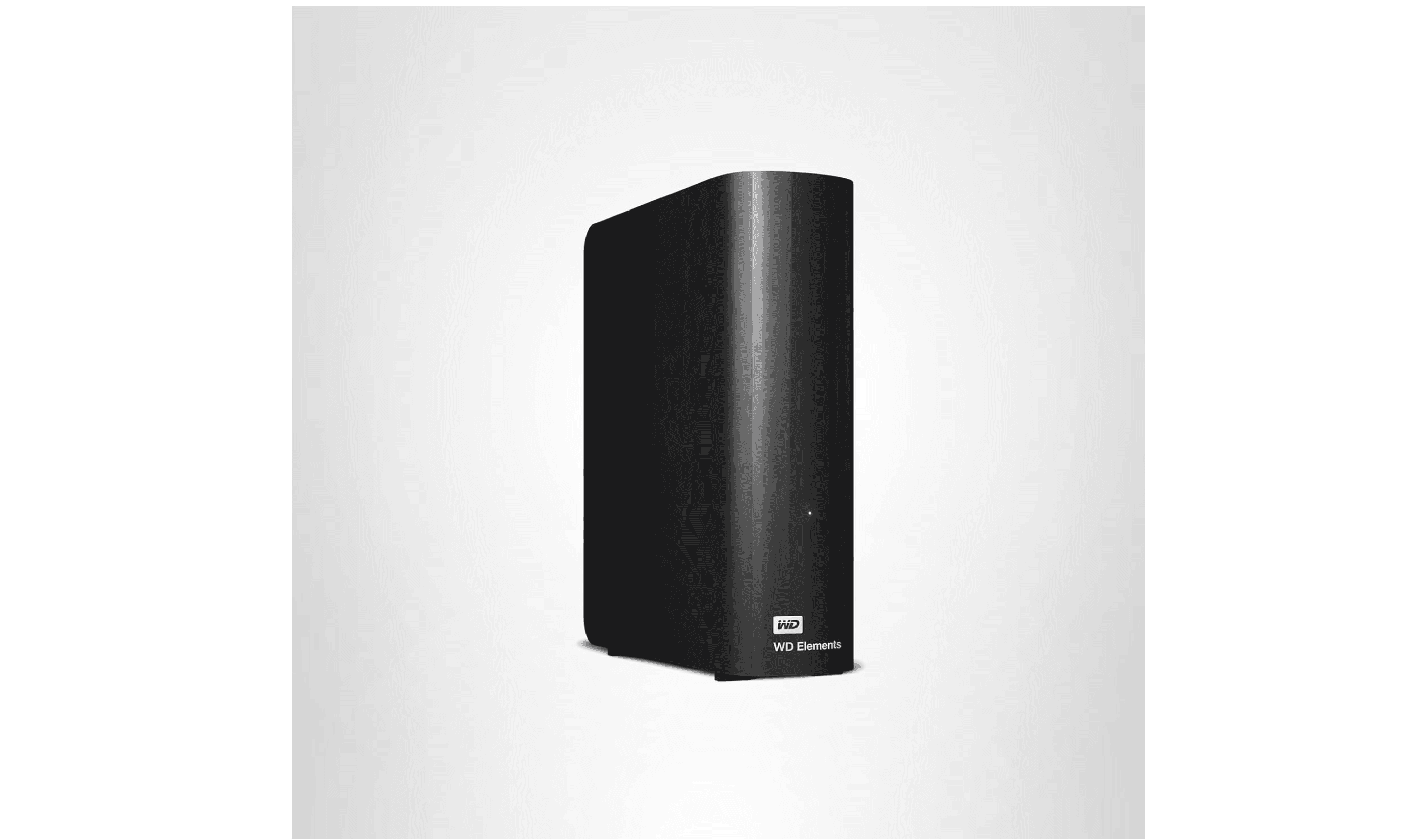
For basic backups and additional storage, the WD Elements delivers reliable performance without breaking the bank.
Key highlights
- Very affordable price per terabyte
- Simple, no-fuss design
- Available in both portable and desktop versions
- Compatible with Time Machine backups
Pros
- Excellent value for money
- Works reliably for overnight backups
- Available in capacities up to 22TB
- Simple plug-and-play operation
Cons
- Basic design without extra features
- Slower transfer speeds
- Not ideal for active project work
Who it is for: Anyone who needs affordable backup storage or extra space for archived files.
Skip if
You need fast access to files or plan to work directly from the drive.
Seagate Expansion Desktop - Best desktop drive
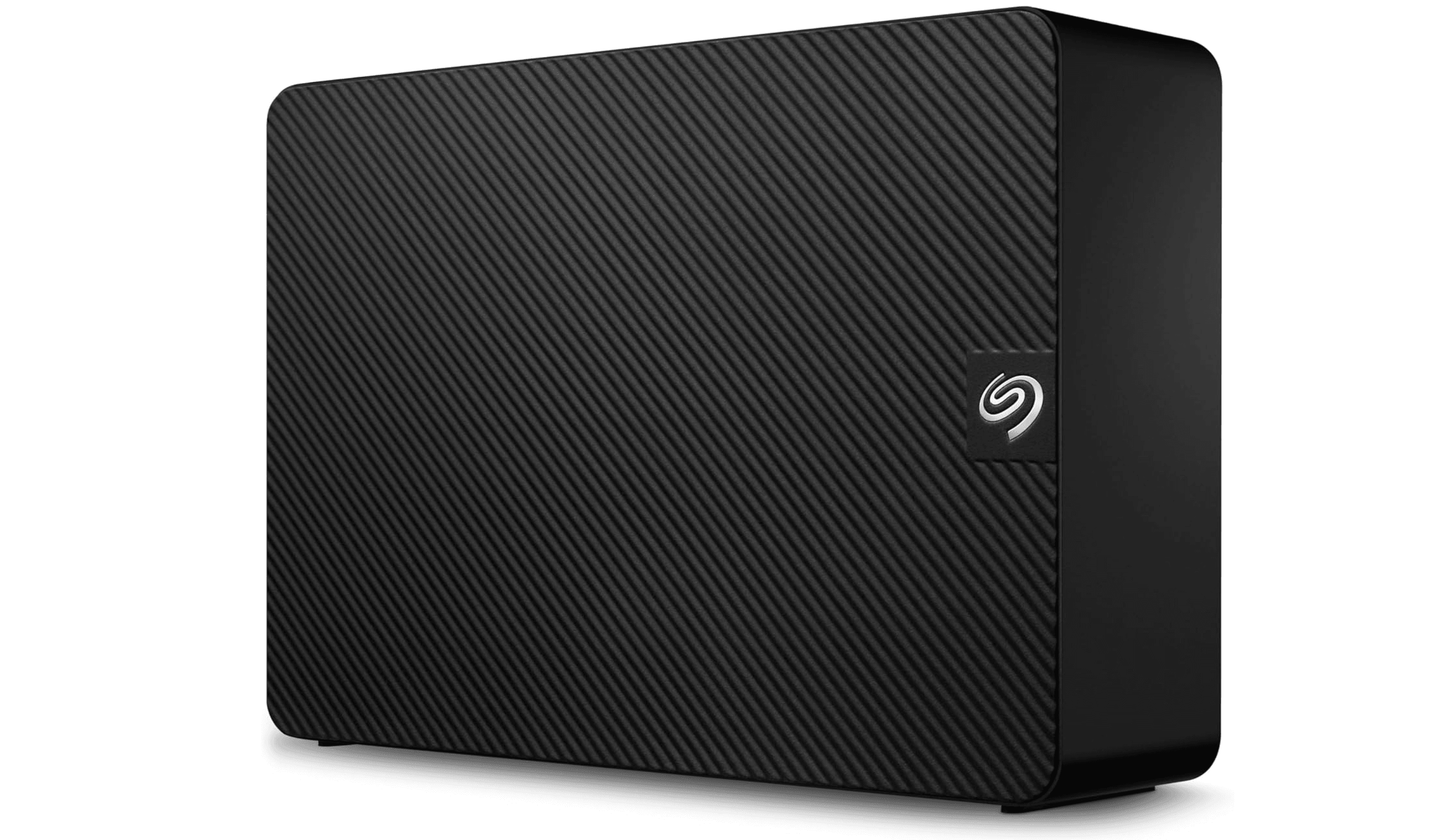
When you need serious storage capacity at home or in the office, this desktop drive delivers terabytes without complexity.
Key highlights
- High capacity options (8TB+)
- Desktop form factor with AC power
- Simple expansion of your Mac's storage
- Reliable performance for stationary use
Pros
- Best cost per terabyte
- Large capacities available
- Stable performance for backup duties
- Easy to set up and forget
Cons
- Requires wall power (not portable)
- Bulkier than portable drives
- Slower than SSD options
Who it is for: Users who need lots of storage for backups, media libraries, or archives at a fixed location.
Skip if
You need portability or fast access to files.
LaCie Rugged - Best rugged option
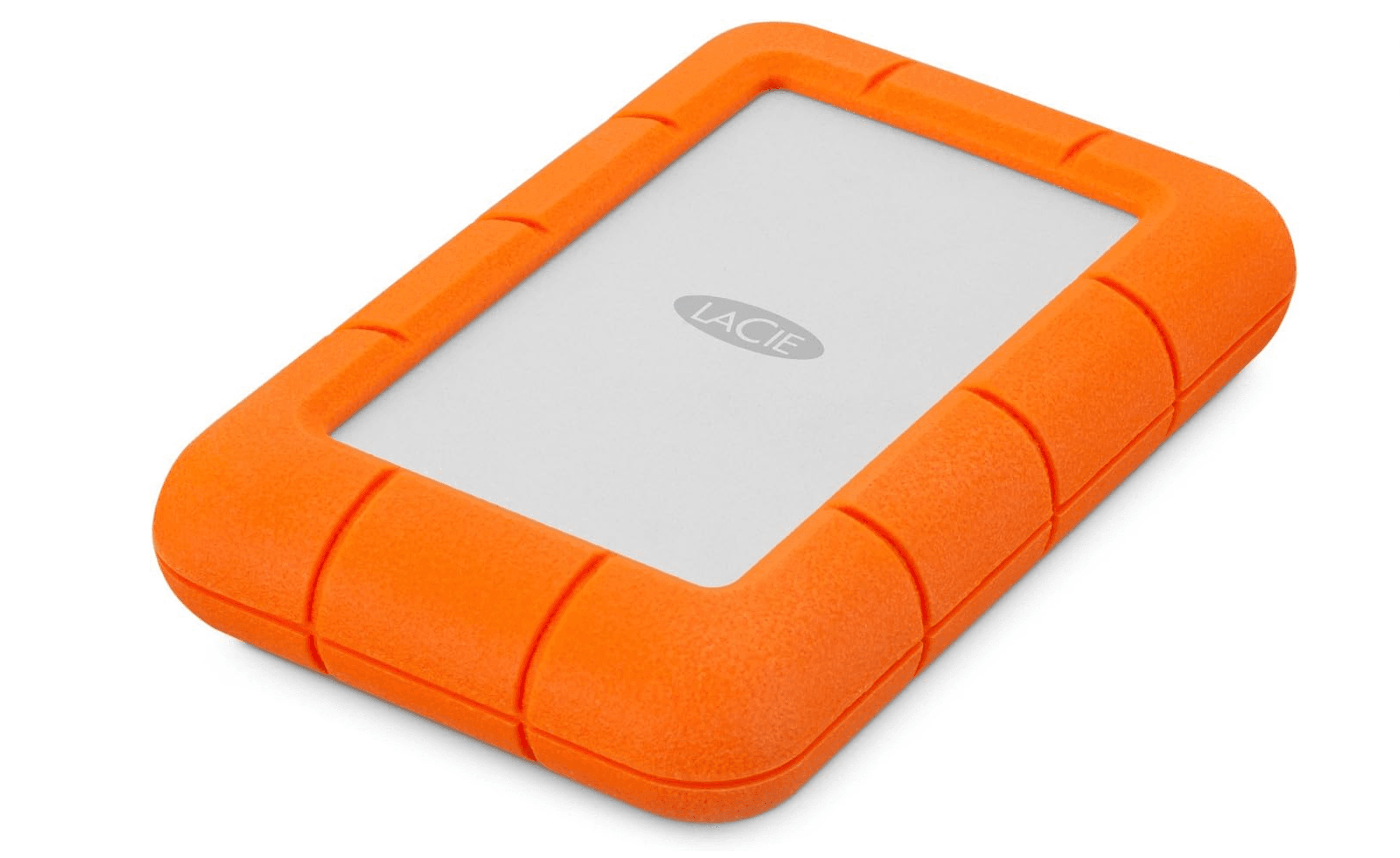
Built to withstand bumps and drops, this drive is for people who work in less-than-ideal environments.
Key highlights
- Shock, dust, and water resistance
- Orange rubber bumper for protection
- USB-C connectivity
- Mac-focused design and software
Pros
- Excellent physical protection
- Designed with Mac users in mind
- Good performance for a rugged drive
- Includes useful backup software
Cons
- Premium price for the protection
- Heavier than standard portable drives
- Capacity options may be limited
Who it is for: Photographers, videographers, or anyone who works in the field with their Mac.
Skip if
Your drive stays on a desk or you're on a tight budget.
Also Good
- Samsung T9 - fast and reliable, but a bit pricier.
- Seagate One Touch - has built-in encryption for secure backups.
How to Choose
- 1.Speed vs. capacity: SSDs are faster but more expensive per terabyte. Hard drives offer more storage for less money but are slower.
- 2.Portability needs: Portable drives are smaller and powered by USB. Desktop drives need wall power but offer more capacity.
- 3.Connection type: USB-C is standard on modern Macs. Make sure your drive has the right cable or adapter.
- 4.Use case: Backups can use slower drives. Active project work benefits from faster SSDs.
- 5.Budget: More money gets you either more speed (SSD) or more capacity (HDD). Decide which matters more.
FAQ
Do I need to reformat drives for Mac?
Most new drives work fine with Macs out of the box. Some may come formatted for Windows, but macOS can read them. For Time Machine backups, you'll need to reformat to APFS or Mac OS Extended.
Is Thunderbolt necessary?
For most users, no. USB-C drives offer plenty of speed for backups and general file transfers. Thunderbolt matters if you work with very large video files or need maximum performance.
How much storage do I need?
For backups: at least double your Mac's internal storage. For extra project space: consider what you actually need plus room to grow. 1-2TB is good for most individuals.
Should I get an SSD or hard drive?
SSDs if you need speed and can afford less capacity. Hard drives if you need lots of storage on a budget. Many people use both: an SSD for active work and a hard drive for backups.
Do external drives work with Time Machine?
Yes, any compatible drive can be used with Time Machine. Just make sure it's formatted correctly and has enough space for your backups.
Published February 5, 2026 Last updated June 16, 2026
Share this article
More in News
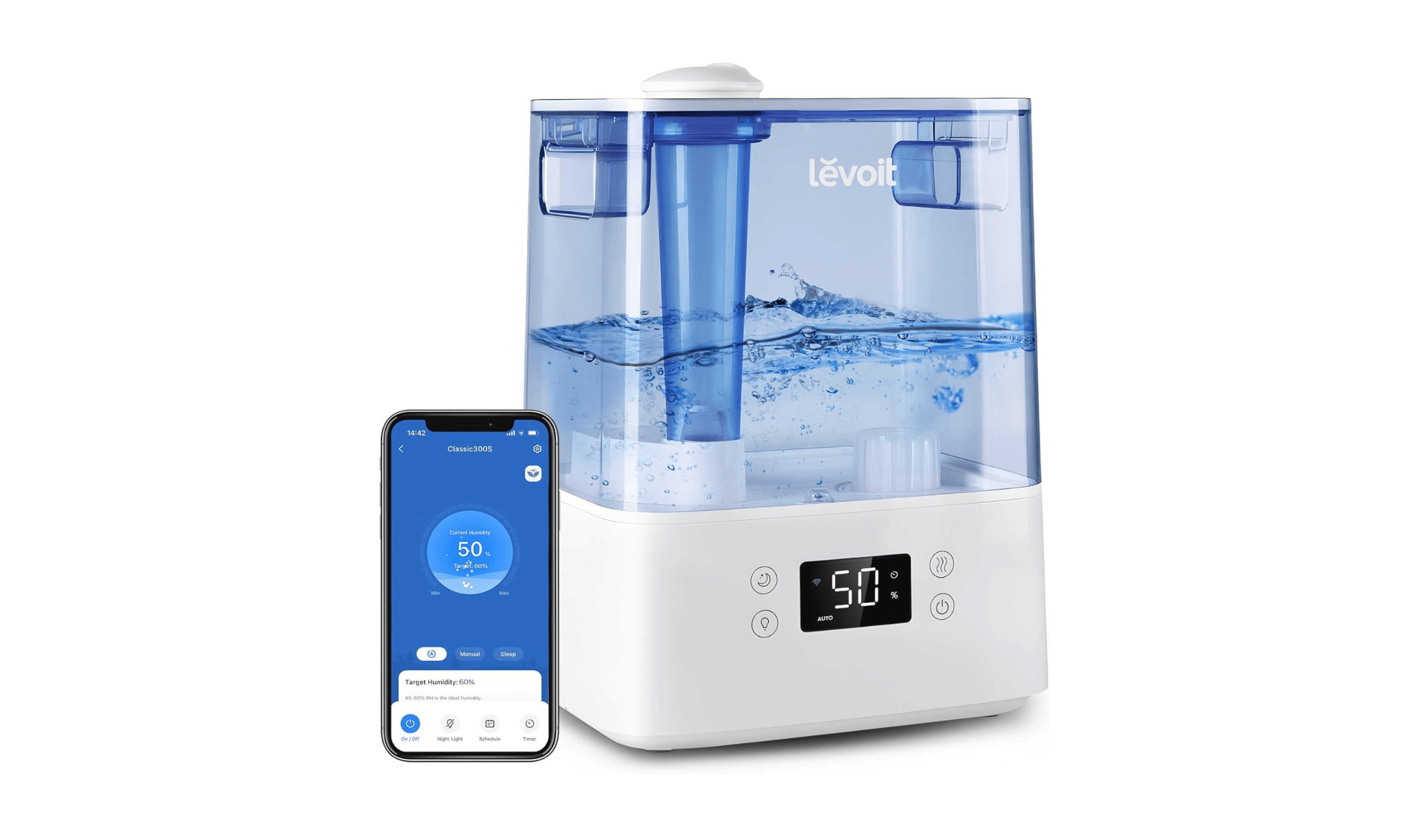
8 Humidifiers We Recommend in 2026
Dreo Smart Humidifier 524S leads our 2026 picks. See top models for value, large spaces, and skin hydration in our expert roundup.
3 min read
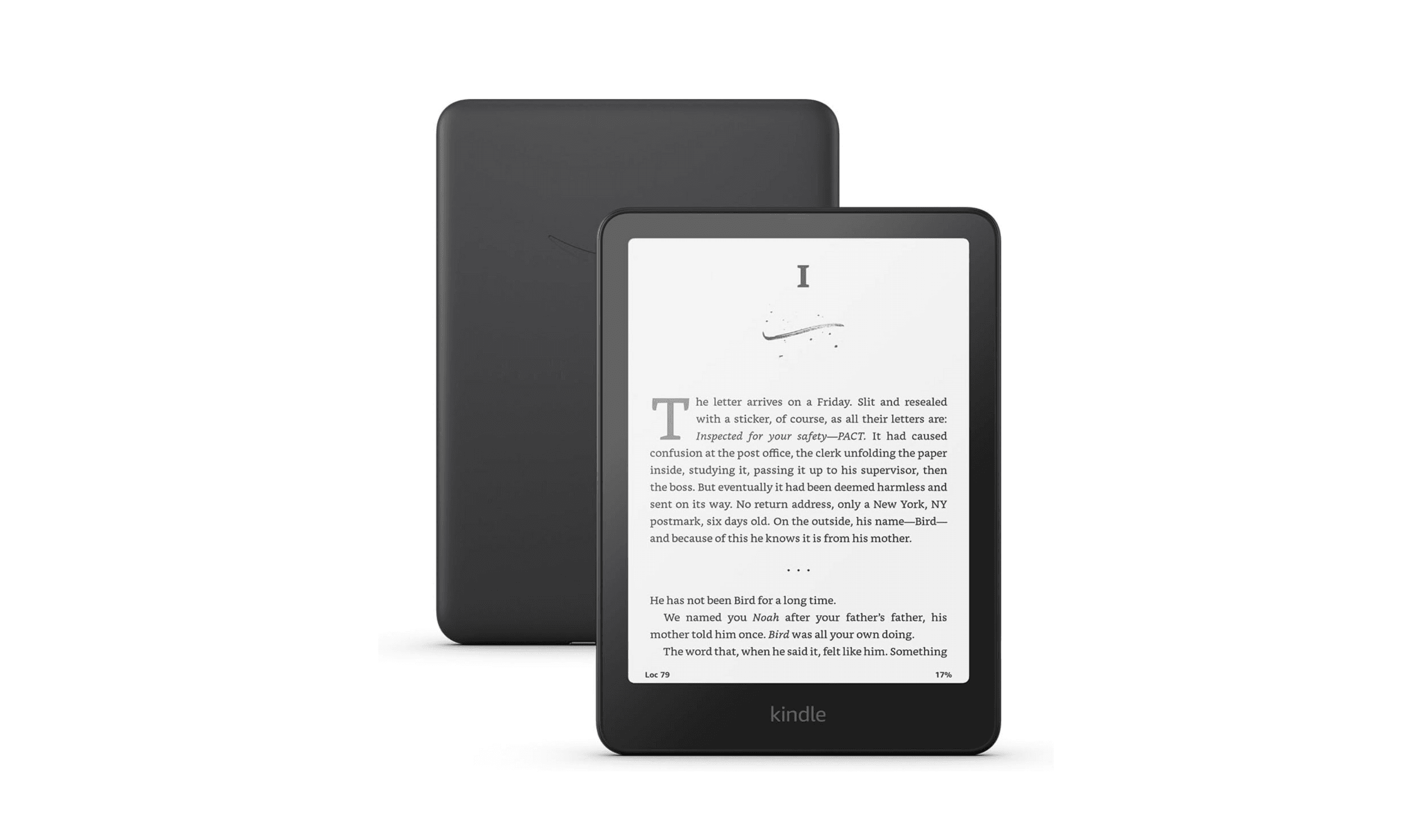
6 Best Cheap E-Book Readers to Buy in 2026
Discover the best cheap e-book readers for 2026. Our top pick is the Kindle Paperwhite, offering the perfect balance of price and premium features.
3 min read
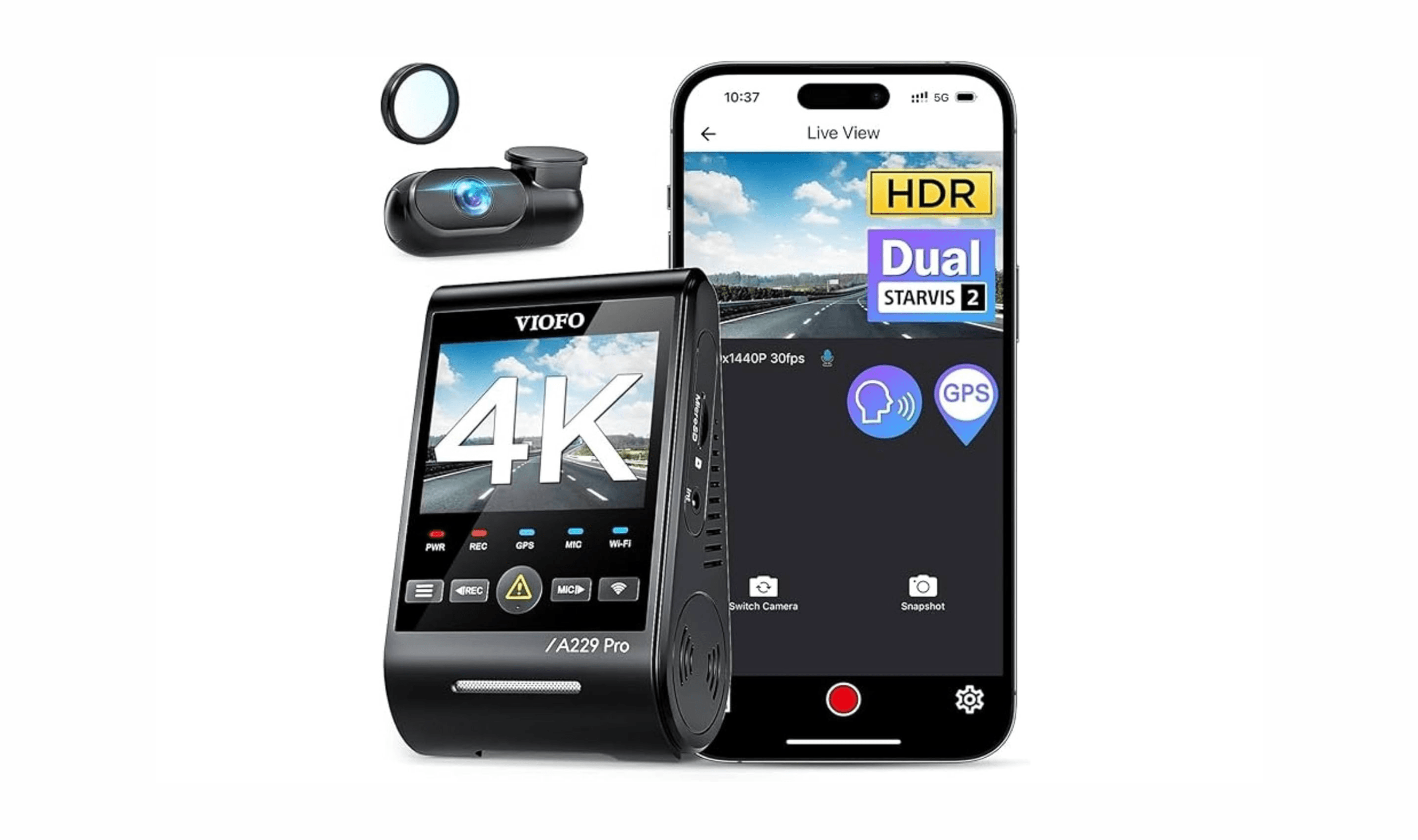
8 Best Dash Cams for 2026
We tested 8 dash cams from about $100 to $300. The Viofo A229 Pro leads with sharp 4K day-and-night footage, plus budget, compact, and rideshare picks.
4 min read
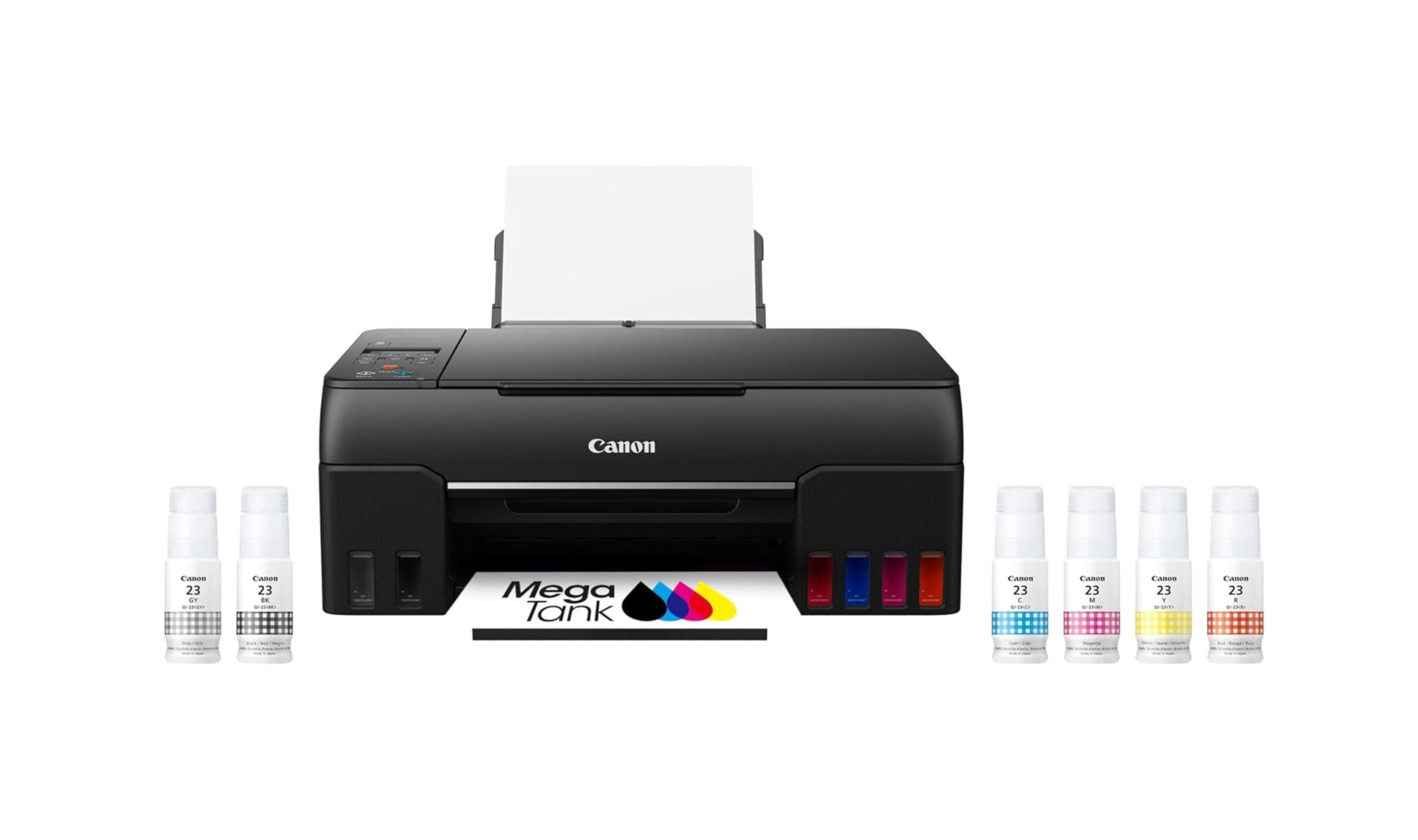
6 Best Sticker Printers in 2026
The best sticker printers for crafters and shops in 2026, led by the Canon PIXMA G620, plus cartridge-free EcoTank value picks and thermal label options.
3 min read
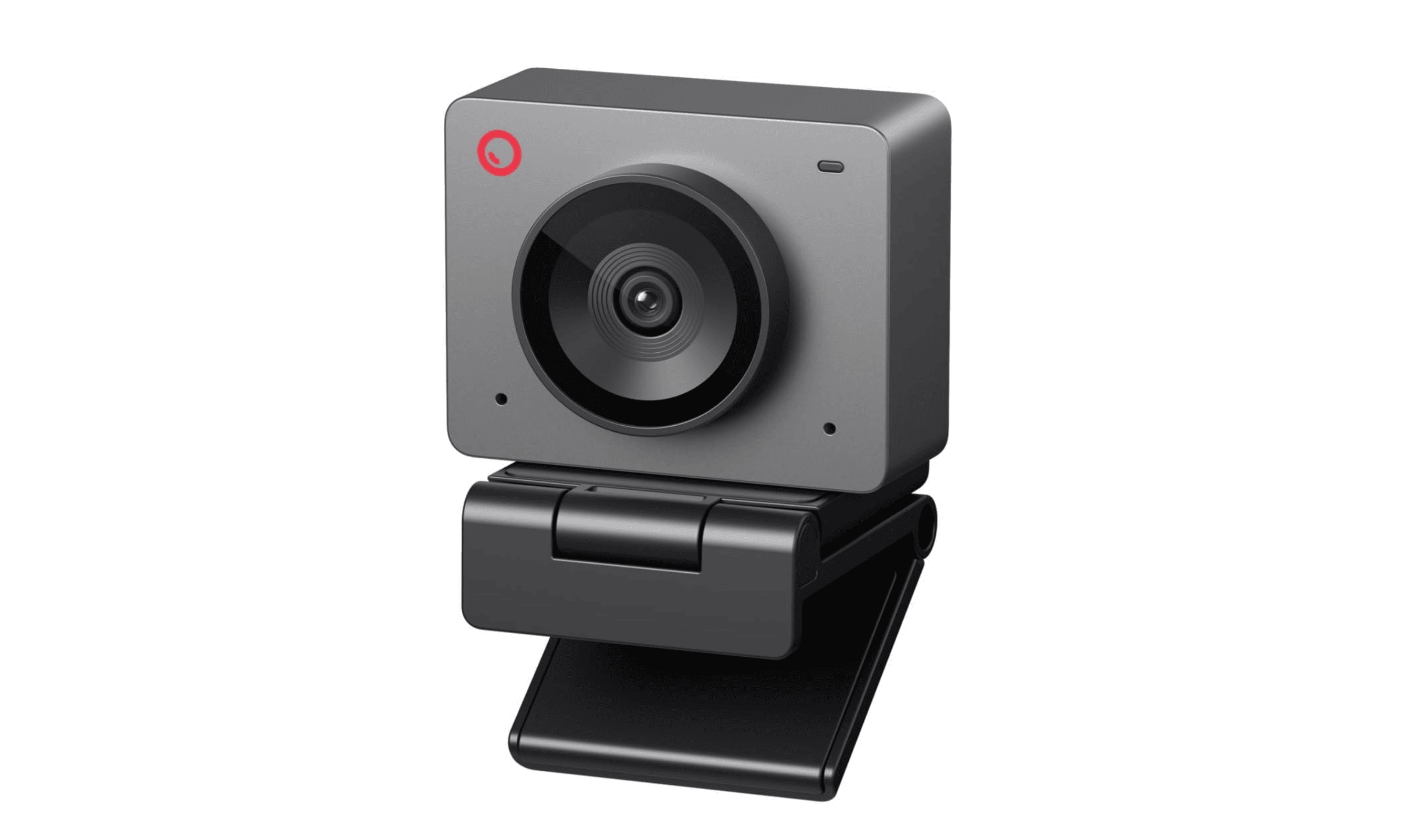
8 Best Webcams for 2026
5 min read
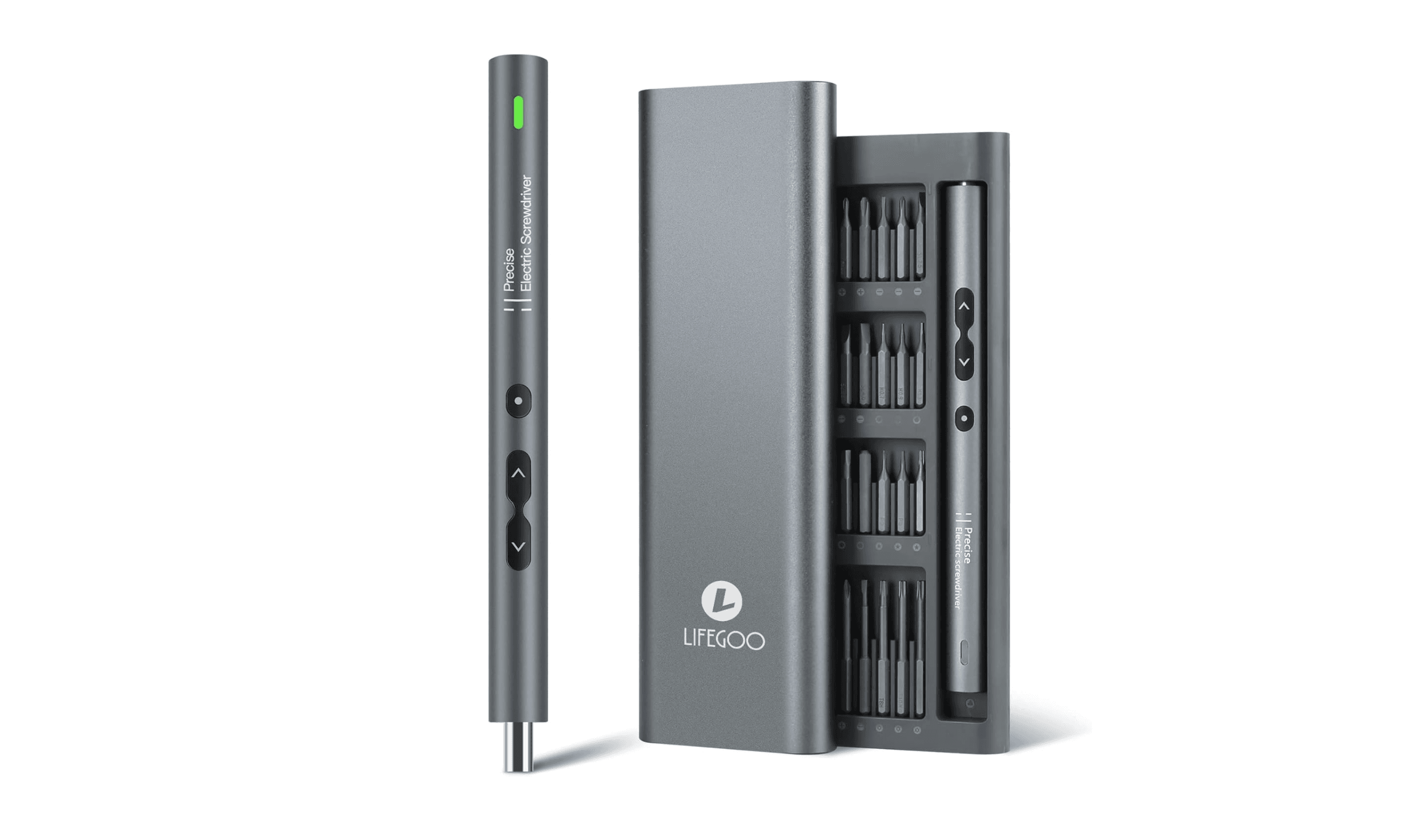
7 Best Electric Screwdrivers of 2026
4 min read
8 Best Rice Cookers to Buy in 2026
4 min read
5 Best Vacuums for Tile Floors in 2026
5 min read
8 Best Cold Press Juicers for 2026
3 min read
5 Best Height-Adjustable Desks for 2026
5 min read
Best Food Processors for 2026
3 min read
5 Best Massage Guns for 2026
5 min read