If you need a laptop that lasts through your workday and then some, you're in the right place. The MacBook Pro 16-inch with M5 Pro is our overall pick for power users who want performance and long battery life. For Windows users, Snapdragon X laptops such as the HP OmniBook 5 offer long battery life, though runtime depends on your workload and settings. This list is for anyone who values freedom from power outlets, whether you're a student, business traveler, or remote worker.
Technobezz is supported by its audience. We may get a commission from retail offers.
8 Laptops with the Best Battery Life to Buy in 2026
Discover the 9 best laptops for battery life in 2026.
T
Technobezz
Senior Editor
Updated September 5, 2026Sep 5, 2026
•8 min read

Get Deals Like These in Your Inbox
The best prices, reviewed weekly.
At a Glance
| Category | Product | Why We Picked It |
|---|---|---|
| Best overall | MacBook Pro 16-inch M5 Pro | Pairs M5 Pro performance with up to 24 hours of video streaming in Apple testing |
| Best Windows ultraportable | HP OmniBook 5 | Offers an OLED display and up to 34 hours of battery life claimed by HP |
| Best value | Lenovo IdeaPad Slim 3x | Offers exceptional battery life at a budget price |
| Best business laptop | Lenovo ThinkPad X9 15 Aura Edition | Balances professional features with excellent endurance |
| Also recommended | Microsoft Surface Laptop 7 | 15-inch touchscreen and up to 22 hours of local video playback in Microsoft testing |
| Also recommended | Acer Swift Go 14 | Great value with solid battery and performance |
| Also recommended | Lenovo ThinkPad T14s Gen 6 | Reliable business pick with a top-tier keyboard |
| Also recommended | Asus Vivobook S16 | 16-inch 3K OLED screen with up to 14 hours of battery life claimed by ASUS |
How we chose and tested
We evaluated laptops based on real-world battery testing results, looking for devices that consistently deliver extended runtime across different usage scenarios. Our assessment considers video playback tests, web browsing endurance, and productivity workload performance. We prioritize laptops that balance battery life with practical performance, build quality, and overall value.
The best laptops with the best battery life right now
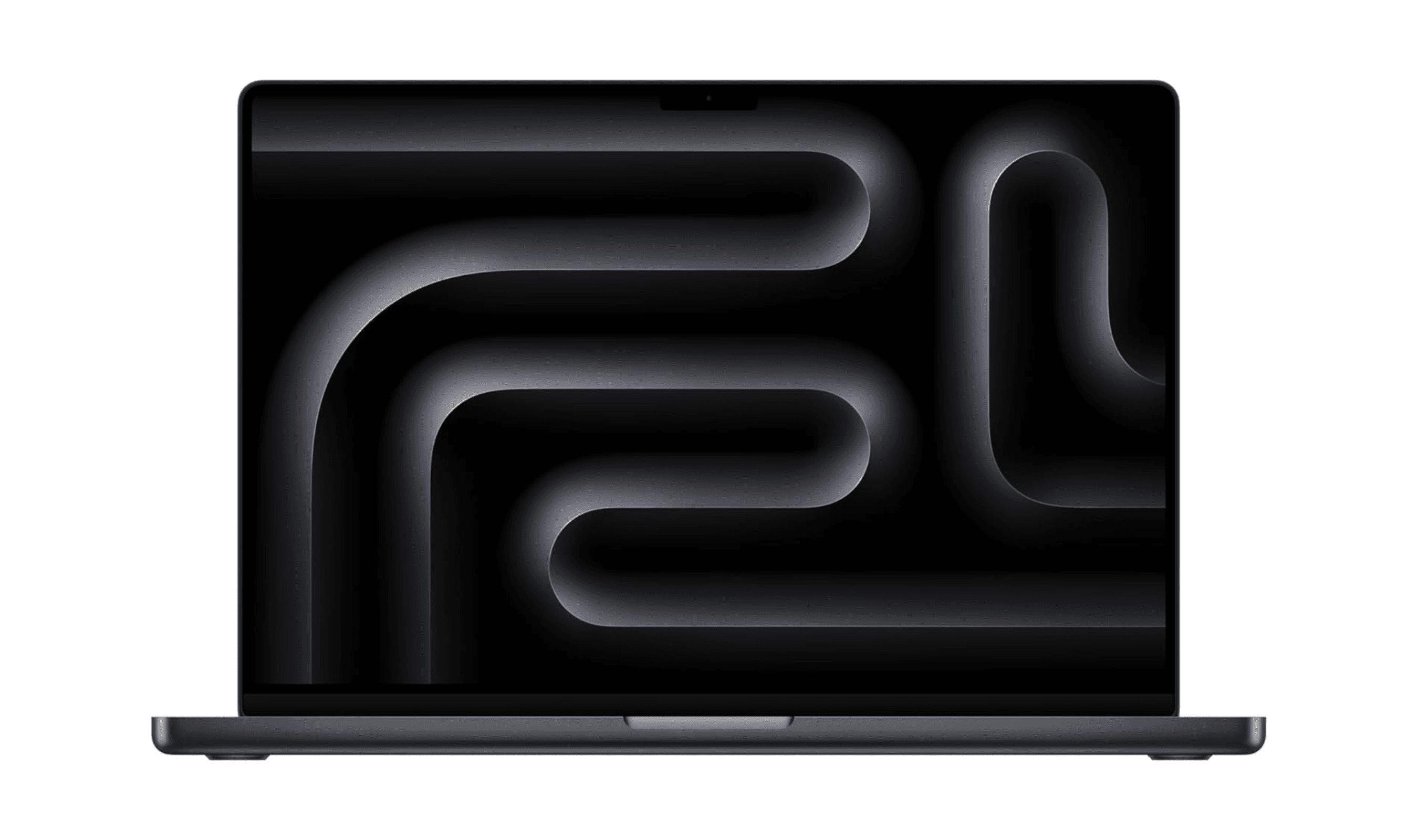
MacBook Pro 16.2-inch M5 Pro - Best overall

This 16.2-inch MacBook Pro pairs the M5 Pro chip with 24GB of unified memory and a 1TB SSD for demanding creative work. Apple rates this model for up to 24 hours of video streaming or 17 hours of wireless web use; actual runtime varies with your workload and settings.
Key highlights
- M5 Pro chip with an 18-core CPU and 20-core GPU
- 24GB unified memory and a 1TB SSD in the linked configuration
- 16.2-inch Liquid Retina XDR display with up to 1600 nits peak HDR brightness
- 100Wh battery rated by Apple for up to 24 hours of video streaming
- Wi-Fi 7 and Bluetooth 6 connectivity
Pros
- Hardware acceleration for ProRes video workflows
- Three Thunderbolt 5 ports, HDMI and an SDXC card slot
- 12MP Center Stage camera and a six-speaker sound system
- Apple rates wireless web use at up to 17 hours
Cons
- At about 4.7 pounds, it is a substantial laptop to carry
- No USB-A port; older USB accessories need an adapter
- macOS may not suit workflows that require Windows-only software
Who it is for: Content creators, developers, and power users who need maximum performance without compromising on battery life.
Skip if
You're on a tight budget, need Windows-specific applications, or prefer a lighter ultraportable.
HP OmniBook 5 - Best Windows ultraportable
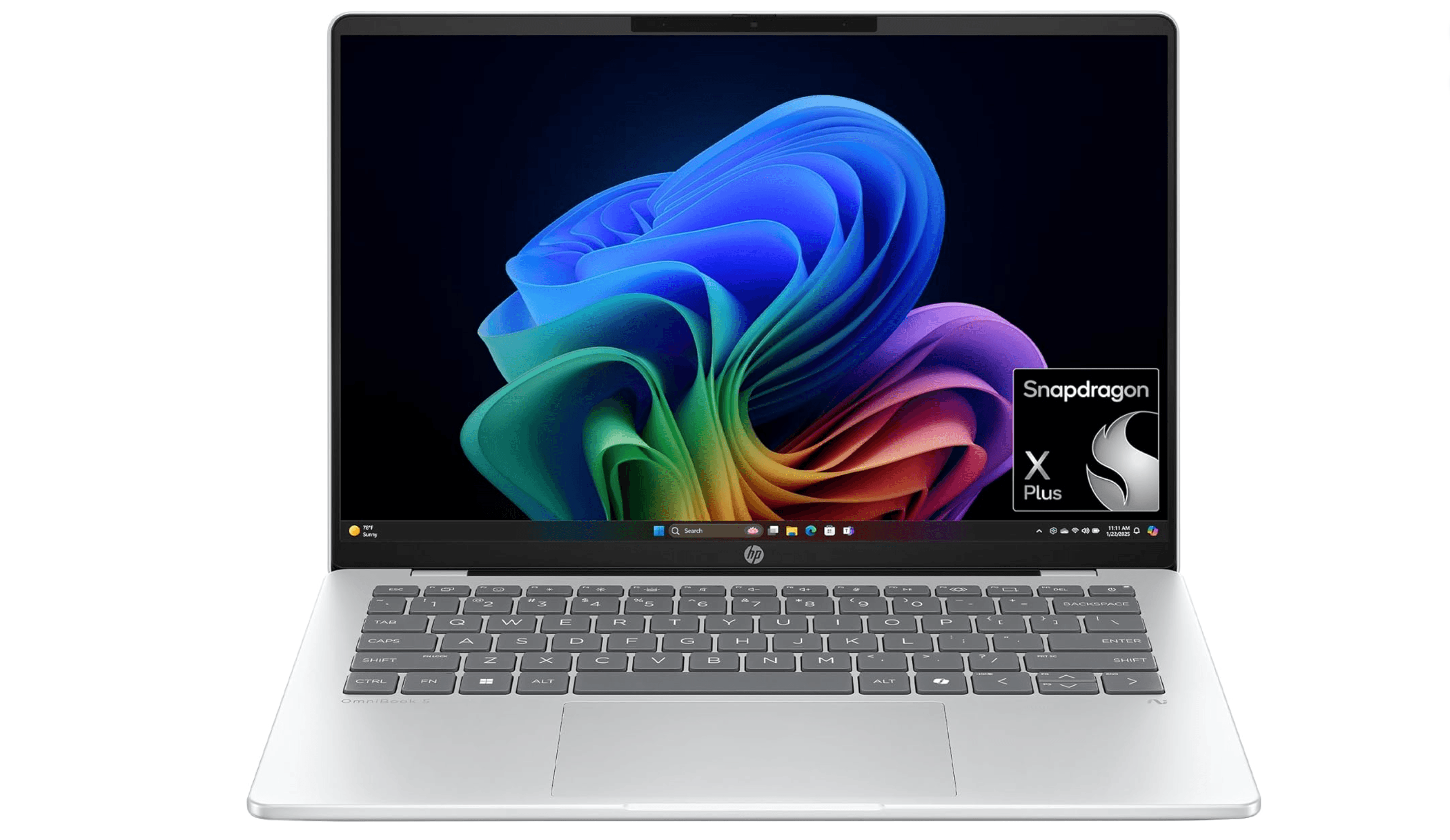
The HP OmniBook 5 14 uses a Snapdragon X Plus processor for everyday productivity. HP advertises up to 34 hours of battery life, but that maximum is not a guarantee of multiple full workdays between charges.
Key highlights
- Qualcomm Snapdragon X Plus processor provides excellent efficiency
- HP advertises up to 34 hours of battery life; actual runtime varies
- Slim, professional design with premium build materials
- Excellent thermal performance with minimal fan noise
- Good selection of ports including USB-C and USB-A
Pros
- Industry-leading battery life for a Windows laptop
- Lightweight and portable design ideal for frequent travelers
- Solid performance for productivity applications and web browsing
- Good display quality with adequate brightness for indoor use
Cons
- Some application compatibility issues with ARM architecture
- Performance lags behind Intel/AMD counterparts for intensive tasks
- Limited gaming capabilities due to integrated graphics
- Higher price than traditional Windows ultraportables
Who it is for: Business travelers, students, and remote workers who prioritize battery life above all else.
Skip if
You need maximum performance for demanding applications or play Windows games regularly.
Lenovo IdeaPad Slim 3x - Best value
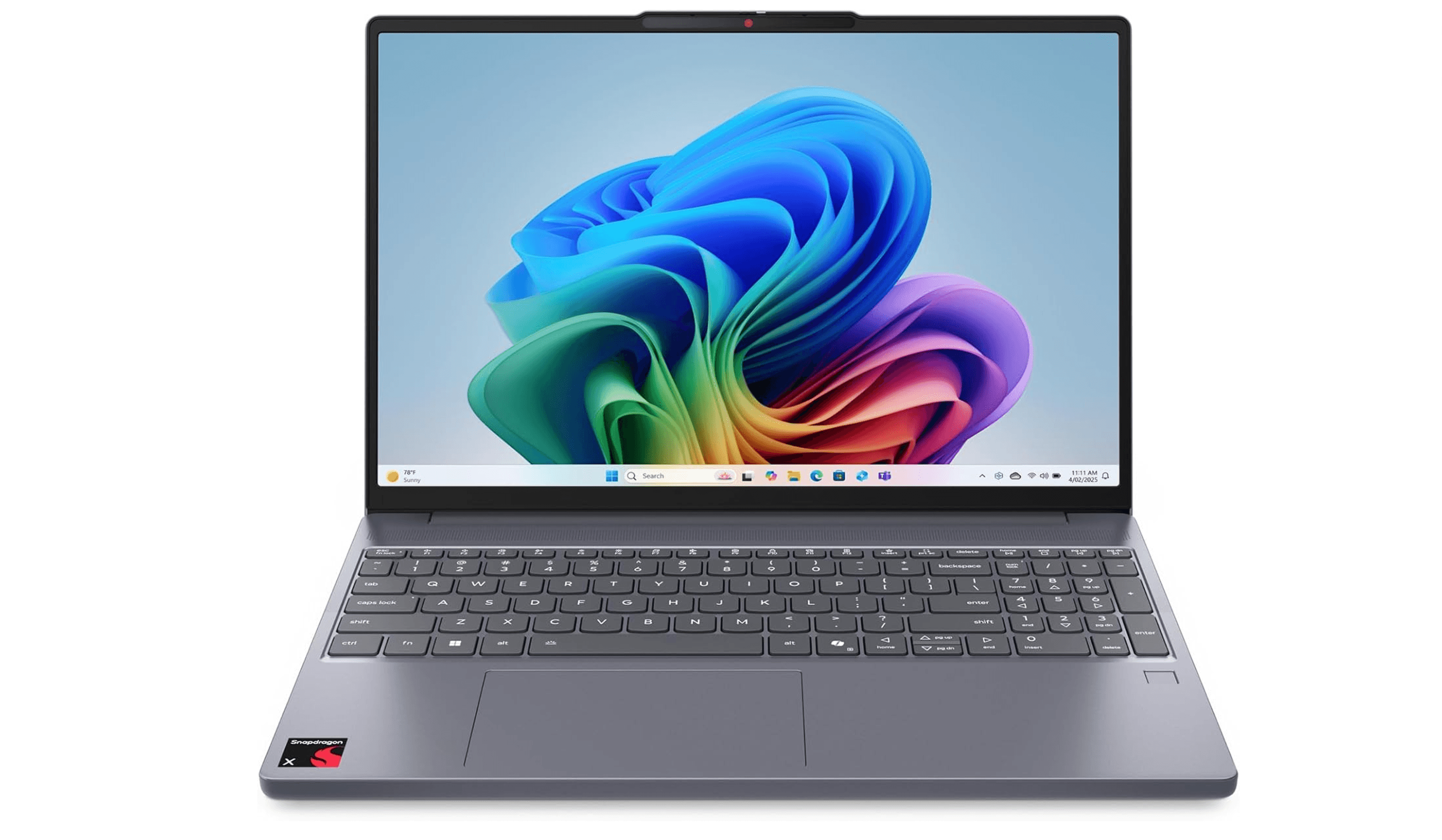
For those who want exceptional battery life without breaking the bank, the IdeaPad Slim 3x 15 delivers exceptional runtime at a surprisingly affordable price point. It proves that you don't need to spend a fortune to get a laptop that lasts through extended work sessions.
Key highlights
- Snapdragon X processor enables exceptional battery efficiency
- Exceptional battery life in video playback testing
- Reasonably sturdy build quality for the price
- Decent performance for everyday computing tasks
- Large 15.3-inch display provides ample workspace
Pros
- Outstanding battery life at a budget-friendly price
- Good value proposition when on sale
- Adequate performance for web browsing and office applications
- Lightweight design considering the screen size
Cons
- Display quality is mediocre compared to more expensive options
- Keyboard feels somewhat cramped for extended typing sessions
- Build materials feel less premium than higher-end models
- Limited upgrade options for memory and storage
Who it is for: Students, budget-conscious buyers, and anyone who needs maximum battery life for basic computing tasks.
Skip if
You need a high-quality display, premium build, or performance for demanding applications.
Lenovo ThinkPad X9 15 Aura Edition - Best business laptop
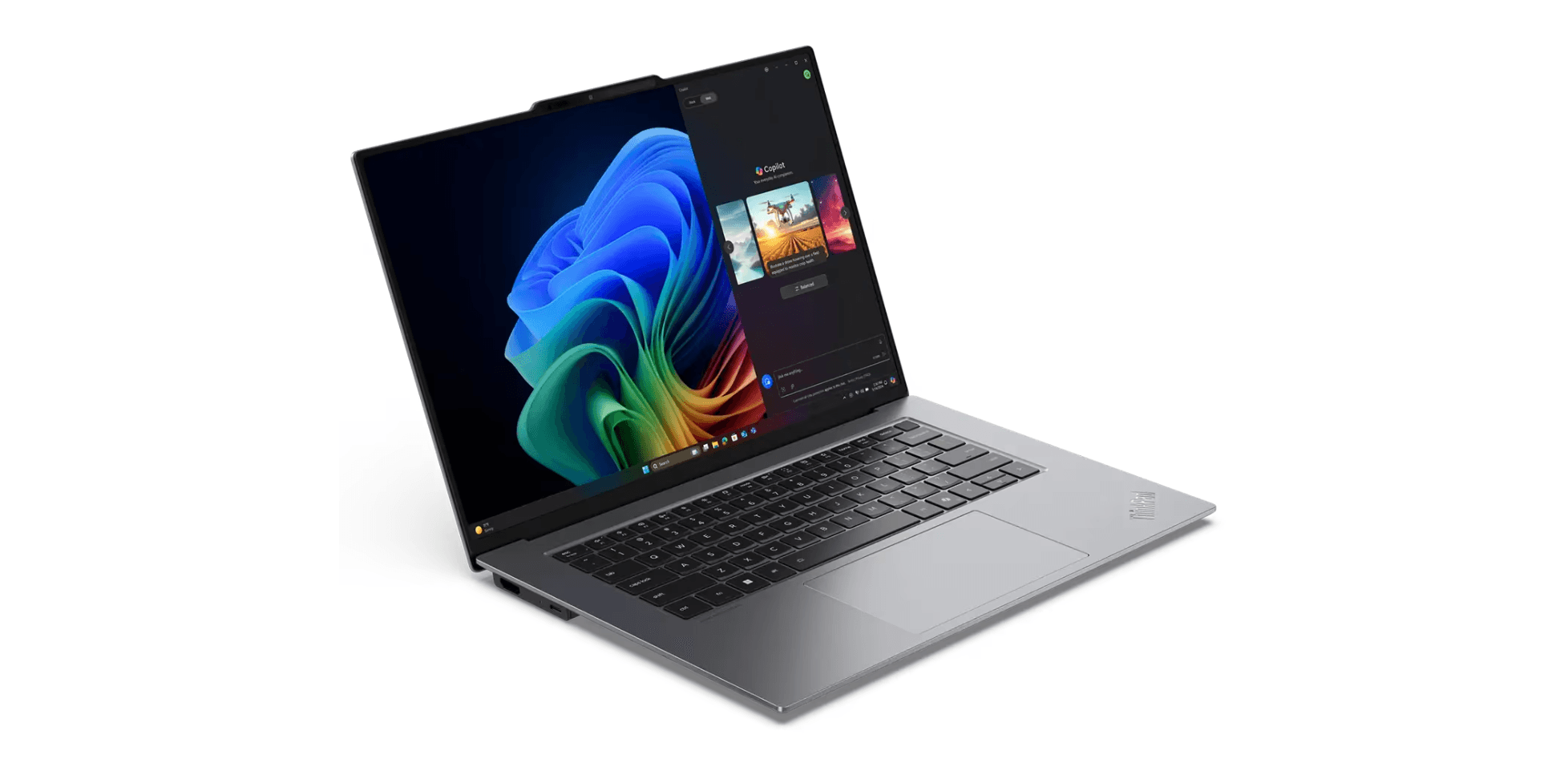
This professional workstation combines business-grade features with impressive battery life, making it ideal for corporate users who need reliability and endurance. It delivers the ThinkPad durability and keyboard quality that business users expect, along with enough battery to last through long meetings and travel days.
Key highlights
- Aluminum construction designed to meet MIL-STD-810H durability standards
- Excellent keyboard with superior typing experience
- Good selection of ports including 2x Thunderbolt 4
- Solid performance for business applications
- All-day battery life with room to spare
Pros
- Legendary ThinkPad keyboard quality and durability
- Professional design suitable for corporate environments
- Good performance for productivity and business applications
- Excellent port selection for connectivity needs
Cons
- Premium pricing compared to consumer laptops
- Heavier than ultraportable alternatives
- Display options may not satisfy creative professionals
- Battery life good but not class-leading
Who it is for: Business professionals, corporate users, and anyone who values keyboard quality and durability.
Skip if
You need maximum battery life or are on a tight budget.
Also Good
- Microsoft Surface Laptop 7 - 15-inch Snapdragon X Elite model with 16GB RAM, a 512GB SSD and up to 22 hours of local video playback in Microsoft testing; actual runtime varies.
- Acer Swift Go 14 - great value with solid battery and performance.
- Lenovo ThinkPad T14s Gen 6 - reliable business pick with a top-tier keyboard.
- Asus Vivobook S16 - 16-inch 3K OLED display with a Ryzen AI 7 350 processor, 16GB of memory and a 1TB SSD; ASUS advertises up to 14 hours of battery life.
How to Choose
Consider these factors when selecting a laptop for battery life:
Processor architecture matters most: Snapdragon X laptops currently lead in battery efficiency, followed by Apple's M-series chips, then Intel's latest Core Ultra processors. Your choice here will have the biggest impact on runtime.
Display technology affects endurance: OLED and high-refresh-rate screens consume more power than standard IPS panels. If maximum battery life is your priority, consider a laptop with a more efficient display.
Battery capacity versus weight: Larger batteries provide longer runtime but add weight and bulk. Ultraportables prioritize thinness over maximum capacity, while larger laptops can accommodate bigger batteries.
Your actual usage patterns: Video playback tests don't always reflect real-world use. Consider how you'll actually use the laptop, web browsing, document editing, and video conferencing all have different power demands.
Future-proofing considerations: Battery capacity declines with age and use. Leave some runtime headroom, but do not assume a fixed percentage will guarantee the same endurance two years later.
FAQ
How much battery life do I really need?
For most people, 8-10 hours of real-world use is sufficient for a full workday. If you frequently work away from outlets or travel extensively, aim for 12+ hours or consider the new multi-day Snapdragon X options.
Do battery life claims match real-world usage?
Manufacturer claims are often based on ideal conditions. Actual runtime varies with workload, screen brightness, settings and battery condition. Look for independent test results rather than marketing numbers.
Should I prioritize battery life over performance?
It depends on your needs. If you're mostly doing web browsing and document editing, battery life should be your priority. For video editing, 3D rendering, or gaming, you'll need to balance performance requirements with battery considerations.
How does screen brightness affect battery life?
Higher screen brightness uses more power. Lower it to a comfortable level for your surroundings to help extend runtime.
Are there ways to extend battery life on any laptop?
Yes. Reducing screen brightness, disabling keyboard backlighting, closing unnecessary applications, and using power-saving modes can help extend battery life. The improvement depends on the laptop and workload.
Published February 15, 2026 Last updated September 5, 2026
Share this article
More in News
7 Best Laptops for Bloggers in 2026
Discover the best laptops for bloggers in 2026. Our top pick is the Apple MacBook Air M3 for its perfect balance of performance and portability.
4 min read
6 Best Travel Laptops From Budget Picks to Premium Models
Discover the 7 best cheap travel laptops for 2026 : Our top pick, the Acer Aspire 3, offers the perfect balance of performance, portability, and value for your budget.
4 min read
Best Laptops Under $500 for 2026
The Acer Aspire Go 15 leads our picks for the best laptops under $500 in 2026, including top Chromebooks for students and budget users.
3 min read
8 Best Chromebooks for Students in 2026
The best Chromebooks for students in 2026, from the Samsung Galaxy Chromebook Plus to budget picks under $200 and rugged, all-day classroom models.
3 min read
Top 8 Laptops for Writers for 2026
3 min read
4 Best Chromebooks Under $300 for 2026
3 min read
7 Best Food Processors for 2026
3 min read
6 Best Smart Thermostats for 2026
5 min read
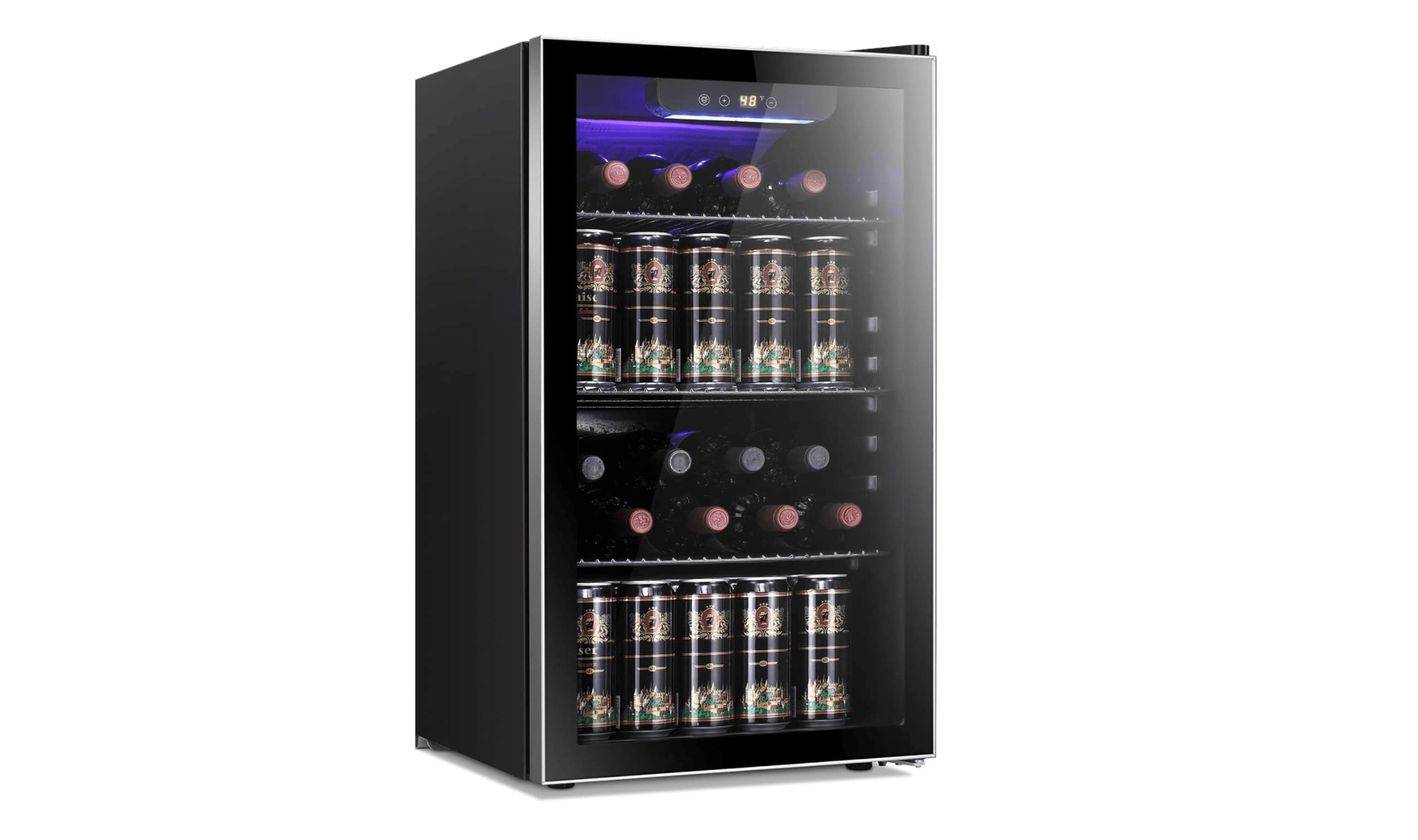
6 Best Beverage Coolers for Your Home (2026)
5 min read
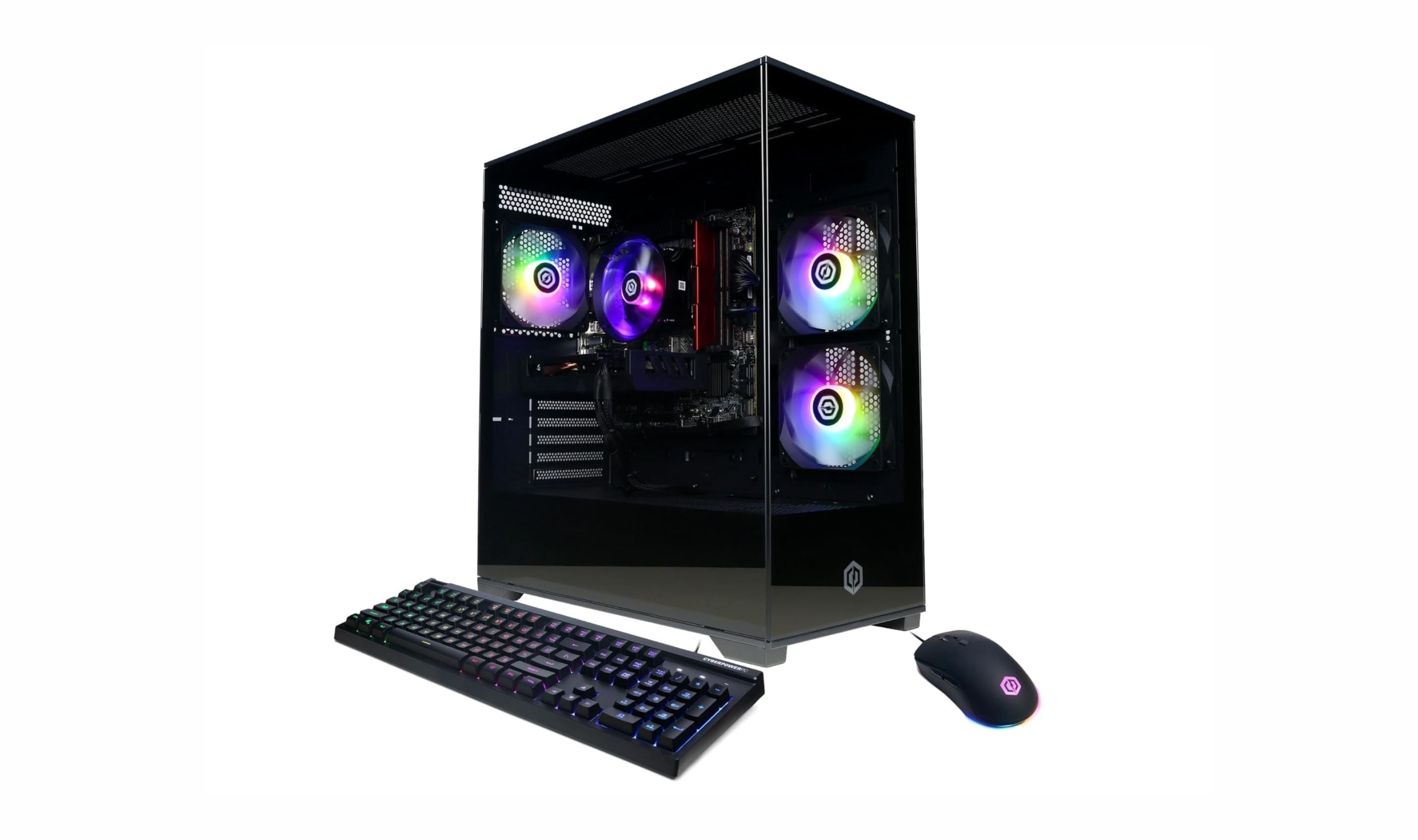
9 Best Desktops Under $1500 for 2026
3 min read
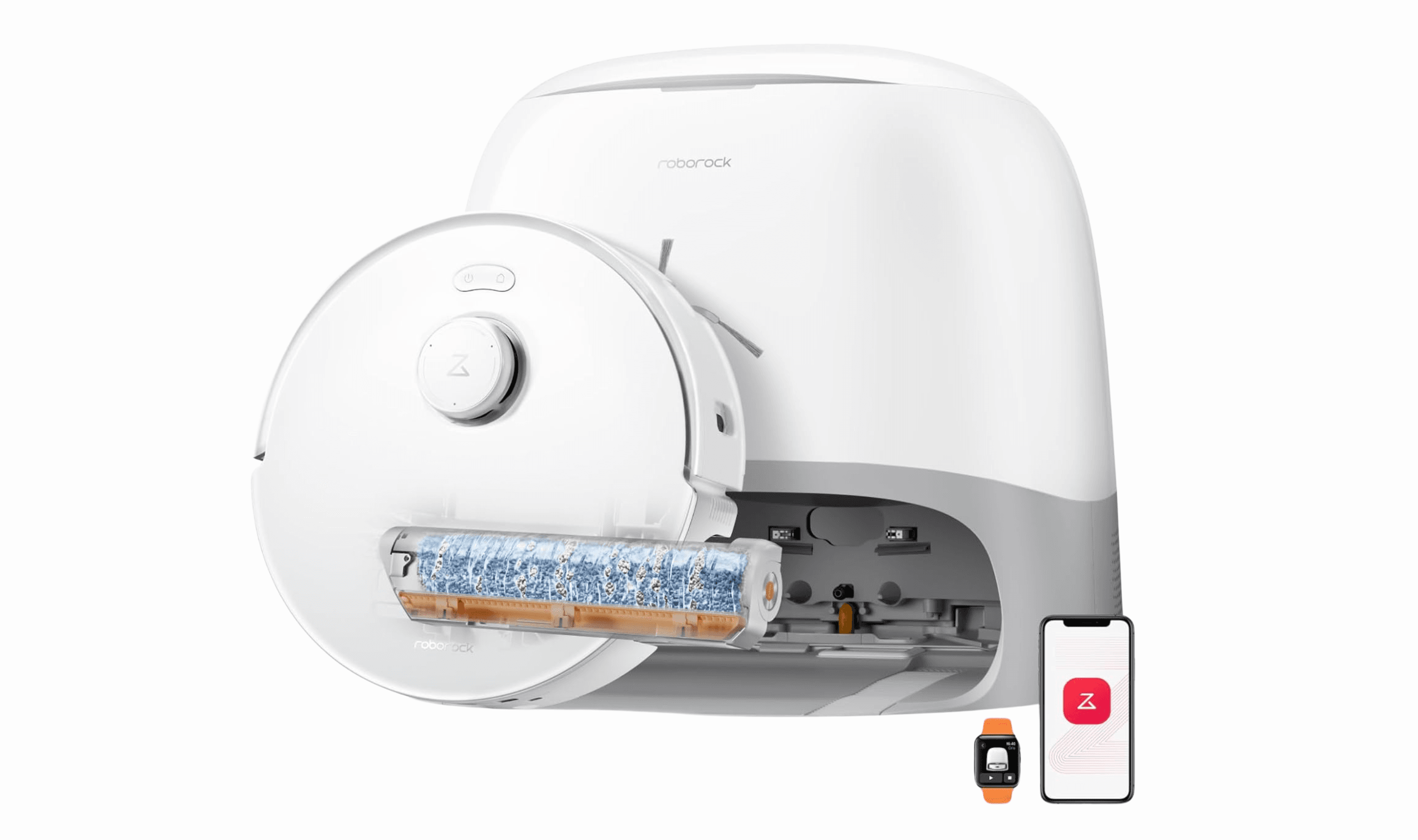
Best Robot Mops for 2026
4 min read
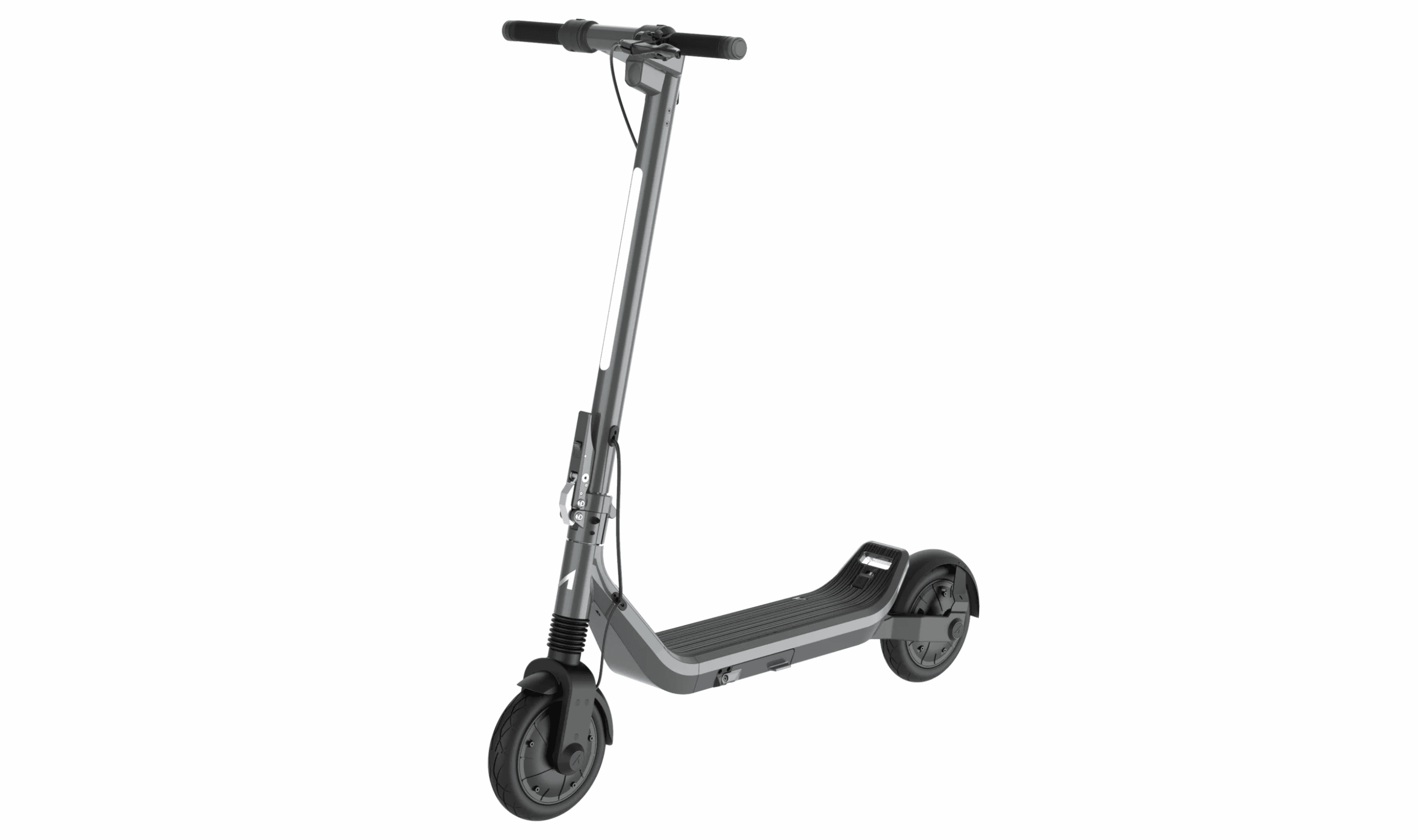
7 Best Electric Scooters for 2026
3 min read