Gmail is still the default email account for a lot of people, but it is not the only good place to keep a personal inbox. The better choice depends on what you value most: privacy, storage, Apple device integration, Microsoft Office ties, a custom domain, or a clean mailbox that does not feel overbuilt.
For most people, Microsoft Outlook is the easiest Gmail alternative to recommend. It has a real free personal plan, broad app support, calendar built in, and enough mailbox storage that ordinary users will not feel boxed in right away. The other picks here are more specific, and that is the point: Proton Mail is the privacy pick, iCloud Mail belongs with Apple users, Fastmail is for people willing to pay for a polished mailbox, and Zoho Mail is the practical custom-domain option.
At a Glance
| Best for | Software | Standout | Free tier |
|---|---|---|---|
| Most people moving from Gmail | Microsoft Outlook | 15 GB mailbox storage with Outlook email and calendar | Yes, with 15 GB mailbox storage and 5 GB cloud storage |
| Apple users | iCloud Mail | Deep iPhone, iPad, Mac, and iCloud web access | Yes, with 5 GB shared iCloud storage |
| Privacy-first email | Proton Mail | Encrypted email with web, mobile, and desktop apps | Yes, with 500 MB Mail storage, upgradeable to 1 GB |
| Simple high-storage free mail | Yahoo Mail | 20 GB free storage | Yes, ad-supported |
| Paid personal email | Fastmail | Standards-friendly mail for web, mobile, and third-party clients | Trial only, up to 30 days |
| Small custom-domain setups | Zoho Mail | Free hosted-domain plan in selected data centers | Yes, in selected data centers with limits |
| Encrypted free email without ads | Tuta Mail | Ad-free encrypted mailbox with 1 GB storage | Yes |
| Private webmail with documents | Mailfence | No-ads, no-tracking mail with documents and groups | Yes, with 500 MB email plus 500 MB documents |
How we chose
We prioritized email services with current official product pages, usable consumer access, clear platform support, and a free tier or trial terms that can be stated without guesswork. We gave extra weight to services that make sense as a real Gmail replacement, not just a niche inbox for one narrow task.
We disqualified anything deprecated, anything without an official product page, and anything that would push this into shopping advice. Storage, app availability, account setup path, privacy posture, and custom-domain limits shaped the final order.
Microsoft Outlook
Key highlights
- Standout: 15 GB mailbox storage with Outlook email and calendar
- Free tier: Yes, with 15 GB mailbox storage and 5 GB cloud storage
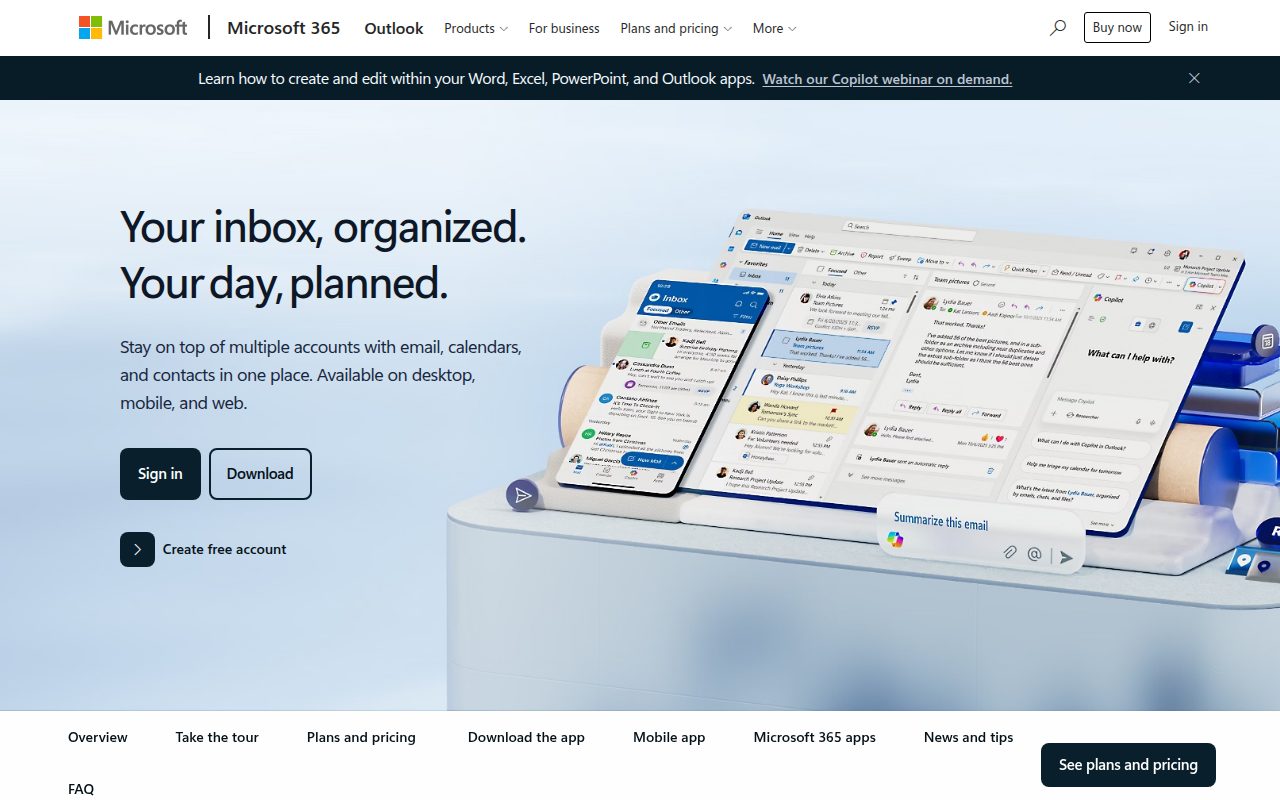
Microsoft Outlook is the Gmail alternative most people should pick because it feels complete without asking for a lot of setup decisions. A free personal account includes Outlook email and calendar, 15 GB of mailbox storage, 5 GB of cloud storage, and core security features, which covers the ordinary daily mix of personal mail, receipts, travel messages, school notes, and calendar invites.
Its biggest advantage is reach. Outlook works on the web, Windows, macOS, iOS, Android, and Outlook desktop and mobile apps, so it fits people who move between a phone, browser, and computer every day. The account creation path is direct: start from the Outlook page, create a free account, choose an @outlook.com username, verify identity, and then use Outlook wherever you prefer.
Pros
- It is the best default Gmail replacement for most personal users.
- The free plan includes 15 GB of mailbox storage.
- Outlook combines email and calendar in one familiar service.
- It works across web, desktop, and mobile platforms.
Cons
- It is tied to a Microsoft account.
- The free plan includes less cloud storage than mailbox storage.
- People who want privacy-first encrypted email should choose Proton Mail or Tuta Mail instead.
Most people leaving Gmail who want a dependable free mailbox with strong app coverage and a built-in calendar should choose Outlook.
You want an email service built primarily around encryption and privacy controls.
iCloud Mail
Key highlights
- Standout: Deep iPhone, iPad, Mac, and iCloud web access
- Free tier: Yes, with 5 GB shared iCloud storage
iCloud Mail is the right Gmail alternative for people who already live on an iPhone, iPad, or Mac. It is built around the Apple Account you already use, and setup is handled inside system settings on Apple devices rather than through a separate, busy mail product.
The standout is how naturally it fits Apple hardware. On iPhone and iPad, go to Settings > [your name] > iCloud, tap Mail, then turn on Use on this [device]; on Mac, choose Apple menu > System Settings, click your name at the top of the sidebar, then iCloud > Mail (or iCloud Mail) and turn on Sync this Mac; and on the web, Mail is available through iCloud.com. The free storage is 5 GB shared across iCloud services, while iCloud+ adds Custom Email Domain, Hide My Email, and larger storage.
Pros
- It is the cleanest choice for people already using Apple devices.
- Setup is integrated into iPhone, iPad, and Mac settings.
- It also works through iCloud Mail in a browser.
- iCloud+ adds Custom Email Domain and Hide My Email.
Cons
- The free 5 GB storage is shared across iCloud services.
- It is less compelling for people outside the Apple ecosystem.
- Custom Email Domain requires iCloud+.
Apple users who want their personal mailbox to sit naturally beside iCloud, Photos, Calendar, and device settings should use iCloud Mail.
You use a mix of non-Apple devices and want the strongest cross-platform email-first experience.
Proton Mail
Key highlights
- Standout: Encrypted email with web, mobile, and desktop apps
- Free tier: Yes, with 500 MB Mail storage, upgradeable to 1 GB
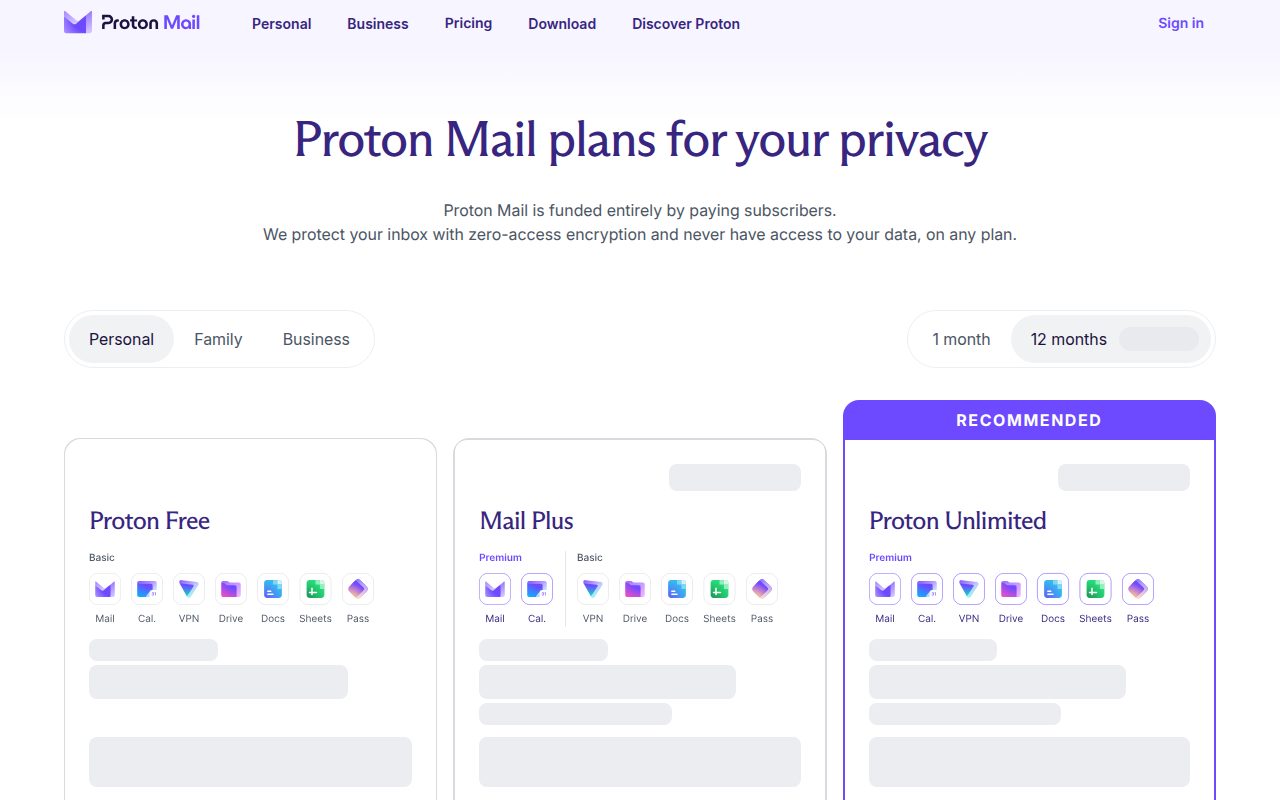
Proton Mail is the Gmail alternative for people who want privacy to be the center of the product, not a settings page they may never open. It offers encrypted email, a free Proton account, and access through the Proton web app plus Android, iPhone, iPad, Windows, macOS, Linux, and Proton desktop and mobile apps.
The free plan starts with 500 MB of Mail storage and can be upgraded to 1 GB by completing Proton’s checklist. Paid plans add more storage, custom domains, Bridge, additional email addresses, and support, while hide-my-email aliases are included on the free plan and IMAP and SMTP through Proton Mail Bridge require a paid Proton plan. That makes Proton strongest when privacy matters more than maximum free storage.
Pros
- It is the clearest privacy-first recommendation in this list.
- The free plan includes encrypted email.
- Apps are available across major desktop and mobile platforms.
- The free Mail storage can be raised from 500 MB to 1 GB through Proton’s checklist.
Cons
- The free storage limit is smaller than Outlook, Yahoo Mail, and Tuta Mail.
- IMAP and SMTP through Proton Mail Bridge require a paid plan.
- Custom domains and additional email addresses are paid-plan features, though hide-my-email aliases are included on the free plan.
Privacy-focused users who want encrypted email and are comfortable trading free storage capacity for stronger privacy positioning should pick Proton Mail.
You want a large free mailbox for years of attachments and newsletters.
Yahoo Mail

Key highlights
- Standout: 20 GB free storage
- Free tier: Yes, ad-supported
Yahoo Mail earns its place as the simple, high-storage free option. Its current official surfaces show 20 GB of free storage, which makes it a practical Gmail alternative for people who care less about encryption branding or custom-domain controls and more about having room for a normal personal inbox.
It works on the web and through the Yahoo Mail app on iOS, iPadOS, Android, and Apple silicon Mac where the iPad app is supported. The free tier is ad-supported and in-app-purchase supported, so the tradeoff is clear: Yahoo Mail gives you a roomy free mailbox, but it is not the quietest or most privacy-centered service here.
Pros
- The free tier currently includes 20 GB of storage.
- It is easy to use on the web and mobile apps.
- It is a straightforward option for a personal secondary mailbox.
- The setup path is simple through Yahoo Mail sign-up.
Cons
- The free tier is ad-supported.
- It is not the best pick for privacy-first email.
- It has less custom-domain appeal than Zoho Mail or Fastmail.
People who want a simple free mailbox with more storage than the privacy-focused free plans should choose Yahoo Mail.
You want an ad-free free inbox or advanced privacy features.
Fastmail
Key highlights
- Standout: Standards-friendly mail for web, mobile, and third-party clients
- Free tier: Trial only, up to 30 days
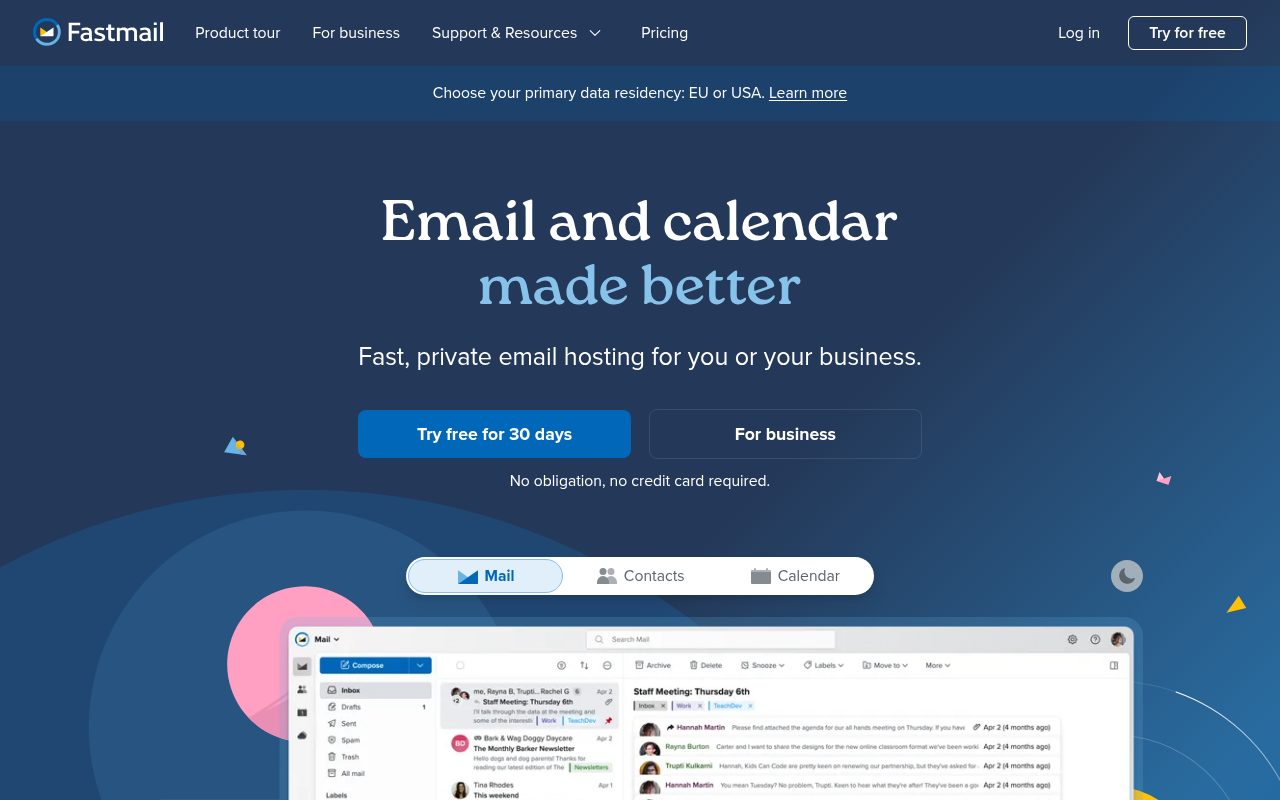
Fastmail is for people who already know they are willing to pay for email and want the mailbox to feel like the product, not an add-on to a larger ecosystem. It supports Fastmail web, iOS and Android apps, and standards-based third-party clients such as Outlook or iPhone Mail.
The important distinction is that Fastmail is not a long-term free Gmail alternative. Trial accounts are free for up to 30 days with no credit card required, and then require a paid subscription. The trial has real limits, including up to five email addresses, 120 sent messages per day, no websites, no forwarding rules, no custom Sieve rules, and no file sharing.
Pros
- It is the strongest pick here for people who want paid personal email.
- It works with Fastmail apps and standards-based third-party clients.
- The trial does not require a credit card.
- It suits users who want email separated from the biggest platform ecosystems.
Cons
- There is no genuinely free long-term plan.
- The trial is limited to up to 30 days.
- Trial accounts have sending and feature restrictions.
People who want a polished paid mailbox and value third-party client support should choose Fastmail.
You need a Gmail alternative that stays free after the trial ends.
Zoho Mail
Key highlights
- Standout: Free hosted-domain plan in selected data centers
- Free tier: Yes, in selected data centers with limits
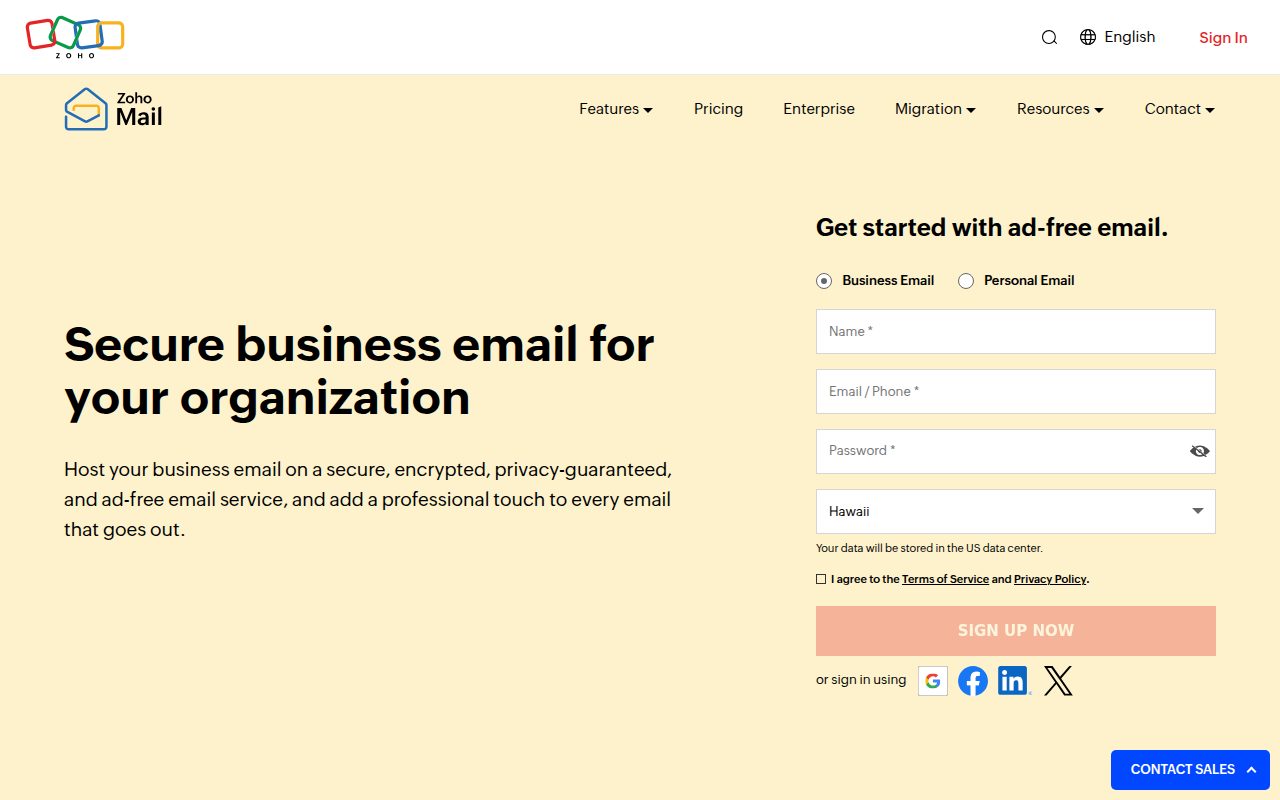
Zoho Mail is the practical choice for a personal custom-domain mailbox or a small organization that wants email without turning the account into a full consumer ecosystem. It works through Zoho Mail webmail and iOS and Android apps, and organizations can configure users and domains in the Zoho Mail Admin Console.
The free plan is specific, which is why Zoho fits a specific audience. In selected data centers, it supports up to 5 users, one hosted domain, and 5 GB of mail storage per user, but it is web-only. IMAP, POP, forwarding, routing, ActiveSync, SAML SSO, white labeling, archival, and eDiscovery are paid-plan features.
Pros
- It is the best fit here for small custom-domain email setups.
- The free plan can support up to 5 users in selected data centers.
- Each free-plan user gets 5 GB of mail storage.
- Zoho Mail includes an admin console for organization setup.
Cons
- The free plan is available only in selected data centers.
- Free-plan access is web-only.
- IMAP, POP, forwarding, and several admin features require a paid plan.
Small organizations and custom-domain users who can live with web-only free access should choose Zoho Mail.
You want free IMAP, POP, or mobile-client style access through standard protocols.
Tuta Mail
Key highlights
- Standout: Ad-free encrypted mailbox with 1 GB storage
- Free tier: Yes
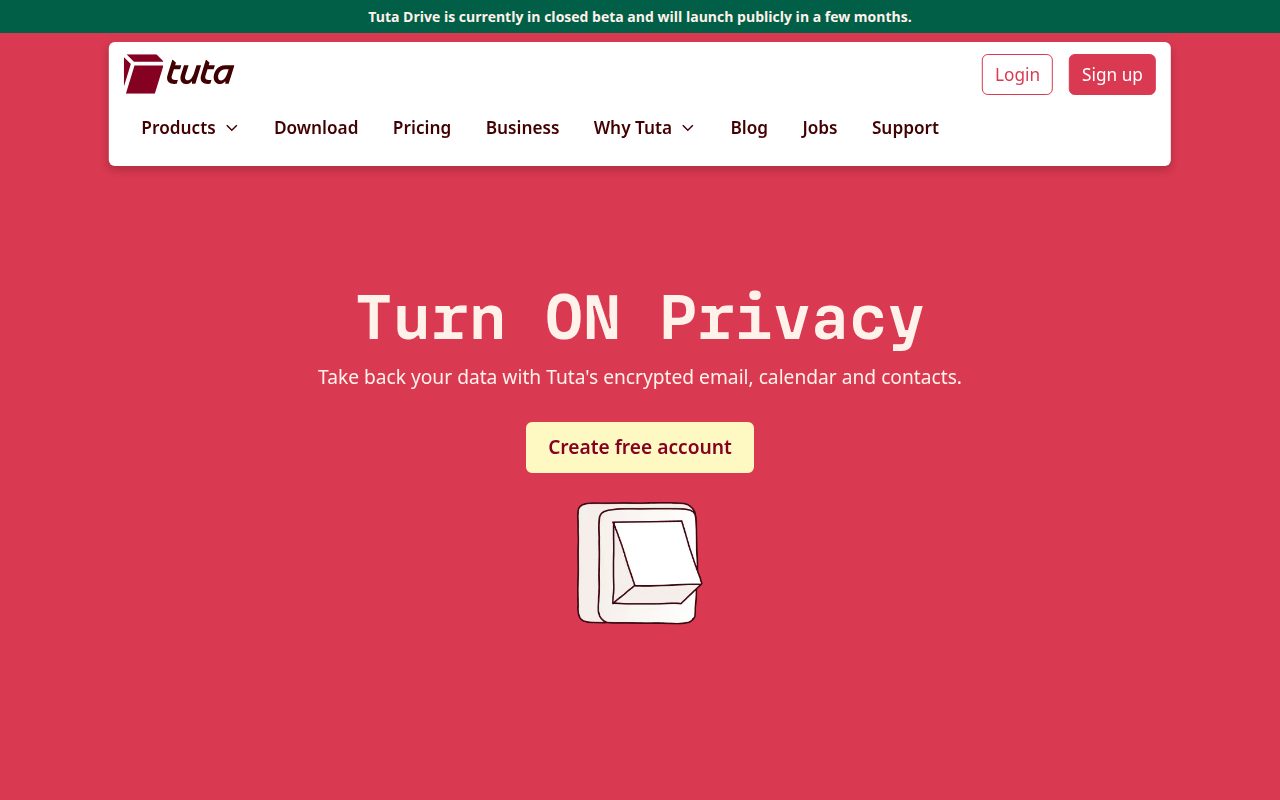
Tuta Mail is the best pick for people who want encrypted email with a genuinely free, ad-free account. It is available through the browser and apps for Android, iPhone, iPad, Windows, macOS, and Linux, which gives it broader everyday reach than many privacy-focused mail services.
The free tier includes 1 GB of storage, one calendar, and 3 labels. Paid plans add more storage, unlimited calendars and labels, extra email addresses, and custom domains. Tuta does not try to win by offering the biggest free mailbox; it wins for users who want a cleaner privacy-focused account without ads.
Pros
- The free tier is genuinely free and ad-free.
- It includes encrypted email.
- Free accounts include 1 GB storage, one calendar, and 3 labels.
- Apps are available for browser, mobile, Windows, macOS, and Linux.
Cons
- The free storage limit is smaller than Outlook and Yahoo Mail.
- Unlimited calendars and labels require a paid plan.
- Custom domains are paid-plan features.
People who want a free encrypted mailbox without ads should choose Tuta Mail.
You need the largest possible free storage allowance.
Mailfence
Key highlights
- Standout: No-ads, no-tracking mail with documents and groups
- Free tier: Yes, with 500 MB email plus 500 MB documents
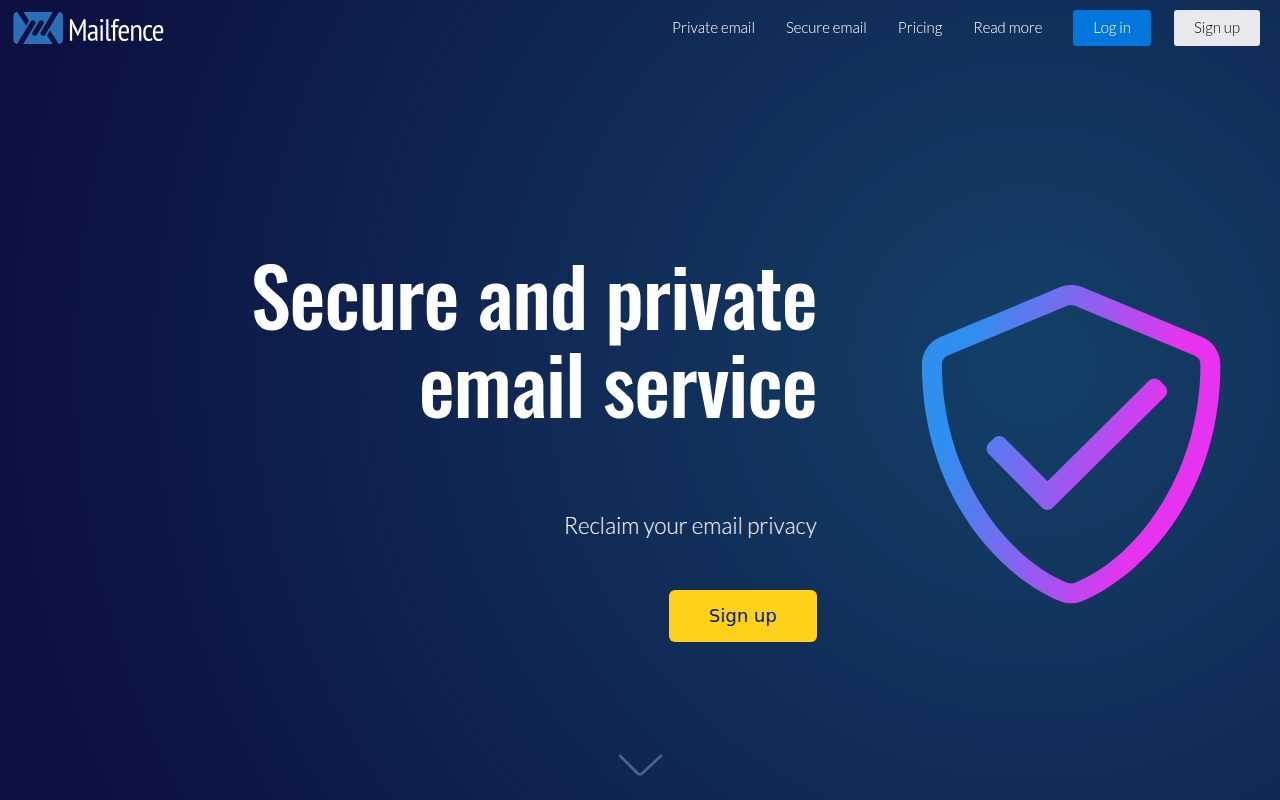
Mailfence is for users who want private webmail with a little more workspace around it. Its product includes Messages, Calendars, Documents, and Groups, which gives it a different shape from a plain personal inbox.
The free plan is genuinely free and has no ads or tracking, with 500 MB of email storage plus 500 MB for documents, knowledge-base support, and limited storage. Paid tiers add more storage, aliases, domains, POP, IMAP, SMTP, ActiveSync, user management, DKIM, SPF, DMARC, and priority support, so Mailfence is strongest when you like its web and PWA-centered approach and may later need more team or domain features.
Pros
- The free plan has no ads and no tracking.
- It includes 500 MB email storage plus 500 MB documents storage.
- Messages, Calendars, Documents, and Groups are part of the product surface.
- Paid plans add domains, protocols, and administrative controls.
Cons
- The free storage allowance is modest.
- POP, IMAP, SMTP, and ActiveSync require paid tiers.
- Priority support is a paid-plan feature.
People who want private webmail with documents and group features in the same service should choose Mailfence.
You want a large free mailbox or free access through standard mail protocols.
How to Choose
- Start with Outlook. It is the safest recommendation for most Gmail switchers because the free mailbox is roomy, the calendar is built in, and the apps are broadly available.
- Choose iCloud Mail for Apple life. It makes the most sense when your mail account should follow your iPhone, iPad, Mac, and iCloud settings.
- Pick Proton Mail for privacy depth. It is the right move when encrypted email matters more than free storage size.
- Use Yahoo Mail for storage. It is the better free choice when you want 20 GB of mailbox space and accept an ad-supported service.
- Pay for Fastmail when email is the product. It belongs to users who want a polished mailbox and third-party client support enough to subscribe after the trial.
- Choose Zoho Mail for small custom-domain setups. It is the practical option when the free hosted-domain limits match your needs.
- Use Tuta Mail for ad-free encrypted free email. It is the cleaner free privacy pick when 1 GB storage is enough.
- Choose Mailfence for private webmail with workspace features. It makes sense when Messages, Calendars, Documents, and Groups are useful together.











