Free antivirus software is still worth choosing carefully. The right pick depends less on brand noise and more on what kind of protection you actually need: quiet built-in defense, a full consumer suite, a second-opinion cleaner, or a technical scanning engine.
For most Windows users, Microsoft Defender is the one to use first. It is already built into Windows, it is maintained through Microsoft’s own security intelligence updates, and it covers the everyday antivirus role without another download or account.
The other names here earn their spots for more specific jobs. Bitdefender is the clean Windows-only alternative, Avast and AVG suit people who want a broader free suite, Malwarebytes is the cleaner to keep around for manual scans, and ClamAV is the practical choice for technical users who want an open-source engine.
At a Glance
| Best for | Software | Standout | Free tier |
|---|---|---|---|
| Most Windows users | Microsoft Defender Antivirus | Built into Windows Security with quick, full, custom, and offline scans | Included with Windows |
| Simple Windows protection | Bitdefender Antivirus Free | Automatic protection after installation | Free Windows antivirus with no time limit |
| Cross-platform free suite | Avast One Free | Scan Center with custom scan creation | Free antivirus included, with paid Avast One features excluded |
| Traditional free PC antivirus | AVG AntiVirus Free | First scan built into the install flow | Free for personal and family use |
| Private non-commercial use | Avira Free Security | Security area for virus scanning and protection | Free for home users, with feature differences by operating system |
| Manual malware cleanup | Malwarebytes Free | On-demand scanning and cleaning | Free scan and clean tools, without desktop real-time Premium protection |
| Windows firewall control | ZoneAlarm Free Antivirus | Antivirus plus configurable firewall controls | Free Windows antivirus and firewall |
| Open-source scanning | ClamAV | Command-line tools including freshclam, clamscan, clamdscan, and clamonacc | Free GPLv2 antivirus toolkit |
How we chose
We prioritized current official free availability, clear vendor-owned download or support pages, and a role that makes sense without pushing people toward a paid plan. We removed deprecated free products, including Sophos Home Free for new users, and avoided candidates whose free status, platform support, or official source could not be stated cleanly from official pages.
We also separated full-time antivirus tools from on-demand scanners and technical engines. That matters because a built-in Windows antivirus, a free suite, a cleanup scanner, and an open-source command-line toolkit are not interchangeable, even when they all sit under the same antivirus label.
Microsoft Defender Antivirus
Visit Microsoft Defender Antivirus
Key highlights
- Standout: Built into Windows Security with quick, full, custom, and offline scans
- Free tier: Included with Windows
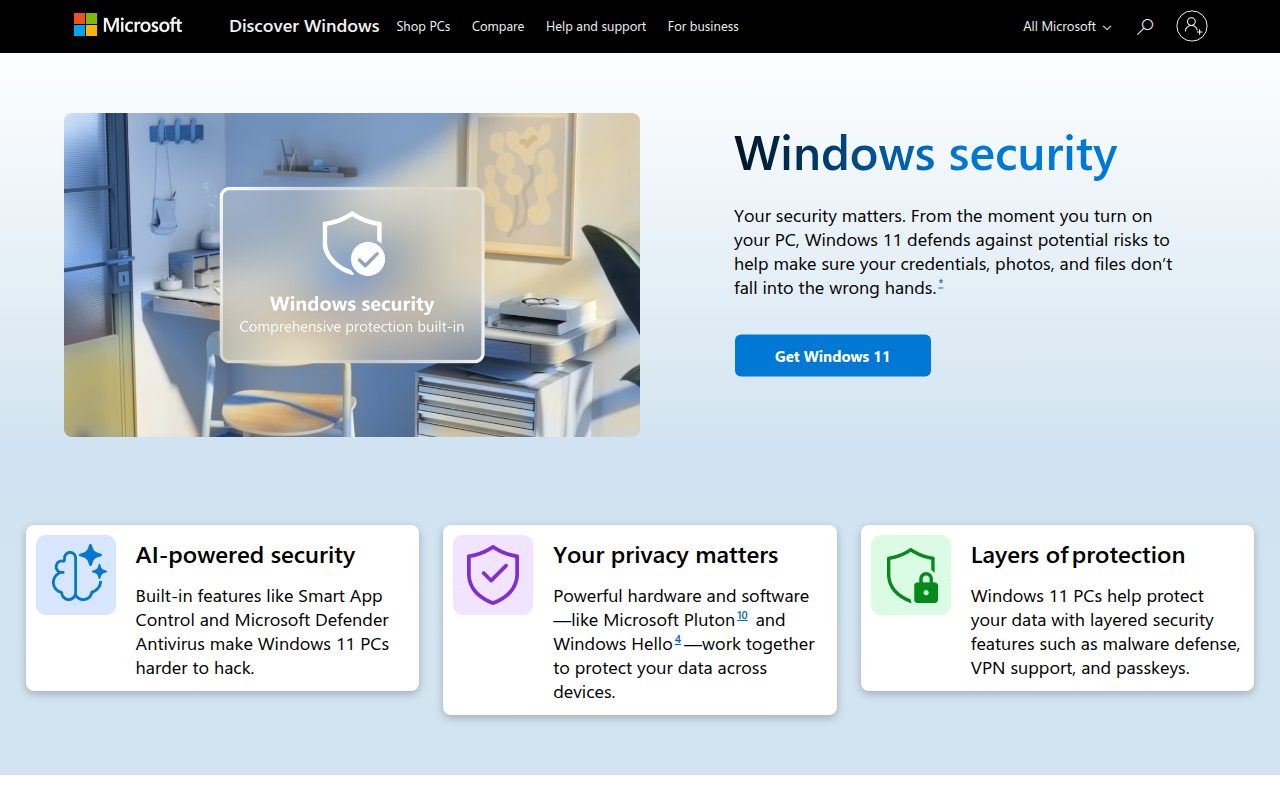
Microsoft Defender Antivirus is the default recommendation because it is already part of Windows Security on Windows 11 and Windows 10. There is no separate consumer seat count to manage and no installer to chase down before a protected Windows PC can run antivirus scans.
Its strongest feature is how complete the built-in scan surface is. From Virus and threat protection, Windows users can run a Quick scan, choose scan options for a Full scan or Custom scan, or use Microsoft Defender Antivirus offline scan when the situation calls for a deeper pass outside the normal Windows session.
It earns the top slot because it fits the way most people should handle free antivirus: keep the operating system’s own protection active, check Protection updates when needed, and confirm the active provider from Windows Security instead of stacking multiple antivirus apps.
Pros
- It is included with Windows 11 and Windows 10.
- It supports quick, full, custom, and offline scans.
- Protection updates are handled through Windows Security.
- The active security provider can be checked inside the app.
Cons
- It is a Windows choice, not a cross-platform suite for every device.
- Passive mode can depend on Microsoft Defender for Endpoint onboarding requirements.
- It does not give Mac, Android, and iOS users the same built-in role.
Most Windows users who want dependable free antivirus without adding another consumer security suite.
You need one free product to cover non-Windows devices from the same app family.
Bitdefender Antivirus Free
Visit Bitdefender Antivirus Free
Key highlights
- Standout: Automatic protection after installation
- Free tier: Free Windows antivirus with no time limit
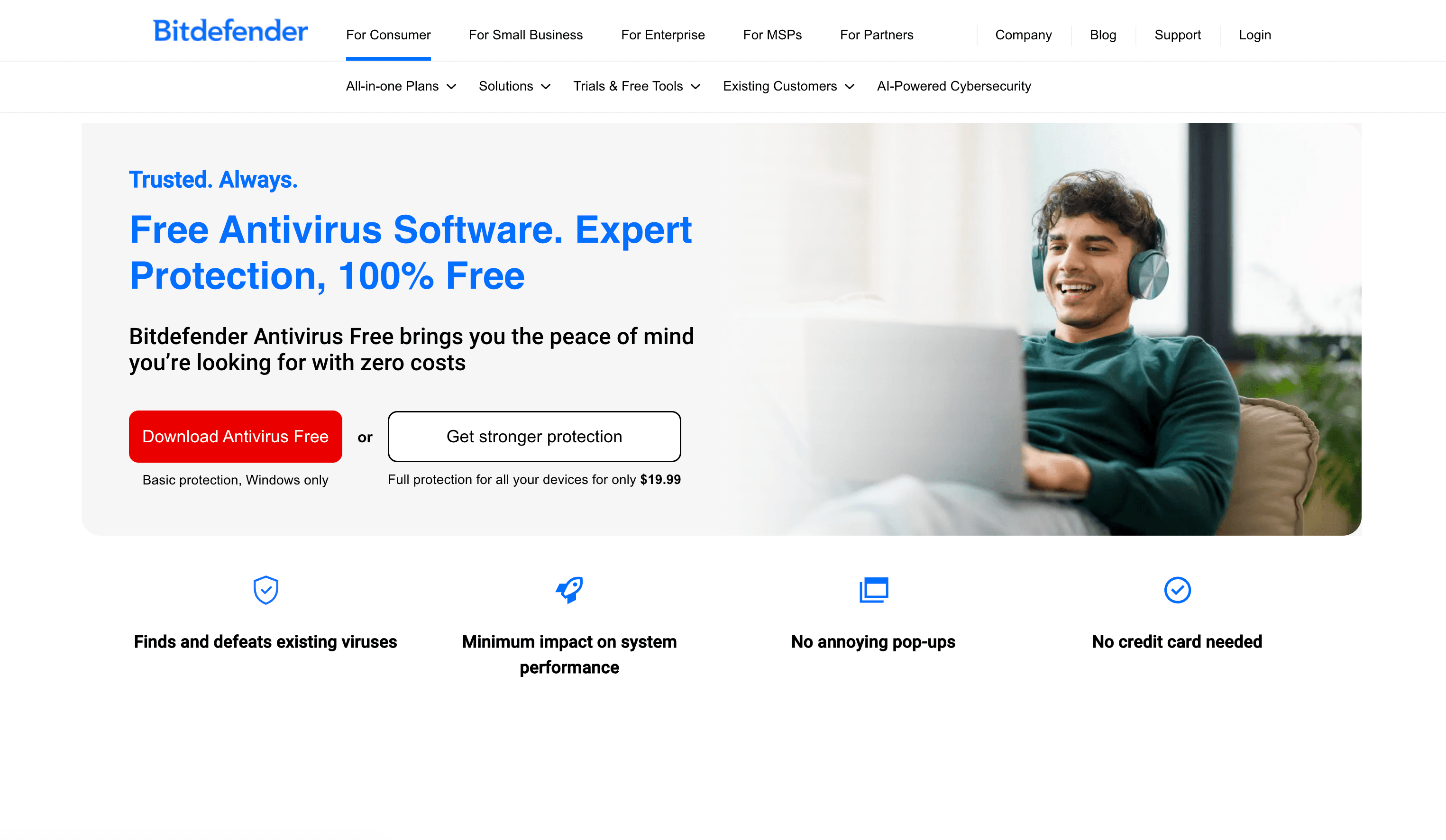
Bitdefender Antivirus Free is the clean pick for Windows users who want a dedicated free antivirus download instead of relying only on the built-in Windows option. The vendor describes it as basic protection for Windows only, which makes its role narrow and easy to understand.
The standout is the install-and-let-it-run approach. Bitdefender’s official flow is to download the free antivirus, open the downloaded file, start installation, and let Bitdefender run protection automatically, so it suits people who do not want to spend time tuning scan profiles.
This is the best alternative to Microsoft Defender for someone who specifically wants Bitdefender’s free Windows product. It is not the choice for households trying to cover every device type under one free account.
Pros
- It is free for Windows PCs.
- The vendor states there are no hidden costs, no time limit, and no credit card requirement.
- Protection runs automatically after installation.
- Its Windows-only scope keeps the product simple.
Cons
- It is not available as the same free antivirus for Mac, Android, or iOS.
- It is basic protection, not Bitdefender’s full paid multi-device suite.
Windows users who want a quiet dedicated free antivirus from Bitdefender and do not need multi-device coverage.
You want one free security app for Windows, Mac, Android, and iOS.
Avast One Free
Key highlights
- Standout: Scan Center with custom scan creation
- Free tier: Free antivirus included, with paid Avast One features excluded
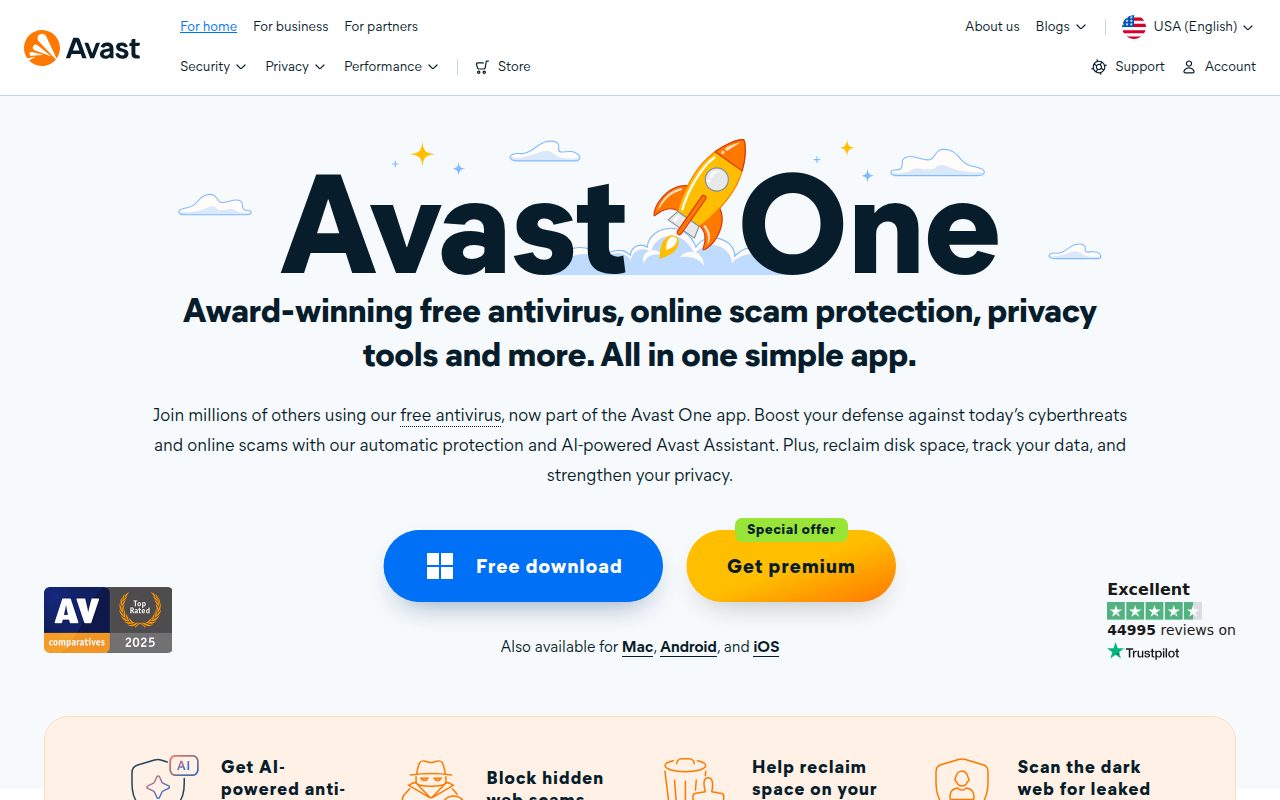
Avast One Free is the suite pick for people who want a free antivirus product with a broader consumer app around it. Avast advertises availability across Windows, Mac, Android, and iOS, with the important caveat that features differ by platform.
The feature that makes Avast more than a plain download button is Scan Center. In Avast One, the path runs through Explore, then Scan Center, where users can open the scan area and create a custom scan from the Custom scans tab.
Avast earns this slot because it makes sense for someone who wants a fuller free security interface and is comfortable leaving premium Avast One features out of the decision. The free antivirus is the reason to pick it, not the paid extras around the edges.
Pros
- Free antivirus is included in Avast One Free.
- It is advertised for Windows, Mac, Android, and iOS.
- Scan Center includes a custom scan creation path.
- The official download path is straightforward.
Cons
- Some Avast One features require paid subscriptions or trials.
- Feature availability differs by platform.
- It is more suite-like than people need for a simple Windows setup.
People who want a broad free antivirus suite across common device platforms and value custom scan controls.
You want the leanest possible Windows antivirus with no suite-style extras.
AVG AntiVirus Free
Key highlights
- Standout: First scan built into the install flow
- Free tier: Free for personal and family use
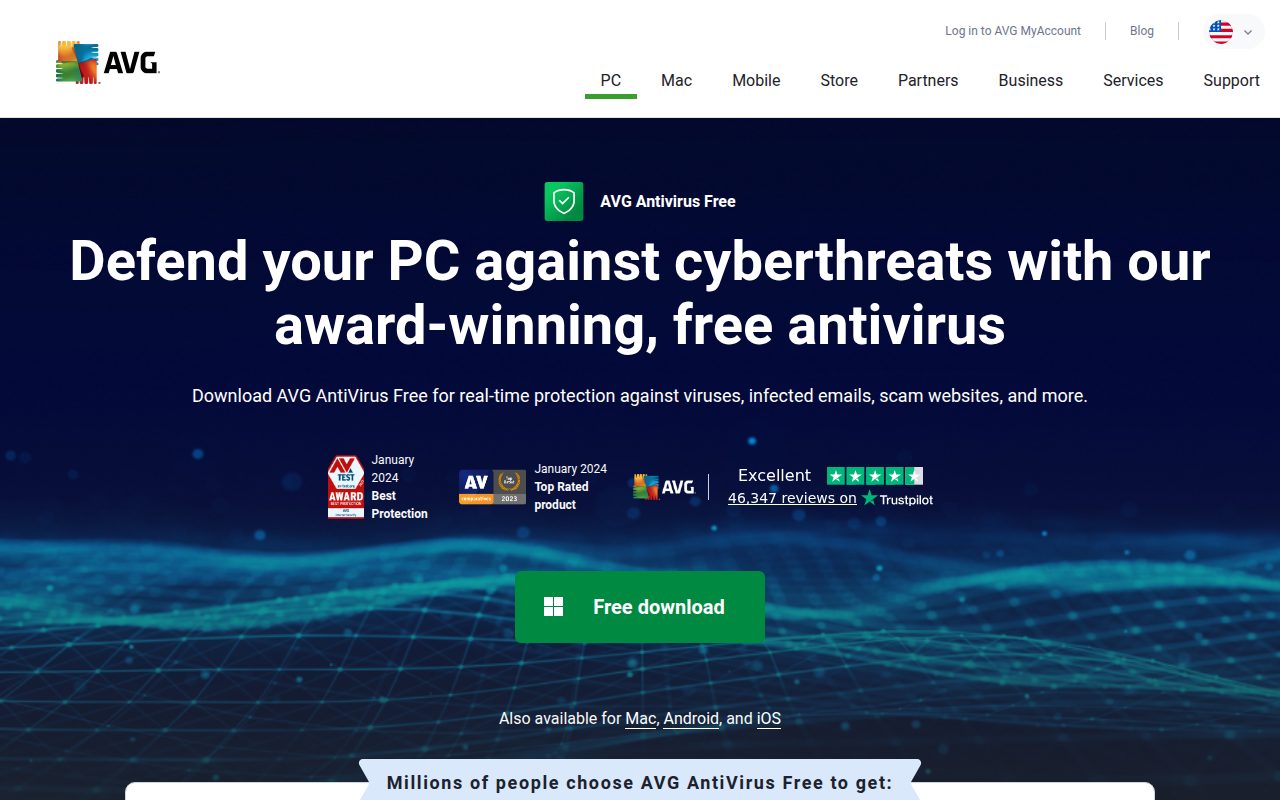
AVG AntiVirus Free is the pick for people who want a traditional free antivirus experience on a PC. AVG lists support for Windows 11, Windows 10, Windows 8.1, Windows 8, and Windows 7, excluding Starter and RT editions, and also advertises Mac, Android, and iOS versions.
Its standout is how direct the first-run flow is. AVG’s official install path is to download the installation wizard, double-click it, follow the on-screen instructions, and run the first scan, which keeps the product approachable for users who just want to get protection set up and checked.
AVG earns its spot because it remains a clear free antivirus option for personal and family use. It is not the recommendation for people who want the paid Internet Security or Ultimate feature set without paying for it.
Pros
- It has a current official free antivirus download.
- It supports a wide range of Windows versions listed by AVG.
- AVG also advertises Mac, Android, and iOS versions.
- The installation flow ends with a first scan.
Cons
- The free tier is for personal and family use.
- Paid Internet Security and Ultimate features are excluded.
- Platform versions do not imply identical features everywhere.
Home users who want a familiar free antivirus with a straightforward first scan after setup.
You need business licensing or paid-suite features inside the free product.
Avira Free Security
Key highlights
- Standout: Security area for virus scanning and protection
- Free tier: Free for home users, with feature differences by operating system
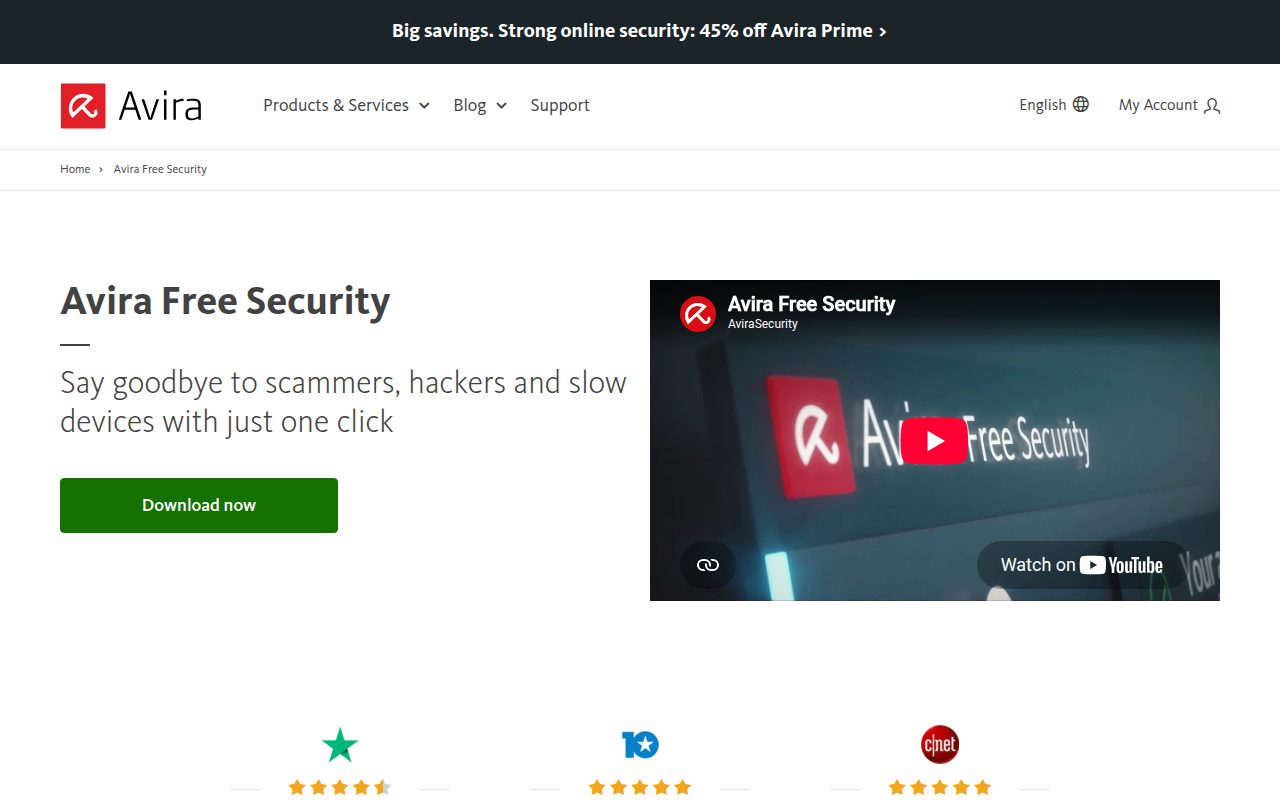
Avira Free Security is the pick for private, non-commercial users who want Avira’s free security app rather than a Windows-only antivirus. Avira’s current product family covers Windows, Mac, Android, and iOS, while the exact feature set varies by operating system.
The product’s useful center of gravity is the Security area, where virus scanning and protection live inside the Avira Security app. One boundary is clear: Avira Free Antivirus does not include Web Protection, so it should be chosen for the free antivirus role, not for a paid web-protection feature.
Avira belongs here for people who want a free home-user suite with broad platform coverage and can live with operating-system differences. It is not the right pick for commercial use or for anyone whose main requirement is included Web Protection.
Pros
- It is free for private, non-commercial users.
- Avira covers Windows, Mac, Android, and iOS in its product family.
- The Security area gives users the app-level place for virus scanning and protection.
- The vendor provides a current official Free Security page.
Cons
- Feature availability varies by operating system.
- Avira Free Antivirus does not include Web Protection.
- It is not positioned for commercial use.
Private home users who want Avira’s free security app and understand that features differ across devices.
You need included Web Protection or a free product for business use.
Malwarebytes Free
Key highlights
- Standout: On-demand scanning and cleaning
- Free tier: Free scan and clean tools, without desktop real-time Premium protection
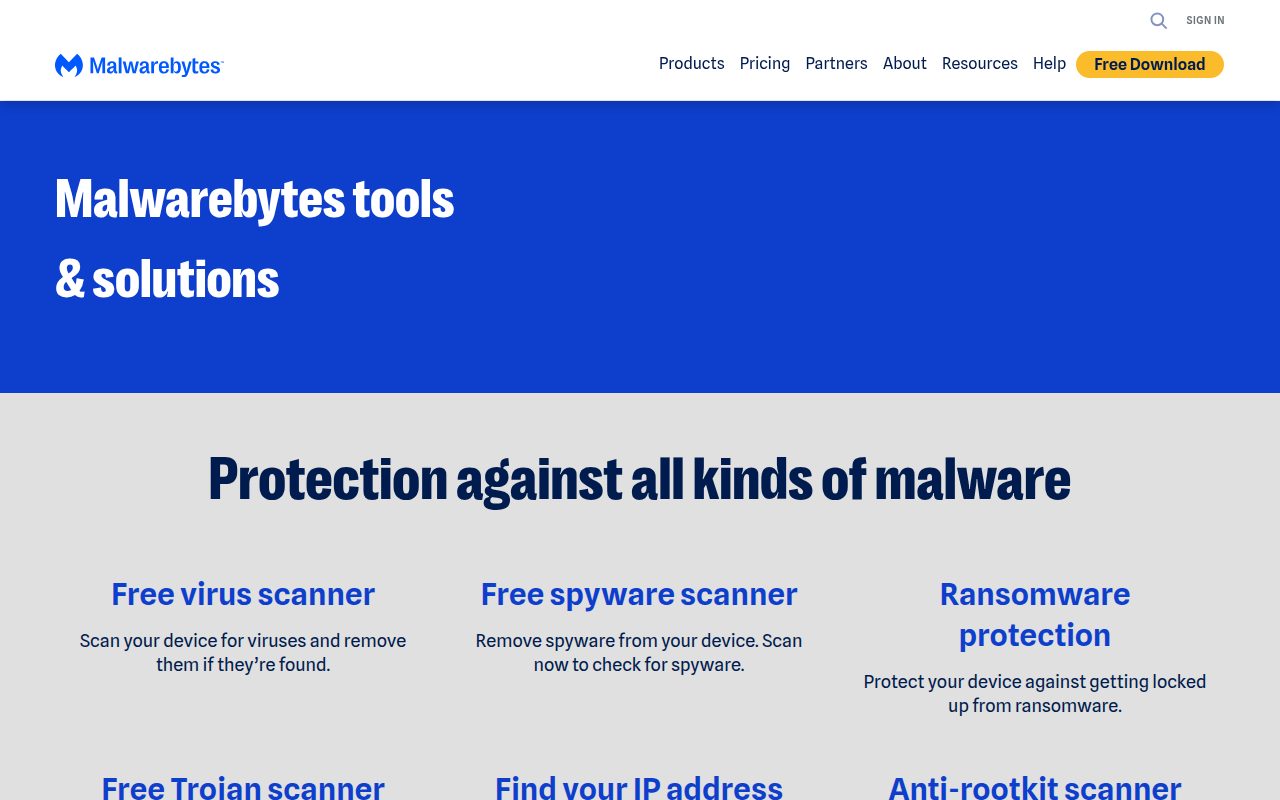
Malwarebytes Free is the one to keep separate from the full-time antivirus picks. Its free role is scanning and cleaning, while Malwarebytes Premium is the product tier for ongoing real-time protection on desktop.
That narrower job is exactly why it earns a place here. The official path is simple: install Malwarebytes Free, open Malwarebytes, and run Scan, making it a practical second-opinion cleaner when you want a manual check.
Most people should not choose Malwarebytes Free as their only desktop protection. Choose it alongside a real-time antivirus setup when the job is on-demand malware cleanup rather than always-on coverage.
Pros
- The free tier scans and cleans.
- It is available from an official Malwarebytes free antivirus page.
- Free downloads are advertised for Windows, Mac, Android, and iOS.
- Its on-demand role is easy to understand.
Cons
- Desktop real-time protection is a Premium feature.
- Free capability differs by platform.
- It should not be treated as a full replacement for ongoing desktop protection.
People who already have always-on protection and want a free manual scanner and cleaner from Malwarebytes.
You need free ongoing real-time desktop protection from the same product.
ZoneAlarm Free Antivirus
Visit ZoneAlarm Free Antivirus
Key highlights
- Standout: Antivirus plus configurable firewall controls
- Free tier: Free Windows antivirus and firewall
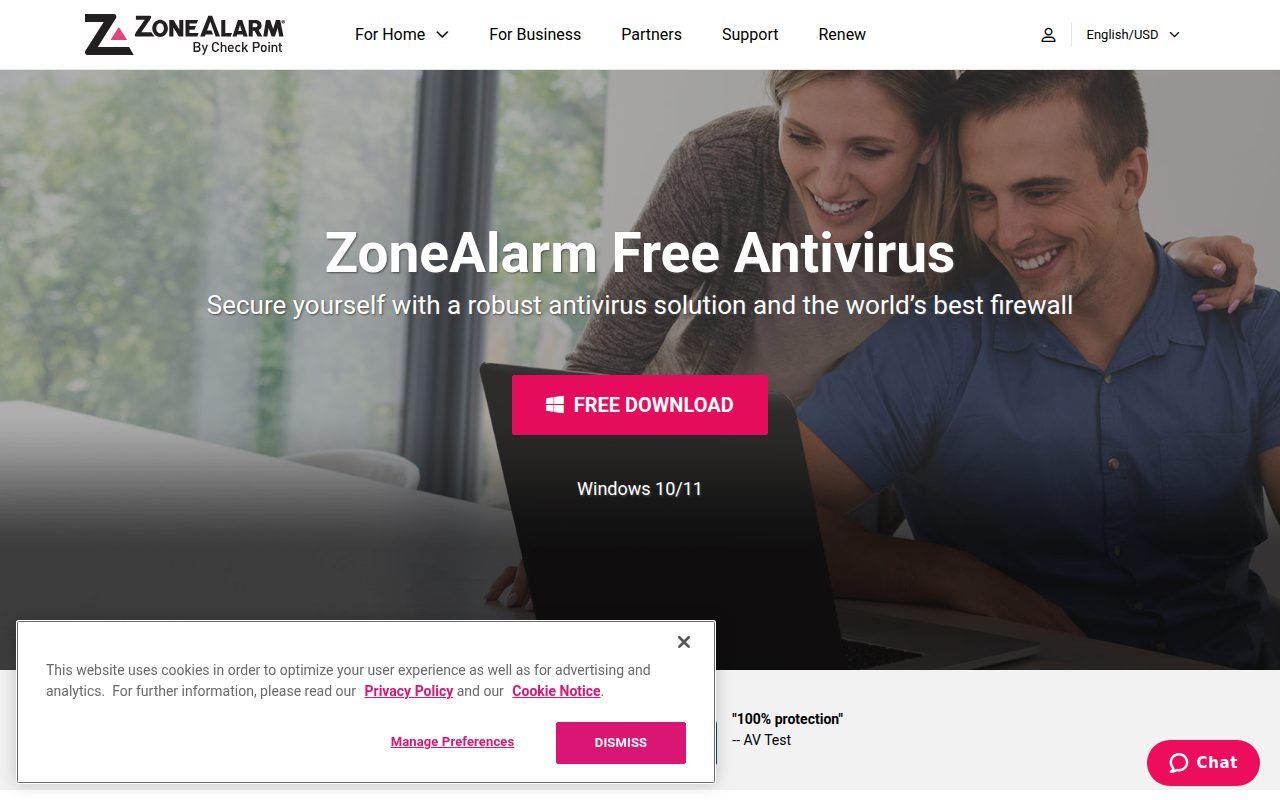
ZoneAlarm Free Antivirus is the choice for Windows users who want antivirus and firewall controls in one free product. The firewall is still part of the free product even though the name no longer says so. The official compatibility is Windows 10 and Windows 11, 32-bit or 64-bit.
Its standout is the pairing of customizable scan modes, real-time security updates, and firewall controls. ZoneAlarm also gives one important setup rule: uninstall any other antivirus software except Microsoft Defender before installing it.
This is the committed pick for users who specifically want a free Windows antivirus with firewall management attached. It is not for anyone trying to run multiple third-party antivirus tools together.
Pros
- It combines free antivirus with firewall controls.
- It supports Windows 10 and Windows 11.
- It includes customizable scan modes.
- It is compatible with Microsoft Defender.
Cons
- It is not compatible with other antivirus solutions besides Microsoft Defender.
- It is a Windows product, not a Mac, Android, or iOS choice.
- Advanced ZoneAlarm features belong to paid tiers.
Windows users who want free antivirus protection plus firewall controls from the same product.
You already use another third-party antivirus and want to keep it installed.
ClamAV
Key highlights
- Standout: Command-line tools including freshclam, clamscan, clamdscan, and clamonacc
- Free tier: Free GPLv2 antivirus toolkit
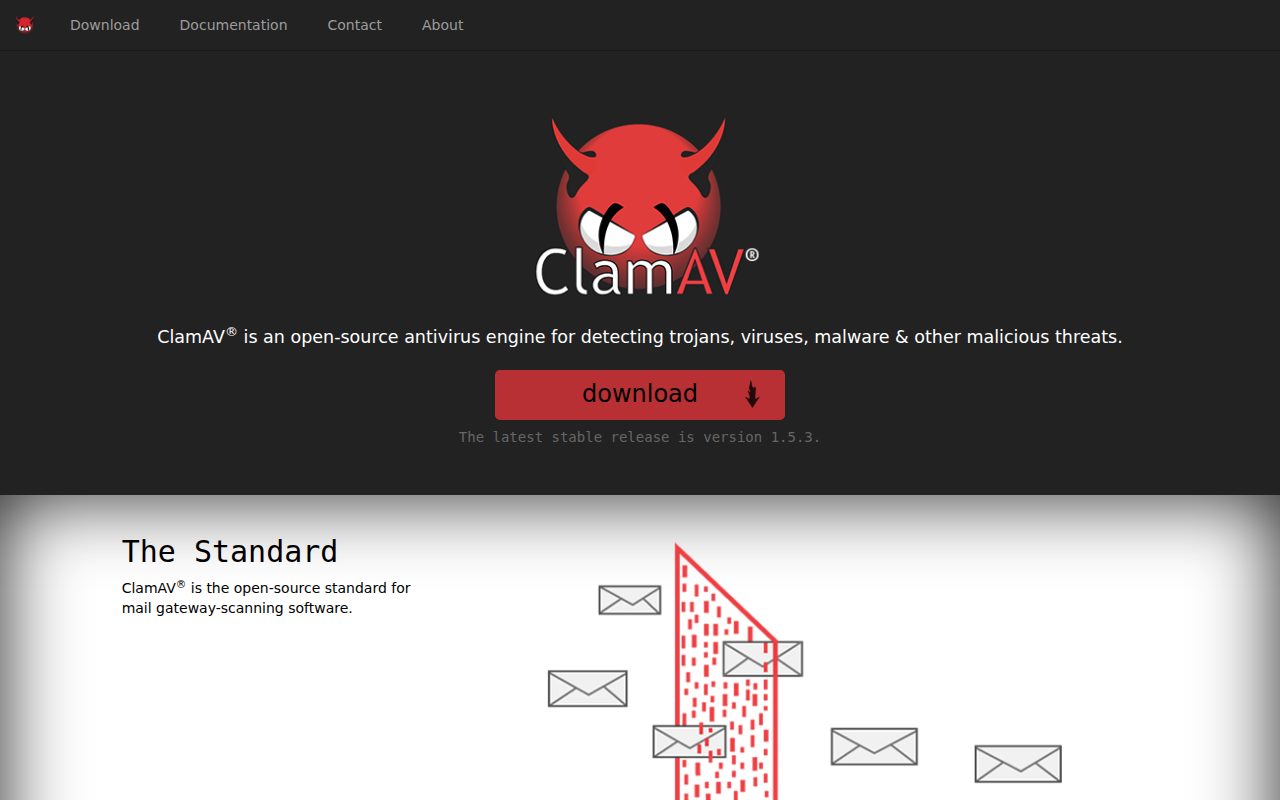
ClamAV is not a polished consumer security suite, and that is the point. It is Cisco Talos’s open-source GPLv2 antivirus engine and toolkit, commonly used by technical users for file scanning, gateway scanning, and command-line workflows.
The standout is the toolset. ClamAV gives technical users freshclam for signature database updates, clamscan for scanning files and directories, clamd and clamdscan for daemon-based scanning, and clamonacc for Linux on-access scanning.
ClamAV earns its place because it serves a real audience that the consumer suites do not: people who want free, open-source antivirus tooling rather than a guided home security dashboard. It is the wrong choice for someone who wants a friendly consumer app to manage everyday protection.
Pros
- It is free under the GPLv2 license.
- It has no stated seat, time, or ad limits.
- It is well suited to technical file and gateway scanning.
- It provides command-line tools for updates, scans, daemon scanning, and Linux on-access scanning.
Cons
- It is not a traditional endpoint security suite.
- It is best suited to technical users.
- Consumer users may prefer a guided antivirus app.
Technical users who want a free open-source antivirus engine for file, gateway, or command-line scanning workflows.
You want a polished consumer endpoint suite with a simple dashboard.
How to Choose
- Start with Windows itself. If you use Windows 11 or Windows 10 and want the best free default, use Microsoft Defender Antivirus first.
- Choose Bitdefender for simplicity. Pick it when you want a dedicated free Windows antivirus that runs protection automatically after installation.
- Choose Avast or AVG for a fuller app. Avast One Free is the broader suite-style choice, while AVG AntiVirus Free is the more familiar traditional antivirus pick for personal and family use.
- Choose Avira for private home use. It makes the most sense when you want Avira’s free security app and do not need included Web Protection.
- Keep Malwarebytes in the cleaner role. Use Malwarebytes Free for manual scanning and cleaning, not as your only free desktop real-time protection.
- Pick ZoneAlarm for firewall controls. It is the Windows choice when the firewall piece matters and you are not keeping another third-party antivirus installed.
- Use ClamAV for technical scanning. It is the right pick for open-source command-line workflows, not for someone who wants a consumer dashboard.











