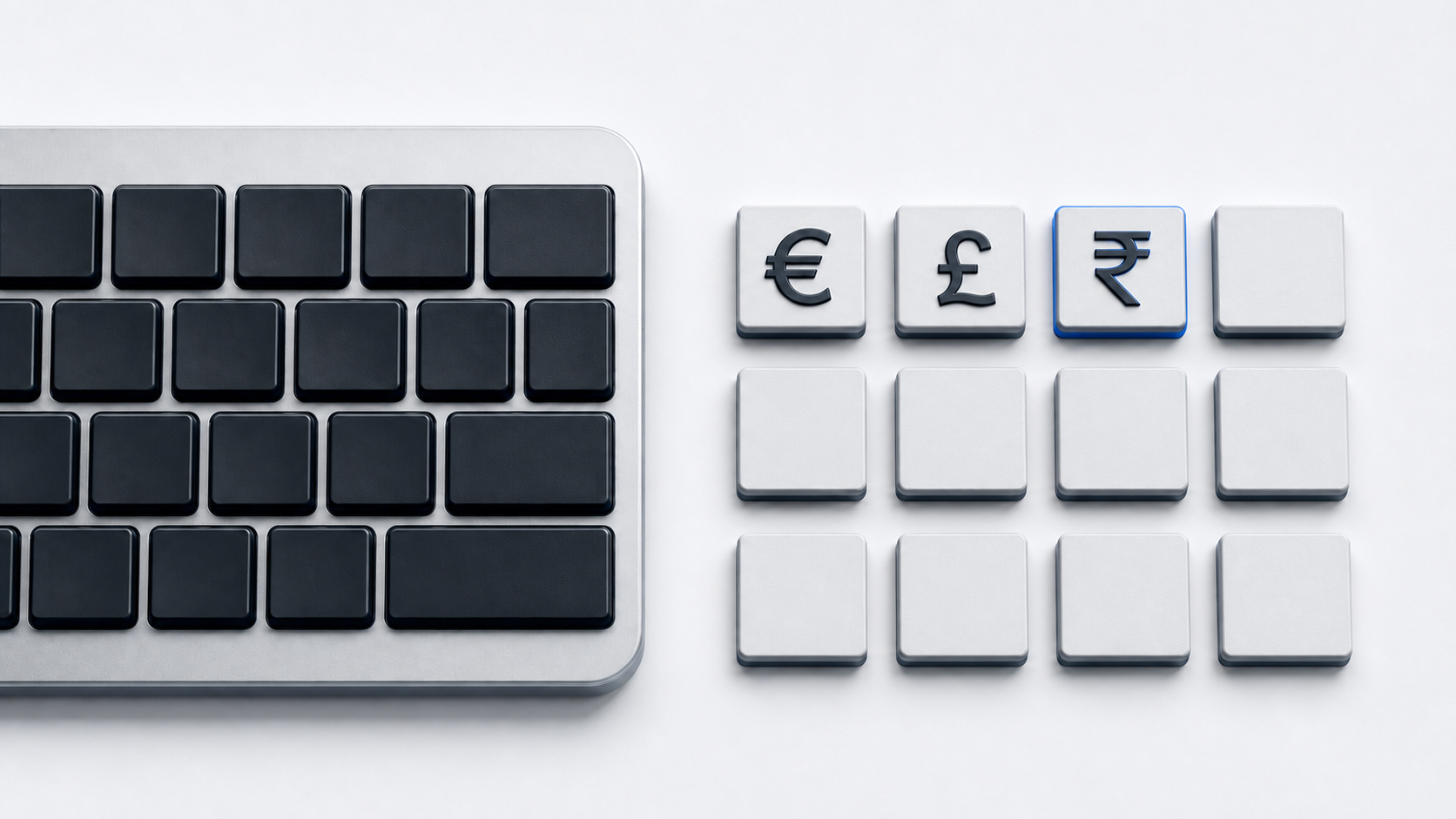
Copy £ from the panel above when you mean the pound currency sign. On the Windows United Kingdom layout, press Shift-3; in Word, use 00A3 followed by Alt-X or Microsoft's numeric-keypad code, and use a character picker when the active layout has no direct £ key.
Identify the pound sign
Unicode names £ POUND SIGN and assigns it U+00A3 in the Latin-1 Supplement block. The # character is U+0023 NUMBER SIGN in Basic Latin. Unicode records pound sign for weight, hashtag, hash, crosshatch, and octothorpe as aliases or uses of #, but that does not make # the pound currency sign.
Use £ for the currency symbol and # for the number sign or hashtag. They are separate characters, produce different code points, and should not be substituted just because both may be called a pound sign in different contexts.
Type £ with the Windows United Kingdom layout
Hold Shift and press 3. Microsoft's live United Kingdom layout places U+00A3 in the shifted position of the 3 key.
This is not a universal Shift-3 result. Microsoft's United States layout places U+0023 # in the shifted 3 position. If you get # instead of £, check the input-language icon in the taskbar, or hold the Windows logo key and press Space to cycle through installed layouts, then choose the intended layout.
Type £ in Microsoft Word
For Unicode conversion, type 00A3 where the sign should appear and press Alt-X. If a hexadecimal letter or digit immediately before the code is included in the conversion, select only 00A3 and press Alt-X again.
Microsoft also lists Alt-0163 for £. Hold Alt, type 0163 on the numeric keypad with Num Lock enabled when required, and release Alt. The documentation specifies the numeric keypad rather than the number row above the letters.
Copy £ with Windows Character Map
Open Character Map, choose a font containing the pound sign, select £, copy it, and paste it into the destination app. This route is independent of the current keyboard's shifted number-row assignments.
Insert £ on a Mac
Open Character Viewer by pressing Fn-E or Globe-E, or choose Edit and then Emoji & Symbols. Search for the pound sign by name, select £, and insert it. Character Viewer works with the active Mac input source, so it is useful when the physical number row does not provide £.
Insert £ on a Chromebook
Right-click in a text field and choose Emoji, or press Search-Shift-Space. Select Symbols, open Currency, and choose the pound sign. Google's ChromeOS picker can also search for symbols by name.
Insert £ in Google Docs or Slides
On a computer, choose Insert, Symbols, and Special characters. Locate £ by category, enter its Unicode value 00A3, or draw it, then confirm that the result is £ rather than #. Google's documented direct insertion flow applies to Docs and Slides; in Sheets, copy the sign and paste it into a cell.
Use the pound sign in HTML
A UTF-8 HTML document can contain £ directly. WHATWG defines the named reference £; decimal £ and hexadecimal £ are numeric representations of the same U+00A3 character.
The number sign # has code point U+0023 and decimal value 35. If an HTML value resolves to #, changing its font will not turn it into the currency sign £ because the underlying character is different.
Fix the wrong pound character or output
- 1.Confirm whether the intended character is currency sign £ or number sign #.
- 2.If Shift-3 gives #, check whether the active Windows layout is United States rather than United Kingdom.
- 3.Use the numeric keypad, not the top number row, for Alt-0163 in Word.
- 4.Select only
00A3if Word's Alt-X conversion includes adjacent hexadecimal text. - 5.Choose a font containing U+00A3 if the sign appears as a missing-glyph box.
- 6.Use Character Map, Character Viewer, the ChromeOS symbol picker, Google Docs special characters, or direct copy when a layout method is not appropriate.
Common questions
Are £ and # the same character?
No. £ is U+00A3 POUND SIGN, the currency character. # is U+0023 NUMBER SIGN, although Unicode notes pound sign for weight among its aliases.
Why does Shift-3 type # instead of £?
The result follows the active keyboard layout. Microsoft maps Shift-3 to £ on the United Kingdom layout and to # on the United States layout.
Does HTML require £?
No. A correctly encoded UTF-8 document can contain £ directly. The named and numeric references are alternative HTML source representations.
Official references
- Unicode Latin-1 Supplement chart
- Unicode Basic Latin chart
- Microsoft United Kingdom keyboard layout
- Microsoft United States keyboard layout
- Microsoft Word character-code guide
- Microsoft Character Map and Unicode guide
- Microsoft Windows keyboard-layout settings
- Apple Character Viewer guide
- Google ChromeOS symbol-picker guide
- Google Docs special-character guide
- HTML named character references
- HTML character-reference syntax