
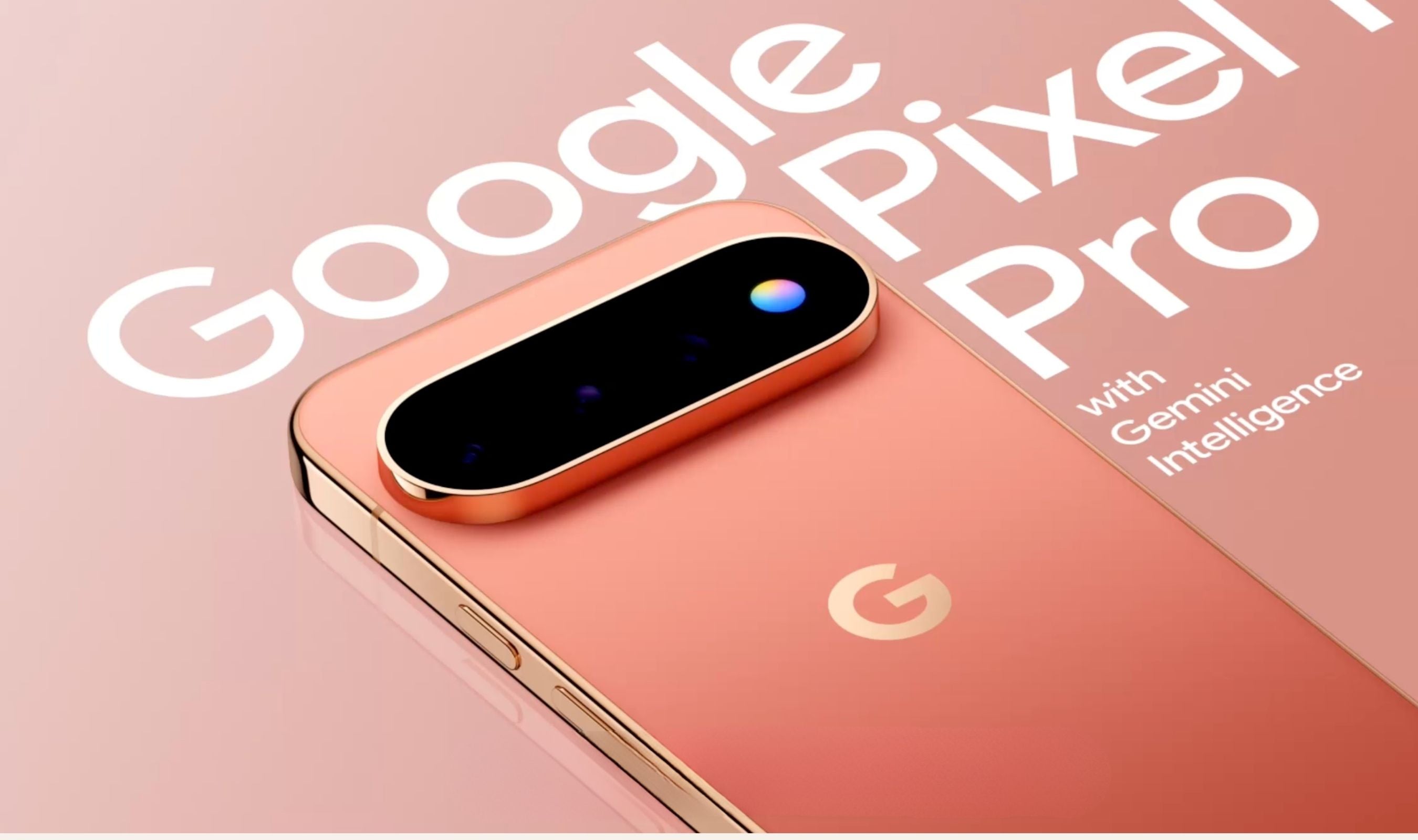
A new side-loaded app called HiLight Studio dramatically expands what the Pixel 11 Pro's rear LED notification light can do, addressing a built-in feature that Google heavily limited. Developer DhananjayBhosale created the tool, which lets owners assign colors and effects for notifications from any app, not just contacts as with the default setup.
The HiLight itself is a small light circle on the camera bar of Pro Pixels, designed to passively alert users to notifications while the phone sits face down. Out of the box, Google's implementation only lights up for Hands-free Gemini interaction and calls from favorite contacts, with five color choices available for those calls.
The app greatly expands on those abilities, adding custom colors for app notifications, animations for new messages, wallpaper-derived colors, and a Quick Settings tile.
HiLight Studio also lets users activate the LED for notifications from any app, or when launching an app, according to TechRadar. Digital Trends reported that the app lets users pick between five color options and animate them across all eight built-in LED lights.
Getting the app running requires some setup work. Users must download the APK package, go through developer settings, allow third-party installs, and enable wireless debugging before it functions.
The developer recommends using the Shizuku app to automate the ADB process, and long continuous use of the HiLight LEDs has not been tested.