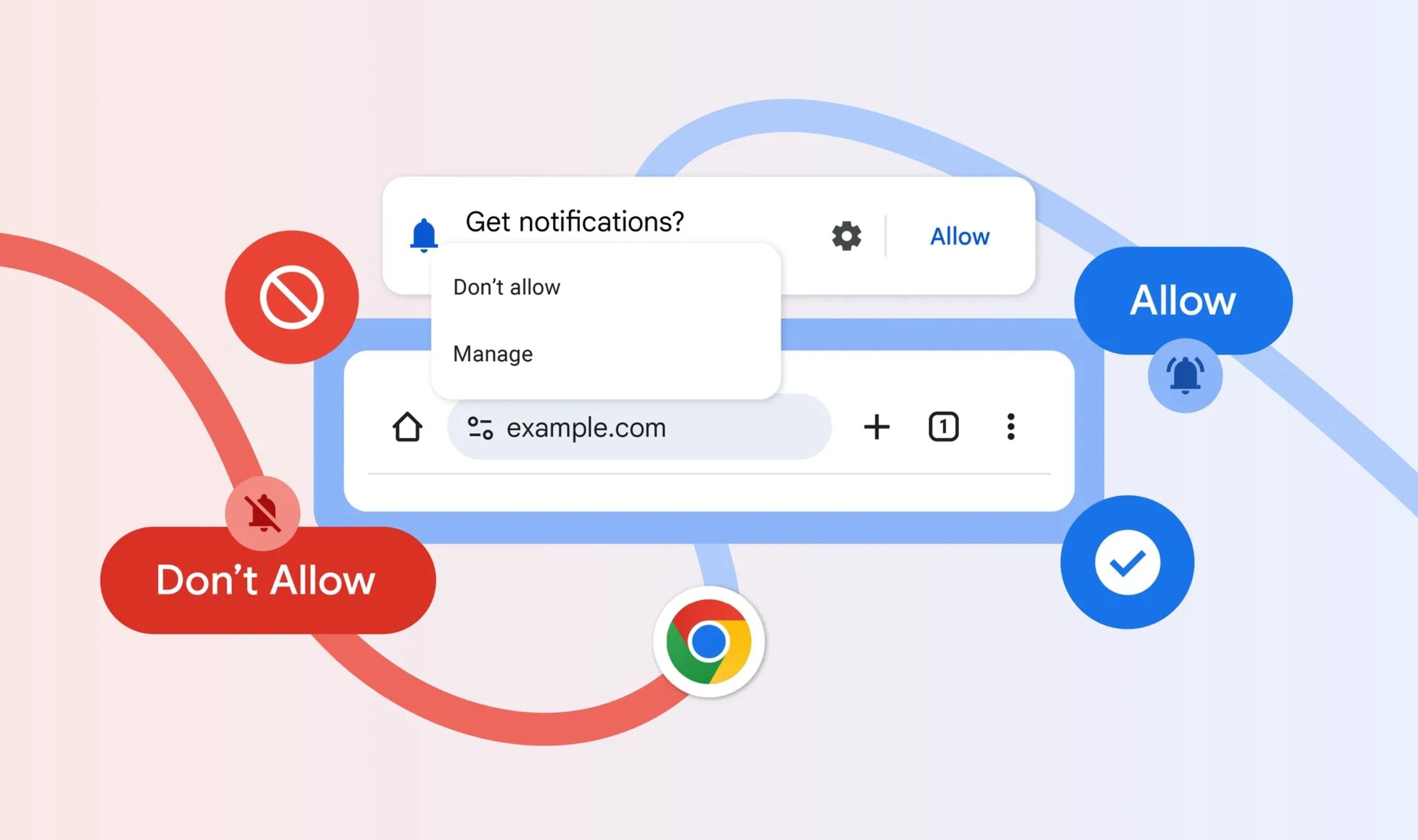
Google has revealed the defense-in-depth strategy behind its crackdown on malicious Chrome notifications, a system colloquially known as the Swiss Cheese model that blocked more than 7 billion unwanted Android alerts per day in Q1 2026. The layered approach combines user interaction signals, abuse network detection, and server-side throttling to cover the entire notification lifecycle, according to an August 11 posting to the Google security blog by members of the Chrome security, safe browsing, and Firebase cloud messaging teams.
The name comes from visualizing slices of Swiss cheese layered side-by-side, where randomly located holes of different sizes reduce the chance of anything passing through as each slice is added. Google said the overlapping protections ensure that if abuse slips through one layer, another catches it.
The toolkit includes automatic revocation of notification permissions for sites users haven't engaged with recently, plus those repeatedly sending suspicious notification warnings. Chrome also applies message rate limits to the Push API to combat high-volume abuse while giving legitimate sites a safety valve to adjust their usage patterns.
Changes to the notification permission model also make it harder for abusive actors to acquire and retain permissions.
Because these alerts are served through Chrome and resemble ordinary system notifications, users may not immediately realize the risk. Google noted that if a site keeps flooding visitors with notifications they don't respond to, Chrome will eventually shut them off.
Users retain control throughout: all automatically revoked permissions can be reviewed using the Android Safety Hub, and web notifications remain manageable directly in Chrome by opening chrome://settings/content/ on the desktop or Settings|Notifications on Android.