If your router's signal dies before it reaches the back bedroom or home office, a Wi-Fi extender is the most affordable fix. The TP-Link RE715X is our top pick for most people, balancing strong Wi-Fi 6 performance with a reasonable price. But the right choice depends on your router's age, your home's layout, and whether you plan to upgrade to Wi-Fi 7 anytime soon.
Technobezz is supported by its audience. We may get a commission from retail offers.
Best Wi-Fi Extenders for 2026
The TP-Link RE715X is our top pick for most people, balancing strong Wi-Fi 6 performance with a reasonable price.
T
Technobezz
Senior Editor
Updated June 15, 2026Jun 15, 2026
•9 min read

Get Deals Like These in Your Inbox
The best prices, reviewed weekly.
At a Glance
| Category | Product | Why We Picked It |
|---|---|---|
| Best overall | TP-Link RE715X | Strong Wi-Fi 6 speeds and EasyMesh support for under $100 |
| Best value | TP-Link RE315 | Budget-friendly and reliable for small homes and single dead zones |
| Best for mesh integration | Asus RP-AX58 | Works with Asus AiMesh routers for seamless whole-home coverage |
| Best premium | Netgear Nighthawk EAX80 | Desktop-style design with four Ethernet ports and smart roaming |
| Best for Wi-Fi 7 | TP-Link RE653BE | Future-proofed with Multi-Link Operation and a 2.5 Gbps port |
| Also recommended | TP-Link RE700X/RE705X | Easy setup with OneMesh and Wi-Fi 6 |
| Also recommended | Netgear EAX15 | Solid performance with seamless Netgear roaming |
| Also recommended | Linksys RE7350 | Inexpensive Wi-Fi 6 option for basic coverage needs on a tight budget |
How we chose and tested
We evaluated Wi-Fi extenders based on throughput performance, coverage area, ease of setup, and compatibility with common routers. Our assessment considered dual-band and tri-band models across Wi-Fi 5, Wi-Fi 6, and Wi-Fi 7 standards, prioritizing products that maintain stable speeds at distance and through walls. Signal retention, device capacity, and mesh ecosystem support were also key factors in our rankings.
The best Wi-Fi extenders right now
TP-Link RE715X - Best overall
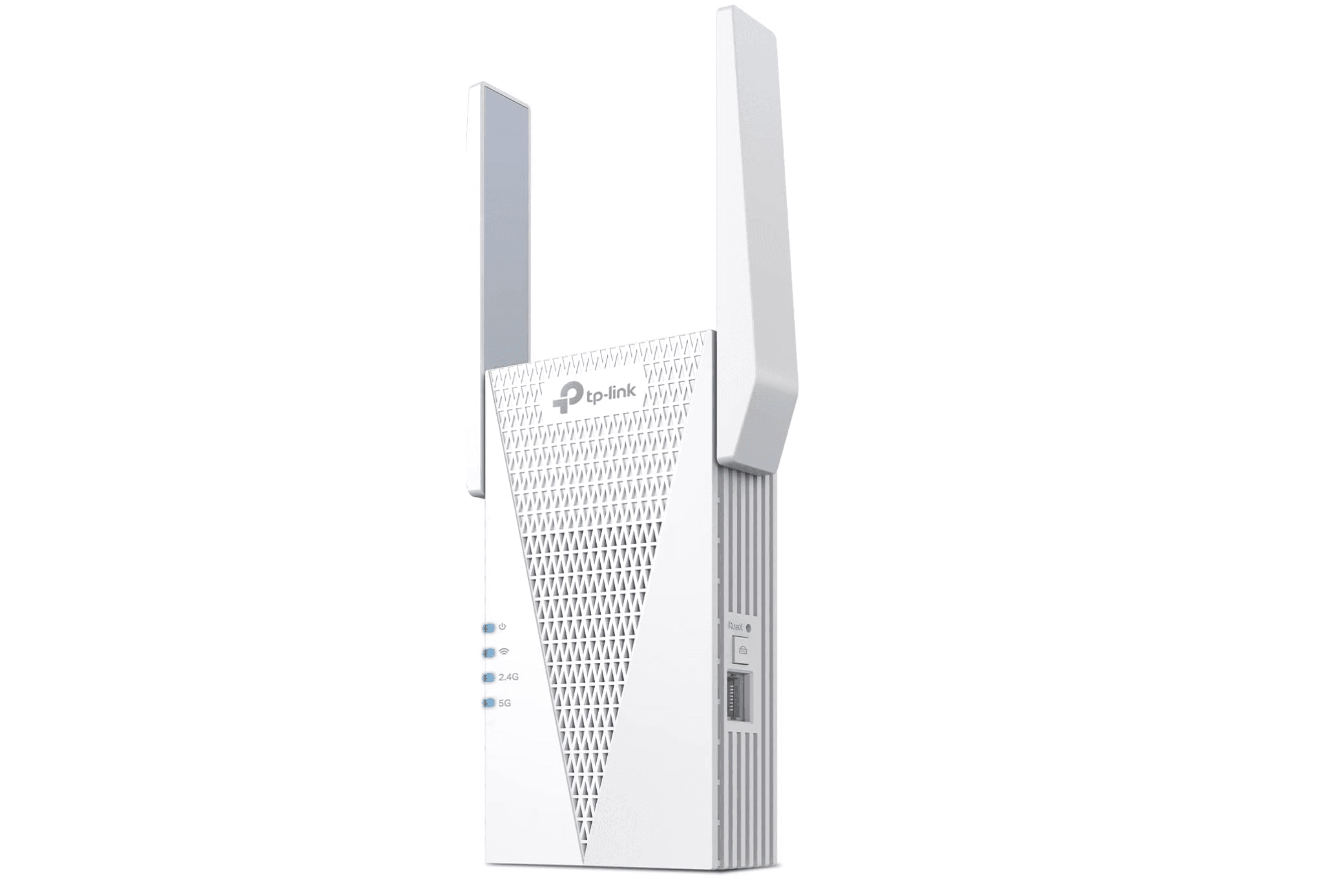
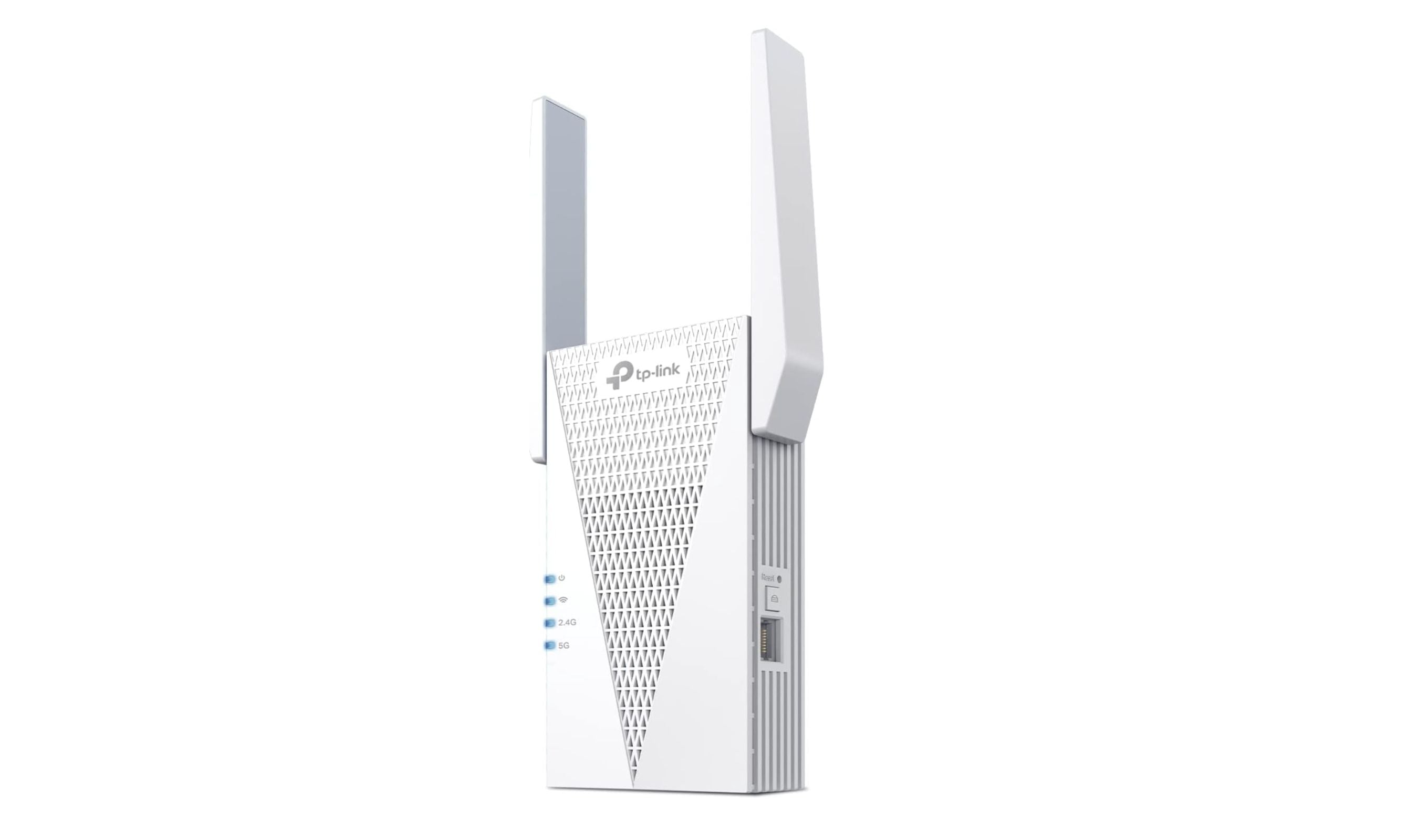
The TP-Link RE715X delivers the best combination of speed, range, and value for anyone with a Wi-Fi 6 router. It supports AX3000 speeds across dual bands, covers up to 2,400 square feet, and handles up to 64 devices at once. Setup takes minutes through the Tether app, and the signal LED helps you find the ideal placement spot. It also supports EasyMesh, so it can integrate with compatible routers for a single-network experience.
Key highlights
- Wi-Fi 6 with 160 MHz channel support for faster throughput
- EasyMesh compatible with a range of router brands
- Gigabit Ethernet port for wired connections
- Smart signal LED guides placement
Pros
- Strong 5 GHz throughput in testing
- Works as a mesh node with compatible routers
- Reliable performance at distance through walls
Cons
- Bulky wall-plug design blocks adjacent outlets
- Needs a Wi-Fi 6 router for full benefit
- Price is higher than basic extenders
Who it is for: Homeowners with a Wi-Fi 6 router who need to cover one or two dead zones without replacing their current setup.
Skip if
You have an older Wi-Fi 5 router, since you won't get the full speed benefits. A budget Wi-Fi 5 extender will suffice.
TP-Link RE315 - Best value
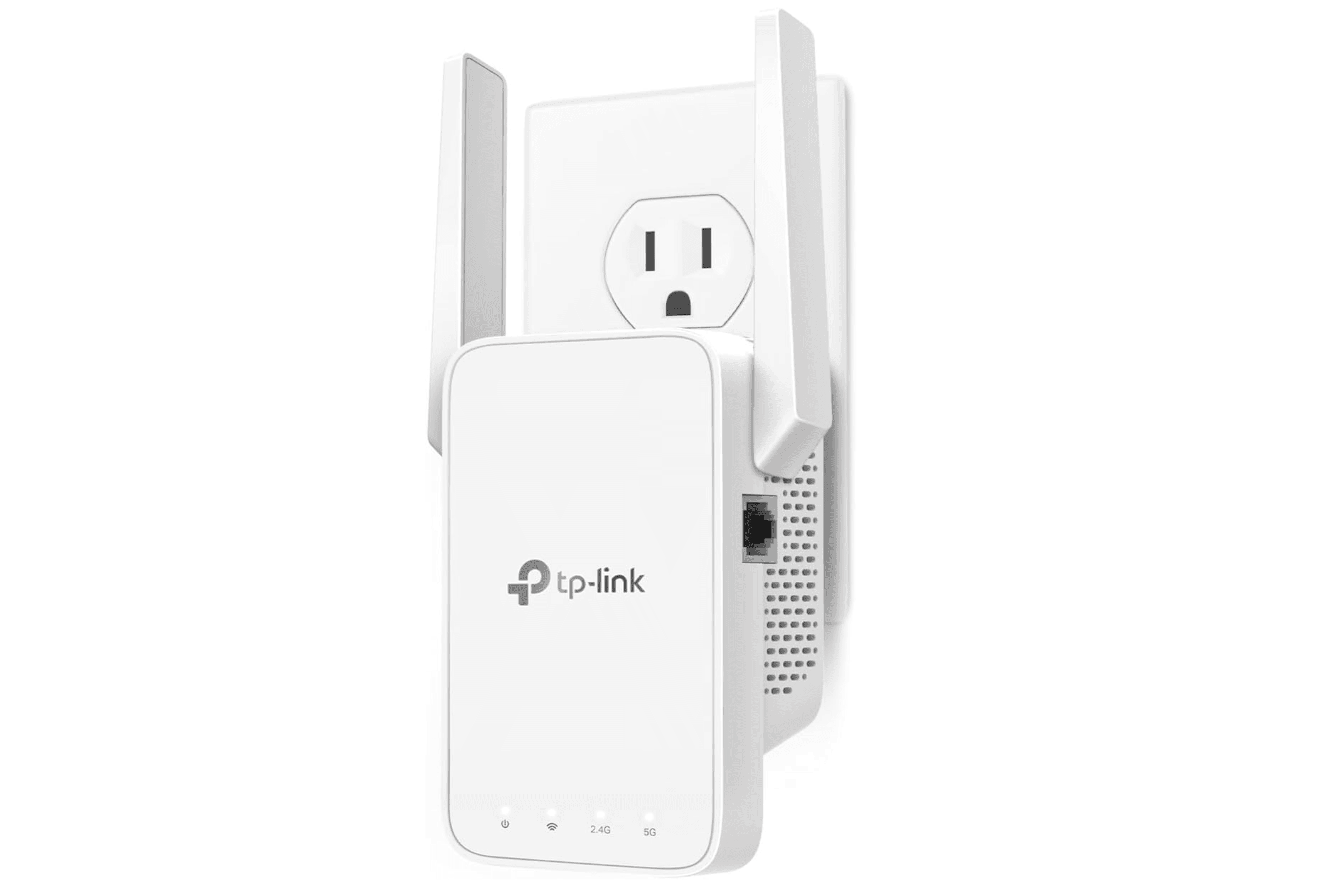
The TP-Link RE315 has been a consistent top pick for years, and for good reason. It uses Wi-Fi 5 (AC1200) technology and covers up to 1,500 square feet, making it ideal for apartments, small homes, or fixing a single problem room. Setup is simple through the Tether app or WPS button, and it includes a 100 Mbps Ethernet port for connecting a TV or game console. It also supports OneMesh with compatible TP-Link routers, which is rare at this price point.
Key highlights
- Dual-band Wi-Fi 5 with up to 1.2 Gbps combined speed
- OneMesh compatible with TP-Link routers
- Compact wall-plug design
- 100 Mbps Ethernet port for wired devices
Pros
- Very affordable for the performance it delivers
- Easy setup and placement with signal indicator
- Mesh compatibility with TP-Link routers
Cons
- No Wi-Fi 6 support
- Limited to 1,500 square feet coverage
- Ethernet port capped at 100 Mbps
Who it is for: Budget-minded buyers, renters, or anyone needing a quick fix for one weak zone without spending much.
Skip if
You have a gigabit internet plan or need to cover a home larger than 1,500 square feet. A Wi-Fi 6 model will serve you better.
Asus RP-AX58 - Best for mesh integration
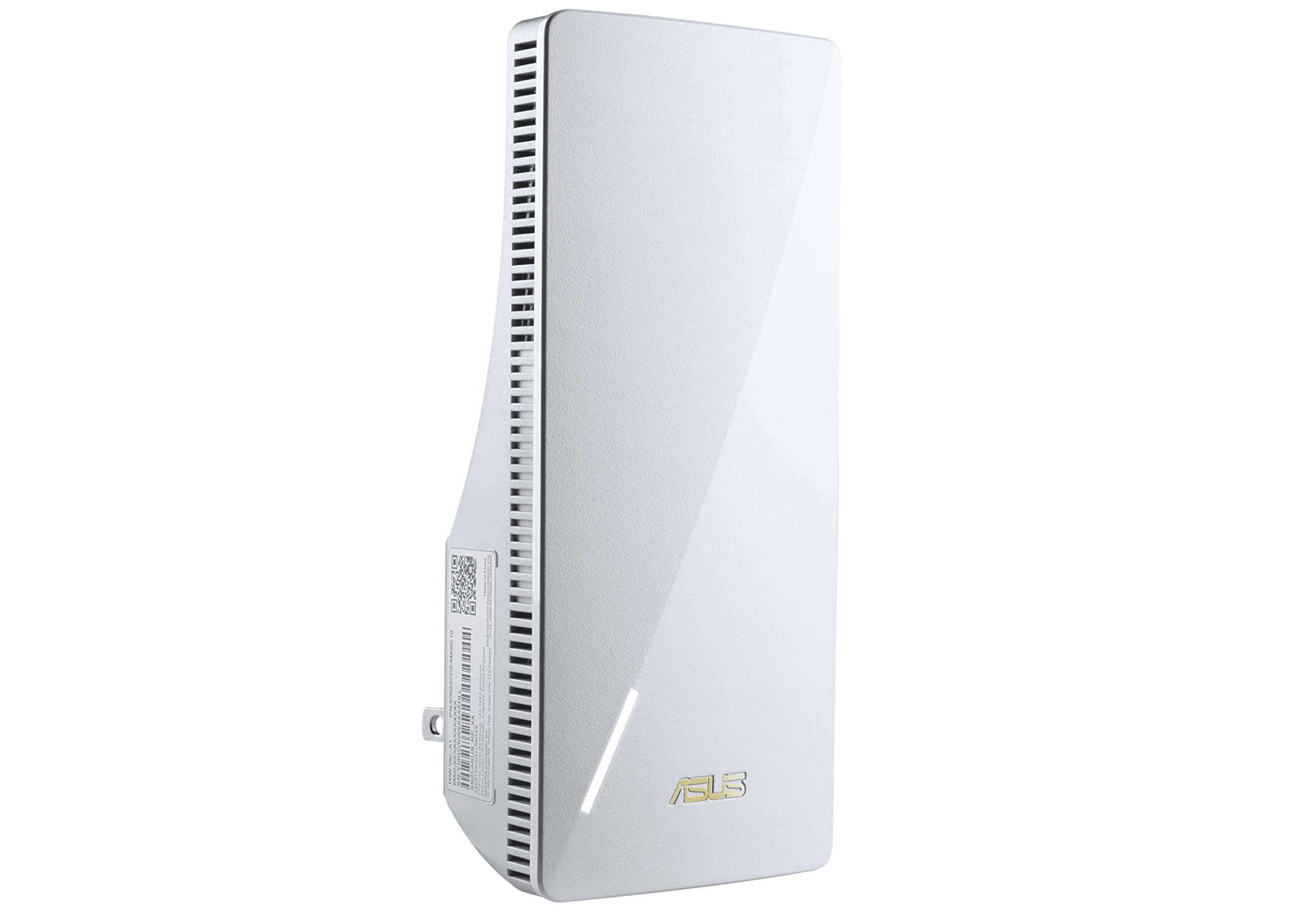
The Asus RP-AX58 is a Wi-Fi 6 extender that stands out for its AiMesh compatibility. If you already have an Asus router, this extender joins your network as a seamless mesh node rather than creating a separate network name. It delivered strong throughput in testing, with good upload speeds and reliable performance at distance. It also includes AiProtection Pro security software and parental controls, extras you don't often see on extenders.
Key highlights
- Wi-Fi 6 with AX3000 speeds
- AiMesh support for seamless Asus router integration
- Gigabit Ethernet port
- Built-in security and parental controls
Pros
- Creates a unified mesh network with Asus routers
- Solid range and throughput for a wall-plug design
- Extra software features at no added cost
Cons
- Best performance depends on having an Asus router
- Setup is browser-based, not app-first
- Slightly bulky design
Who it is for: Current Asus router owners who want to extend coverage without managing separate network names.
Skip if
You don't have an Asus router. The AiMesh features won't apply, and other extenders offer similar performance for less.
Netgear Nighthawk EAX80 - Best premium
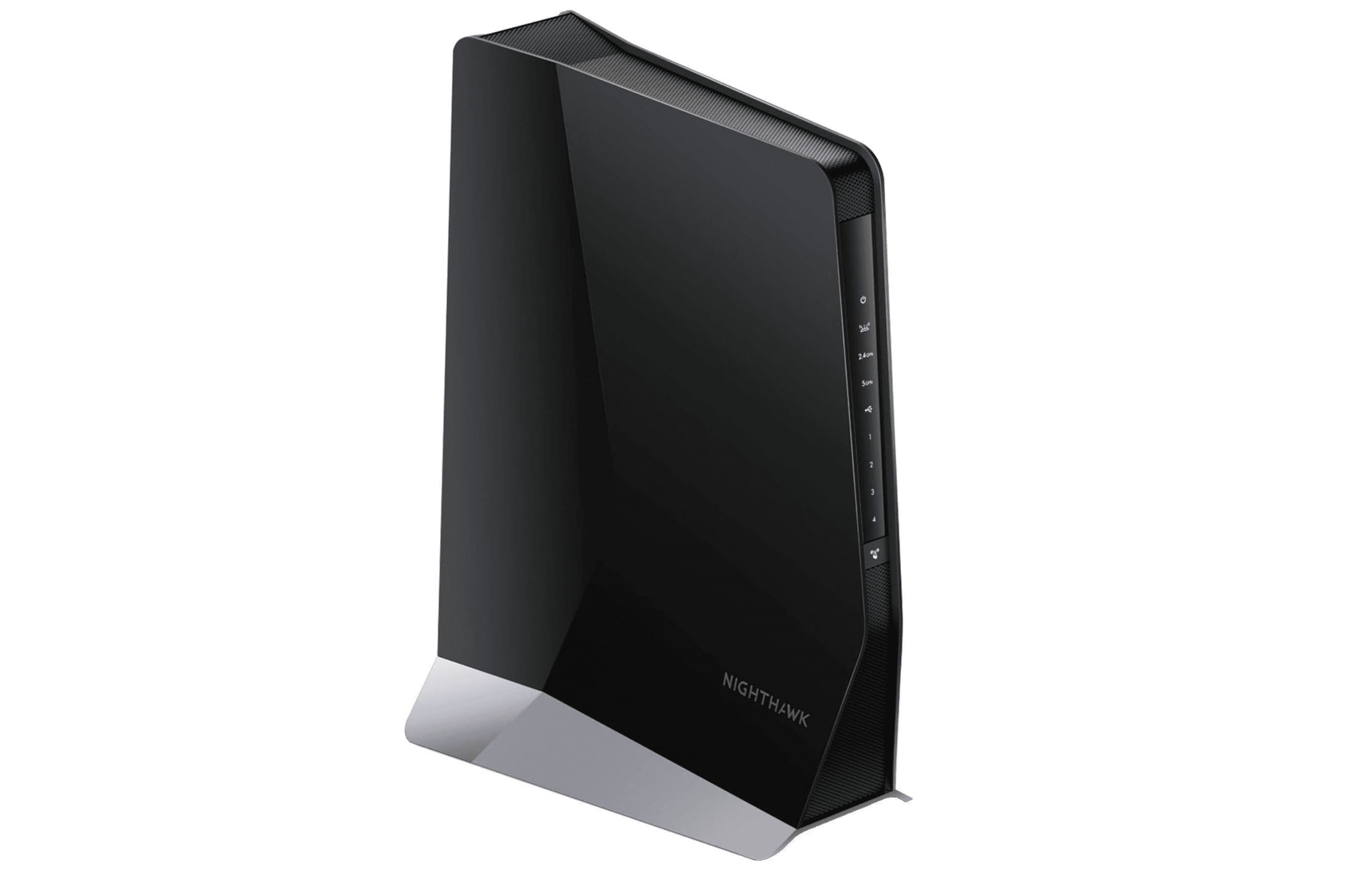
The Netgear Nighthawk EAX80 is a desktop-style extender that doubles as a small access point. It supports Wi-Fi 6 with speeds up to 6 Gbps and covers up to 2,500 square feet. The standout feature is seamless smart roaming, which lets it use your existing network name so devices switch between router and extender automatically. It also has four Gigabit Ethernet ports and a USB 3.0 port, making it the most versatile option for wired connections.
Key highlights
- Wi-Fi 6 with dual-band speeds up to 6 Gbps
- Seamless smart roaming with single network name
- Four Gigabit Ethernet ports plus USB 3.0
- Desktop design for flexible placement
Pros
- No need to switch networks when moving around the house
- Excellent wired connectivity for consoles and PCs
- Strong performance close to router speeds
Cons
- Expensive compared to wall-plug extenders
- Large footprint takes up desk or shelf space
- Works best with a Wi-Fi 6 router
Who it is for: Households with multiple wired devices (gaming consoles, streaming boxes, desktop PCs) that also need wider wireless coverage.
Skip if
You're on a tight budget or only need to cover a single room. The extra ports and roaming features won't be worth the premium.
TP-Link RE653BE - Best for Wi-Fi 7
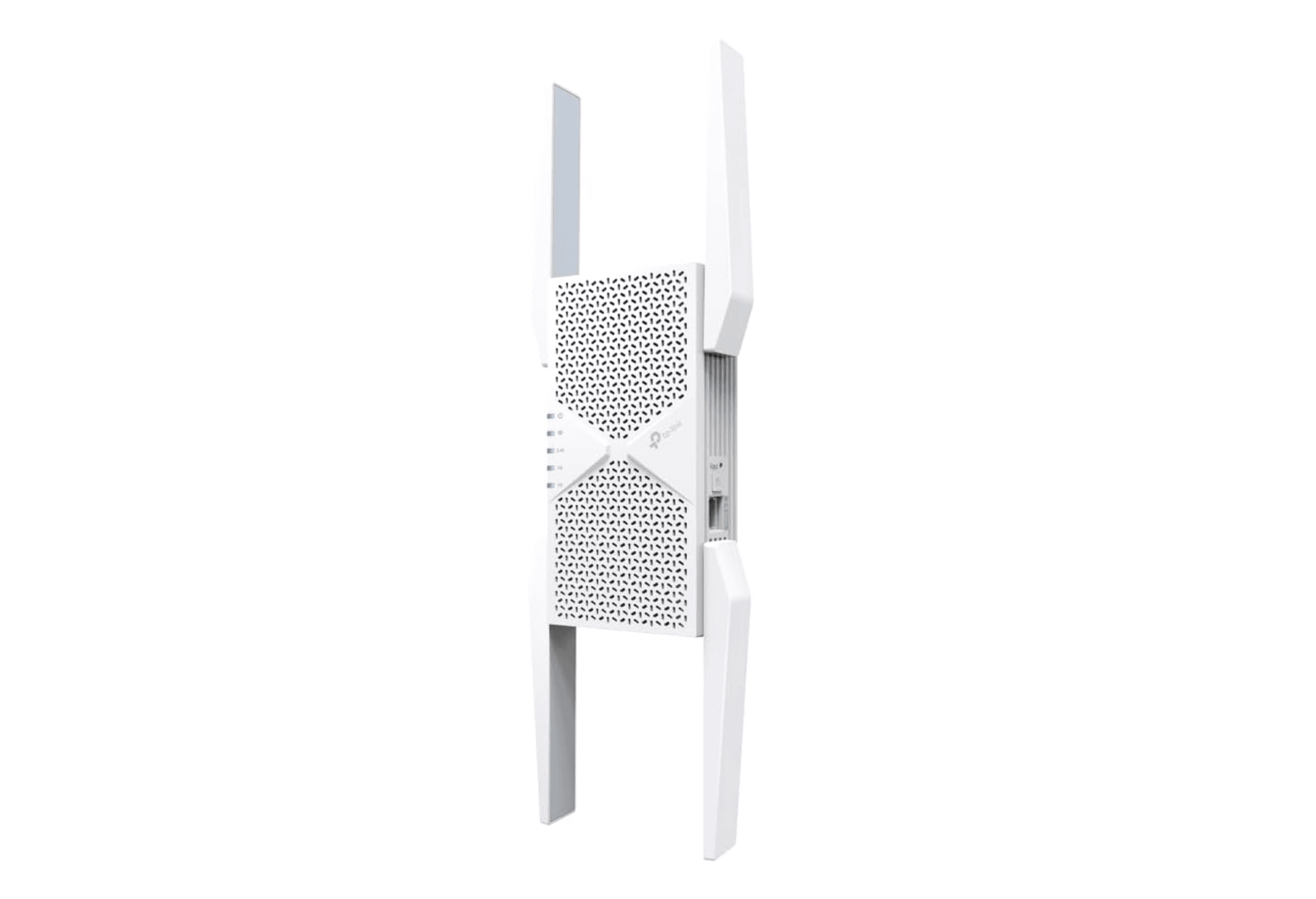
The TP-Link RE653BE is a tri-band Wi-Fi 7 extender, bringing Multi-Link Operation (MLO) and the 6 GHz band to home networks. It can connect devices across multiple bands simultaneously, reducing latency and improving stability. With a 2.5 Gbps Ethernet port, it can handle multi-gig internet plans when used in access point mode. Four repositionable antennas help direct the signal where you need it most.
Key highlights
- Wi-Fi 7 with BE10000 speeds
- 2.5 Gbps Ethernet port for high-speed wired connections
- Four external adjustable antennas
- MLO for lower latency and better stability
Pros
- Future-proofed for the next generation of routers
- Fastest throughput among current extenders
- 2.5 Gbps port supports multi-gig plans
Cons
- Expensive, costs more than many routers
- Large design blocks adjacent wall outlets
- Requires a Wi-Fi 7 router for full benefits
Who it is for: Early adopters with a Wi-Fi 7 router who want to maximize range and speed across their entire home.
Skip if
You don't plan to upgrade to Wi-Fi 7 soon. A Wi-Fi 6 extender offers similar real-world performance at half the price.
Also Good
- TP-Link RE700X/RE705X - easy setup with OneMesh and Wi-Fi 6.
- Netgear EAX15 - solid performance with seamless Netgear roaming.
- Linksys RE7350 - inexpensive Wi-Fi 6 option for basic coverage needs on a tight budget.
How to Choose
- Match your router's Wi-Fi standard. A Wi-Fi 7 extender paired with a Wi-Fi 5 router won't perform any better than a Wi-Fi 5 extender. Buy the same generation as your router for the best results. If you plan to upgrade your router soon, consider a newer extender that will carry over.
- Consider placement before purchase. An extender needs to sit within range of your router's signal to work. The ideal spot is roughly halfway between your router and the dead zone. Wall-plug models are convenient but limit placement options. Desktop designs give you more flexibility.
- Look at wired ports if you have stationary devices. An Ethernet port on the extender lets you connect a TV, game console, or PC for a faster, more stable connection than wireless. This is one of the most overlooked features when shopping.
- Know when to consider mesh instead. If you have multiple dead zones across different floors or a home over 3,000 square feet, a mesh system may be a better long-term investment. Extenders are best for fixing one or two specific spots.
- Device capacity matters in smart homes. If you have 30 or more connected devices, look for extenders that support MU-MIMO and OFDMA (common in Wi-Fi 6 models). Older Wi-Fi 5 extenders can struggle under heavy loads.
FAQ
Will a Wi-Fi extender slow down my internet?
Yes, extenders typically reduce speed by 30 to 50 percent because they use half their bandwidth to communicate back to the router. Newer Wi-Fi 6 and Wi-Fi 7 models with dedicated backhaul handle this better, but some speed loss is unavoidable.
Can I use a Wi-Fi extender with any router?
Most extenders work with any brand of router. The exception is mesh-specific extenders like the eero 6 extender, which only works within their own ecosystem. Check for OneMesh, EasyMesh, or AiMesh compatibility if you want seamless roaming.
What's the difference between a Wi-Fi extender and a mesh system?
An extender rebroadcasts your existing router's signal, often creating a second network name. A mesh system replaces your router with multiple nodes that share one network and communicate on a dedicated backhaul channel. Mesh is better for whole-home coverage but costs more.
How far should I place my extender from the router?
Start about halfway between your router and the area with poor signal. Most extenders have a signal strength LED that turns green when placement is good. Avoid putting it in the dead zone itself, it needs a strong signal from the router to extend.
Do I need Wi-Fi 7 for streaming 4K video?
No. Wi-Fi 5 and Wi-Fi 6 extenders handle 4K streaming without issues. Wi-Fi 7 becomes relevant for homes with multi-gig internet plans, heavy gaming, or lots of simultaneous 4K streams across multiple devices.
Published May 17, 2026 Last updated June 15, 2026
Share this article
More in News
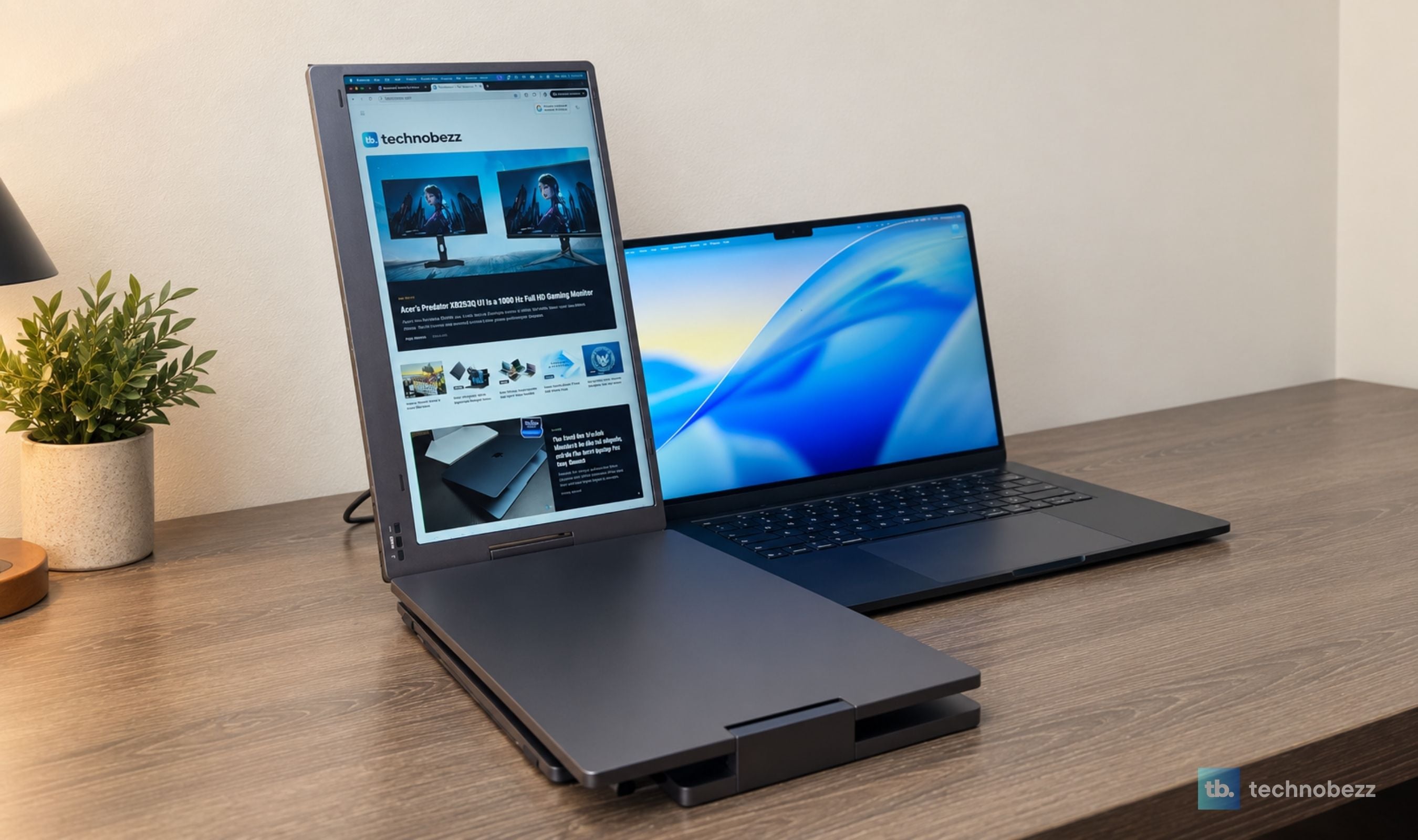
KYY X90D Review, Two Extra Screens From One USB-C Cable
The KYY X90D turned our 15-inch M5 MacBook Air into a stable three-screen workstation in less than five minutes, with one USB-C cable running both added displays.
3 min read
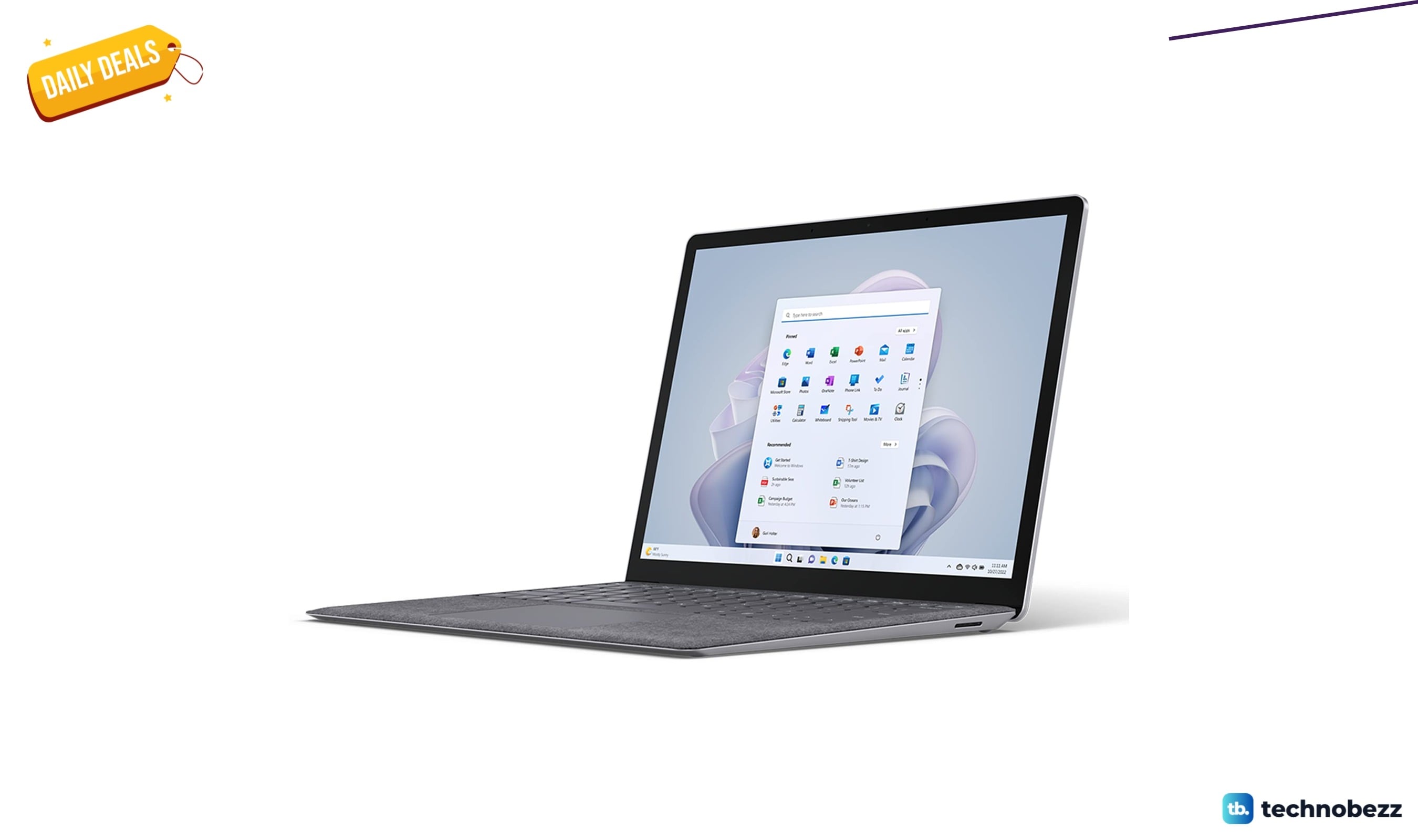
Microsoft Surface 5 on sale for $854.15
Microsoft Surface Laptop 5 drops to $854.15 a $144.85 discount below its $999 list price and recent average.
4 min read

Amazon Kindle Scribe Colorsoft paper-like color display gets a $136 price cut to $543.99
Amazon's Kindle Scribe Colorsoft hits its lowest price ever at $543.99, saving you $136 on the paper-like color display.
3 min read
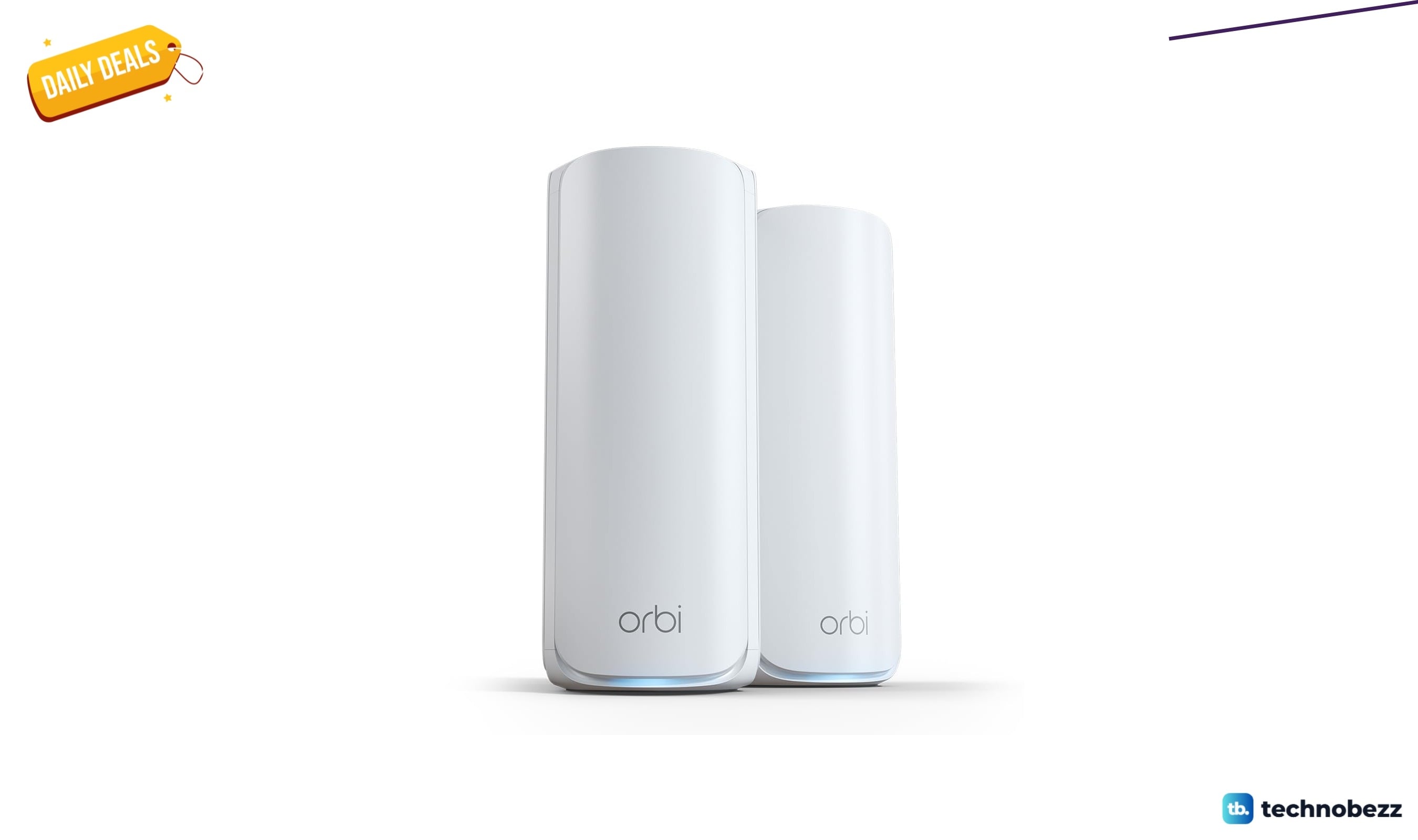
NETGEAR Orbi 770 WiFi 7 Mesh System now selling for $449.99
Save $100 on the NETGEAR Orbi 770 WiFi 7 mesh system, now $449.99 for whole-home coverage up to 5,500 sq ft.
5 min read
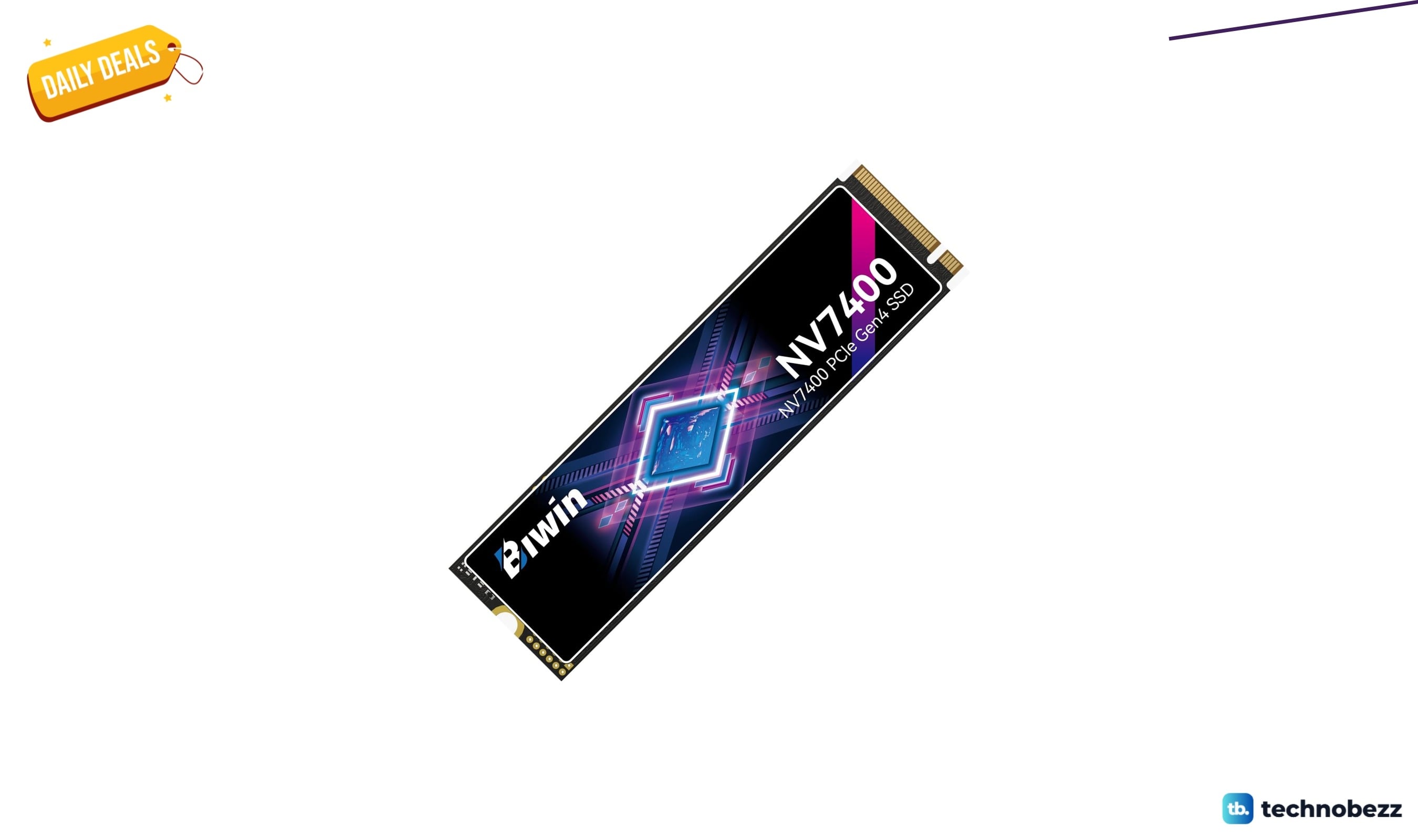
BIWIN Black Opal NV7400 SSD Gen4x4 slips to $489.99
4 min read
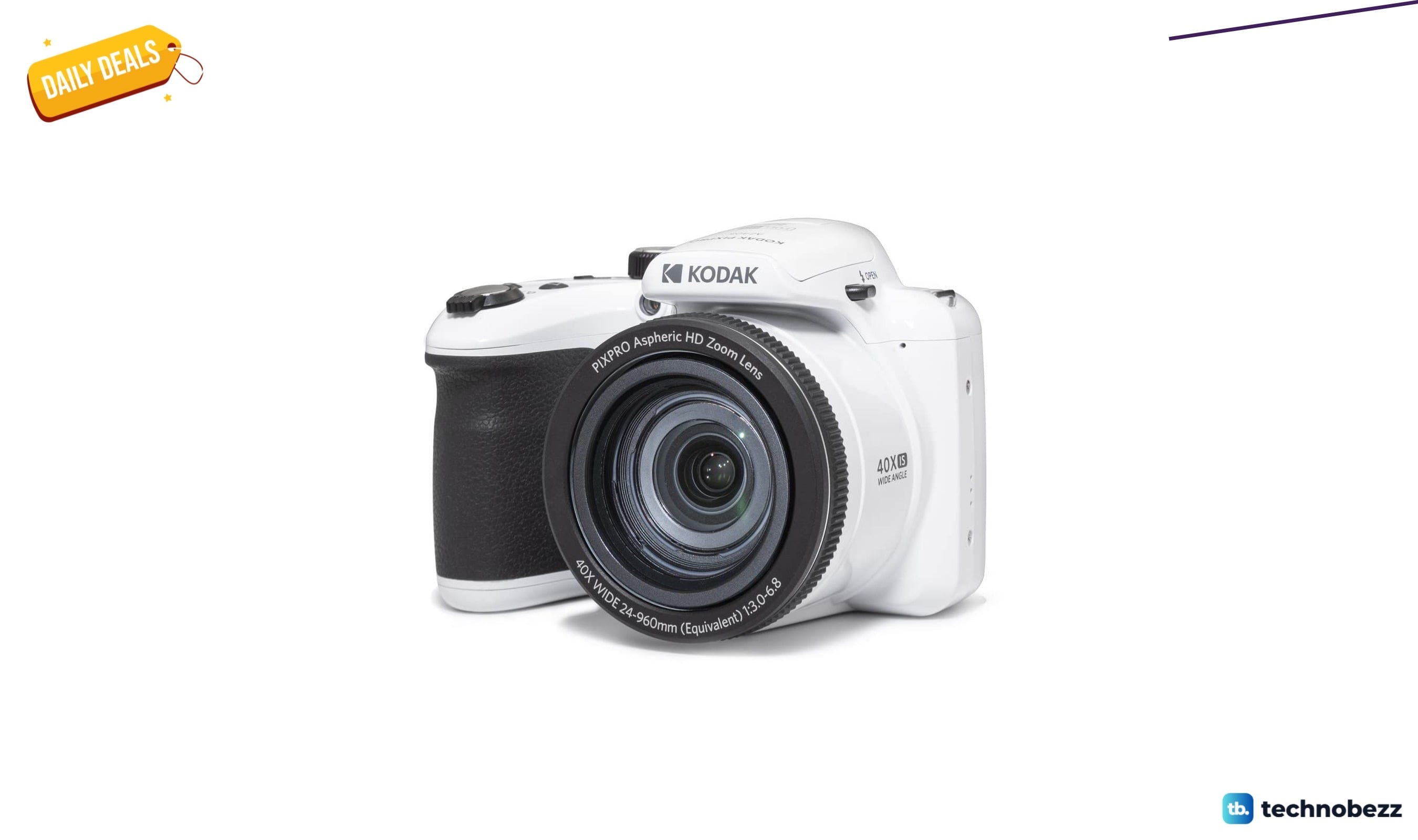
KODAK PIXPRO AZ405 20MP Digital Camera on sale for $199.99
3 min read
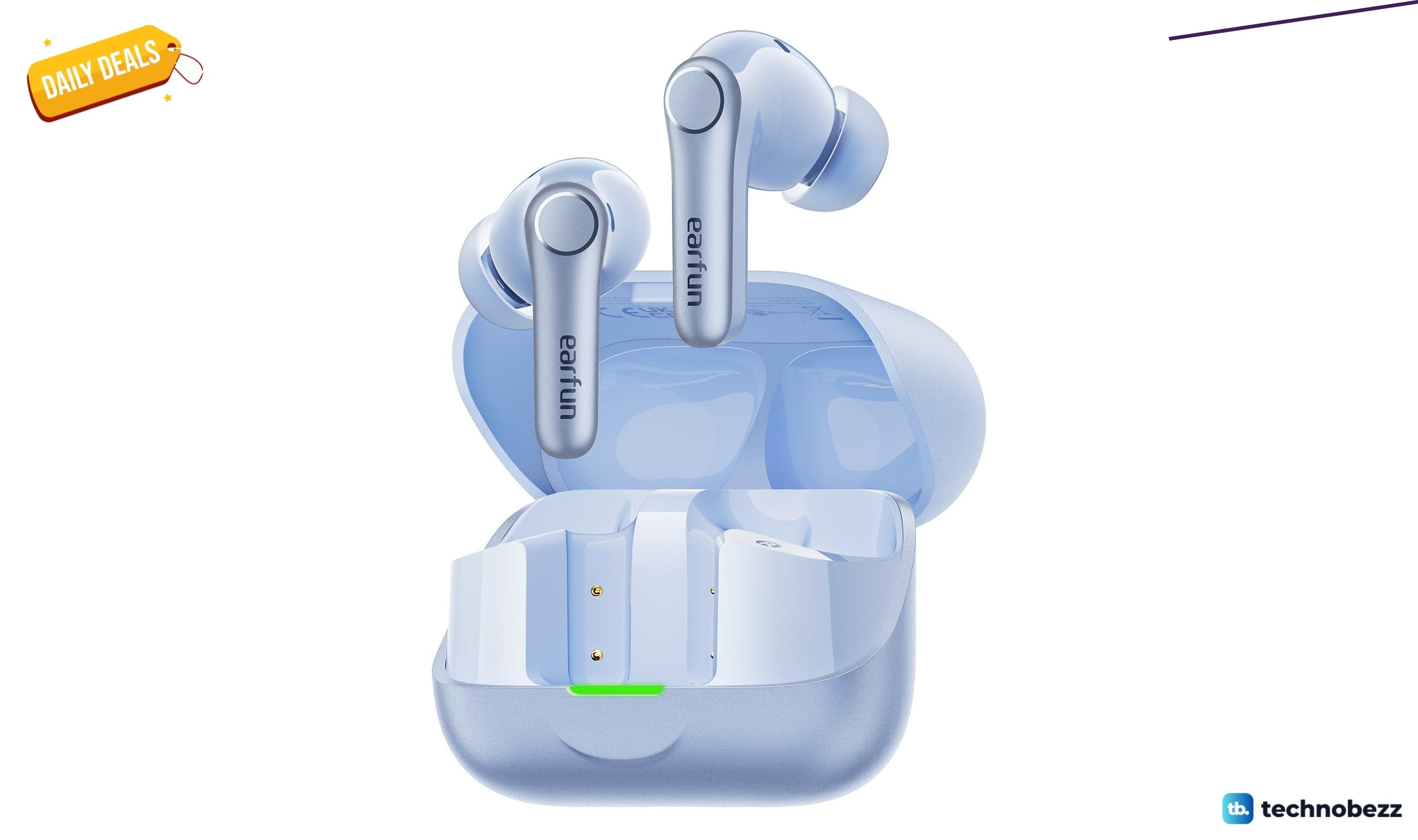
EarFun Air Pro 4+ Adaptive Noise Cancelling sees price cut to $79.98
5 min read
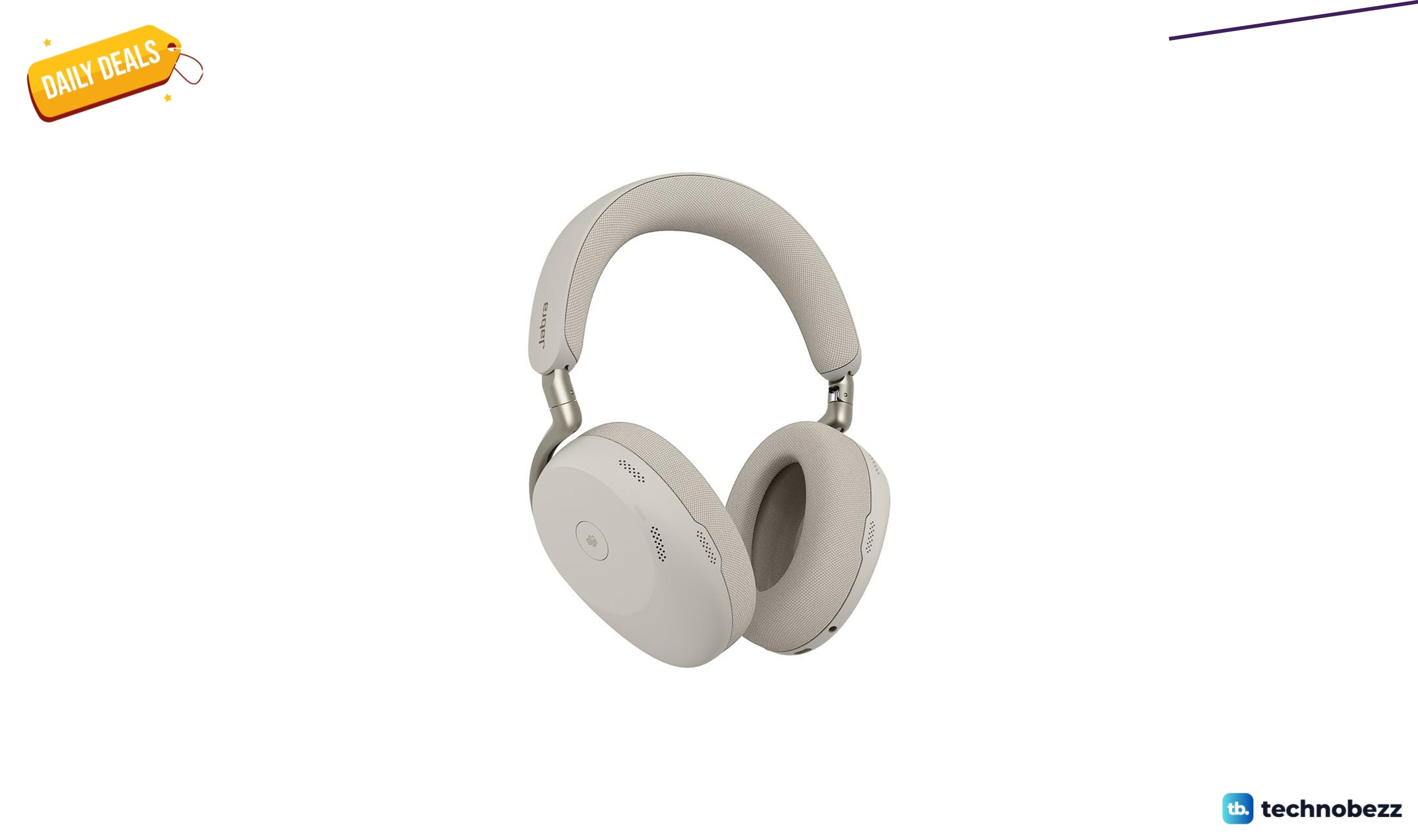
Jabra Evolve3 85 Over Ear Wireless Bluetooth sees price cut to $427.50
3 min read
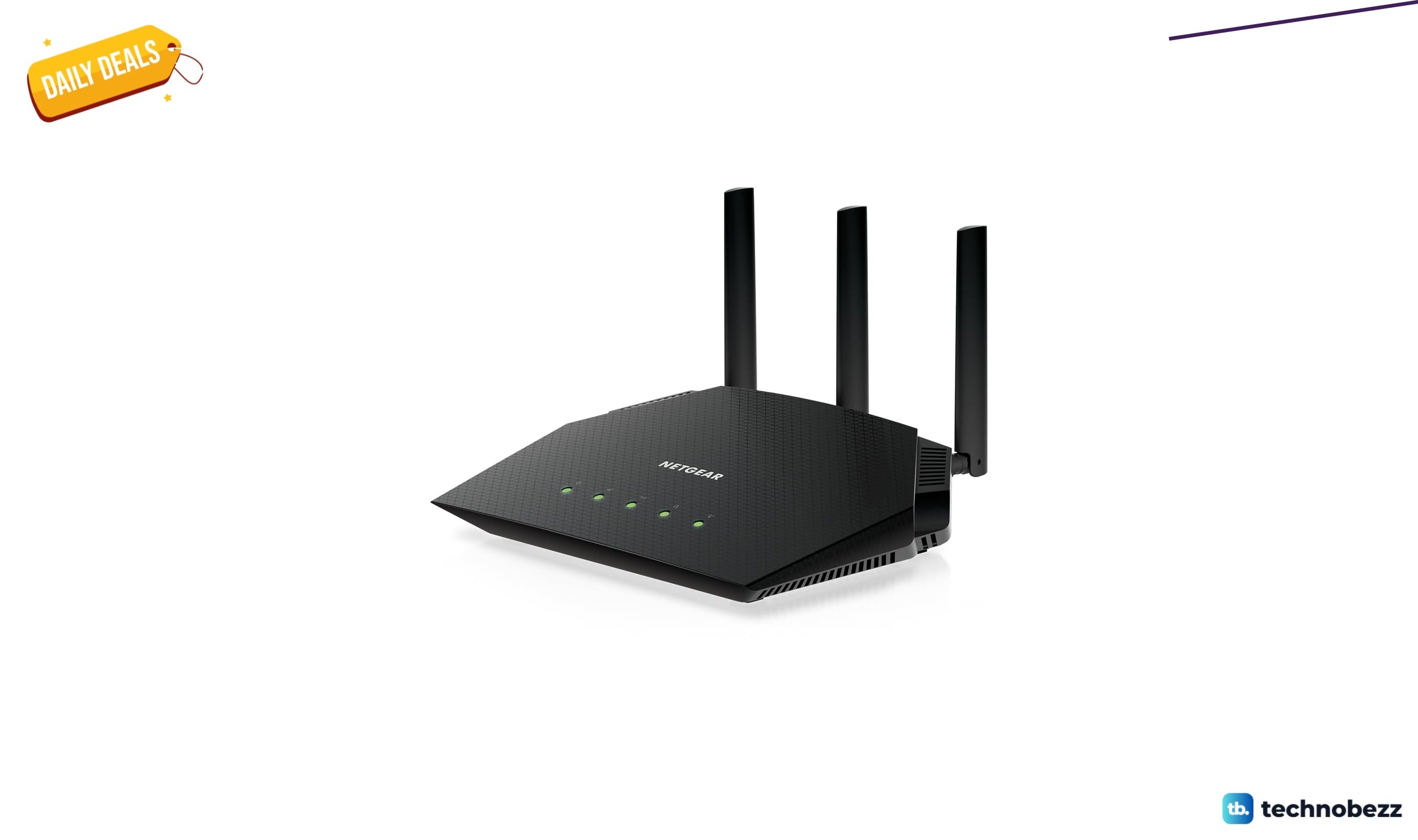
NETGEAR Nighthawk WiFi 6 Router Router Only marked down to $89.97
4 min read
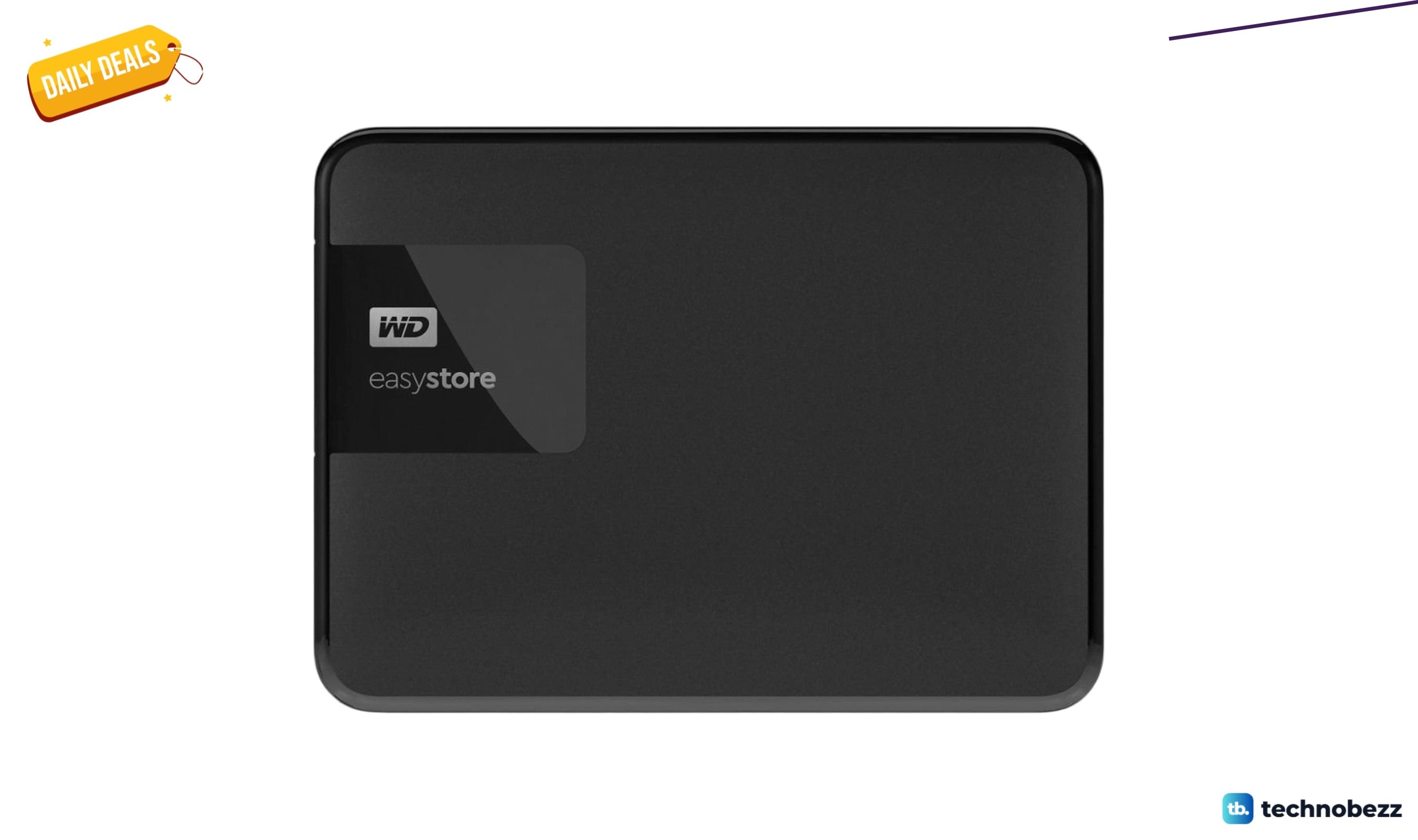
Western Digital WD Easystore External USB 3.0 on sale for $249.99
3 min read

Google Pixel Watch 3 2024 Android Smartwatch on sale for $299.99
3 min read
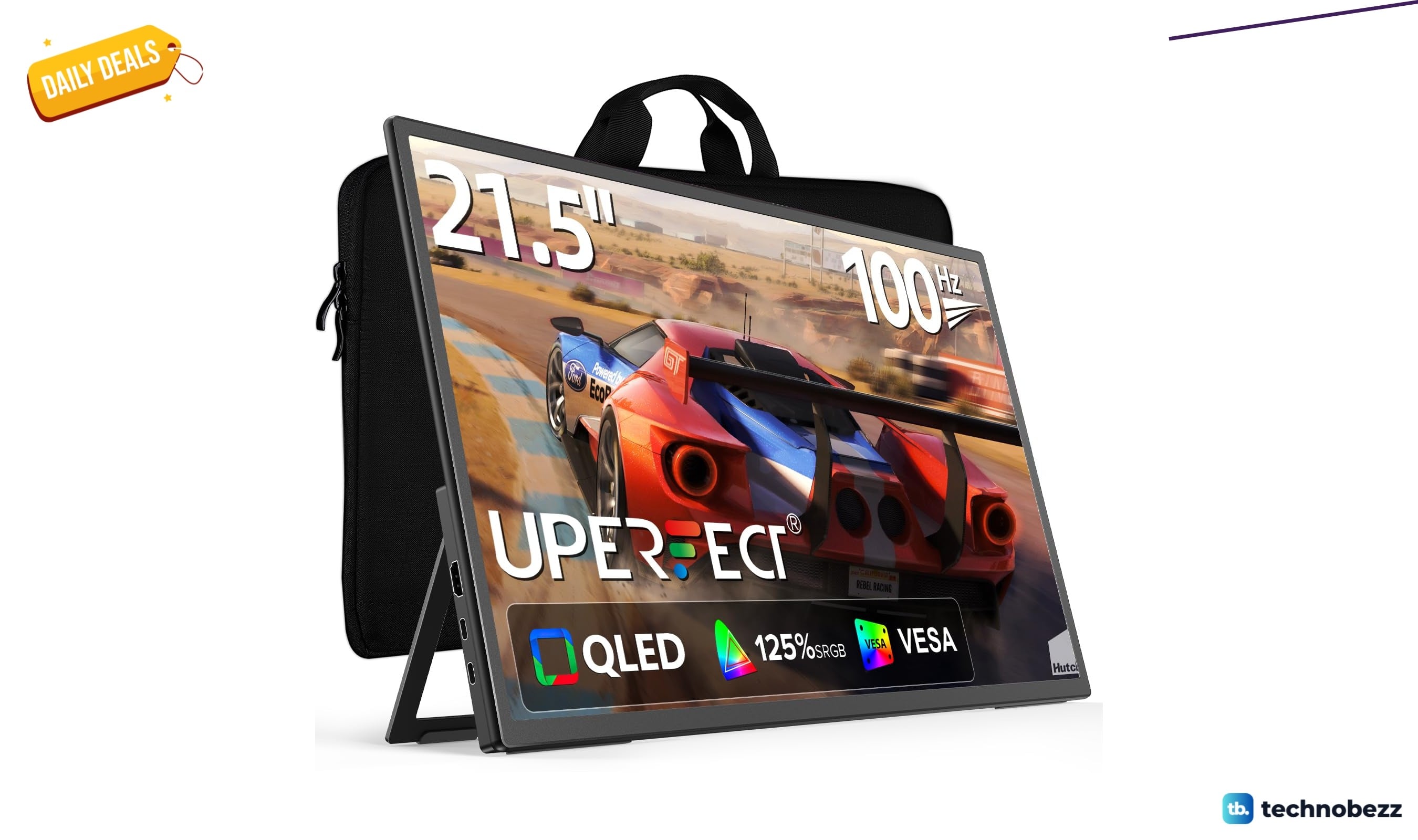
UPERFECT Portable Monitor slips to $179.99
5 min read