If you are serious about streaming on Twitch, YouTube, or Facebook Live, your camera is one of the easiest upgrades you can make. The Elgato Facecam MK.2 delivers the best balance of image quality and simplicity for most streamers, but the right choice depends on your budget, mobility, and whether you need AI tracking or interchangeable lenses.
Technobezz is supported by its audience. We may get a commission from retail offers.
Best Cameras for Live Streaming in 2026
The Elgato Facecam MK.2 tops our list of the 8 best cameras for live streaming in 2026, tested for every budget and streaming style.
T
Technobezz
Senior Editor
Updated September 5, 2026Sep 5, 2026
•8 min read

Get Deals Like These in Your Inbox
The best prices, reviewed weekly.
At a Glance
| Category | Product | Why We Picked It |
|---|---|---|
| Best overall | Elgato Facecam MK.2 | Crisp 1080p at 60fps with Sony STARVIS sensor and no mic to worry about |
| Best value | Logitech C922 Pro | 1080p30 or 720p60 video, stereo microphones and an included tripod |
| Best for AI tracking | Obsbot Tiny 3 | 4K PTZ webcam with voice control and automatic subject tracking |
| Best for mirrorless quality | Sony ZV-E10 II | Large sensor and interchangeable lenses for pro-level streams |
| Best 4K webcam | Insta360 Link 2C Pro | 4K video, a 1/1.3-inch sensor, auto-framing and directional microphones |
| Also recommended | Razer Kiyo Pro Ultra | Best webcam image quality with bokeh |
| Also recommended | Panasonic Lumix GH7 | 25.2MP BSI sensor and internal ProRes RAW recording |
| Also recommended | Logitech StreamCam | Solid 1080p60 with vertical video mode |
How we chose and tested
We evaluated cameras based on video resolution, frame rate, low-light performance, ease of setup, and overall value for streaming use cases. Our assessment considers product specifications, expert reviews, and real-world feedback from content creators across multiple platforms. We prioritize cameras that offer reliable performance, clean video output, and practical features that actually improve a stream without unnecessary complexity.
The best cameras for live streaming right now
Elgato Facecam MK.2 - Best overall
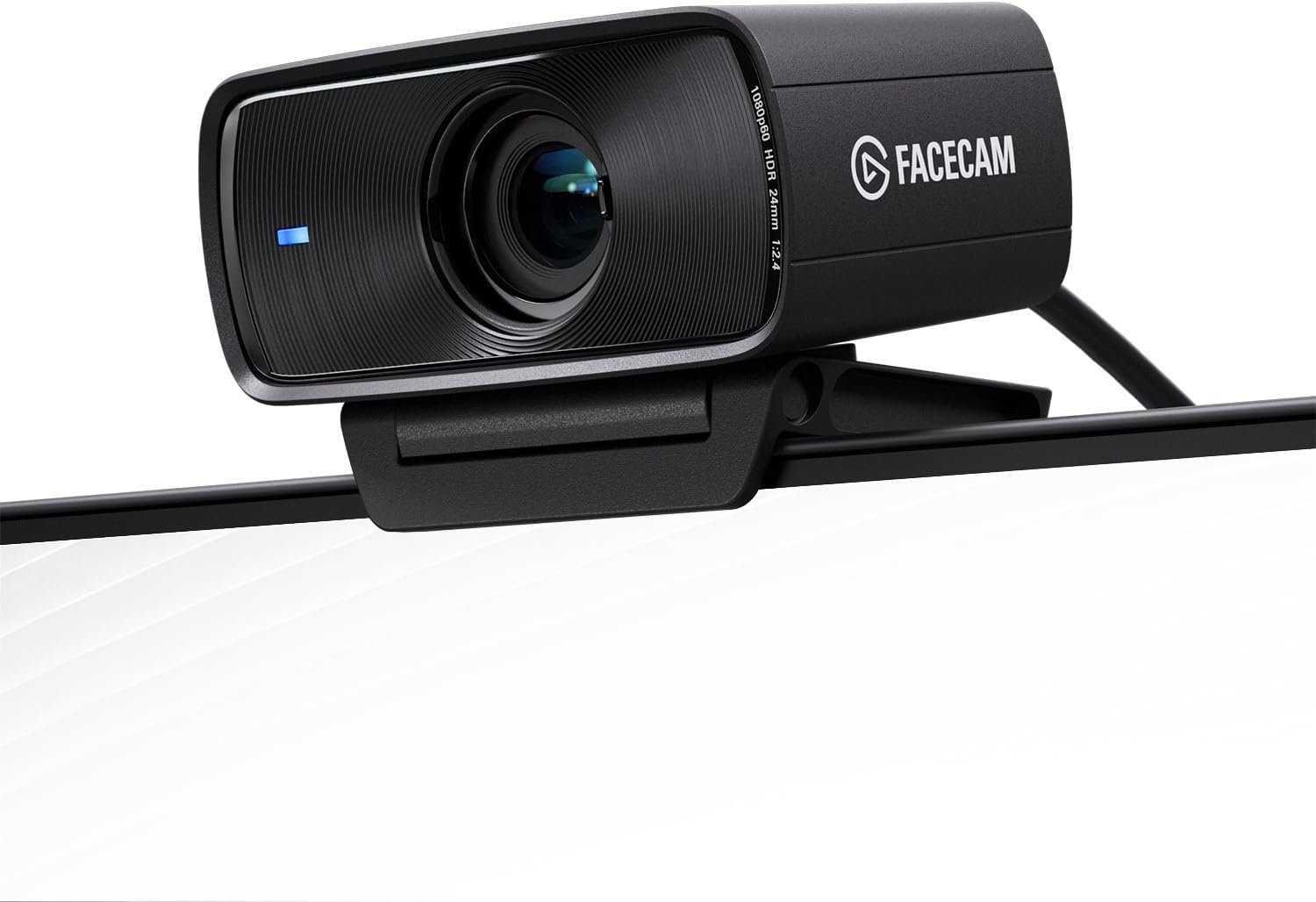
The Facecam MK.2 is purpose-built for streaming, and it shows. It delivers sharp 1080p video at up to 60fps with excellent color accuracy straight out of the box, thanks to its Sony STARVIS CMOS sensor and Prime Lens optics.
Key highlights
- 1080p resolution at up to 60fps for smooth motion
- Sony STARVIS sensor for strong low-light performance
- Prime Lens optics for crisp, clear image quality
- On-camera storage saves your settings to the device
- Works with Windows, Mac, and iPad
Pros
- No driver setup needed, works plug-and-play on most systems
- Excellent color reproduction and exposure control
- Customizable settings save directly to the camera
Cons
- No built-in microphone, you will need an external one
- Fixed focus, so you have to stay within the focal plane
- Premium price compared to basic webcams
Who it is for: Streamers who want reliable, high-quality video without complicated setup and already have a separate microphone.
Skip if
You need autofocus or want an all-in-one solution with built-in audio.
Logitech C922 Pro - Best value
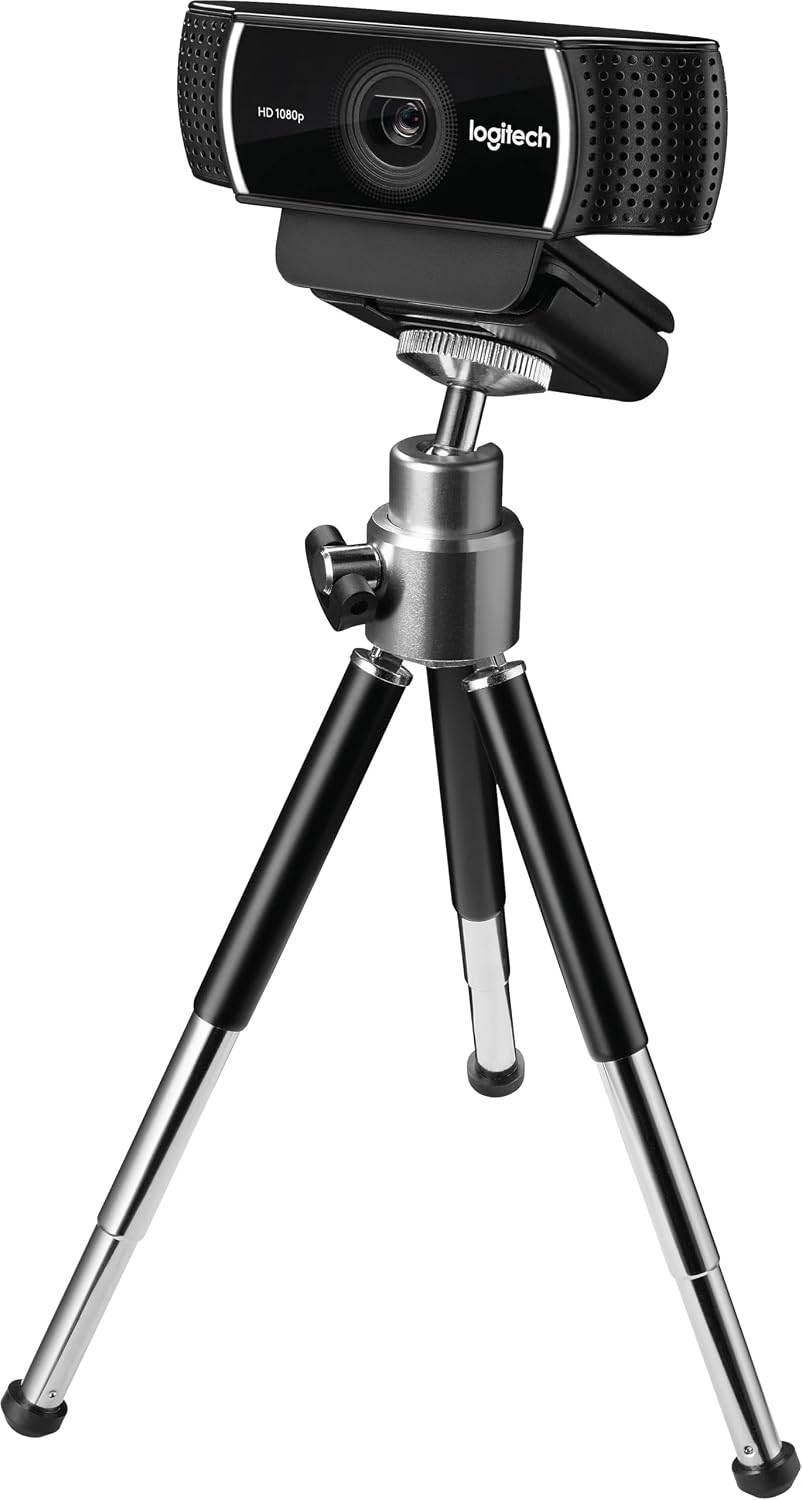
The C922 Pro records 1080p video at 30fps or 720p at 60fps. Two built-in microphones and an included tabletop tripod make it a practical starting point for streaming.
Key highlights
- 1080p video at 30fps or 720p at 60fps
- Automatic low-light correction
- Two built-in omnidirectional microphones for stereo audio
- Adjustable tabletop tripod included
- Compatible with Windows, Mac, Android, and Chrome OS
Pros
- Very affordable entry point for new streamers
- Solid low-light performance for a webcam in this price range
- Built-in microphone provides clear, natural sound
Cons
- No 4K support, maxes out at 1080p
- Built-in mics are decent but not as good as a dedicated microphone
- Attached USB-A cable requires a compatible port or adapter
Who it is for: Beginners or budget-conscious streamers who want a clear upgrade from a laptop webcam without spending much.
Skip if
You want 4K video or plan to stream in professional production environments.
Obsbot Tiny 3 - Best for AI tracking
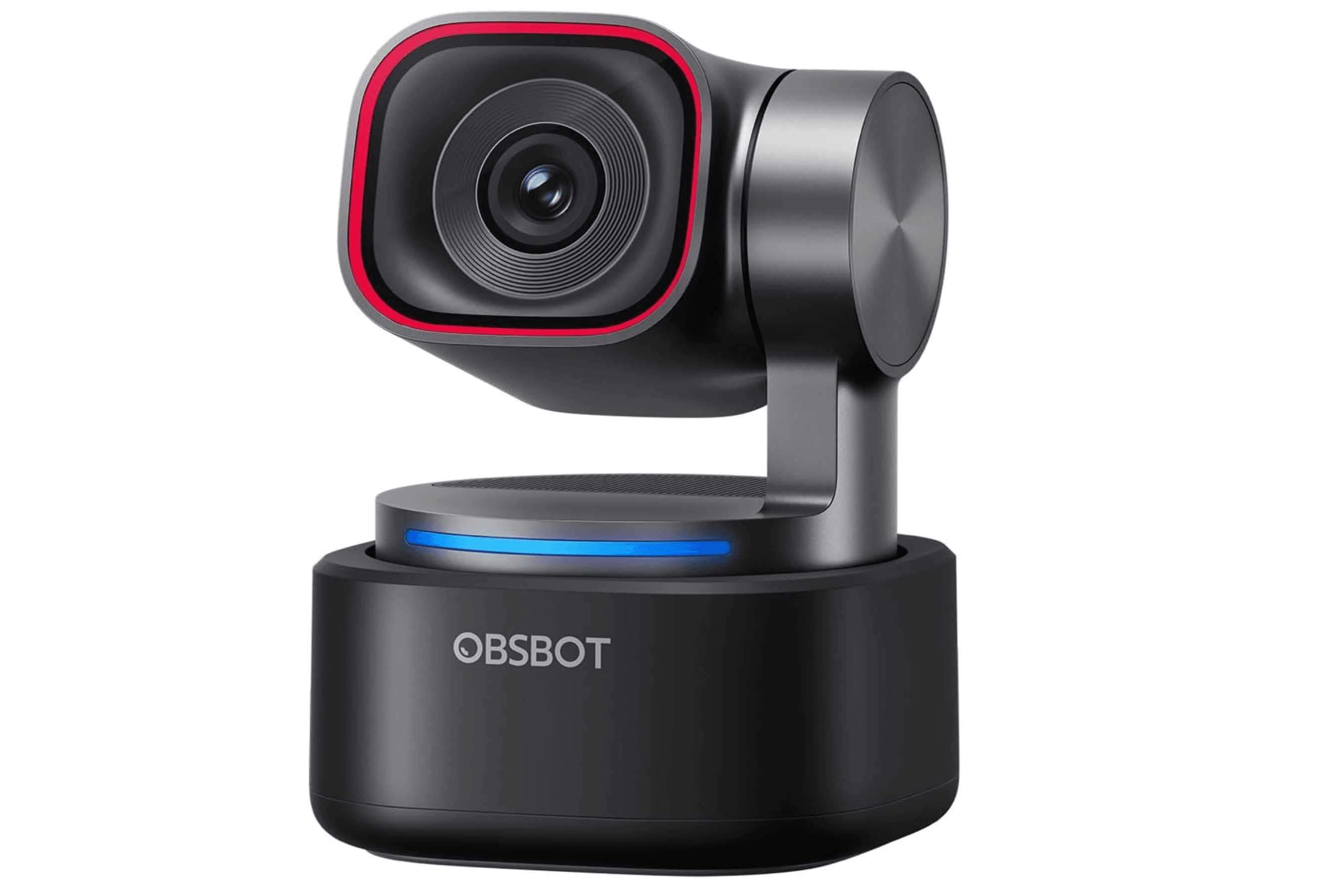
The Obsbot Tiny 3 is a 4K PTZ webcam that uses AI to keep you perfectly framed as you move around. It supports voice control, hand gestures, and multiple tracking modes including body-only framing and desk mode.
Key highlights
- 4K video at 30fps, 1080p at up to 120fps
- Motorized pan and tilt with digital zoom and AI subject tracking
- Voice control and gesture recognition
- 1/1.28" CMOS for good low-light performance
- Triple-mic array
Pros
- Automatic tracking is smooth and reliable for active streamers
- Compact design fits easily on a desk or laptop screen
- Excellent image quality in both bright and dim conditions
Cons
- Expensive compared to standard webcams
- The companion app is large and requires decent storage space
- No Windows Hello support for facial recognition
Who it is for: Streamers who move around during their broadcast, such as cooking, crafting, or fitness content creators.
Skip if
You sit still at a desk and do not need AI tracking or 4K resolution.
Sony ZV-E10 II - Best for mirrorless quality
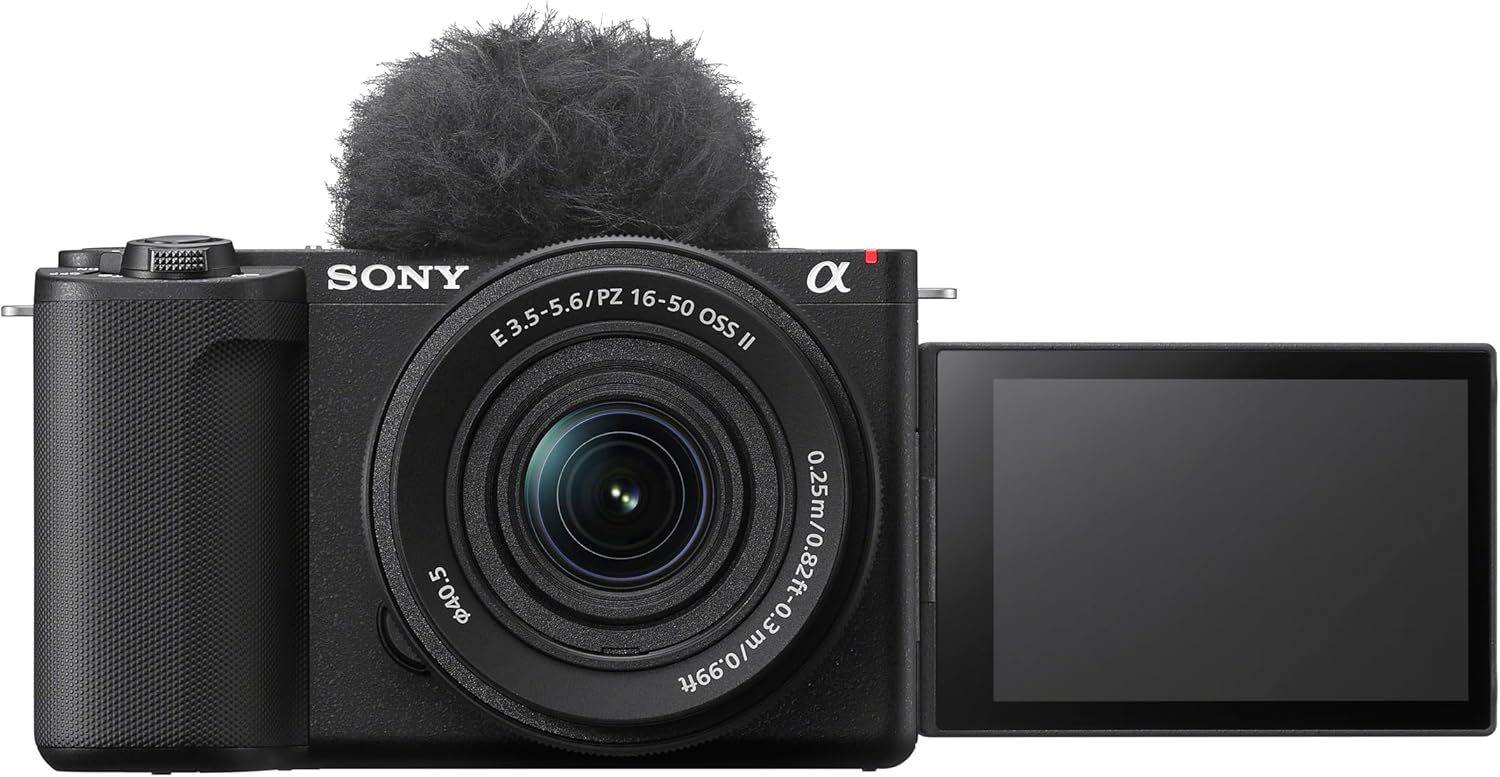
The Sony ZV-E10 II brings interchangeable lens flexibility and a large APS-C sensor to live streaming. It delivers professional-grade video with Sony's reliable autofocus system and natural color science that works well for talking head content.
Key highlights
- APS-C sensor for superior image quality and depth of field
- Up to 60 fps in 4K
- Real-time Eye AF and subject tracking
- Touch screen for easy framing
- Interchangeable E-mount lenses for versatility
Pros
- Significantly better image quality than any webcam
- Interchangeable lenses let you adapt to different shooting styles
- Strong low-light performance thanks to the larger sensor
Cons
- USB streaming requires a compatible computer and cable; HDMI streaming uses a capture card
- More complex setup than plug-and-play webcams
- Higher overall cost when you factor in lenses and accessories
Who it is for: Streamers who want an APS-C sensor and interchangeable lenses, with direct USB streaming or an HDMI capture setup.
Skip if
You prefer a compact webcam and do not need interchangeable lenses.
Insta360 Link 2C Pro - Best 4K webcam
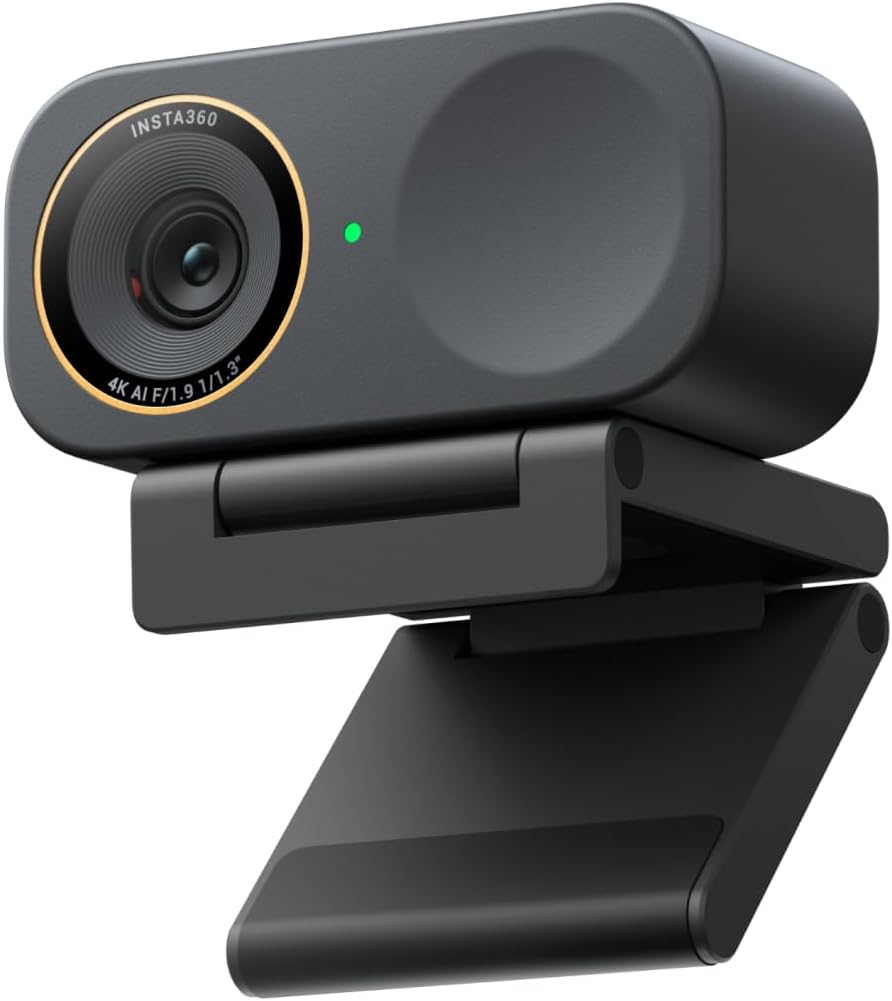
The Link 2C Pro pairs 4K video with a 1/1.3-inch sensor and directional dual microphones. Its fixed camera uses automatic framing to keep people in view.
Key highlights
- 4K at up to 30fps or 1080p at up to 60fps
- 1/1.3-inch sensor and HDR support
- Automatic framing for individuals or groups
- Dual microphones with directional pickup and noise cancellation
- Gesture control, Link Controller desktop app and Elgato Stream Deck support
Pros
- Larger sensor than the Link 2C
- Directional microphone pickup helps isolate your voice
- Magnetic mount and USB-A adapter included
Cons
- No motorized pan or tilt
- 4K video is limited to 30fps
- Natural Bokeh and background blur run in the Link Controller desktop software
Who it is for: Desk-based creators who want 4K video, automatic framing and built-in audio.
Skip if
You need a motorized camera to follow you around the room or want 4K at 60fps.
Also Good
- Razer Kiyo Pro Ultra - best webcam image quality with bokeh.
- Panasonic Lumix GH7 - 25.2MP BSI sensor and internal ProRes RAW recording; lens sold separately.
- Logitech StreamCam - solid 1080p60 with vertical video mode.
How to Choose
- Resolution and frame rate. 1080p at 30fps is the minimum for acceptable quality. If you stream fast-paced games or move around, aim for 60fps. Check your platform's resolution limits and upload requirements: YouTube supports 4K live streaming, while a 1080p stream needs less bandwidth.
- Setup complexity. Webcams are generally plug-and-play. Some mirrorless cameras, including the Sony ZV-E10 II, also stream directly over USB; HDMI output requires a capture device. Be honest about how much effort you want to put into your setup each time you go live.
- Lighting and sensor size. A larger sensor (like the APS-C in the Sony ZV-E10 II) handles low light much better than a small webcam sensor. If you cannot control your lighting, prioritize cameras with larger sensors and good low-light reviews.
- Audio matters more than video. Every source we looked at agrees: your viewers will forgive slightly soft video faster than they will tolerate bad audio. Budget for a separate microphone before spending on a high-end camera.
- Future-proofing. If you plan to grow your channel, investing in a mirrorless camera with interchangeable lenses saves you from buying a whole new system later. Webcams are cheaper to start but have a hard ceiling on quality.
FAQ
Do I need a capture card for streaming?
It depends on the camera and connection. USB webcams work without a capture card, and the Sony ZV-E10 II also supports direct USB streaming at up to 4K30. Use a capture card when sending a camera's HDMI output to your computer.
Is 4K worth it for live streaming?
It can be worthwhile on services such as YouTube that support 4K live streams, provided your upload connection can handle the required bitrate. A 4K camera also helps when recording footage or cropping to a 1080p frame.
What is the best budget camera for starting out?
The Logitech C922 Pro offers 1080p30 video, stereo microphones, and an included tabletop tripod for a straightforward starter setup.
Should I get a webcam or a mirrorless camera?
Stick with a webcam if you want simple setup and do not plan to upgrade your gear often. Go mirrorless if you want the best possible image quality and are willing to manage a more complex workflow.
How important is lighting for streaming?
More important than your camera. Even an expensive mirrorless camera looks bad in poor light. A basic ring light or softbox setup will improve your stream quality more than upgrading from a $100 webcam to a $500 one.
Published April 28, 2026 Last updated September 5, 2026
Share this article
More in News
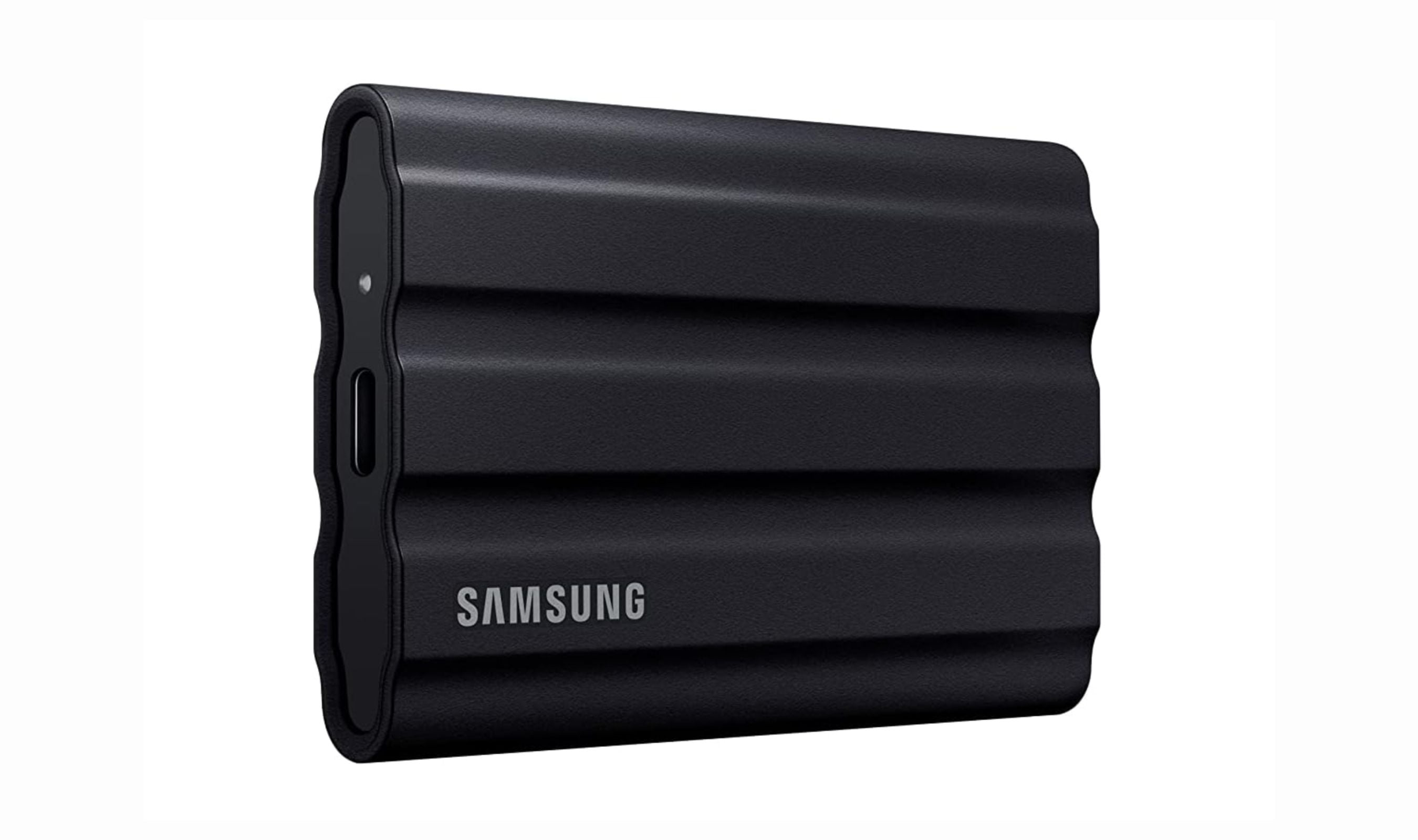
8 Best External SSDs for Gaming in 2026
Our top external SSDs for gaming, led by the rugged Samsung T7 Shield, plus the best value, high-speed, and Xbox expansion picks for PC and console.
5 min read
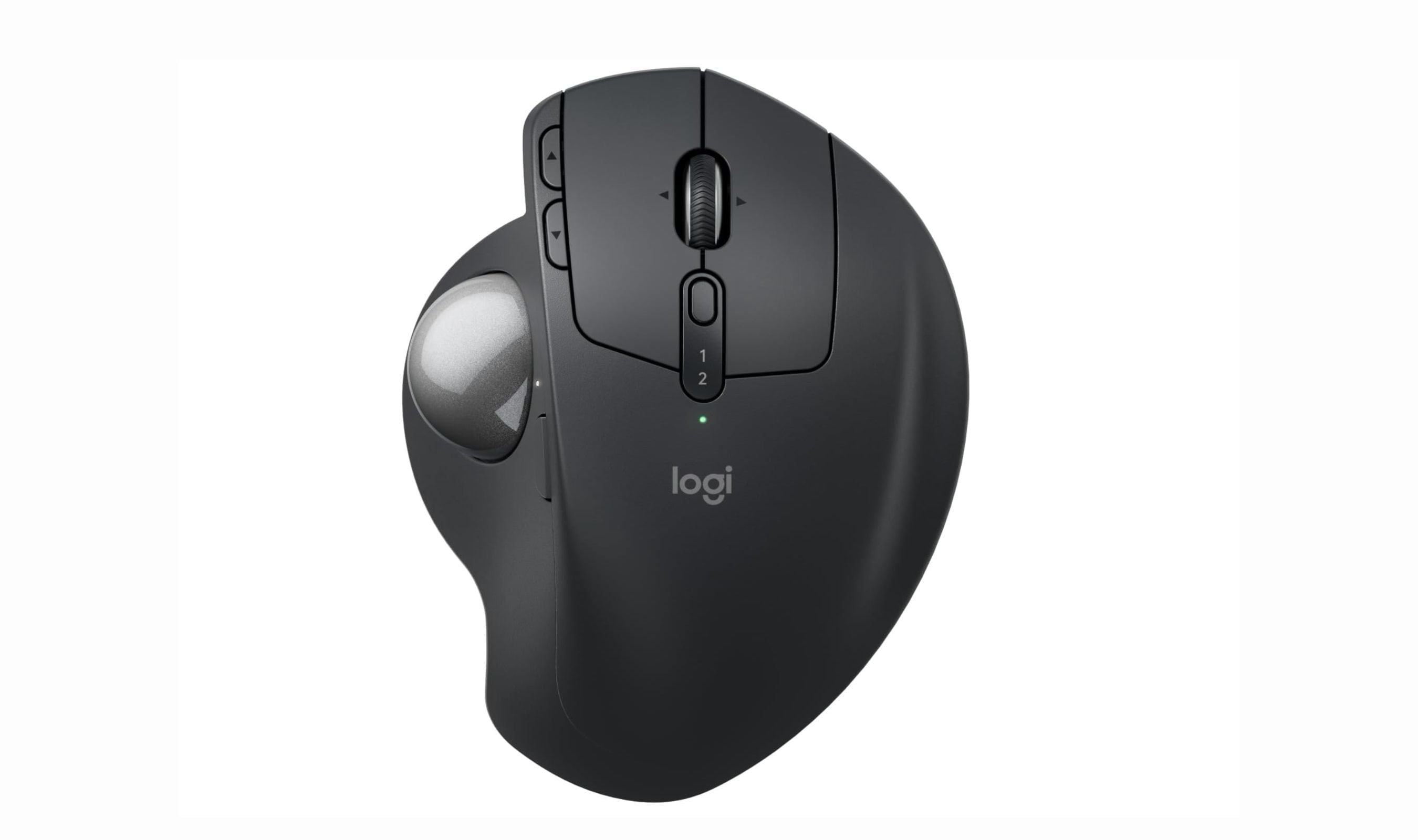
8 Best Trackball Mice in 2026
The best trackball mice for 2026, tested for comfort and precision. The Logitech MX Ergo S leads our picks, with options from $38 to $110 for every budget.
3 min read
41 Best Mother's Day Tech Gifts for 2026
Our top 41 Mother's Day tech gifts for 2026, from the Apple Watch Series 11 to the Ninja CREAMi and Dyson Airwrap, with picks for every budget and mom.
5 min read

Samsung coupon codes and deals
Browse 4 current Samsung offers, including 0 coupon codes and 4 online deals.
5 min read

Best tech coupon codes and online deals
4 min read
7 Best Smart Scales for 2026
4 min read
8 Best Monitors for MacBook in 2026
4 min read
7 Best Smartphones Under $700 in 2026
3 min read
7 Best Tablets for Toddlers to Buy in 2026
3 min read
Best Wireless Mechanical Keyboards for 2026
4 min read
8 Best Soda Makers for 2026
4 min read
8 Best Surge Protectors for 2026
5 min read