If you work with large video files, high-resolution photos, or complex creative projects, you need an external SSD that keeps up. The SanDisk Extreme PRO Portable SSD V3 delivers USB4 speeds for heavy media offloads, while the Corsair EX400U is another USB4 option for creators. This list focuses on drives that balance speed, durability, and capacity for creators who can't afford to wait for file transfers.
Technobezz is supported by its audience. We may get a commission from retail offers.
7 Best External SSDs for Creators in 2026
Looking for the best external SSD for creative work? From Thunderbolt 5 drives for 8K editing to rugged options for field shoots, these are the top picks for creators in 2026.
T
Technobezz
Senior Editor
Updated September 14, 2026Sep 14, 2026
•8 min read

Get Deals Like These in Your Inbox
The best prices, reviewed weekly.
At a Glance
| Category | Product | Why We Picked It |
|---|---|---|
| Best value | Corsair EX400U | USB4 performance without the premium price |
| Best for field work | SanDisk Extreme PRO Portable SSD V3 | USB4 speeds with IP65 protection and 3-meter drop resistance |
| Best for Mac users | OWC Envoy Pro Elektron | APFS formatting for Macs with a compact IP67-rated enclosure |
| Best compact option | Samsung T9 | Fast NVMe performance in a pocket-sized design |
| Also recommended | KingSpec Z5 | Solid budget speed for demanding projects |
| Also recommended | Kingston XS2000 | Compact, rugged USB-C option for travel workflows |
| Also recommended | Lexar SL500 | Affordable, fast start for new creators |
How we chose and tested
We evaluated external SSDs based on performance metrics that matter to creators, including sustained read/write speeds for 4K and 8K video editing, compatibility with creative software workflows, and durability for field use. Our assessment considers real-world transfer consistency rather than just peak marketing numbers, prioritizing drives that maintain performance during large file operations. We also factor in capacity options, warranty coverage, and platform compatibility to ensure each recommendation serves specific creator needs.
The best external SSDs for creators right now
Corsair EX400U - Best value
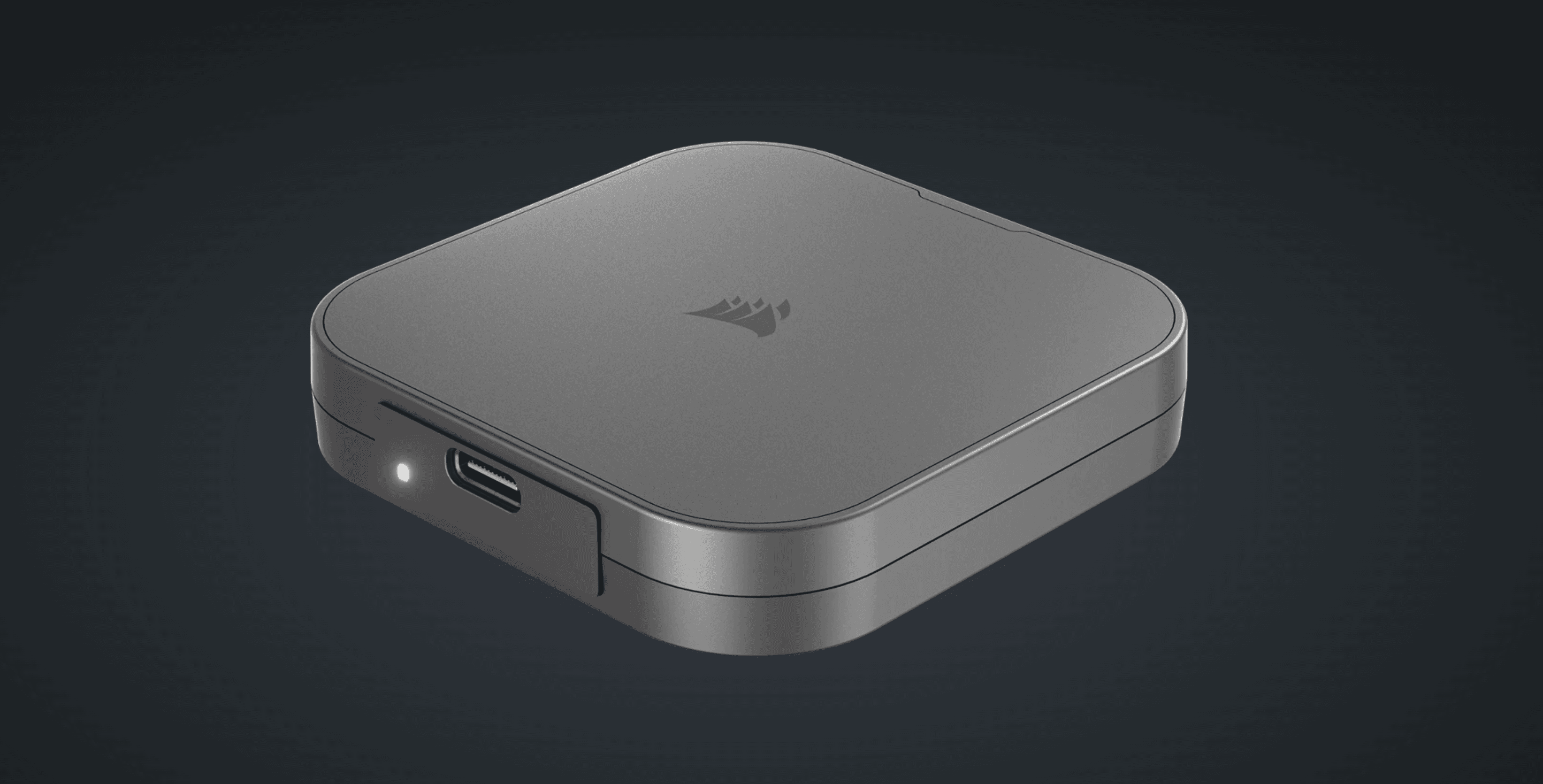
The EX400U delivers USB4 performance at around 40Gbps, offering near-Thunderbolt speeds without the premium price tag. It maintains consistent performance during extended transfers, making it reliable for video editing sessions.
Key highlights
- USB4 connectivity with up to 40Gbps transfer speeds
- Aluminum construction with integrated thermal management
- Works with both USB4 and Thunderbolt 4 ports
- Available in 1TB, 2TB, and 4TB capacities
- Three-year warranty coverage
Pros
- Excellent performance-to-price ratio
- Good heat dissipation during sustained use
- Broad compatibility with modern USB-C systems
- Multiple capacity options for different budgets
Cons
- Requires USB4 or Thunderbolt 4 port for full speed
- Cable included is relatively short
- No ruggedized protection rating
Who it is for: Creators who want high-speed performance without investing in Thunderbolt 5 hardware, especially those working with 4K footage.
Skip if
You need maximum ruggedness for outdoor work or exclusively use older USB 3.2 ports.
SanDisk Extreme PRO Portable SSD V3 - Best for field work
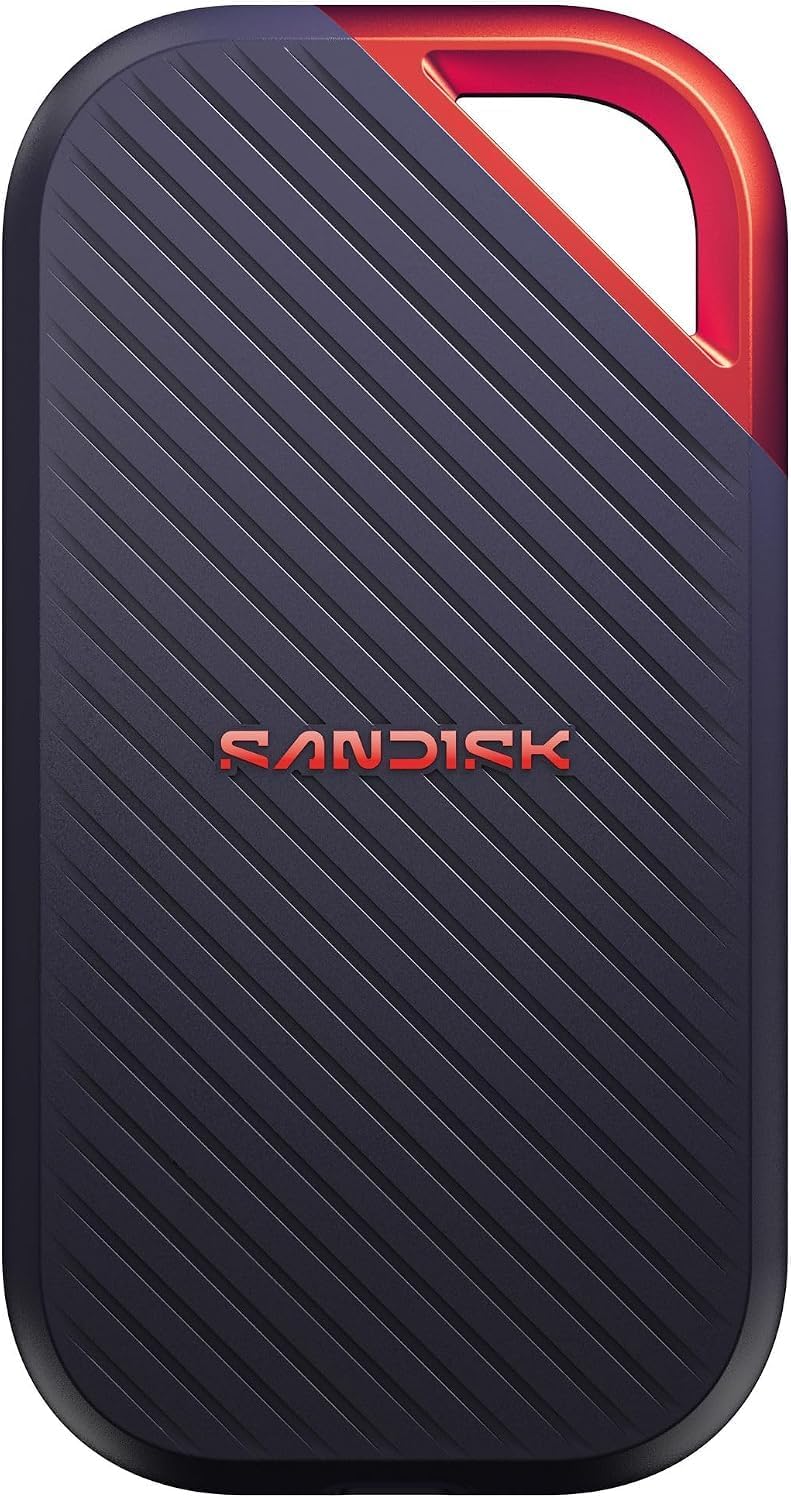
The Extreme PRO V3 uses USB4 for read speeds up to 4,000MB/s and write speeds up to 3,800MB/s. Its IP65 rating and drop protection up to 3 meters suit creators who offload footage on location.
Key highlights
- USB4 connectivity with up to 4,000MB/s reads and 3,800MB/s writes
- IP65 water and dust resistance
- Drop protection up to 3 meters
- 2TB capacity in the linked model
- 256-bit AES password protection through the SanDisk app
Pros
- High transfer speeds for large media files
- Water, dust, and drop protection for location shoots
- Password protection for sensitive project files
Cons
- Full performance requires compatible USB4 hardware
- Password protection requires software installation
Who it is for: Creators who need fast media offloads and a protected drive for location work.
Skip if
Your computer only has older USB ports and cannot take advantage of USB4 speeds.
OWC Envoy Pro Elektron - Best for Mac users
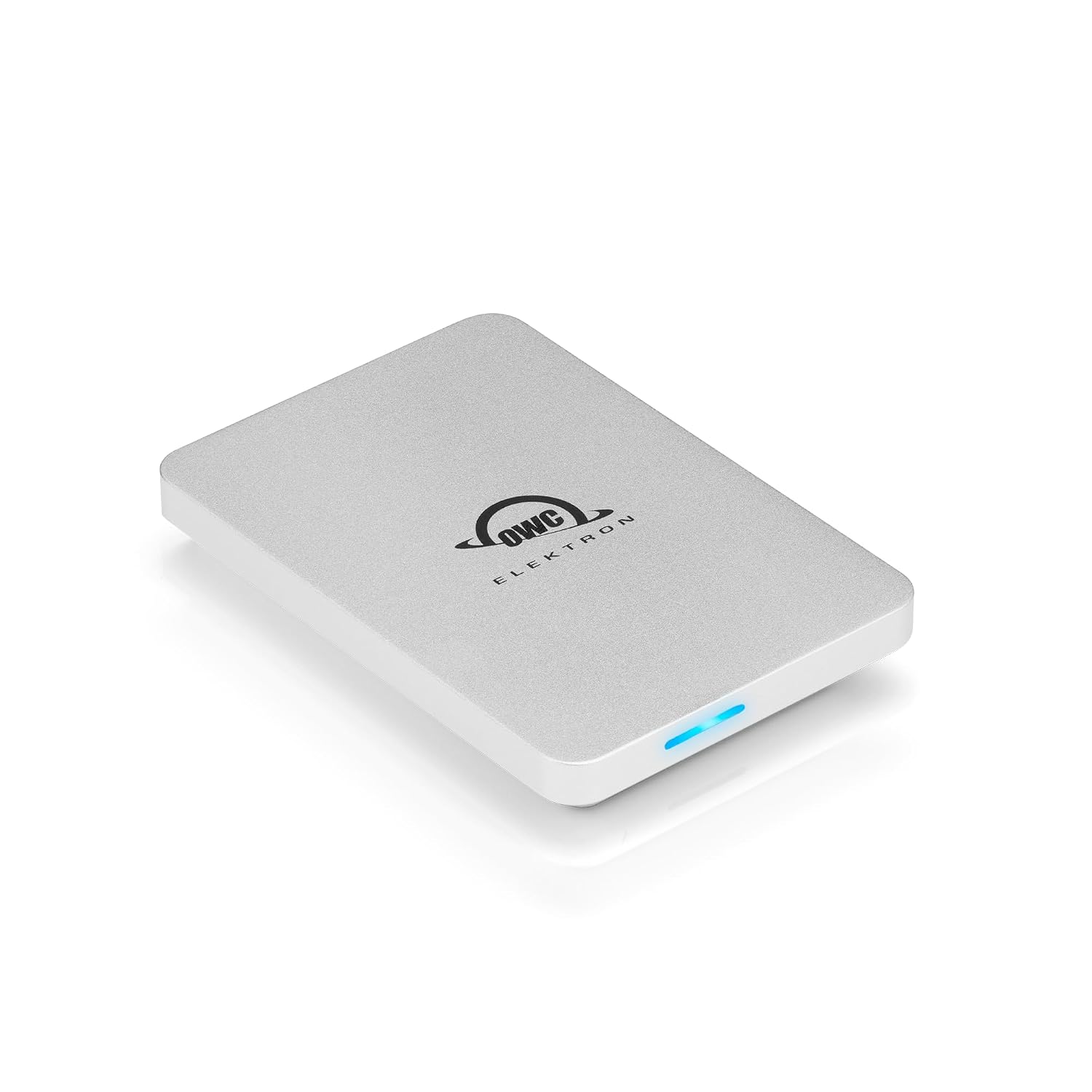
The 1TB Envoy Pro Elektron comes formatted in APFS for Macs and iPads. Its 10Gbps USB-C connection delivers speeds up to 1,011MB/s, with an IP67-rated aluminum enclosure for travel.
Key highlights
- APFS formatting for Macs and iPads
- USB 3.2 Gen 2 connectivity at 10Gbps
- Speeds up to 1,011MB/s
- IP67-rated aluminum enclosure
- Three-year OWC limited warranty
Pros
- APFS format suits Apple workflows
- Includes a USB-C cable and USB-A adapter
- Bootable for running macOS from the drive
Cons
- Limited to 10Gbps even on faster Thunderbolt ports
- Other platforms may require reformatting
Who it is for: Mac-based creators who want a small, durable USB-C drive for project storage and travel.
Skip if
You need USB4 or Thunderbolt transfer speeds for large media offloads.
Samsung T9 - Best compact option
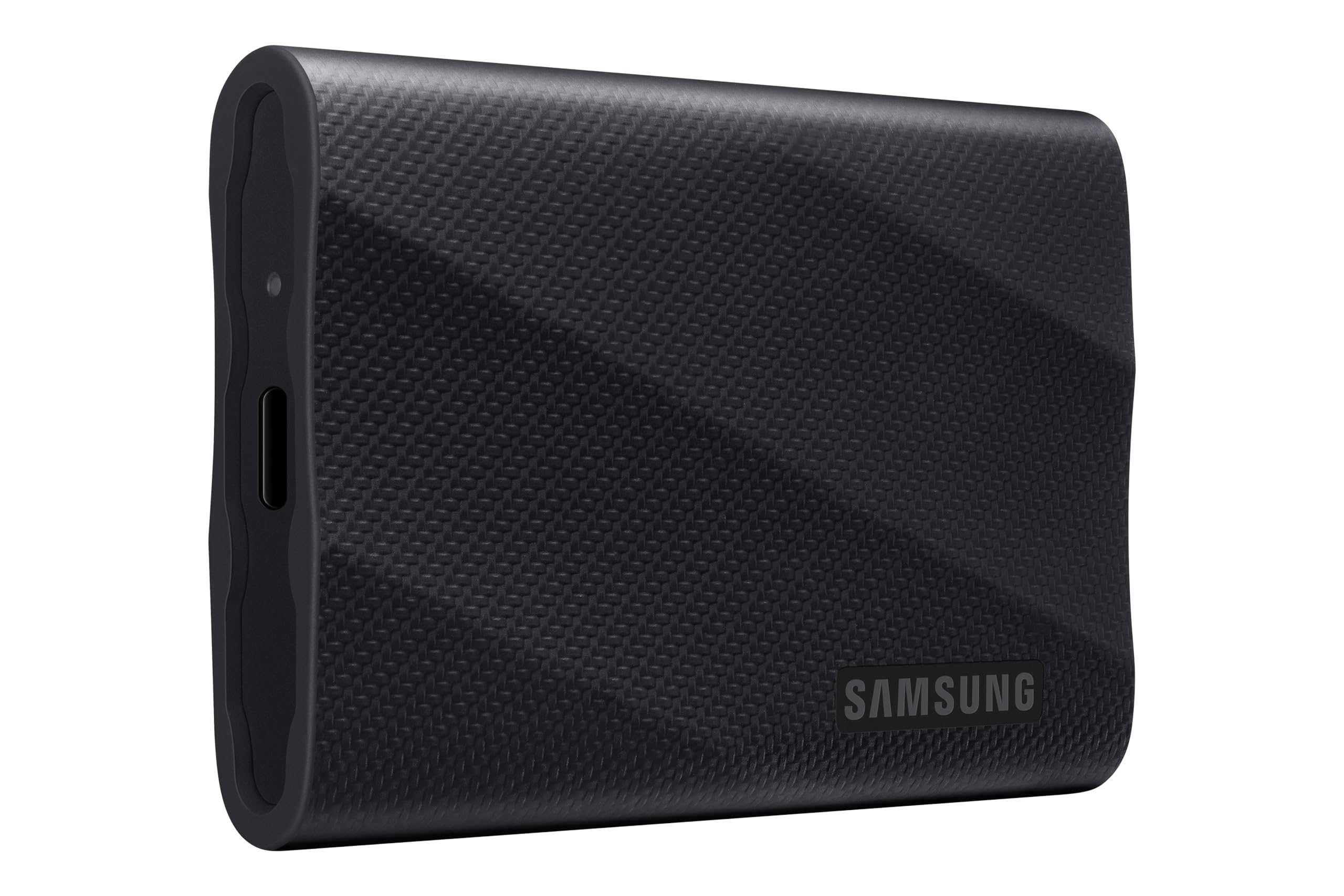
This pocket-sized NVMe SSD delivers impressive performance in a minimal footprint, reaching up to 2,000MB/s speeds. Its textured design provides better grip while the compact size makes it easy to carry anywhere.
Key highlights
- Up to 2,000MB/s sequential read/write speeds
- Compact, pocket-sized form factor
- Textured surface for improved grip
- Available in 1TB, 2TB, and 4TB capacities
- Includes USB-C to C and USB-C to A cables
Pros
- Excellent portability for mobile creators
- Good performance in small package
- Includes both cable types for flexibility
- Reliable brand with good warranty support
Cons
- Not as fast as USB4 or Thunderbolt drives
- No ruggedized protection rating
- Can get warm during sustained transfers
Who it is for: Creators who prioritize portability and need fast storage for 4K projects while traveling or working remotely.
Skip if
You need maximum durability for field work or require the highest possible transfer speeds.
Also Good
- KingSpec Z5 - solid budget speed for demanding projects.
- Kingston XS2000 - compact, rugged USB-C drive for creators who travel frequently.
- Lexar SL500 - affordable, fast start for new creators.
How to Choose
Consider these factors when selecting an external SSD for creative work:
Interface compatibility: Check what ports your computer has. USB4 and Thunderbolt 5 offer the fastest speeds (40-80Gbps), while USB 3.2 Gen 2x2 provides good performance (20Gbps) for most 4K workflows. Make sure your system supports the drive's maximum speed.
Capacity needs: For video editors, 2TB is often the sweet spot, providing enough space for multiple projects. Photographers might manage with 1TB for current work plus an archive system. Consider your file sizes and how many active projects you keep locally.
Durability requirements: If you work outdoors or travel frequently, look for IP-rated drives (IP65 or IP68) with drop protection. Studio-based creators can prioritize speed and capacity over ruggedness.
Sustained performance: Look beyond peak speeds to sustained write performance, especially important for long video recordings or large file transfers. Drives with good thermal management maintain speeds better during extended use.
Platform compatibility: Mac users should consider drives formatted for macOS or with proven compatibility. Windows users have more options but should check for any required software or formatting steps.
FAQ
What's the difference between USB4 and Thunderbolt 5?
The USB4 drives in this guide use 40Gbps connections; USB4 Version 2.0 also supports 80Gbps with compatible hardware and cables. Thunderbolt 5 provides up to 80Gbps (120Gbps in asymmetric mode) but requires specific hardware support. Both use the USB-C connector, but Thunderbolt 5 is currently found on newer high-end systems and select creator-focused hardware.
How much storage do I need for 4K video editing?
For 4K editing, 2TB is a practical minimum for active projects. A one-hour 4K ProRes 422 HQ file can be around 400GB, so multiple projects quickly fill space. Many creators use a 2TB or 4TB SSD for current work with larger, slower storage for archives.
Do I need a rugged SSD if I work in a studio?
Probably not. Rugged drives cost more and are often larger. If your drive stays on your desk, prioritize speed and capacity instead. Save rugged features for field work where drives face physical risks.
Can I edit video directly from an external SSD?
Yes, modern external SSDs are fast enough for most editing tasks, including 4K and some 8K workflows. For best performance, use drives with sustained write speeds above 1,000MB/s and connect them to compatible ports on your computer.
How important is warranty length for creators?
Very important. Five-year warranties are common on quality drives and provide peace of mind for expensive gear. Some manufacturers include data recovery services, which can be valuable if a drive fails with irreplaceable client work.
Published March 2, 2026 Last updated September 15, 2026
Share this article
More in News
7 Best Studio Lighting Kits and Lights for 2026
Godox AD200 Pro II leads our picks for 2026.
3 min read
Best Smartwatches for Running in 2026
The Apple Watch Ultra 3 tops our list of the best smartwatches for running in 2026, offering unmatched GPS accuracy and training insights for every runner.
4 min read
7 Best All-in-One Printers for Home in 2026
HP OfficeJet Pro 9125e leads our picks for the best all-in-one home printers. Compare top models for value, speed, and high-volume printing.
5 min read
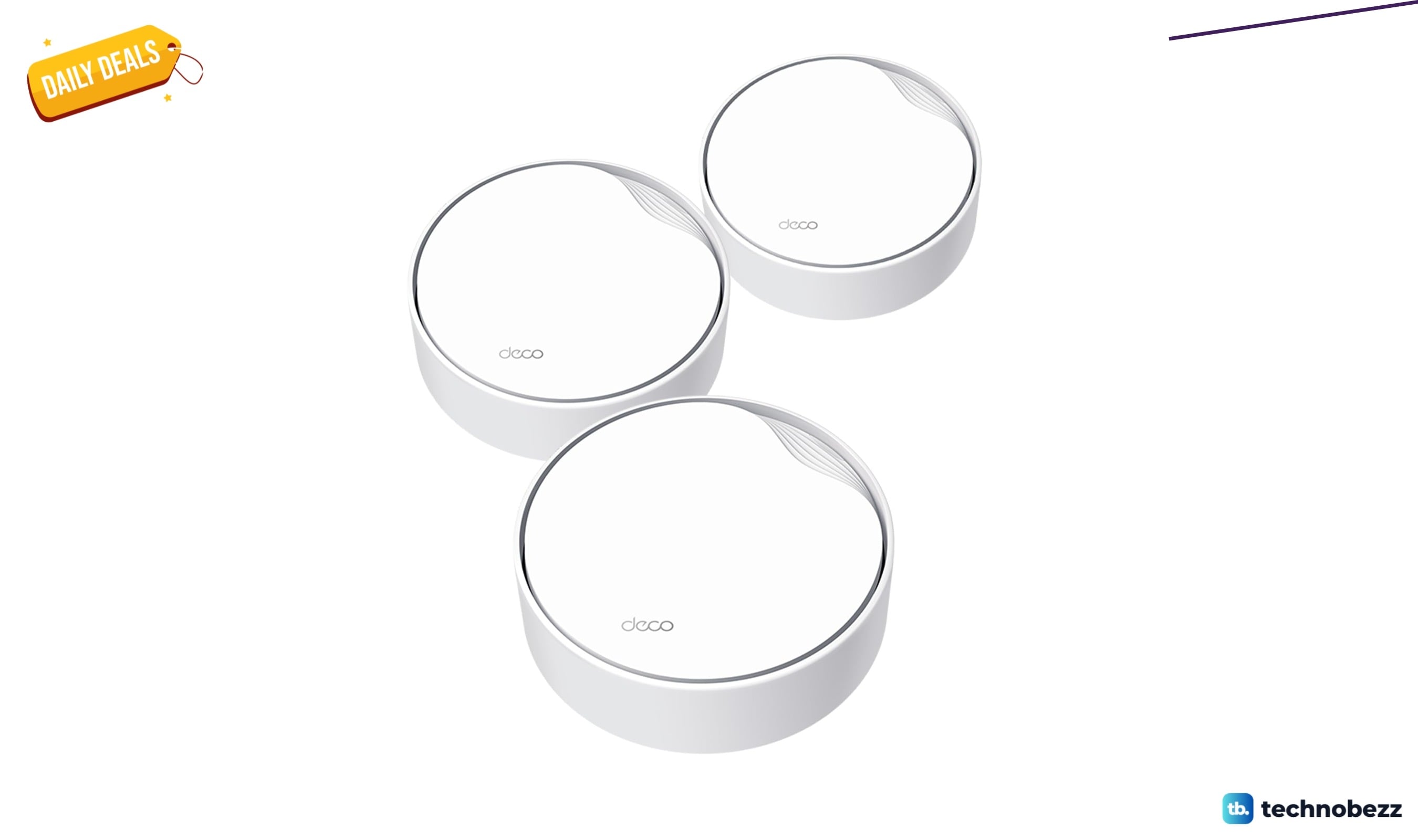
TP-Link AX3000 PoE Mesh WiFi 6 down to $199.98 in latest price cut
TP-Link's Deco X50-PoE three-pack hits a record-low $199.98, saving $50 on PoE mesh WiFi 6 with 2.5G ports.
3 min read
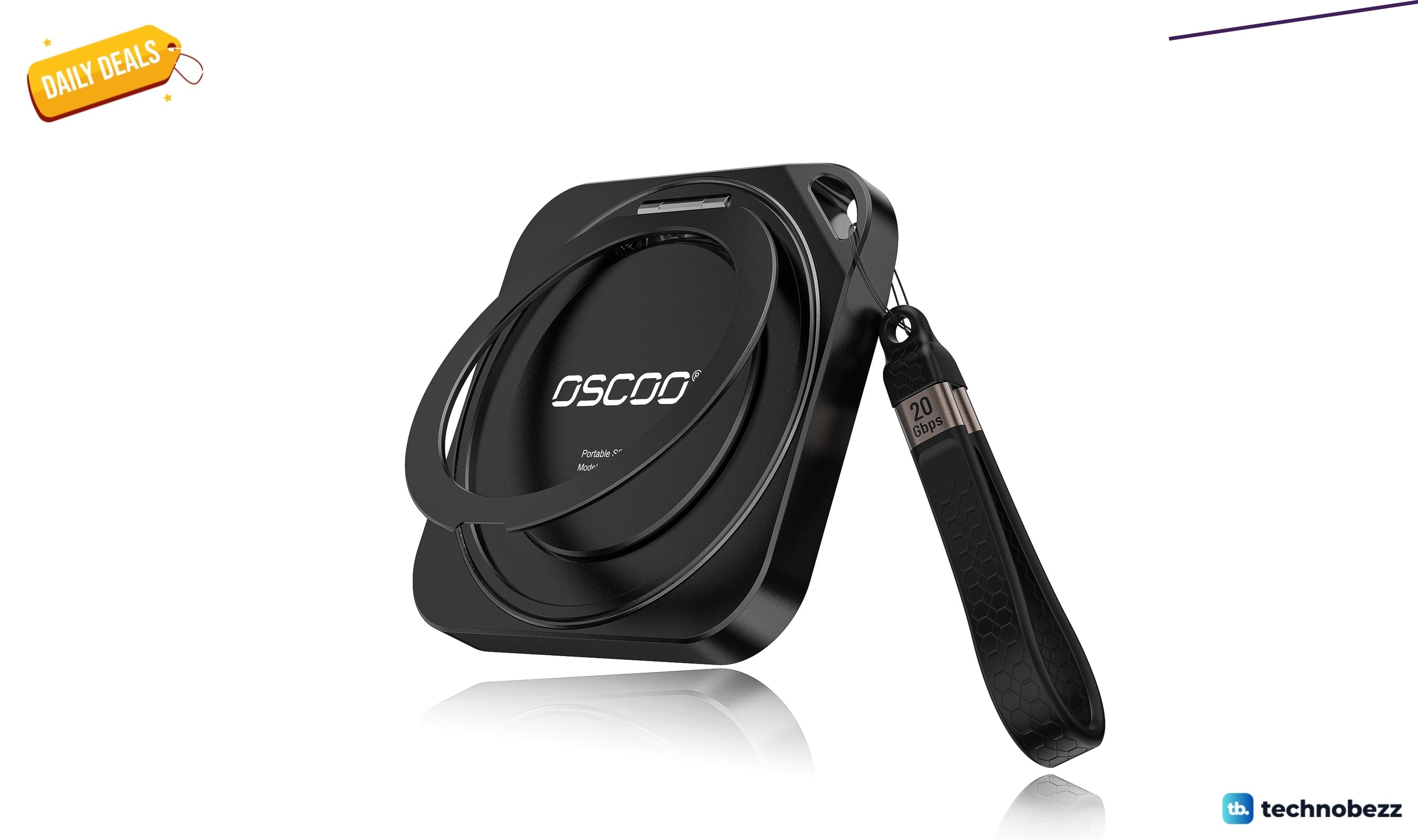
OSCOO 2TB Magnetic External SSD drops to $299.98, its lowest price yet
5 min read
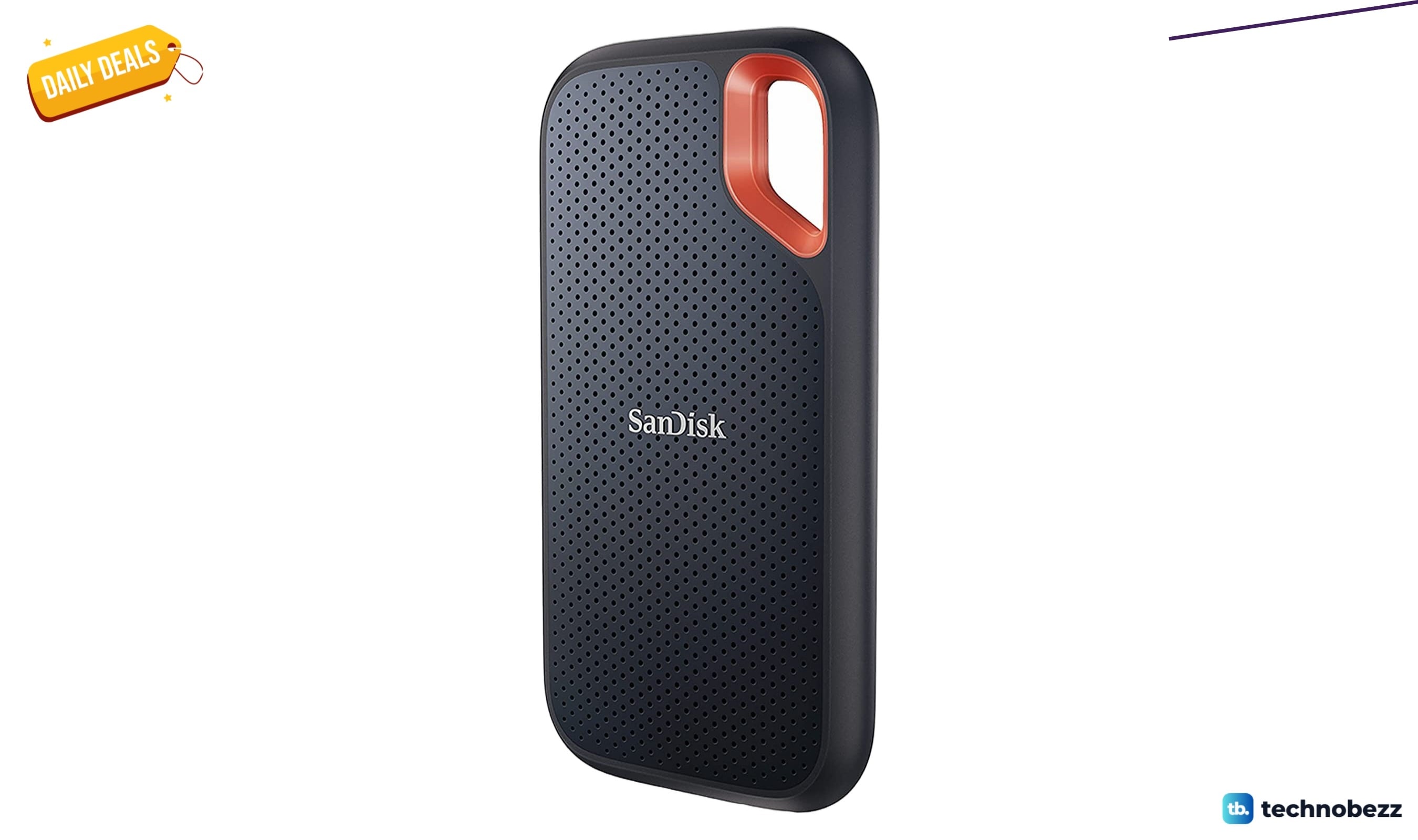
Sandisk 4TB Extreme Portable SSD sees price cut to $444
4 min read
Best Portable Monitors for 2026
4 min read
Best Ultrawide Monitors to Buy in 2026
5 min read
6 Best Dashcams for 2026
4 min read
Pixio PX27U Wave Mint Green Refresh Rate now $299.99, down from $499.99
5 min read
7 Best Wireless Presenters for 2026
4 min read
Powerbeats Pro Wireless Earphones Apple H1 Headphone down to $137.63 in latest price cut
4 min read