If you want more screen space without the hassle of multiple monitors, an ultrawide is the answer. The Dell UltraSharp U3425WE stands out as the best overall for its sharp picture, sturdy build, and practical features. This list helps you choose between gaming immersion, productivity boosts, and budget-friendly options.
Technobezz is supported by its audience. We may get a commission from retail offers.
Best Ultrawide Monitors to Buy in 2026
Dell UltraSharp U3425WE leads our 2026 picks for the best ultrawide monitors, from premium productivity to immersive OLED gaming.
T
Technobezz
Senior Editor
Updated September 14, 2026Sep 14, 2026
•9 min read

Get Deals Like These in Your Inbox
The best prices, reviewed weekly.
At a Glance
| Category | Product | Why We Picked It |
|---|---|---|
| Best overall | Dell UltraSharp U3425WE | Sharp IPS Black display with excellent connectivity |
| Best value | Alienware AW3423DWF | Affordable OLED gaming with great contrast |
| Best for gaming | MSI MPG 341CQPX | Fast QD-OLED panel with 240Hz refresh rate |
| Best super ultrawide | Samsung Odyssey OLED G9 G91SD | 49-inch QD-OLED workspace with 144Hz gaming |
| Best for productivity | HP Series 5 Pro 549pm | 49-inch workspace with a 5MP webcam and USB-C charging |
| Also recommended | LG 45GX950A-B | Standout 45-inch OLED with sharp 5K2K resolution |
| Also recommended | Asus ROG Swift PG34WCDN | Premium 34-inch OLED with 360Hz refresh |
| Also recommended | Gigabyte G34WQC2 | Great budget VA panel with solid 200Hz performance |
How we chose and tested
We evaluated ultrawide monitors based on multiple factors including display quality, refresh rates, connectivity options, and real-world usability. Our assessment considers panel technology differences, color accuracy measurements, and practical features that matter for different use cases. We prioritize products that deliver consistent performance across gaming, productivity, and creative workflows.
The best ultrawide monitors right now
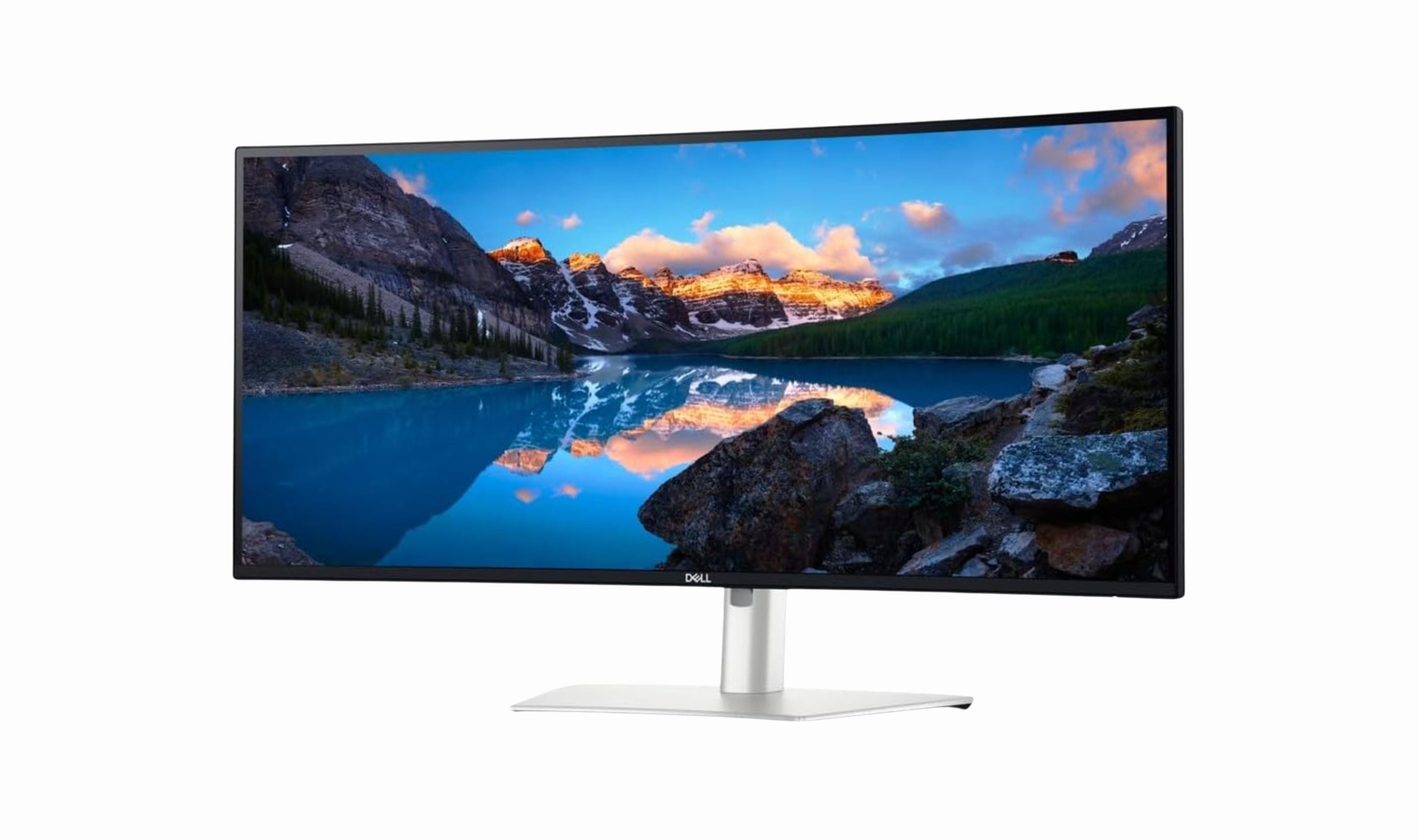
Dell UltraSharp U3425WE - Best overall
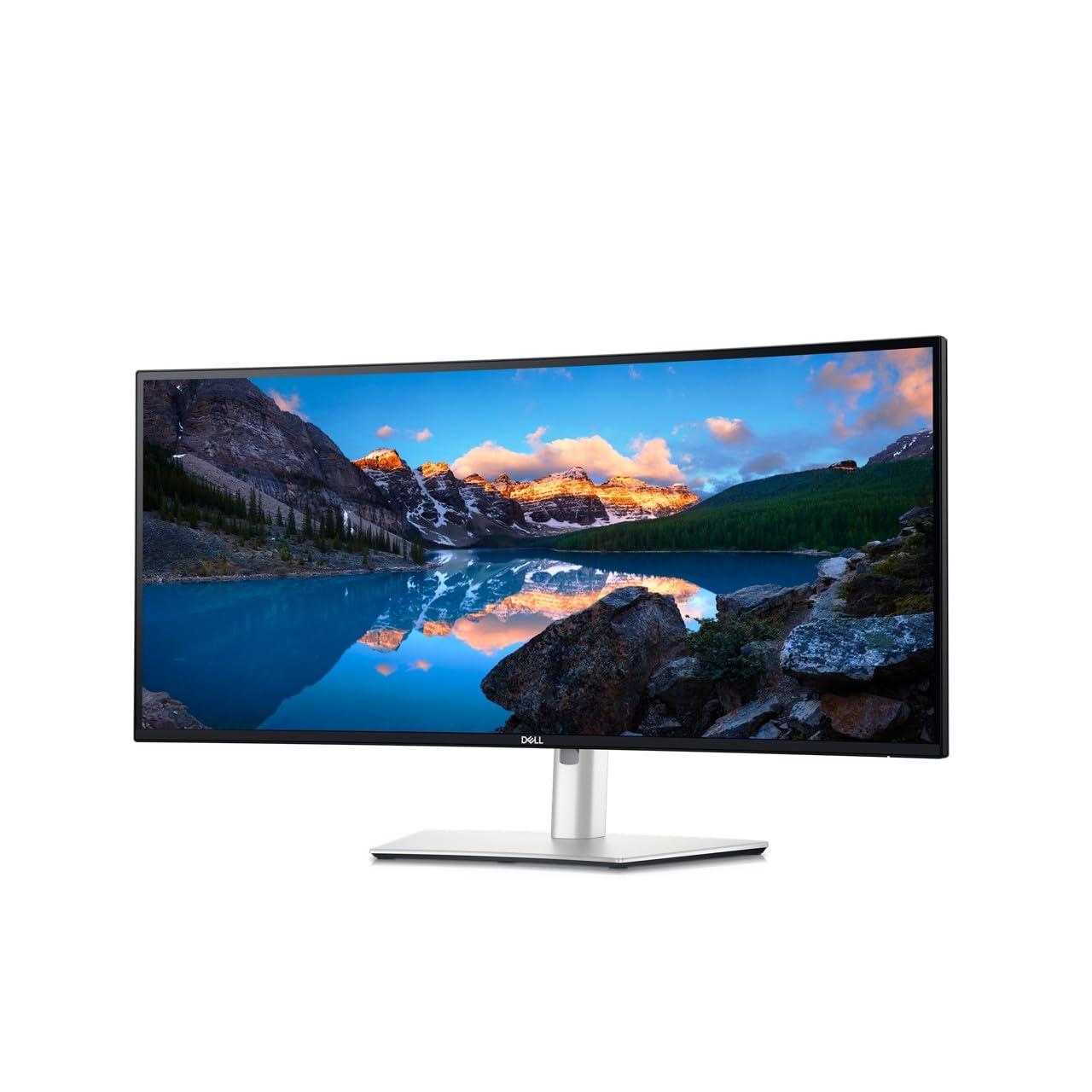
This 34-inch monitor delivers sharp text, accurate colors, and practical features that work well for both office tasks and casual gaming. It's a modern, well-rounded display that fits on almost any professional desk.
Key highlights
- IPS Black panel with better contrast than standard IPS displays
- Anti-glare coating and ambient light sensor
- Picture by Picture and Digital Daisy Chain functionality
- Locking stand for security
Pros
- Crisp, evenly lit image with consistent color across the screen
- Dell Display Manager software for easy monitor control
- Gentle 1900R curve that's comfortable for long sessions
Cons
- Curved display may not be ideal for precise creative work
- Maximum brightness is adequate but not exceptional
Who it is for: Professionals who need a reliable, feature-rich monitor for work with occasional gaming.
Skip if
You need maximum brightness for very bright rooms or prefer a completely flat screen for design work.
Alienware AW3423DWF - Best value
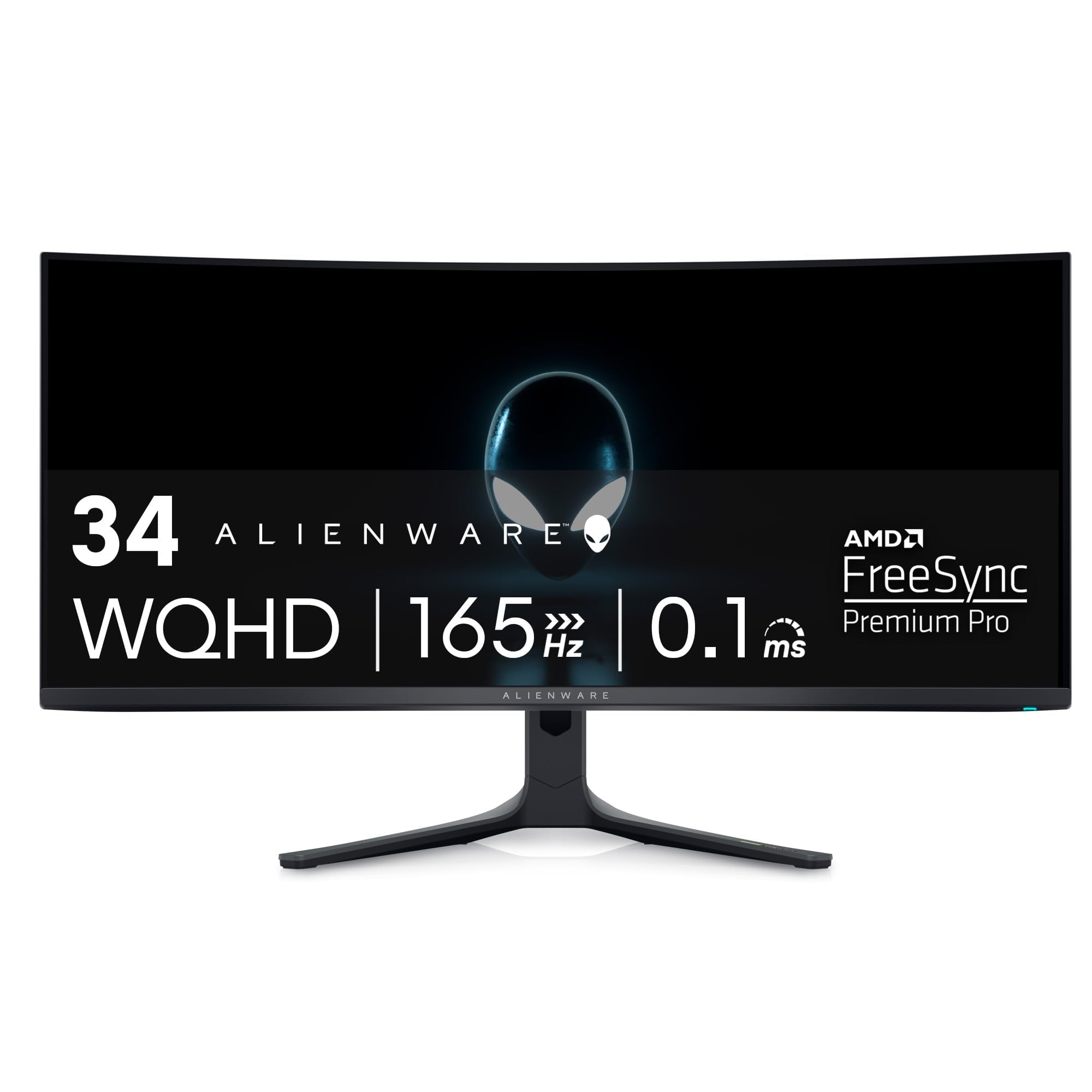
This QD-OLED gaming monitor offers incredible contrast and vivid colors at a price that undercuts many competitors. It delivers an immersive experience with deep blacks and bright highlights that make games feel nearly three-dimensional.
Key highlights
- QD-OLED panel with excellent contrast and color performance
- 165Hz refresh rate with AMD FreeSync Premium Pro support
- 0.1ms response time for minimal motion blur
- Three-year warranty that covers burn-in protection
- 1800R curvature for enhanced immersion
Pros
- Outstanding image quality with deep blacks and vibrant colors
- Smooth gaming performance with good motion clarity
- Competitive pricing for OLED technology
- Respectable HDR performance for the price
Cons
- Not very bright, especially in SDR mode
- OLED panel can have text rendering issues with small fonts
- Stand takes up considerable desk space
Who it is for: Gamers who want OLED quality without paying premium prices, and users who value contrast over maximum brightness.
Skip if
You work in a brightly lit room.
MSI MPG 341CQPX - Best for gaming
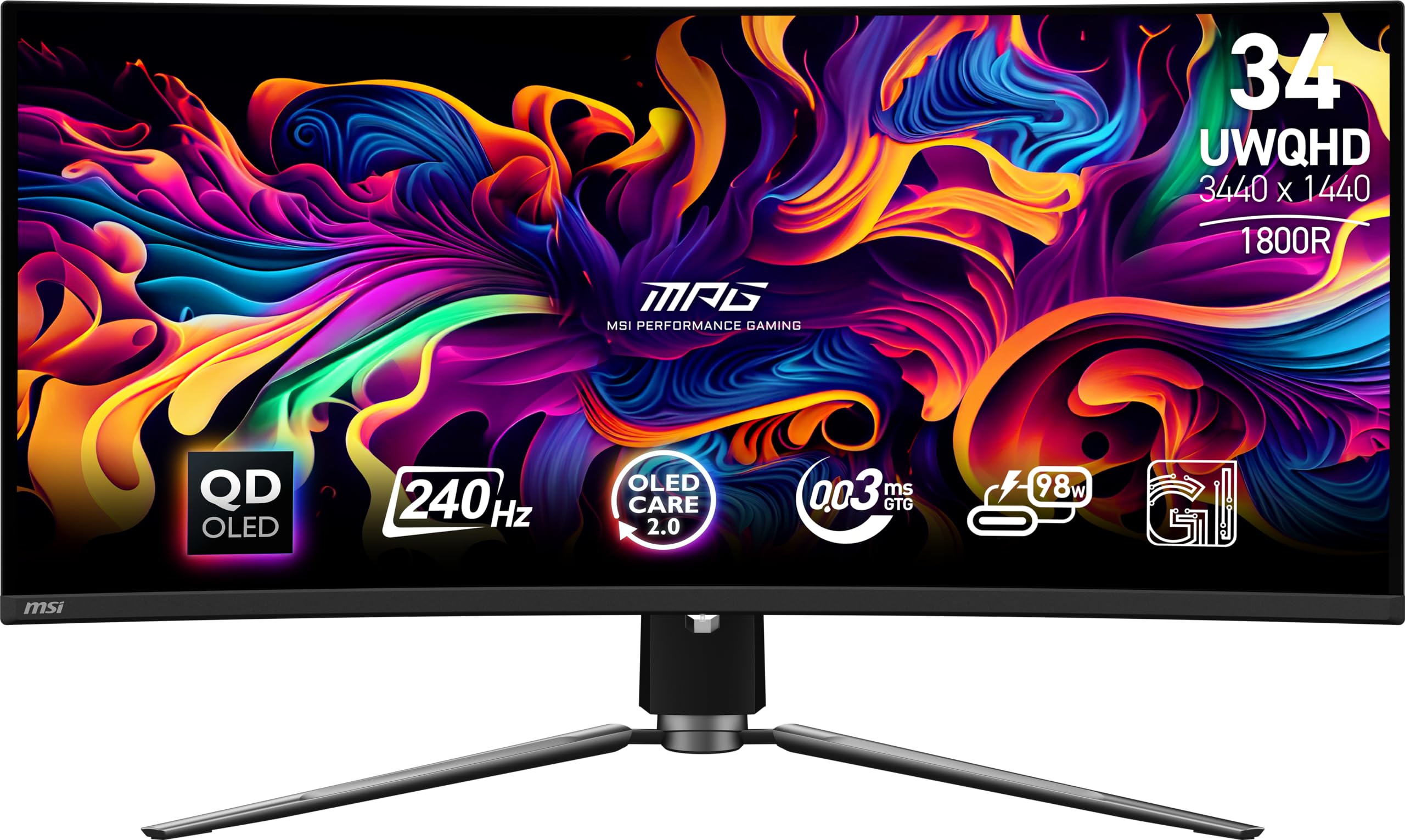
With a 240Hz refresh rate and QD-OLED panel, this monitor delivers exceptional gaming performance with vibrant colors and stunning contrast. It's particularly good for immersive titles and games that benefit from the wider field of view.
Key highlights
- 34-inch QD-OLED display with 3440×1440 resolution
- 240Hz refresh rate for ultra-smooth gameplay
- USB-C port for connectivity
- 1800R curvature for comfortable viewing
Pros
- Excellent motion clarity with fast response times
- Vibrant colors and good HDR performance
- Practical for productivity with USB-C connectivity
- Competitive pricing compared to similar QD-OLED options
Cons
- Stand is larger than necessary for some desks
- SDR brightness could be better for bright rooms
- No RGB lighting on back panel
Who it is for: Gamers who want high refresh rates and excellent image quality, especially for simulation and strategy games.
Skip if
You have a small desk or need maximum brightness for well-lit environments.
Samsung Odyssey OLED G9 G91SD - Best super ultrawide
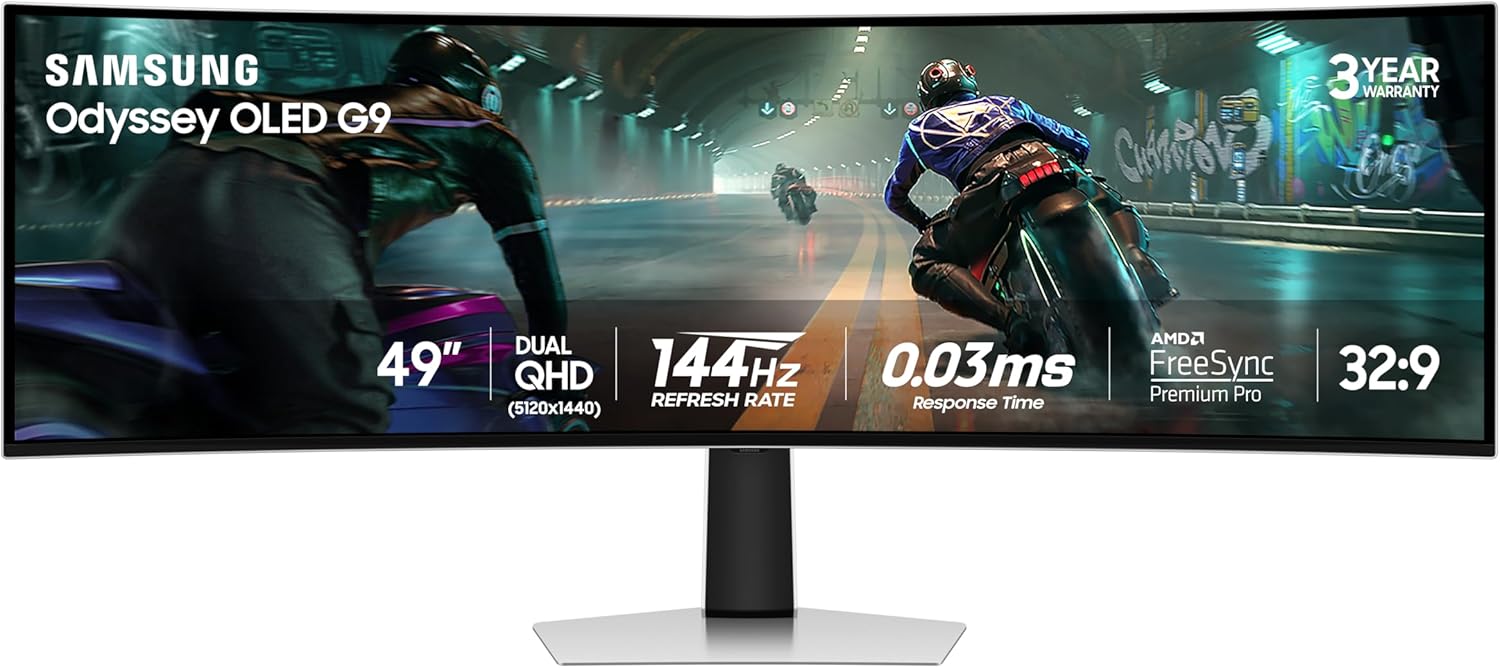
This 49-inch QD-OLED monitor combines a wide 32:9 workspace with 5120×1440 resolution and a 144Hz refresh rate. Picture-in-Picture lets you keep a second source visible alongside your main content.
Key highlights
- 49-inch QD-OLED panel with 5120×1440 resolution
- 144Hz refresh rate and rated 0.03ms response time
- AMD FreeSync Premium Pro and G-Sync compatibility
- Picture-in-Picture and a height-adjustable stand
Pros
- Wide 32:9 screen for games and multiple windows
- OLED black levels for dark scenes
- Static-logo dimming and an inactivity screen saver help limit burn-in risk
Cons
- Refresh rate tops out at 144Hz
- The 49-inch screen requires substantial desk space
Who it is for: Users who want a broad OLED workspace for multitasking and immersive games.
Skip if
You need a compact monitor or refresh rates above 144Hz.
HP Series 5 Pro 549pm - Best for productivity
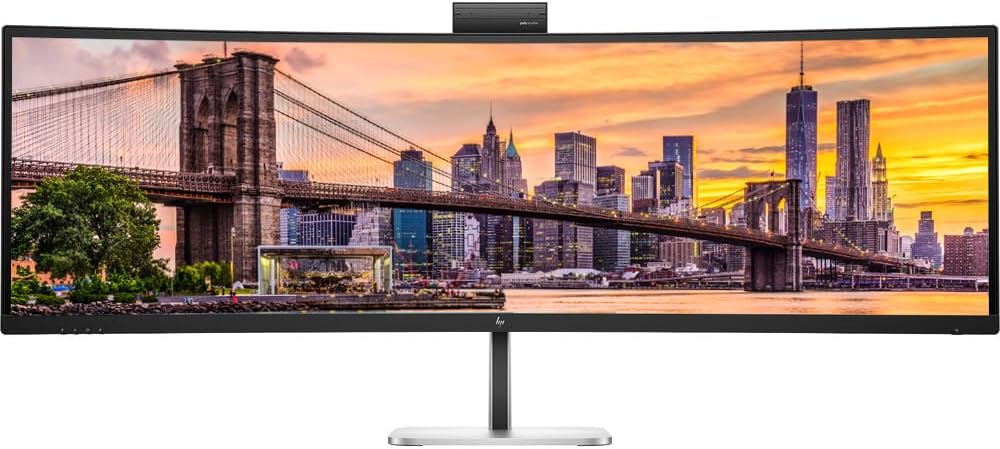
This 49-inch curved monitor combines a 5120×1440 workspace with a built-in 5MP webcam for video calls. USB-C connectivity with up to 140W power delivery makes it a practical hub for a compatible work laptop.
Key highlights
- 49-inch 5120×1440 VA display with a 165Hz refresh rate
- USB-C connectivity with up to 140W power delivery
- Pop-up 5MP webcam and microphones with noise reduction
- HP Device Bridge 2.0 for working across two computers
Pros
- Broad 32:9 workspace for multiple applications
- Integrated camera and microphones simplify video calls
- Adjustable stand and USB-C laptop connectivity
Cons
- Large screen needs substantial desk space
- Rated 5ms GtG response time with overdrive is slower than the OLED gaming picks
Who it is for: Professionals who want one large display for multitasking and video meetings.
Skip if
Your priority is competitive gaming or a compact desk setup.
Also Good
- LG 45GX950A-B - standout 45-inch OLED with sharp 5K2K resolution. Check Price on LG
- Asus ROG Swift PG34WCDN - premium 34-inch OLED with 360Hz refresh.
- Gigabyte G34WQC2 - great budget VA panel with solid 200Hz performance.
How to Choose
Consider these factors when selecting your ultrawide monitor:
Panel type matters most: OLED offers the best contrast and response times but can be dimmer and requires burn-in precautions. IPS provides good colors and viewing angles with better brightness. VA panels offer better contrast than IPS at lower prices but may have slower response times.
Refresh rate depends on use: For gaming, aim for 120Hz or higher, with 144Hz being a good sweet spot. Productivity users can be satisfied with 60-100Hz, though higher rates make general desktop use smoother.
Connectivity simplifies setup: USB-C with power delivery is invaluable for laptop users, allowing single-cable connections for video, data, and charging. Multiple inputs help if you switch between devices.
Size and curvature affect comfort: 34-inch displays with 1800R-1500R curvature work well for most desks. Larger 45-49 inch monitors need deeper desks and more powerful graphics cards.
Resolution balances clarity and performance: 3440×1440 is the sweet spot for 34-inch displays. Higher resolutions like 5120×1440 or 5120×2160 offer more detail but require stronger hardware.
FAQ
Are ultrawide monitors good for gaming?
Yes, ultrawide monitors can provide a more immersive gaming experience with a wider field of view. Many modern games support 21:9 aspect ratios, and the extra screen space can give you a competitive advantage in some titles. Just ensure your graphics card can handle the increased pixel count.
Can an ultrawide monitor replace dual monitors?
For most users, yes. A 5120×1440 ultrawide provides the same pixel workspace as two 2560×1440 monitors side by side, without the bezel gap. This creates a seamless workspace that's easier to manage. However, if you need true independent displays or portrait orientation, dual monitors might still be better.
What graphics card do I need for ultrawide gaming?
For 3440×1440 gaming at high refresh rates, aim for an RTX 3070/4070 or RX 6700 XT/7700 XT class GPU. For super ultrawide resolutions like 5120×1440, you'll want an RTX 3080/4080 or RX 6800 XT/7800 XT for smooth performance. More VRAM (10GB+) helps at these resolutions.
Are curved ultrawide monitors better than flat ones?
At 34 inches and larger, curved displays reduce eye strain by keeping the screen edges at a more consistent distance from your eyes. The curve also enhances immersion, especially for gaming and media consumption. For collaborative work or precise design tasks, some users prefer flat panels.
Do OLED ultrawide monitors have burn-in issues?
Modern OLED monitors include features like pixel shifting, logo luminance adjustment, and screen savers to minimize burn-in risk. Most come with 3-year warranties that cover burn-in. For mixed use with varied content, the risk is low, but static elements like taskbars should be managed carefully.
Published April 19, 2026 Last updated September 15, 2026
Share this article
More in News
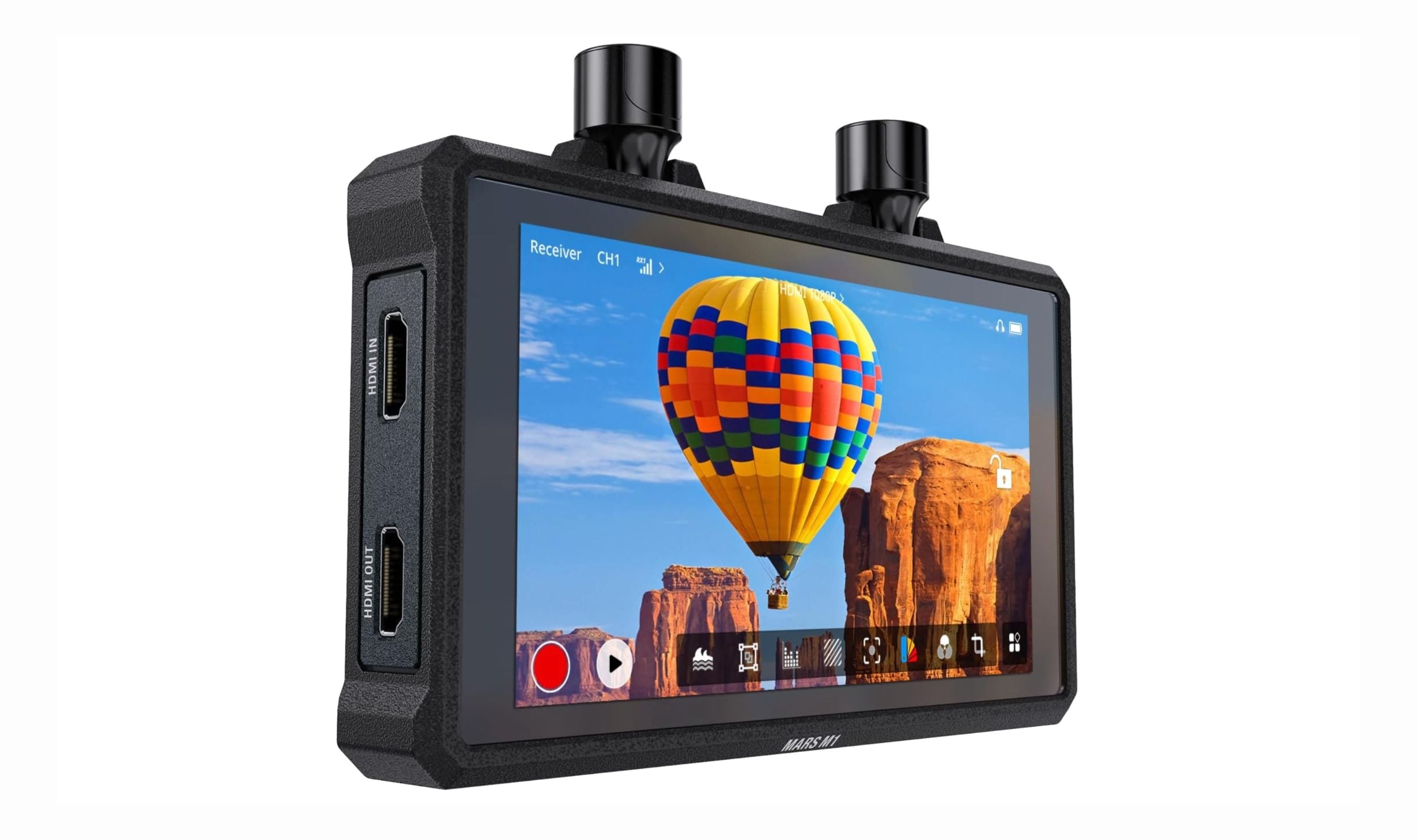
Best Wireless and Wired Camera Monitors for 2026
The Hollyland Mars M1 tops our list of the 3 best wireless camera monitors in 2026, combining TX, RX, and a bright 5.5-inch display for cable-free video.
5 min read
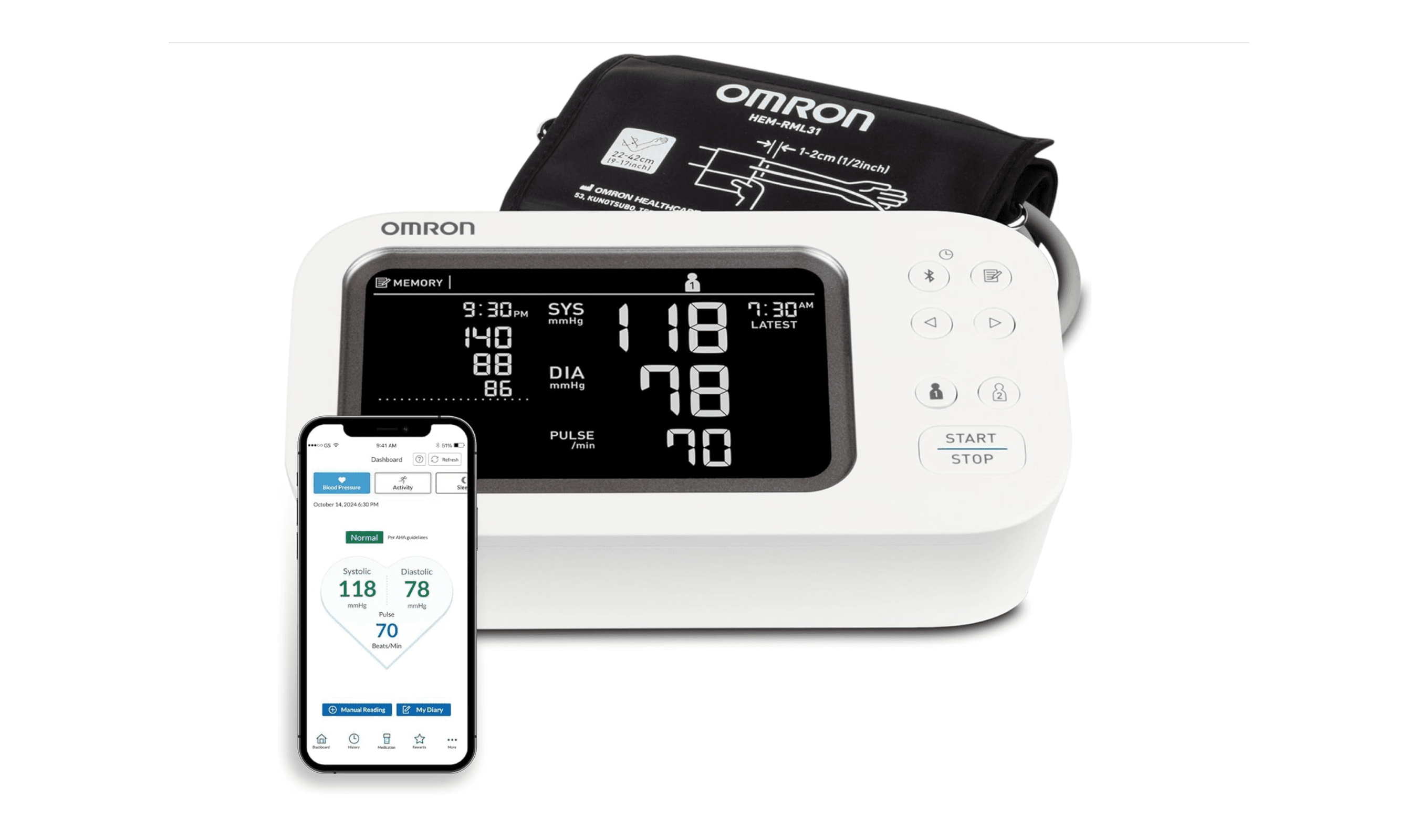
8 Best Blood Pressure Monitors for Home Use in 2026
We tested clinically validated blood pressure monitors from Omron, Withings, and more. The Omron Platinum leads our picks, with options from $40 to $140.
3 min read
3 Best Rolling TV Monitors You Can Buy Right Now
LG Swing leads our picks for the best rolling TV monitors. See top models for medical use, multi-monitor setups, and budget-friendly options.
3 min read
The 8 Best Smart TVs of 2026
Samsung S90F leads our picks for the best smart TVs of 2026. Compare top models for picture quality, gaming, and value to find your perfect screen.
3 min read
8 Best Anti-Glare TVs for 2026
3 min read

7 Best Monitor Arms for 2026
4 min read
Best Smartwatches for Running in 2026
4 min read
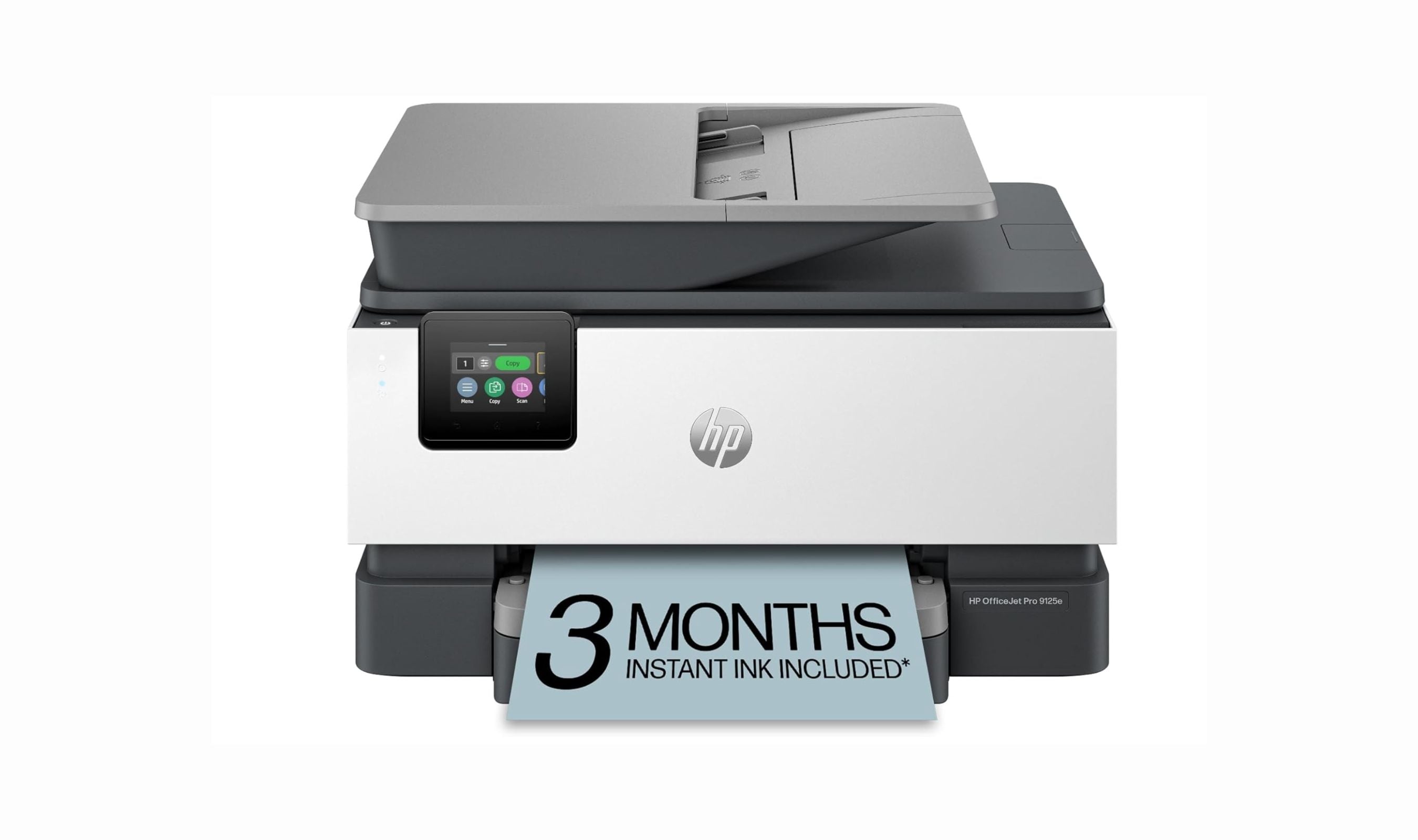
7 Best All-in-One Printers for Home in 2026
5 min read
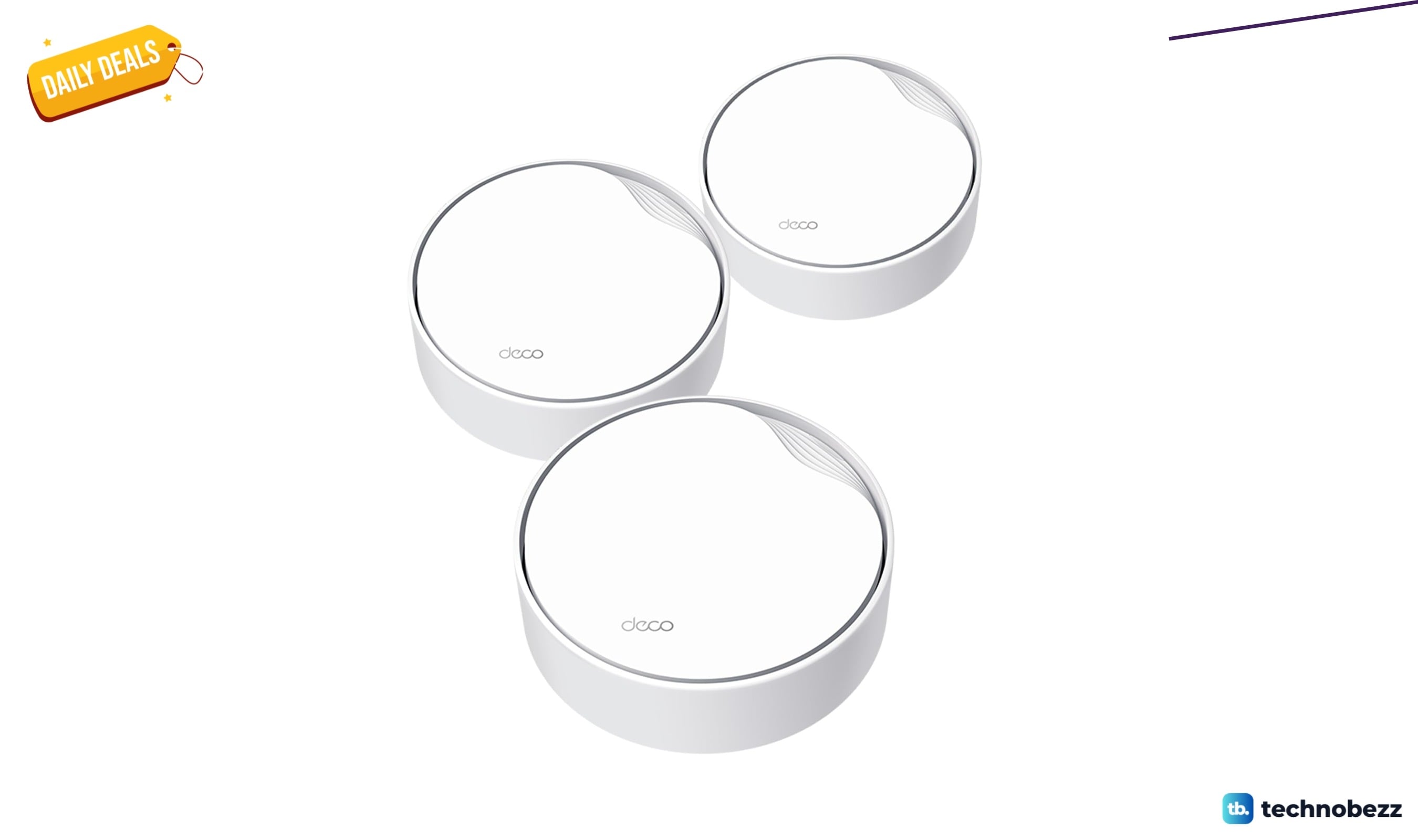
TP-Link AX3000 PoE Mesh WiFi 6 down to $199.98 in latest price cut
3 min read
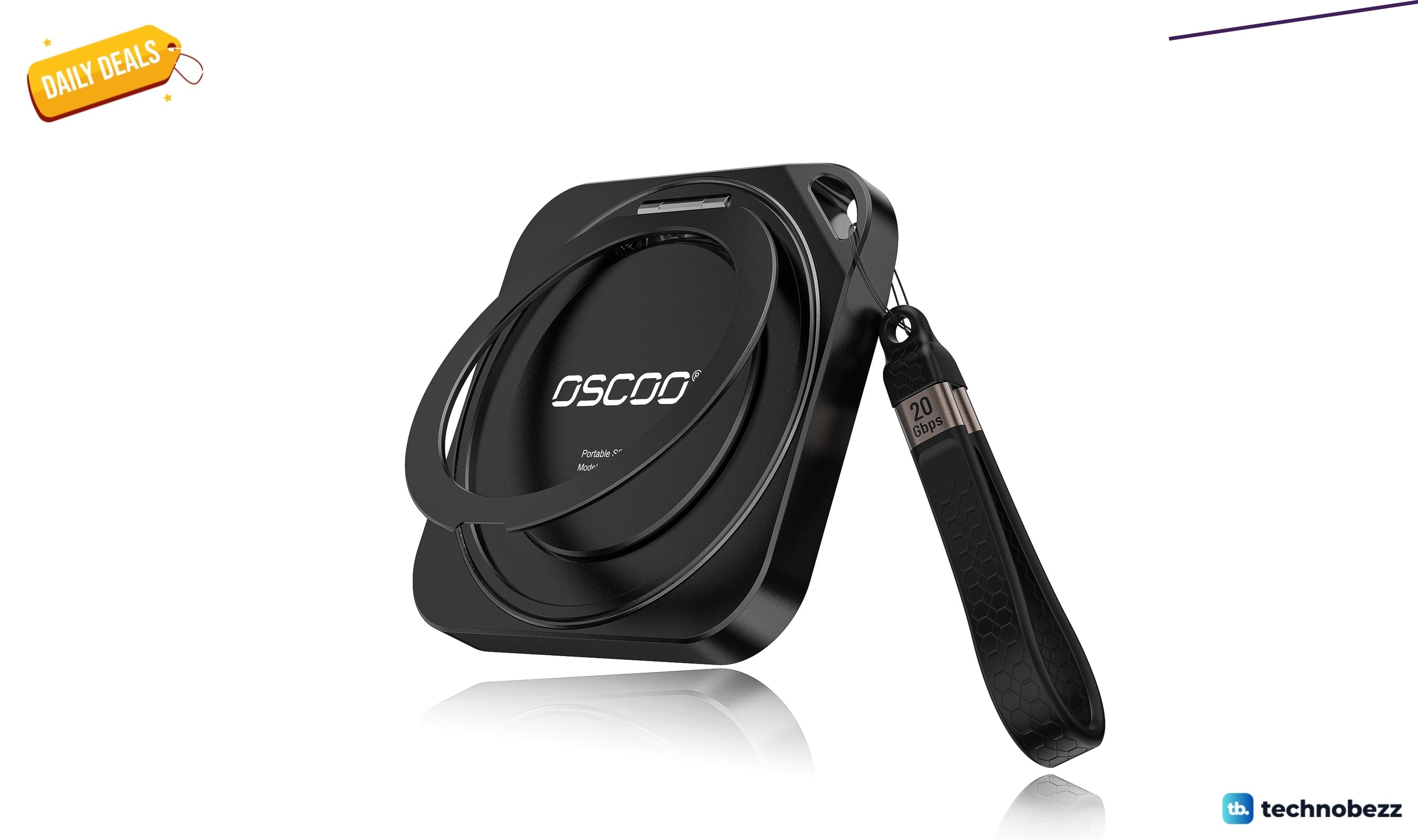
OSCOO 2TB Magnetic External SSD drops to $299.98, its lowest price yet
5 min read
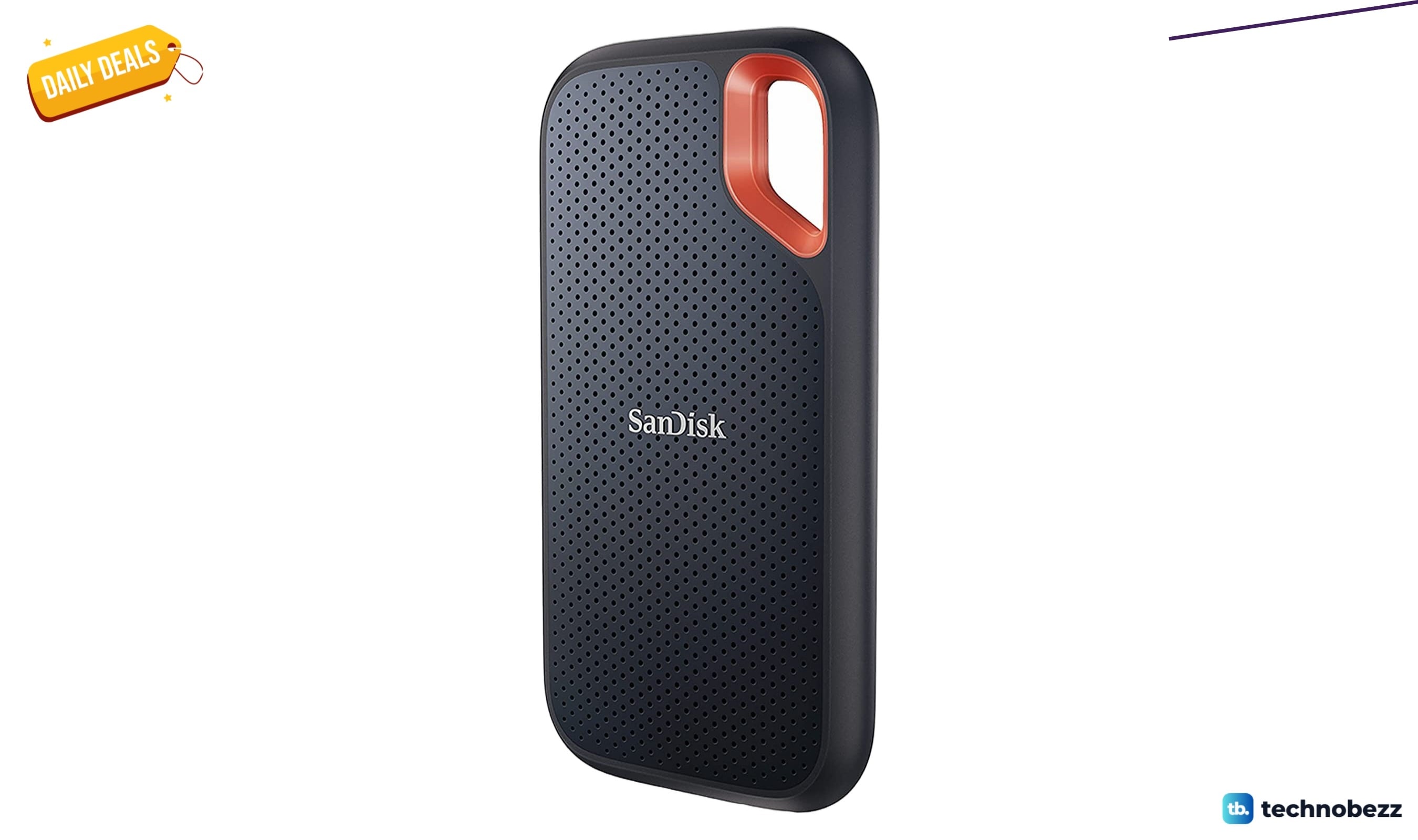
Sandisk 4TB Extreme Portable SSD sees price cut to $444
4 min read
6 Best Dashcams for 2026
4 min read