

Some iPhone users running iOS 26 are discovering that photos taken on Android devices are showing up with what can only be described as a "haunting" red filter when viewed in Apple's Photos app.
The bug, which has been popping up across Reddit threads and Apple support forums, transforms otherwise normal pictures into crimson-tinted versions of themselves, as if someone slapped an angry Instagram filter on them without permission.
What makes this particularly weird is that the issue doesn't affect all cross-platform photos, just specific ones transferred from Android to iPhone. According to multiple reports compiled by 9to5Mac and Mashable, the problem manifests when users zoom in on images that were originally snapped on Android phones like Google Pixels or Samsung Galaxies (though one report suggests iPhone-to-iPhone transfers might also be affected in rare cases), then shared to iPhones through AirDrop, messaging apps, or cloud backups.
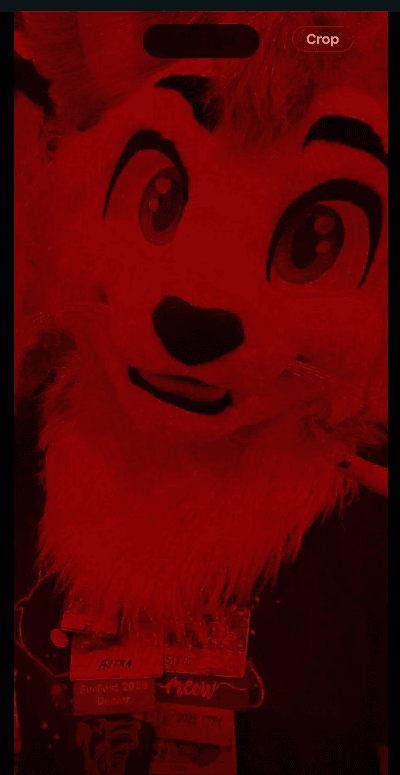
The thumbnails appear normal in the Photos library, but tapping to view them full-screen unleashes the red overlay.
The good news? There's a surprisingly simple fix that doesn't require waiting for Apple to patch things. Users experiencing the issue can open any affected photo in the Photos app, tap the Edit button, and then select Revert. This action appears to reset how iOS interprets the file's color data, stripping away the unwanted red tint and restoring the image to its original appearance.
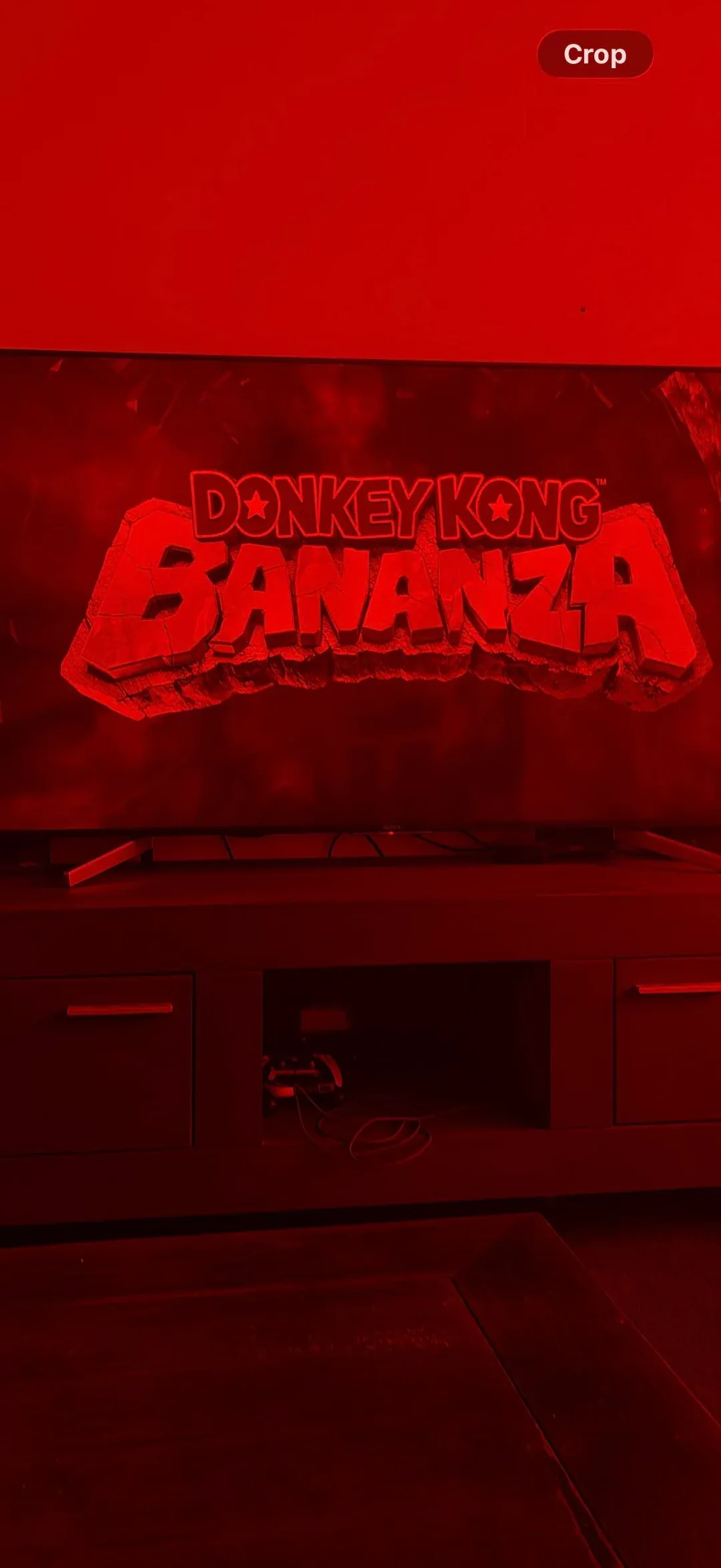
Various sources, including Lifehacker and Android Authority, confirm this workaround effectively addresses the problem without permanently damaging the underlying photo data.

So what's actually causing this cross-platform color catastrophe? While Apple hasn't officially commented on the bug, technical analysis points toward metadata incompatibilities between the two ecosystems.
The leading suspects, according to detailed reports, involve how iOS 26 handles color profiles and HDR gain-map data embedded in photos from recent Android devices. These metadata components help modern smartphones display richer colors and better highlight details, but apparently iOS 26's Photos app is misinterpreting some of this information from Android-origin files.
This isn't the first time mobile operating systems have stumbled over each other's file formats, but it's particularly noticeable given Android's dominant market position. With Android devices accounting for roughly 70 percent of global smartphone shipments, even niche compatibility issues can affect millions of shared photos, especially in mixed-device families or group chats where cross-platform sharing happens daily.
The bug appears limited to iOS 26, with users confirming the issue persists in the recently released version. Interestingly, the problem doesn't seem to permanently corrupt the actual image pixels; it's more like the Photos app viewer is making a mess of its color calculations. Once those calculations get sorted - either through the Revert workaround or presumably through a future iOS update, the photos return to their normal state.
For now, the advice circulating among affected users is straightforward: if you spot any suspiciously red photos in your iPhone library, use the Edit-Revert trick to fix them before sharing. And if you're regularly transferring photos between Android and iPhone, you might want to hold off on enabling advanced HDR or exotic color profile settings on your Android device until Apple sorts this out.