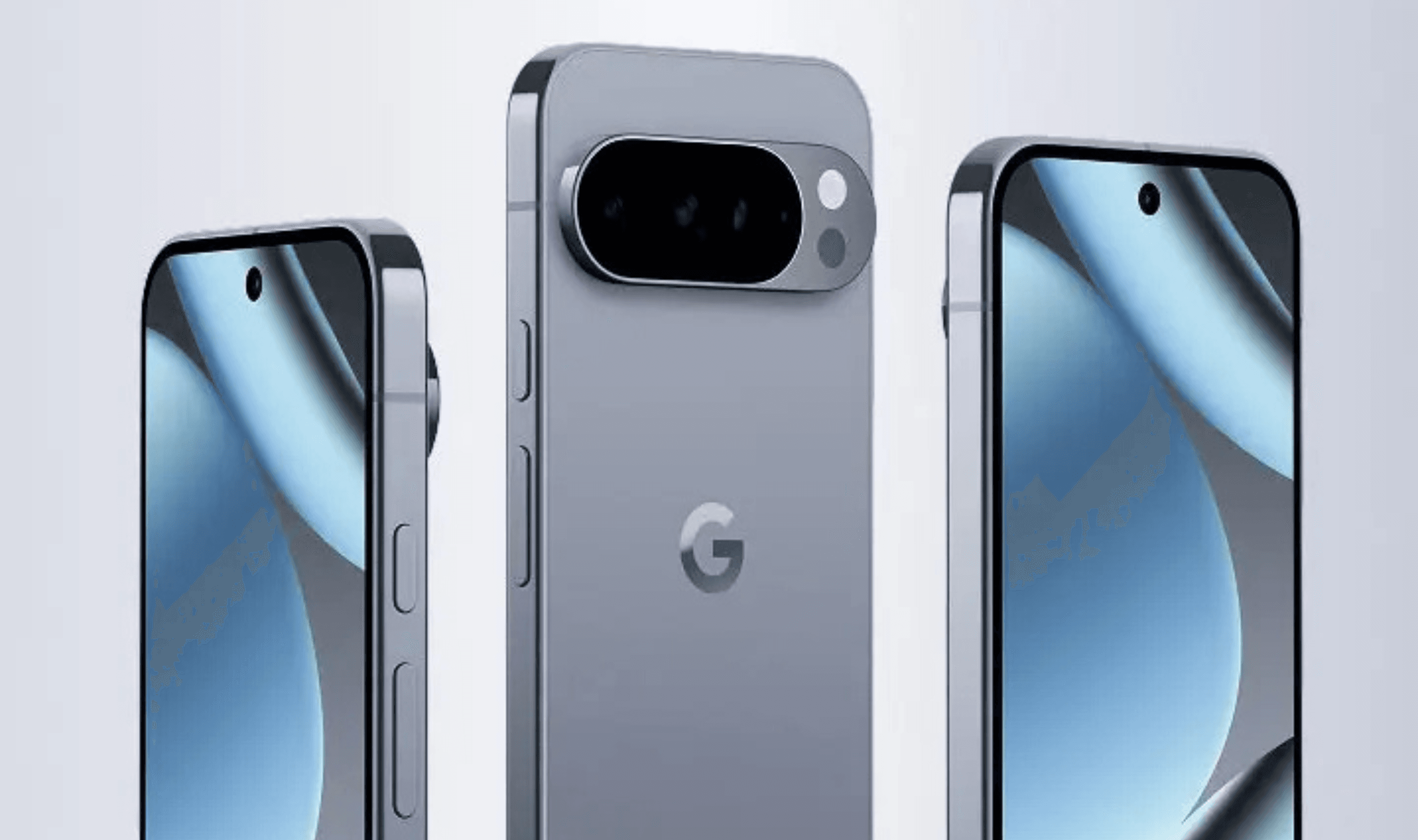
Gemini's screen automation capability has started reaching Pixel 10 series devices this week, months after Google first demonstrated the technology and weeks after Samsung's Galaxy S26 series debuted with it.
The feature arrived as part of Android 16 QPR3, also known as the March 2026 Pixel Drop. It allows Gemini to perform multi-step tasks like placing food orders or booking rides by controlling apps directly on users' phones without manual intervention.
Google initially discussed screen automation in late February but provided clearer details during Samsung's Unpacked event earlier this month. The Galaxy S26 lineup launched with full support while Pixel owners waited for their own March update.
Pixel 10, Pixel 10 Pro, Pixel 10 Pro XL (and reportedly Pixel 10 Pro Fold) users in the United States can now access the capability through their Gemini app settings. The system works by running target applications in a virtual window on the device while cloud processing handles navigation commands like scrolling and tapping.
Free Gemini accounts receive five automated requests per day under Google's usage limits. Subscribers to AI Plus ($7.99 monthly) get twelve daily requests, AI Pro ($19.99) members receive twenty, and AI Ultra ($249.99) subscribers can make up to one hundred twenty requests daily.
The company cautions that Gemini takes screenshots during automation sessions which may include visible app information. These images go to trained reviewers for service improvement when Keep Activity settings remain enabled.
Supported services currently include Lyft, Uber, GrubHub, DoorDash, Uber Eats, and Starbucks for tasks like scheduling rides or ordering meals. During automation processes, users see a task progress bar in notifications and can interrupt operations with a Take Control button.
Screen automation differs from Gemini Agent functionality that remains exclusive to AI Ultra subscribers for more complex autonomous operations.