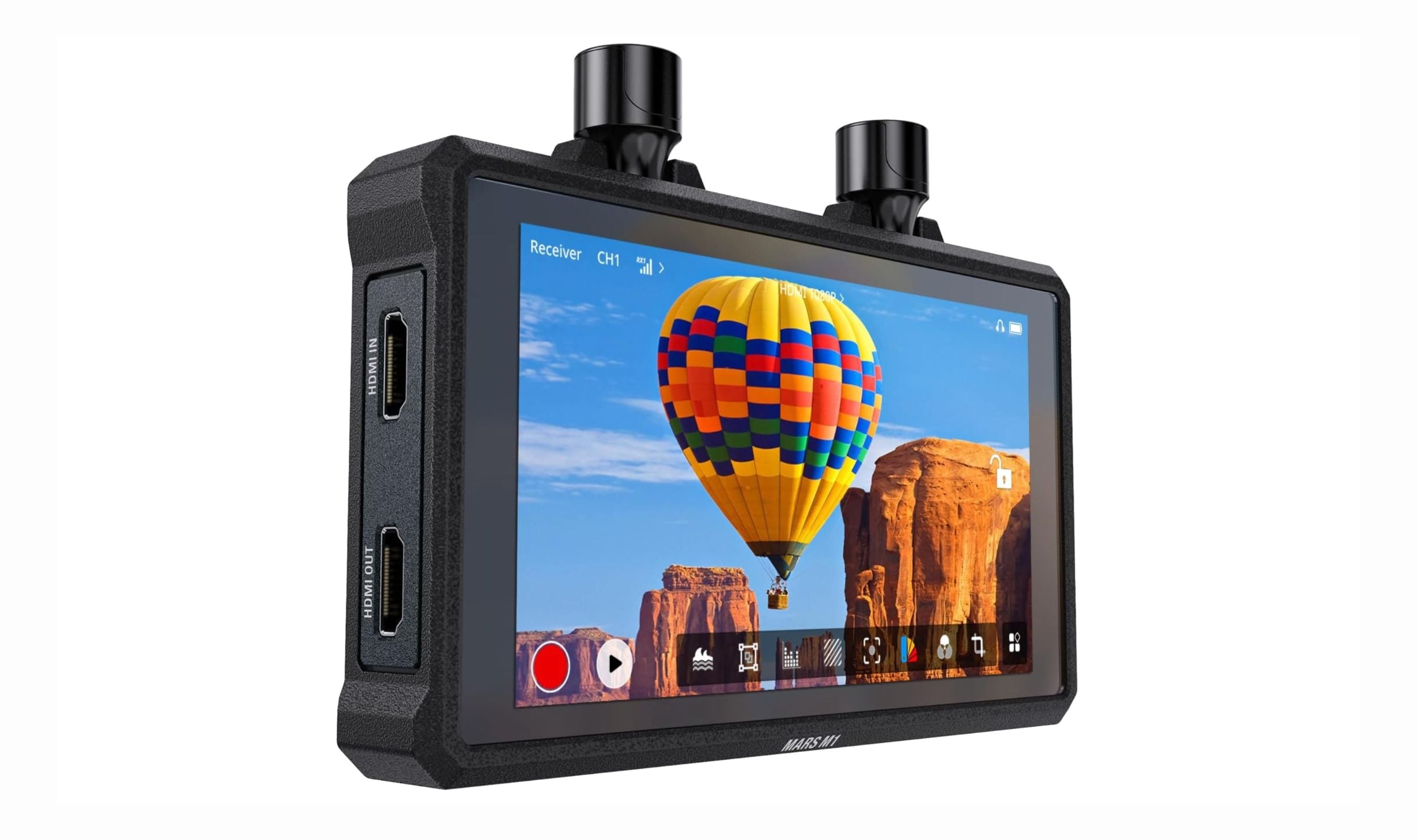
A wireless camera monitor combines a larger screen with cable-free video transmission for flexible viewing on set. The Hollyland Pyro 5 4K is our top pick for its integrated transmitter, receiver and 1500-nit monitor. This guide also includes two wired options, the Atomos Shinobi II and Blackmagic Video Assist, which need an external wireless system for cable-free viewing.
Technobezz is supported by its audience. We may get a commission from retail offers.
Best Wireless and Wired Camera Monitors for 2026
The Hollyland Mars M1 tops our list of the 3 best wireless camera monitors in 2026, combining TX, RX, and a bright 5.5-inch display for cable-free video.
T
Technobezz
Senior Editor
Updated September 5, 2026Sep 5, 2026
•10 min read

Get Deals Like These in Your Inbox
The best prices, reviewed weekly.
At a Glance
| Category | Product | Why We Picked It |
|---|---|---|
| Best overall | Hollyland Pyro 5 4K | 5.5-inch 1500-nit transceiver monitor with 4K30 wireless transmission |
| Best value | Shimbol ZO600MS | 2000-nit touchscreen, HDMI/SDI connections and onboard recording |
| Best for pros | Vaxis Storm Cine 8 | 8.9-inch 2560x1600 LCD with 1500-nit brightness and DCI 4K signal support |
| Best budget option | Atomos Shinobi II | Bright 1500-nit display and lightweight design without the recorder markup |
| Best for outdoor shooting | Blackmagic Video Assist 5-inch 12G HDR | 2500-nit wired monitor-recorder with 12G-SDI and USB-C drive recording |
| Best for hybrid shooters | Vaxis Atom A5 SDI | 2000-nit TX/RX monitor with SDI loop-out and onboard recording |
| Also recommended | Elvid Skyvision WCM-55-HD | Lightweight pick with handy programmable buttons |
| Also recommended | Vaxis Storm 058 Pro | Bright screen that works great outdoors |
How we chose and tested
We evaluated wireless camera monitors based on display quality and brightness, wireless transmission range and stability, build durability, monitoring tools (waveform, false color, peaking, LUT support), and overall value. Our assessment prioritizes monitors that balance professional-grade features with practical usability for solo shooters, small crews, and studio productions. We looked for setups that minimize latency, offer flexible power options, and work across a range of camera brands without requiring additional adapters.
The best wireless camera monitors right now
Hollyland Pyro 5 4K - Best overall
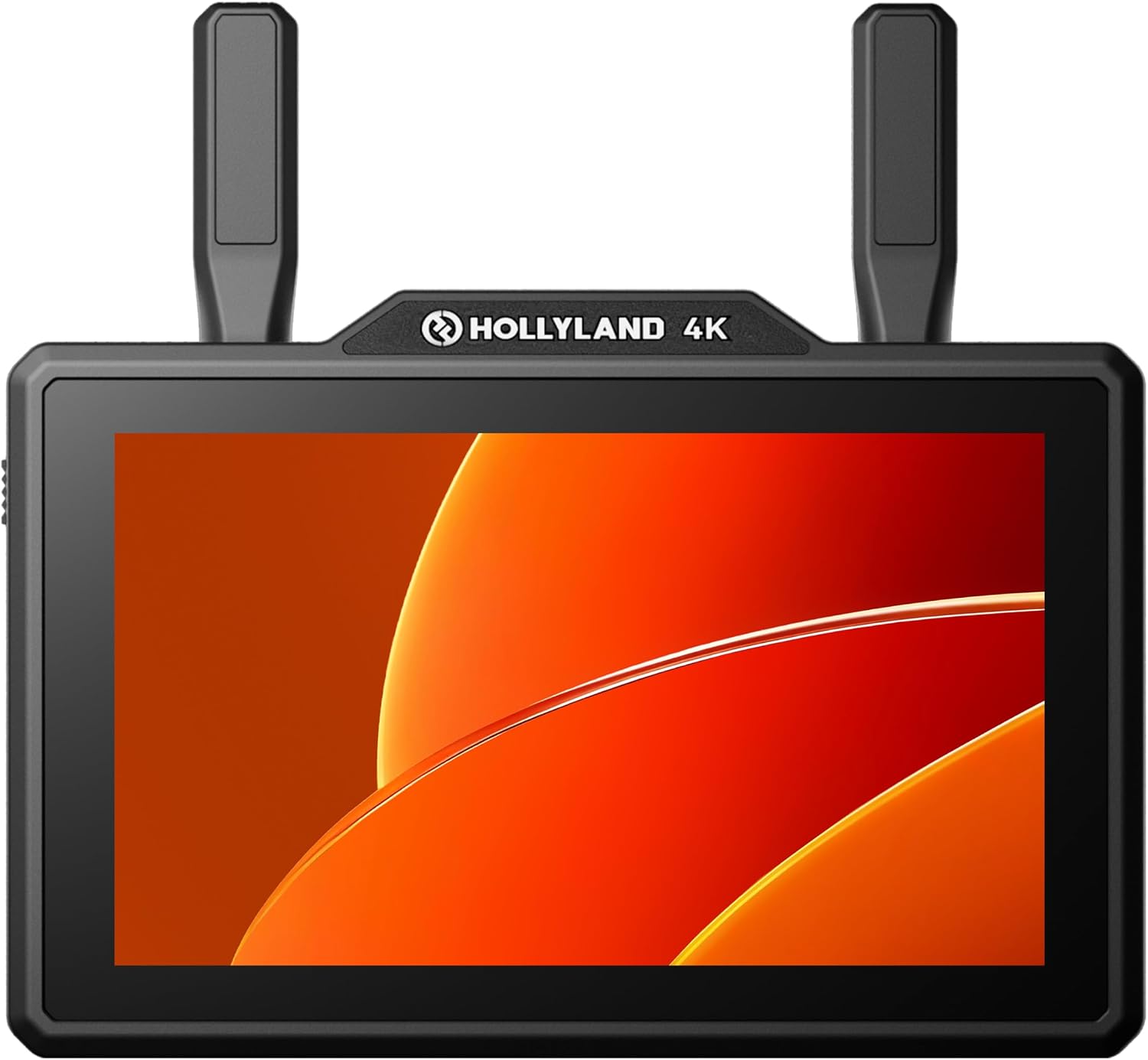
The Pyro 5 4K combines a transmitter, receiver and 5.5-inch monitor in one body. Its 1500-nit screen, dual-band wireless transmission and SD-card proxy recording suit small crews who want fewer separate devices.
Key highlights
- 5.5-inch 1920x1080 touchscreen rated at 1500 nits
- Wireless video transmission up to 4K30
- 2.4GHz and 5GHz operation with automatic frequency hopping
- HDMI input and loopout, plus 3G-SDI input
- SD-card proxy recording with timecode and control of compatible cameras
Pros
- Combines monitoring and wireless transmission
- Waveform, false color, focus assist and 3D LUT tools
- Proxy files include timecode synced with your camera
Cons
- No SDI output
- Camera control depends on camera compatibility
Who it is for: Small crews building a compact wireless monitoring setup.
Skip if
You need SDI output or a larger screen for focus pulling.
Shimbol ZO600MS - Best value
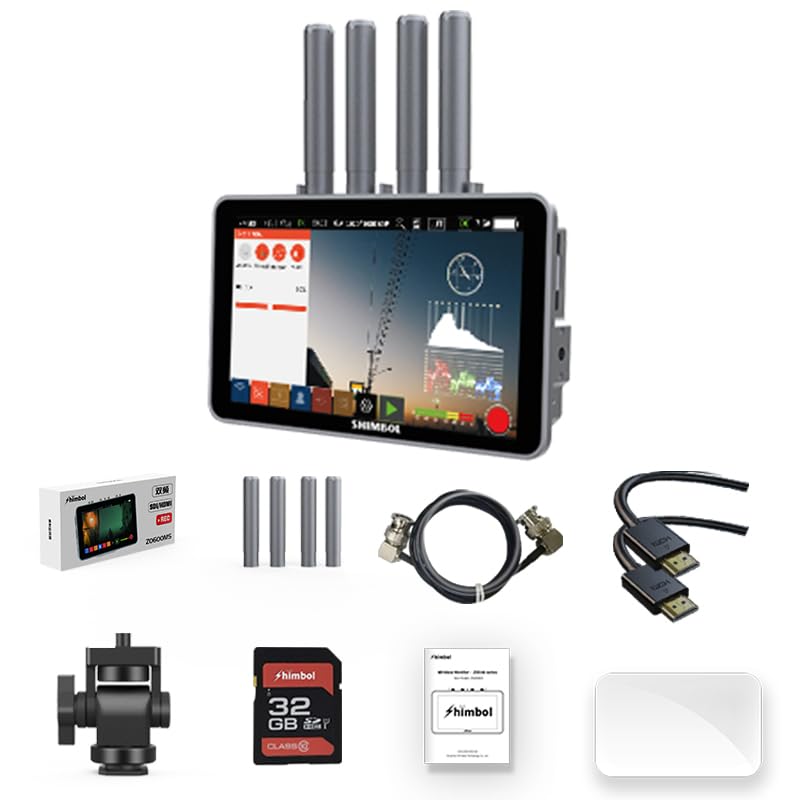
The ZO600MS combines a wireless transmitter, receiver and recording monitor with HDMI and 3G-SDI connections. Its 5.5-inch 2000-nit touchscreen and dual-band transmission make it a versatile option for small crews.
Key highlights
- 5.5-inch 1920x1080 touchscreen rated at 2000 nits
- Up to 1000 feet of line-of-sight range in one-to-one mode
- 2.4GHz and 5GHz wireless transmission, with latency as low as 80ms
- Recording and playback with LUT support
- HDMI and 3G-SDI connections
Pros
- Monitoring, recording and TX/RX modes in one device
- Built-in player for fast on-device playback
- Waveform, vectorscope, peaking and false-color tools
Cons
- Wireless transmission is limited to 1080p60
- Quoted maximum range requires line of sight
Who it is for: Videographers who want wireless monitoring and recording with HDMI and SDI connectivity.
Skip if
You need 4K wireless transmission.
Vaxis Storm Cine 8 - Best for pros
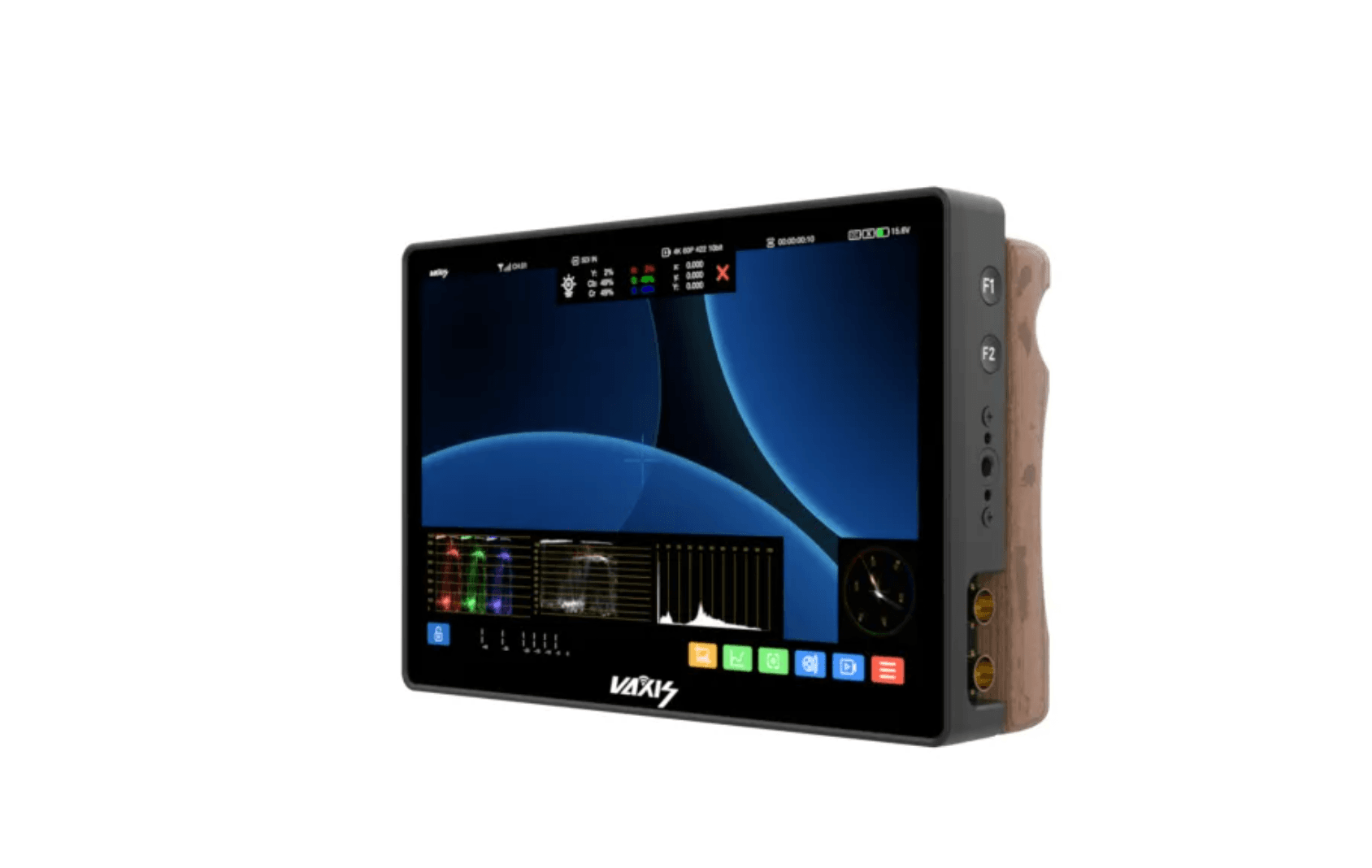
The Storm Cine 8 is a serious piece of kit for serious productions. Its 8.9-inch LCD touchscreen has a native resolution of 2560x1600 and 1500 nits of brightness. DCI 4K support refers to the video signals it accepts, not the display resolution. The built-in wireless receiver reaches 500 feet, and the CINE OS interface gives you full creative control with waveform, vectorscope, 3D LUTs, and multiple color space settings.
Key highlights
- 8.9-inch LCD with 2560x1600 resolution
- 1500 cd/m2 brightness for outdoor visibility
- Built-in wireless receiver with 500-foot range
- Five antenna ports for extended reception
- HDR support with HLG and PQ viewing modes
Pros
- Exceptional color accuracy with BT.2020, DCI-P3, and Rec.709
- Large screen makes focus pulling and framing much easier
- Available in V-mount, Gold mount, and NPF mount options
- Includes flight case for transport
Cons
- Very expensive compared to other options
- Built-in wireless range is modest given the price point
Who it is for: Professional DPs, focus pullers, and directors who need a large, color-accurate reference monitor on set.
Skip if
You're a solo shooter or working with a tight budget.
Atomos Shinobi II - Best budget monitor
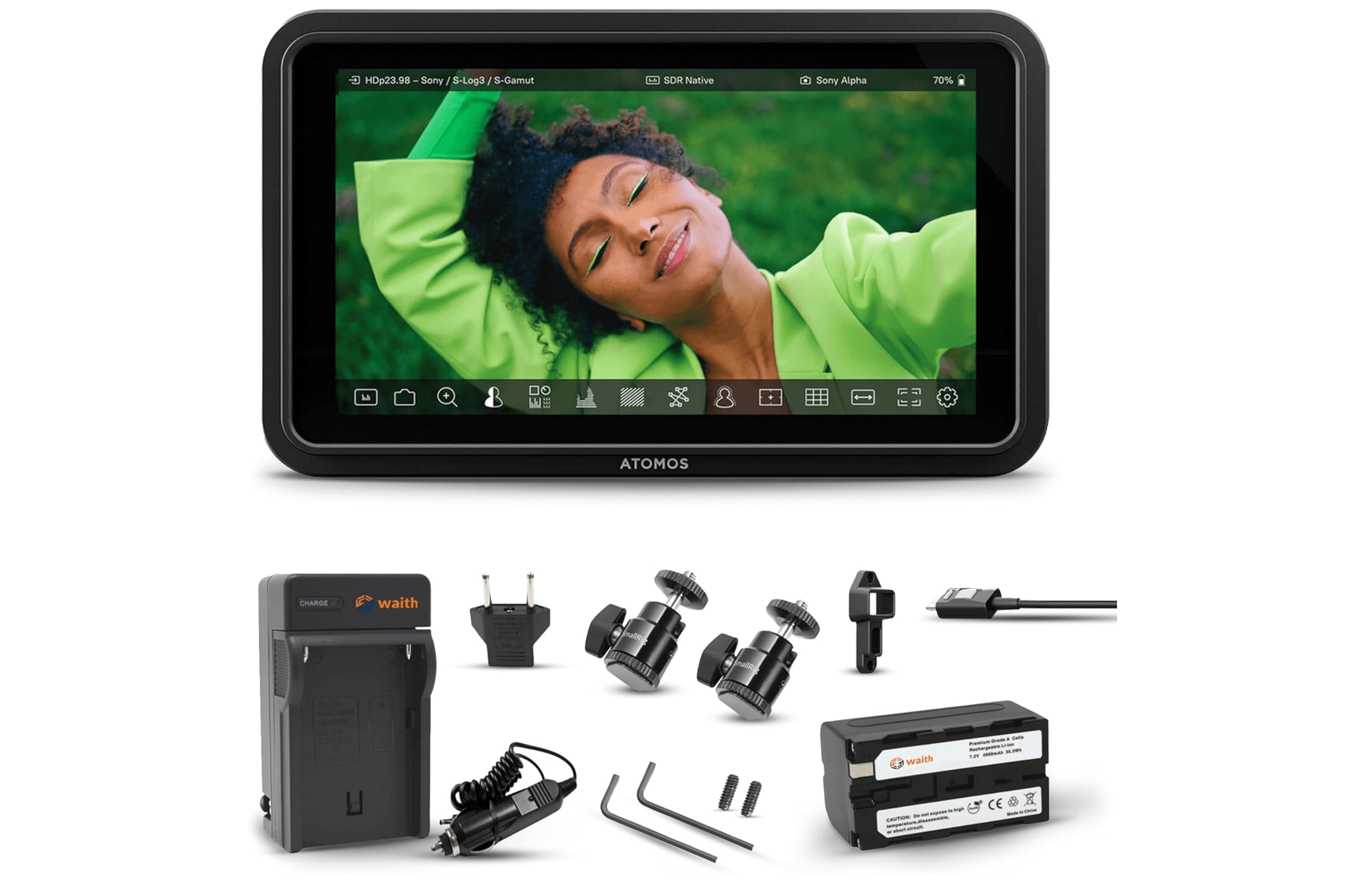
If you don't need wireless transmission built in, the Shinobi II is the best pure monitor for the money. At 1500 nits, it's brighter than most monitors in its class, and the 5.2-inch 1920x1080 touchscreen delivers the same excellent display quality as the Ninja V without the recorder markup. It weighs only 210 grams, making it easy to mount on gimbals or small rigs.
Key highlights
- 5.2-inch 1920x1080 touchscreen at 1500 nits brightness
- Ultra-lightweight at 210 grams
- Camera control support for select Canon, Sony, and Panasonic models
- Multiscope Analysis View for on-the-go monitoring
- Supports 4K 30p and FHD 60p input
Pros
- Very bright display works well outdoors
- Lightweight and slim, ideal for gimbal use
- Great monitoring tools including false color and EL Zone system
- USB power in and out for flexible power options
Cons
- No recording capability (monitor only)
- Camera control feature still needs refinement
- Takes a long time to power up
Who it is for: Shooters who already have a wireless transmission setup and just want the best monitor they can get for the money.
Skip if
You need built-in wireless transmission or onboard recording.
Blackmagic Video Assist 5-inch 12G HDR - Best for outdoor shooting
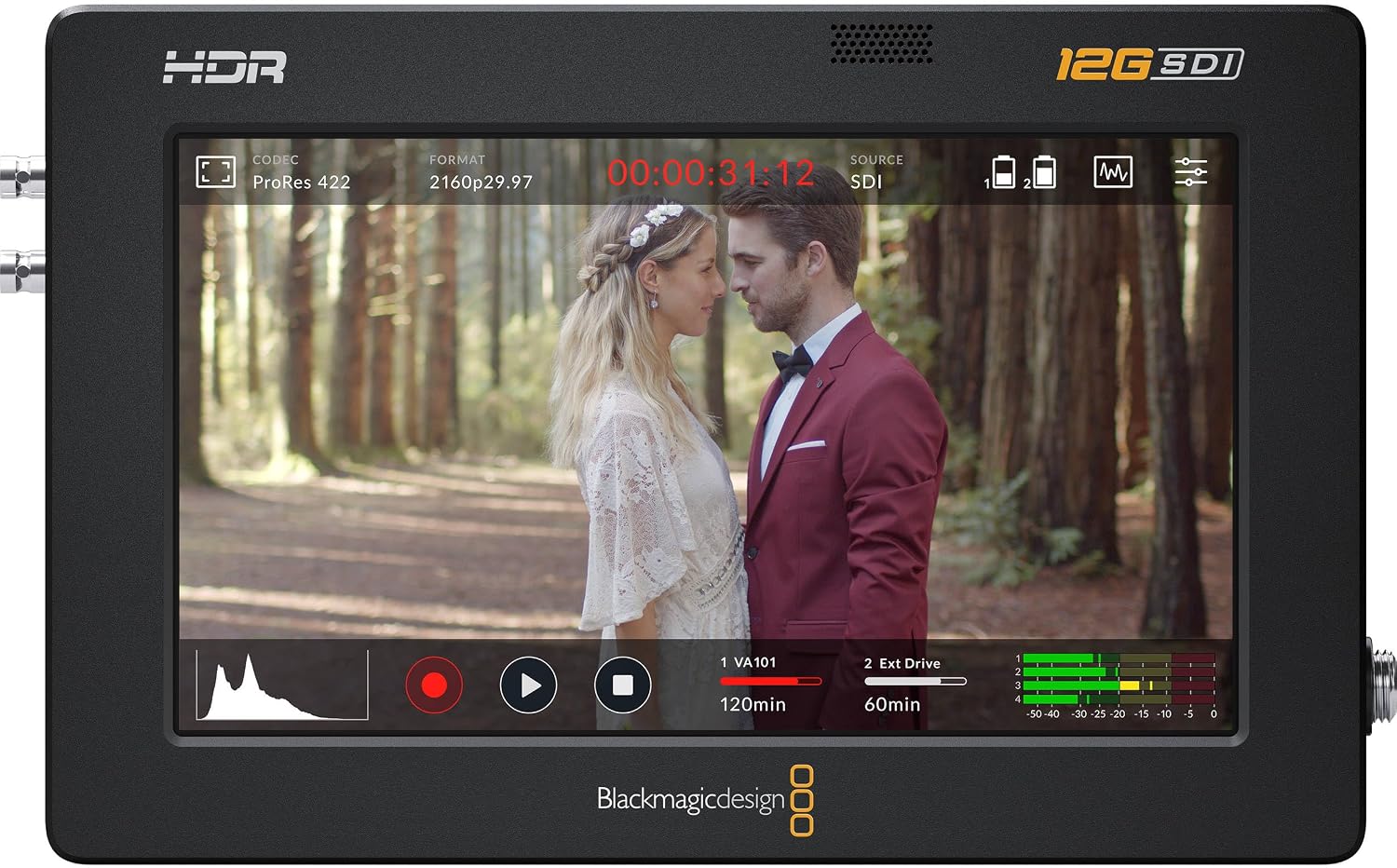
The Video Assist 5-inch 12G HDR pairs a 2500-nit screen with external recording for bright sets and outdoor work. Its 12G-SDI and HDMI 2.0a connections support Ultra HD up to 60p, with recording to an SD card or USB-C drive. Wireless viewing requires a separate transmission system.
Key highlights
- 5-inch 1920x1080 touchscreen rated at 2500 nits
- 12G-SDI and HDMI 2.0a input and output
- Ultra HD recording up to 2160p60
- ProRes and DNx recording, plus Blackmagic RAW with compatible cameras
- One UHS-II SD slot and USB-C external-drive recording
Pros
- High-brightness screen for outdoor monitoring
- Professional scopes and focus-assist tools
- Choice of SD-card or external-drive recording
Cons
- No built-in wireless transmission
- Blackmagic RAW requires a supported camera
Who it is for: DPs and videographers who need bright monitoring with external recording.
Skip if
You only need a monitor without recording.
Vaxis Atom A5 SDI - Best for hybrid shooters
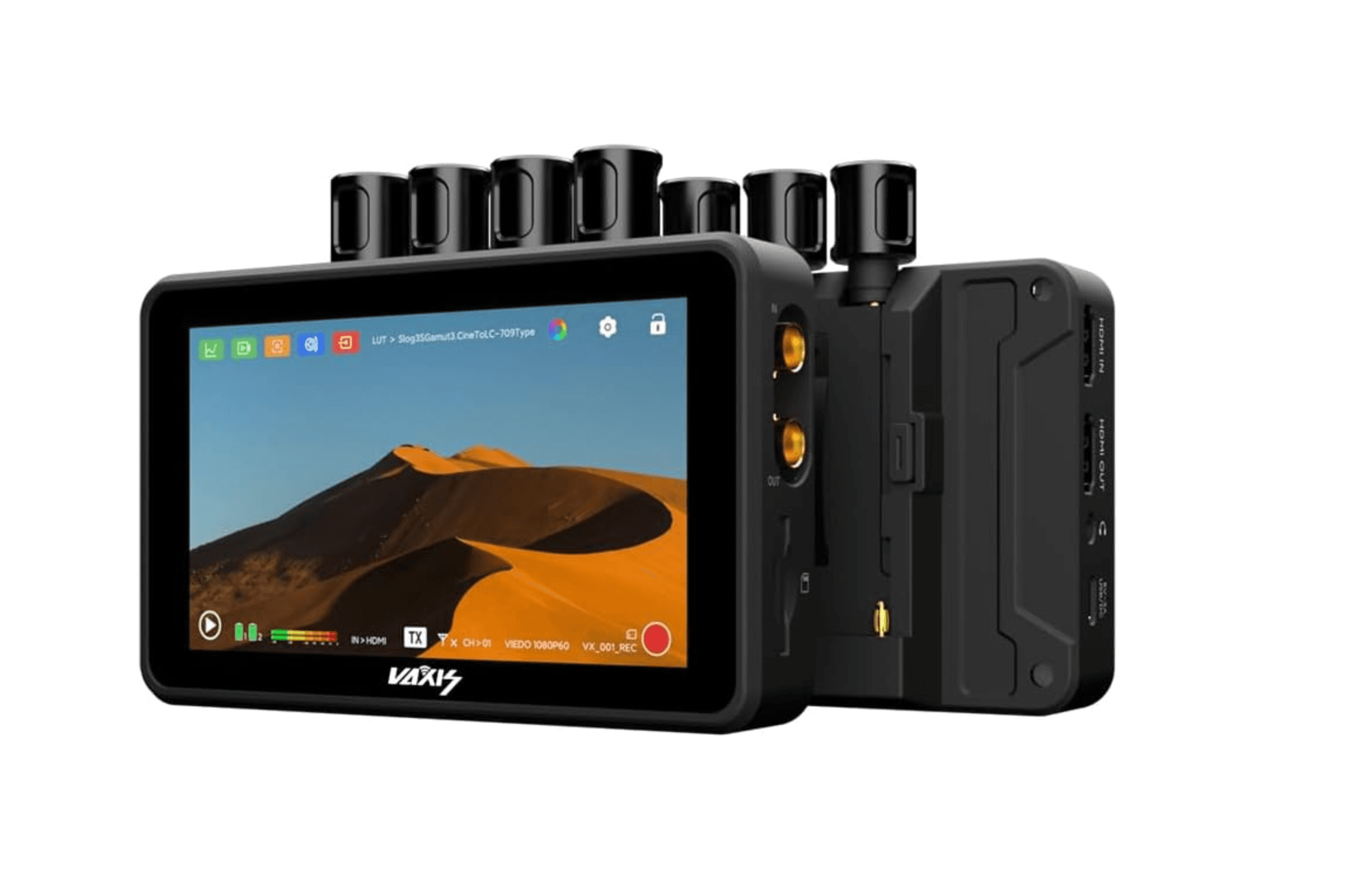
The Atom A5 SDI combines wireless TX/RX modes, SDI loop-out and internal recording with one-touch playback. Its 5.5-inch 1920x1080 touchscreen is rated at 2000 nits, and Vaxis specifies a 300-meter transmission range in one-transmitter, one-receiver mode.
Key highlights
- 5.5-inch 1920x1080 touchscreen rated at 2000 nits
- Up to 300 meters of wireless range in one-transmitter, one-receiver mode
- Dual TX/RX mode works with other Atom series devices
- Records MP4 to microSD card
- Supports timecode sync
Pros
- Excellent image quality and brightness for the price
- Full set of professional imaging tools
- Dual NP-F970 battery plates for extended runtime
- Cost-effective compared to similar feature sets
Cons
- Initial setup can be confusing for first-time users
- Wireless range can drop in non-line-of-sight conditions
Who it is for: Videographers who want a capable TX/RX monitor with recording at a mid-range price point.
Skip if
You need a larger screen or prefer a simpler plug-and-play setup.
Also Good
- Elvid Skyvision WCM-55-HD - lightweight pick with handy programmable buttons.
- Vaxis Storm 058 Pro - bright screen that works great outdoors.
How to Choose
- Brightness matters most. If you shoot outdoors at all, aim for 1000 nits minimum. At 1500 nits or higher, you can work in direct sunlight without a hood. Indoor-only shooters can get away with less, but don't undershoot brightness.
- Screen size vs. weight is a real trade-off. A 5-inch monitor is easy to mount on a gimbal or small rig. A 7-inch or larger screen is easier to read for focus pulling but adds significant weight. Think about your typical setup before choosing.
- Wireless range depends on your work. Most monitors offer 150 to 500 feet of range in line-of-sight. For studio work, 150 feet is plenty. For location shoots across larger spaces, look for 500 feet or more.
- TX/RX vs. monitor-only. A combination unit saves you from buying a separate wireless transmission system. But if you already have a transmitter, a pure monitor like the Shinobi II gives you better display quality for the same money.
- Power options affect your workflow. Dual battery plates let you hot-swap without powering down. DC input and USB-C power give you flexibility when you're near an outlet. Check what batteries your monitor accepts before buying.
FAQ
Do I need a wireless monitor or can I use a standard field monitor?
A standard field monitor works fine if you're okay with a cable running from your camera. Wireless monitors let you move freely, hand the camera off, or let a director view from a separate position. If you shoot solo on a tripod, a wired monitor is usually enough.
What's the difference between a monitor and a monitor-recorder?
A monitor only displays your video feed. A monitor-recorder can capture footage to an internal drive or SD card, often at higher quality than your camera records internally. Recorders add weight and cost but give you more flexibility in post-production.
How important is touchscreen on a camera monitor?
Touchscreen makes navigating menus and applying LUTs much faster. But it's not essential if you prefer button-based control. Most modern monitors include touch capability, and it's worth having even if you don't use it all the time.
Can I use a wireless camera monitor with any camera?
As long as your camera has a clean HDMI output (most mirrorless and DSLR cameras do), you can connect it to any monitor. For cinema cameras with SDI outputs, make sure the monitor has SDI input or use an adapter.
What latency is acceptable for wireless monitoring?
Latency under 80 milliseconds is fine for most work. Below 60ms is better for fast-moving scenes or following focus. The best monitors in this range hit around 0.06 to 0.08 seconds, which is barely noticeable in practice.
Published May 4, 2026 Last updated September 5, 2026
Share this article
More in News
8 Best Blood Pressure Monitors for Home Use in 2026
We tested clinically validated blood pressure monitors from Omron, Withings, and more. The Omron Platinum leads our picks, with options from $40 to $140.
3 min read
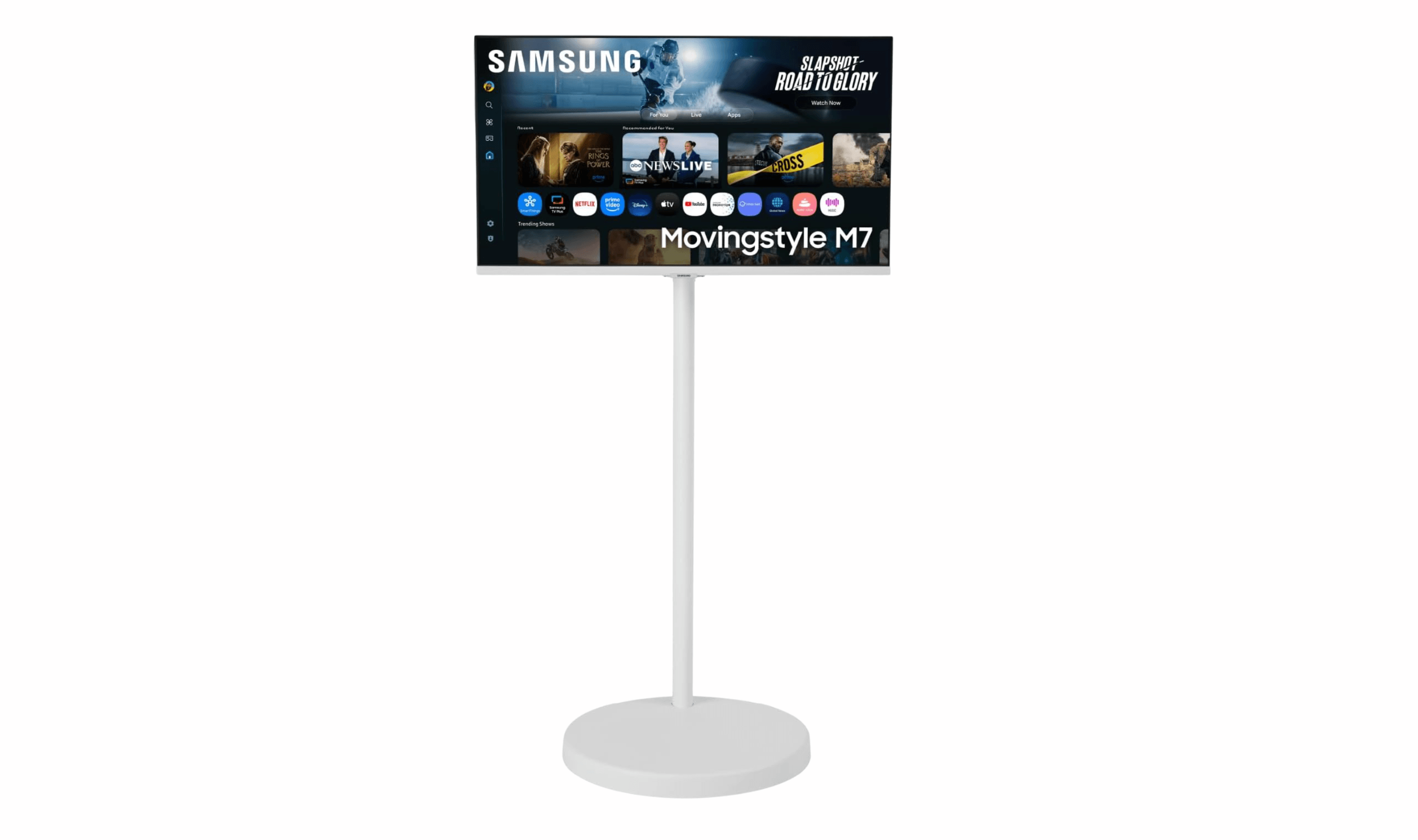
3 Best Rolling TV Monitors You Can Buy Right Now
LG Swing leads our picks for the best rolling TV monitors. See top models for medical use, multi-monitor setups, and budget-friendly options.
3 min read
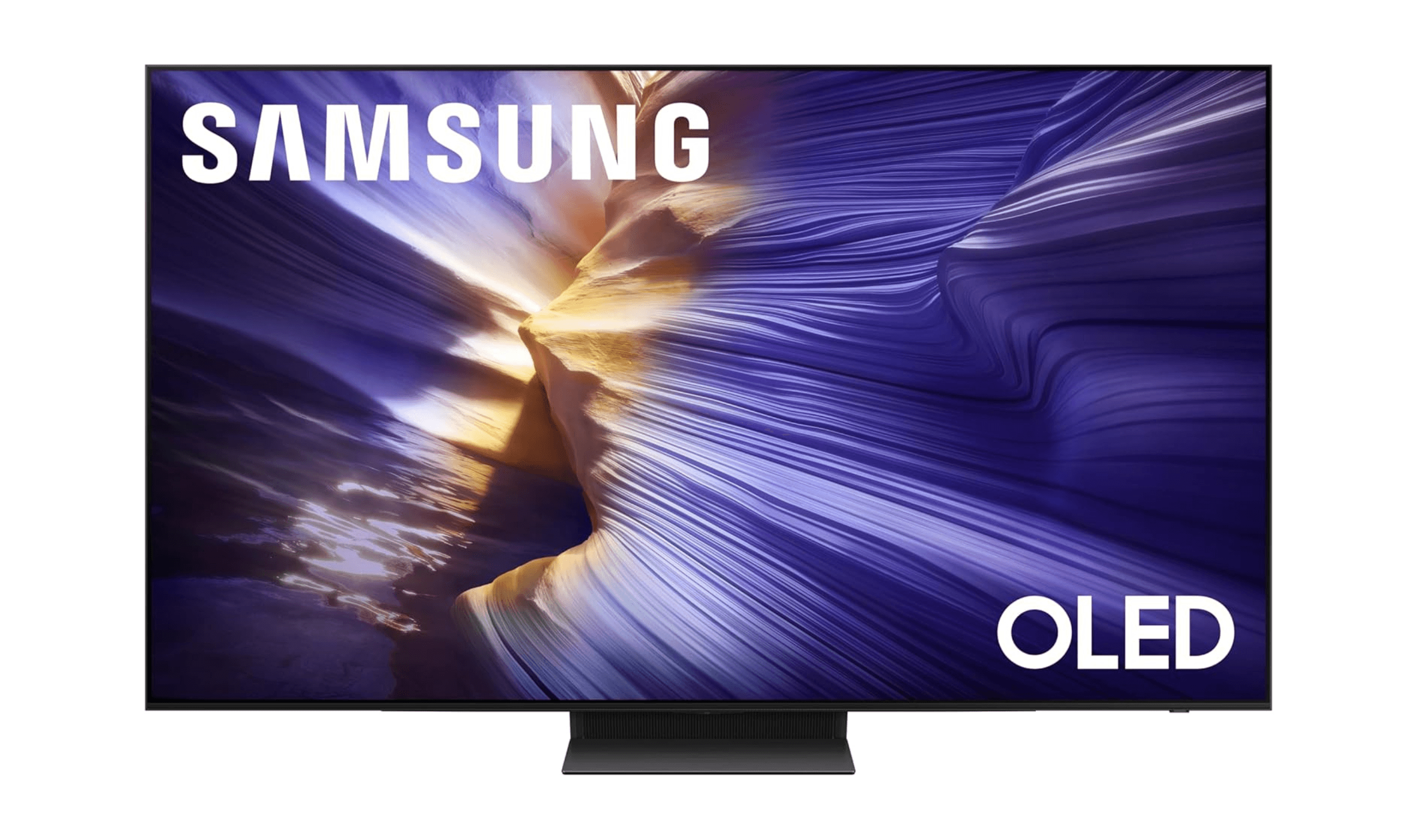
The 8 Best Smart TVs of 2026
Samsung S90F leads our picks for the best smart TVs of 2026. Compare top models for picture quality, gaming, and value to find your perfect screen.
3 min read
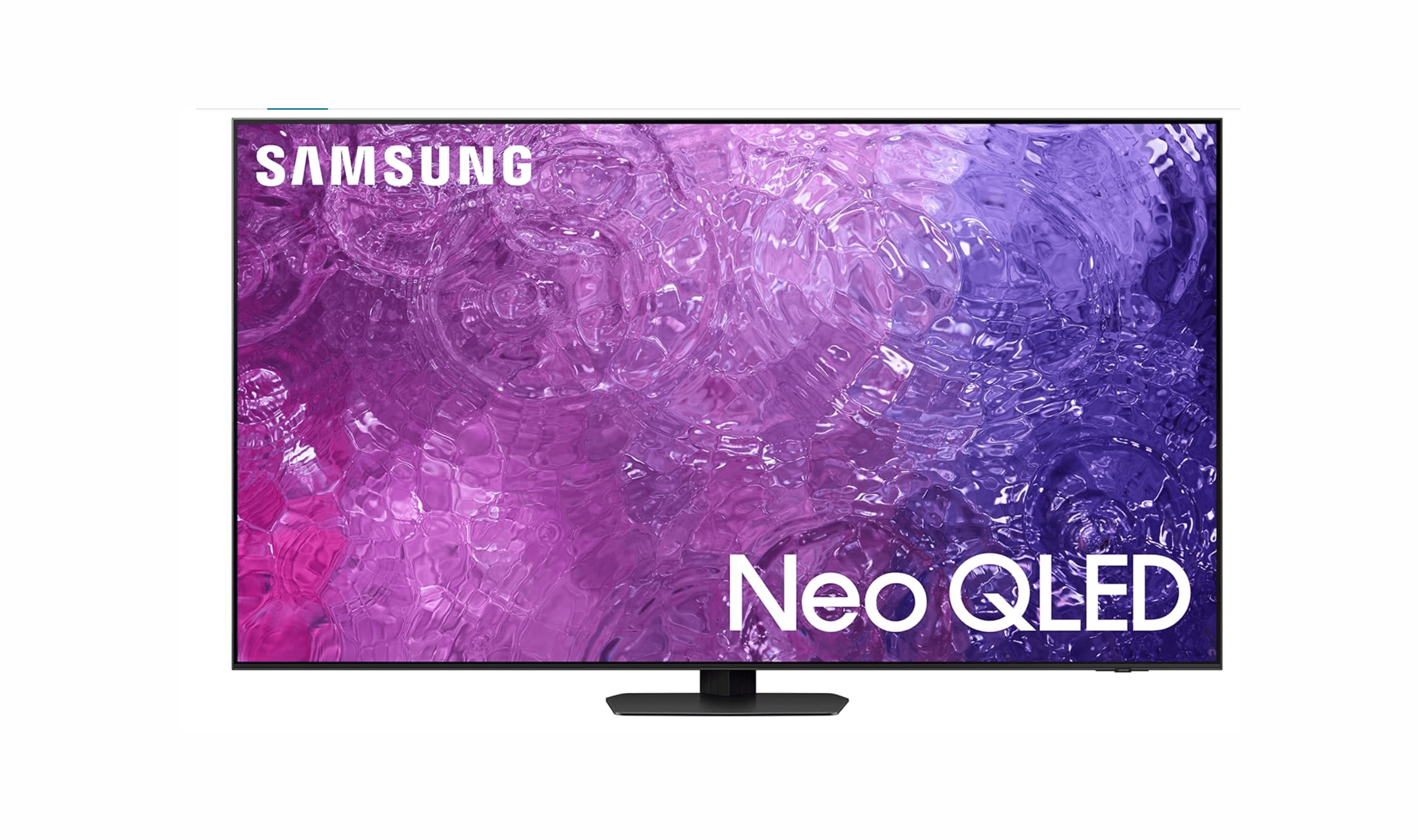
8 Best Anti-Glare TVs for 2026
Samsung QN90C Neo QLED leads our 2026 picks for the best anti-glare TVs, balancing reflection reduction with vibrant picture quality for bright rooms.
3 min read

7 Best Monitor Arms for 2026
4 min read
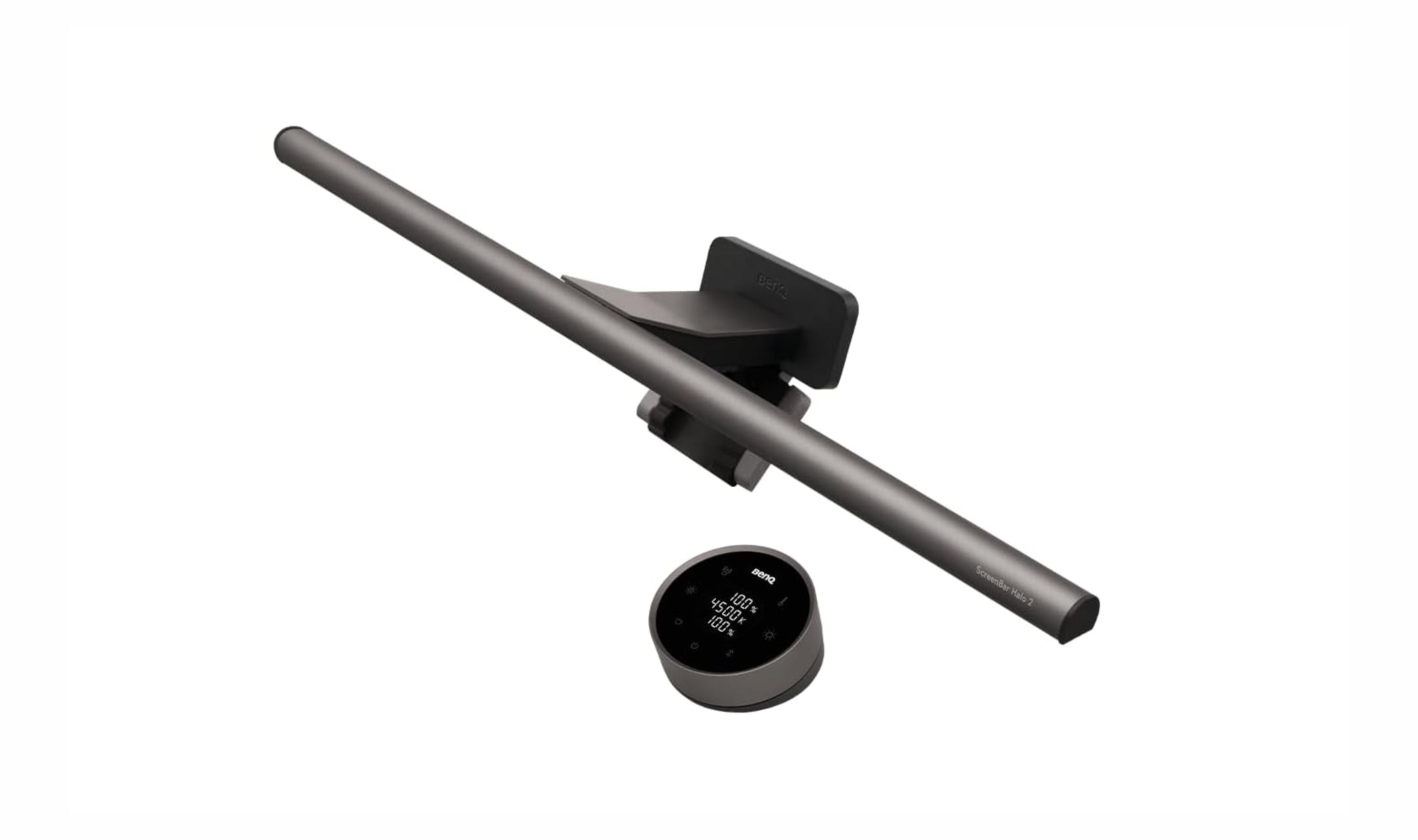
6 Best Monitor Light Bars for 2026
4 min read
Best Field Recorders in 2026
4 min read
Best Low Profile Mechanical Keyboards in 2026
3 min read
9 Best Floodlight Cameras for 2026
5 min read
Best Lavalier Microphones for iPhones in 2026
4 min read
5 Best Vacuums for Tile Floors in 2026
5 min read
8 Best Tablets for Note Taking in 2026
5 min read