Finding the right gaming mouse can make the difference between winning and losing. The best options combine comfort, precision, and reliability without breaking the bank. This list covers everything from premium esports tools to budget-friendly workhorses that get the job done.
Technobezz is supported by its audience. We may get a commission from retail offers.
8 Best Gaming Mice to Buy in 2026
The best gaming mice in 2026, from the 56g Razer DeathAdder V4 Pro to the budget Logitech G305 Lightspeed. Tested picks for FPS, MMO, wired and wireless.
T
Technobezz
Senior Editor
Updated September 5, 2026Sep 5, 2026
•8 min read

Get Deals Like These in Your Inbox
The best prices, reviewed weekly.
At a Glance
| Category | Product | Why We Picked It |
|---|---|---|
| Best overall | Razer DeathAdder V4 Pro | Premium performance with exceptional comfort |
| Best value | Razer DeathAdder V3 HyperSpeed | Wireless quality under $100 |
| Best for competitive FPS | Logitech G PRO X2 SUPERSTRIKE | Adjustable actuation, rapid-trigger reset and haptic feedback |
| Best wired option | Logitech G502 X | 89 g wired design with hybrid switches and a dual-mode scroll wheel |
| Best budget wireless | Logitech G305 Lightspeed | LIGHTSPEED wireless and up to 250 hours on one AA battery |
| Also recommended | Corsair Scimitar Elite Wireless SE | 16 programmable buttons for MMOs |
| Also recommended | SteelSeries Aerox 3 Wireless | A lightweight all-rounder, often found on sale |
| Also recommended | Razer Basilisk V3 35K | 35K sensor, 13 customizable controls and configurable scrolling |
How we chose and tested
We evaluated gaming mice based on real-world performance across different game genres. Comfort and ergonomics came first, since you'll be holding this for hours. We assessed sensor accuracy, button responsiveness, and wireless reliability where applicable. Battery life mattered for wireless models, while build quality and durability were considered for long-term use.
The best gaming mouse right now
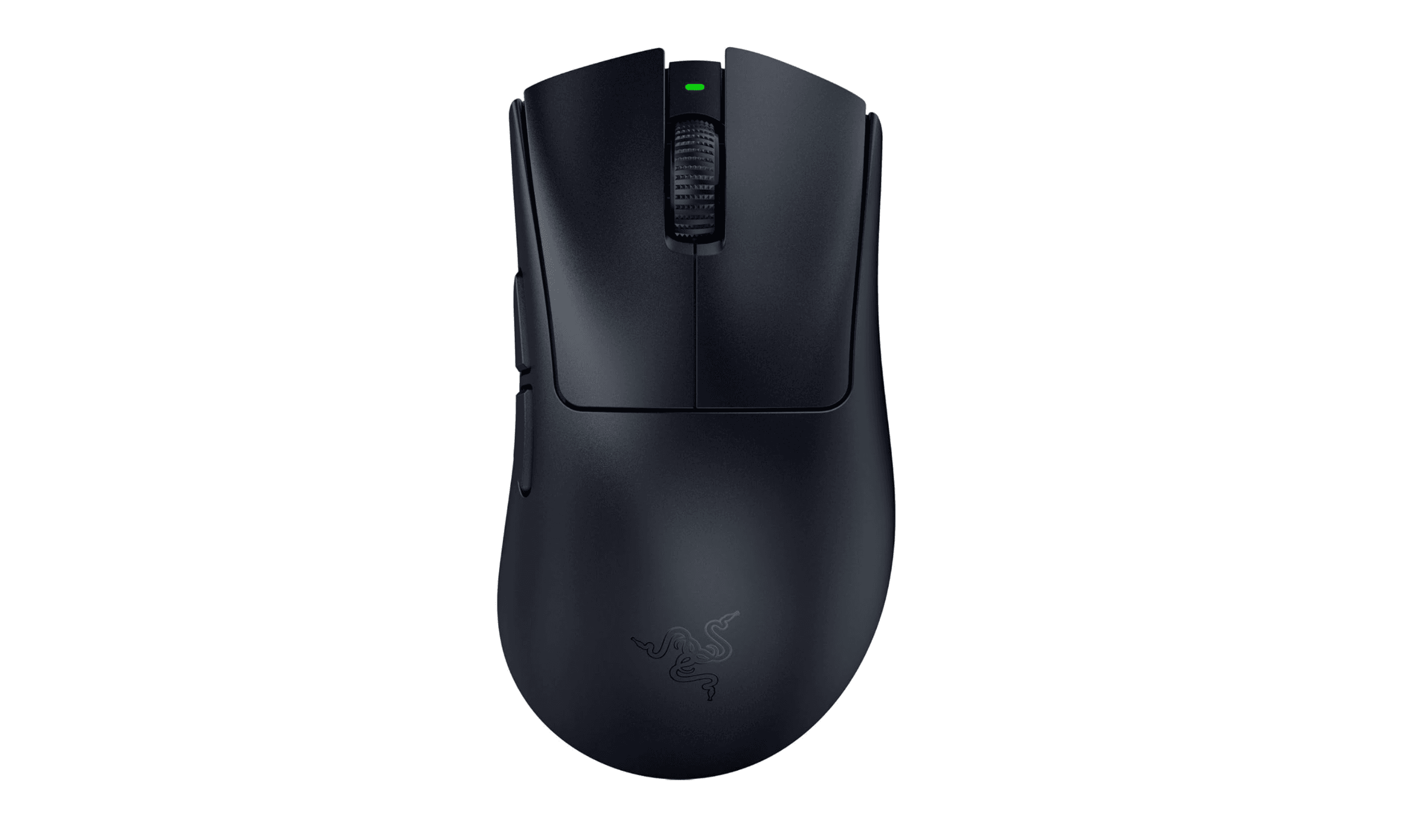
Razer DeathAdder V4 Pro - Best overall
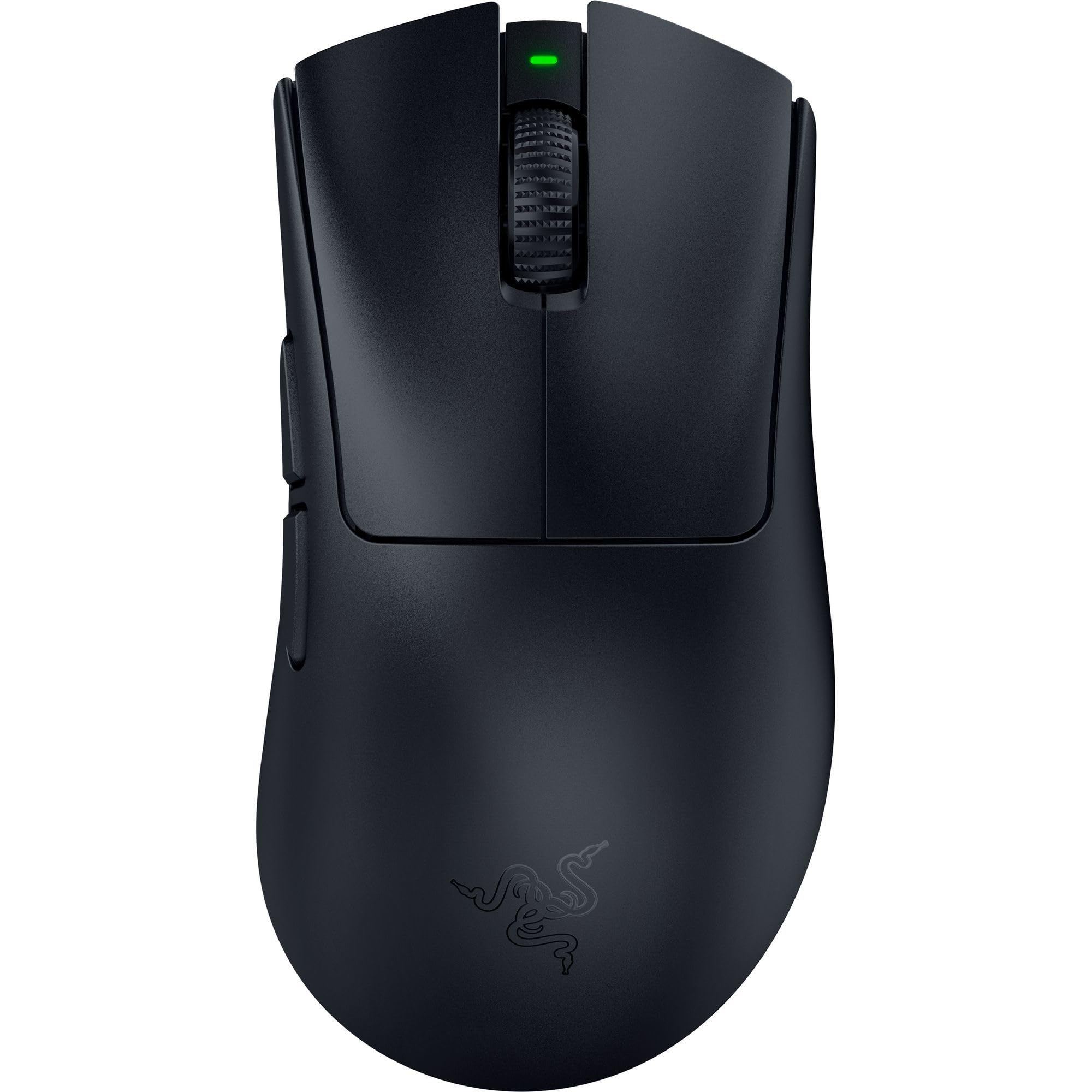
This premium wireless mouse delivers top-tier performance with exceptional comfort that makes long gaming sessions feel effortless. It combines Razer's best sensor technology with thoughtful ergonomic design.
Key highlights
- 56 g design in the black version
- Ultra-smooth coating that feels premium under your palm
- Focus Pro 45K Optical Gen-2 sensor with excellent tracking
- Comfortable shape that works for most hand sizes
- Long battery life for extended wireless use
Pros
- Exceptional comfort for palm and claw grips
- Premium materials that feel substantial
- Reliable wireless connectivity with minimal latency
- Sustainable construction approach
Cons
- Expensive compared to other options
- Some features may be overkill for casual gamers
- Right-handed shape does not suit left-handed use
Who it's for
Serious gamers who want premium quality and are willing to pay for top performance. It works well for multiple game genres and long sessions.
Skip if
You're on a tight budget or need a left-handed mouse.
Razer DeathAdder V3 HyperSpeed - Best value
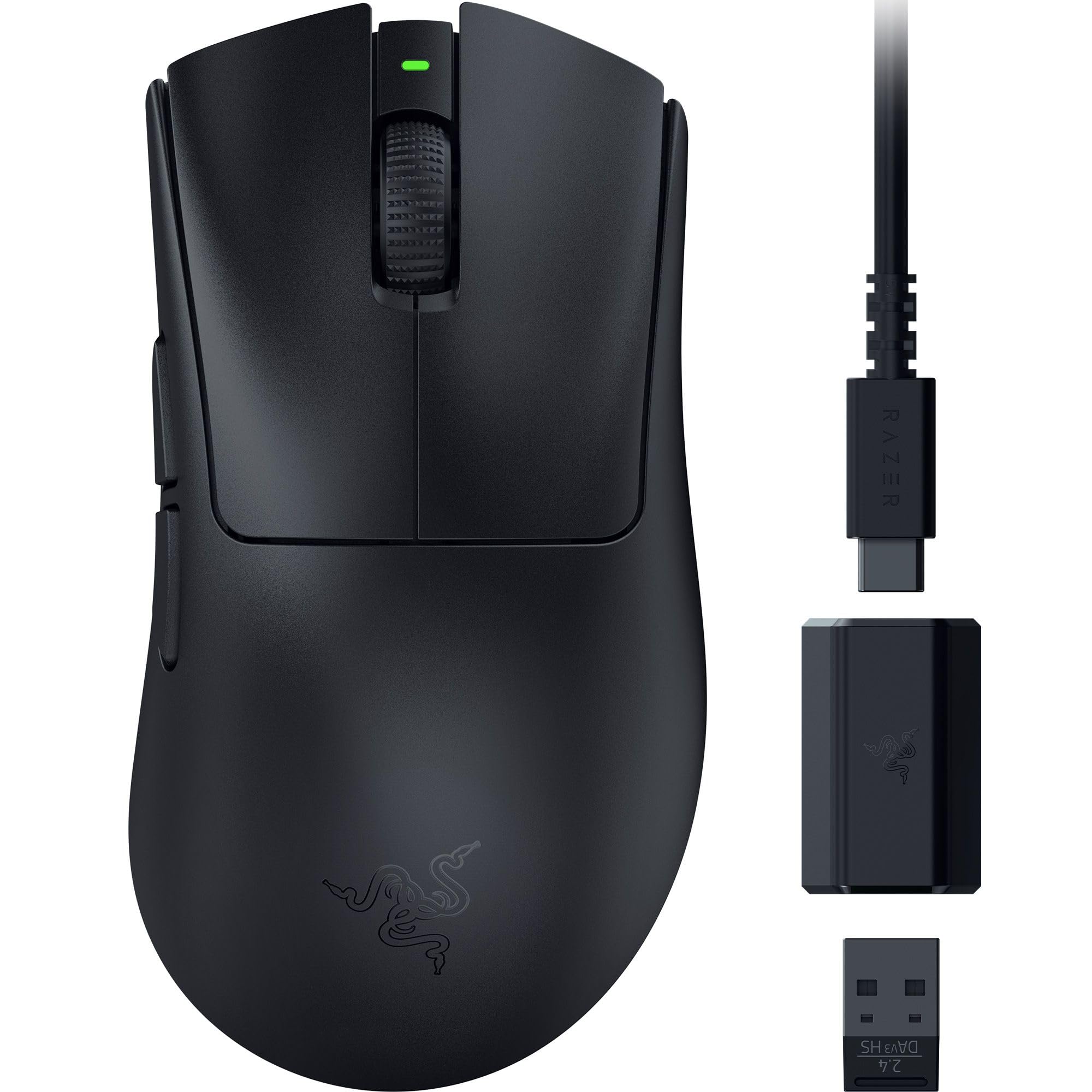
This wireless mouse offers nearly everything its more expensive sibling does at a significantly lower price point. It's the wireless gaming mouse to beat under $100.
Key highlights
- Excellent wireless performance without premium price
- Comfortable DeathAdder shape that gamers love
- Up to 8,000 Hz polling with the separately sold HyperPolling Wireless Dongle
- Solid battery life for wireless gaming
- Reliable sensor with good tracking accuracy
Pros
- Great value for wireless performance
- Familiar, comfortable shape
- 55 g design
- USB-C charging
Cons
- Lacks some premium features of V4 Pro
- Battery life not as long as top models
- Fewer customization options
Who it's for
Gamers who want reliable wireless performance without spending $150+. It's a solid choice for most gaming needs.
Skip if
You need the absolute latest sensor technology or maximum battery life.
Logitech G PRO X2 SUPERSTRIKE - Best for competitive FPS
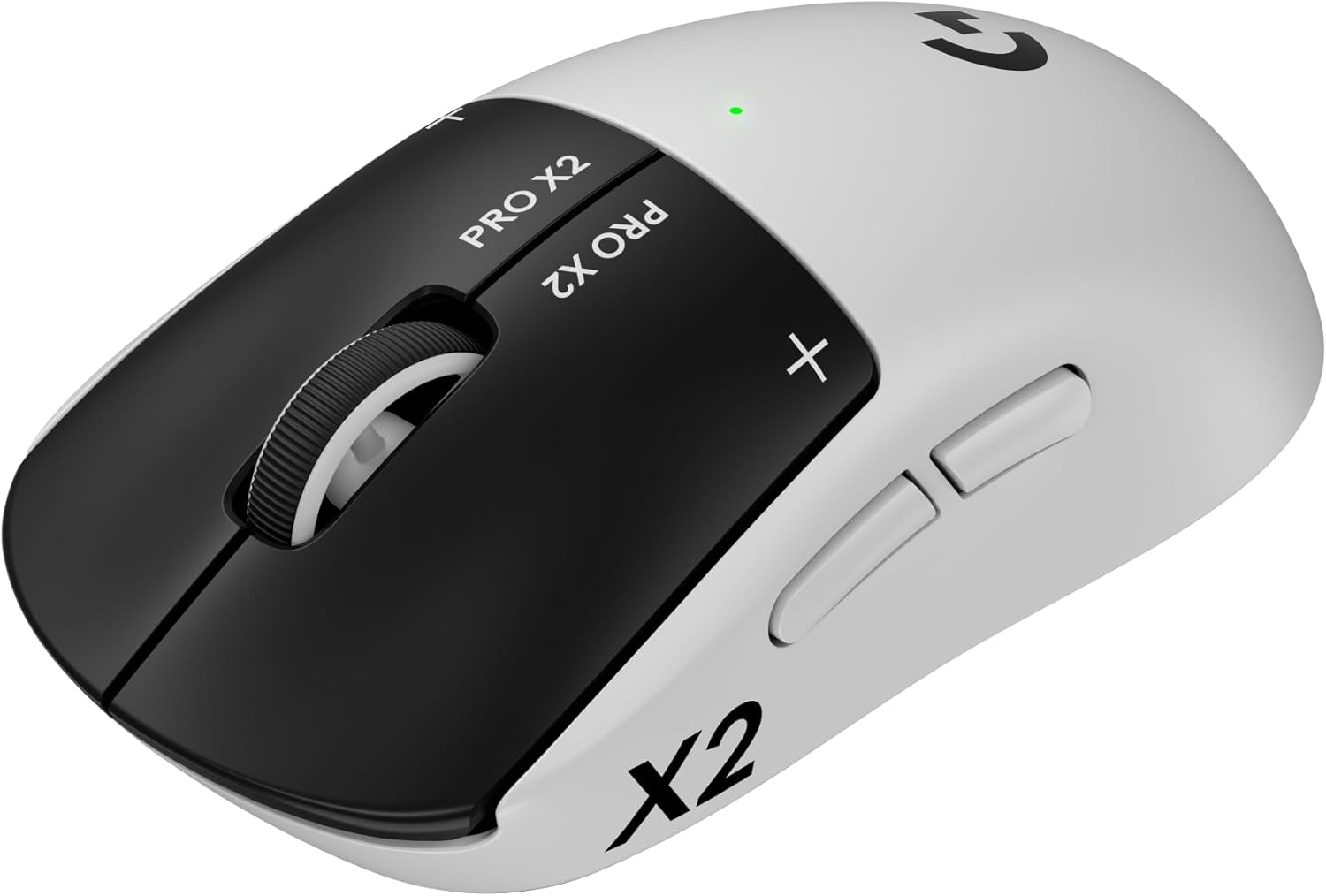
The PRO X2 SUPERSTRIKE uses an inductive trigger system with adjustable actuation, rapid-trigger reset and haptic feedback. Its HERO 2 sensor and up to 8,000 Hz wireless polling suit competitive FPS play.
Key highlights
- Haptic Inductive Trigger System for the main buttons
- 10 actuation levels and five rapid-trigger reset levels
- HERO 2 sensor with up to 44,000 DPI
- Up to 8,000 Hz wireless polling
- Up to 90 hours of battery life
Pros
- Adjustable click travel and reset points
- Customizable haptic feedback
- USB-C charging
- POWERPLAY 2 compatibility
Cons
- Advanced settings require Logitech G HUB
- POWERPLAY charging system sold separately
- Haptic clicks differ from traditional mechanical switches
Who it's for
Competitive FPS players who want to tune click actuation, reset points and feedback to their preferences.
Skip if
You're on a budget or prefer traditional mechanical switches.
Logitech G502 X - Best wired option
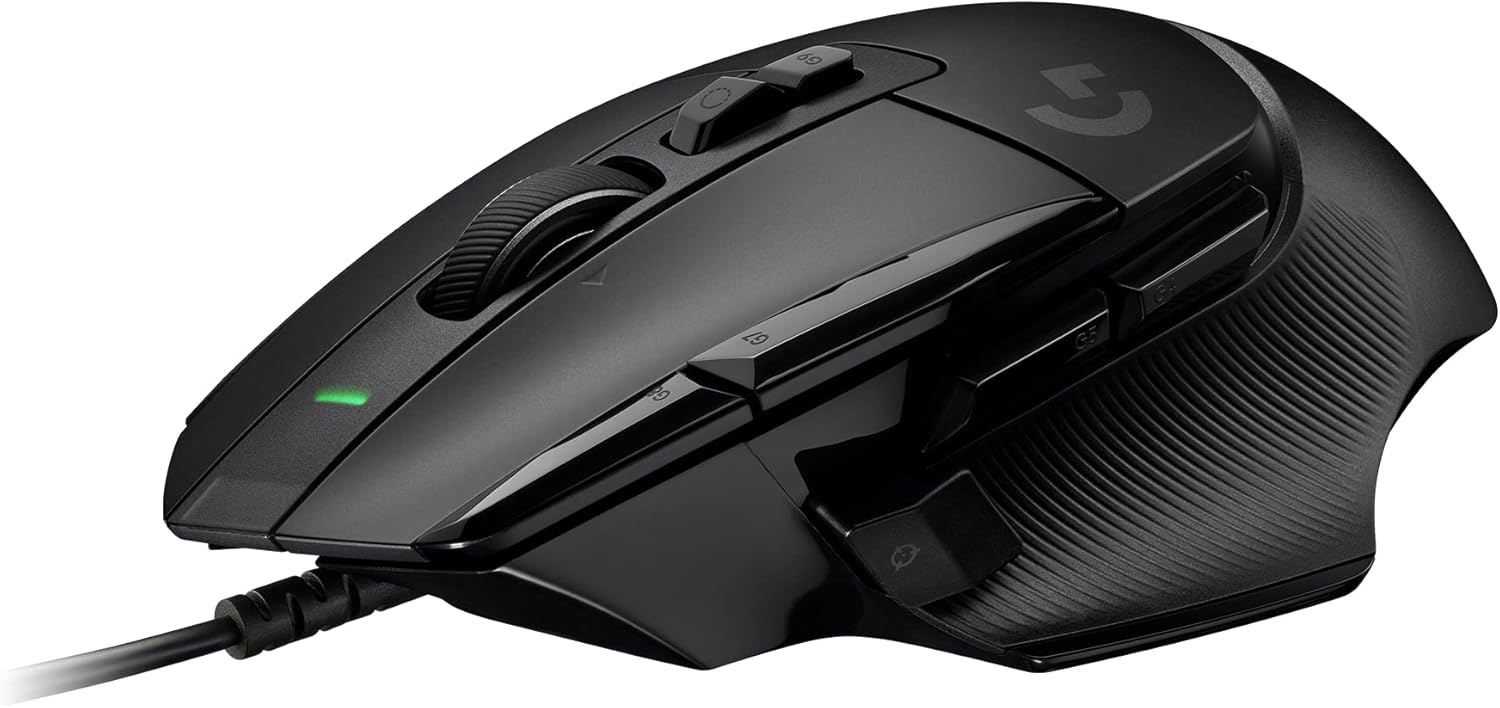
The G502 X combines a wired connection with an 89 g design, LIGHTFORCE hybrid switches and a HERO 25K sensor. Its reversible DPI-shift button and dual-mode tilt wheel give it useful controls for games and everyday work.
Key highlights
- HERO 25K sensor with up to 25,600 DPI
- 13 programmable controls
- 89 g design
- LIGHTFORCE hybrid optical-mechanical switches
- Reversible, removable DPI-shift button
Pros
- No battery to charge
- Free-spin and ratcheted scrolling with tilt controls
- PTFE feet
- Up to five onboard profiles
Cons
- Wired connection limits mobility
- At 89 g, heavier than the lightweight FPS picks here
- No wireless mode
Who it's for
Gamers who prefer wired reliability or want maximum features without wireless complexity. Great for mixed gaming use.
Skip if
You need wireless freedom or prefer ultra-lightweight mice.
Logitech G305 Lightspeed - Best budget wireless
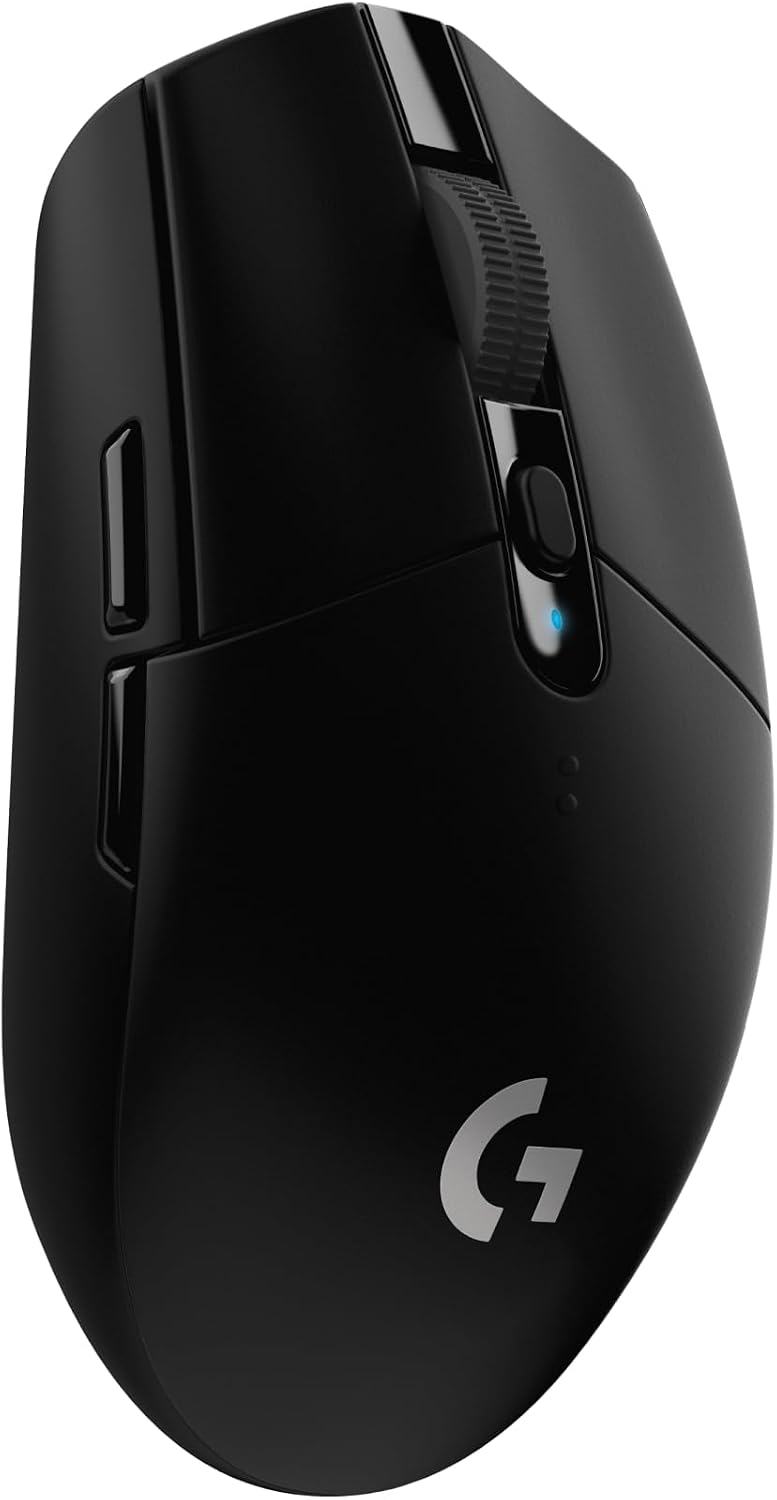
The G305 combines LIGHTSPEED wireless with a HERO sensor rated up to 12,000 DPI. A single AA battery powers up to 250 hours of play, making it a straightforward budget wireless choice.
Key highlights
- LIGHTSPEED wireless with a 1 ms report rate
- Up to 250 hours of play on one AA battery
- HERO sensor with up to 12,000 DPI
- Six programmable buttons
- Built-in USB receiver storage
Pros
- Long battery life with easy AA swaps
- Compact design for travel
- Onboard memory
Cons
- No built-in rechargeable battery
- Requires its USB wireless receiver
- Fewer controls than the multi-button picks here
Who it's for
Budget-conscious gamers who want wireless freedom without sacrificing performance. It is ideal for casual and moderate gamers.
Skip if
you need a built-in rechargeable battery, premium materials, or customizable RGB lighting.
Also Good
- Corsair Scimitar Elite Wireless SE - 16 programmable buttons for MMOs. Check Price on Corsair
- SteelSeries Aerox 3 Wireless - a lightweight all-rounder, often found on sale.
- Razer Basilisk V3 35K - a wired option for gaming and work with a Focus Pro 35K Gen-2 sensor, 13 customizable controls and a configurable HyperScroll tilt wheel.
How to Choose
Start with grip style: Choose a shape that fits your natural grip, whether that's palm, claw, or fingertip.
Pick a comfortable weight: Lighter mice help with fast flicks, while heavier mice can feel steadier for controlled movements.
Choose wired or wireless by setup: Modern wireless mice are very responsive, but wired models remove charging and battery concerns.
Decide how many buttons you need: Extra buttons are useful for MMOs and productivity, but can add weight and complexity.
Look for reliable sensor performance: Focus on consistent tracking and low latency rather than chasing extreme DPI numbers.
FAQ
What is the difference between DPI and polling rate?
DPI controls cursor sensitivity, while polling rate controls how often the mouse reports movement to your PC.
Do I need an 8,000Hz polling rate?
Most players do not. A stable 1,000Hz is enough for the majority of gaming use cases.
How important is mouse weight?
Very important. Lighter mice usually feel better for fast aim-heavy games, while heavier mice can feel steadier for slower precision tasks.
Should I buy wired or wireless?
Both are good today. Choose wireless for freedom of movement, or wired if you want zero battery management.
How do I choose the right shape?
Pick the mouse that matches your natural grip and hand size. Comfort over long sessions matters more than specs alone.
Published February 23, 2026 Last updated September 5, 2026
Share this article
More in News
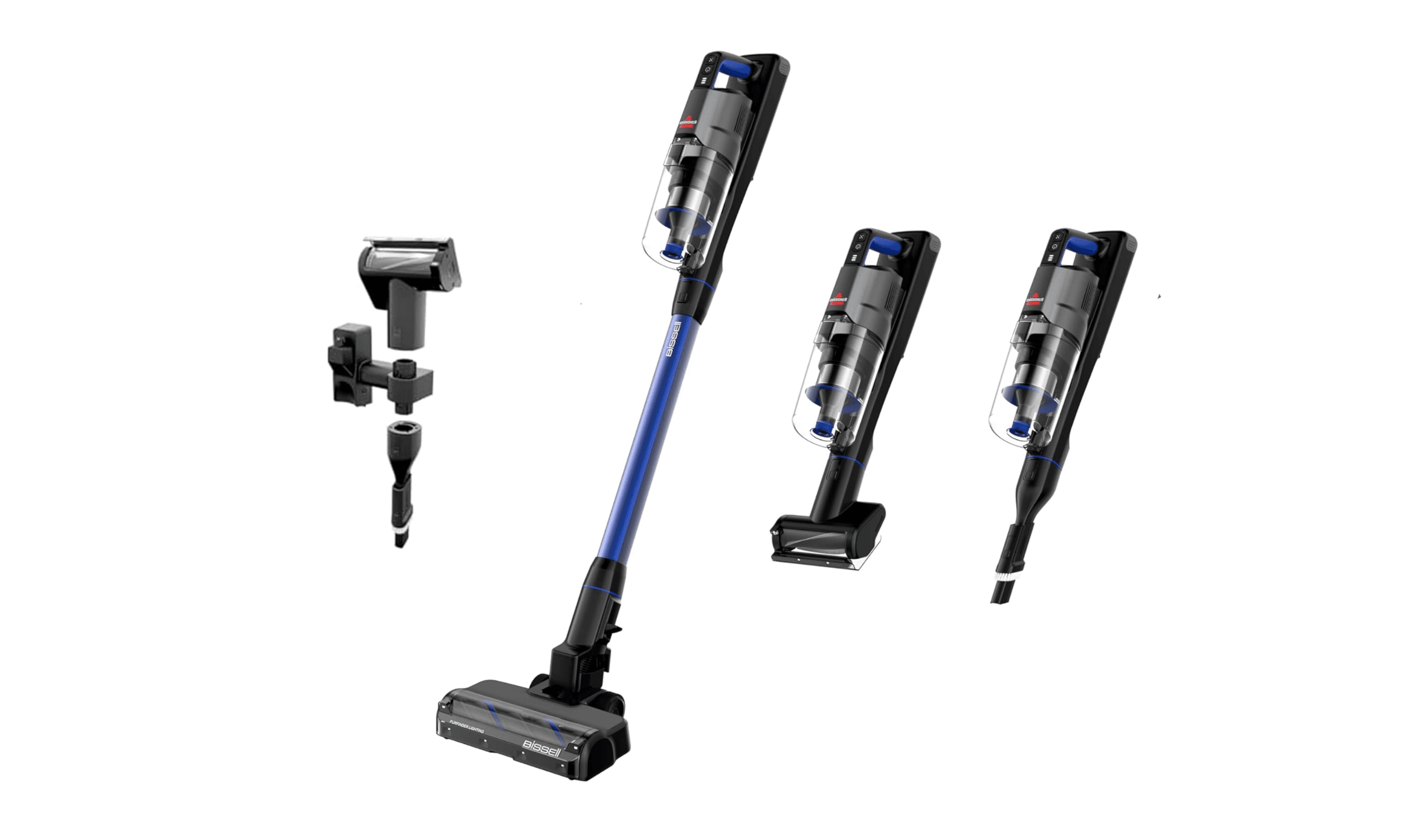
Top 6 cordless vacuums for 2026
Dyson V15 Detect leads our picks for the best cordless vacuums of 2026. Compare top models for pet hair, value, and self-emptying features.
4 min read
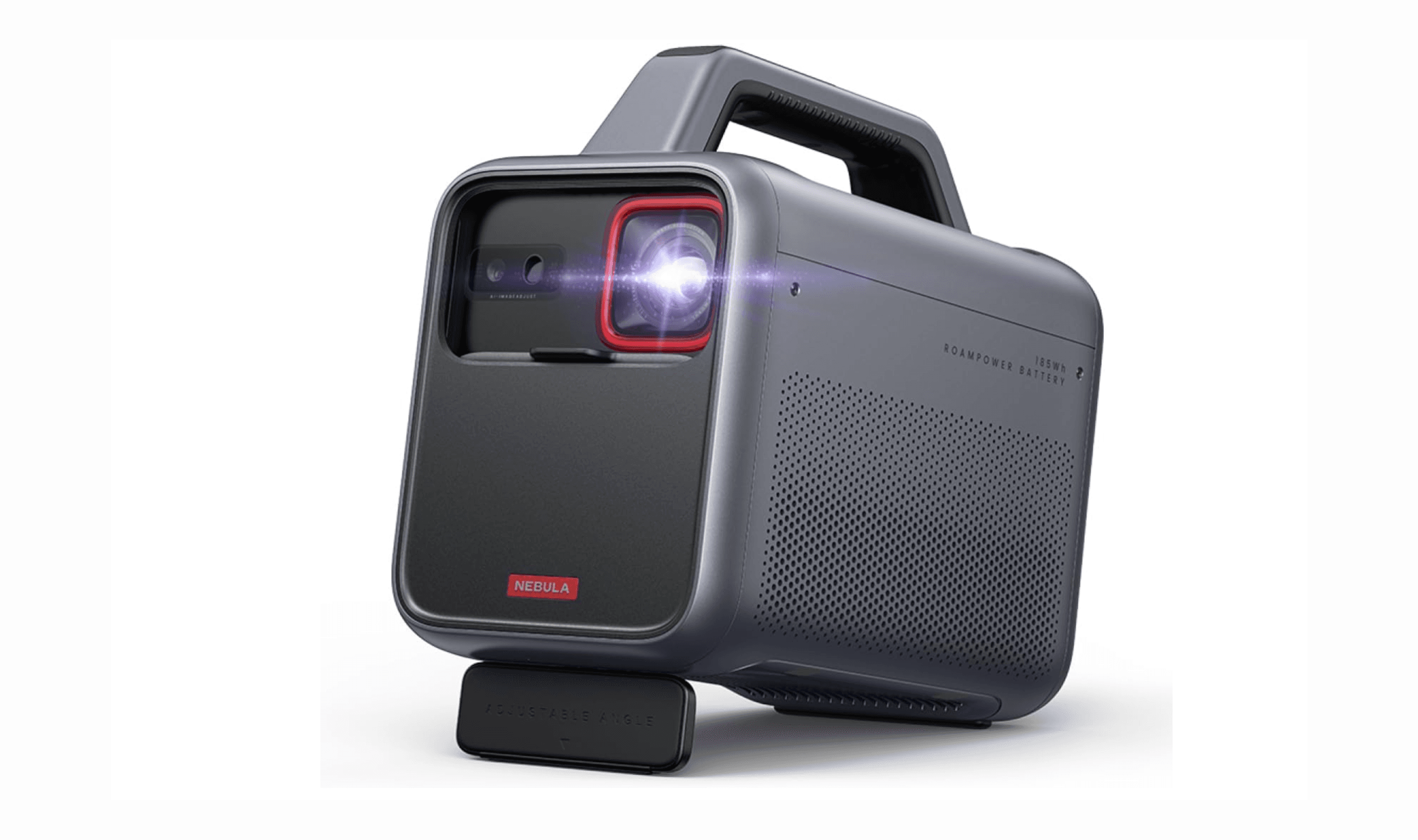
7 Best Outdoor Projectors for 2026
The Anker Nebula Mars 3 leads our picks for the best outdoor projectors.
5 min read
Best Camera for YouTube in 2026
Sony ZV-E10 II leads our 2026 picks for YouTube. See the top 10 cameras for vlogging, streaming, and professional content creation.
4 min read
7 Surround Sound Picks for Movies and Gaming in 2026
Discover the best 5.1 sound systems for 2026. Our top pick is the Samsung HW-Q990F for immersive, wireless surround sound. Compare top models for every budget and room size.
5 min read
5 Best Solar Power Stations for 2026
3 min read
6 Best Cheap Smartwatches for 2026
4 min read
7 Best Laptops for Bloggers in 2026
4 min read

6 Best Tablets for Bloggers in 2026
4 min read
8 Best Action Cameras for 2026
3 min read
10 Best Thermal Printers for 2026
4 min read
7 Best UPS Battery Backups for Home Use in 2026
4 min read
7 Best Portable Projectors for 2026
5 min read