
If your Xiaomi 15 feels unusually warm, you're not alone. It's a powerful phone with a processor that can generate a lot of heat, especially when you're pushing it. A little warmth during charging or a long gaming session is normal, but if it's getting uncomfortably hot during everyday tasks, there are a few things you can do to cool it down.
I'd start with the simplest fix first. Close all your open apps and give your phone a quick restart. Just press and hold the power button for a few seconds and tap restart, or if the screen is unresponsive, force restart it by holding the power button for 15 seconds or more until it reboots. This clears out any temporary software glitches in HyperOS 2 that might be causing a process to run wild and generate excess heat.
Check What's Running and Close Background Apps
Your phone heats up when its processor, the Snapdragon 8 Elite, is working hard. Often, apps you've closed are still running in the background. Swipe up from the bottom of the screen and hold to see your recent apps, then swipe each one away to fully close it. Pay special attention to social media apps, navigation apps like Google Maps, and camera apps, as these are common culprits.
You can also check which apps are using the most battery, as this usually correlates with heat. Go to Settings > Battery to see a breakdown. If an app is using a surprising amount of power, consider restricting its background activity. Tap on the app in the battery menu and look for background settings to limit it.
Adjust Your Settings for Cooler Operation
Several settings can make your phone work harder than it needs to. First, take a look at your screen brightness. Having it set to max, especially with adaptive brightness off, is a major source of heat. Try lowering it manually or ensure adaptive brightness is on.
Next, consider your refresh rate. The Xiaomi 15 has a high refresh rate display for smooth scrolling. If you don't need it for everything, you can save some heat and battery by switching it to a standard 60Hz. You'll usually find this in Settings > Display > Refresh rate.
For gamers, the Game Turbo mode is a double-edged sword. It's designed to maximize performance, which means it lets the chip run hotter. If your phone is overheating during games, try opening the Game Turbo sidebar while in a game and see if there's a balanced or battery-saving performance profile you can switch to instead of the top-tier setting.
Be Smart About Charging
The Xiaomi 15 supports incredibly fast charging, 90W wired and 50W wireless. This speed generates significant heat. If your phone is hot while charging, it's often best to let it cool down first before plugging in. Avoid using it for intensive tasks like gaming or video calls while it's fast charging.
Using the official 90W HyperCharge adapter is recommended, as it's optimized to manage heat. If you're using a wireless charger, make sure it's a well-ventilated area and not sitting on a blanket or pillow that can trap the heat. Sometimes, simply switching to a slower, standard wireless charger or a regular 18W USB-C plug can solve overheating during charge cycles.
Update Your Software and Manage System Processes
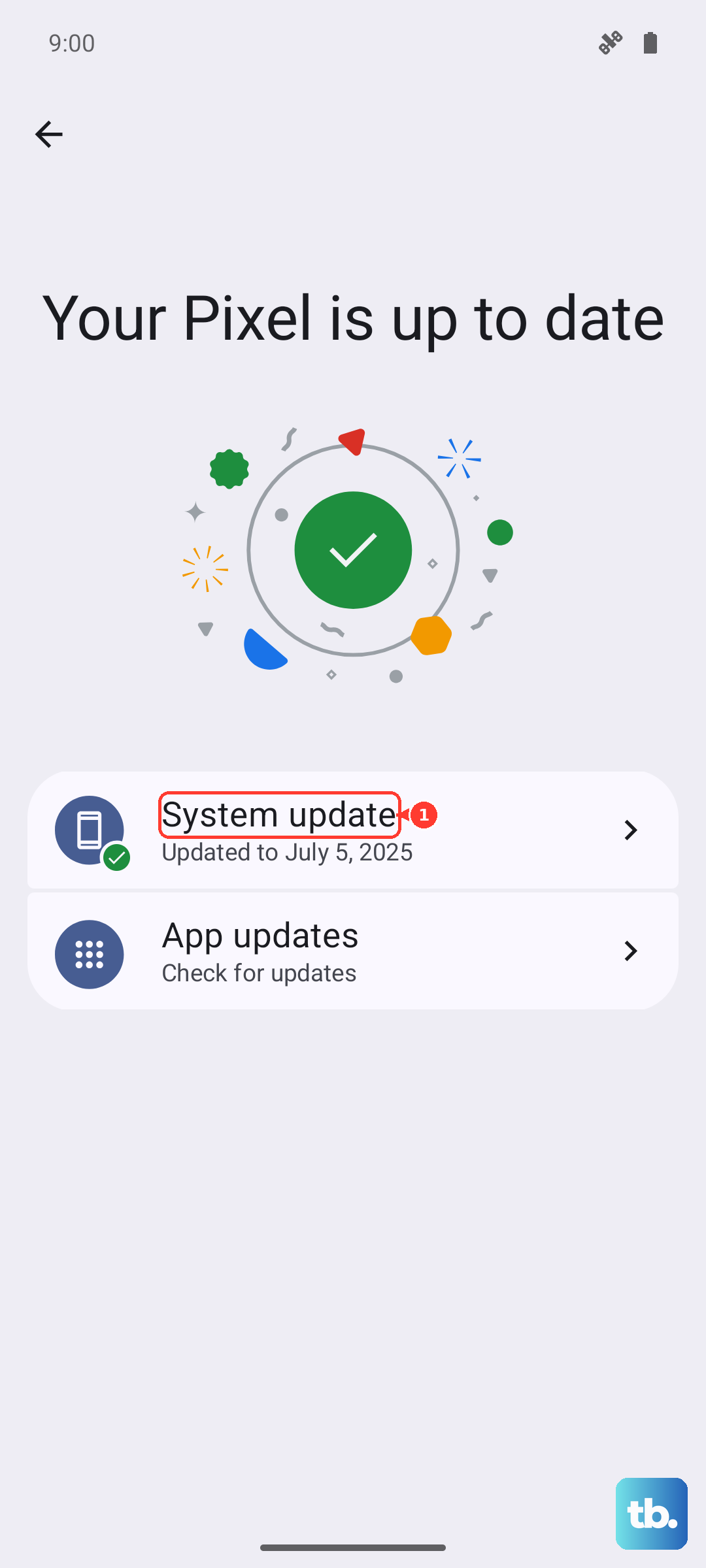
Software bugs in HyperOS 2 can sometimes cause overheating. Always make sure your phone is running the latest system update. Go to Settings > About phone > System update to check. Manufacturers frequently release updates that improve thermal management.
Also, take a moment to check for system ads, a known quirk of Xiaomi's software that can cause background activity. You can disable these by going to Settings > Passwords & Security > Privacy > Ad services and turning off personalized ad recommendations. The core system-ad service (MSA) can also be revoked under Settings > Passwords & Security > Authorization & revocation. Turning these off can reduce unnecessary background processes.
Evaluate Your Environment and Case
Your physical environment plays a huge role. Never leave your phone in direct sunlight, like on a car dashboard. Even on a sunny patio table, it can heat up rapidly. Similarly, using it while it's tucked under a pillow or blanket blocks its ability to dissipate heat.
Take a look at your phone case. A thick, heavy-duty case might be great for protection, but it can also act like a winter coat for your phone, insulating the heat. If your Xiaomi 15 is consistently hot, try removing the case for a while, especially during charging or gaming, to see if temperatures improve.
If you've gone through all these steps and your phone is still overheating during normal use, it might be worth backing up your data and performing a factory reset. This rules out any deep-seated software corruption. Before you do, use the built-in phone diagnostics. You can often find this by typing "diagnostics" in the Settings search bar or by dialing a code like *#*#6484#*#* to test hardware components like the battery and sensors.











