
Seeing a "No SIM" or "SIM card not detected" message on your Xiaomi 14T Pro can stop you in your tracks. It's a common hiccup that usually has a simple fix, whether it's a bit of dust in the tray or a quick software refresh.
Start With a Force Restart
Before you do anything else, try a force restart. This can clear temporary glitches that HyperOS might be stuck on. Just press and hold the Power button for about 15 seconds until you see the phone restart. It's the quickest thing to try and often solves the problem right away.
Check the SIM Card and Tray
Power the phone off completely using the power menu. Grab the SIM ejector tool that came in the box and pop out the tray. Take a close look at the SIM card itself, especially the small gold contacts. Any scratches, dirt, or corrosion can break the connection.
Gently wipe the contacts with a clean, dry microfiber cloth. While you're at it, check the SIM tray slot inside the phone for any lint or debris. Blow it out gently or use a can of compressed air. When reinserting, make sure the SIM card is seated correctly in the tray and the tray goes in smoothly.
Toggle Airplane Mode and Verify SIM Status
Swipe down from the top of your screen to open the Control Center and tap the airplane icon to turn it on. Wait about ten seconds, then tap it again to turn it off. This forces your phone's modem to re-establish a connection with the network, which can kick-start a dormant SIM.
Next, go into your settings to make sure the SIM is actually enabled. Open Settings > SIM cards & mobile networks. Tap on the SIM card that's giving you trouble and ensure the switch at the top is toggled on. I've seen this get turned off accidentally more times than you'd think.
Update Your Software
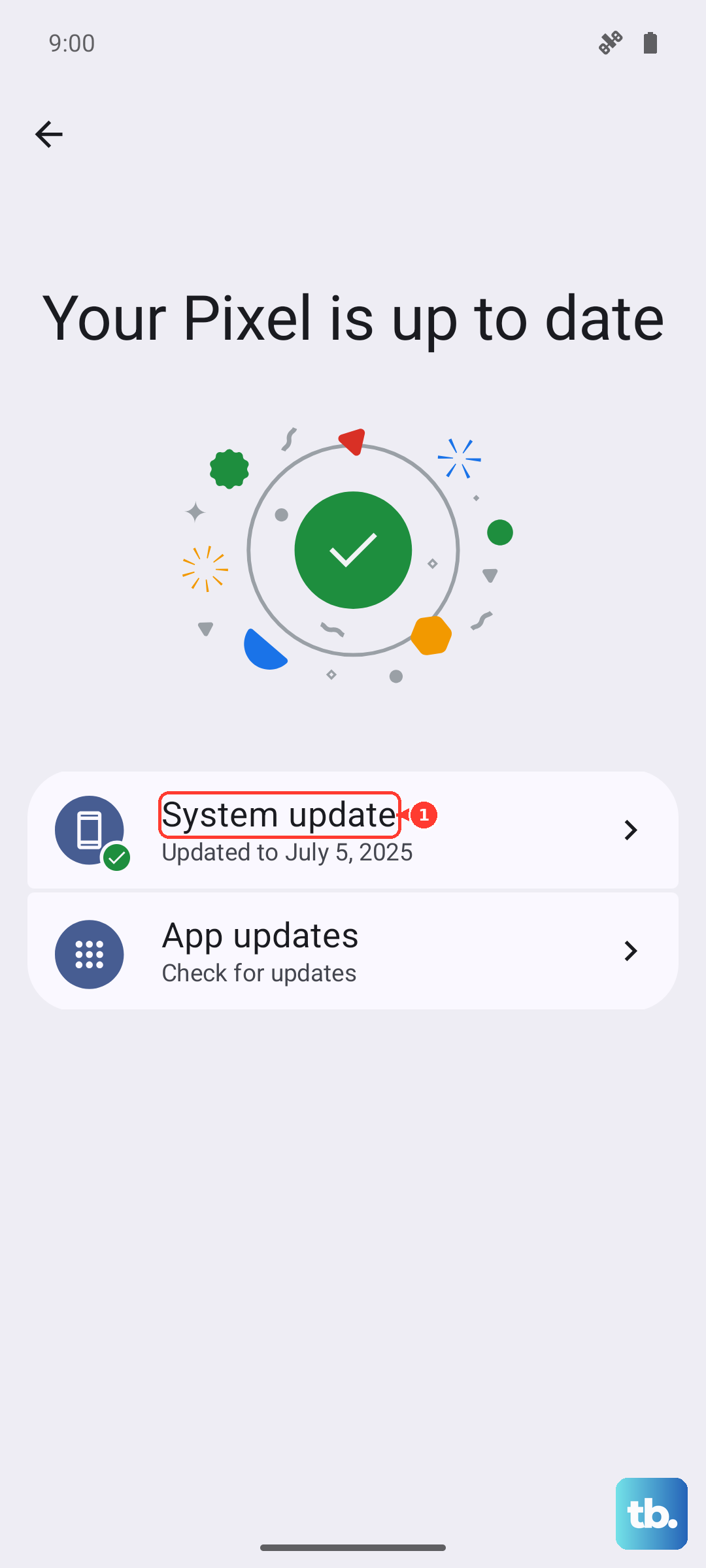
Since the 14T Pro runs Android 14 with Xiaomi's HyperOS, software bugs can sometimes interfere with the baseband or modem software that manages the SIM. Head to Settings > About phone > MIUI version (or System update). Tap "Check for updates" and install anything available. A restart after the update is crucial.
Reset Your Network Settings
If the issue persists, resetting network settings is a strong next step. This will wipe all your saved Wi-Fi passwords, Bluetooth pairings, and cellular network preferences, but it won't touch your personal data like photos or apps.
Go to Settings > Additional settings > Backup & reset. Tap on "Reset network settings" and confirm. Your phone will reboot, and you'll need to reconnect to Wi-Fi and re-pair Bluetooth devices, but it often clears up stubborn SIM detection problems.
Manually Select Your Network Operator
Sometimes the automatic network selection gets confused, especially if you're in an area with spotty coverage or near a border. You can manually pick your carrier. Go to Settings > SIM cards & mobile networks.
Tap on your problematic SIM, then select "Network operators." Tap "Search now" and wait for the list to populate. Choose your home network from the list. If it connects, you're good. If it fails, there might be a broader outage or account issue with your carrier.
Check and Reset APN Settings
Incorrect Access Point Name (APN) settings can prevent your phone from registering on the network properly, which might be misinterpreted as a SIM issue. In the same SIM cards & mobile networks menu, tap on your SIM and look for "Access Point Names."
If the settings look wrong or are blank, tap the three-dot menu in the top right and select "Reset to default." If that doesn't populate the correct info, you'll need to get the exact APN settings from your mobile carrier's website or support team and enter them manually.
Test the SIM in Another Device
This is the definitive test to see if the problem is with your Xiaomi 14T Pro or the SIM card itself. Power down another phone, insert your SIM, and turn it on. If the other phone also fails to detect the SIM, the card itself is likely faulty or deactivated.
In that case, you'll need to contact your carrier's support. They can check your account status and send you a replacement SIM, which usually solves the problem if the card is the culprit.
Consider a Factory Reset
If you've tried everything else and the SIM works fine in another phone, a deeper software issue might be at play. A factory reset should be your last resort. Make absolutely sure you have a complete backup of your data first, as this will erase everything on the phone.
Go to Settings > Additional settings > Backup & reset > Erase all data (factory reset). Follow the prompts. After the reset, set up the phone as new (don't restore a backup immediately) and see if it detects the SIM. If it does, you can then restore your data.
Look for Hardware Issues
If the factory reset doesn't help and the SIM works in other devices, the problem could be physical. The SIM tray or the internal card reader on the 14T Pro's motherboard might be damaged. This isn't common, but it can happen from a bent tray or previous water exposure.
Since the 14T Pro is a 2024 device, it should still be under warranty. Your best course of action is to contact Xiaomi support or the retailer where you purchased the phone for a repair or replacement assessment. Avoid trying to open the phone yourself, as that will void the warranty.