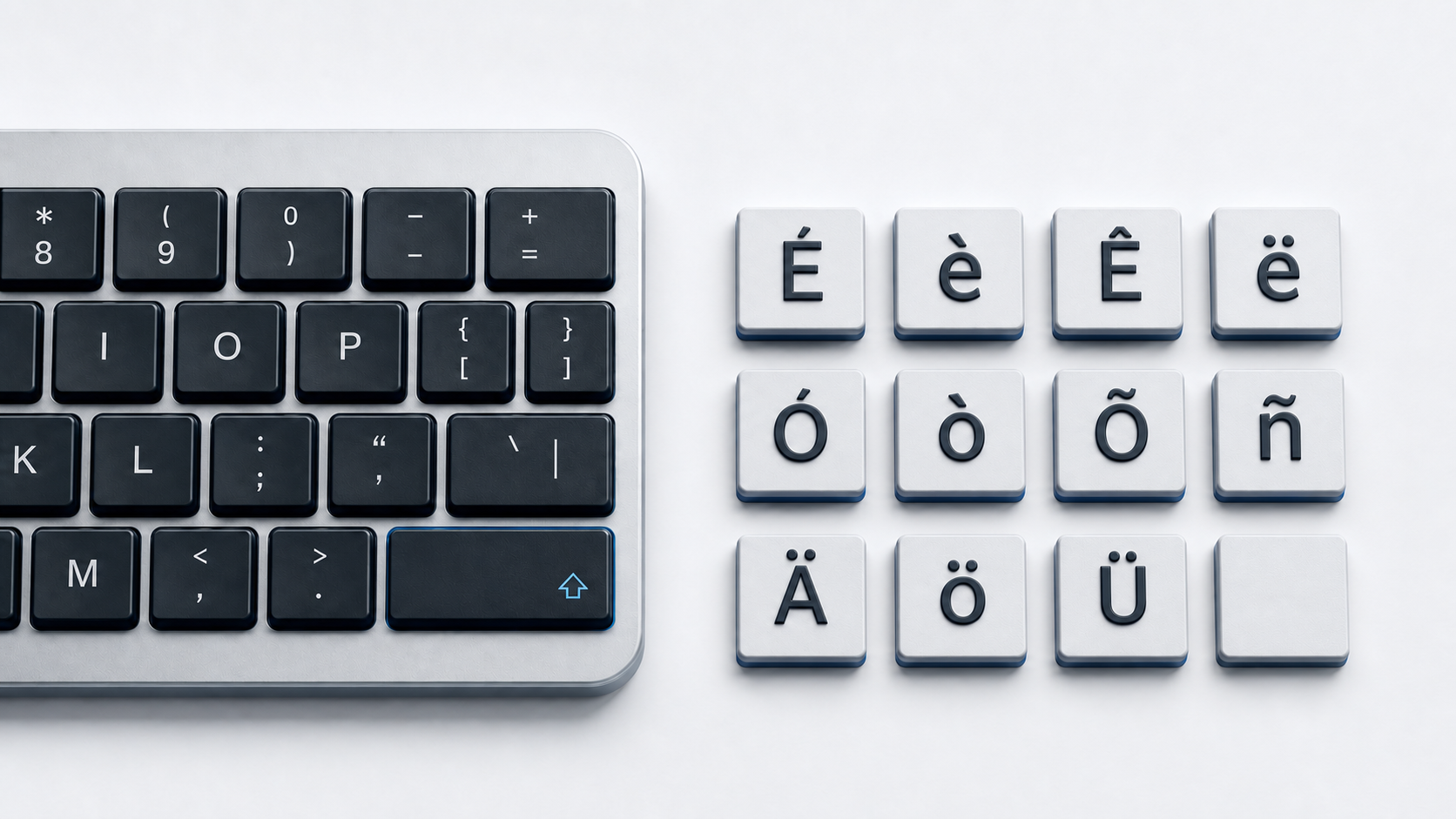
Copy ¿ and ¡ from the panel above. Microsoft documents Alt+Ctrl+Shift+? for ¿ and Alt+Ctrl+Shift+! for ¡, plus the numeric-keypad codes Alt+0191 and Alt+0161, while Character Viewer on Mac and the Google Docs picker are menu routes.
Both marks live in the Latin-1 Supplement block, so any UTF-8 document or web page stores them without a plugin or a special font.
Identify the inverted question mark
Unicode names ¿ INVERTED QUESTION MARK at U+00BF and ¡ INVERTED EXCLAMATION MARK at U+00A1. The upright marks are separate characters, ? at U+003F and ! at U+0021.
Two other characters look similar and are not interchangeable. The reversed question mark ⸮ is U+2E2E, and the Arabic question mark ؟ is U+061F. Mirroring a glyph in a font never changes the stored value, so check the code point, not the shape.
Where Spanish places the inverted marks
In Spanish writing the inverted mark opens a question or an exclamation and the upright mark closes it, as in ¿Cómo estás? and ¡Qué bien! Because the pair is two separate characters, text that lost the opening mark still looks complete. The same passages usually need Spanish accented letters too.
Type ¿ and ¡ with Microsoft Office shortcuts
Microsoft lists both marks in its keyboard shortcuts for international characters. Press Alt+Ctrl+Shift+? for ¿ and Alt+Ctrl+Shift+! for ¡. The same table gives Ctrl+Shift+~ then the letter for ñ and Ctrl+' then the letter for é.
Word also converts Unicode values. Type 00BF and press Alt+X for ¿, or 00A1 for ¡. Microsoft notes that some Office programs, such as PowerPoint, cannot convert Unicode codes.
Use the Windows numeric keypad codes
Microsoft documents Alt+0191 for ¿ and Alt+0161 for ¡. Hold Alt, type the four digits on a 10-key numeric pad, and release Alt. Microsoft specifies the numeric keypad rather than the number row, with NUM LOCK on. A laptop without a keypad needs a picker route.
Copy ¿ and ¡ with Windows Character Map
Character Map ships with Windows and lists the characters in a selected font. Type character in the taskbar search box, open Character Map, use the fonts list to pick a set, click ¿ or ¡, click Select, and paste the result.
Switch to the United States-International layout
Windows ships a United States-International layout, published by Microsoft under the identifier 00020409. Its interactive chart redraws the keys as you move the pointer over the Shift, Caps, and AltGr state keys, so you can confirm what each key produces.
Insert ¿ and ¡ on a Mac
Apple documents opening Character Viewer with Fn-E or the Globe key and E, or by choosing Edit and then Emoji & Symbols. Its search field finds either mark by name. In Word for Mac, choose Insert, then Advanced Symbol, then the Symbols tab.
Insert ¿ and ¡ in Google Docs or Slides
In Google Docs or Slides, click Insert, then Symbols, then Special characters. Pick from categories, enter the Unicode value, or draw the character on the right. Google states that special characters cannot be inserted directly in Sheets.
Use ¿ and ¡ in HTML
A UTF-8 page can contain ¿ and ¡ directly. HTML also defines a named reference for each. ¿ resolves to U+00BF and ¡ resolves to U+00A1. ¿ and ¿ resolve to ¿ as well.
Fix the wrong output
- 1.Confirm the stored value is U+00BF, not U+003F, U+2E2E, or U+061F.
- 2.Turn NUM LOCK on and use a 10-key numeric pad for Alt+0191 and Alt+0161.
- 3.Fall back to Character Map, Character Viewer, or the Google picker if an app ignores shortcuts.
- 4.Save and serve the file as UTF-8, since a mismatched encoding damages these marks and accented letters alike.
Common questions
Are ¿ and ? the same character?
No. Unicode assigns ¿ the value U+00BF and names it INVERTED QUESTION MARK, while ? is U+003F.
Can the Alt+0191 code use the top number row?
No. Microsoft specifies the numeric keypad for Alt character codes, with NUM LOCK on.
Do you need a Spanish keyboard to type ¿?
No. The Office shortcut, the Alt codes, Character Map, and Character Viewer all work on a standard United States layout. Another layout just puts them on a key.