
When your Galaxy Z Fold 7 won't charge wirelessly, it's almost never a hardware failure. Most of the time it's a simple issue with positioning, your case, or a temporary software glitch. Let's go through the fixes that actually work for this specific phone.
Remove your case and try again
The Z Fold 7's hinge design means some cases are thicker than usual to protect the fold mechanism. If your case has any metal plates, magnets, or is just bulky, it can block the wireless charging coil entirely. Pop the case off and set the phone directly on the charger.
If it starts charging, you need a slimmer case or one specifically rated for wireless charging. Samsung's own cases usually work fine, but third-party rugged cases are the usual culprit.
Center the phone on the charging pad
The Z Fold 7's wireless charging coil is positioned in the lower half of the phone's back, not dead center like a standard slab phone. Place the phone on the pad with the charging coil area aligned over the charger's sweet spot. You'll see the battery icon light up on screen when you hit the right spot.
There's no MagSafe magnet to guide you on the Fold 7, so you might need to nudge it around a bit. Mark the spot on the pad with a piece of tape if you use the same charger daily.
The USB-C port might be the problem
This sounds backwards for wireless charging, but the Z Fold 7's charging system uses the USB-C port for power negotiation even when charging wirelessly. If the port is full of lint or dust, it can confuse the charging controller. Grab a can of compressed air and give the USB-C port a quick blast.
Don't stick anything metal or sharp in there. Just a couple short bursts of air often clears debris that's been blocking contact. After cleaning, try wireless charging again.
What about that 45% charging stop?
Some Z Fold 7 units have a known issue where wireless charging stops around 45% battery. This is usually a battery calibration problem rather than a hardware defect. The fix is simple: let the battery drain completely until the phone shuts off, then charge it to 100% using the wired charger without interruption.
Do this full discharge-recharge cycle once, and the battery gauge recalibrates. After that, wireless charging should go all the way to full.
Force restart the Z Fold 7
Software glitches are common after system updates or app installs. If your phone suddenly stopped recognizing the wireless charger, a forced restart clears whatever is stuck. Press and hold Volume down and Side buttons simultaneously for 10 seconds until the device restarts.
You don't need to wait for any menus. Just hold both buttons until the Samsung logo appears. Then put the phone back on the charger.
Let the phone cool down first
The Z Fold 7 can get warm during heavy use, especially with the inner screen unfolded for gaming or video. If the battery temperature climbs above normal, the phone stops wireless charging to protect itself. This is automatic and doesn't mean anything is broken.
Set the phone aside for 15-20 minutes. Don't use it, don't charge it. Just let it cool to room temperature, then try wireless charging again. Also make sure the charger itself isn't hot, some cheap pads run warm and cause the phone to overheat too.
Is the software up to date?
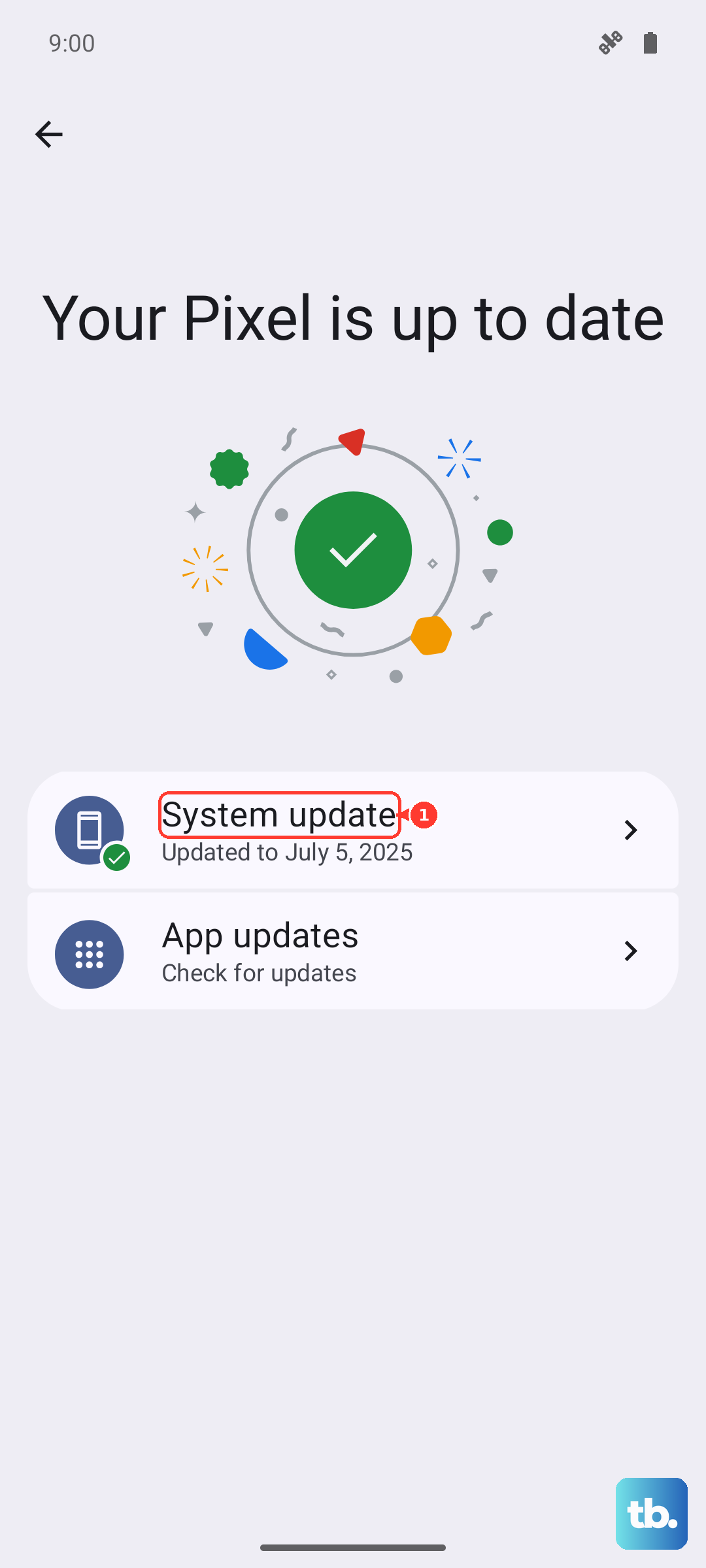
Samsung has pushed several updates for the Z Fold 7 that fixed wireless charging quirks. Go to Settings > Software update > Download and install. If there's an update waiting, install it and restart the phone.
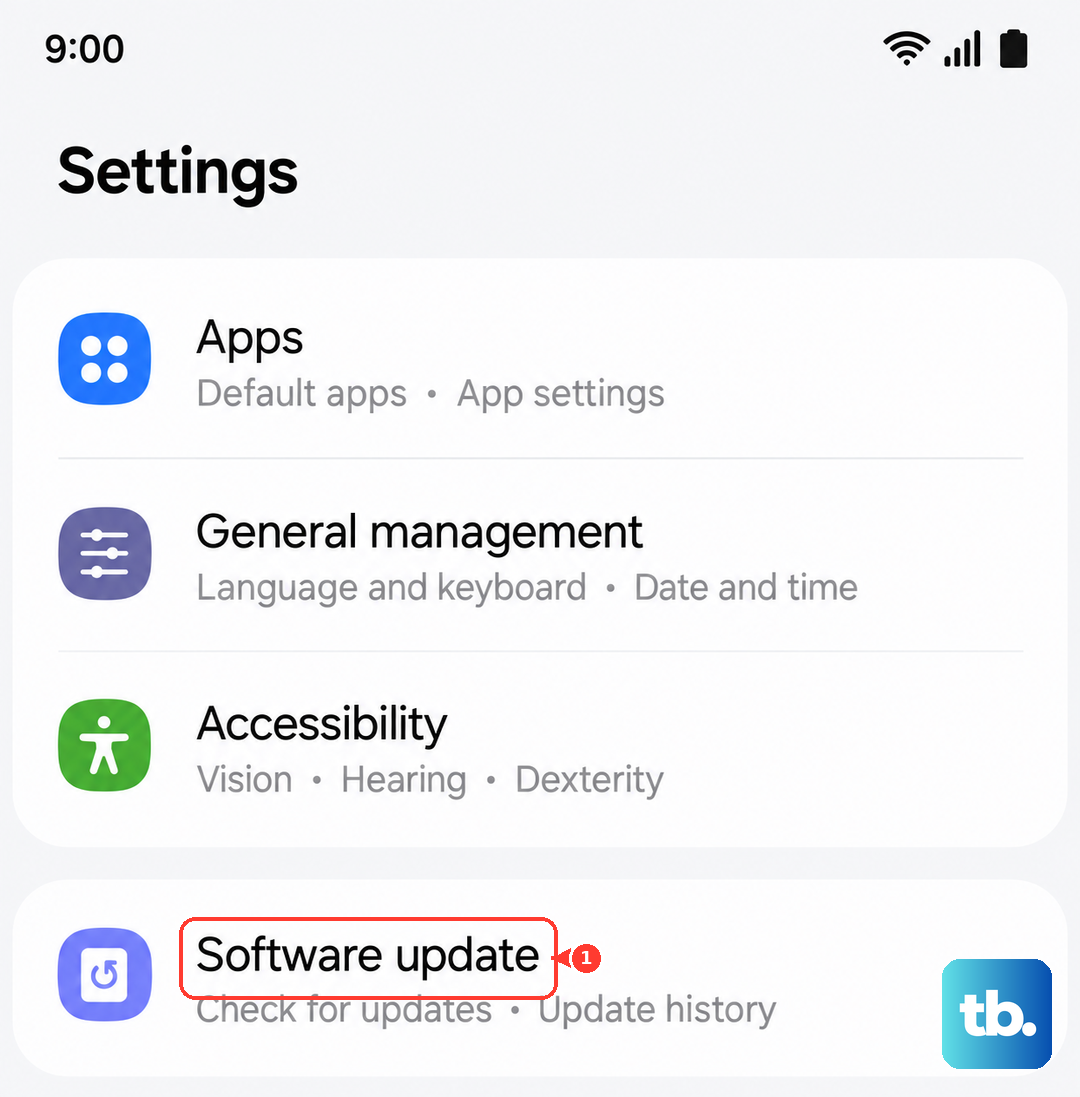
The most recent Android 15 builds included specific fixes for the charging controller. Even if you think you're up to date, check manually. Automatic updates sometimes lag behind.
Try a different wireless charger
The Z Fold 7 supports standard Qi wireless charging at up to 15W. Some older or generic charging pads don't deliver enough power consistently. If your phone charges fine on one pad but not another, the issue is the charger, not the phone.
Samsung's own wireless charger duo or any certified Qi pad over 10W should work. Avoid ultra-cheap chargers from no-name brands, they often have weak coils that don't align well with the Fold 7's off-center charging coil.
Recalibrate the battery after a deep discharge
If the Z Fold 7 battery has drained completely and sat dead for a while, you might notice wireless charging starts and stops repeatedly. This is a battery calibration issue from deep discharge. Plug in the wired charger first and let it charge to 100% without interruption.
Once it hits full, unplug and use the phone normally until it drains below 10%, then wireless charge it. This resets the battery management system and usually resolves the stuttering charge behavior.