
Seeing a "Not registered on network" error on your Redmi Note 14 Pro is a real headache. It means your phone can't connect to your carrier's cell towers, so calls, texts, and mobile data are all dead. This often happens after a software update, a change in location, or sometimes just out of the blue. The good news is, it's usually a software or settings issue you can fix yourself.
Before you do anything complicated, try this quick fix. Pull down the notification shade twice to open the Quick Settings panel and tap the Airplane Mode icon. Wait for about 10 seconds, then tap it again to turn it off. This forces your phone's modem to completely restart its connection to the network. It's the simplest thing to try and it resolves a lot of temporary glitches.
Restart Your Redmi Note 14 Pro
If toggling Airplane Mode didn't work, give your phone a full restart. Press and hold the power button until the power menu appears, then tap "Restart." Let the phone boot up completely. A restart clears out temporary system processes and can fix a software hiccup that's preventing network registration. I'd start with this one every time.
Check Your SIM Card
A loose or dirty SIM card is a common culprit. Power off your phone completely. Use the SIM ejector tool (or a small paperclip) to pop open the SIM tray on the bottom edge. Carefully remove the SIM card and inspect the gold contacts for any dust or damage. Give both the SIM and the slot a gentle blow to dislodge any debris, then reseat the card firmly. Power the phone back on and see if it connects.
It's also worth checking if your carrier account is active. An unpaid bill or expired prepaid plan will show the same error. Try logging into your carrier's app from Wi-Fi or use another phone to call customer service and confirm your line is in good standing.
Update Your Phone's Software
Xiaomi regularly releases updates for HyperOS that fix bugs, including network-related ones. An outdated system could have a known issue that's already been patched. Go to Settings > About phone > HyperOS version and tap "Check for updates." If an update is available, install it. Make sure your phone is connected to Wi-Fi and has at least 50% battery first.
Reset Your Network Settings
This step clears all your saved network configurations without deleting your personal data. It wipes Wi-Fi passwords, Bluetooth pairings, and cellular settings, which can resolve corruption causing the registration error. To do this, go to Settings > Connection & sharing > Reset Wi-Fi, mobile networks and Bluetooth.
Tap "Reset settings" and confirm. Your phone will restart. After it boots, you'll need to reconnect to Wi-Fi and re-pair Bluetooth devices, but this often gives the cellular radio a clean slate to work from.
Manually Select Your Network Operator
Sometimes your phone gets stuck trying to register on a network it can't fully access. You can force it to search for and connect to your specific carrier. Go to Settings > SIM cards & mobile networks. Tap on your active SIM card, then tap "Network operators."
Turn off "Select automatically." Your phone will search for available networks. When the list appears, select your carrier's name from it. Wait a minute for the registration to complete. If your carrier doesn't appear, there might be a coverage issue in your immediate area.
Change the Preferred Network Type
Your Redmi Note 14 Pro might be struggling with a specific network band, like 5G. Switching to an older, more stable type like 4G can sometimes bypass the error. Go back to Settings > SIM cards & mobile networks and tap your active SIM. Look for "Preferred network type" or "Network type."
Change the setting from "5G/4G/3G/2G" to just "4G/3G/2G." This tells your phone to ignore 5G bands for now. See if the registration error disappears. If it does, the problem could be related to 5G coverage or a carrier setting for that band.
Clear the Phone Services Cache
The system app that manages your cellular connection can accumulate corrupted temporary data. Clearing its cache can help. Go to Settings > Apps > Manage apps. Tap the three-dot menu in the top right and select "Show all apps."
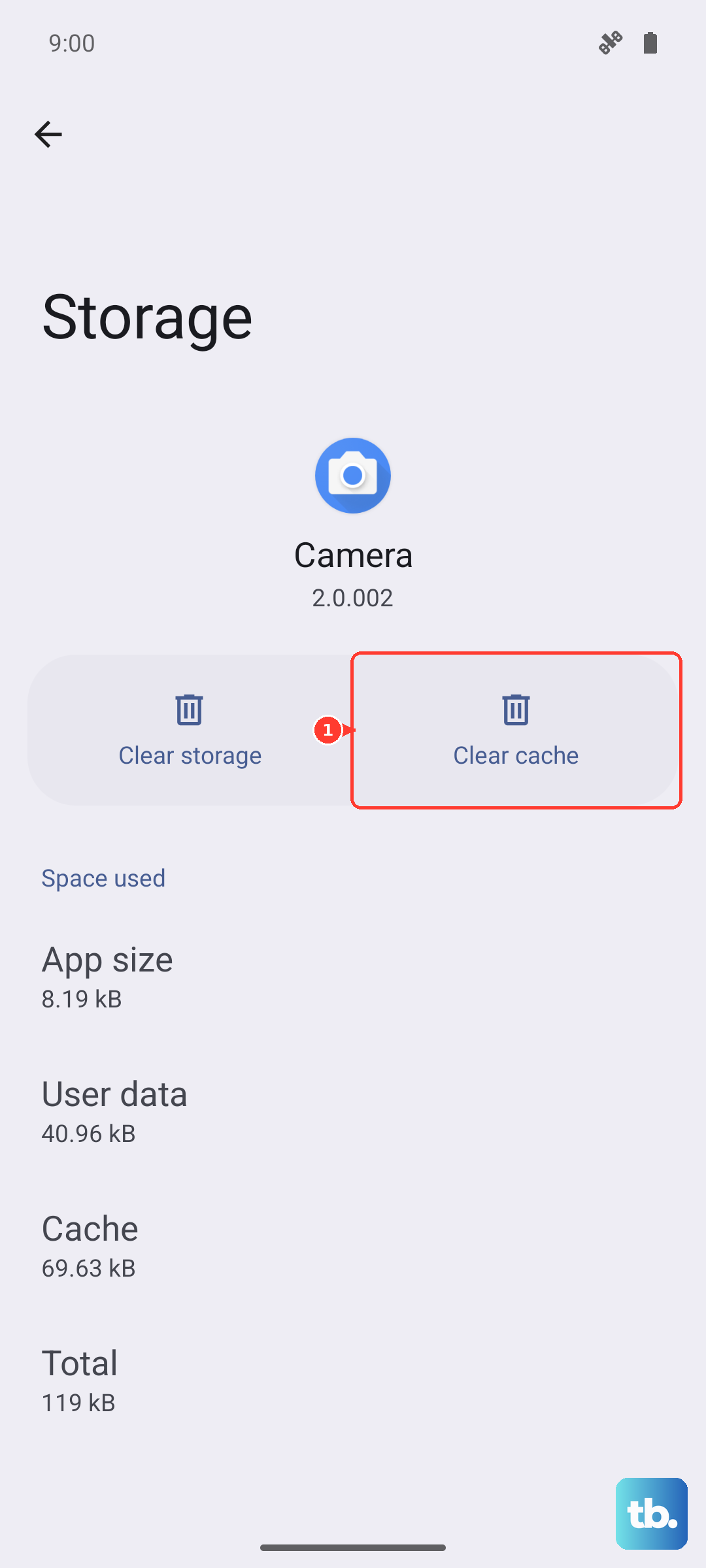
In the search bar, type "Phone Services" (this might also be listed as "SIM Toolkit & Services" or "com.android.phone"). Tap on it, then go to Storage & cache > Clear cache. Do not tap "Clear data" or "Clear storage," as that can cause other issues. Restart your phone after clearing the cache.
Try a Different SIM Card
At this point, it's important to figure out if the problem is with your SIM card or the phone itself. If you can, borrow a working SIM card from a friend or family member (from any carrier) and insert it into your Redmi Note 14 Pro. If the borrowed SIM connects to a network without the error, then your original SIM card is likely faulty or damaged.
You'll need to contact your carrier for a SIM replacement. If the borrowed SIM also fails to register, then the issue is almost certainly with your phone's hardware or a deeper software problem.
Perform a Factory Reset
This is your last resort before seeking hardware repair. A factory reset will erase everything on your phone, so you must back up your photos, contacts, messages, and app data first. You can use Xiaomi Cloud or transfer files to a computer.
Once backed up, go to Settings > About phone > Factory reset. Tap "Erase all data" and follow the prompts. After the reset is complete, set up your phone as new, don't restore a backup immediately. Insert your SIM card and see if it registers on the network during the initial setup. If the error is still there after a clean factory reset, the issue is likely a hardware fault with the phone's internal antenna or modem.