
Seeing a "SIM Not Provisioned" message on your Redmi Note 13 Pro can stop you in your tracks. It means your phone can't connect to your mobile carrier's network, so calls, texts, and mobile data won't work. The good news is this is usually a simple fix, not a sign of a broken phone.
Restart Your Redmi Note 13 Pro
This is always the best first step. A quick restart can clear out any temporary software glitch that's preventing the network connection. Just press and hold the power button, then tap "Restart" on the screen.
If the screen is unresponsive, you can perform a force restart. Press and hold the power button for about 15 seconds until you feel the phone vibrate and see the Redmi logo appear.
Check Your SIM Card Activation and Account
If this is a brand new SIM card, it might not be activated yet. You'll need to contact your carrier to complete the activation process. They can also check if your account is in good standing.
For prepaid plans, a lack of balance is a very common cause. Log into your carrier's app or website to top up your account. An expired or suspended postpaid account will have the same effect.
Reinsert the SIM Card Properly
It's easy for the SIM tray on the Redmi Note 13 Pro to not be seated perfectly. Power the phone off completely first. Then, use the ejector tool that came in the box to pop out the SIM tray.
Take a close look at the gold contacts on both the SIM card and inside the tray slot. If you see any dust or debris, gently wipe them with a soft, dry cloth. Carefully reinsert the tray, making sure it clicks firmly into place, then power the phone back on.
Toggle Airplane Mode to Refresh the Connection
This trick forces your phone to disconnect from and then reconnect to all wireless networks. Swipe down from the top of your screen to open the Quick Settings panel.
Tap the airplane icon to turn it on. Wait for about 30 seconds, then tap it again to turn airplane mode off. Your phone will search for the network again, which often resolves the provisioning error.
Manually Select Your Network Operator
Sometimes the automatic network selection gets confused. You can manually tell your phone which carrier to use. Go to Settings > SIM cards & mobile networks.
Tap on the SIM card that's having the issue. Select Choose network and let it search. From the list that appears, manually select your carrier's name instead of leaving it on "Automatic."
Update Your Phone's Software
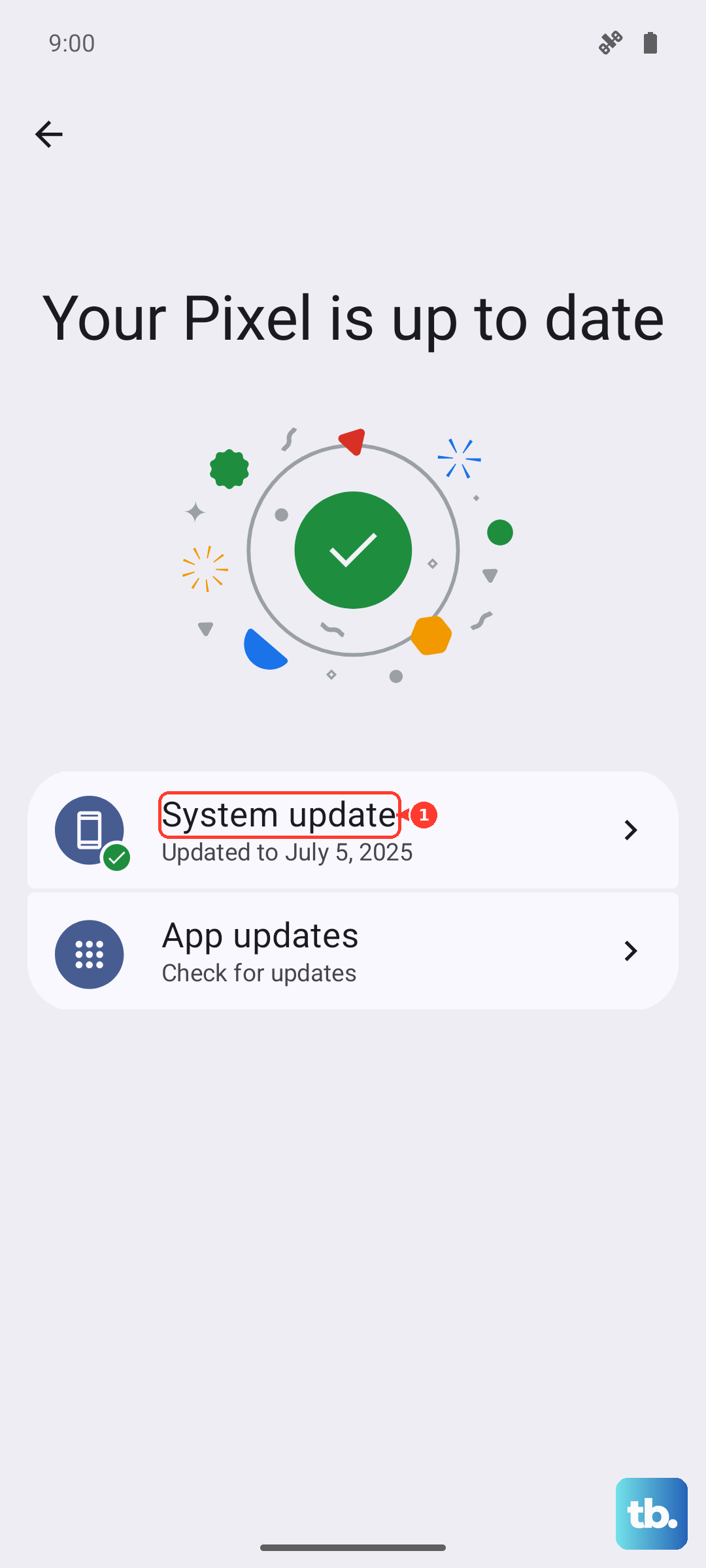
Software bugs in MIUI can sometimes interfere with network services. Making sure you're on the latest version can patch these issues. Go to Settings > About phone > MIUI version.
Tap "Check for updates" and install any available system updates. I'd recommend doing this while connected to Wi-Fi, as they can be large files.
Reset Your Network Settings
This is a more thorough step that will reset all network-related configurations back to factory defaults. It will erase saved Wi-Fi networks, Bluetooth pairings, and mobile network settings.
To do this, go to Settings > Additional settings > Backup & reset. Tap on Reset network settings and confirm. Your phone will reboot, and you'll need to reconnect to Wi-Fi and re-pair Bluetooth devices afterward.
Test the SIM Card in Another Phone
This test tells you where the problem actually lies. If you have access to another unlocked phone, power it off and insert your Redmi Note 13 Pro's SIM card.
If the SIM works perfectly in the other phone, then the issue is likely with your Redmi's software or hardware. If the "Not Provisioned" error appears in the second phone too, then the problem is definitely with the SIM card or your carrier account.
Contact Your Mobile Carrier
If you've tried everything else, your carrier's support team needs to investigate. They can check for outages in your area, reprovision your SIM on their network, or verify there are no blocks on your account.
They might also determine that your SIM card is physically damaged or too old. In that case, they can usually issue a replacement SIM, which you can activate yourself or in a store.