
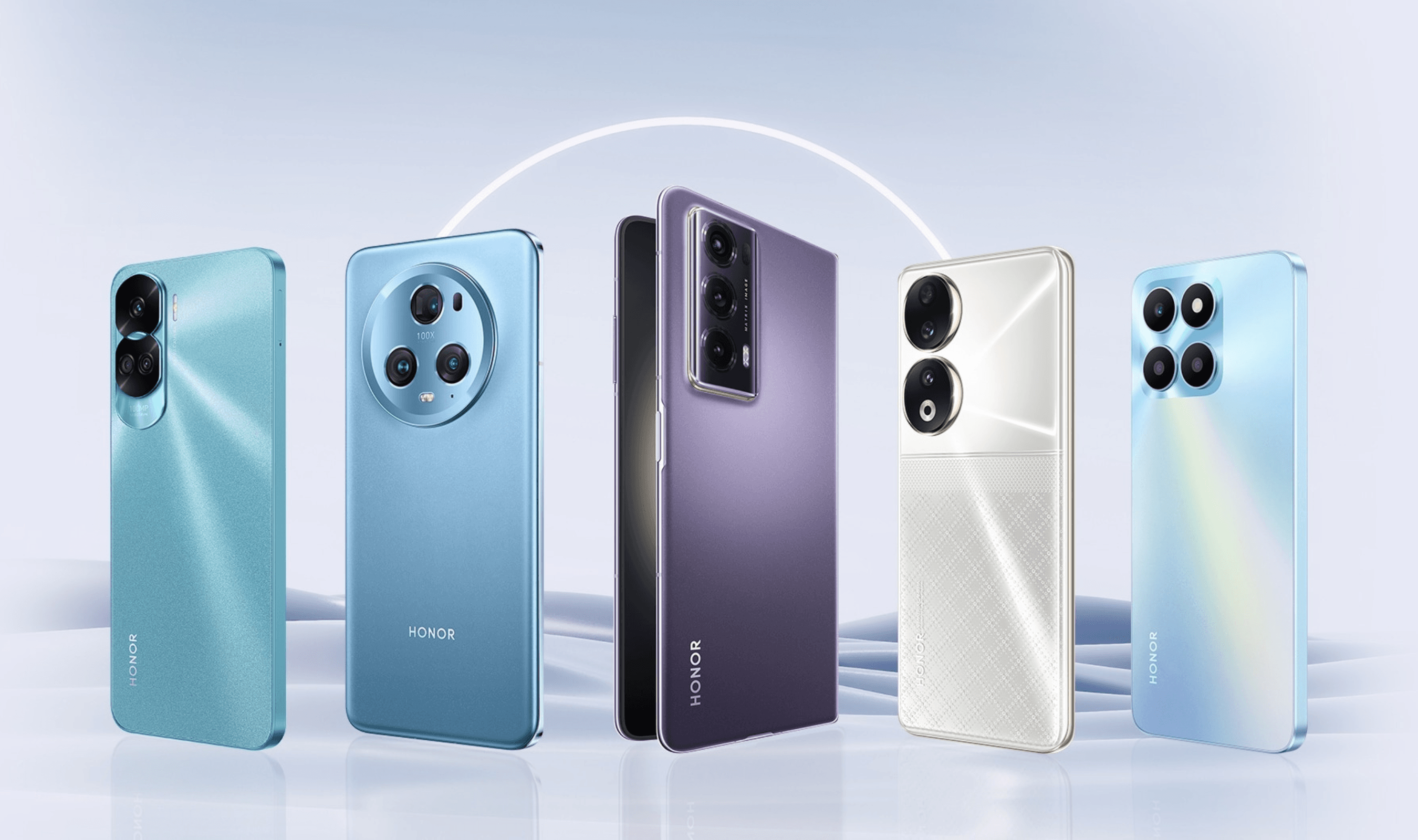
Android phones now receive up to seven years of software and security updates, extending device lifespans beyond typical upgrade cycles. When support eventually lapses, repurposing older hardware offers practical alternatives to disposal or resale.
Clear personal data completely before repurposing any device. Remove photos, apps, passwords, and account information through factory reset procedures. This creates a blank slate for new functions without compromising security.
Backup Storage Solution
Disconnect an old Android phone from Wi-Fi and cellular networks, then use it as dedicated physical storage. The device functions as a portable hard drive for photos, videos, and files, providing offline backup separate from cloud services. This approach conserves Google One storage space, which charges monthly fees beyond the free 15GB tier that comes with all Google Accounts (Pixel purchases sometimes include promotional additional storage).
Cross-device file management apps like Solid Explorer, recommended for new phone setups, work equally well on repurposed devices. These tools manage files across local storage, Google Drive, OneDrive, and network-attached storage from a single interface.
Smart Home Controller
Configure an old Android phone as a dedicated smart home hub. Set up a family account, remove all apps except home control software, and position the device on a stand in central locations like living rooms or kitchens. Google Home products work particularly well, with recent updates replacing Assistant with Gemini while maintaining compatibility with older smart devices.
The repurposed phone becomes a touchscreen access point for lighting, music, calendars, and security systems. It displays video doorbell feeds, controls televisions and robot vacuums, and activates scenes like "Good Morning" routines that brew coffee while playing music. Automation apps like MacroDroid, essential for new phone productivity, enable similar background automations on dedicated controllers.
Secondary Communication Device
Transform an old Android into a simplified secondary phone to reduce screen time and digital distractions. Remove non-essential apps, limit functions to communication basics, and implement screen time restrictions. This creates a "dumb phone" alternative for evenings, weekends, or work-life separation without purchasing additional hardware.
Password managers like 1Password, typically installed first on new devices, remain crucial for secondary phones accessing essential accounts. Notification control apps such as BuzzKill, which prioritizes important alerts while silencing repetitive ones, help manage communication flow on pared-down devices.
Enhanced Alarm and Information Display
Mount an old Android horizontally as a smart alarm clock and information dashboard. Configure sleep mode screens to display time while providing calendar appointments, traffic updates, and weather forecasts. Connected devices can queue morning music or news stations and respond to voice commands through Google Assistant or Gemini.
Students particularly benefit from this setup, using voice queries to check class schedules, assignment deadlines, and extracurricular activities before leaving bed. The device functions as a smart speaker with display capabilities, playing white noise or podcasts for sleep assistance.
Future Privacy Considerations
Android 17, currently in early development, reportedly includes App Lock features for enhanced notification privacy. This aligns with growing security demands as operating systems add granular controls over app permissions and data access. Repurposed devices benefit from these ongoing privacy improvements even as primary hardware upgrades.
LocalSend, a cross-platform file sharing app essential for new Android setups, facilitates wireless transfers between repurposed phones and other devices without account creation or web portals. Both devices simply need shared Wi-Fi connectivity for instant file exchanges between Android, iOS, Windows, and macOS systems.
Productivity-focused apps that prioritize workflow recreation over social media installation, including search tools like Pixel Search and research organizers like NotebookLM, transform effectively from new phone essentials to dedicated device utilities. These applications help maintain organized digital environments whether devices serve primary or specialized functions.
Older Android hardware retains practical value through creative repurposing. Dedicated storage, smart home control, simplified communication, and enhanced displays extend device utility while reducing electronic waste. As Android's privacy and automation features continue evolving through updates like the rumored Android 17 App Lock, repurposed devices gain additional functionality alongside their specialized roles.