The IPEVO V4K stands out as the best overall document camera for most users, delivering 8MP clarity with reliable USB connectivity. For teachers needing versatile connectivity, the IPEVO VZ-R offers HDMI and USB options, while budget-conscious educators should consider the INSWAN INS-3. This list helps you choose the right visualizer for your classroom, home office, or hybrid setup.
Technobezz is supported by its audience. We may get a commission from retail offers.
9 Best Document Cameras for 2026
The IPEVO V4K leads our 9 best document cameras for 2026, with budget INSWAN picks under $60 and the dual-mode VZ-R for classrooms, demos, and home offices.
T
Technobezz
Senior Editor
Updated June 16, 2026Jun 16, 2026
•7 min read

Get Deals Like These in Your Inbox
The best prices, reviewed weekly.
At a Glance
| Category | Product | Why We Picked It |
|---|---|---|
| Best overall | IPEVO V4K | Combines 8MP Sony sensor quality with plug-and-play USB simplicity |
| Best value | INSWAN INS-3 | Delivers capable performance under $60 with handheld flexibility |
| Best for versatile connectivity | IPEVO VZ-R | Dual connectivity options: HDMI and USB |
| Best 4K detail | INSWAN INS-2 | Provides 13MP true 4K resolution for science and art applications |
| Best portable design | IPEVO DO-CAM | Folds flat for easy transport and doubles as a webcam |
| Also recommended | OKIOCAM S2 Pro | AI tracking follows your pointing gestures |
| Also recommended | THUSTAR 8MP | Huge capture area with dual mics |
| Also recommended | HUE HD Pro | Flexible gooseneck and long 3-year warranty |
| Also recommended | Kitchbai 4K | True 4K on a teacher-friendly budget |
How we chose and tested
We evaluated document cameras based on image quality, connectivity options, ease of use, and real-world classroom performance. Our assessment considered resolution clarity for text display, compatibility with common platforms like Zoom and Google Meet, and durability for daily educational use. We prioritized products that work reliably across Windows, macOS, and Chromebook systems without complex setup requirements.
The best document cameras right now
IPEVO V4K - Best overall
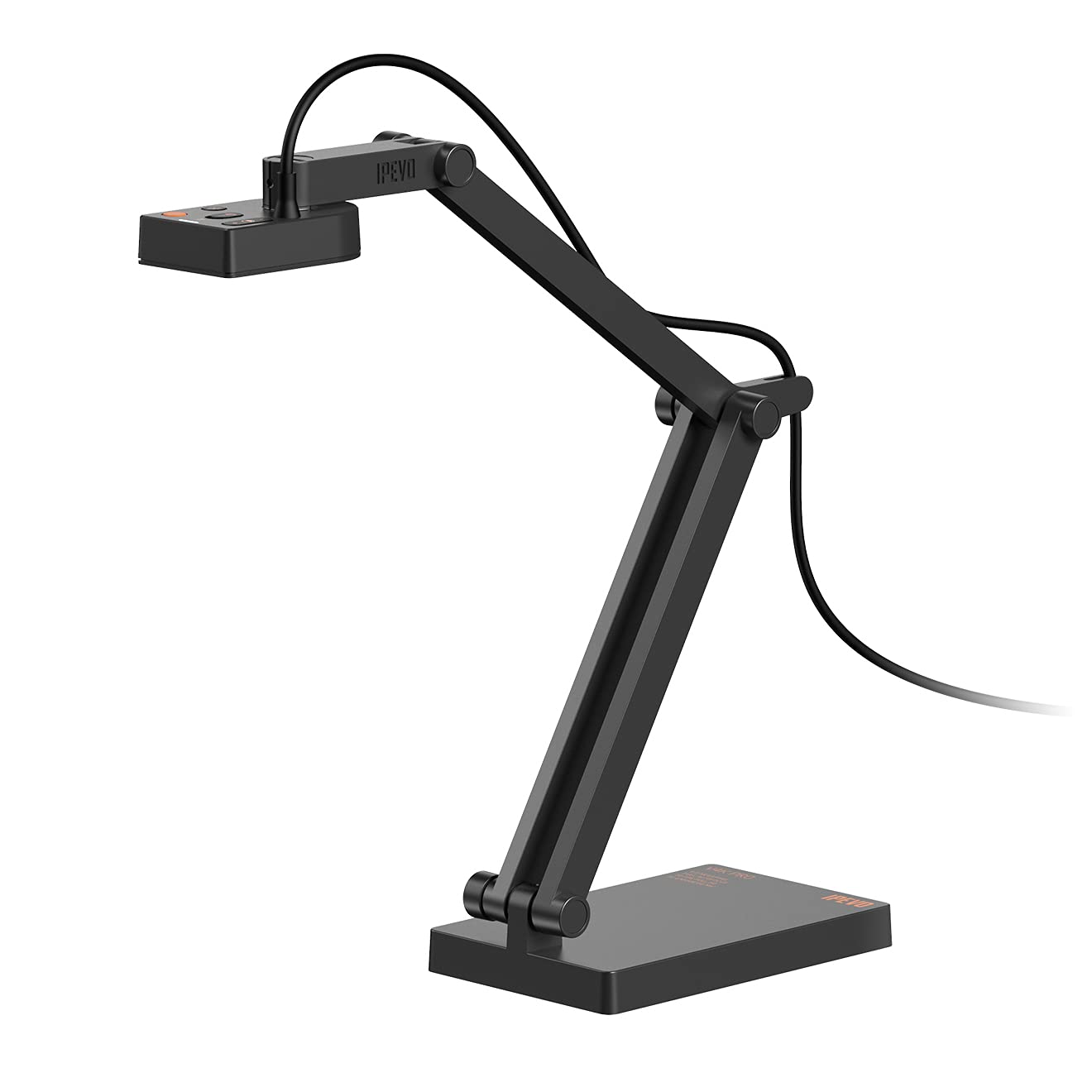
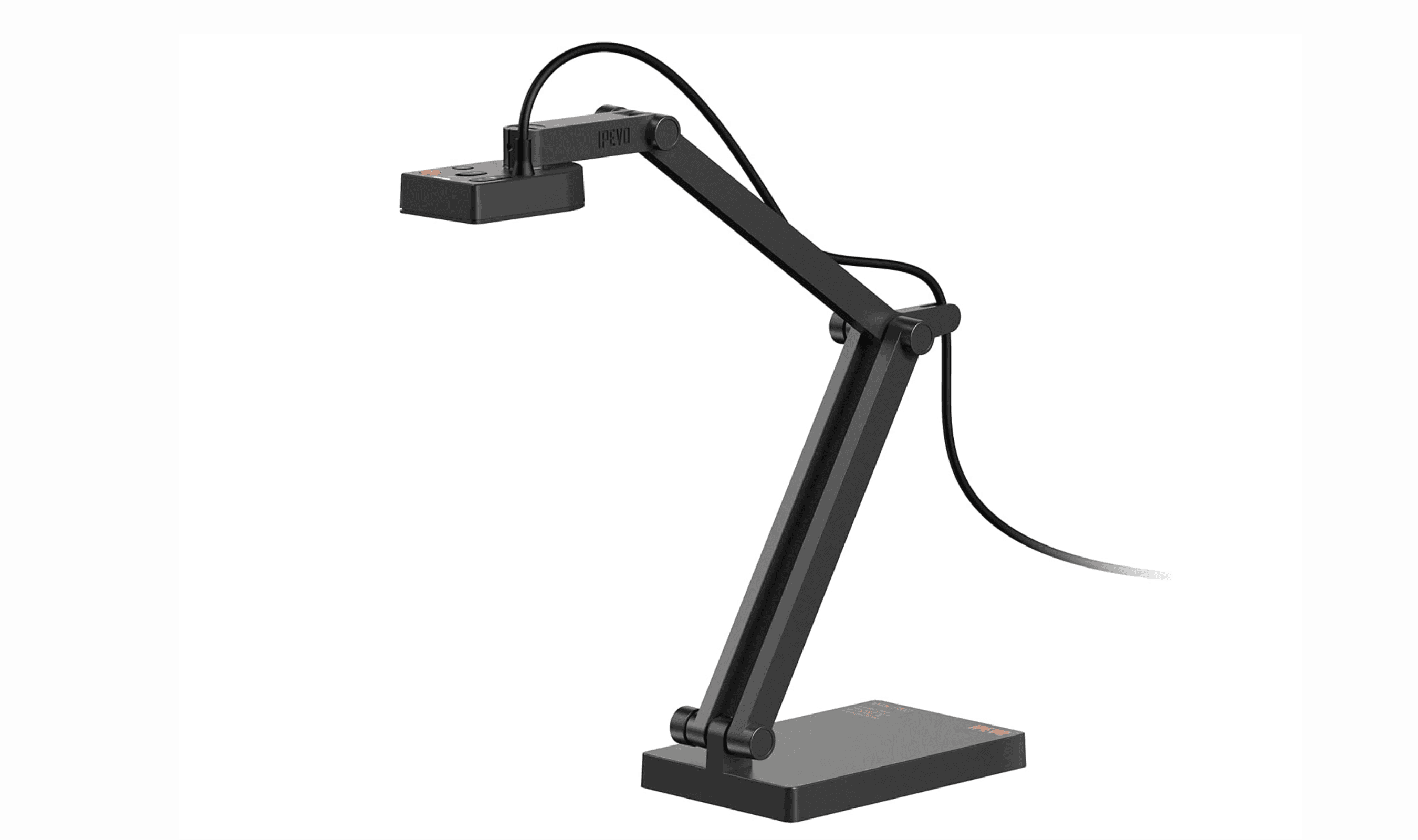
The IPEVO V4K delivers exceptional 8MP image quality with Sony's CMOS sensor, making it the most reliable choice for daily classroom use. Its multi-joint stand provides flexible positioning while maintaining stability during demonstrations.
Key highlights
- 8MP Sony CMOS sensor captures clear text and detailed images
- Multi-joint stand offers versatile positioning for documents and 3D objects
- Plug-and-play USB connectivity works instantly with video conferencing platforms
- 30fps streaming ensures smooth video during live presentations
- Compatible with Windows, macOS, and Chromebook systems
Pros
- Excellent image quality even in low-light conditions
- Fast autofocus minimizes interruptions when switching materials
- Compact design travels easily between classrooms
- No software installation required for basic functionality
- Built-in LED light helps out when the room is too dark
Cons
- Lacks wireless connectivity options
- Maximum coverage area may not accommodate oversized documents
Who it is for: Teachers needing reliable daily performance, IT departments managing multiple classrooms, and educators who frequently switch between documents and 3D objects.
Skip if
You require wireless connectivity or need to capture documents larger than A3 size.
INSWAN INS-3 - Best value
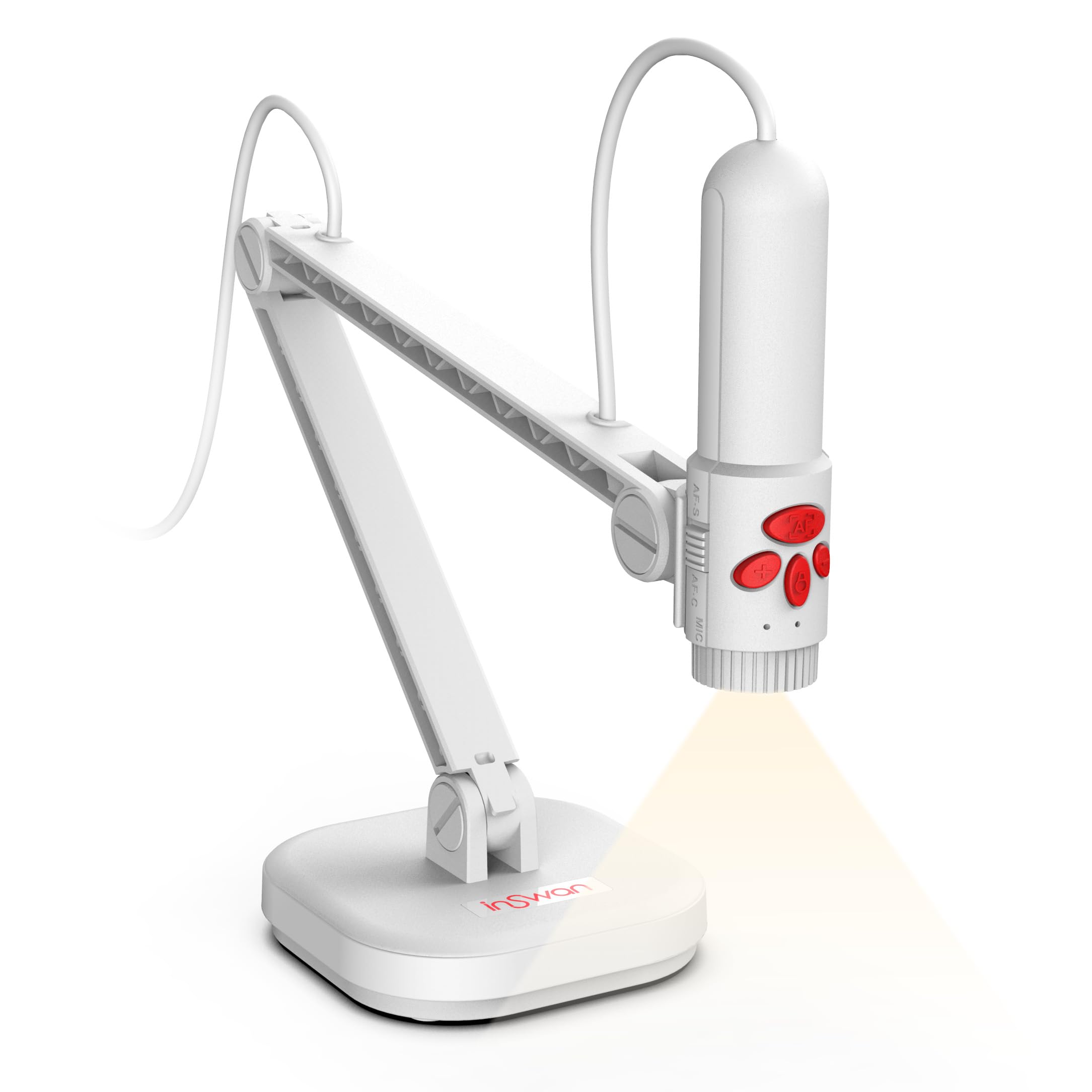
The INSWAN INS-3 offers surprising capability at an affordable price point, with handheld flexibility that sets it apart from fixed-arm competitors. Its 2560x1920p resolution provides clear images for most teaching applications.
Key highlights
- Handheld design allows showing objects from multiple angles
- Built-in LED lighting handles dim classroom conditions effectively
- Dual-mode autofocus works for both stationary documents and moving objects
- Capture area exceeds B4 size at 15 x 11.22 inches
- Includes Documate software with annotation and recording features
Pros
- Exceptional value under $60
- Handheld flexibility perfect for active teaching styles
- LED lighting improves visibility in various conditions
- Larger capture area reduces constant repositioning
Cons
- Lower resolution than premium 4K models
- Software interface feels dated compared to competitors
- Handheld design may tire arms during extended use
Who it is for: Budget-conscious teachers, first-time document camera users, and educators wanting a complete package without major investment.
Skip if
You prefer traditional fixed-arm designs or need higher than 1080p resolution for detailed work.
IPEVO VZ-R - Best for versatile connectivity
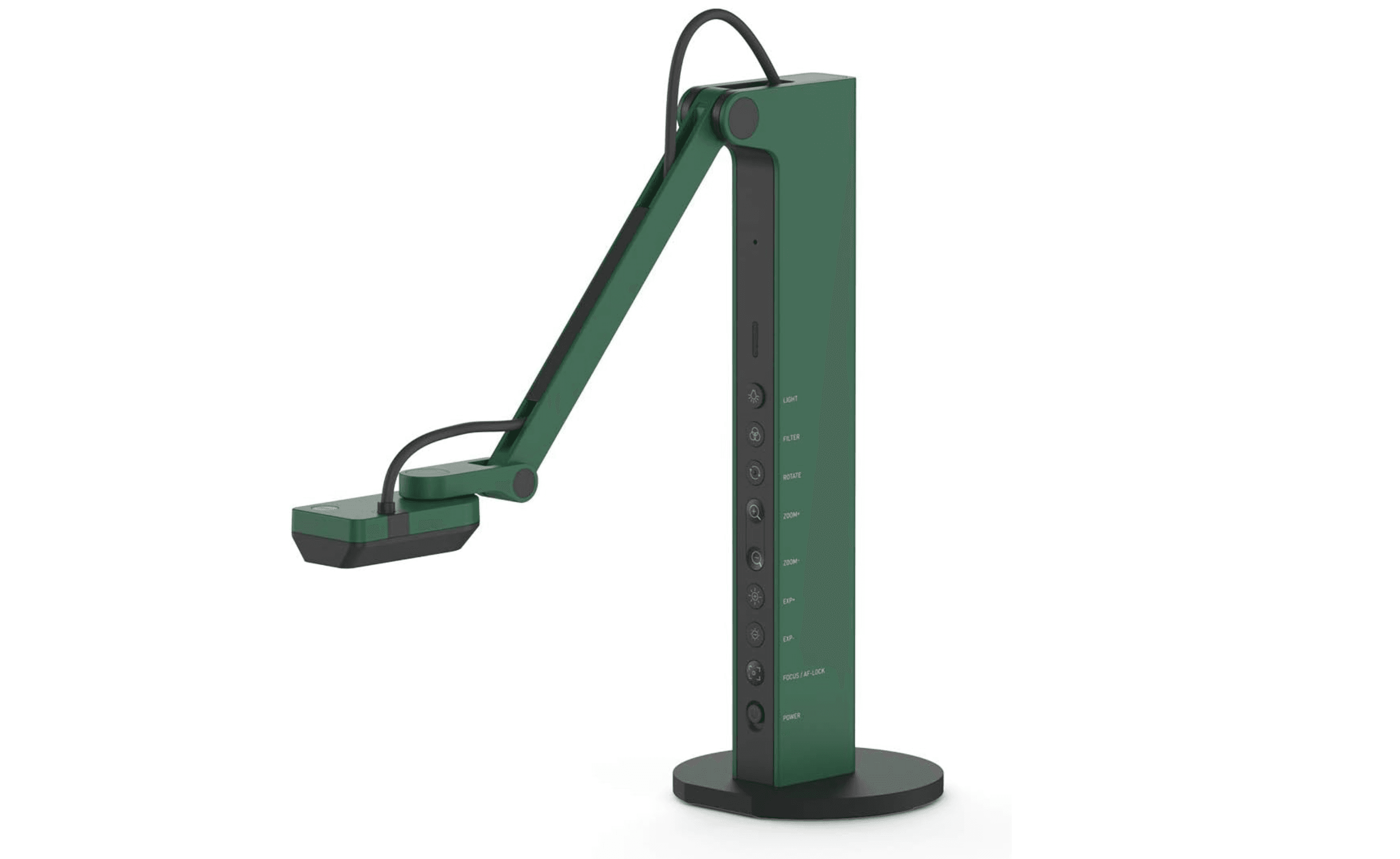
The IPEVO VZ-R provides maximum connectivity flexibility with HDMI and USB Dual Mode options, making it ideal for presenters who need reliable connections. It works with and without a computer via direct HDMI connection to a display.
Key highlights
- Dual connectivity options: HDMI and USB
- 8MP sensor captures up to 3264 x 2448 in USB mode
- Multi-joint stand enables versatile height and angle adjustments
- Built-in LED for additional lighting in dim environments
- Compatible with a wide variety of third-party software
Pros
- HDMI connectivity allows direct display connection without a computer
- USB plug-and-play connection for computer use
- Physical control buttons for quick adjustments
- Doubles as a webcam for video calls
Cons
- Higher price point than USB-only models
- Package does not include an HDMI cable or wall power adapter
- Bulkier design than ultra-portable options
Who it is for: Teachers, presenters needing versatile display methods, and educators for distance learning or live demos.
Skip if
You require wireless operation or have strict budget limitations.
INSWAN INS-2 - Best 4K detail
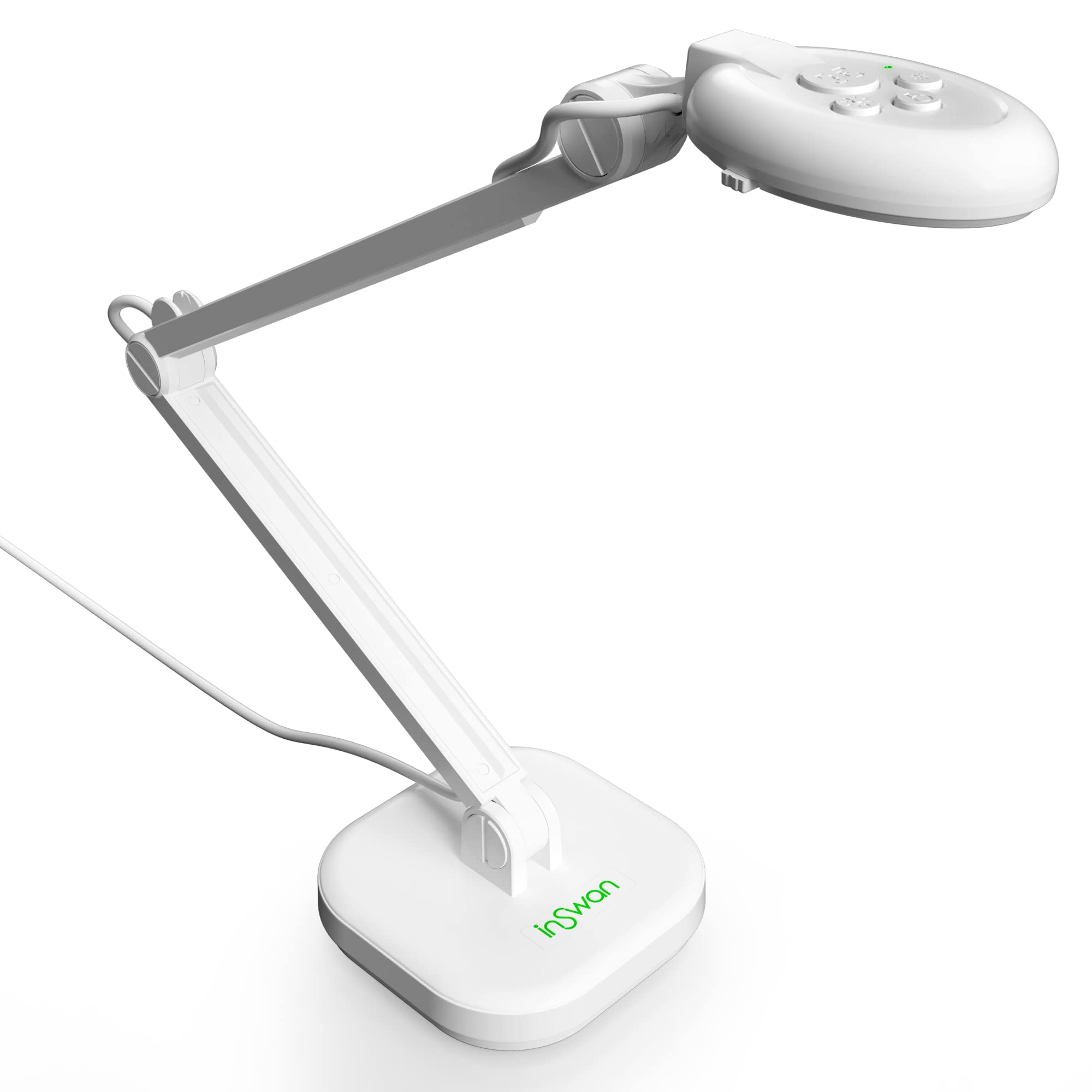
The INSWAN INS-2 delivers true 4K Ultra HD imaging with a 13MP Sony sensor, making it perfect for subjects requiring precise detail examination. Its dual-mode autofocus handles both static documents and moving objects effectively.
Key highlights
- 13 Megapixel Camera captures crystal-clear 4K Ultra HD images
- Dual-mode autofocus with macro function for close-up details
- Built-in LED lighting and anti-glare sheet for various conditions
- 7-segment brightness control allows precise illumination tuning
- Compatible with Windows, macOS, iPad, and Chromebook systems
Pros
- Exceptional detail for science specimens and fine print
- Dual autofocus system adapts to different content types
- Anti-glare sheet reduces reflections on glossy pages
- Professional build quality feels substantial
Cons
- Heavier than budget models at 2.33 pounds
- Autofocus can be slow when switching between distances
- Requires elevation for full coverage of larger materials
Who it is for: Art teachers needing color accuracy, science instructors showing detailed specimens, and educators wanting 4K resolution without premium pricing.
Skip if
You need maximum portability or quick autofocus for dynamic presentations.
IPEVO DO-CAM - Best portable design
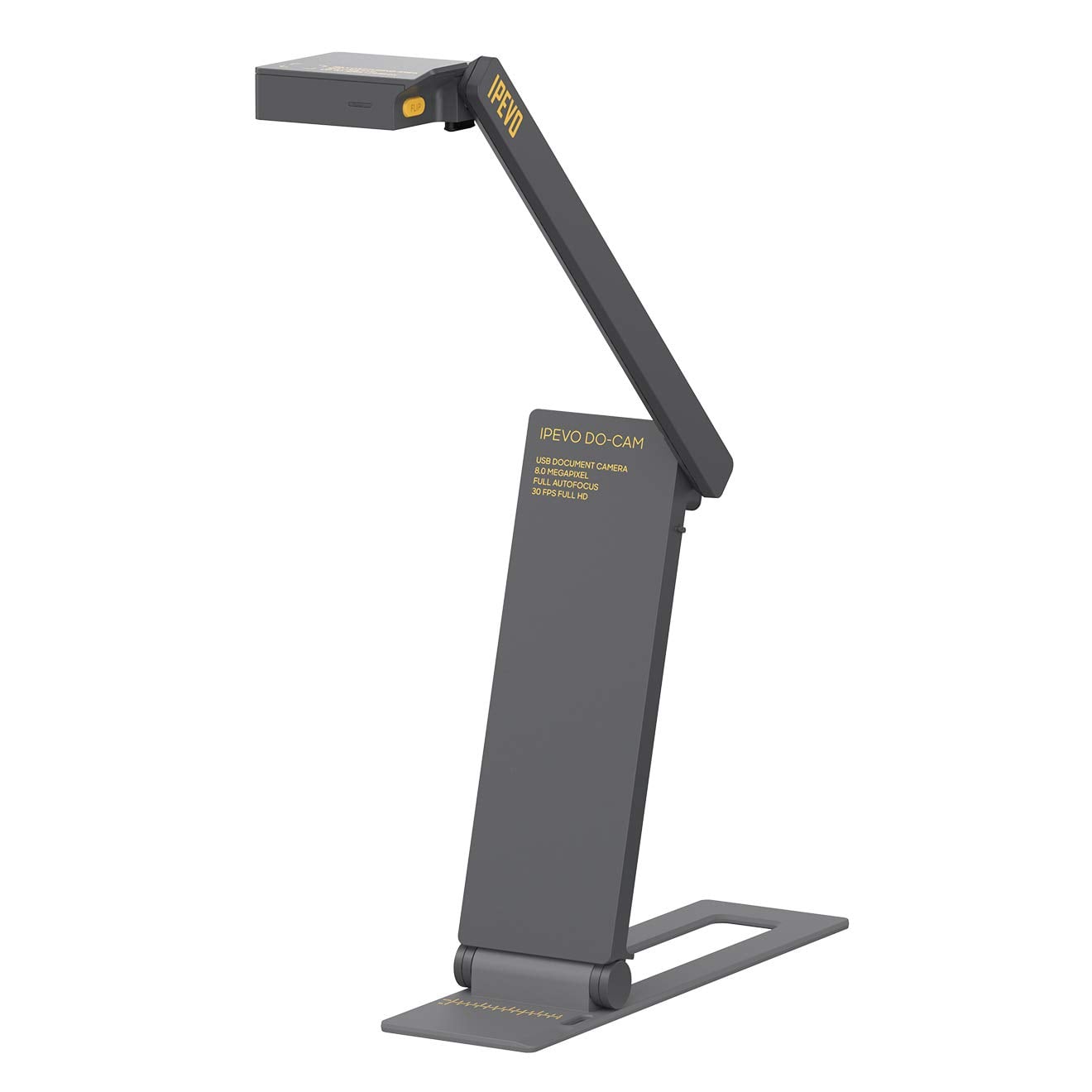
The IPEVO DO-CAM serves as both a document camera and webcam, flipping between modes with a simple button press. Its ultra-portable design folds flat for easy transport in a laptop bag.
Key highlights
- 2-in-1 functionality as both document camera and webcam
- Ultra-lightweight at 0.74 pounds with foldable design
- 8MP Sony CMOS sensor delivers quality images
- Fully adjustable interconnected sections for positioning
- Cable holder stores attached USB cable neatly
Pros
- Extremely portable for teachers moving between locations
- Dual functionality eliminates need for separate webcam
- Adjustable joints hold position without drooping
- Simple flip button ensures correct image orientation
Cons
- No built-in LED lighting
- Autofocus occasionally hunts during use
- Mirror reflection issues in certain lighting conditions
Who it is for: Hybrid teachers, remote workers needing document sharing during video calls, and educators wanting one device for multiple functions.
Skip if
You need built-in lighting or experience frustration with autofocus systems that occasionally hunt.
Also Good
- OKIOCAM S2 Pro - AI tracking follows your pointing gestures.
- THUSTAR 8MP - huge capture area with dual mics.
- HUE HD Pro - flexible gooseneck and long 3-year warranty.
- Kitchbai 4K - true 4K on a teacher-friendly budget.
How to Choose
Consider your primary use case first. Classroom teachers should prioritize resolution and ease of use, while remote presenters need reliable video conferencing compatibility. For frequent movers, portability matters more than premium features.
Resolution requirements depend on your content. 8MP works for most documents, but 13MP 4K benefits art and science applications. Connectivity options should match your setup: USB for computer-based systems, HDMI for direct display connections, and wireless for room mobility.
Build quality affects long-term reliability. Metal joints and reinforced stands withstand daily classroom use better than plastic components. Special features like auto-focus, LED lighting, and annotation software add convenience but increase complexity and cost.
FAQ
What's the difference between a document camera and a webcam?
Document cameras feature adjustable arms for positioning above materials, higher resolution for text clarity, and larger capture areas optimized for documents and objects. Webcams are designed for face-to-face communication with fixed positions.
Do document cameras work with Chromebooks?
Most modern document cameras work with Chromebooks through USB connection without additional software. Models that advertise plug-and-play functionality typically work best, with IPEVO cameras having particularly strong Chromebook integration.
Can I use a document camera without a computer?
Yes, models with HDMI connectivity can connect directly to monitors, projectors, or displays without computer mediation. Some wireless models also work with mobile devices via dedicated apps.
What resolution do I need for classroom teaching?
For most classroom applications, 8MP resolution provides sufficient clarity. 4K or 13MP cameras benefit art teachers needing color accuracy and science instructors showing detailed specimens. 1080p works adequately for basic document sharing.
How much should I spend on a document camera?
Functional document cameras start around $55-60 for budget models. Mid-range options between $80-100 offer the best balance of features and value. Premium models above $200 add wireless and advanced features that most teachers don't need daily.
Published March 10, 2026 Last updated June 16, 2026
Share this article
More in News
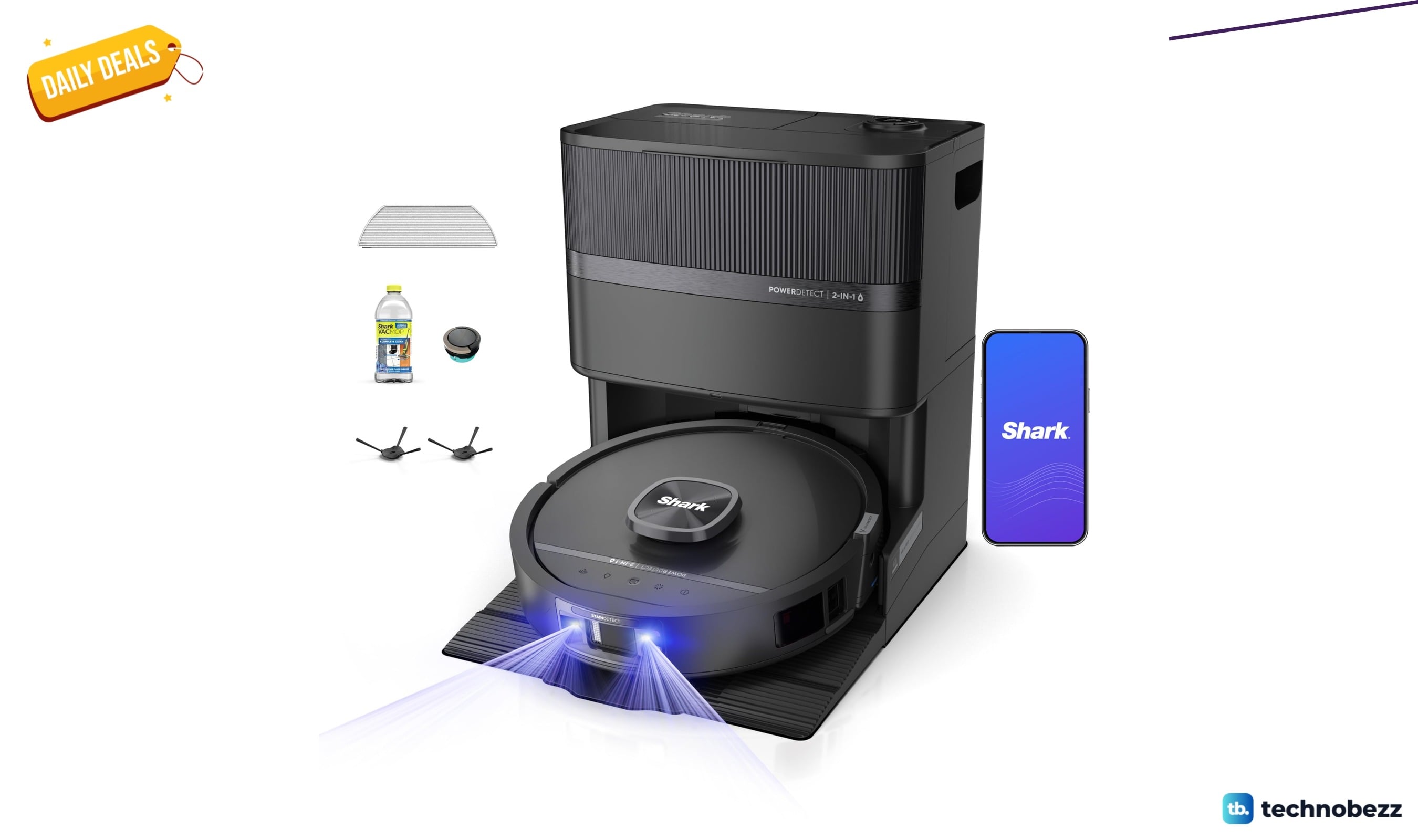
Shark PowerDetect UV Reveal 2-in-1 Robot Vacuum drops to $849.99
Shark PowerDetect UV Reveal 2-in-1 robot vacuum falls to $849.99 on Amazon, a $450 drop and its lowest price in months.
5 min read
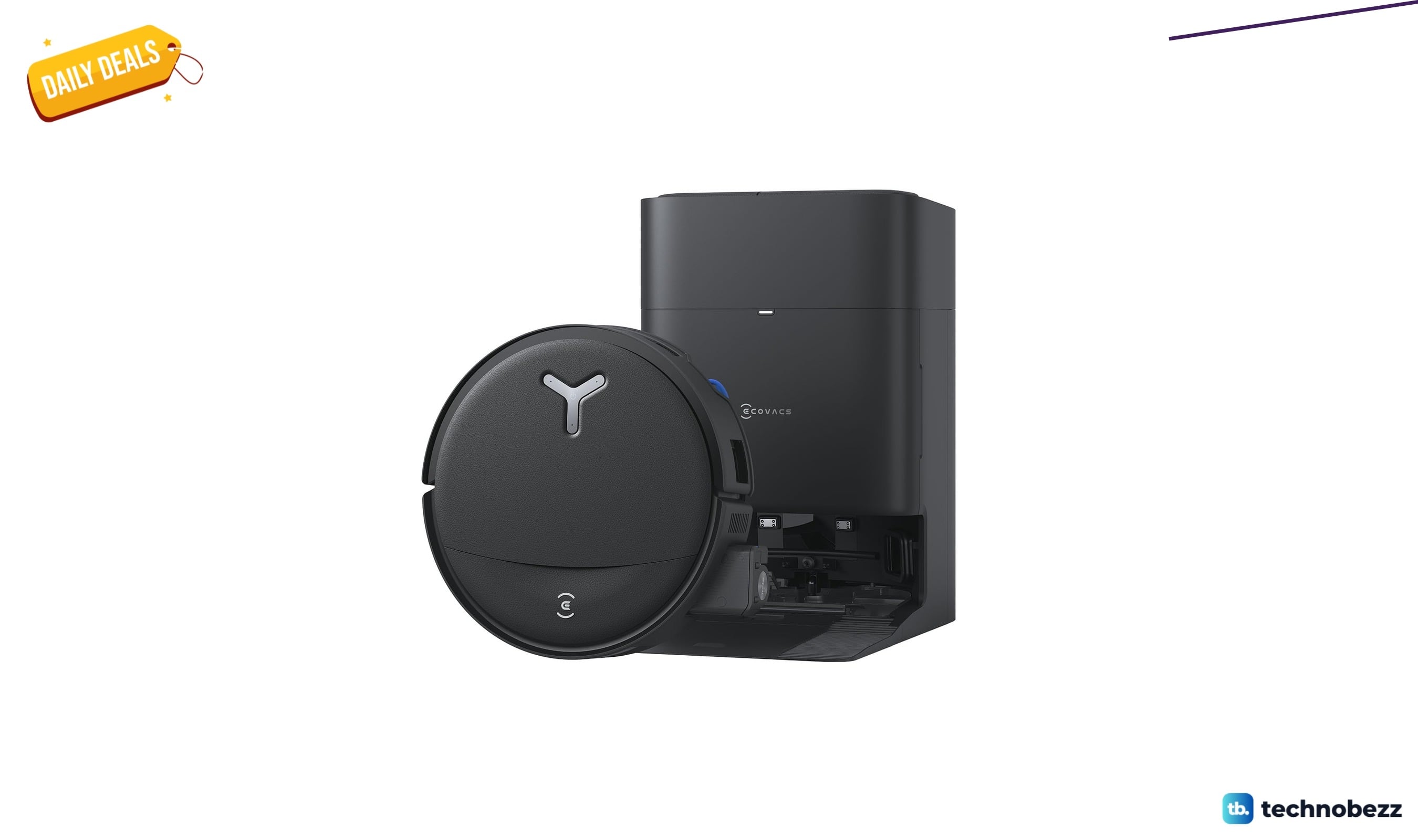
ECOVACS DEEBOT T80S Omni Robot Vacuum Mop down to $478.99 in latest price cut
ECOVACS DEEBOT T80S Omni robot vacuum mop falls to a record-low $478.99 on Amazon, saving $171 with self-cleaning roller mop tech.
4 min read
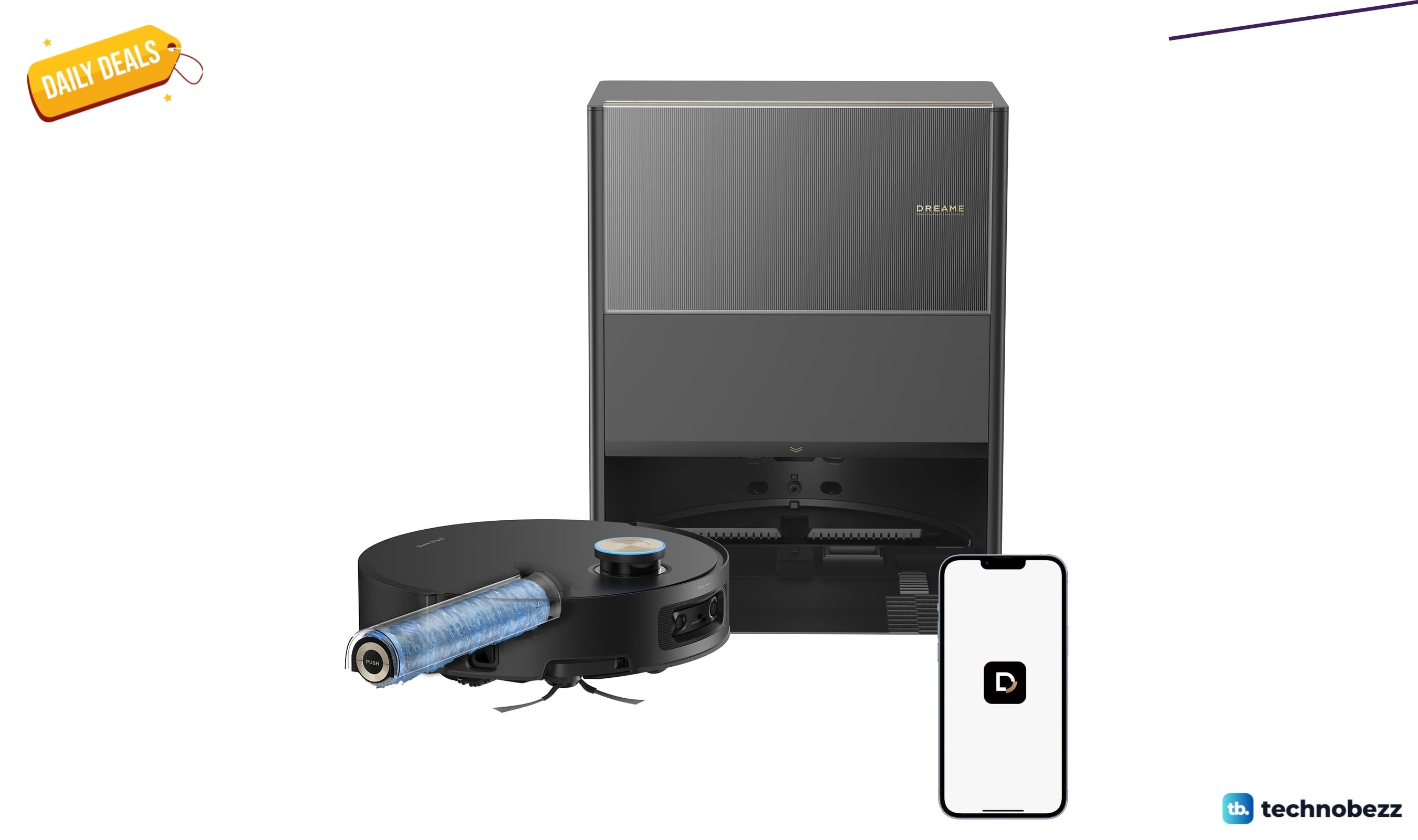
Dreame Aqua10 Ultra Roller Robot Vacuum Mop now selling for $749.99
Save $150 on the Dreame Aqua10 Ultra Roller robot vacuum mop, now $749.99 at Amazon, matching its all-time low price.
3 min read
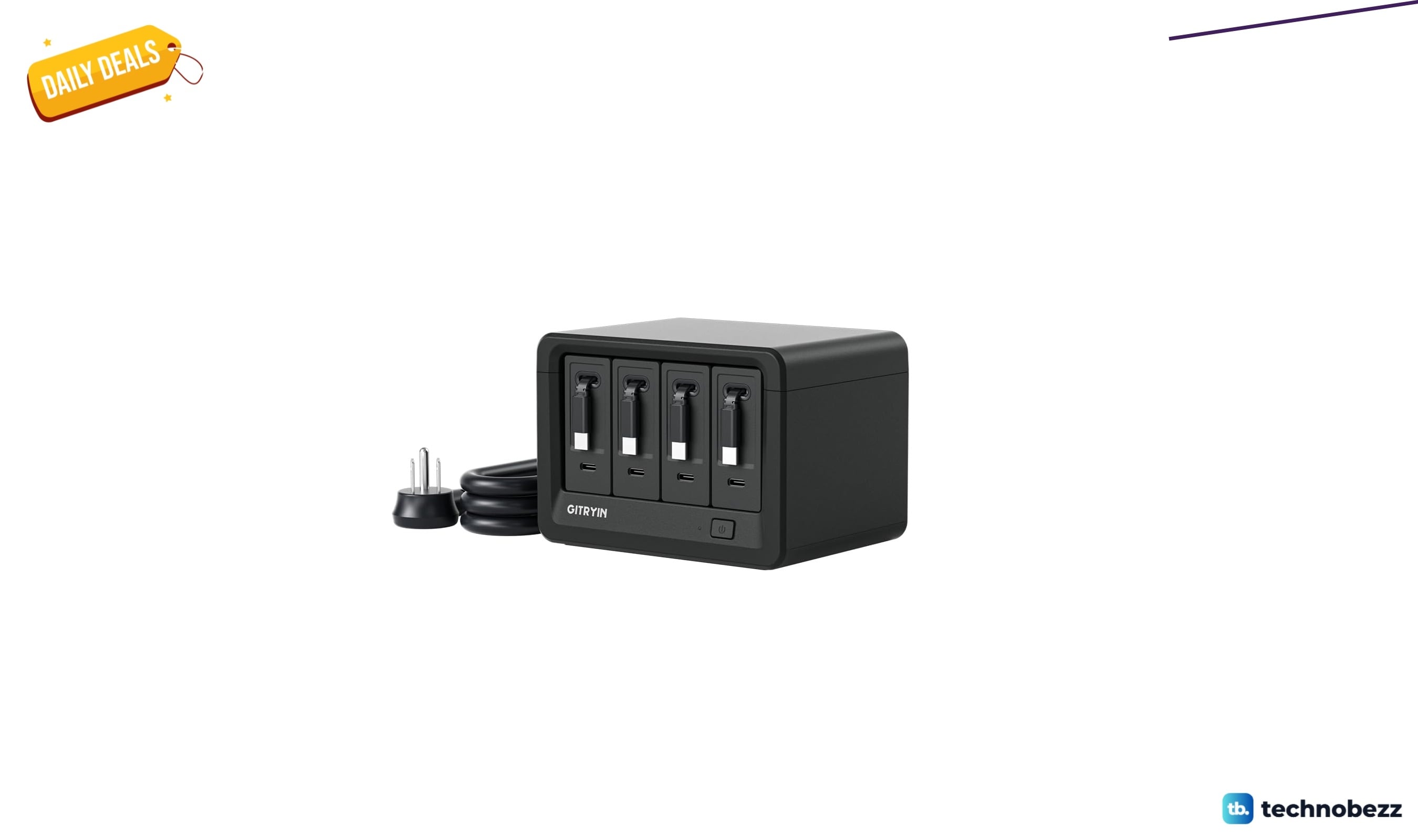
Gitryin 12-in-1 Desktop Charging Station drops to $103.96, its lowest price yet
Gitryin 12-in-1 desktop charging station hits a record-low $103.96 on Amazon, a 16% Lightning Deal saving $19.93 before it ends.
5 min read
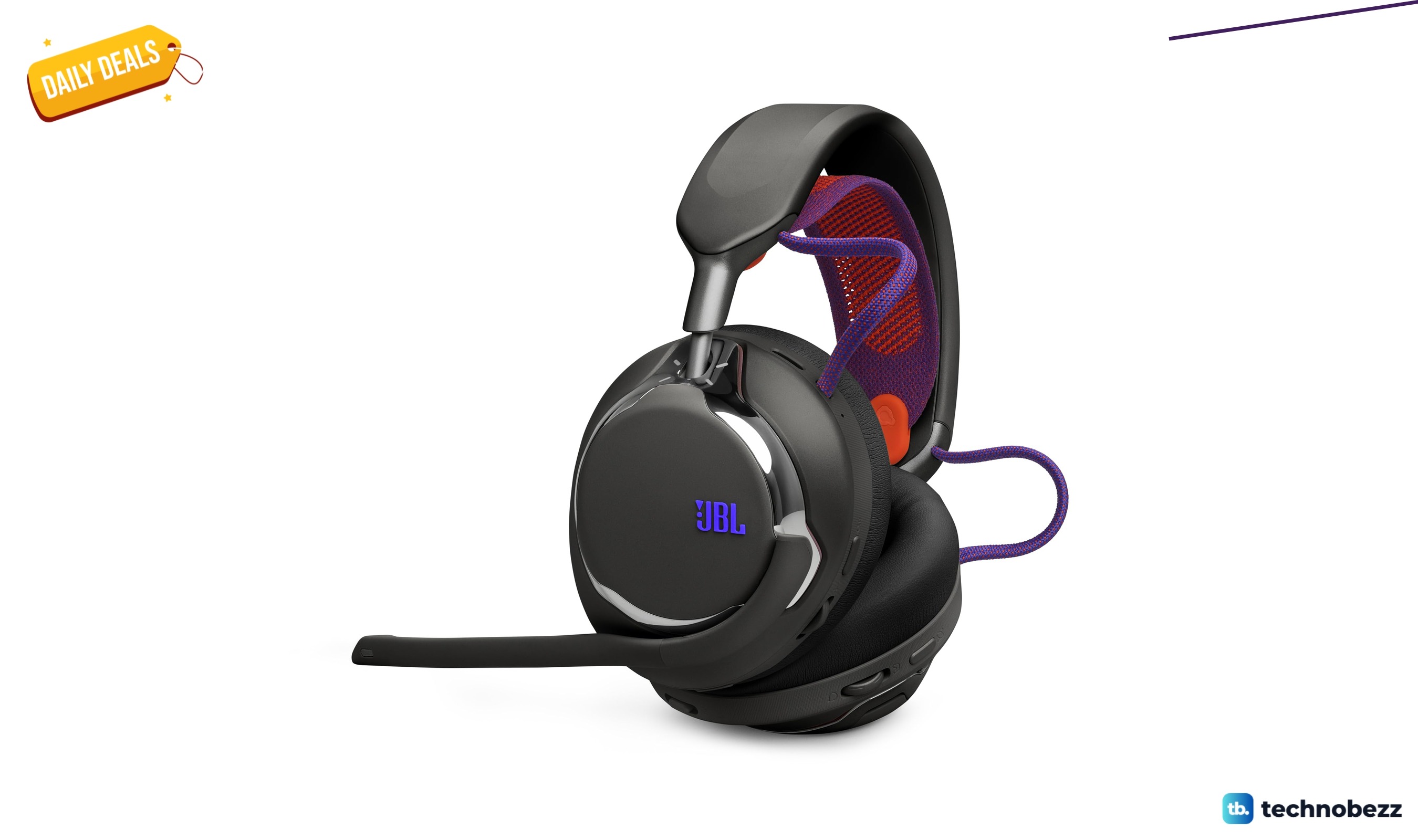
2 headphone deals we checked, starting at $249.99
5 min read
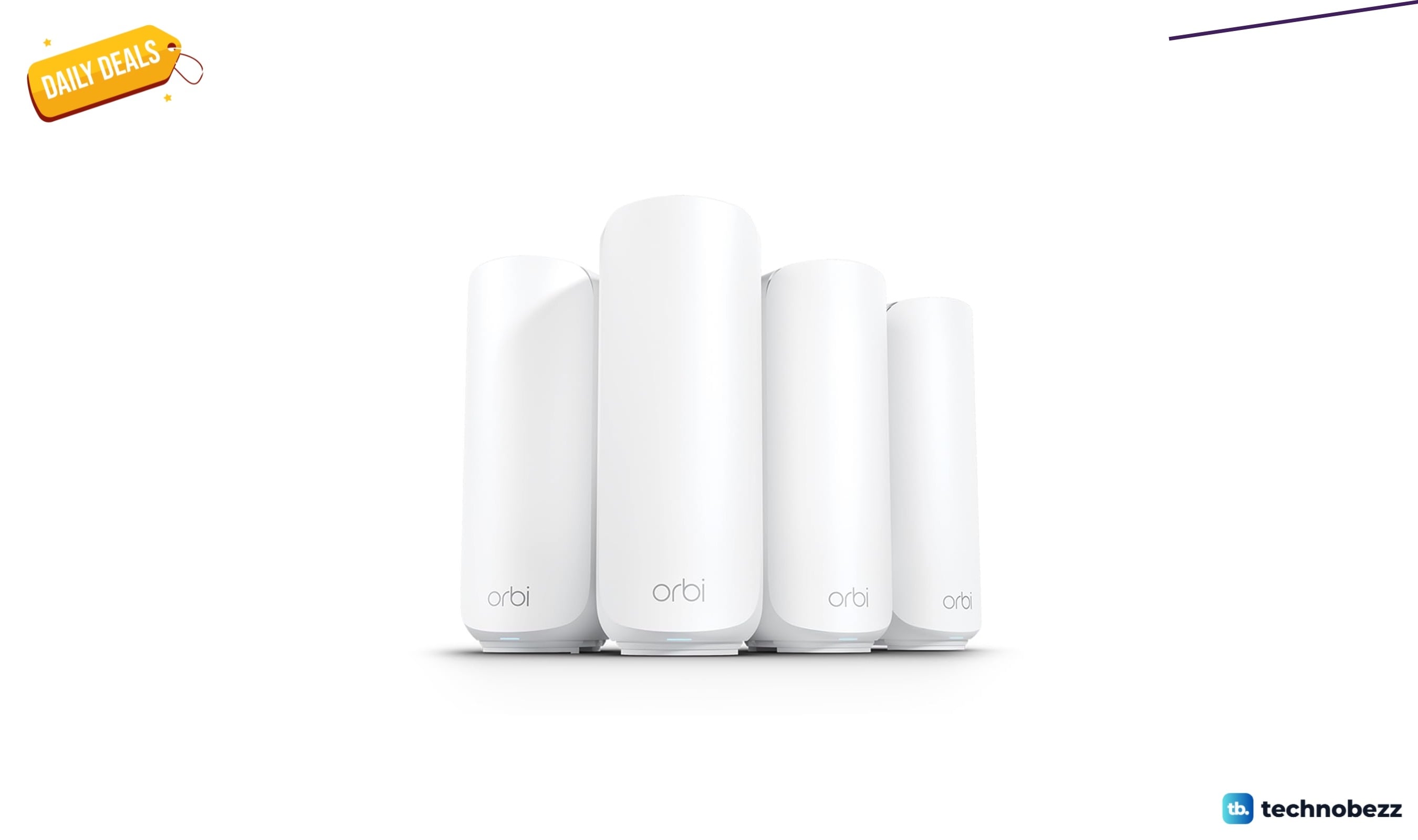
NETGEAR Orbi 370 WiFi 7 Mesh System now selling for $379.99
5 min read
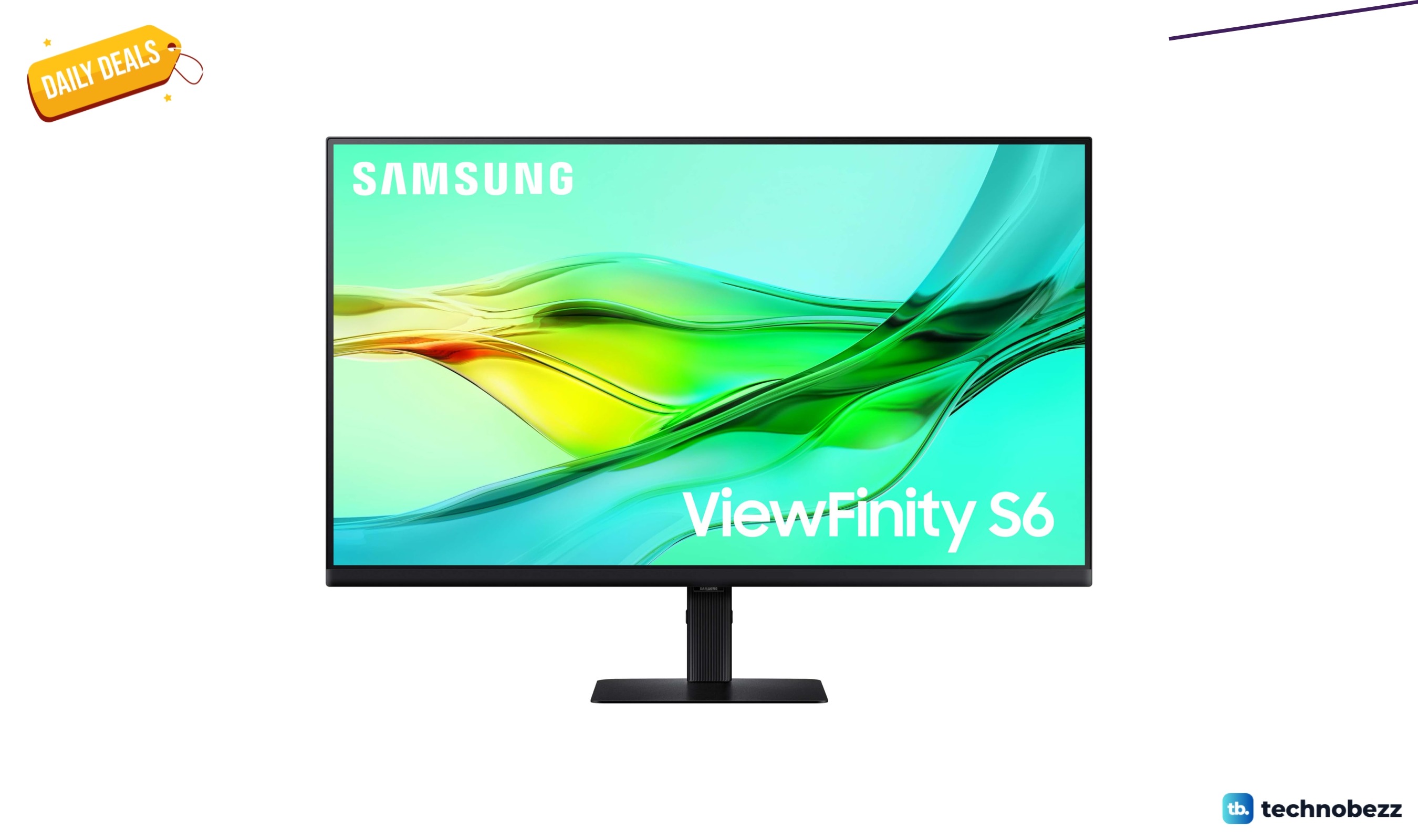
SAMSUNG ViewFinity S6 QHD High Resolution Computer Monitor dips to $319.99
3 min read
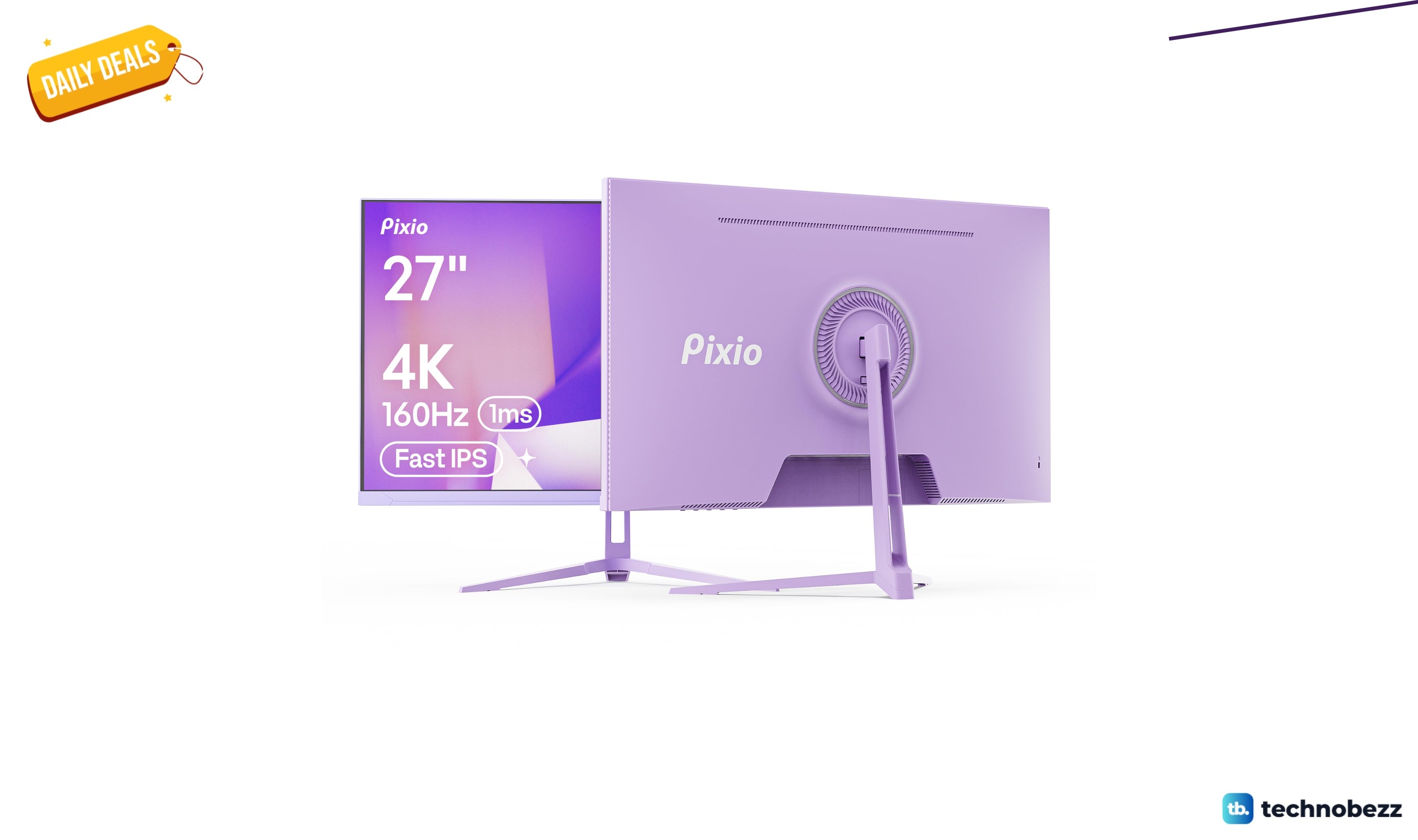
Pixio PX27U Wave Purple Refresh Rate 4K marked down to $299.99
5 min read
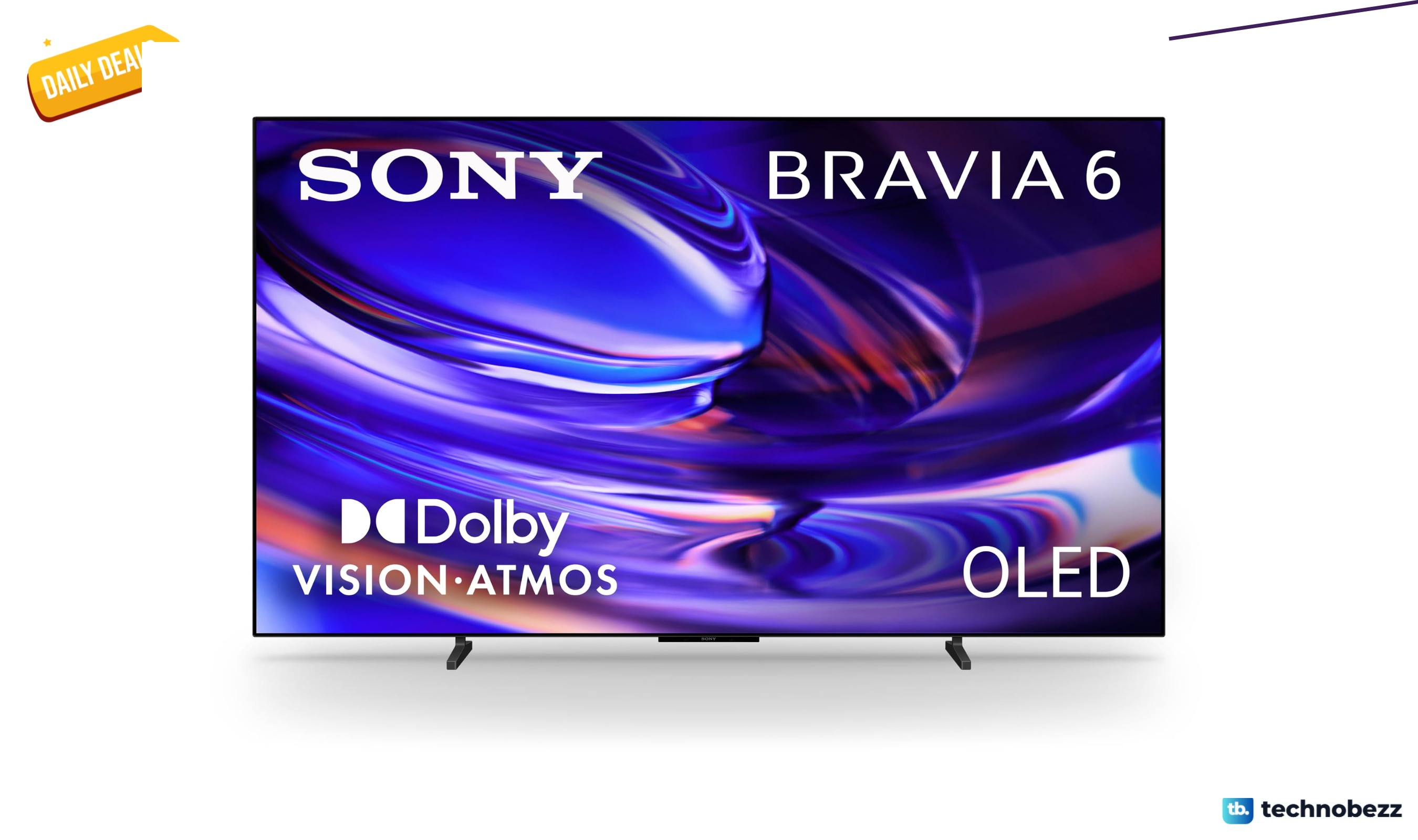
Sony 77-inch BRAVIA 6 OLED 4K HDR slips to $2198
5 min read
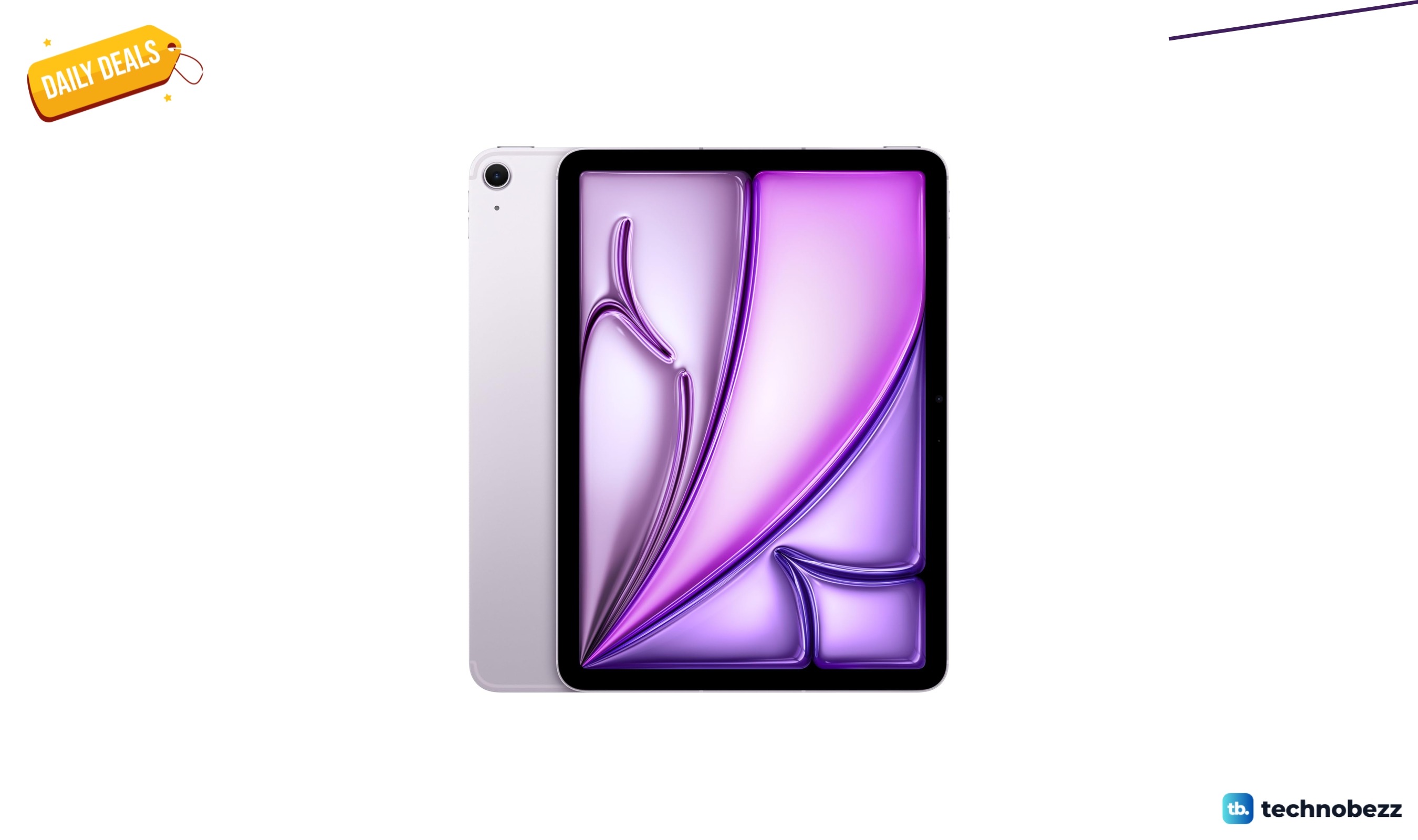
Apple iPad Air Liquid Retina Display dips to $799
4 min read
Philips H8000 Noise Cancelling Headphones are $49.99 at Woot
3 min read

Lenovo coupon codes and deals
5 min read