If your Motorola Moto G Power (2025) has gone silent when it should be buzzing, it's a surprisingly common hiccup. The good news is it's almost always a software or settings issue you can fix yourself in a few minutes.
Force Restart the Phone
Before you dive into settings, give the phone a quick reboot. This clears out any temporary glitches in the system that might be telling the vibration motor to stay quiet. Just press and hold the Power button for about 10 seconds until you see the screen go black and the Motorola logo reappear.
Check Your Sound and Vibration Profile
On the Moto G Power, your quick settings panel controls the main sound modes. Swipe down from the top of the screen twice to see the full tile menu. Look for the sound tile, it might say "Sound," "Vibrate," or "Silent."
Tap it until it switches to "Sound" mode. If it was on "Silent," that completely mutes vibrations. The "Vibrate" mode should still buzz, so if you're in that mode and getting nothing, the issue is elsewhere.
Verify the Main Vibration Settings
Open the Settings app and go to Sound & vibration. The first thing to check is the "Vibrate for calls" toggle. Make sure it's switched on. Right below that, you'll find "Vibration intensity."
Tap on "Vibration intensity." You'll see separate sliders for calls, notifications, and touch feedback. If these got turned down somehow, slide them back up to a stronger setting. I'd set them to at least 75% to start.
Look at App-Specific Notification Settings
Sometimes the problem isn't with the phone, but with how a single app is configured. If your texts from Messages are vibrating but your Gmail alerts aren't, you need to check each app.
Go to Settings > Apps > See all [number] apps. Find the app that's not vibrating, tap on it, and then select "Notifications." Here, make sure notifications are enabled for the app overall.
Then, tap on specific notification categories (like "Incoming messages" or "General"). Look for the "Vibrate" option within each category and ensure it's turned on. Some apps bury this setting pretty deep.
Test in Safe Mode
If the vibration works sometimes but not others, a third-party app you installed could be interfering. Booting into Safe Mode temporarily disables all downloaded apps.
To enter Safe Mode, press and hold the Power button until the power menu appears. Then, tap and hold the "Power off" option on your screen. A prompt will ask if you want to reboot to Safe Mode. Tap "OK."
Once in Safe Mode, you'll see "Safe mode" in the bottom corner. Test if a call or notification vibrates now. If it does, you know a downloaded app is the culprit. Restart the phone normally to exit Safe Mode and start uninstalling recent apps one by one to find the offender.
Update Your Software
Since the Moto G Power (2025) runs Android 15, it's receiving regular updates from Motorola. A bug in a current software version could be affecting the vibration motor. It's always worth checking for a fix.
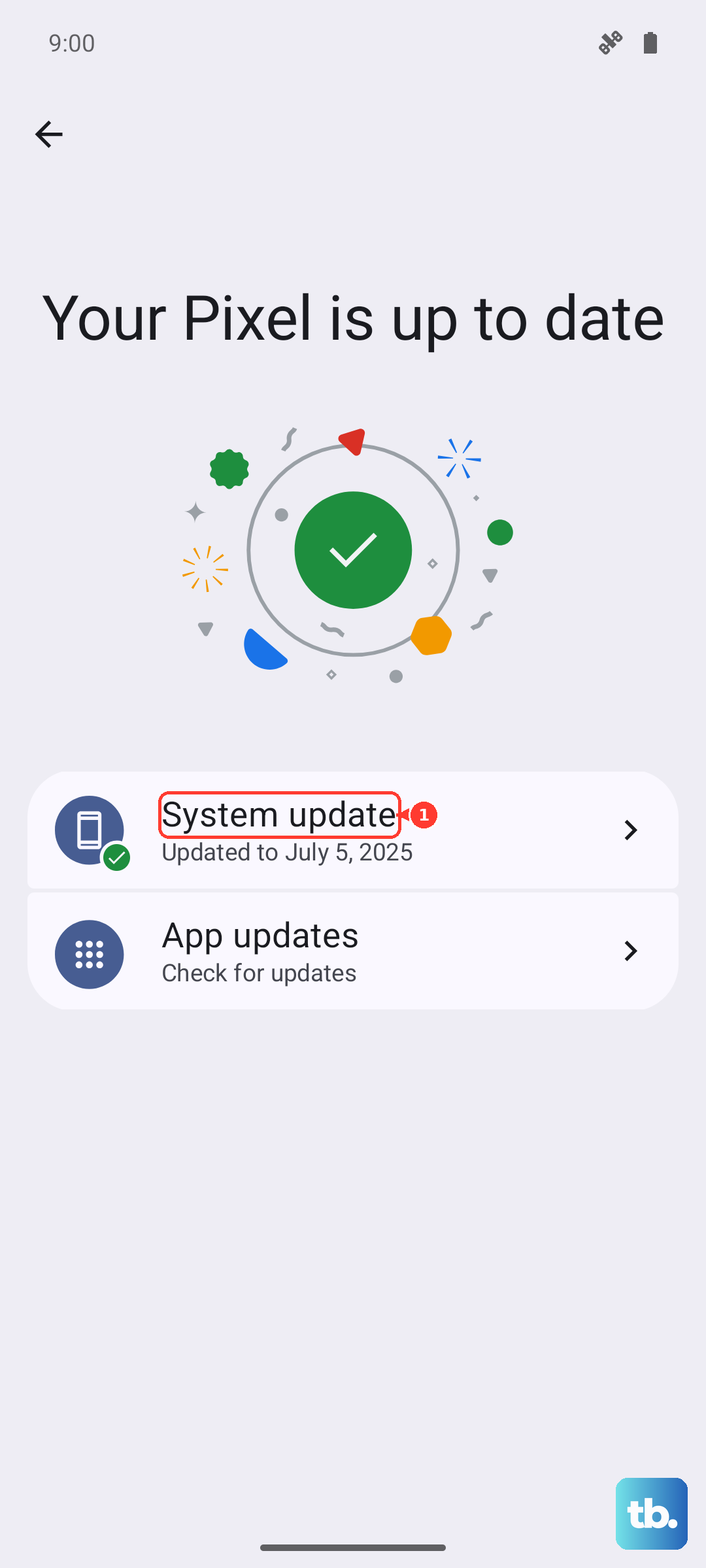
Go to Settings > System > System updates. Tap "Check for update." If one is available, install it. Make sure your phone is connected to Wi-Fi and has at least a 50% charge before you start the update.
Reset App Preferences
This is a useful middle-ground step that won't delete any of your personal data. It resets all your notification settings, app permissions, and default apps back to their factory state. It often clears up weird bugs like this.
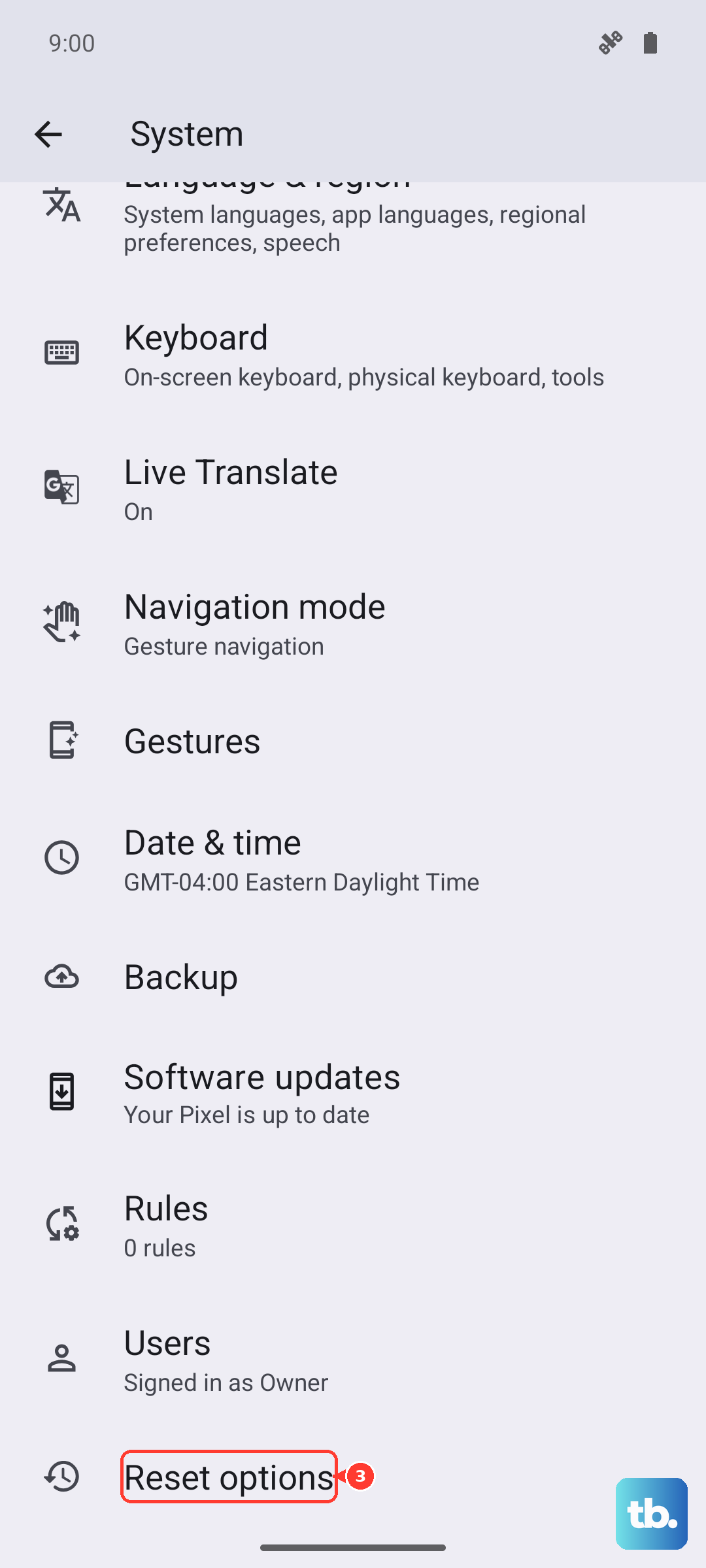
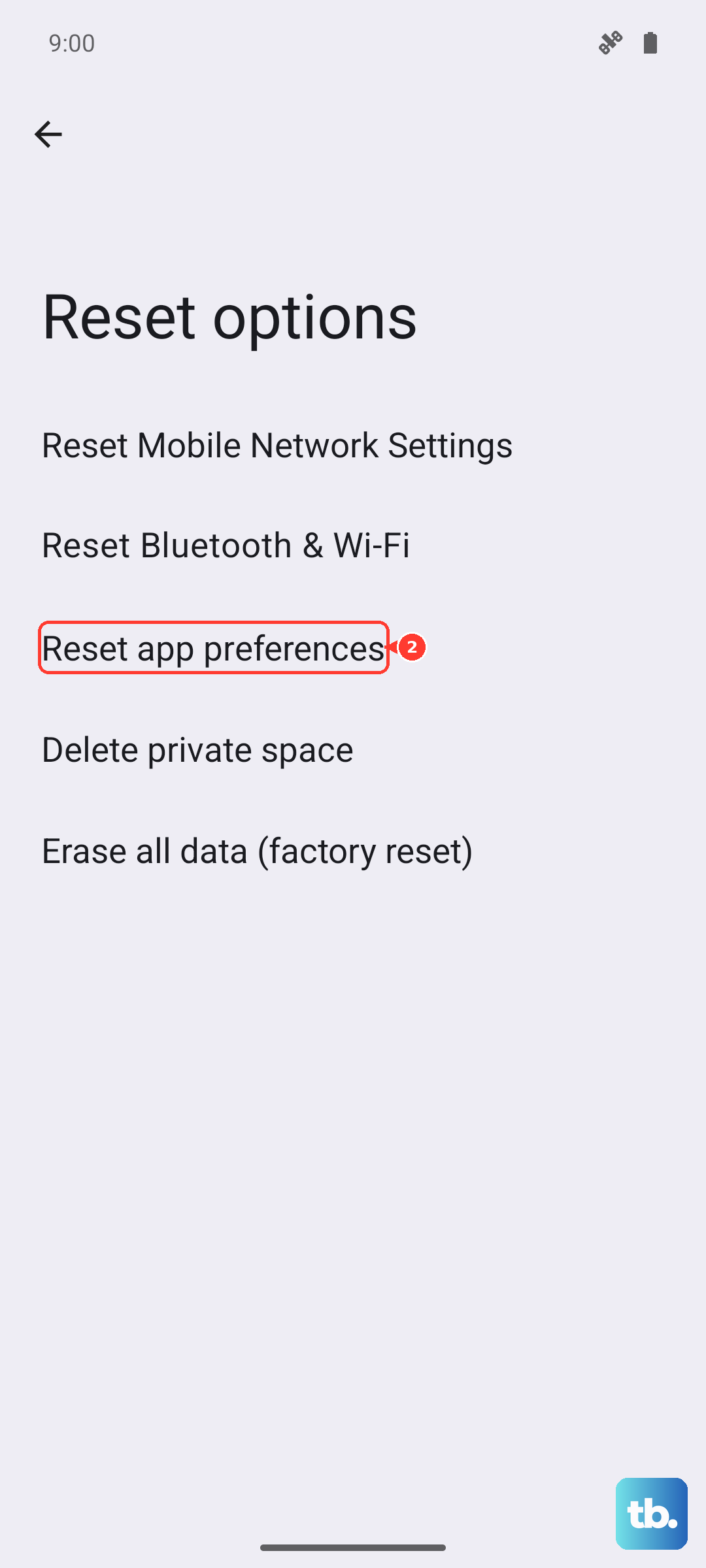
Navigate to Settings > System > Reset options. Tap on "Reset app preferences" and confirm. You'll then need to re-allow notifications for your apps, but it's a small price to pay to get vibrations working again.
Consider a Hardware Check
While less common, it's possible for the vibration motor itself to fail. These small components can wear out or become disconnected, especially if the phone has been dropped. The Moto G Power has a MIL-STD-810H rating, but hard impacts can still cause internal damage.
You can try a basic test by going to Settings > System > Diagnostics or a similar hardware test menu (the exact path can vary). Look for a component test that includes the vibration motor. If the diagnostic test fails to produce a buzz, it points to a hardware problem.
Before you consider a repair, as an absolute last resort, you could perform a factory reset. This will erase everything on your phone, so you must back up your photos, messages, and app data first. You can find this option under Settings > System > Reset options > Erase all data (factory reset).