
When your Moto G Power (2025) starts rebooting on its own, it can feel like the phone has a mind of its own. This is usually a software hiccup, but it's worth checking a few things to get it settled down. I'd start with the simplest fix first, which often does the trick.
Perform a Force Restart
This is the quickest way to clear out any temporary glitch that's causing the random restarts. Just press and hold the power button on the side of the phone for about 10 seconds. Keep holding it until you see the Motorola logo appear on the screen, then you can let go. The phone will boot up normally, and the issue might be gone.
Check for App Updates
An outdated or buggy app is one of the most common reasons for random restarts. Head to the Google Play Store, tap your profile icon in the top right, and go to Manage apps & device. Look for any pending updates and install them all. Pay special attention to any apps you installed or updated right before the restarts began.
Update Your Android Software
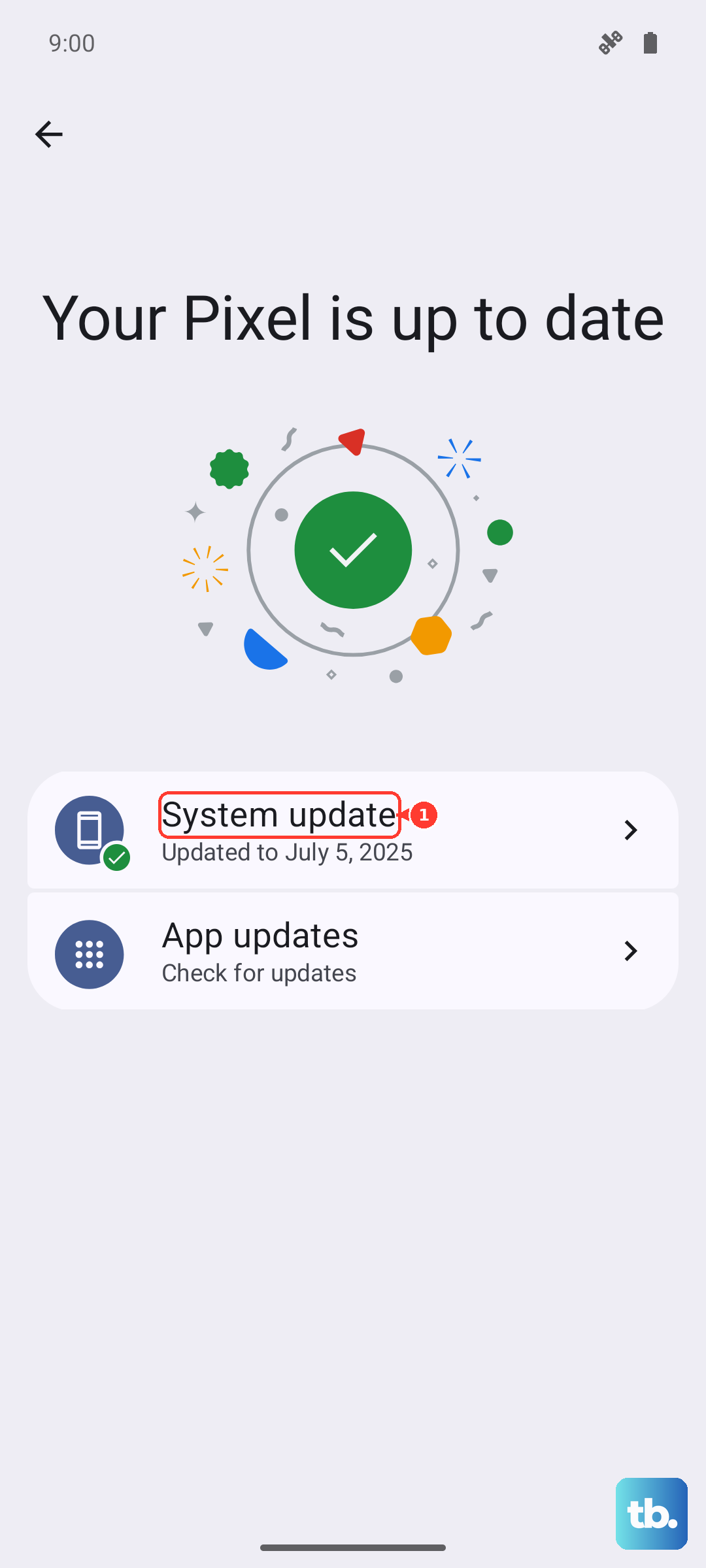
Since your phone can run Android 16, make sure it has the latest security patches and bug fixes from Motorola. Go to Settings > System > System updates. Tap "Check for update" and install anything that's available. These updates often include stability improvements that can stop random reboots.
Boot Into Safe Mode
Safe mode temporarily disables all third-party apps. If the phone stops restarting in safe mode, you know a downloaded app is the culprit. To enter safe mode, press and hold the power button until the power off menu appears. Then, long-press the "Power off" option on your screen. You'll get a prompt to reboot to safe mode, tap "OK".
If the phone is stable in safe mode, restart normally to exit. You'll then need to find the problematic app. Start by uninstalling apps you recently added, or use them one by one to see which one triggers a restart.
Free Up Storage Space
The Moto G Power (2025) starts with 128GB of storage, and if that gets too full, it can cause system instability. Go to Settings > Storage to see what's using space. The phone's MediaTek Dimensity 6300 processor is a budget chip, and it can struggle if storage is critically low. Clear out old downloads, offload photos to Google Photos, or consider using the microSD card slot to move files.
Check for Overheating
While the phone has a MIL-STD-810H rating for durability, it can still overheat. The processor might throttle or the phone could restart if it gets too hot. Feel the back of the phone after it restarts. Was it in direct sunlight, in a thick case, or were you running a demanding game? Let it cool down and see if the restarts stop.
Reset App Preferences
This resets all your app permissions, default apps, and background restrictions without deleting any personal data. It can fix issues caused by a misbehaving app setting. Go to Settings > Apps > See all apps. Tap the three-dot menu in the top right and select Reset app preferences. Confirm the action and restart your phone.
Perform a Factory Reset
This is a bigger step, so make sure your photos and files are backed up to Google Drive or another service first. A factory reset will wipe the phone back to its original state. Go to Settings > System > Reset options. Tap Erase all data (factory reset) and follow the prompts. After it's done, set the phone up again and see if the problem is resolved before restoring all your apps.
Inspect Your Charger and Port
Since the phone doesn't come with a charger in the box, you might be using an old or incompatible one. A faulty charger or cable can cause power fluctuations that lead to restarts. Try a different USB-C cable and a known-good charger, preferably one that supports 30W USB-PD for the fastest, most stable charging. Also, check the phone's USB-C port for any lint or debris and gently clean it out with a toothpick.











