Telegram is one of the world's largest messaging platforms, and every account is tied to a phone number for verification. The good news is that the number does not have to be your personal one. With a few official tools and built-in privacy settings, you can register and use Telegram while keeping your real number completely off the account.
This guide covers the working methods to sign up without your personal number, how to lock down phone number visibility, and which options are reliable versus risky. If you have already lost access and need to get back in, see our companion guide below instead.
Read more - How to Recover Your Telegram Account Without Phone Number
Why Telegram Asks for a Phone Number
Telegram uses phone number verification to confirm you are a real person and to limit spam and automated bot accounts. Each account is linked to a number that receives a one-time login code by SMS or voice call.
According to Telegram's own FAQ, accounts can only be connected to a mobile number, and there is no fully anonymous registration that skips this step. That means you cannot create an account with no number at all, but you can avoid attaching your personal number to it.
Fragment Anonymous Numbers
Fragment is the only method endorsed by Telegram itself. It is a blockchain marketplace where Telegram releases collectible phone numbers that start with +888. These numbers exist on the TON blockchain and are bought with Toncoin, Telegram's associated cryptocurrency.
An anonymous number works only inside Telegram. It cannot receive regular SMS or calls and cannot be used to sign up for other services. Instead of an SMS, your login code appears on the Fragment website once your TON wallet is connected.
To use one, set up a TON wallet such as Tonkeeper, connect it to Fragment, and buy a number in the Numbers section. In Telegram, start signup, tap the country field, choose Anonymous Numbers, enter your +888 number, then open your number on Fragment and tap Get Login Code to retrieve the code.
Quackr Temporary Numbers
Quackr offers temporary phone numbers from several countries for receiving verification codes. It provides both free public numbers and paid private numbers, with the free pool refreshed regularly.
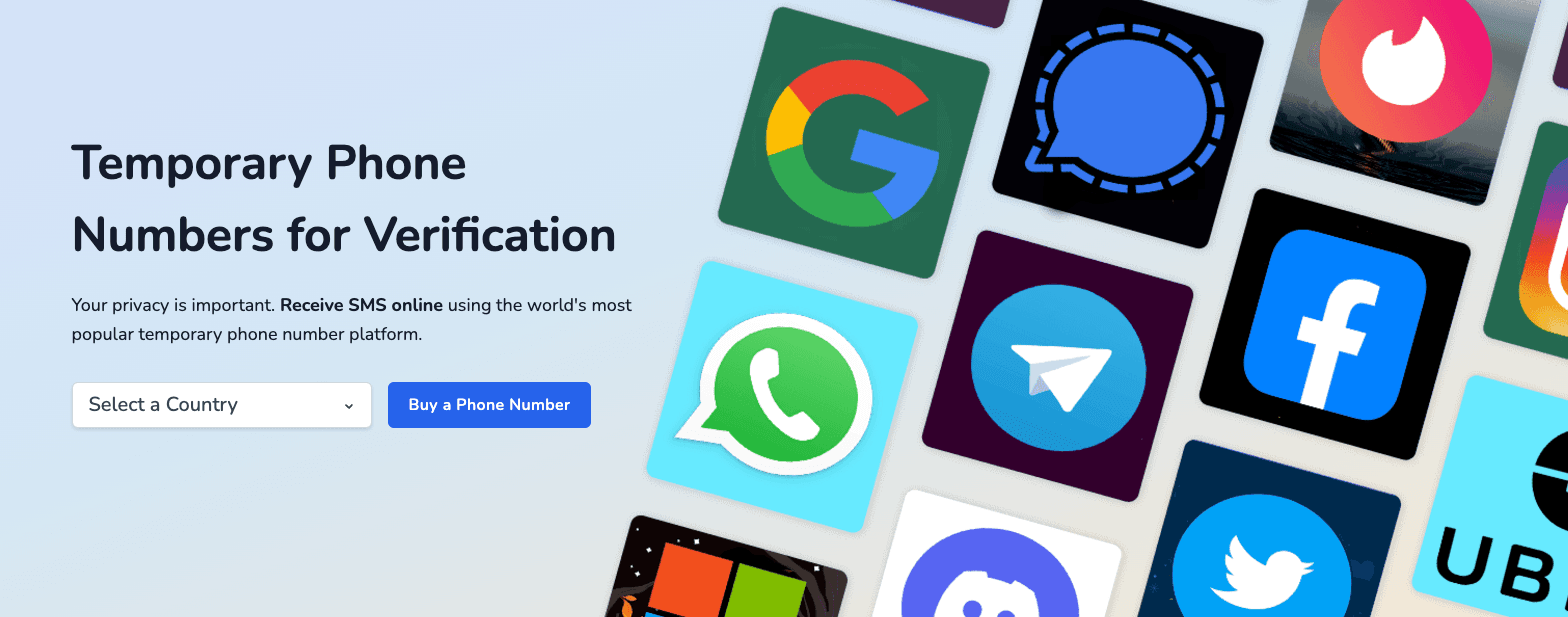
Free numbers are shared, so the code may already be claimed or the number may be blocked by Telegram, and you should never use a shared number for an account you care about. A paid private number is more reliable but is still a third-party service, not an official one.
Google Voice Numbers
Google Voice gives you a free virtual US number that can receive SMS and calls, which makes it a solid long-term alternative to a personal number for Telegram. You keep the same number over time, so it is steadier than disposable services.
There are real limits to know about. Google Voice is only available to users in the United States, it requires you to verify an existing US phone number to claim a Voice number, and Google now requires identity verification for new Voice numbers as of early 2026. It also tends to reject other VoIP numbers during its own setup.
Virtual Number Apps
Apps such as Burner provide temporary numbers that forward calls and texts to your real device, so the working number is separate from your personal line. These services are paid for ongoing use, with limited free trials.
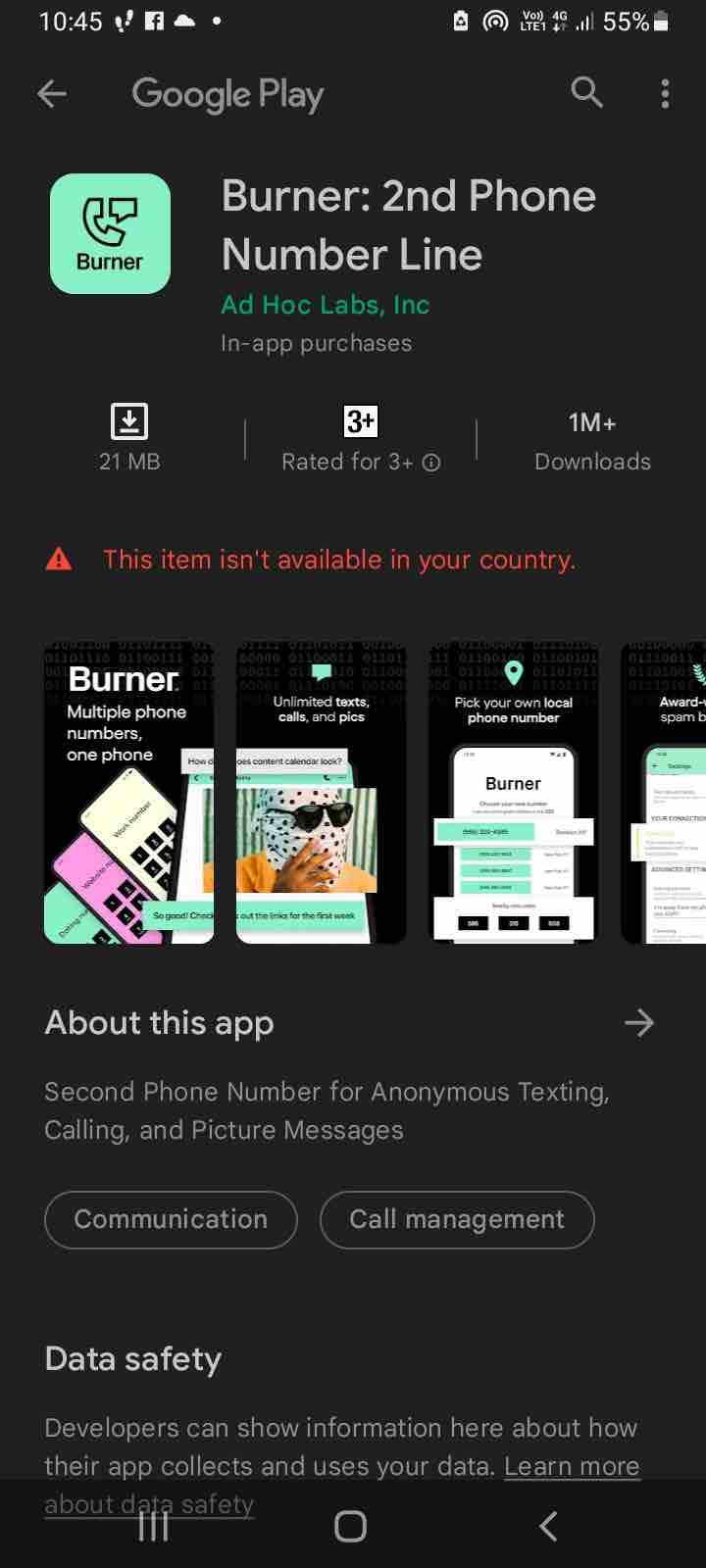
To use one with Telegram, install the app, get a number, then during Telegram signup choose either SMS or voice call verification and enter the code the app receives. Because these numbers can be recycled to other users later, treat them as short-term and add a strong password to your Telegram account.
Receive SMS Apps
Many app stores list tools that hand out temporary numbers purely for receiving verification codes. They behave like a disposable inbox rather than a full phone line.
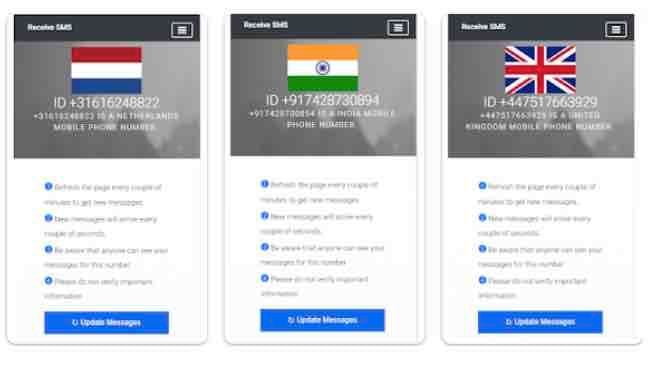
The steps are simple. Install the app, pick a number, choose SMS verification in Telegram, wait for the code in the app, and enter it. Some numbers fail because they are already in use or banned, so be ready to try several before one works.
Free SMS Receiver Websites
Free online services such as AnonymSMS publish public numbers tied to real SIM cards and show incoming messages on the page. You pick a number, request your Telegram code, and read it directly in the browser.
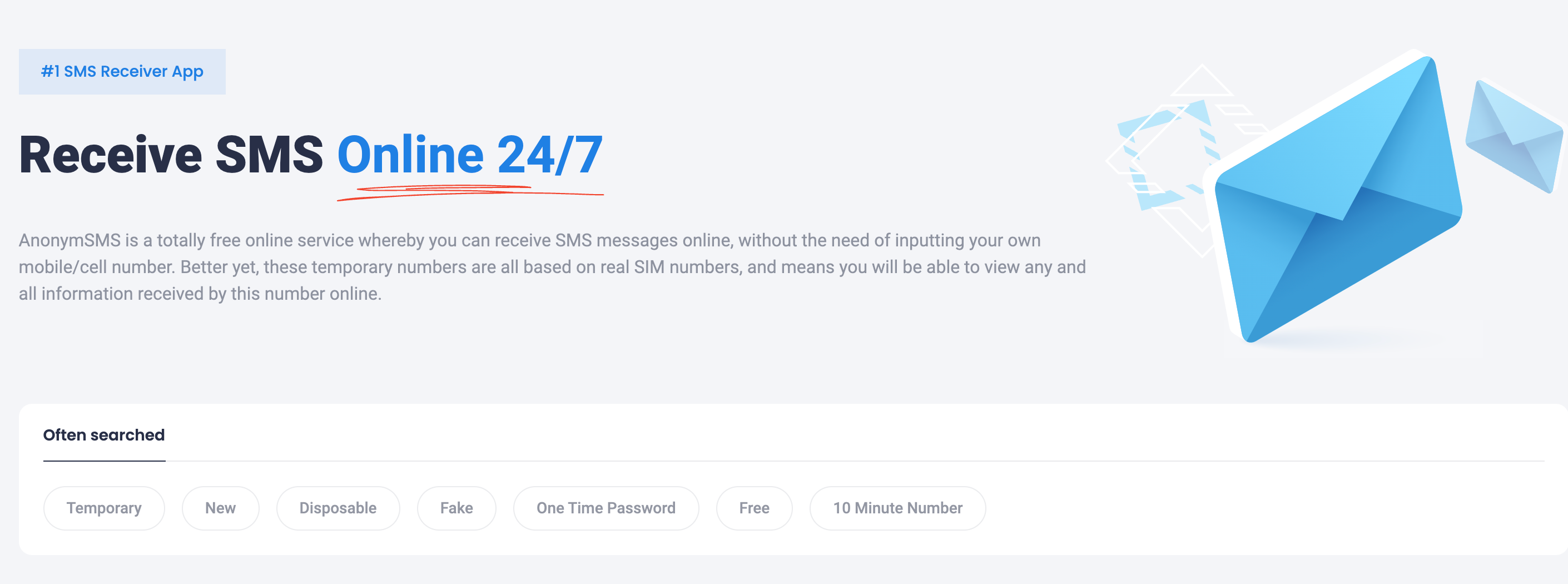
These public numbers are visible to everyone, so anyone can read the same inbox and the code. Use them only for throwaway accounts, never for an account holding chats, contacts, or anything private.
Hide Your Number on an Existing Account
If you already use Telegram with your real number, you do not need a new account to stay private. You can hide the number from other users and let people reach you by username instead.
Open Settings > Privacy and Security > Phone Number. Set Who can see my phone number to Nobody, then use the second option, Who can find me by my number, to control who can locate you by searching the number.
By default your number is only visible to people you have saved as contacts, so tightening these settings closes that gap. Note that people already saved in your contacts may still see your number even with Nobody selected.
Set a Username So People Skip Your Number
A username is the cleanest way to be reachable without sharing a number at all. Telegram's FAQ confirms that once you set one, people can message you through a t.me link without knowing your phone number.
Go to Settings, open your profile, and add a Username. Share the resulting t.me/username link instead of your number, and combine it with the privacy settings above for the strongest setup.
Keep in mind a public username makes you discoverable, so anyone with the link can send a first message. You can still manage who reaches you through the rest of Telegram's privacy controls.
Pick the Method That Fits Your Needs
For a permanent, private account that you intend to keep, the Fragment anonymous number is the most reliable choice because Telegram supports it directly. For a free long-term option in the US, Google Voice is the strongest pick.
Temporary and free SMS services are fine for a quick throwaway account but are a poor base for anything important, since you can lose the number and with it the ability to receive future login codes. Whichever route you choose, add an account password under Two-Step Verification so a lost number does not mean a lost account.
Frequently Asked Questions
Can I create a Telegram account with no phone number at all?
No. Telegram requires a working mobile number to send a verification code during signup. You can avoid using your personal number, but some number is always needed to register.
Is a Fragment anonymous number worth the cost?
If you want a permanent private account, yes. It is the only method Telegram officially supports, it never exposes a real SIM, and your login codes live on Fragment rather than arriving by SMS, which makes it stable for long-term use.
Are free temporary numbers safe to use?
Only for disposable accounts. Free public numbers are shared, so other people can see the same verification codes, and you usually cannot get the number back later to receive new login codes, which makes recovery very hard.
How do I keep people from seeing my number after signing up?
Open Settings > Privacy and Security > Phone Number and set Who can see my phone number to Nobody, then adjust Who can find me by my number. Add a username so contacts can still reach you.
Will hiding my number stop existing contacts from seeing it?
Not always. People who already have your number saved in their phone contacts may still see it even after you choose Nobody. The setting mainly blocks strangers from finding or viewing your number.
What happens if I lose access to my virtual number?
Because login codes go to that number, losing it makes signing back in difficult. Set up Two-Step Verification with a password, and if you are already locked out, follow our guide on recovering a Telegram account without a phone number.
First published October 12, 2025. Last updated June 4, 2026.