Wireless mechanical keyboards have finally caught up to their wired counterparts, offering low-latency connections and impressive battery life without sacrificing that satisfying typing feel. The Asus ROG Strix Scope II 96 Wireless stands out as our top pick, delivering premium features and exceptional battery life in a compact layout. This list is for anyone who wants to cut the cord without compromising on performance, whether you're gaming, coding, or just typing all day.
Product
Technobezz is supported by its audience. We may get a commission from retail offers.
Best Wireless Mechanical Keyboards for 2026
The Asus ROG Strix Scope II 96 Wireless leads our picks for the best wireless mechanical keyboards of 2026, balancing premium features and exceptional battery life.
T
Technobezz
Senior Editor
Updated April 20, 2026Apr 20, 2026
•7 min read

Get Deals Like These in Your Inbox
The best prices, reviewed weekly.
At a Glance
| Category | Product | Why We Picked It |
|---|---|---|
| Best overall | Asus ROG Strix Scope II 96 Wireless | Premium features with 1,500+ hour battery life |
| Best for gaming | Razer BlackWidow V3 Pro | Full-size performance with reliable wireless |
| Best for typing | Keychron Q1 Pro | Bouncy gasket-mount design for long sessions |
| Best low-profile | NuPhy Kick75 | Low-profile wireless with retro styling and gasket mount |
| Also recommended | Logitech G915 X TKL | A sleek low-profile pick with epic battery life |
| Also recommended | Razer DeathStalker V2 Pro | Fast optical switches in a slim design |
| Also recommended | SteelSeries Apex Pro TKL Wireless | Fully customizable with a handy OLED screen |
| Also recommended | Akko 3098B | A great productivity-focused layout with hot-swap switches |
How we chose and tested
We evaluated wireless mechanical keyboards based on multiple factors including connection reliability, battery life, typing experience, and build quality. Our assessment considers real-world usage scenarios from gaming to productivity work, prioritizing products that offer consistent wireless performance without noticeable latency. We looked at keyboards across different price points and layouts to find options suitable for various needs and preferences.
The best wireless mechanical keyboards right now
Asus ROG Strix Scope II 96 Wireless - Best overall
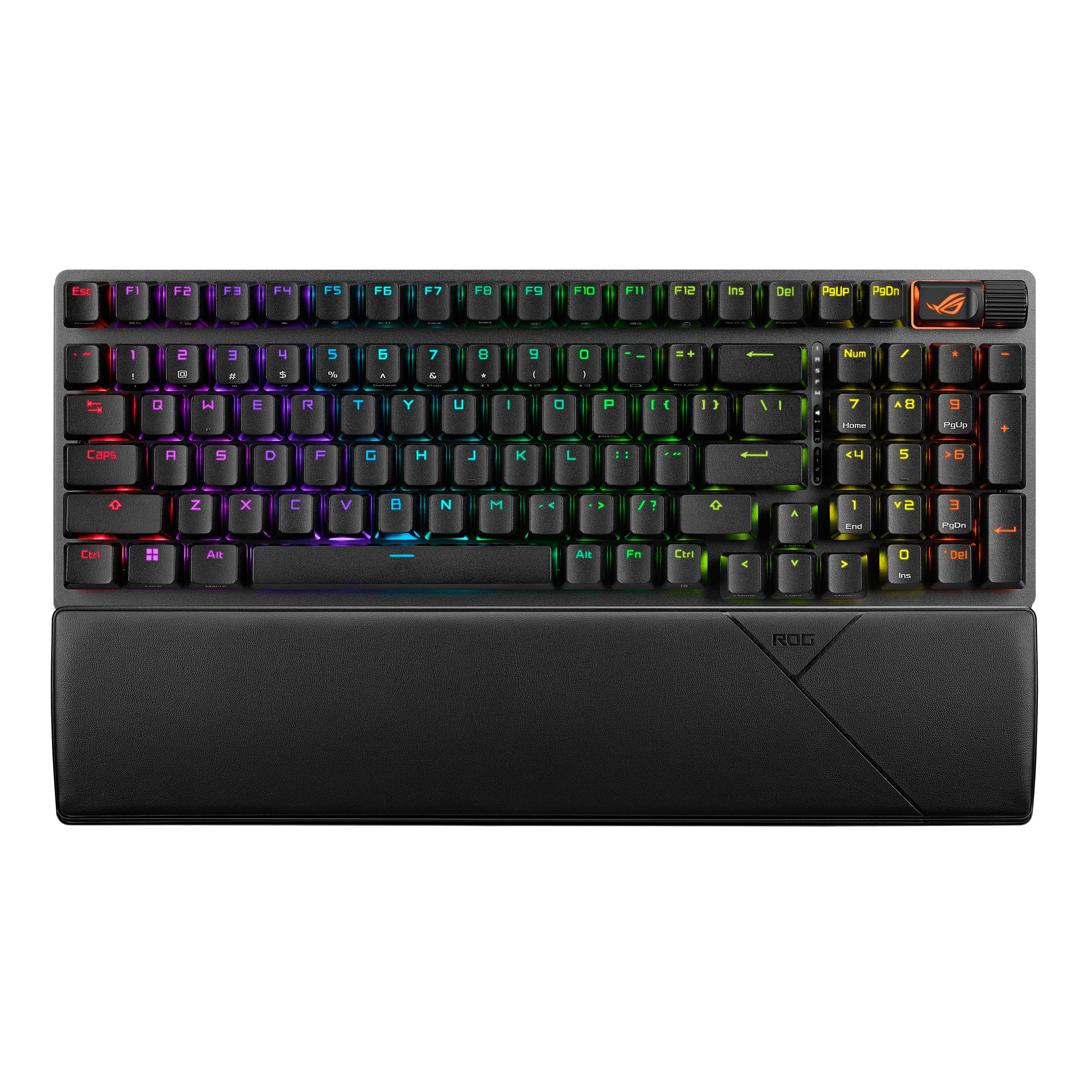
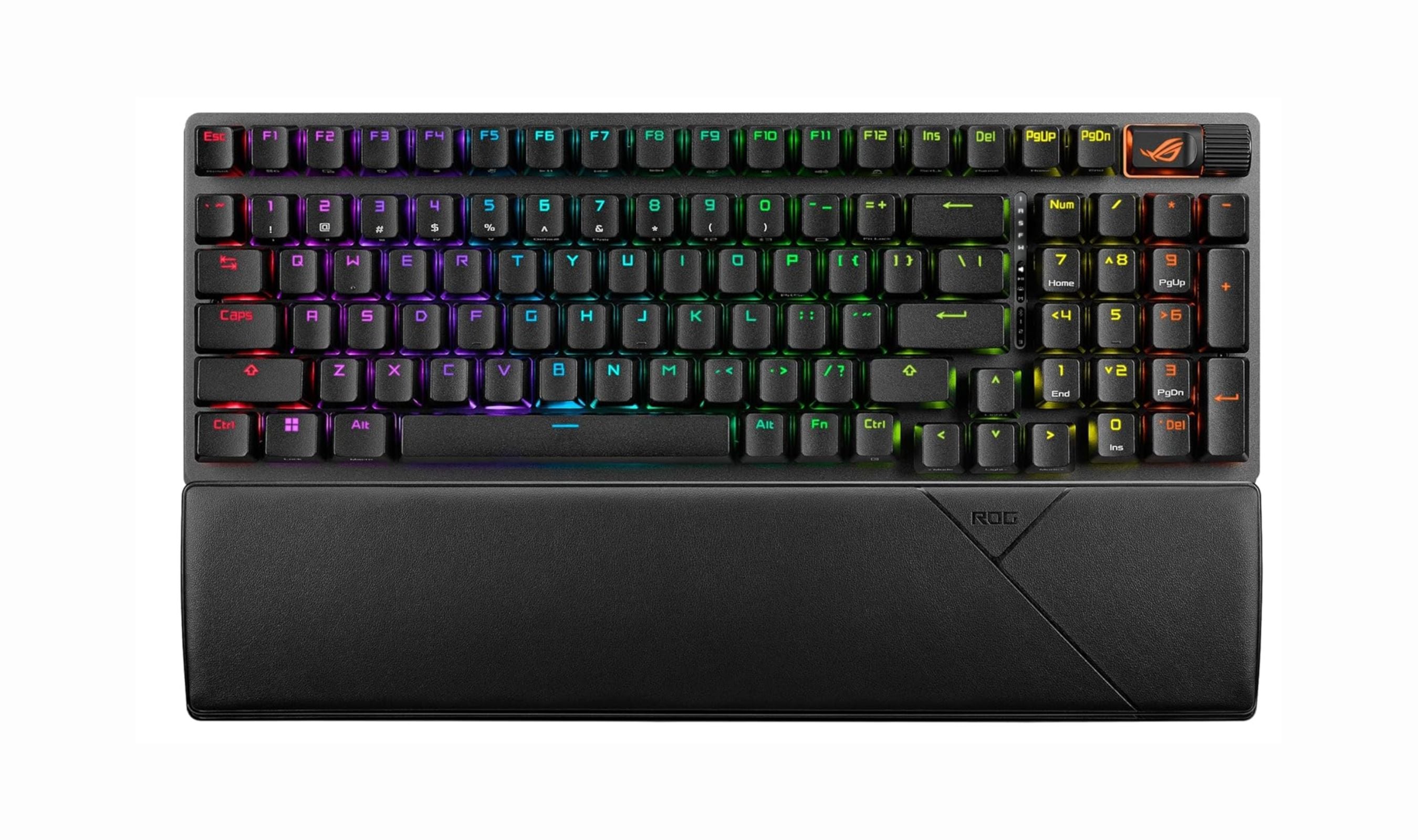
This keyboard delivers everything you could want in a wireless gaming keyboard with exceptional battery life and premium construction. It manages to be compact while keeping the number pad, making it versatile for both gaming and productivity work.
Key highlights
- Up to 1,500 hours of battery life over 2.4GHz wireless
- 96% layout saves desk space without sacrificing the number pad
- Hot-swappable PCB for easy switch customization
- Aluminum alloy top plate with double-shot PBT keycaps
- Multiple layers of sound-dampening foam for reduced case ping
Pros
- Exceptional battery life with lighting turned off
- Solid build quality with premium materials
- Compact design maintains useful keys
- Low-latency wireless connection performs well for gaming
Cons
- Battery life drops significantly with RGB lighting on
- Plastic chassis necessary for wireless connectivity
- Higher price point than some alternatives
Who it is for: Gamers and productivity users who want premium features, long battery life, and a compact layout that doesn't sacrifice the number pad.
Skip if
You need maximum battery life with RGB lighting always on, or prefer a full-size traditional layout.
Razer BlackWidow V3 Pro - Best for gaming
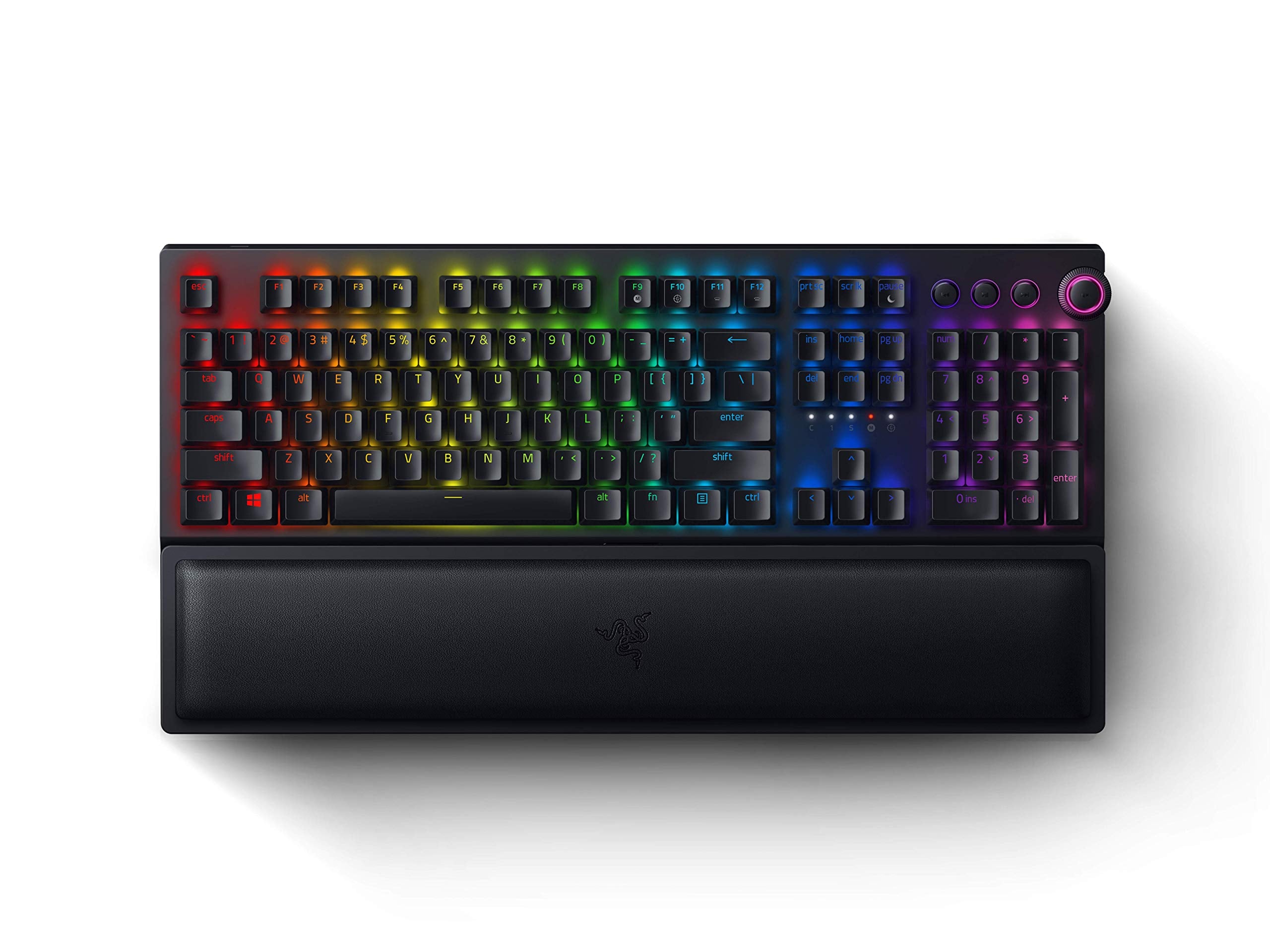
This full-size wireless keyboard delivers the complete gaming experience with premium features and reliable performance. It includes a comfortable wrist rest and maintains that satisfying mechanical feel gamers expect.
Key highlights
- Full-size layout with dedicated media controls
- Includes plush magnetic wrist rest for comfort
- Multiple connectivity options including 2.4GHz and Bluetooth
- Up to 200 hours of battery life without lighting
- Choice between clicky and linear switch options
Pros
- Premium build quality and materials
- Comfortable typing experience with included wrist rest
- Reliable wireless connection with low latency
- Good battery life for gaming sessions
Cons
- Can get finicky at very low battery levels
- No dedicated macro keys like some competitors
- Software required for full RGB customization
Who it is for: Gamers who want a full-size wireless mechanical keyboard with premium features and comfortable long-term use.
Skip if
You need maximum portability, prefer compact layouts, or want onboard macro keys.
Keychron Q1 Pro - Best for typing
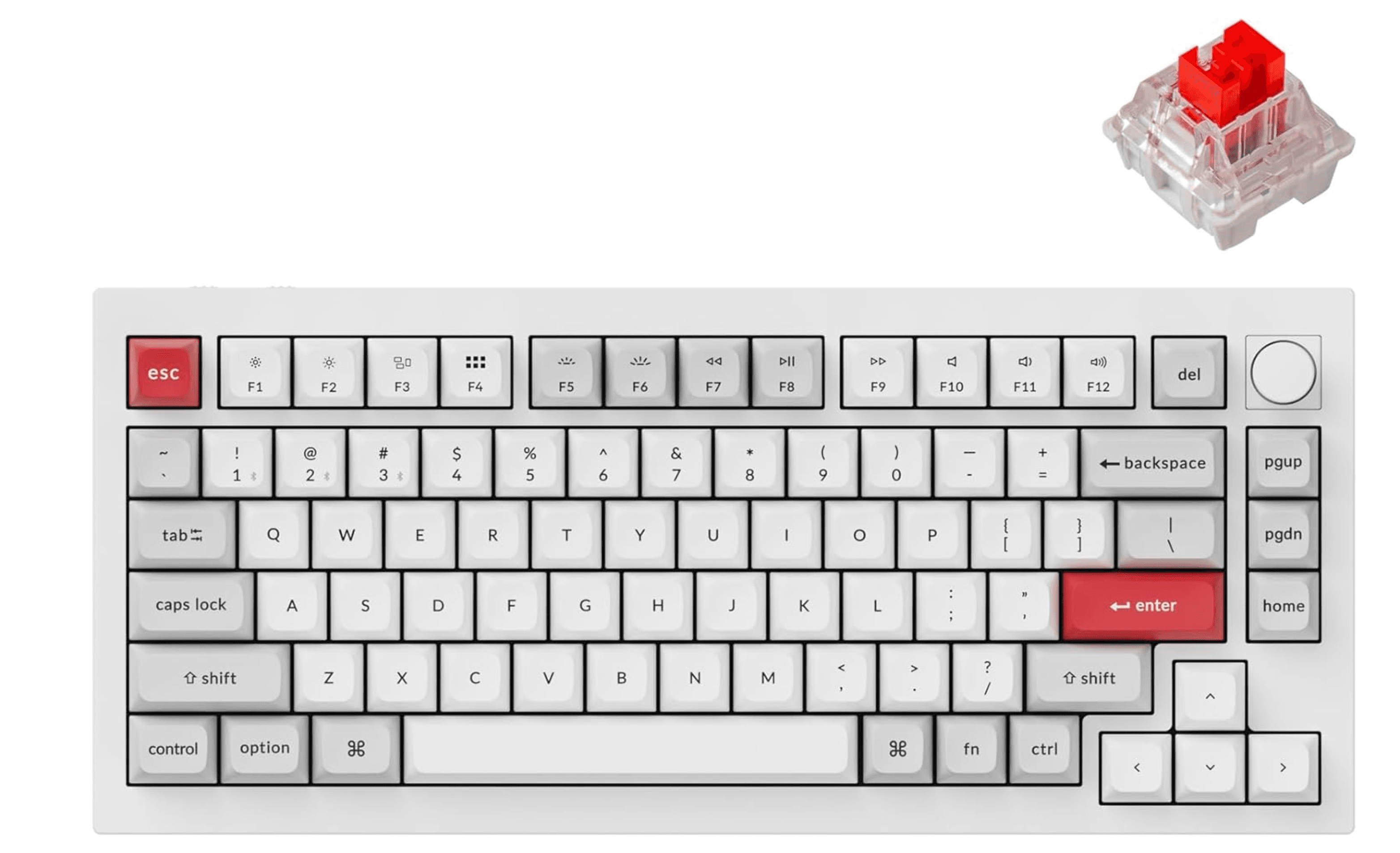
With its exceptionally soft gasket mount and flexible polycarbonate plate, this keyboard provides one of the most comfortable typing experiences available. It's designed specifically for those who spend hours typing every day.
Key highlights
- Soft gasket mount system for bouncy typing feel
- Flexible polycarbonate plate enhances comfort
- PBT keycaps for durability
- Wireless connectivity with good battery life
- Hot-swappable switches for customization
Pros
- Extremely comfortable for long typing sessions
- Premium build quality with attention to detail
- Customizable switch options
- Good wireless performance
Cons
- Higher price point than basic models
- Heavier than some portable options
- Learning curve with non-standard keycap profile
Who it is for: Writers, programmers, and anyone who types for hours daily and wants maximum comfort and typing satisfaction.
Skip if
You need maximum portability, prefer a stiffer typing feel, or are on a tight budget.
NuPhy Kick75 - Best low-profile
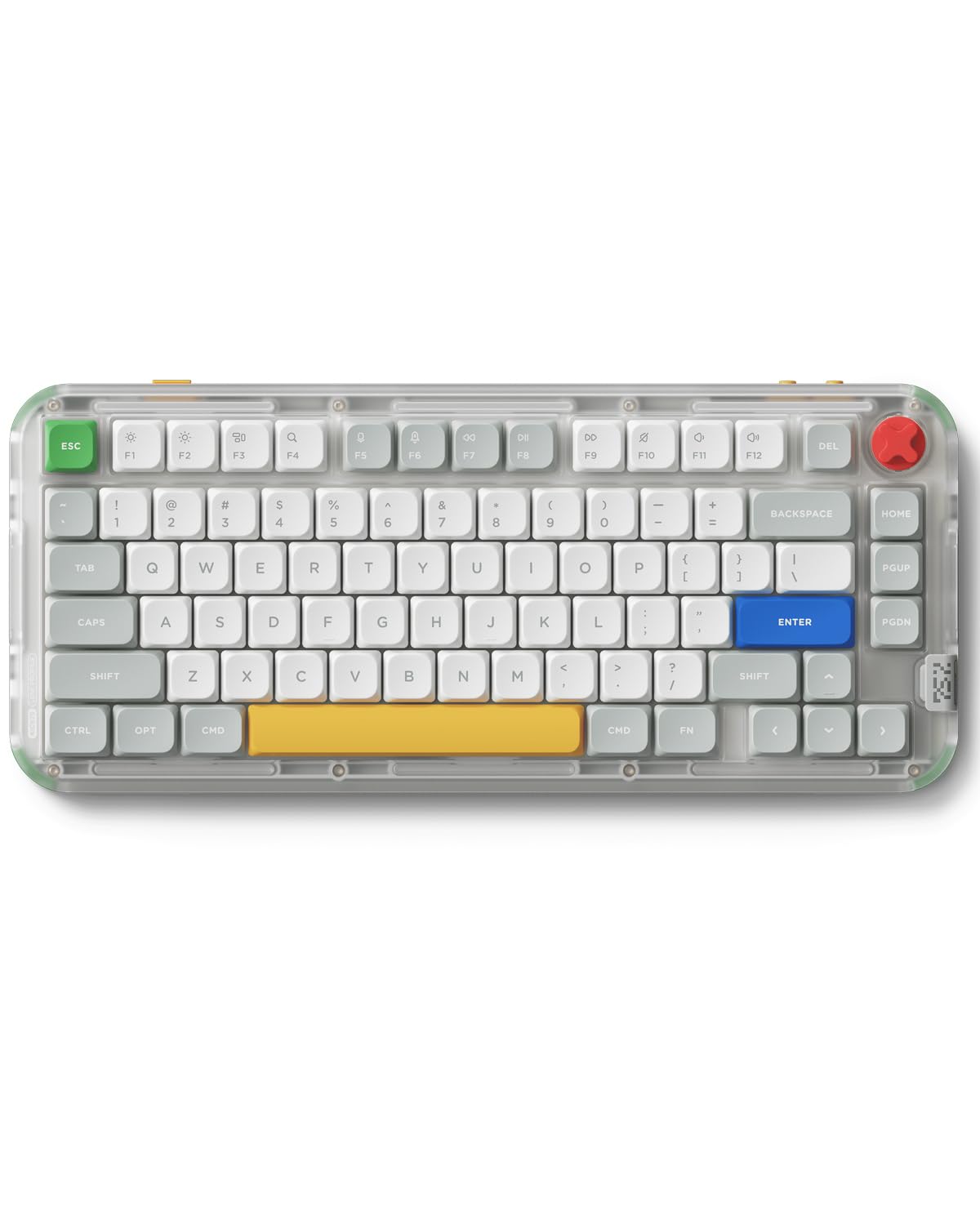
This keyboard offers an excellent low-profile typing experience at a surprisingly affordable price. It manages to feel substantial while maintaining a slim profile that's easy to type on.
Key highlights
- Low-profile design reduces finger travel
- Gasket-mounted PCB for comfortable typing
- 1,000Hz polling rate suitable for gaming
- Retro Nintendo-inspired design aesthetic
Pros
- Excellent value for a low-profile mechanical
- Good build quality for the price
- Comfortable typing experience
- Attractive retro design
Cons
- Sound profile not as refined as higher-end boards
- Limited switch options compared to some brands
- Software customization less extensive than competitors
Who it is for: Users who prefer low-profile keyboards, those with limited desk space, or anyone wanting a mechanical keyboard that's easy to transport.
Skip if
You prefer traditional high-profile keyboards, need extensive software customization, or want the absolute quietest typing experience.
Also Good
- Logitech G915 X TKL - a sleek low-profile pick with epic battery life.
- Razer DeathStalker V2 Pro - fast optical switches in a slim design.
- SteelSeries Apex Pro TKL Wireless - fully customizable with a handy OLED screen.
- Akko 3098B - a great productivity-focused layout with hot-swap switches.
How to Choose
Consider these factors when selecting your wireless mechanical keyboard:
Connection type matters: 2.4GHz wireless dongles offer lower latency (around 1ms) and are better for gaming, while Bluetooth provides broader device compatibility for phones and tablets. Some keyboards offer both options.
Battery life varies widely: Look for keyboards with good battery life estimates, especially if you plan to use RGB lighting. Some premium models offer 1,000+ hours without lighting, while budget options might need more frequent charging.
Switch type affects experience: Linear switches (like reds) feel smooth and are popular for gaming, tactile switches (like browns) have a noticeable bump, and clicky switches (like blues) provide audible feedback. Try different types if possible.
Layout impacts functionality: Full-size keyboards include number pads, TKL (tenkeyless) models remove the number pad to save space, and compact layouts (75%, 65%, 60%) remove additional keys for maximum portability.
Build quality differences: Higher-end keyboards use aluminum cases and PBT keycaps that resist wear, while budget options typically use plastic construction and ABS keycaps that may develop shine over time.
FAQ
Are wireless mechanical keyboards good for gaming?
Yes, modern wireless mechanical keyboards using 2.4GHz connections have latency comparable to wired keyboards, typically around 1ms. This makes them suitable for all but the most competitive professional gaming.
How long do wireless mechanical keyboards last on battery?
Battery life varies significantly. Without RGB lighting, premium models can last 1,000-1,500 hours, while with lighting enabled, this drops to 30-100 hours. Budget options typically offer 50-200 hours depending on usage.
Can I use wireless mechanical keyboards with multiple devices?
Many wireless mechanical keyboards support connecting to multiple devices via Bluetooth, with some supporting up to 3-5 device pairings. Switching between devices is usually quick and easy with dedicated buttons.
Are low-profile mechanical keyboards worth it?
Low-profile mechanical keyboards offer a typing experience closer to laptop keyboards while maintaining mechanical switch benefits. They're excellent for portability and users who prefer less finger travel, though some enthusiasts prefer traditional high-profile switches.
What's the difference between hot-swappable and soldered switches?
Hot-swappable keyboards allow you to change switches without soldering, making customization easy. Soldered switches are permanent unless you have soldering skills. Hot-swap is preferable if you want to experiment with different switch types.
Share this article
More in News
Best Gaming Keyboards for 2026
The best gaming keyboards for 2026, from the Corsair Vanguard Pro 96 magnetic flagship to budget, wireless, TKL and 60% competitive picks tested for speed and feel.
5 min read
Best Low Profile Mechanical Keyboards in 2026
The Logitech G515 TKL Lightspeed tops our list of the best low profile mechanical keyboards in 2026, offering speed, build quality, and wireless performance in a slim 22mm chassis.
3 min read
Best 60 Percent Keyboards of 2026
The Wooting 60HE v2 tops our list of the 8 best 60 percent keyboards of 2026, with rapid trigger and software unmatched for gamers and typists.
4 min read
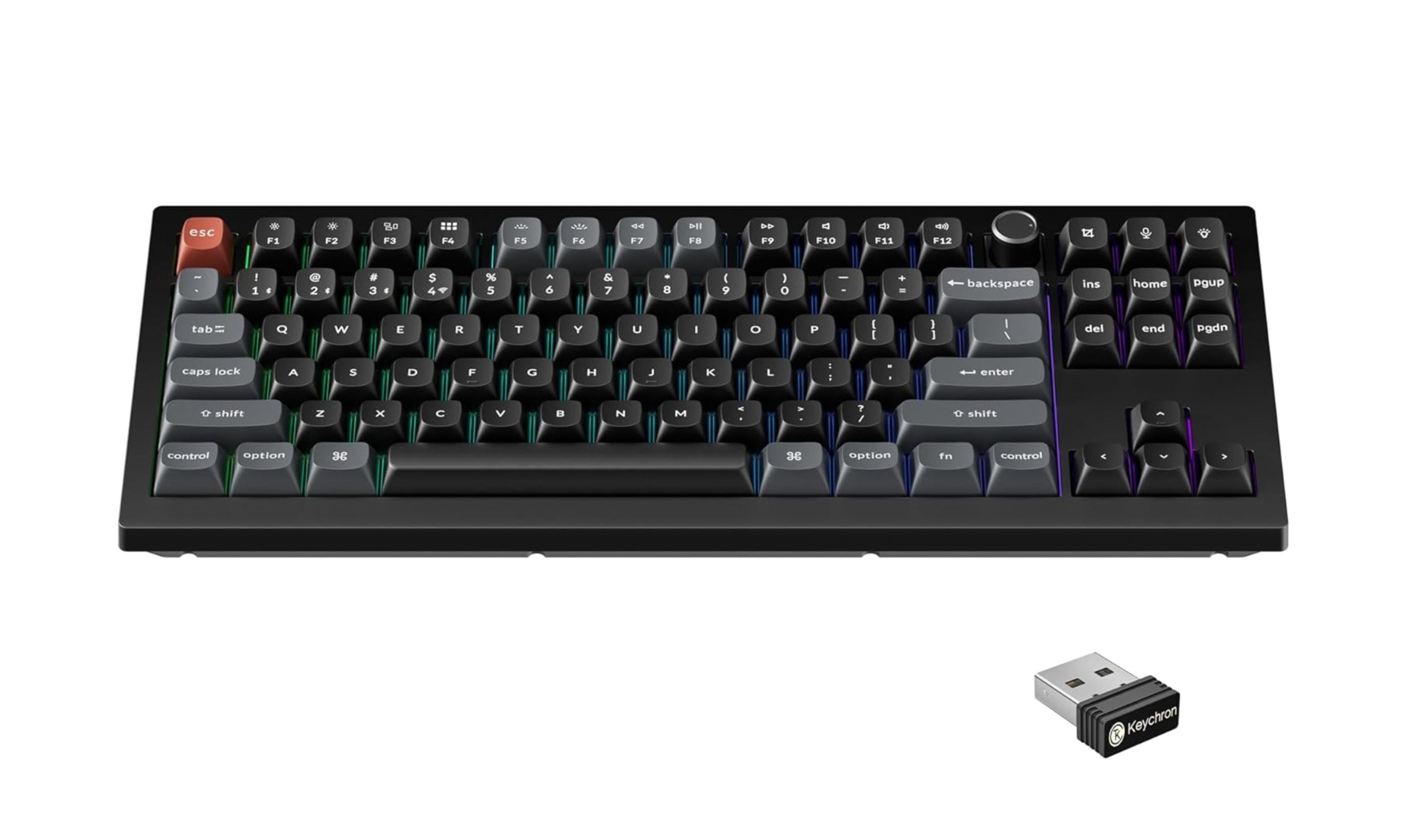
7 Best Tenkeyless Mechanical Keyboards for 2026
The best tenkeyless mechanical keyboards for 2026, from the Keychron V3 Ultra TKL (~$115) to the Wooting 80HE for gaming and the Keychron C3 Pro 8K under $60.
4 min read
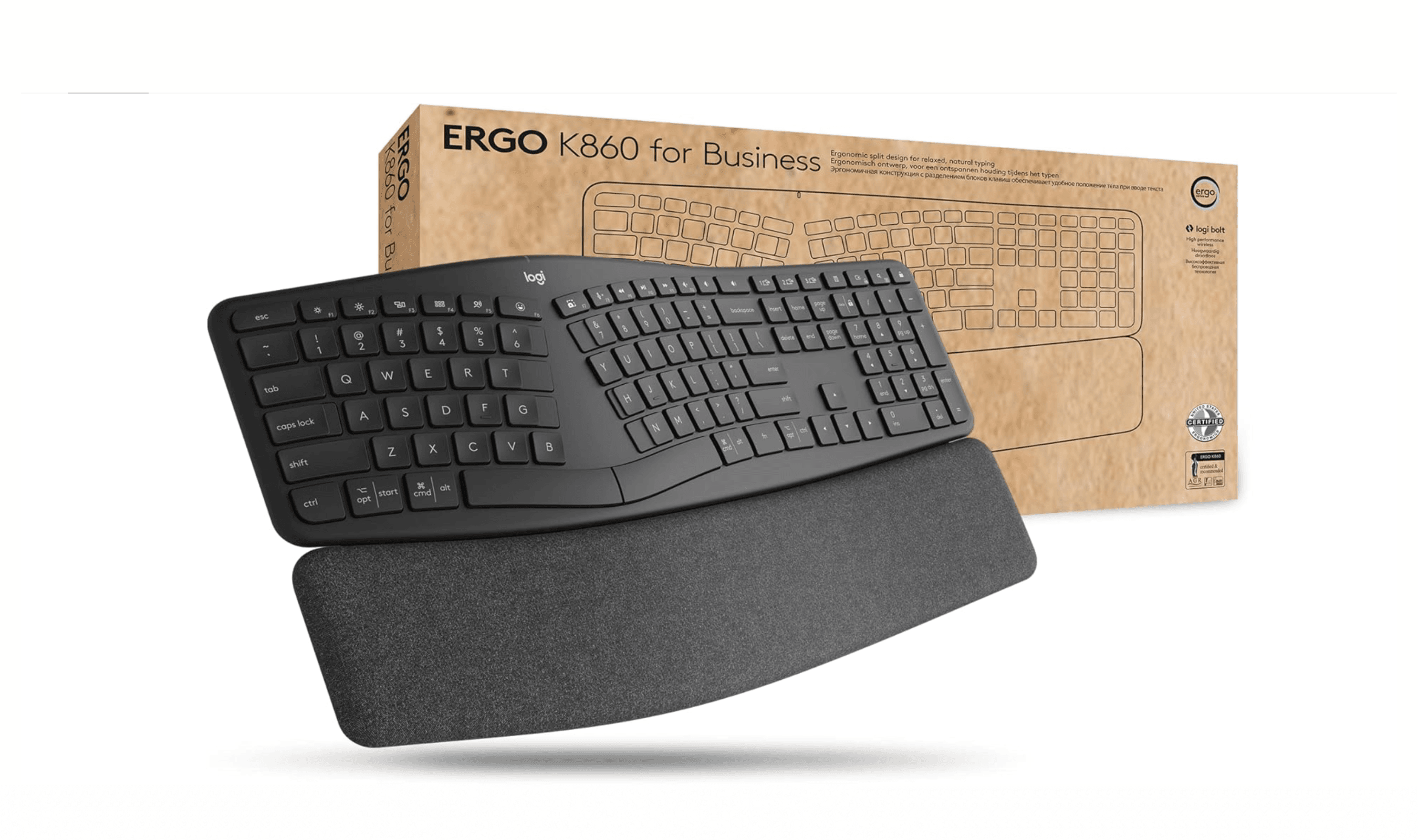
Best Ergonomic Keyboards for 2026
5 min read
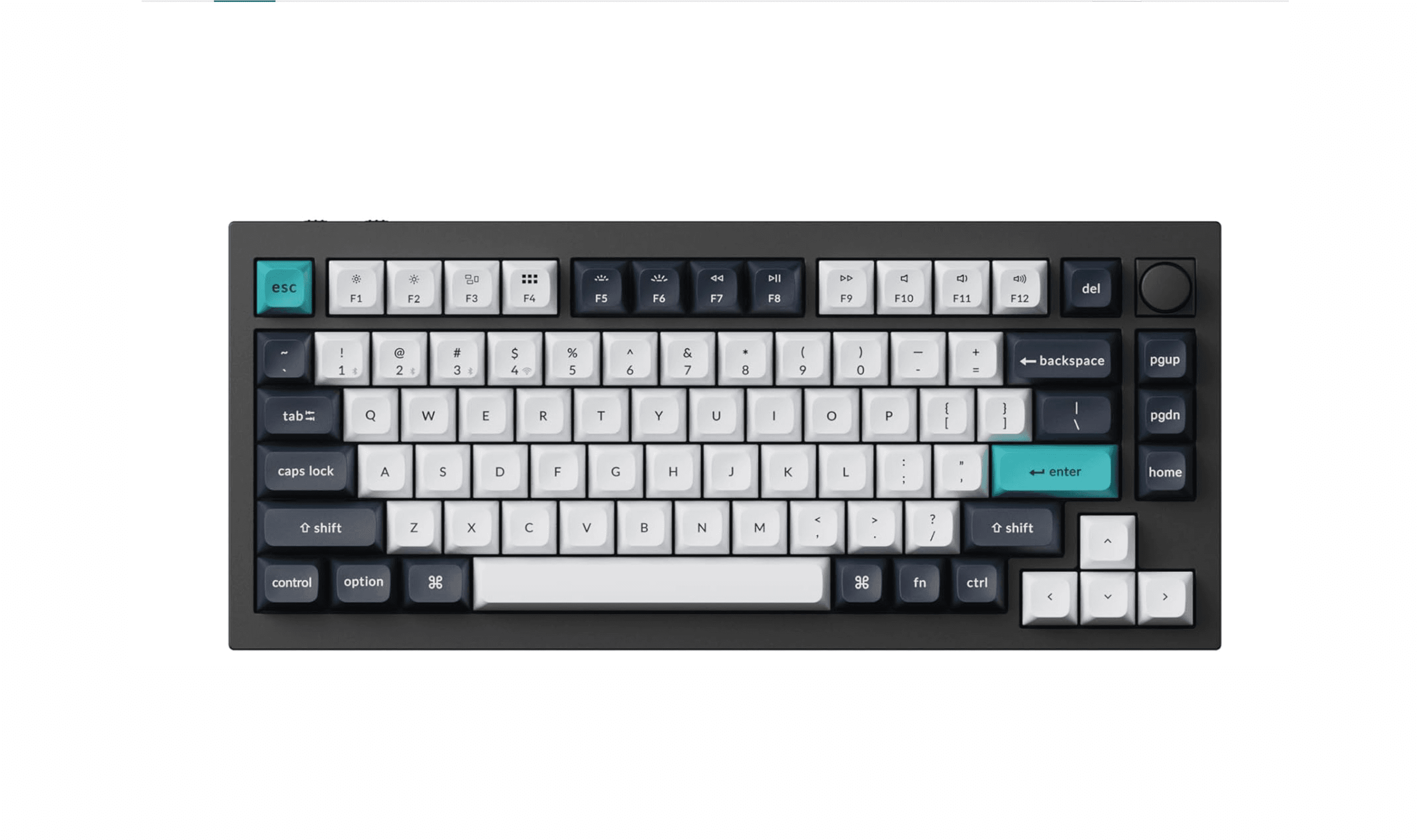
10 Best Mechanical Keyboards to Buy in 2026
3 min read
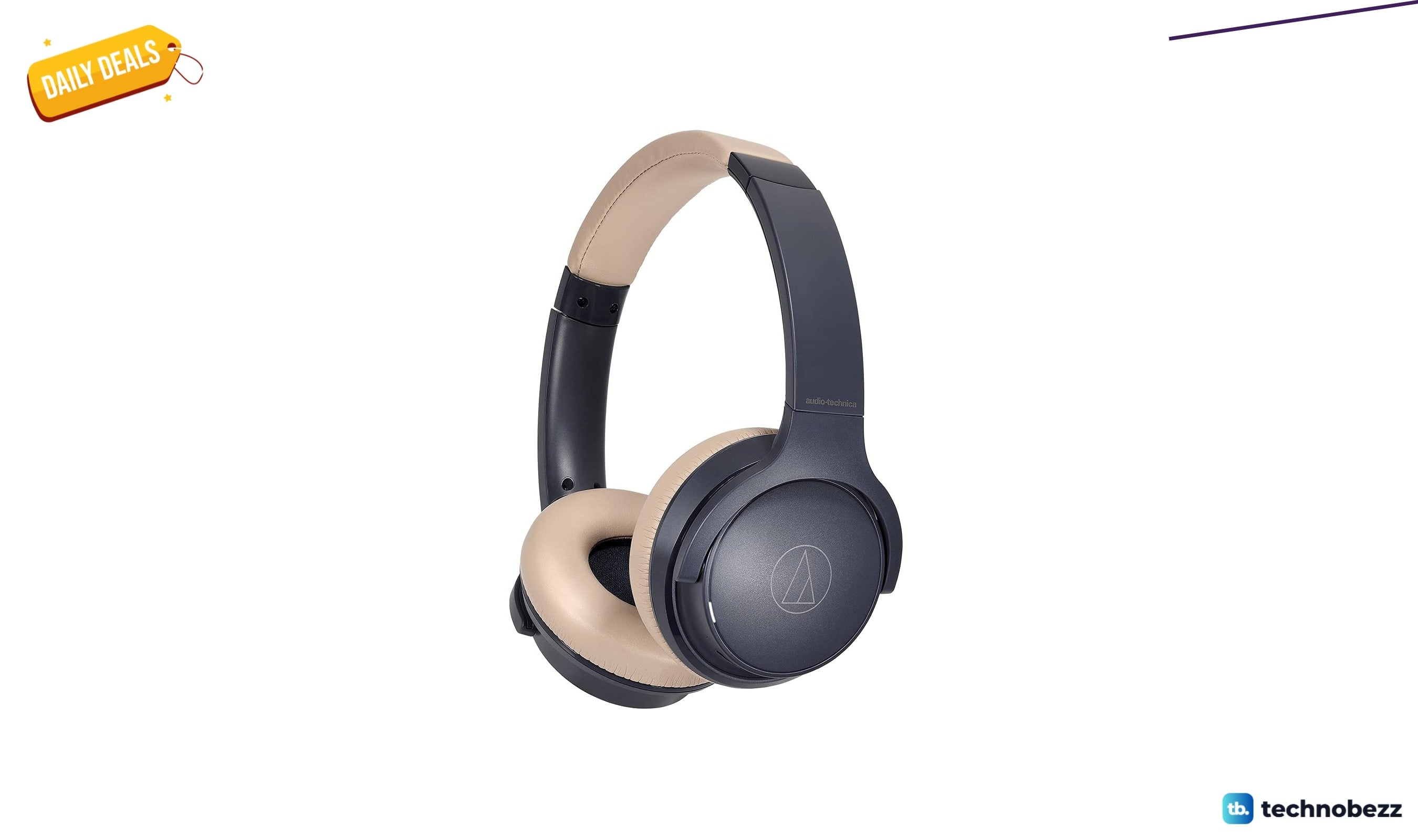
4 headphone deals worth grabbing today, from $49
4 min read
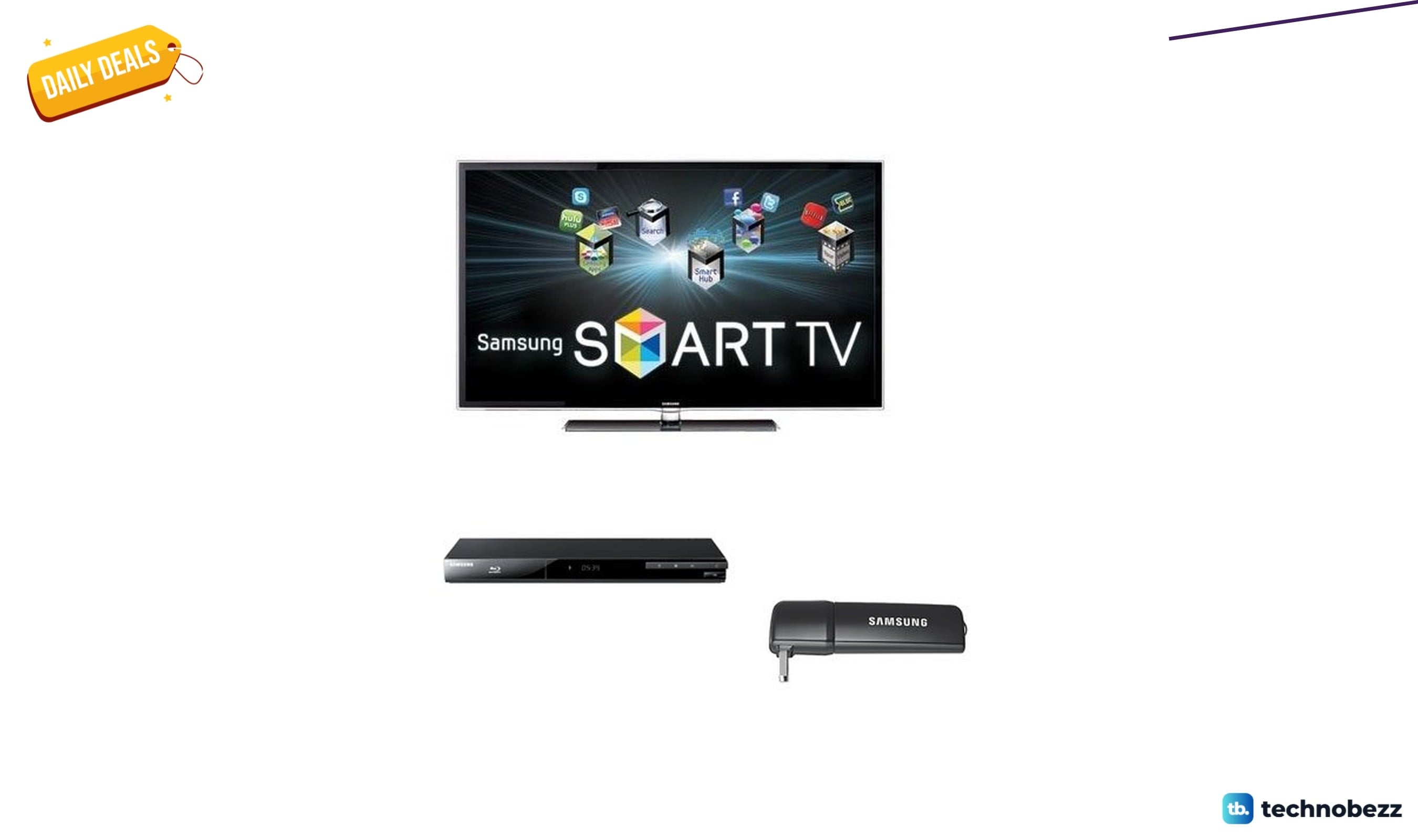
Samsung UN55D6000BDL 1080p LCD TV falls to $1645.62
3 min read
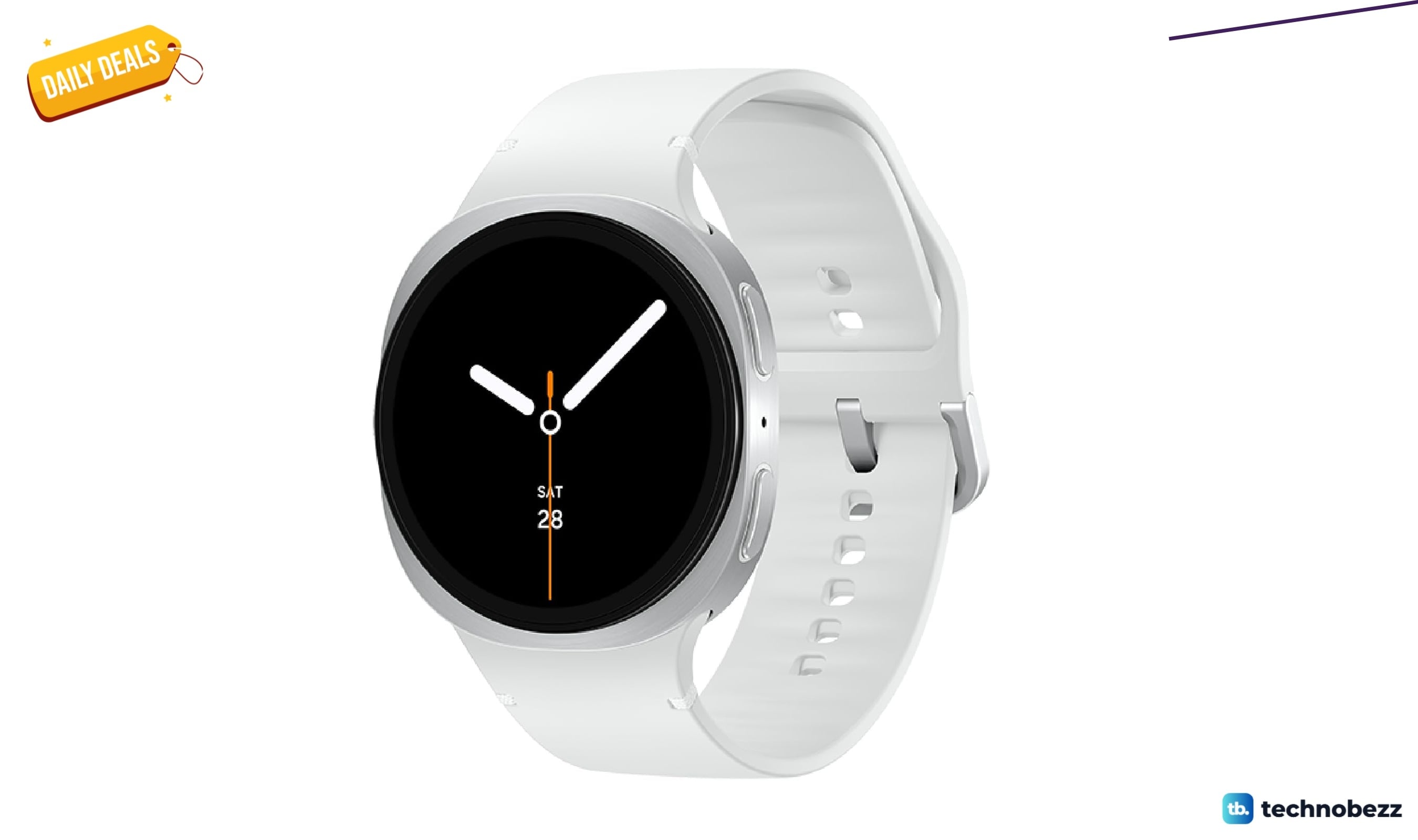
Samsung Galaxy Watch 8 Silver 44mm drops to $329.99 on Amazon
5 min read
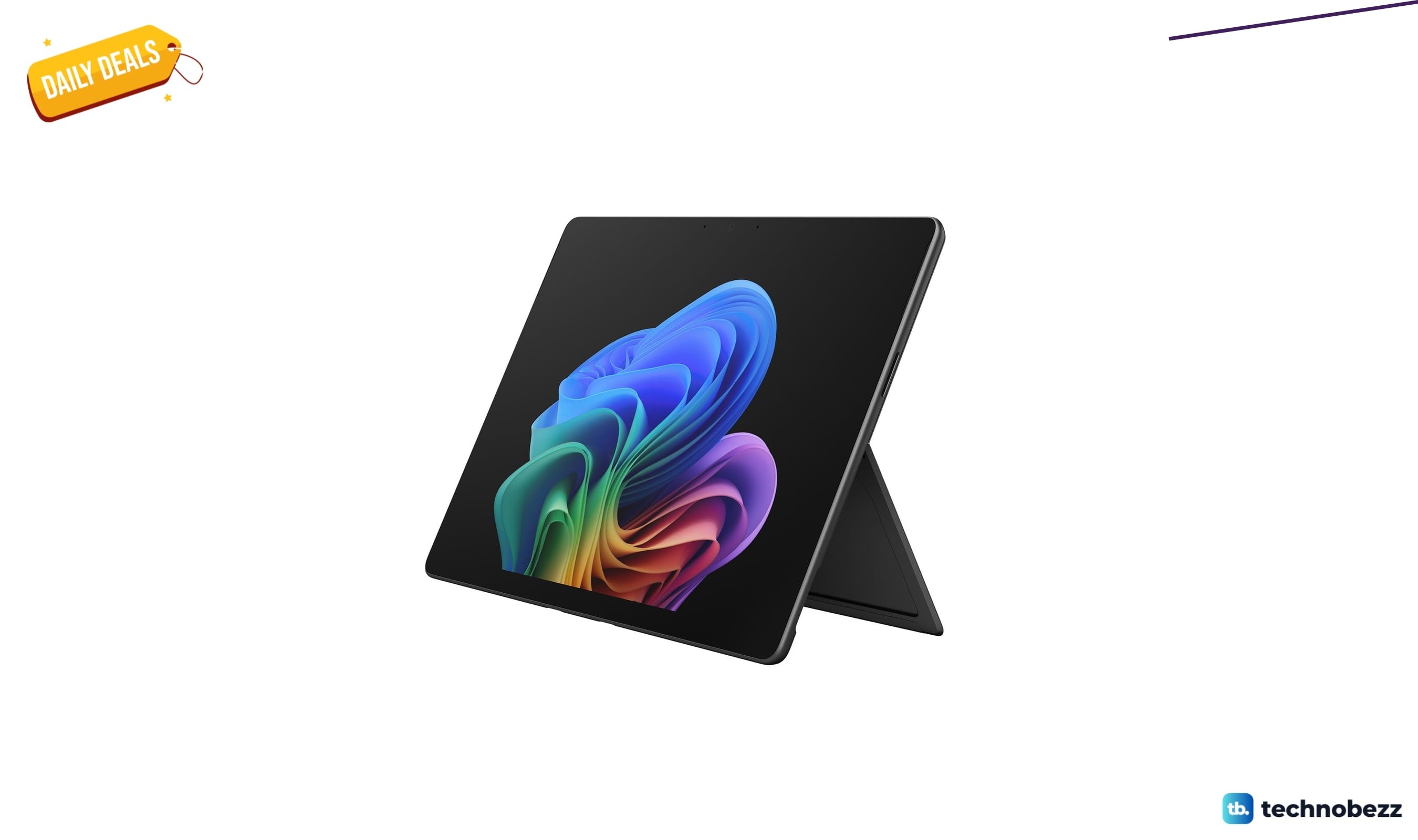
Microsoft Surface Pro 2-in-1 Laptop with Qualcomm drops to $1649 on Amazon
4 min read
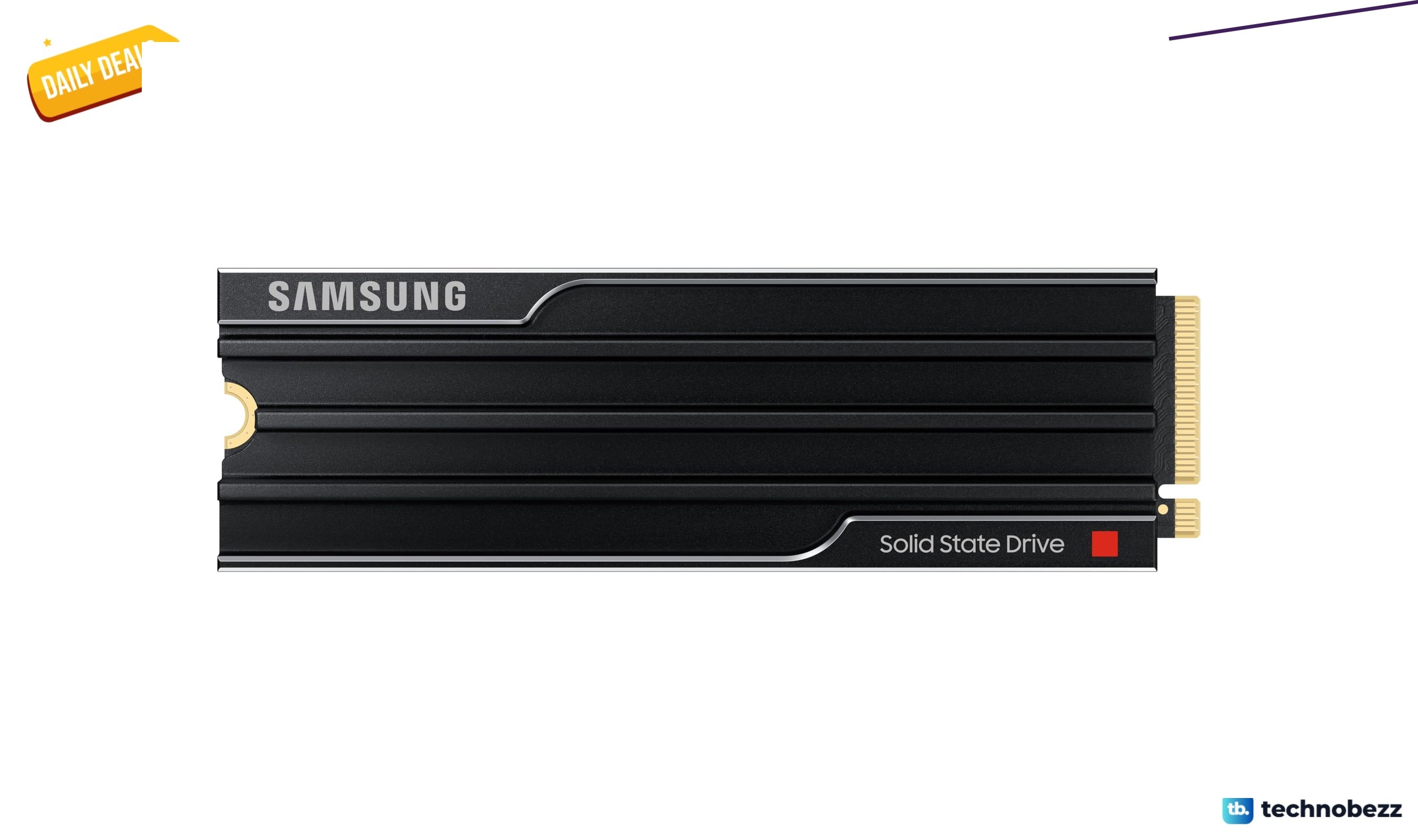
Samsung SSD 9100 PRO w/Heatsink drops to $962.75 on Amazon
3 min read
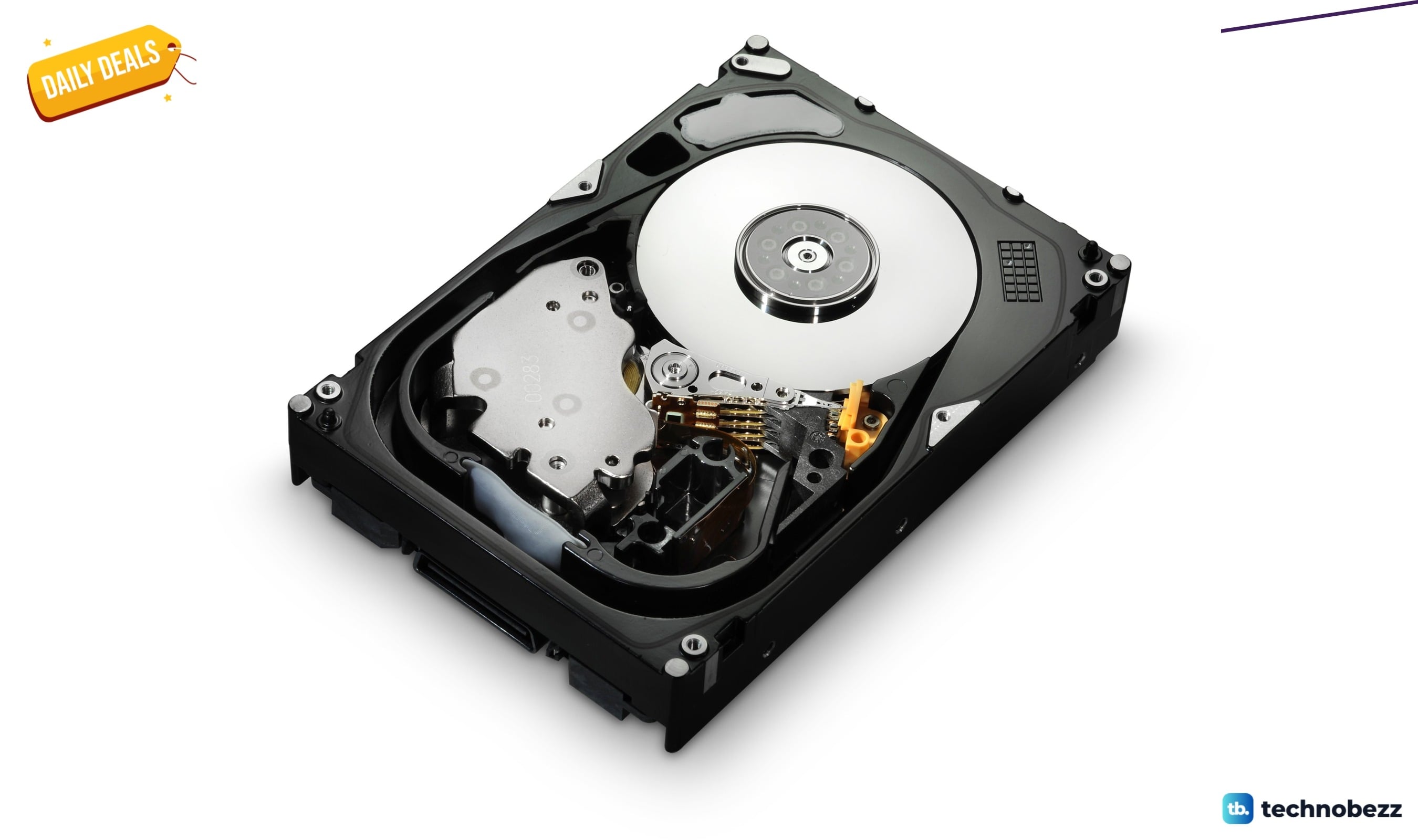
HGST Ultrastar 15000RPM SAS 64 MB Cache discounted to $360.48
5 min read