If you spend hours typing each day, an ergonomic keyboard can make a real difference in comfort and long-term health. The Logitech Ergo K860 stands out as the best overall choice for most people, offering a smart balance of comfort features without overwhelming complexity. This list helps you find the right keyboard whether you want basic wrist support, advanced split designs, or mechanical key feel.
Technobezz is supported by its audience. We may get a commission from retail offers.
5 Best Ergonomic Keyboards for 2026
Logitech Ergo K860 leads our picks for the best ergonomic keyboards. See top models for comfort, value, and mechanical feel in 2026.
T
Technobezz
Editorial Team
Updated September 30, 2026Sep 30, 2026
•9 min read

Get Deals Like These in Your Inbox
The best prices, straight to your inbox.
On GoogleFollow Technobezz: add us as a preferred source.

At a Glance
| Category | Product | Why We Picked It |
|---|---|---|
| Best overall | Logitech Ergo K860 | Excellent split design with integrated wrist rest |
| Best value | HP 960 Ergonomic Wireless Keyboard | Wireless split layout with a separate keypad and 20 programmable keys |
| Best budget option | Logitech Wave Keys | Wave-shaped design under $100 |
| Best customizable | Keychron Q11 Ultra 8K | Wireless split halves, hot-swappable switches, and programmable controls |
| Best for advanced users | Kinesis Freestyle2 | Fully split design with adjustable tenting |
How we chose
We evaluated keyboards based on ergonomic design features like split layouts, wrist support, and adjustability. Comfort during extended typing sessions was the primary consideration, along with build quality and practical features for daily use. We looked at how quickly users adapt to different layouts and considered both entry-level and premium options.
The best ergonomic keyboards right now
Logitech Ergo K860 - Best overall
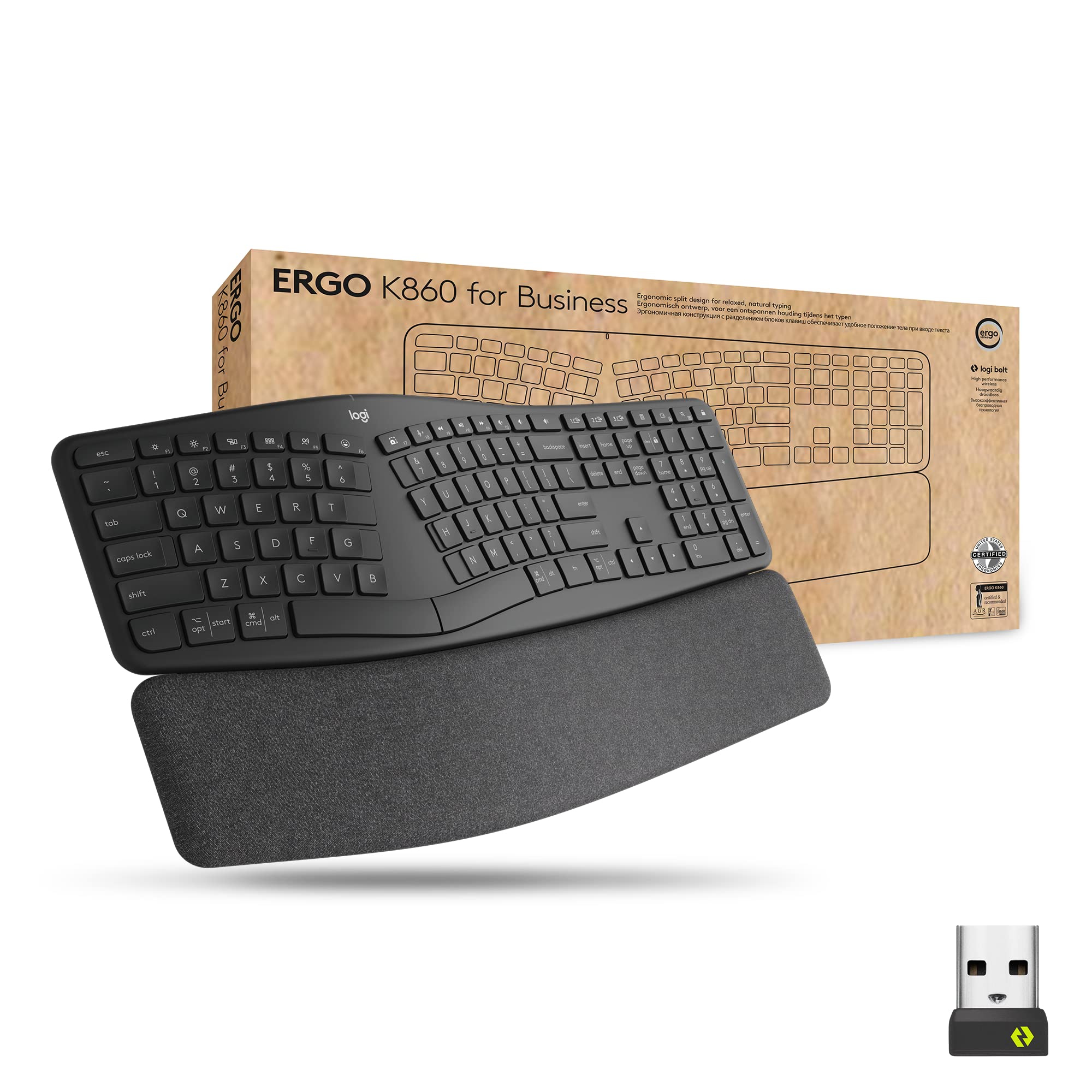
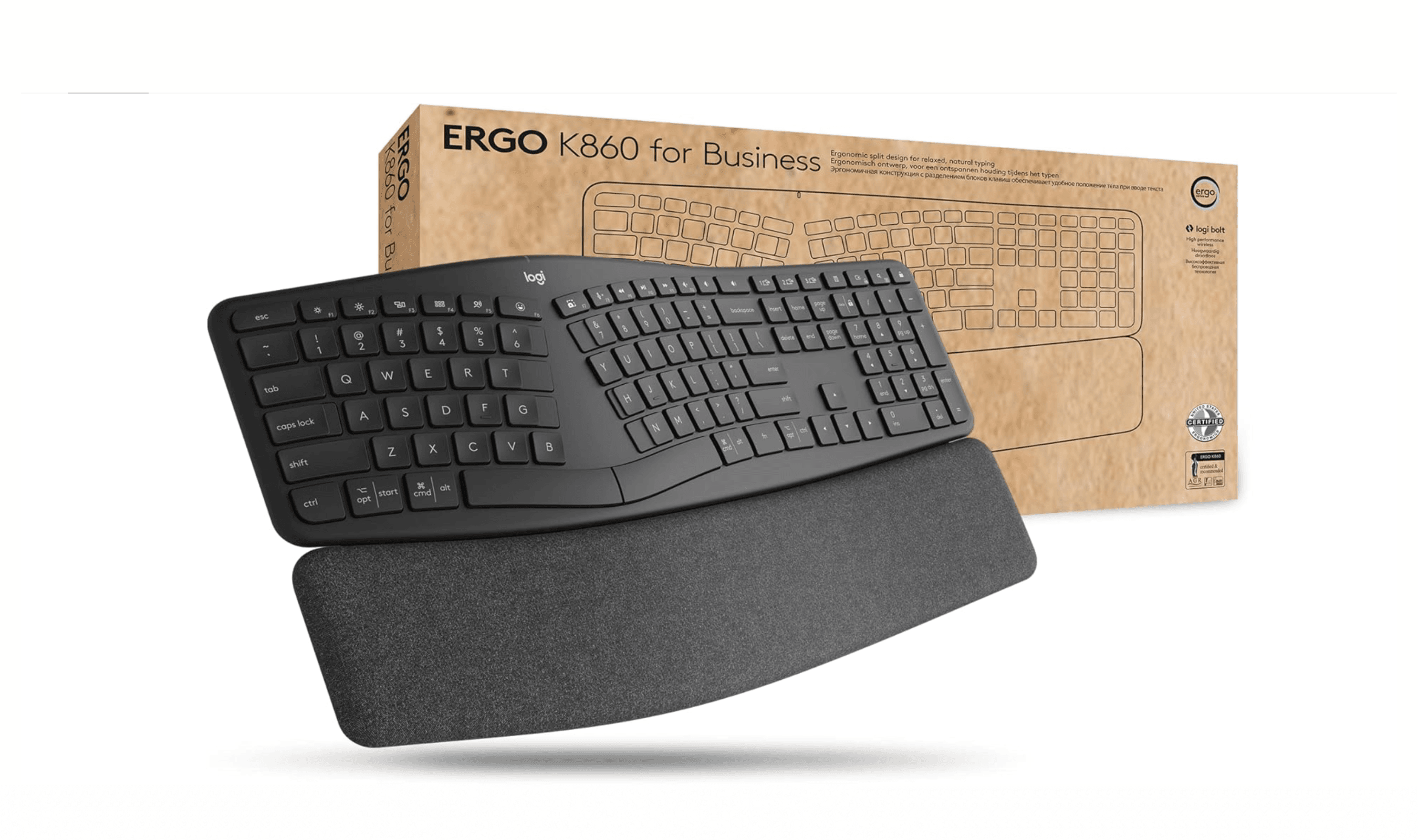
This wireless split keyboard delivers exceptional comfort with its curved design and integrated memory foam wrist rest. It reduces wrist bending by 25% compared to standard keyboards while providing 54% more wrist support.
Key highlights
- Split layout with wave-shaped curve for natural hand positioning
- Integrated memory foam wrist rest that follows keyboard contours
- Wireless connectivity with multi-device pairing capability
- Compatible with Windows, macOS, Chrome OS, and Linux
- Certified by United States Ergonomics for improved posture
Pros
- Noticeably reduces wrist strain during long typing sessions
- Memory foam wrist rest provides excellent support
- Reliable wireless connection with good battery life
- Easy transition from traditional keyboards
Cons
- Higher price point than basic ergonomic options
- Non-removable wrist rest limits flexibility
- Takes up more desk space than compact keyboards
Who it is for: Office workers, writers, and anyone who types for hours daily and wants proven comfort without a steep learning curve.
Skip if
You need a compact keyboard, want mechanical switches, or prefer a fully split design with adjustable tenting.
HP 960 Ergonomic Wireless Keyboard - Best value
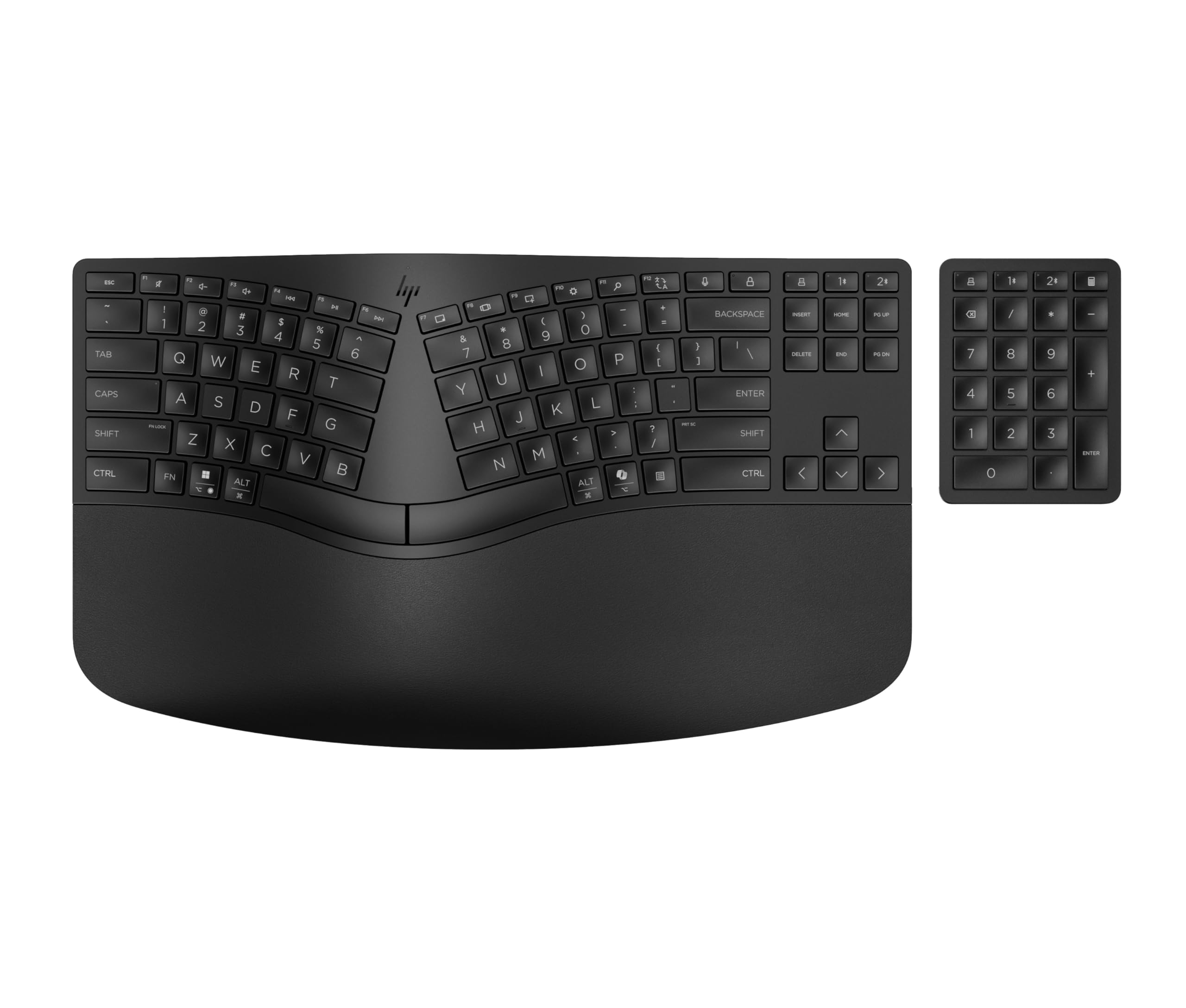
This wireless keyboard combines a split-zone layout and high-density foam wrist rest with a separate numeric keypad. Bluetooth and the included HP Unifying Dongle let you connect up to three devices.
Key highlights
- Split-zone keyframe with negative tilt
- High-density foam wrist rest
- Separate wireless numeric keypad
- Bluetooth or HP Unifying Dongle connectivity for up to three devices
- 20 programmable keys through HP Accessory Center
Pros
- Significant comfort improvement over standard keyboards
- Separate keypad can be positioned to suit your desk
- Familiar layout makes for easy adaptation
- Durable construction for daily office use
Cons
- Keyboard halves cannot be separated
- Keyboard and keypad use separate replaceable batteries
- Key programming requires HP Accessory Center for Windows
Who it is for: Office users who want a wireless split layout, programmable shortcuts, and a separate number pad.
Skip if
You want mechanical switches or independently movable keyboard halves.
Logitech Wave Keys - Best budget option
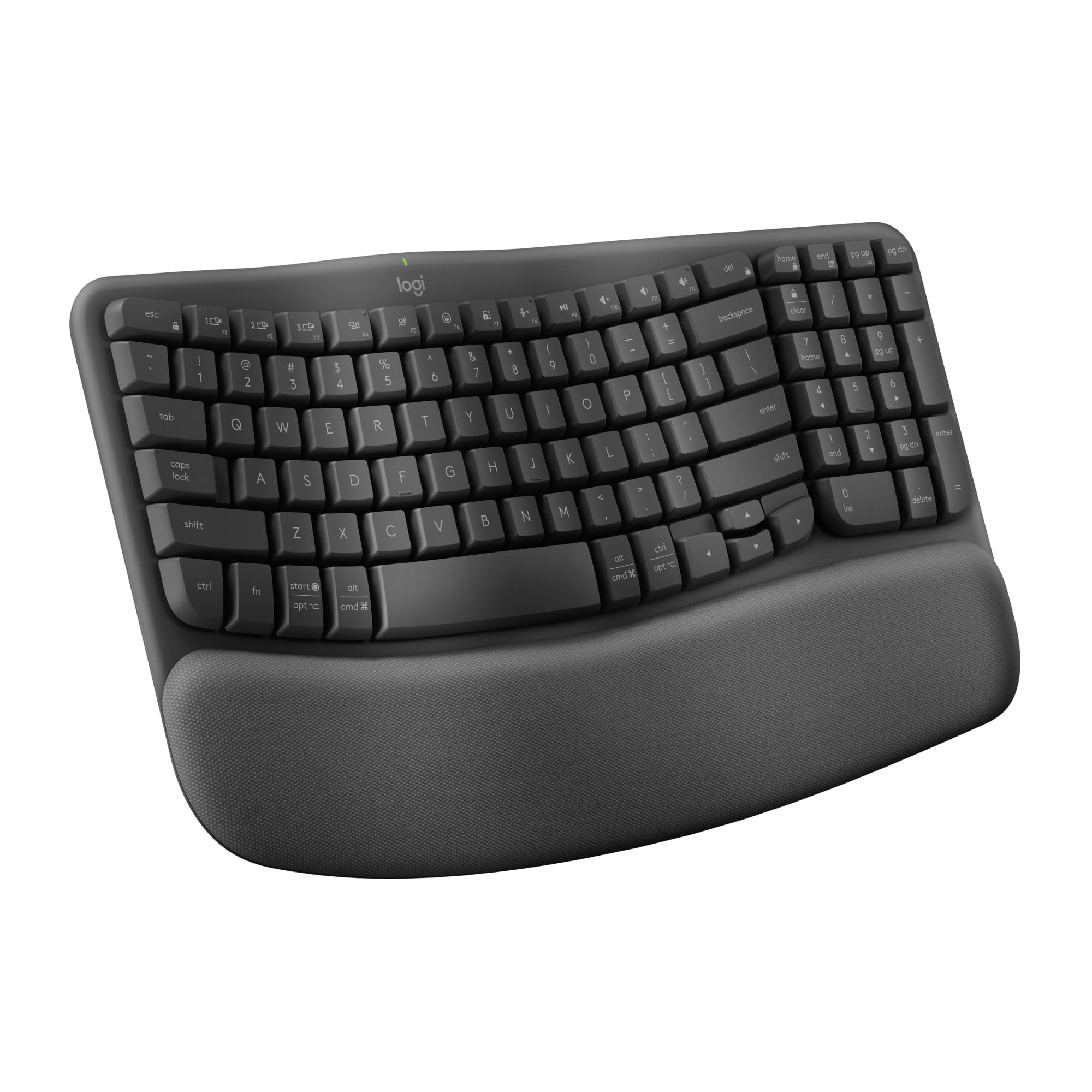
This wave-shaped keyboard provides gentle ergonomic benefits at an accessible price point. Its continuous curve design offers a middle ground between traditional and fully split keyboards.
Key highlights
- Wave-shaped key layout with gentle curve
- Integrated memory foam wrist rest
- Wireless connectivity via Bluetooth or USB receiver
- Multi-device pairing for switching between computers
- Quiet, low-profile keys for office environments
Pros
- More affordable than fully split designs
- Gentle learning curve from traditional keyboards
- Good wireless performance with easy switching
- Memory foam provides decent wrist support
Cons
- Less dramatic ergonomic benefit than split designs
- Fixed curve can't adjust to individual preferences
- Not as effective for severe wrist issues
- Plastic construction feels less premium
Who it is for: Users who want basic ergonomic comfort without the cost or learning curve of split keyboards, or those working in shared office spaces.
Skip if
You have existing wrist pain requiring more aggressive ergonomic intervention or want fully adjustable split halves.
Kinesis Freestyle2 - Best for advanced users
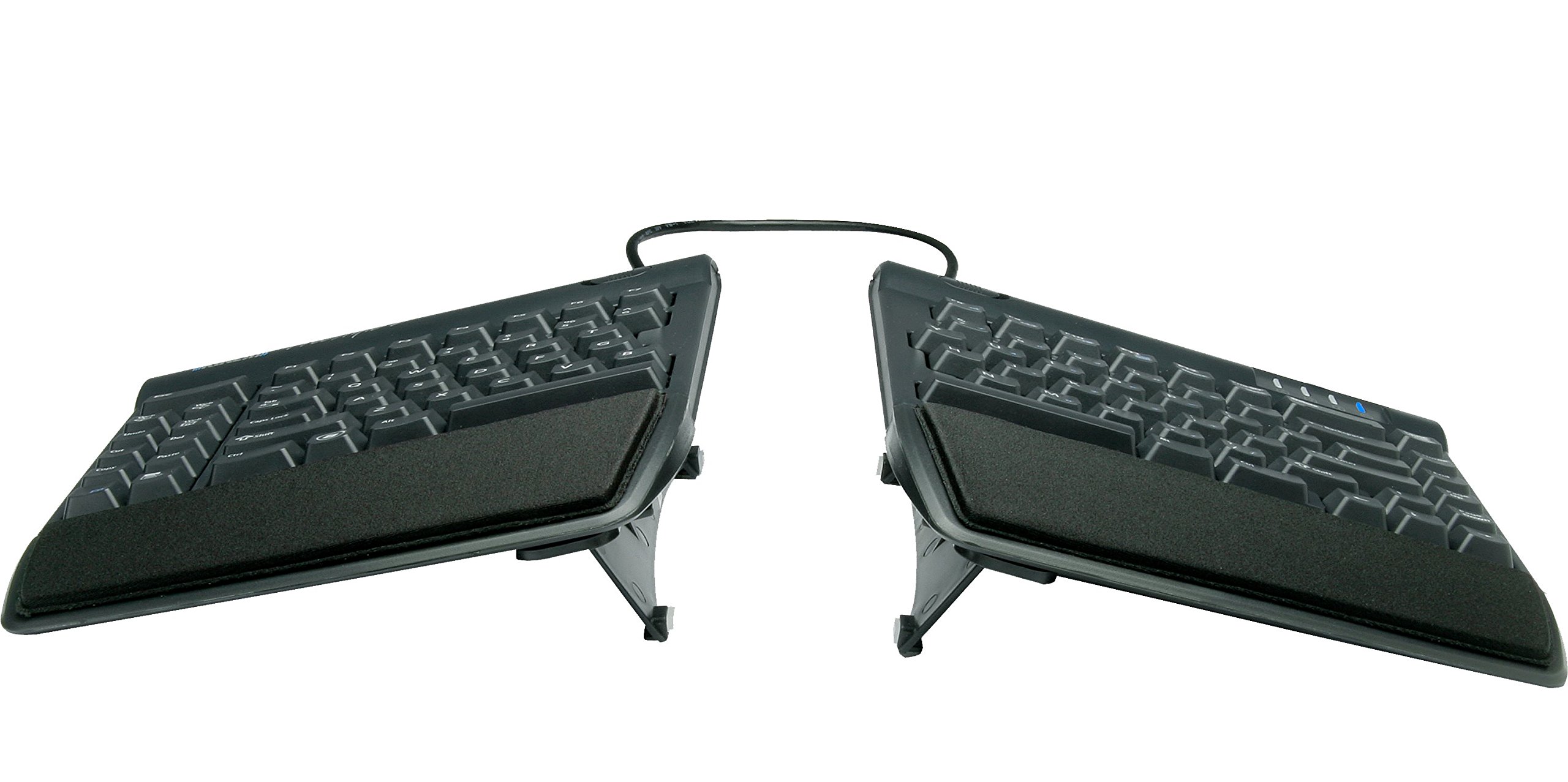
This fully split keyboard offers maximum customization with separate halves connected by a flexible cable. The Kinesis KB820 model keyboard is pre-assembled with the popular VIP3 tenting accessory which enables 5, 10, or 15 degrees of tenting with integrated cushioned palm supports.
Key highlights
- Completely separate keyboard halves
- Up to 9 inches of separation between the keyboard halves
- Included VIP3 kit provides 5, 10, or 15 degrees of tenting
- Included palm supports with cushioned pads
Pros
- Maximum adjustability for personalized fit
- Can position halves at shoulder width
- Tenting kit and palm supports arrive pre-installed
- Good build quality with responsive keys
Cons
- Requires more desk space than single-unit keyboards
- Steeper learning curve for typing accuracy
- Wired USB-A connection limits placement
- Less portable than single-unit designs
Who it is for: Users with specific ergonomic needs, those experiencing wrist pain, or anyone wanting maximum customization options.
Skip if
You have limited desk space, want a simpler setup, or need frequent portability.
Keychron Q11 Ultra 8K - Best customizable mechanical
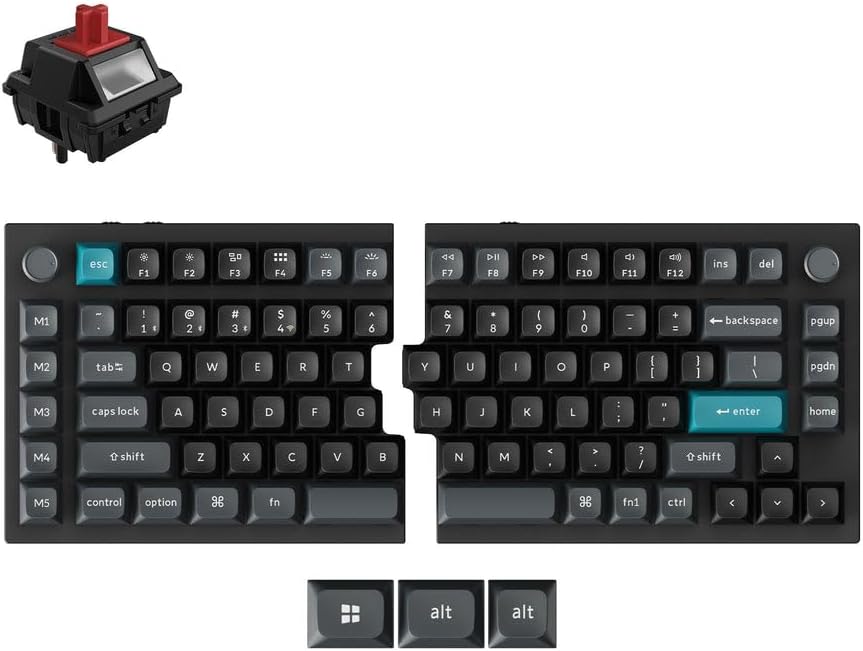
This 75% split mechanical keyboard lets you place its halves independently without a connecting cable. Hot-swappable switches and Keychron Launcher key mapping let you customize its feel and controls.
Key highlights
- 75% split layout with a wireless link between the halves
- 2.4 GHz, Bluetooth 5.3, and USB-C wired connectivity
- Hot-swappable Keychron Silk POM Red switches
- Aluminum case with double-shot PBT keycaps
- ZMK firmware with Keychron Launcher customization
- Up to 8000 Hz polling over 2.4 GHz or USB
Pros
- Independent placement without a center cable
- Switches can be replaced without soldering
- Two programmable knobs and five macro keys
- Up to 160 hours of wireless use with the backlight off
Cons
- No dedicated number pad
- Launcher customization requires a wired connection and a supported browser
- Keycap legends do not shine through the RGB backlight
- Wireless use requires battery charging
Who it is for: Mechanical keyboard enthusiasts who want ergonomic benefits, programmers, and users who value customization over simplicity.
Skip if
You prefer quiet membrane keys, want integrated wrist support, or need a simpler plug-and-play experience.
How to Choose
Consider these factors when selecting an ergonomic keyboard:
Split design vs. curved: Fully split keyboards offer maximum adjustability but have a steeper learning curve. Curved or wave-shaped designs provide gentler ergonomic benefits with easier adaptation.
Wrist support: Integrated wrist rests with memory foam provide better support than basic plastic rests. Some users prefer separate wrist rests for flexibility.
Adjustability: Look for tenting (vertical tilt) and negative tilt (front higher than back) options if you have specific ergonomic needs or existing discomfort.
Switch type: Membrane switches are quieter and more affordable, while mechanical switches offer better tactile feedback and durability but can be noisier.
Connectivity: Wireless keyboards offer cleaner desks and flexibility but require battery management. Wired keyboards provide reliable connections without charging.
FAQ
How long does it take to get used to an ergonomic keyboard?
Most users adapt within one to two weeks of regular use. Split designs typically require more adjustment time than curved or wave-shaped keyboards. Your typing speed may temporarily decrease during the adaptation period.
Will an ergonomic keyboard fix my wrist pain?
Ergonomic keyboards can help prevent and reduce wrist strain by promoting better posture, but they're not a cure for existing medical conditions. If you have persistent pain, consult a healthcare professional.
Are mechanical ergonomic keyboards worth the extra cost?
Mechanical keyboards offer better tactile feedback and typically last longer than membrane keyboards. If you type extensively and value key feel, the investment can be worthwhile. For general office use, membrane keyboards often provide sufficient comfort.
Do I need a separate number pad?
Consider your workflow: number pads are essential for data entry but force your right hand farther from the mouse. Tenkeyless (TKL) designs save space and keep your mouse closer, reducing shoulder strain.
Can I use an ergonomic keyboard for gaming?
Yes, though most ergonomic keyboards prioritize typing comfort over gaming features. Some split mechanical keyboards work well for gaming, but dedicated gaming keyboards typically offer faster response times and gaming-specific features.
Published February 28, 2026 Last updated October 1, 2026
Share this article
More on keyboards
Buying guide
9 Best Keyboards From Top Brands in 2026
Buying guide
8 Best 60 Percent Keyboards of 2026
Deal
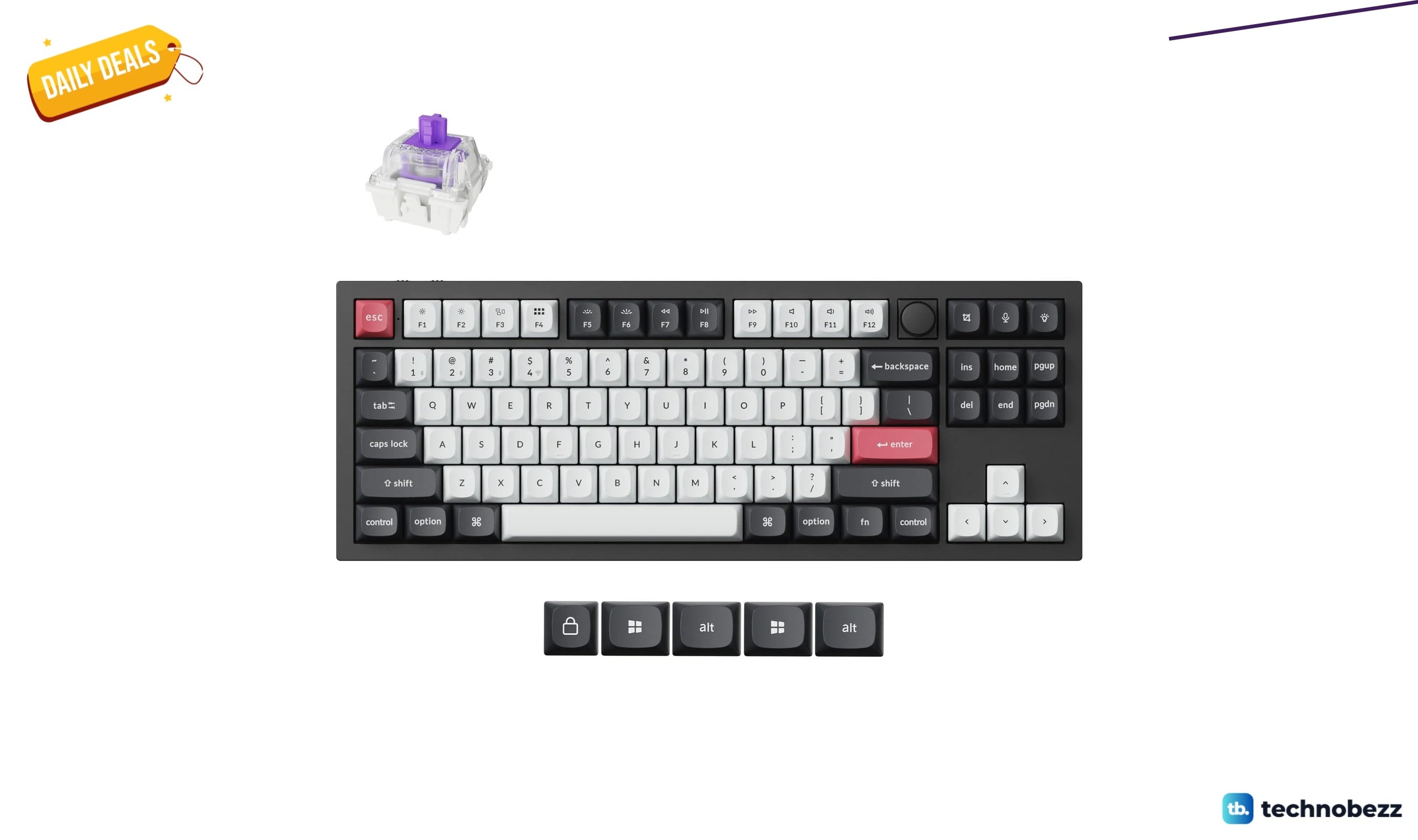
Keychron Q3 HE Wireless Custom Keyboard drops to $191.99 for Prime Big Deal Days
Deal
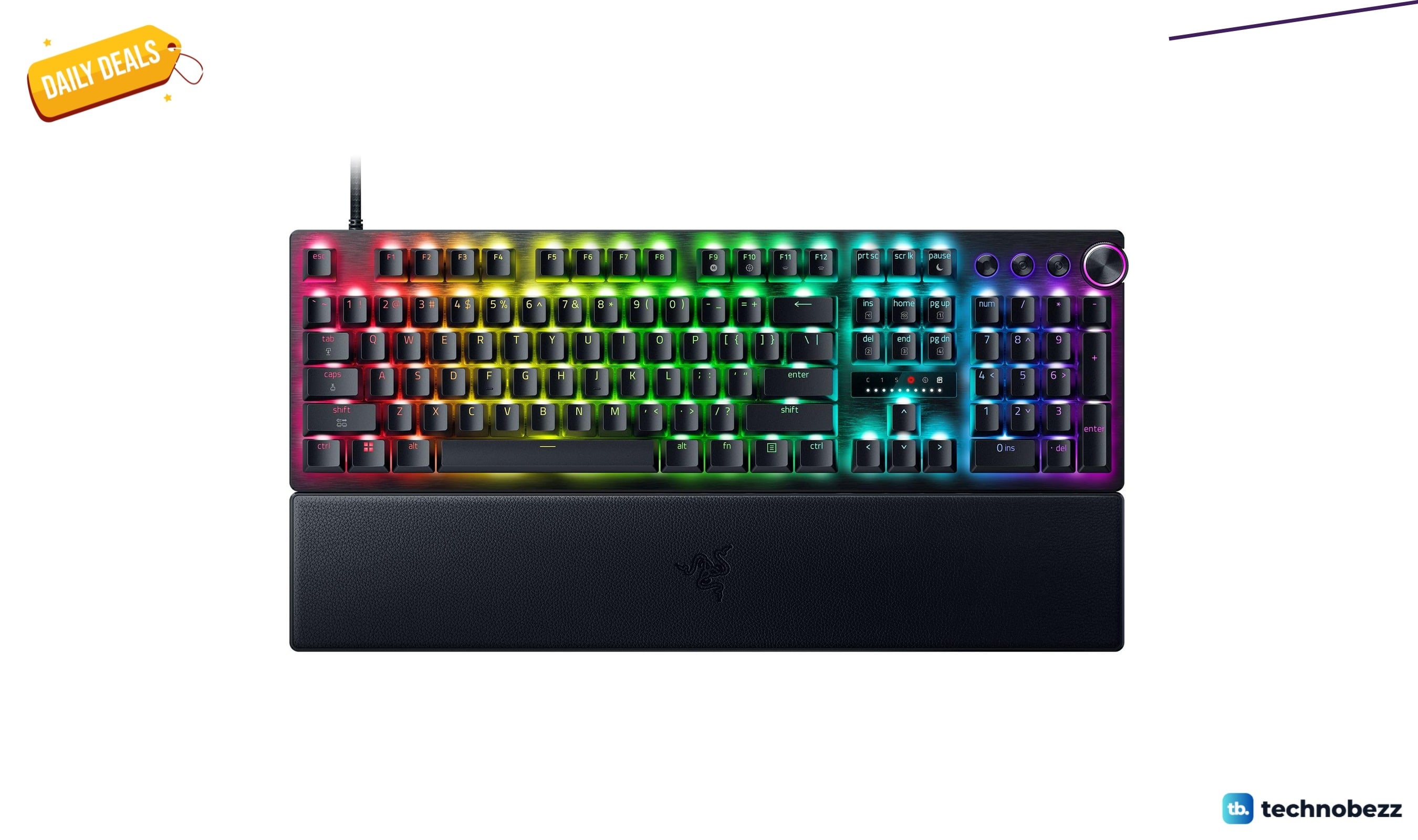
Razer Huntsman V3 Pro 8KHz Esports Gaming Keyboard marked down to $180.49 for Prime Big Deal Days
More buying guides
Buying guideTop 7 Home Theater Systems for 2026Buying guide6 Best Handheld Gaming Consoles for 2026Buying guide5 Spy Cameras for Home and Portable Monitoring (2026)Buying guide6 Best Tablets for Gaming in 2026Buying guide7 Best Laptops for Interior Designers in 2026Buying guide4 Best Budget Laptops Around $300 for 2026Buying guide7 Gaming Consoles for Every Budget in 2026Buying guideBest Lenovo ThinkPad Laptops in 2026