Tenkeyless keyboards ditch the number pad to give you more mouse space and a cleaner desk without sacrificing the keys you actually use. The Keychron V3 Ultra TKL takes the top spot for its blend of wireless freedom, hot-swappable switches, and solid build at a price that won't scare off newcomers. If you're a competitive gamer who wants the fastest possible inputs, the Wooting 80HE delivers Hall Effect precision that nothing else matches.
Product
Technobezz is supported by its audience. We may get a commission from retail offers.
7 Best Tenkeyless Mechanical Keyboards for 2026
The best tenkeyless mechanical keyboards for 2026, from the Keychron V3 Ultra TKL (~$115) to the Wooting 80HE for gaming and the Keychron C3 Pro 8K under $60.
T
Technobezz
Senior Editor
Updated June 15, 2026Jun 15, 2026
•10 min read

Get Deals Like These in Your Inbox
The best prices, reviewed weekly.
At a Glance
| Category | Product | Why We Picked It |
|---|---|---|
| Best overall | Keychron V3 Ultra TKL | Wireless versatility with hot-swap switches and a satisfying typing feel |
| Best for gaming | Wooting 80HE | Hall Effect switches with rapid trigger and class-leading software |
| Best value | Keychron C3 Pro 8K | 8000Hz polling and hot-swap for under $60 |
| Best premium wired | SteelSeries Apex Pro TKL Gen 3 | Hall Effect switches with fast wired response and on-device OLED display |
| Best for budget buyers | Lemokey X1 | Solid mechanical feel for around $36 |
| Also recommended | Corsair K70 PRO TKL | Cheaper Hall Effect with blazing speed |
| Also recommended | Keychron K8 Pro | Wireless QMK for under $110 |
How we chose and tested
We evaluated more than a dozen tenkeyless mechanical keyboards across multiple price tiers, looking at build quality, switch options, connectivity, software customization, and real-world typing and gaming performance. Our assessment prioritizes products that offer the best combination of features, durability, and value. We considered factors like hot-swap support, wireless reliability, polling rates, keycap materials, and programmability through tools like QMK and VIA. Each recommendation reflects research across multiple expert reviews, user feedback, and verified specifications.
The best tenkeyless mechanical keyboards right now
Keychron V3 Ultra TKL - Best overall
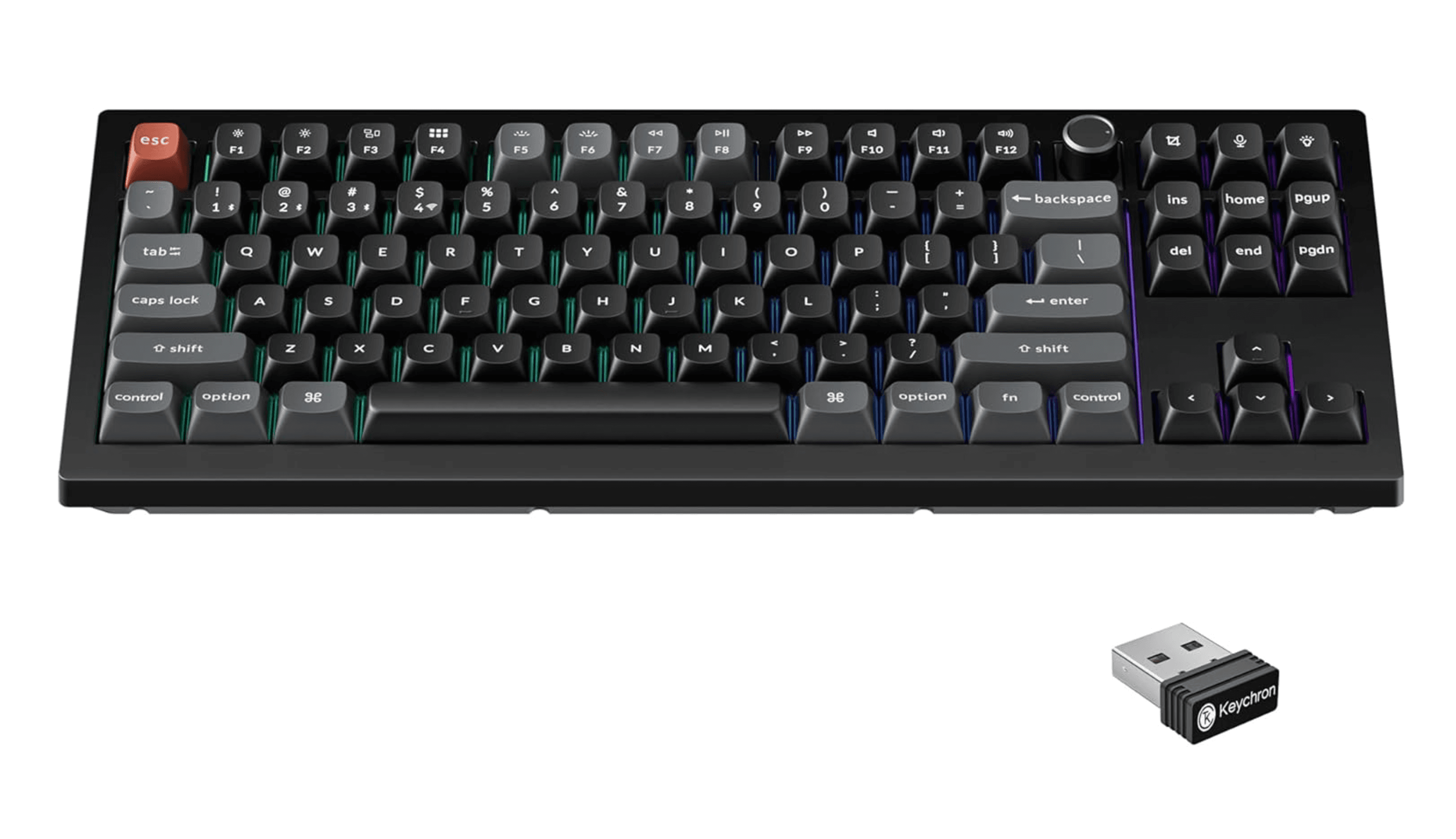
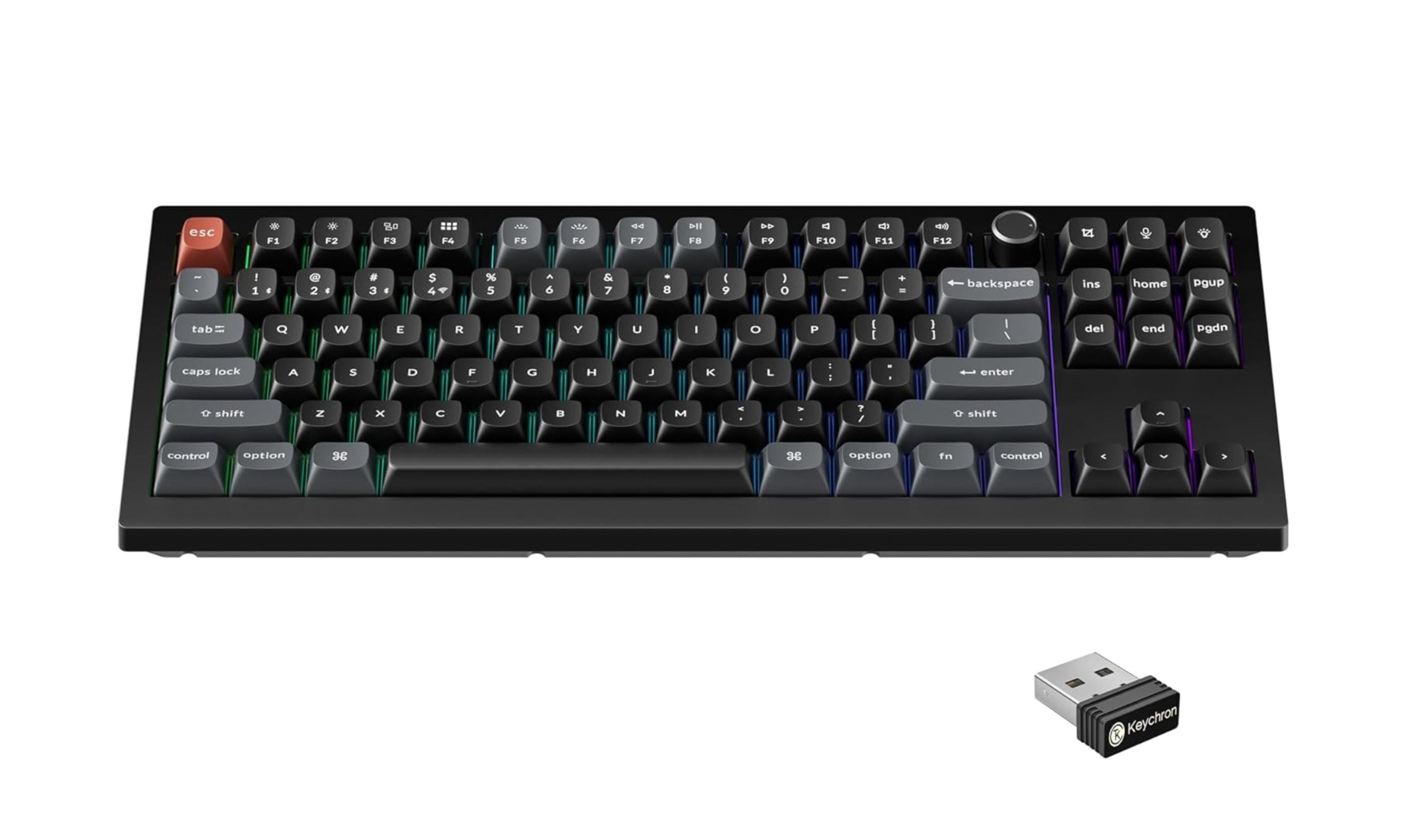
The Keychron V3 Ultra TKL hits the sweet spot for most people. It delivers a gasket-mounted typing feel that's comfortable for long sessions, comes with PBT keycaps that resist wear, and supports tri-mode connectivity so you can switch between wired, Bluetooth, and 2.4GHz wireless. The hot-swappable PCB means you can change switches without soldering, and the browser-based Keychron Launcher or ZMK software makes remapping keys simple.
Key highlights
- Gasket mount design for a cushioned, responsive typing feel
- Tri-mode connectivity: USB-C, Bluetooth 5.3, and 2.4GHz wireless
- Hot-swappable PCB supports 3-pin and 5-pin switches
- Non-Shine-Through PBT keycaps for long-term durability
- Full programmability via ZMK or Keychron Launcher
Pros
- Wireless battery life is excellent, lasting weeks with moderate use
- Pre-lubed stabilizers minimize rattle out of the box
- Works with Windows and Mac right away with included keycaps
Cons
- Plastic case feels sturdy but not as premium as aluminum options
- No Hall Effect switches or rapid trigger support for the most competitive gaming setups
- No included wrist rest
Who it is for: Anyone who wants a versatile, well-rounded tenkeyless keyboard for typing, coding, and casual gaming without spending over $100.
Skip if
You need Hall Effect switches with rapid trigger for competitive FPS gaming, or you want a full aluminum chassis.
Wooting 80HE - Best for gaming
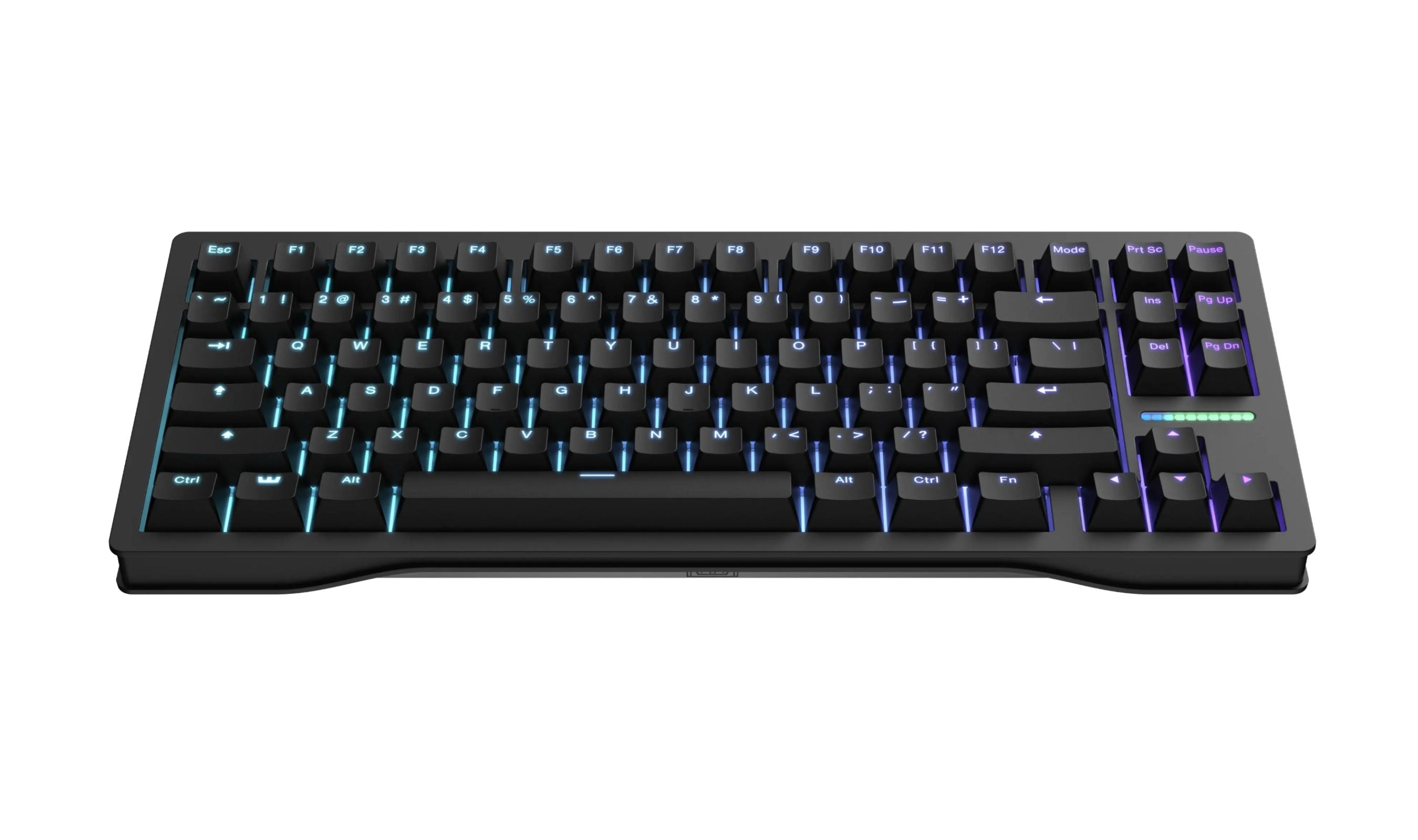
The Wooting 80HE redefined what a gaming keyboard can do. Its Lekker Hall Effect switches let you adjust actuation points from 0.1mm to 4.0mm per key, enable rapid trigger for instant re-registration, and support analog input for games that support it. The Wootility software is browser-based, straightforward, and more powerful than anything else on the market. The silicone gasket mount and PBT keycaps make it surprisingly pleasant for typing too.
Key highlights
- Hall Effect magnetic switches with adjustable actuation per key
- Rapid Trigger technology for instant key reset and re-press
- 8000Hz polling rate in Tachyon Mode for sub-1ms latency
- Full per-key RGB with a 10-segment LED bar above arrow keys
- QMK-compatible firmware with deep customization
Pros
- Best-in-class rapid trigger implementation for competitive gaming
- Wootility software is clean, intuitive, and runs in a browser
- Four-year warranty and solid build with sound-dampening layers
Cons
- Wired only, no wireless option
- Hot-swap limited to Wooting's Lekker magnetic switches only
- Base ABS plastic case feels basic; zinc alloy upgrade costs extra
Who it is for: Competitive gamers who want every millisecond advantage and are willing to pay for the best Hall Effect implementation available.
Skip if
You need wireless connectivity, or you prefer a quieter, more traditional mechanical typing feel without magnetic switches.
Keychron C3 Pro 8K - Best value
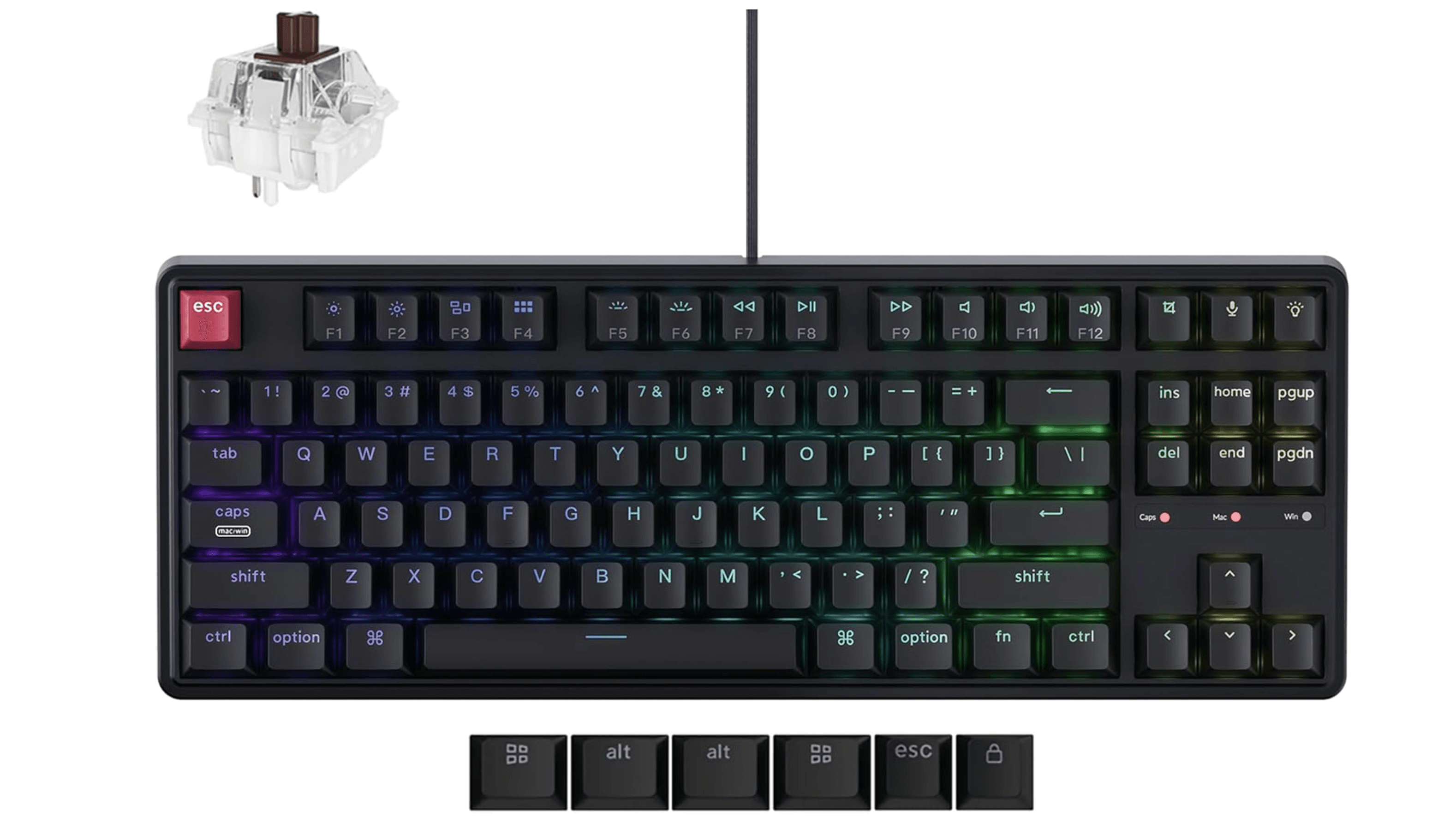
The Keychron C3 Pro 8K brings features that were once reserved for $200+ keyboards down to an almost unbelievable price point. You get 8000Hz polling, a hot-swappable PCB, full QMK/VIA support, and a gasket mount with sound-dampening foam all for around $55. The typing feel is comfortable and the sound profile is surprisingly refined for a budget board. It's wired only and lacks rapid trigger, but for the price it's hard to beat.
Key highlights
- 8000Hz polling rate for extremely low input latency
- Hot-swappable PCB compatible with 3-pin and 5-pin switches
- Gasket mount design with acoustic foam for a dampened sound
- Full QMK/VIA programmability for key remapping and macros
- RGB Backlit Shine-Through Keycaps
Pros
- Unbeatable value for the feature set
- Responsive, comfortable typing feel that rivals more expensive boards
- Easy to upgrade switches and keycaps over time
Cons
- Wired connection only, no Bluetooth or 2.4GHz wireless
- Shine-through PBT legends fade faster than standard doubleshot PBT keycaps
- No rapid trigger or Hall Effect features
Who it is for: Budget-conscious buyers who want a quality mechanical keyboard with room to grow through customization.
Skip if
You need wireless connectivity or want Hall Effect switches for competitive gaming advantages.
SteelSeries Apex Pro TKL Gen 3 - Best premium wired
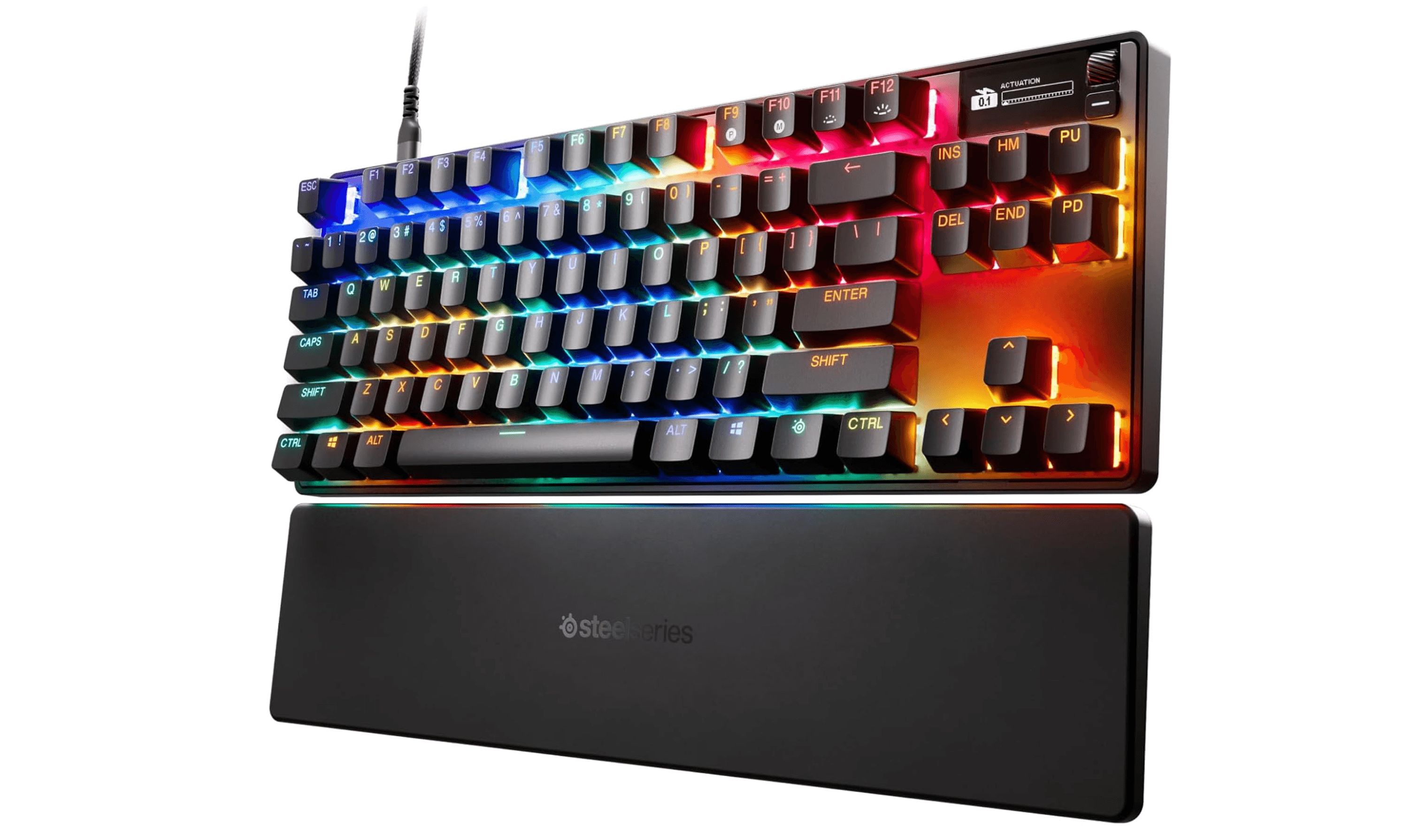
The third-generation Apex Pro TKL delivers Hall Effect switches in a wired package that actually works for competitive gaming. OmniPoint 3.0 switches offer adjustable actuation from 0.1mm to 4.0mm, and the OLED Smart Display lets you tweak settings without opening software. The aluminum top plate and triple-layer sound dampening give it a premium feel that justifies the price for serious enthusiasts.
Key highlights
- OmniPoint 3.0 Hall Effect switches with per-key adjustable actuation
- OLED Smart Display for on-device settings and media control
- USB-C wired connection for reliable, zero-latency input
- Aluminum top plate with triple-layer sound dampening
- Protection Mode reduces accidental key presses during intense gaming
Pros
- Best Hall Effect TKL implementation with per-key adjustable actuation
- OLED display is genuinely useful for quick adjustments
- PBT keycaps included at this price tier
Cons
- Premium price and no hot-swap support means you are locked into the factory OmniPoint switches
- No hot-swap support, stuck with factory switches
- No wireless connectivity despite the premium price point
Who it is for: Gamers who want premium Hall Effect performance and on-device OLED customization in a reliable wired package.
Skip if
You're on a tighter budget, or need wireless connectivity and don't want to be tethered to your desk.
Lemokey X1 - Best budget
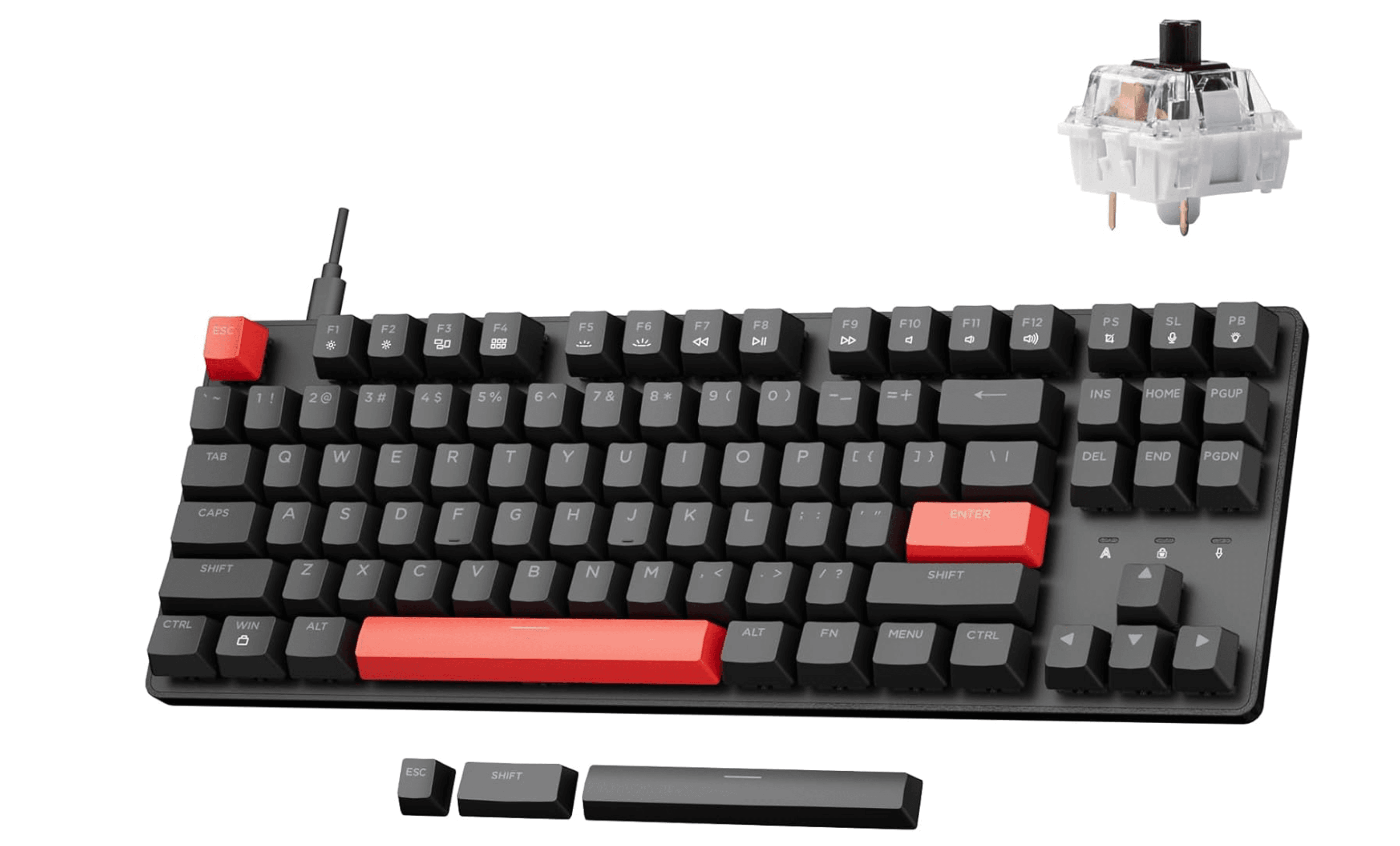
The Lemokey X1 proves you don't need to spend much to get a proper mechanical keyboard. At around $36, it delivers a solid plastic build, a 1000Hz polling rate, and tactile brown switches that feel genuinely good to type on. The red-only backlighting is basic, and the ABS keycaps will wear faster than pricier options, but the core typing experience punches well above its price tag. The Lemokey Launcher software handles remapping and macros without hassle.
Key highlights
- Full mechanical switches with a satisfying tactile feel
- 1000Hz polling rate for responsive gaming performance
- Compact TKL layout saves desk space
- Customizable red backlighting with multiple effects
- Companion software for key remapping and macros
Pros
- Incredible value for the price
- Solid build that doesn't feel cheap
- Great entry point for anyone new to mechanical keyboards
Cons
- ABS keycaps will develop shine over time
- Not hot-swappable, so switches can't be easily changed
- Red-only backlighting, no RGB
Who it is for: Anyone on a tight budget who wants a reliable mechanical keyboard for typing and light gaming.
Skip if
You want hot-swappable switches, wireless connectivity, or RGB lighting.
Also Good
- Corsair K70 PRO TKL - cheaper Hall Effect with blazing speed. Check Price on Corsair
- Keychron K8 Pro - wireless QMK for under $110.
How to Choose
- Switch type matters most. Linear switches are smooth and quiet, good for gaming. Tactile switches have a bump you can feel, better for typing. Clicky switches add an audible click. If you are unsure, start with tactile Brown-style switches they work well for both typing and gaming.
- Hot-swap vs. soldered. A hot-swappable PCB lets you change switches without soldering. This is worth paying extra for if you think you might want to try different switch types later. Soldered boards are cheaper but lock you into one switch feel.
- Wireless vs. wired. Bluetooth is convenient for multi-device setups but has higher latency. 2.4GHz wireless is nearly as fast as wired for gaming. Wired is still the most reliable and cheapest option. Think about whether you need to move the keyboard between devices.
- Keycaps: PBT vs. ABS. PBT keycaps are more durable and resist the shiny wear that develops on ABS caps over time. ABS is lighter and cheaper but will wear faster. Most budget keyboards use ABS, while mid-range and premium boards use PBT.
- Polling rate. 1000Hz is standard and fine for most users. 8000Hz reduces latency further but makes a real difference mainly for competitive esports players. Don't pay extra for 8000Hz unless you are playing at a high level.
FAQ
What does tenkeyless mean?
A tenkeyless (TKL) keyboard has all the standard keys except the number pad. It typically has 87 or 88 keys instead of the 104 on a full-size board. This saves about 30% desk width and lets you position your mouse closer.
Are tenkeyless keyboards good for typing?
Yes. Many typists and programmers prefer TKL boards because they keep the arrow keys and navigation cluster while reducing hand travel distance. The compact layout encourages better posture since your mouse sits closer.
Can I add a number pad later?
You can buy a separate USB or Bluetooth numeric keypad and place it wherever you want. This gives you the flexibility of a compact keyboard with the option to add a numpad when you need it.
What is the difference between 80% and TKL?
They are the same thing. TKL (tenkeyless) and 80% both refer to keyboards without a number pad but with the function row, navigation cluster, and arrow keys. 75% keyboards trim the function row slightly, and 60% boards remove the arrow keys and function row entirely.
Do I need Hall Effect switches for gaming?
Not unless you play competitive shooters at a high level. Hall Effect switches offer adjustable actuation and rapid trigger features that can improve reaction times, but a good traditional mechanical switch at 1000Hz polling is more than enough for most players.
Published April 28, 2026 Last updated June 15, 2026
Share this article
More in News
Best Gaming Keyboards for 2026
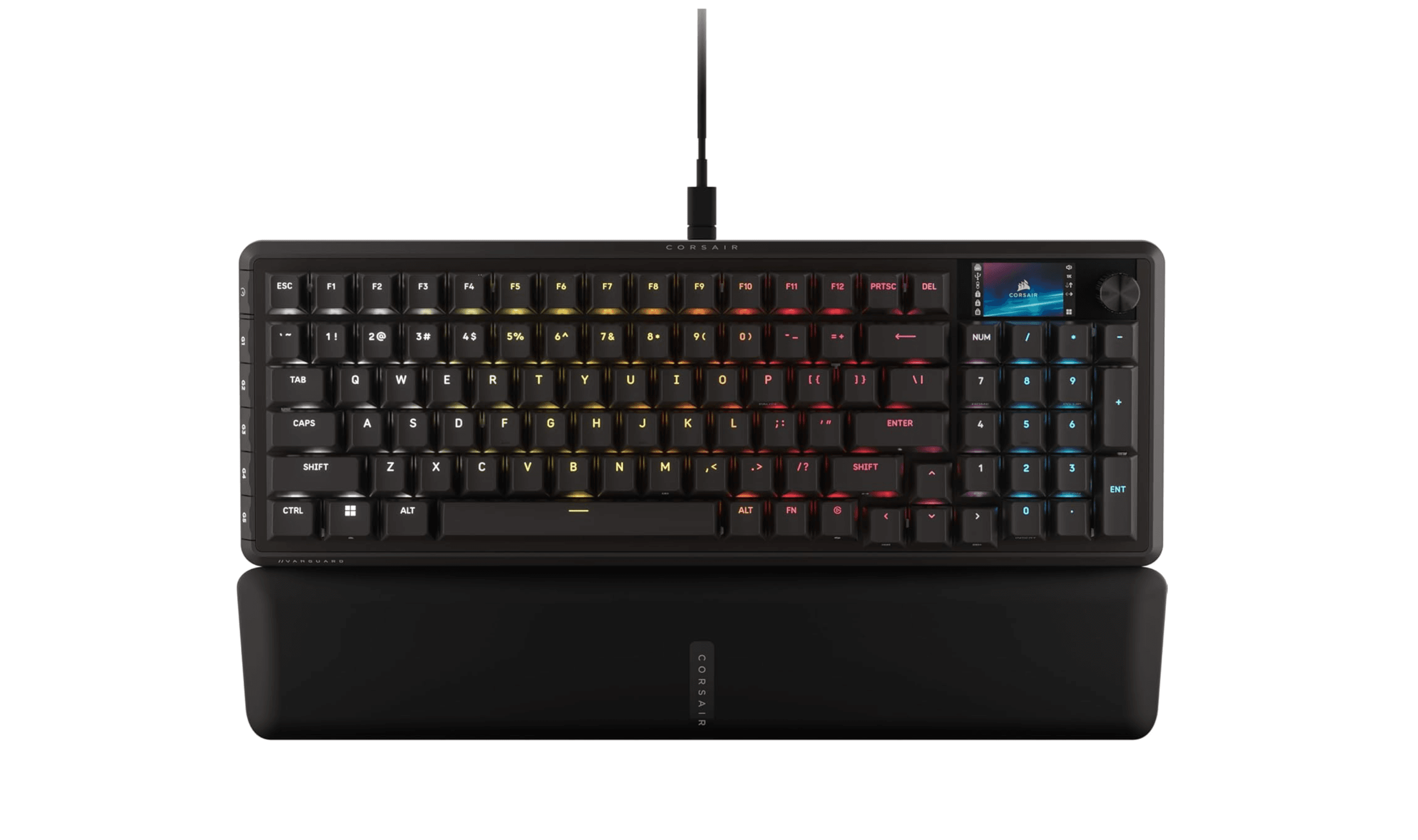
The best gaming keyboards for 2026, from the Corsair Vanguard Pro 96 magnetic flagship to budget, wireless, TKL and 60% competitive picks tested for speed and feel.
5 min read
Best Low Profile Mechanical Keyboards in 2026
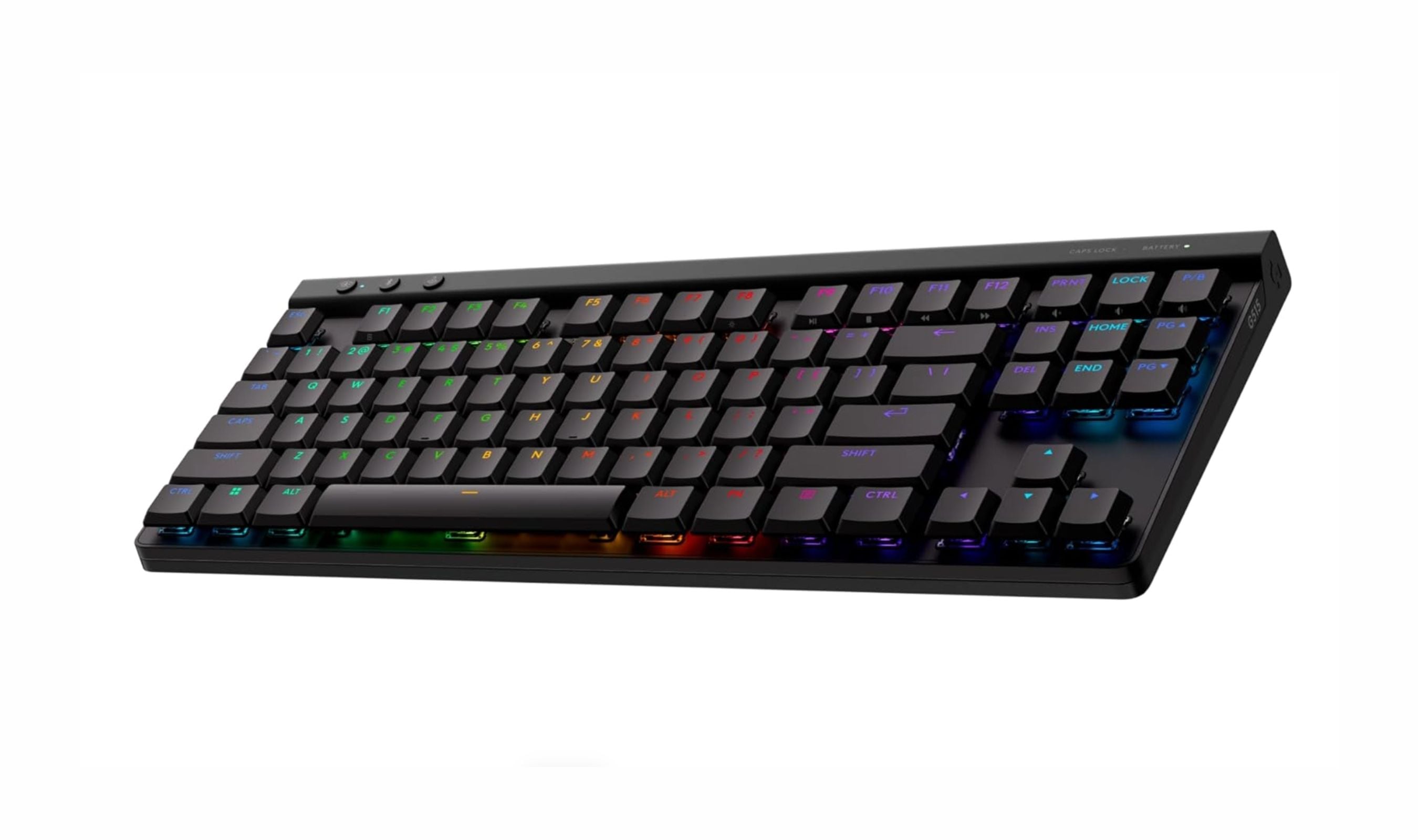
The Logitech G515 TKL Lightspeed tops our list of the best low profile mechanical keyboards in 2026, offering speed, build quality, and wireless performance in a slim 22mm chassis.
3 min read
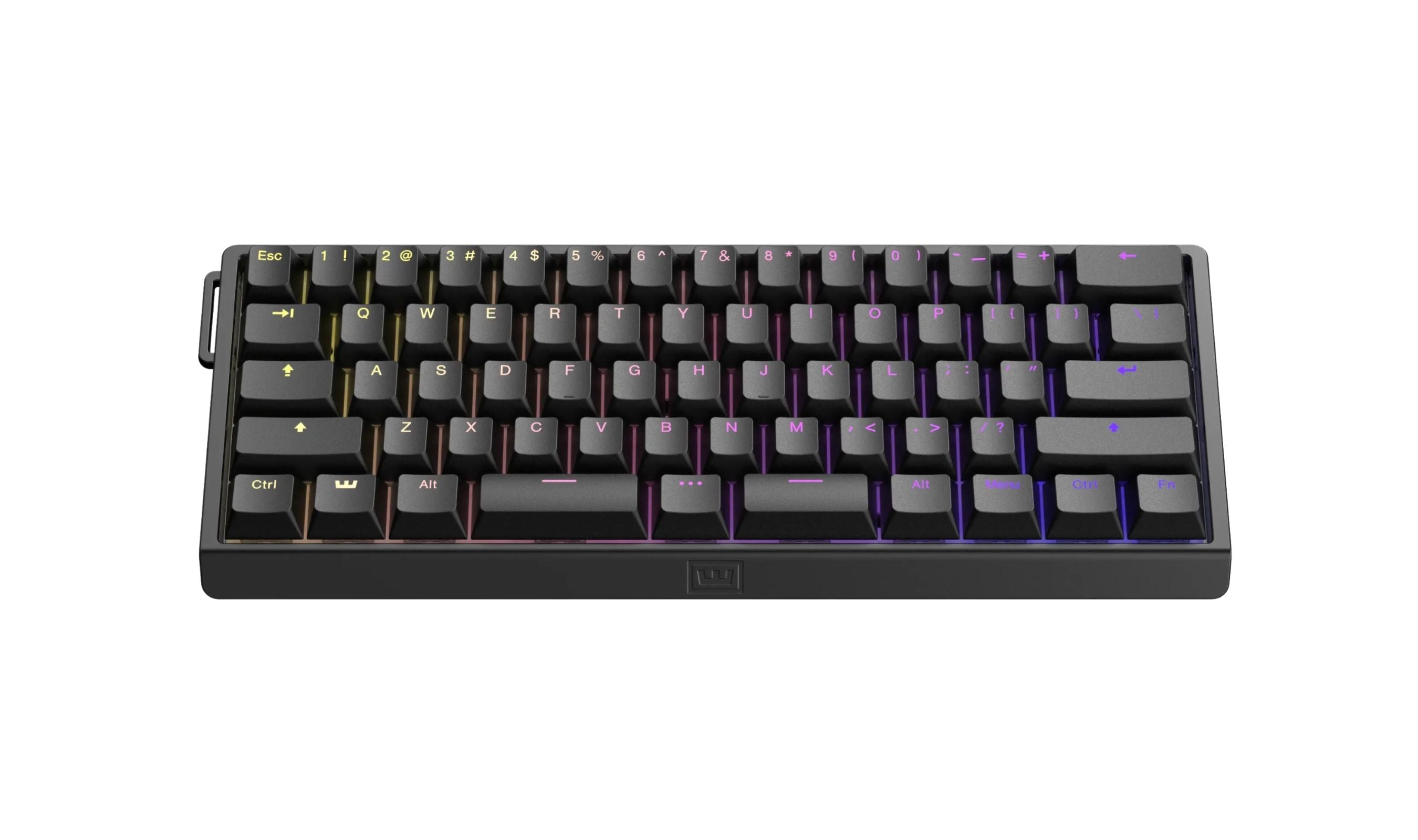
Best 60 Percent Keyboards of 2026
The Wooting 60HE v2 tops our list of the 8 best 60 percent keyboards of 2026, with rapid trigger and software unmatched for gamers and typists.
4 min read
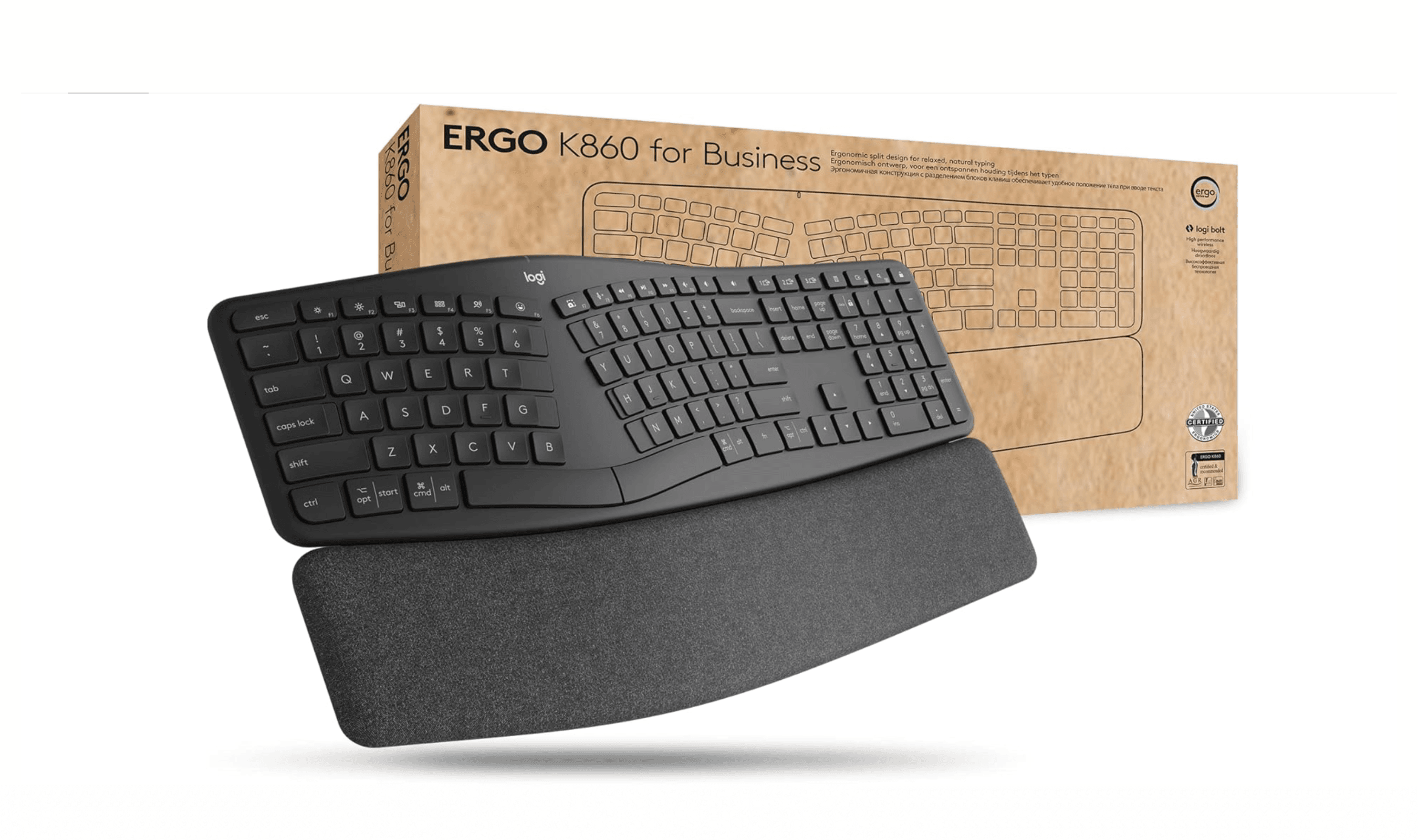
Best Ergonomic Keyboards for 2026
Logitech Ergo K860 leads our picks for the best ergonomic keyboards. See top models for comfort, value, and mechanical feel in 2026.
5 min read
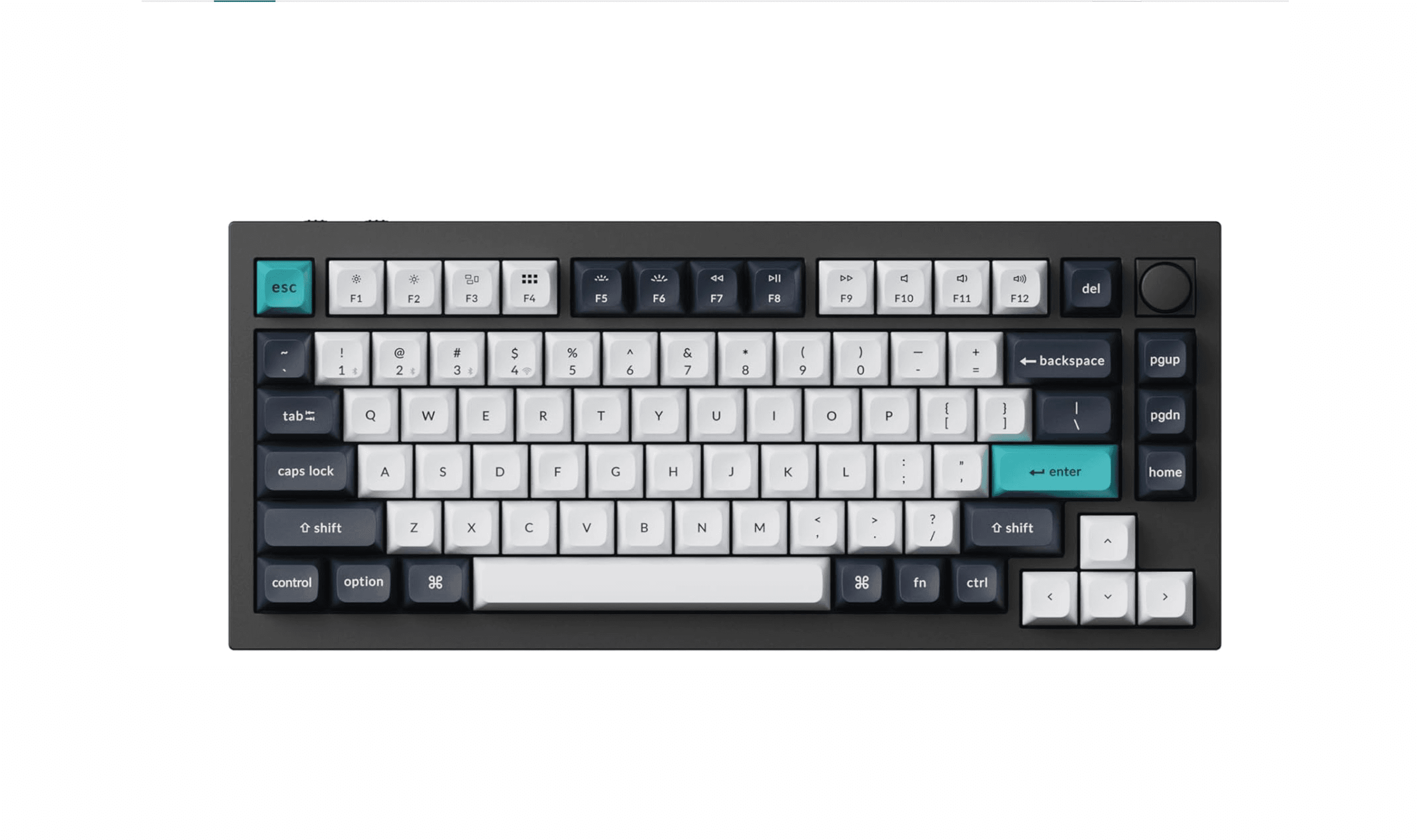
10 Best Mechanical Keyboards to Buy in 2026
3 min read
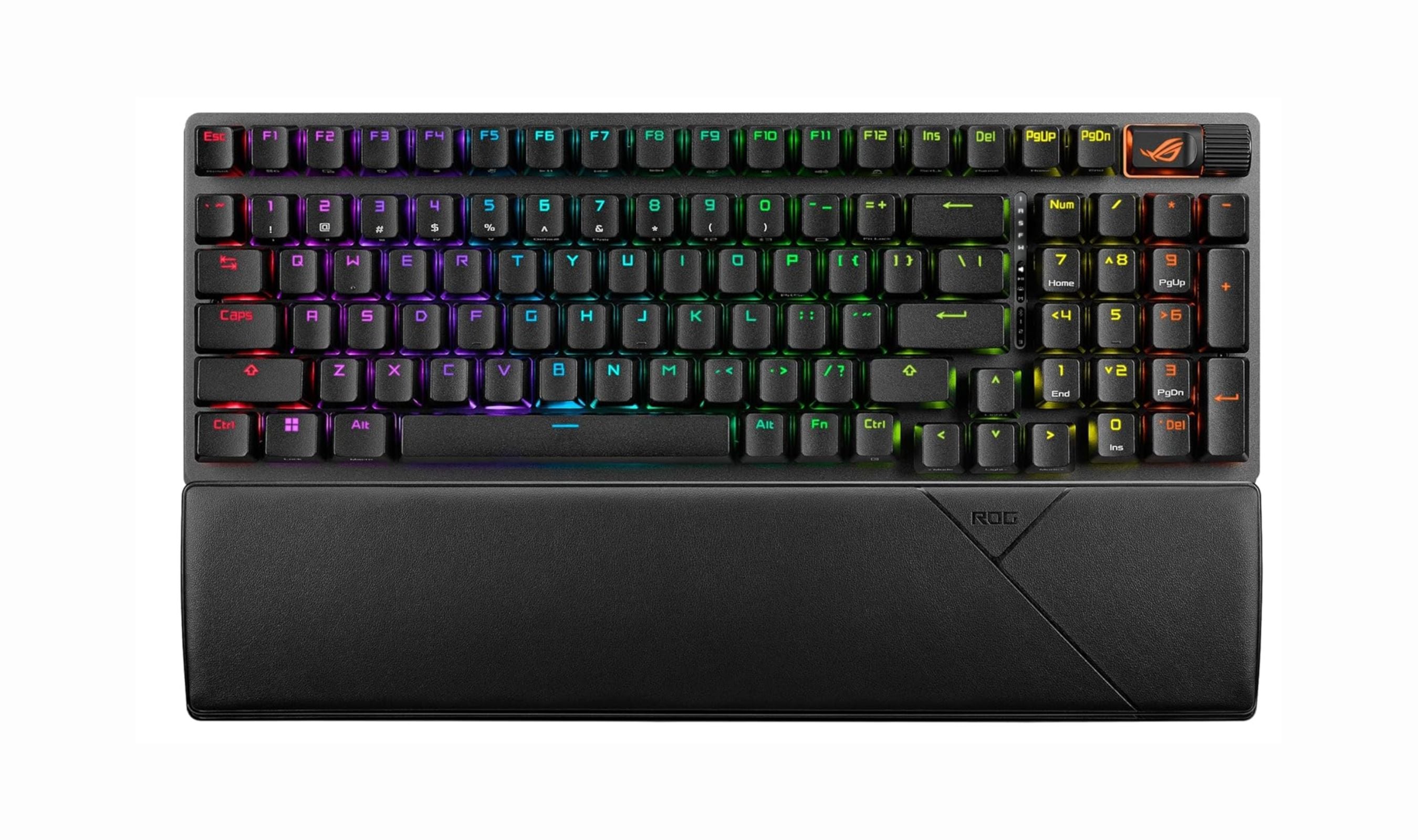
Best Wireless Mechanical Keyboards for 2026
4 min read
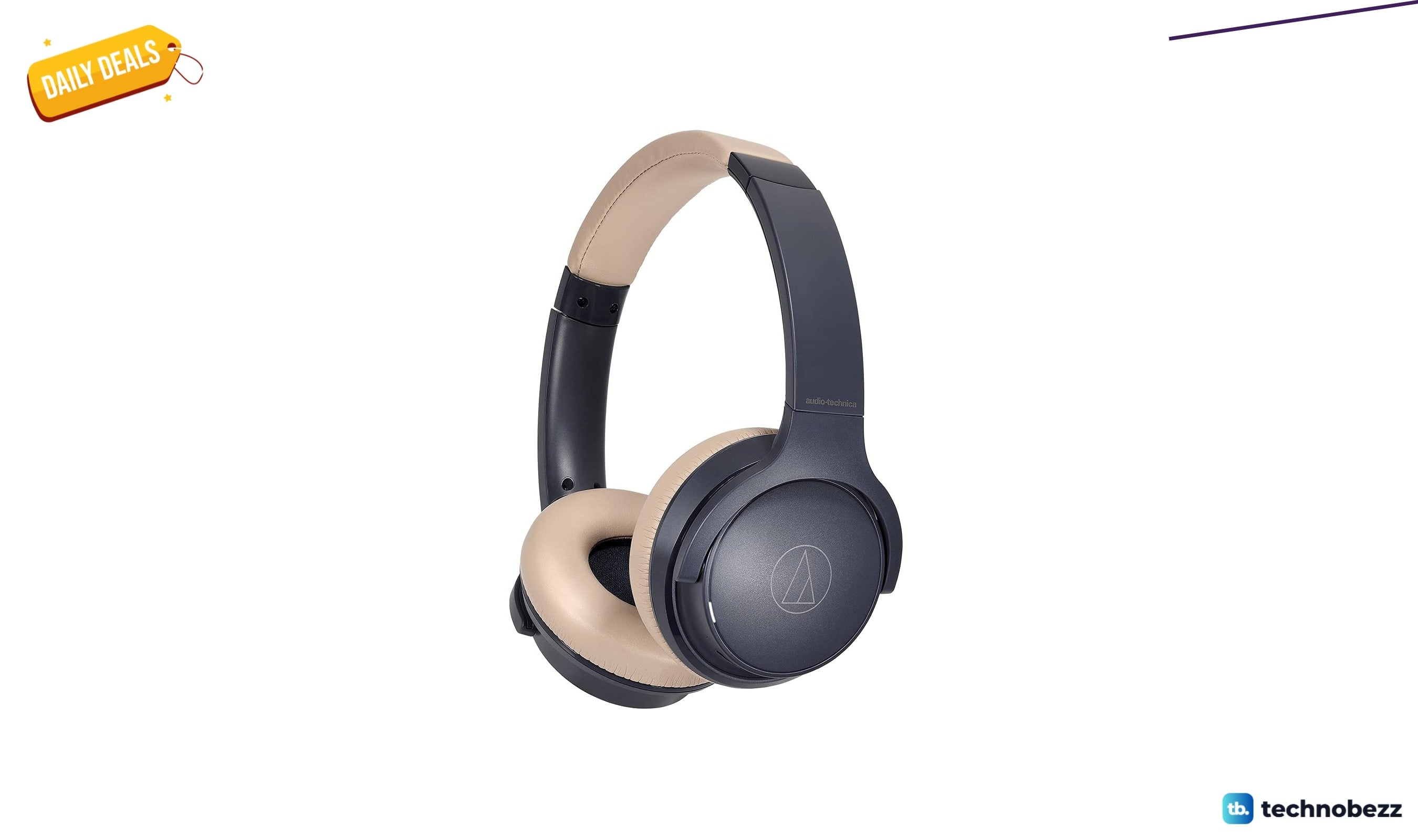
4 headphone deals worth grabbing today, from $49
4 min read
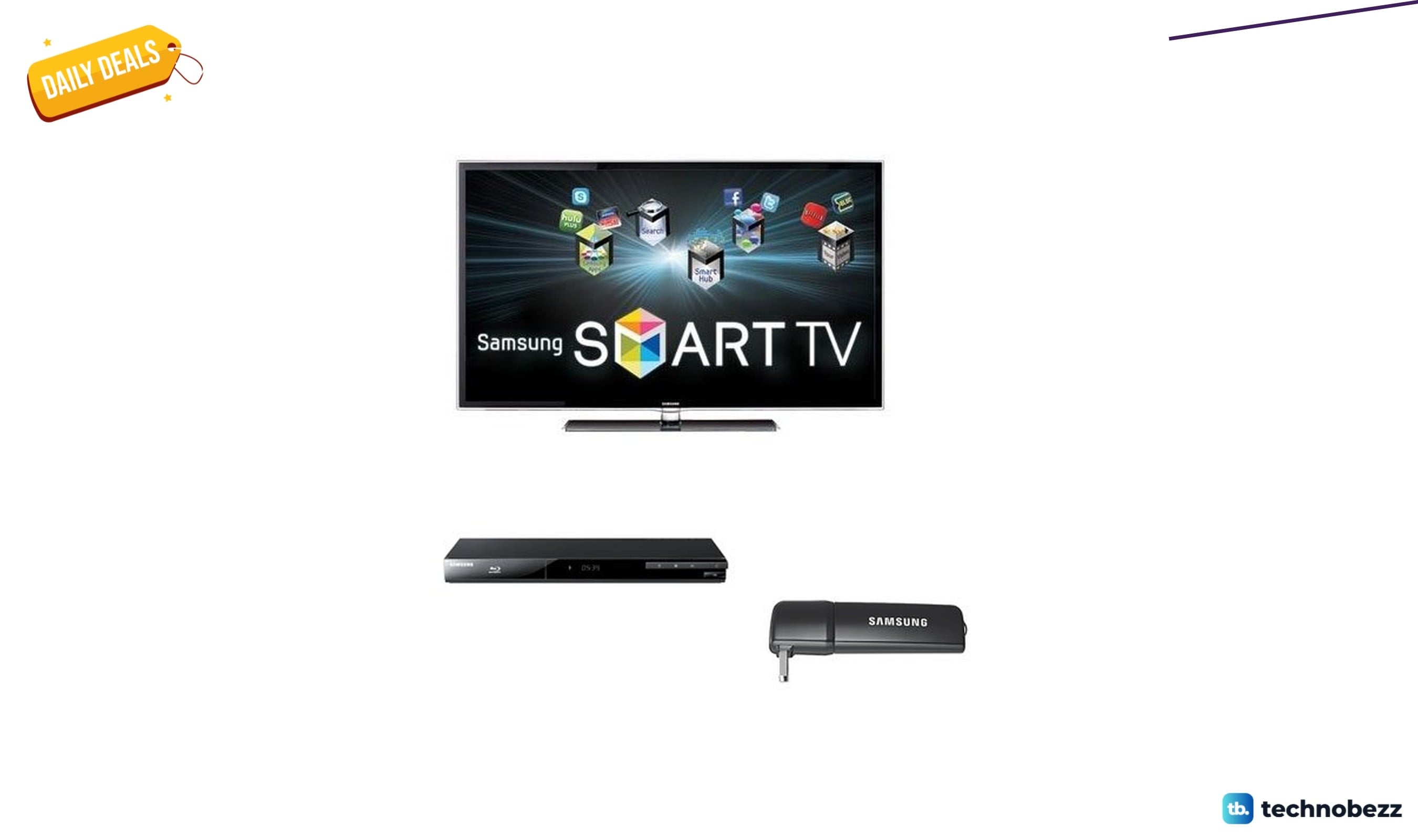
Samsung UN55D6000BDL 1080p LCD TV falls to $1645.62
3 min read
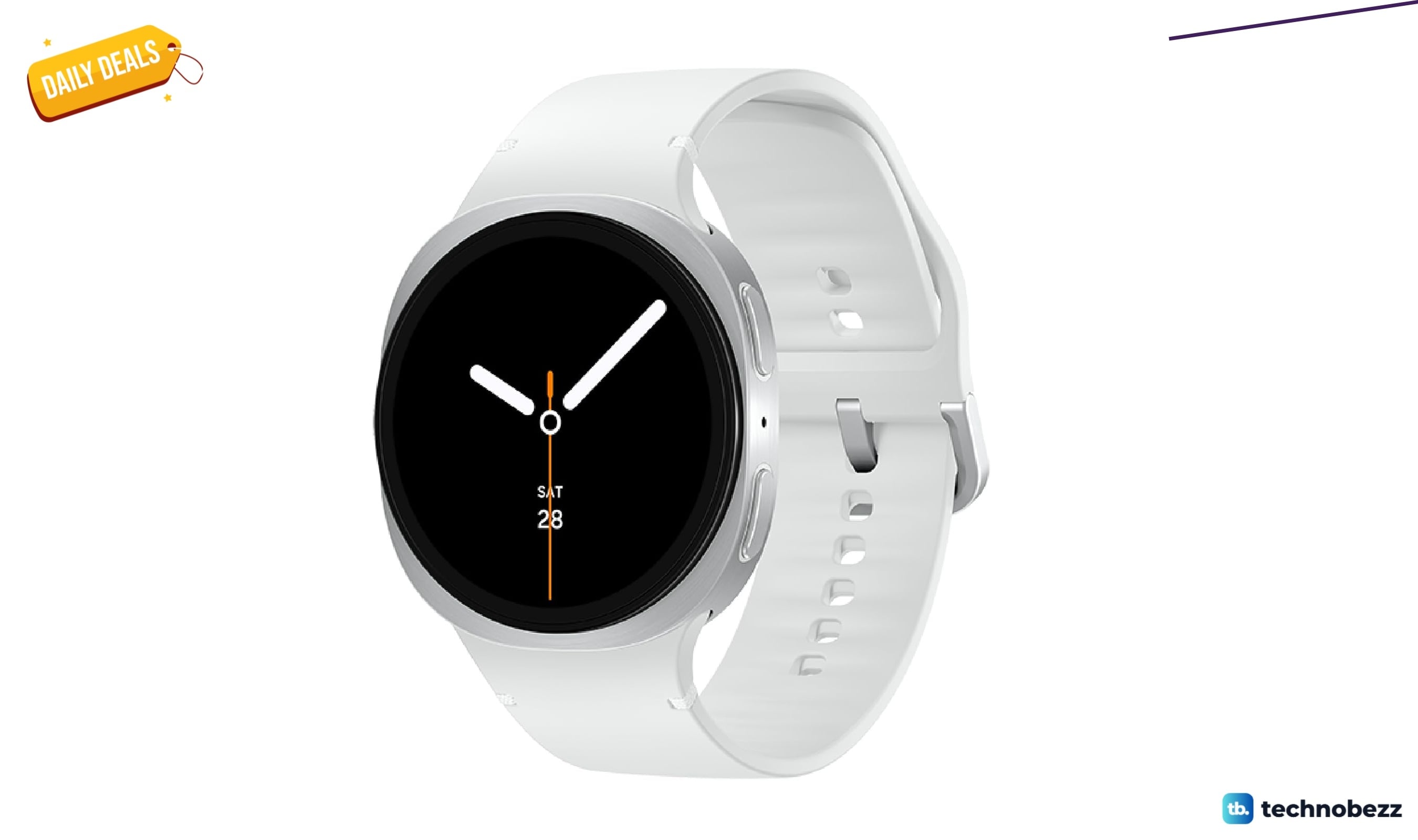
Samsung Galaxy Watch 8 Silver 44mm drops to $329.99 on Amazon
5 min read
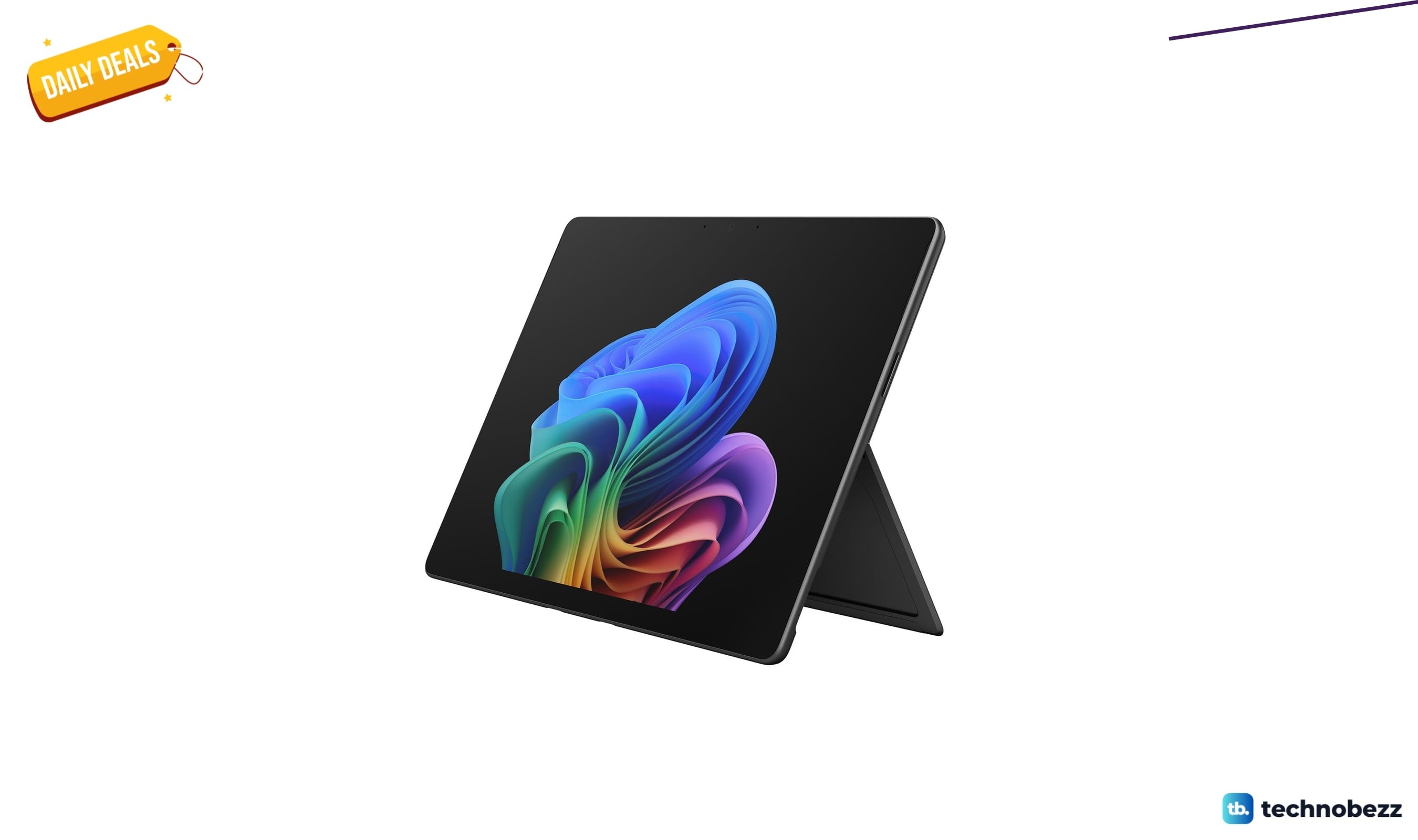
Microsoft Surface Pro 2-in-1 Laptop with Qualcomm drops to $1649 on Amazon
4 min read
Samsung SSD 9100 PRO w/Heatsink drops to $962.75 on Amazon
3 min read
HGST Ultrastar 15000RPM SAS 64 MB Cache discounted to $360.48
5 min read