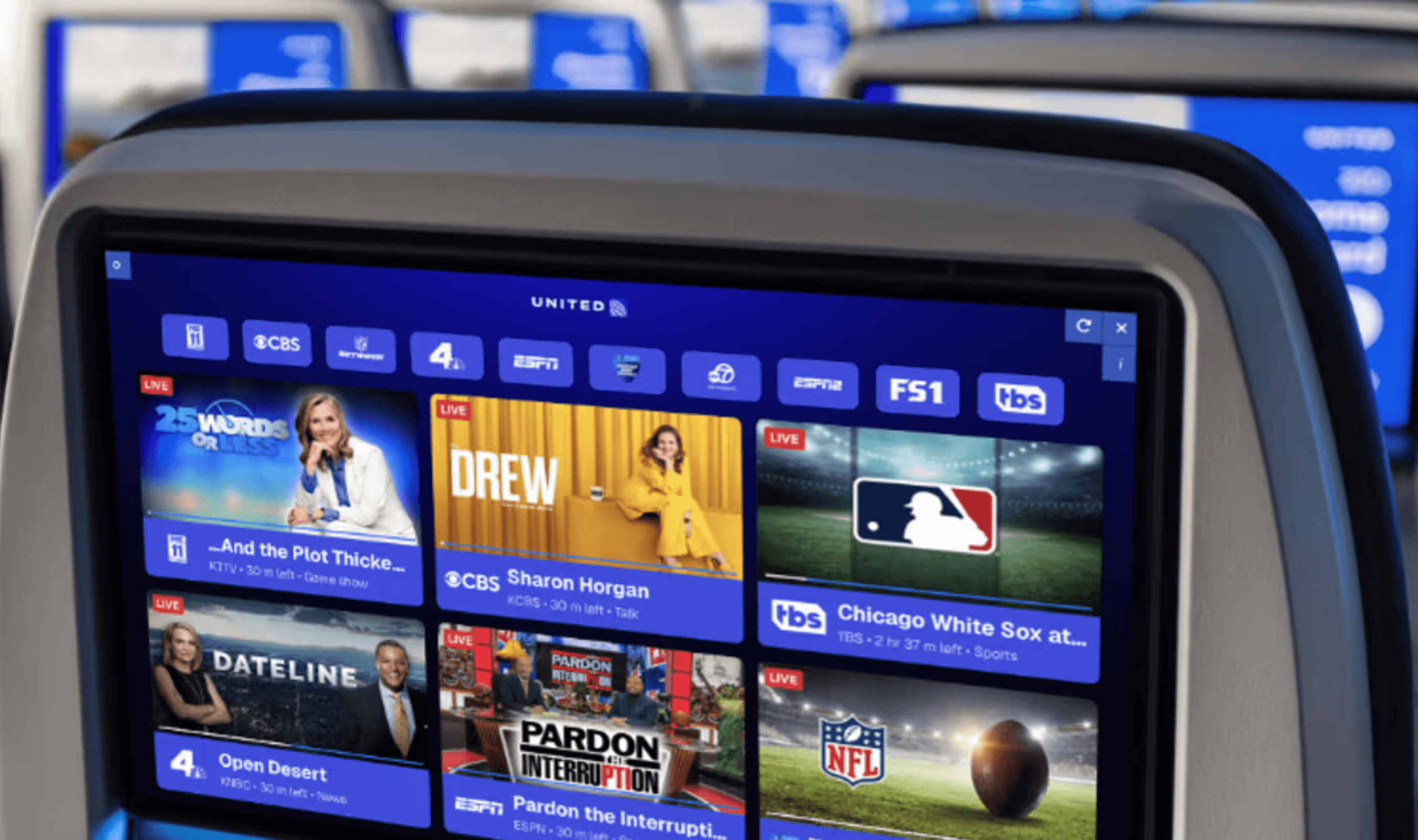

YouTube TV, a popular streaming service, is making it easier for you to switch between channels by adding a cool new shortcut. This handy feature lets you quickly go back to the channels you were watching before. It's part of their effort to make the service even better and to help you find what you want to watch more easily.
Previously, when you use YouTube TV, there are no regular channel numbers like with regular TV. That is why finding and switching between channels can be a bit of a hassle. There are some ways to make it easier, like letting you customize the channel order and using the "Networks" button for quick access to your favorite channels. But, there's been no quick way to switch between the channels you were last watching—until now.

Now, YouTube TV users are starting to discover a cool new shortcut button. It lets them switch quickly between the channel they're watching now and the one they watched before. You can use this feature by pressing and holding the "OK" or "Select" buttons on your remote. It seems like this feature is slowly being made available, with some folks already seeing it on platforms like Apple TV and Google TV. Other platforms should be getting it soon too.
Adding the "Last" shortcut shows that YouTube TV wants to make things easier for all kinds of users. This change proves that YouTube TV is working hard to give people the convenience of regular cable TV and the personalized content of streaming services.