Your Samsung Galaxy's data total is confusing when it covers different dates from your mobile plan. You can align monthly tracking with your allowance by changing the billing-cycle start day. Here’s where to find that setting and what to expect after you change it.
Match tracking to your mobile plan
A billing-cycle mismatch puts your phone's usage total and your carrier's allowance on different schedules.
Find the day your carrier renews your monthly data allowance. Use that day as the tracking start date in the settings below.
Samsung tracks a calendar month by default. Once the correct start day is in place, tracking resets automatically when each new monthly cycle begins.
No download is required for this method. It uses the billing-cycle controls on Galaxy phones with an active mobile subscription.
Set the billing-cycle start day
Use this path to change the measurement period, also documented for the AT&T Galaxy S26 Ultra.
- 1.Open Settings and tap Connections.
- 2.Tap Data usage.
- 3.Open Billing cycle and data warning.
- 4.Tap Start billing cycle on.
- 5.Select the day your carrier renews your allowance, then tap Set.
The carrier's instructions confirm these labels for its Galaxy S26 Ultra edition, but do not identify a software build. That confirmation does not establish availability across every regional firmware, dual-SIM configuration, or tablet.
Understand what happens to the usage total
Changing Start billing cycle on adjusts the dates used to measure usage. Samsung does not describe this as deleting historical records or starting a fresh counter at the exact moment you tap Set.
Choosing today's date does not guarantee a zero reading. Samsung says the changed start date can take up to a month to reflect usage accurately.
Leave the correct date in place until the next monthly cycle begins. There is no manual reset to repeat every month.
These controls apply to monthly mobile-data tracking. Samsung documents Wi-Fi data usage as a viewing screen, without a verified consumer control for setting a separate Wi-Fi usage cycle.
Check access when billing-cycle controls are missing
These checks help you locate the monthly tracking controls.
Check that your Galaxy has an active mobile subscription. Availability depends on the SIM, network, carrier, model, and software.
Samsung does not specify an exact One UI version range for these controls. Its general support instructions also do not provide a complete model compatibility list.
Open Settings > Connections > Data usage > Mobile data usage to check for a Settings gear.
Use the shortcut below if that gear appears.
Use the mobile-data graph shortcut
The graph's settings gear opens the same monthly cycle setting, with the same limits on what it resets.
- 1.Open Settings > Connections > Data usage.
- 2.Tap Mobile data usage.
- 3.Tap the Settings gear.
- 4.Tap Start billing cycle on.
- 5.Select your billing-cycle start day and tap Set.
Reset inventory counters on a managed Galaxy
Knox Manage has a separate administrator command for network and Wi-Fi inventory traffic counters. In the new web console, it applies to enrolled, fully managed devices running Android 12 or later and requires administrator access.
In the Knox Manage new web console, open Devices and select the enrolled device.
Choose ACTIONS, then Perform action on device.
Select Reset Data Usage under Mobile network. Samsung describes this command as resetting inventory information; it does not establish that the phone's consumer Settings usage graph is erased.
A separate Reset mobile data usage policy controls whether a reset is allowed. Changing that permission does not itself reset a counter.
Frequently Asked Questions
Can I reset Wi-Fi data usage on my Samsung Galaxy?
Samsung documents Wi-Fi data usage as a screen for viewing traffic. It does not document a consumer control for resetting those totals or configuring a separate Wi-Fi usage cycle.
Will resetting mobile network settings clear my data usage?
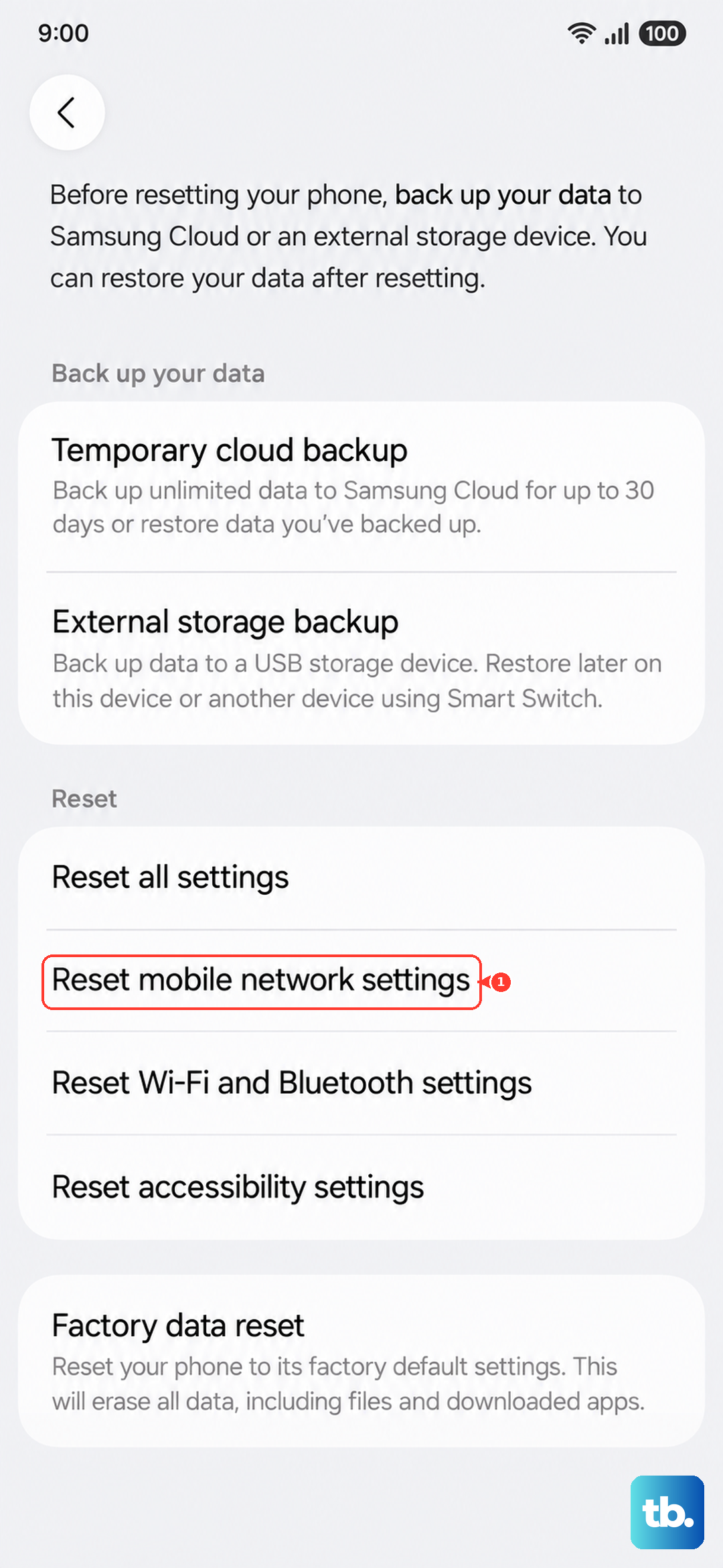
Reset mobile network settings is a connectivity troubleshooting tool. Samsung does not document it as a way to delete traffic counters.
Does clearing an app's storage reset the phone's data counter?
Clearing storage resets that app. Samsung does not document it as a way to erase the system's network-usage records.
Can my workplace reset usage on a managed Galaxy?
Yes. In the Knox Manage new console, administrators can reset network and Wi-Fi inventory traffic counters for enrolled, fully managed devices running Android 12 or later. This command concerns inventory counters; Samsung does not describe it as erasing the consumer Settings usage graph.