Your myfiosgateway router login stalls when the address does not open or the administrator password is rejected. The address and password label depend on your Verizon router model. Start with the browser login below, then use the matching alternative, certificate fix, or password recovery steps to get back into your settings.
Log in through myfiosgateway.com
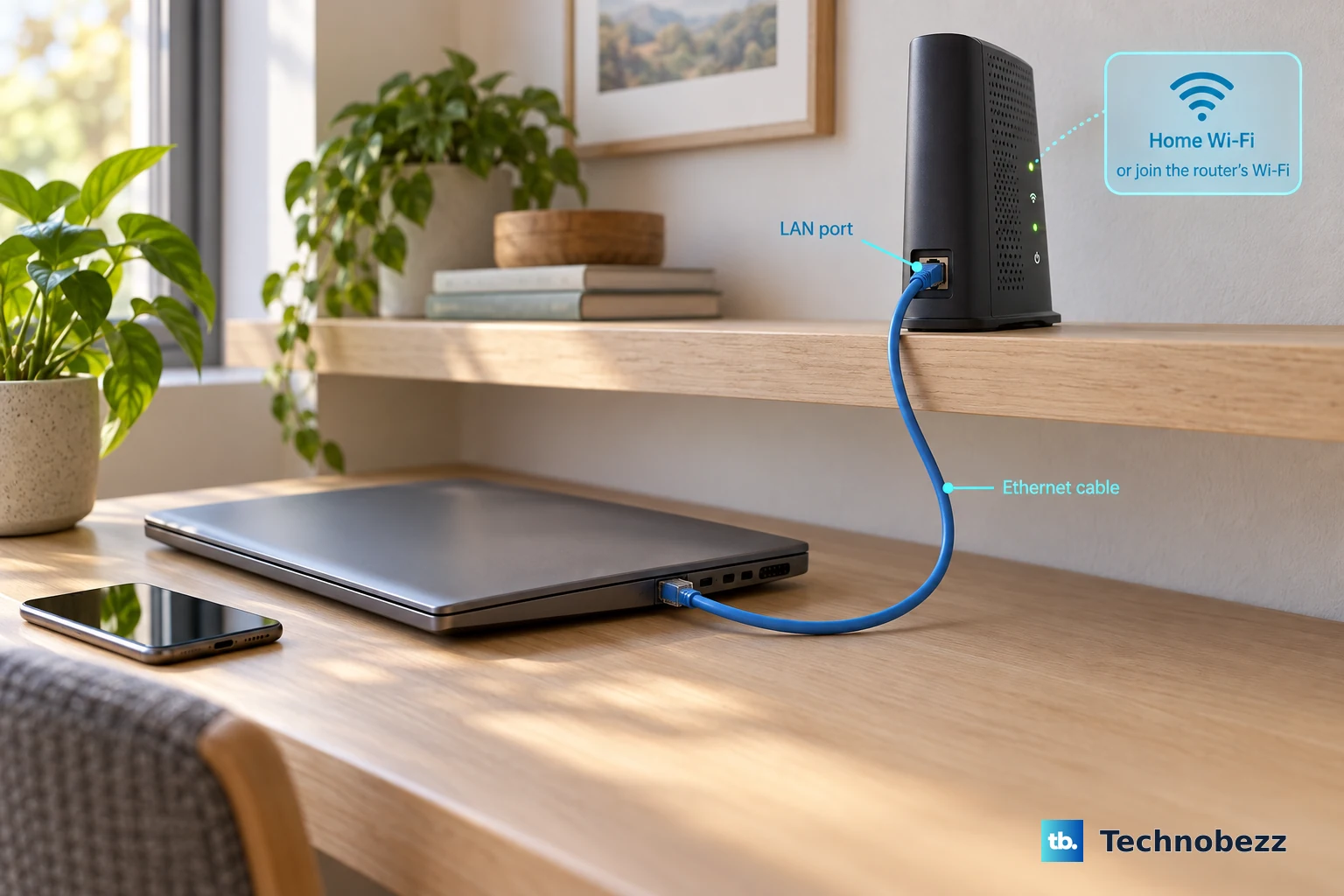
Connect your computer or phone to the router’s Wi-Fi, or connect your computer to a LAN Ethernet port on the router.
Enter myfiosgateway.com in your browser’s address bar. Verizon supports this address on the Verizon Router CR1000A and CR1000B and the Fios Quantum Gateway G1100.
Enter admin if the login screen requests a username. Skip this on a password-only screen.
Enter your router’s administrator password. Use the unique factory password printed on the router’s label unless you changed it; on CR1000A and CR1000B, look for Network Settings Password.
Use the administrator password here. Your Wi-Fi password and My Verizon account password serve different purposes.
Switch to mynetworksettings.com for these models
CR1000A and CR1000B also support mynetworksettings.com. Use this hostname for the Fios Router G3100 or a CHR30A Wi-Fi Access Point operating as your router.
Open mynetworksettings.com while connected to your router by Wi-Fi or Ethernet.
For CR1000A or CR1000B, enter the rear-label Network Settings Password, or your customized administrator password.
For G3100, enter the rear-label Admin password, or the administrator password you set.
Select Continue on the initial login screen for these models. Initial access on G3100 opens its setup wizard.
For CHR30A, peel back the outer label if the credentials are underneath.
Enter its Admin Password, or your changed administrator password.
Select Login on CHR30A. These button labels apply to initial login; repeat-login wording varies by interface.
Try the router’s IP address
The IP address gives you another route when the hostname does not open.
Connect your device to the router’s network.
Enter https://192.168.1.1 in the browser’s address bar. This is the default local address for CR1000A, CR1000B, G3100, and CHR30A; Verizon also supports 192.168.1.1 for G1100.
Enter the router administrator password on the login page. A password-only interface does not require admin in a separate field.
Follow the certificate-warning steps below if your browser blocks access before the password screen.
Get past the local certificate warning
Confirm that you are connected to your own router and opening https://192.168.1.1. Verizon includes instructions for this local certificate warning on CR1000A, CR1000B, G3100, and CHR30A.
Select ADVANCED on the warning page.
Select Proceed to 192.168.1.1 (unsafe). These labels match the browser examples in Verizon’s manuals; wording varies by browser.
Enter your router administrator password when the login page opens.
Keep this exception limited to your own connected router at the stated local address.
Reset a forgotten administrator password
A factory reset restores the label credentials when you have forgotten a customized administrator password. It also erases customized router settings, so be prepared to configure your network again.
Check the router’s label before resetting it. Look for Network Settings Password on CR1000A and CR1000B, Admin password on G3100, or Admin Password on CHR30A; the factory administrator password works only while it remains unchanged.
For CR1000A, CR1000B, or G3100, hold the rear reset button for at least 10 seconds. Verizon publishes more than one hold time for these models. The user guides describe at least three seconds as a soft reboot and at least ten seconds as the factory reset, their troubleshooting sections call a 3+ second press a factory reset, and Verizon's current router support pages say 15 seconds. Holding for a full 15 seconds satisfies all three, and it avoids the short press that only reboots the router and leaves your customized password in place.
For CHR30A, use the rear pinhole reset instead. Verizon's Wi-Fi Access Point FAQ says to hold it for 5 seconds, while the CHR30A user manual describes at least three seconds as a soft reboot and at least ten seconds as the factory reset. Hold for a full 10 seconds to cover both instructions.
For G1100, hold the red rear reset button for 15 seconds.
Reconnect to the router after the reset using its factory network credentials.
Open the browser login address for your model.
Log in with the factory administrator credentials printed on the router.
Manage your network through your Verizon account
For supported network-management functions, sign in to My Verizon on the website with your Fios account credentials. For CR1000A, CR1000B, and G1100, open Services > Internet. For CHR30A, select Manage my equipment.
In the My Verizon mobile app, sign in with your Fios account credentials. For CHR30A, open Home > Internet management. The app also supports other eligible home equipment, with menu paths that vary by equipment and account.
In Verizon Home, sign in with the My Verizon credentials associated with your Fios service. To reveal CHR30A Wi-Fi credentials, open Network > Wi-Fi management, then select Show.
Verizon transitioned the standalone My Fios app to My Verizon on November 29, 2023. Use My Verizon or Verizon Home for current app-based management.
Frequently Asked Questions
Do I need to download an app to log in to my router?
No. Browser login requires no app download. To install My Verizon or Verizon Home, use the Android or iPhone store links on Verizon’s official app download page.
Can a QR code or WPS button log me in as the administrator?
No. QR codes and WPS establish a Wi-Fi connection; they do not authenticate the router administrator. On CHR30A, the inner-label QR code joins Wi-Fi, while the outer code opens setup and support.
Can I enable remote administration after I am locked out?
No. Configuring remote browser administration requires local administrator access first. Verizon advises enabling it only when necessary because it exposes the network to outside attacks.
How do I switch to another Fios account in Verizon Home?
Open More, select Sign Out, then sign in with the My Verizon credentials for the other Fios account.