You tap Share, expect Add to story, and the option is missing, frozen, or unable to post. Most failures come from Instagram's resharing rules, an outdated app, blocked permissions, account limits, or a stuck app session. Start with the post or story you are trying to share, then move through the device fixes.
Make sure the post can be reshared
Use this first when Add to story is missing from someone else's feed post. Instagram shows the feed-post story option only for public feed photos and videos when the source account allows resharing.
Open the public feed photo or video in Instagram.
Tap Share below the photo or video.
Tap Add to story.
Tap Next in the bottom right.
Tap Share.
When Add to story does not appear, check the source account. The account must be public, and its resharing setting must allow other people to add posts to their stories.
Check story resharing and mentions
For someone else's story, Instagram's reshare flow depends on the story mention and the source account's story-sharing settings.
Open the message or notification for the story mention. Tap Add to your story, edit the story, then tap Share.
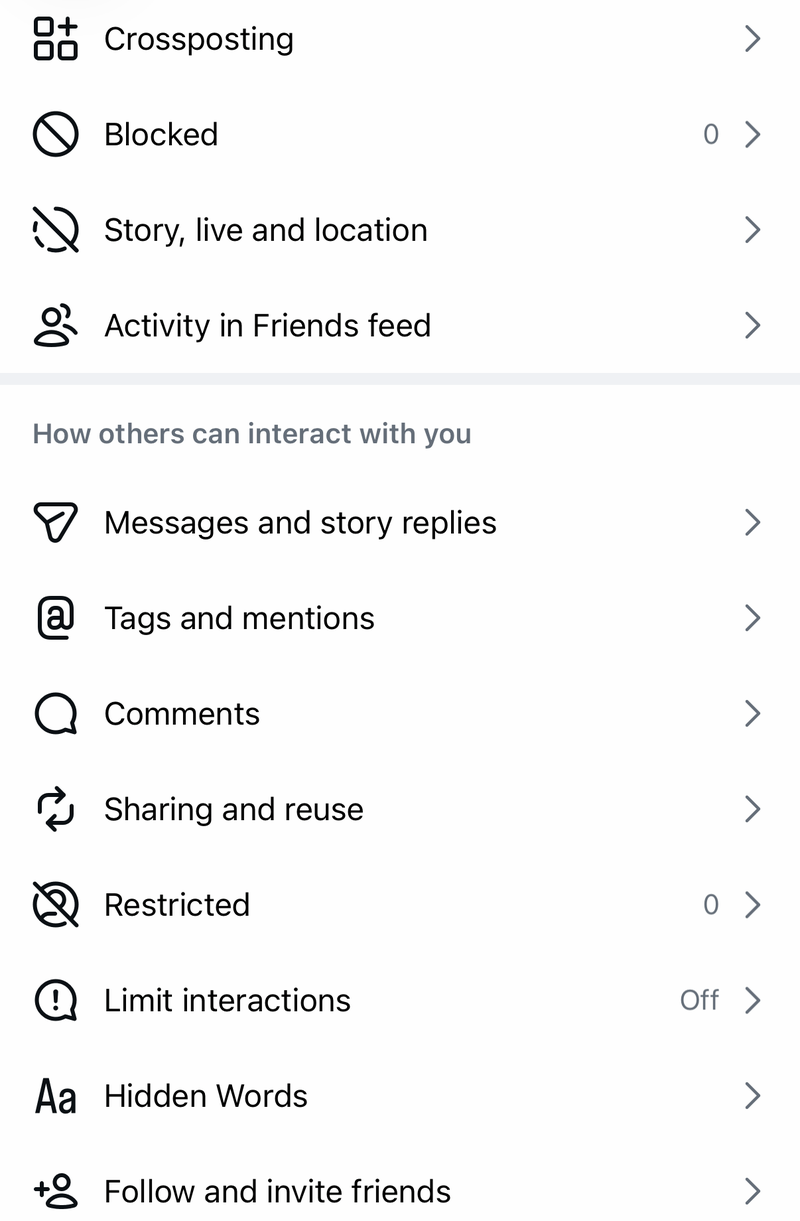
If the button is still missing, ask the other person to check Settings, Sharing and reuse, and Stories to stories, then review their account privacy. If that does not solve it, create a fresh story instead of trying to force the reshare.
Create a new story instead
When Instagram blocks resharing for that post or story, use the standard story composer.
- 1.Open Instagram and tap Create at the top, or swipe right anywhere in Feed.
- 2.Scroll to Story at the bottom.
- 3.Tap Record to take a photo, or tap and hold Record to record a video.
- 4.Finish editing the story.
- 5.Share it to Your story or Close friends.
Update Instagram
This fixes story tools that disappear or break because Instagram is out of date.
On iPhone or iPad, open the App Store and search for Instagram.
Tap Update if it appears.
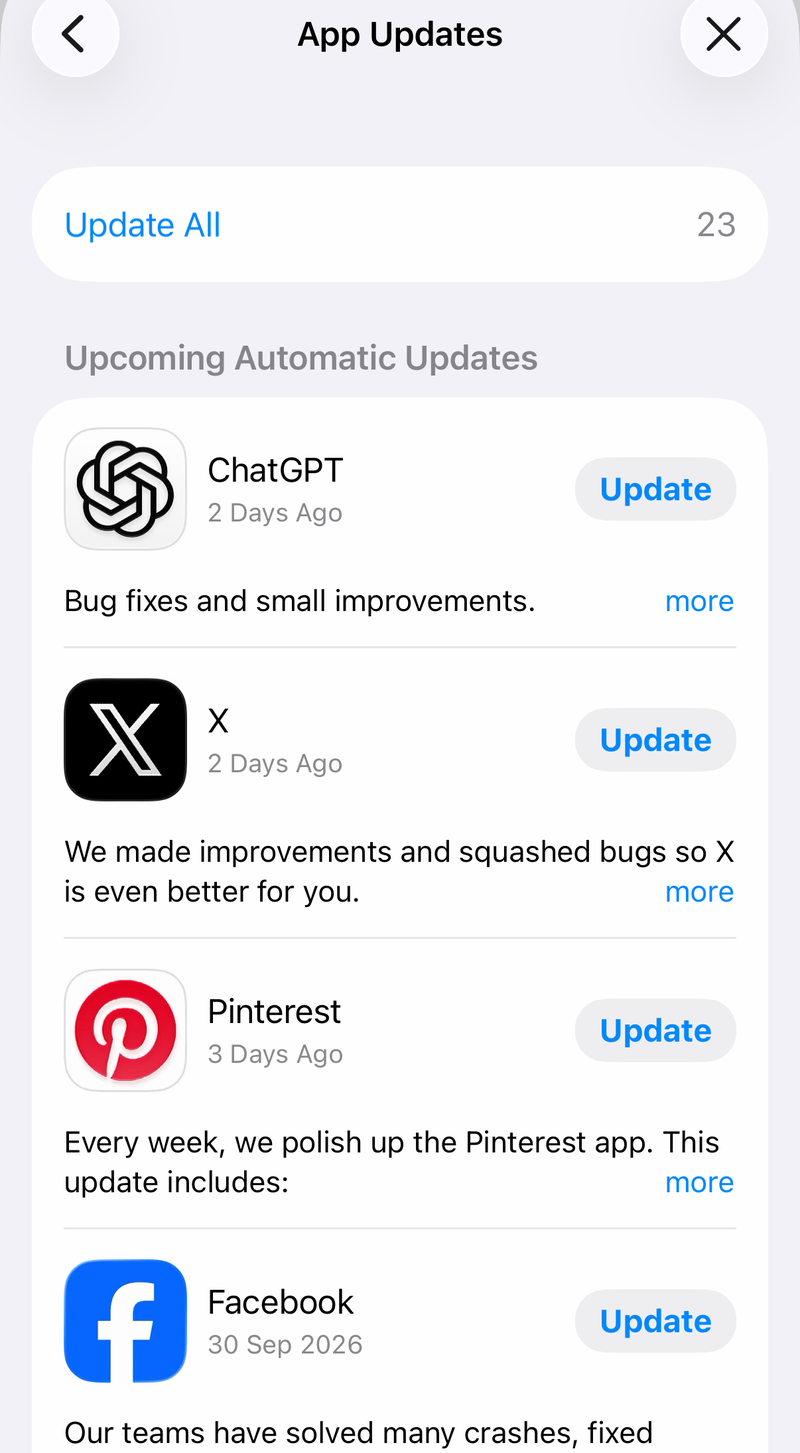
You can also open the App Store, tap the My Account button or your photo, tap App Updates, then tap Update next to Instagram or Update All.
On Android, open the Google Play Store and search for Instagram.
Tap Update when the button is shown.
Another Android path is Google Play Store, your profile icon, Manage apps & device, See details under Updates available, then Update next to Instagram.
Refresh the app and your phone
A stuck share sheet or frozen story composer clears after restarting the app session. On iPhone, open the App Switcher, swipe to Instagram, swipe up on it, then reopen Instagram from the Home Screen or App Library.
On Android with gesture navigation, swipe up from the bottom, hold, let go, swipe up on Instagram, then reopen it. Try the same post or story again after the app reloads.
If reopening Instagram does not help, restart the phone. On an iPhone with Face ID, hold the side button and either volume button until the power-off slider appears, drag the slider, wait 30 seconds, then hold the side button until the Apple logo appears.
On Pixel 6 and later, hold Power and Volume up for a few seconds, then tap Restart. If an iPhone is fully unresponsive, press and quickly release Volume Up, press and quickly release Volume Down, then hold the side button until the Apple logo appears.
Fix camera photo and microphone permissions
This fixes story screens that open blank, fail to capture media, or cannot use saved photos and videos.
On iPhone, open Settings, then Privacy & Security, then Camera, and turn Instagram on.
Open Settings, then Privacy & Security, then Microphone, and turn Instagram on.
For saved photos and videos on iPhone, open Settings, then Privacy & Security, then Photos, then Instagram.
Choose Full Access, or choose Limited Access and update the selected photos and videos.
On Android, open Settings, then Apps, then Instagram, then Permissions.
Tap Camera, Microphone, and Photos and videos, then choose the available allow option for each permission.
Clear damaged app data
Use the app's cache and reinstall paths when Instagram is updated but Add to story still spins, freezes, or behaves differently from other Instagram tools.
- 1.On Android, open Settings, Apps, See all apps, Instagram, Storage & cache, then tap Clear cache.
- 2.On Samsung Galaxy, open Settings, Apps, Instagram, Storage, then tap Clear cache.
- 3.On iPhone, delete and reinstall Instagram because iPhone does not provide the same per-app Clear cache control for Instagram.
- 4.To reinstall on iPhone, touch and hold Instagram, tap Remove App, tap Delete App, confirm Delete, then reinstall Instagram from the App Store.
- 5.To reinstall on Android, remove Instagram from the device, then reinstall it from the official Instagram page in the Google Play Store.
Look at account and data restrictions
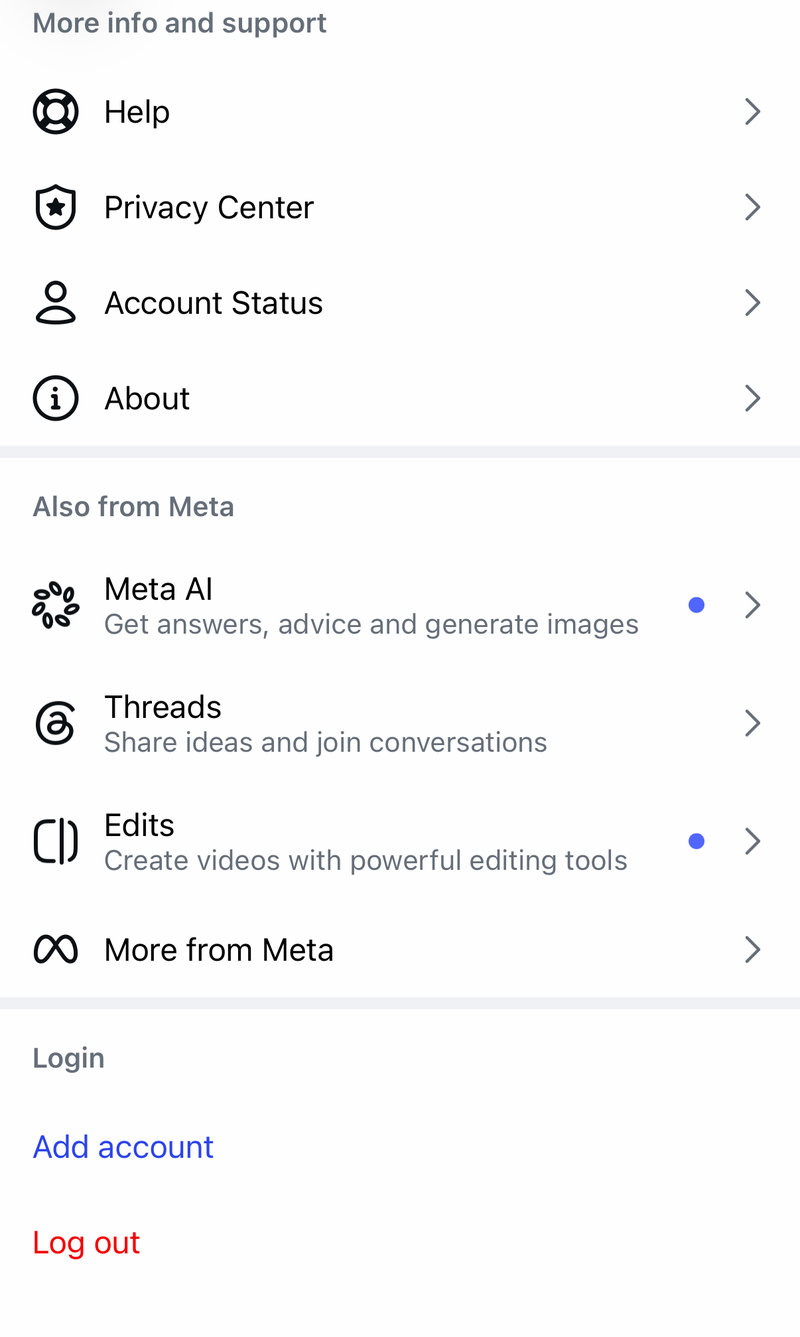
When the app itself works but posting or sharing still fails, open Instagram and go to Profile, Menu, then Account Status. Review removed content, warnings, or limited features, then follow Instagram's on-screen review or appeal options.
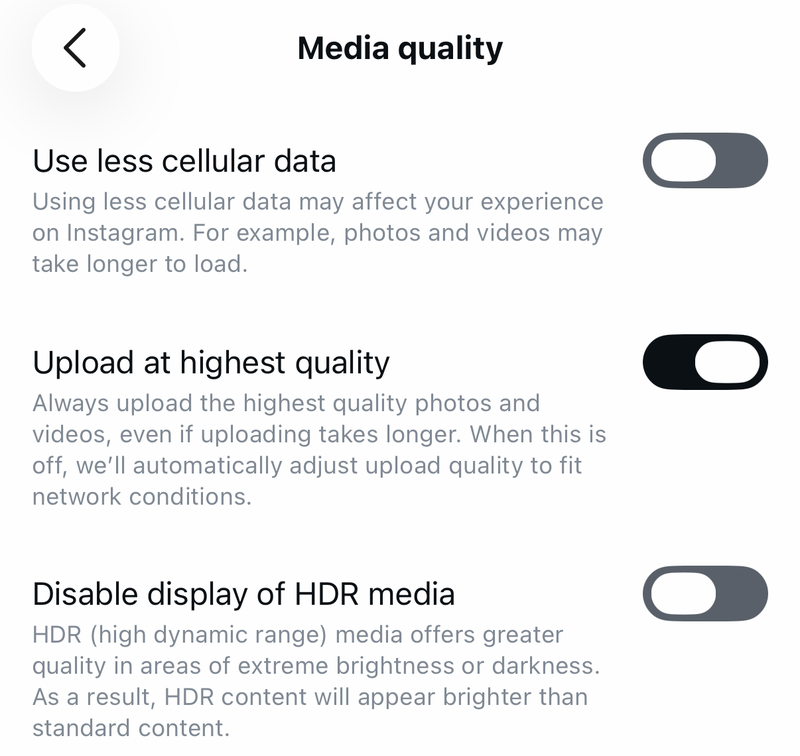
If story previews or shared media fail on mobile data, open Instagram and go to Profile, Menu, Settings and activity, then Media quality. Turn Use less cellular data off.
On iPhone, open Settings, then Cellular, turn Cellular Data on, then find Instagram (tap Show All if it is not listed) and allow cellular data for the app.
For child, school, or work-managed devices, install, update, permission, camera, photo, and sharing controls sit outside Instagram. Check Screen Time, Content & Privacy Restrictions, Google Play parental controls, Family Link, or the Android work profile, then have the parent or organization admin allow Instagram.
Report the problem to Instagram
This helps when Add to story is eligible but stays missing or broken after the fixes above.
Go to the exact Instagram screen where Add to story fails or disappears.
Shake your phone to open the reporting menu.
Tap Report a problem.
Follow the on-screen instructions and describe what happens when you tap or look for Add to story.
If shake-to-report is not available, use Profile, then Menu, then Help, then Report a Problem.
Desktop-browser developer-tools tricks are not a supported Instagram fix for posting Stories. Instagram documents story creation and sharing through its mobile app, so use the app, update it, fix permissions, check Account Status, and report the issue there.
Frequently Asked Questions
Why is Add to story missing for one Instagram post but not others?
That post is not eligible for resharing. Instagram shows Add to story for feed posts only when the source account is public and allows post resharing.
Can I share someone else's Instagram story if they did not mention me?
Yes, as long as the source account is public. Open the story, tap Share in the bottom right, tap Add to story, tap Next, then tap Share. A mention is not required. If the account is private, or the owner turned off resharing under Sharing and reuse, Add to story will not appear, so create a new story instead.
Does clearing Instagram cache work on iPhone?
No. iPhone does not provide the same per-app Clear cache control for Instagram. Delete and reinstall Instagram to replace the app install and clear app data.
What should I check if Instagram works on Wi-Fi but not mobile data?
Turn off Instagram Data Saver, then allow Instagram to use cellular data in iPhone Settings. On Android, keep Instagram updated through Google Play and review device data controls if downloads fail.