Charter email breaks in two very different places: the Spectrum mailbox itself or the mail app trying to read it. Start with the account, then fix the device settings that keep mail from loading, sending, or syncing.
The steps below move from webmail and sign-in checks to IMAP settings, phone apps, browser data, storage, and Spectrum support.
Check Spectrum webmail first
Use this when Charter email fails in Outlook, Apple Mail, Gmail, Thunderbird, or any phone mail app. Webmail proves whether the Spectrum mailbox works before you change device settings.
Sign in at Spectrum.net using your full Charter email address as the username and your email password, then choose Check Email from the left sidebar. If you do not see it, open More first. Spectrum now redirects webmail.spectrum.net to the Spectrum.net sign-in page, so start there.
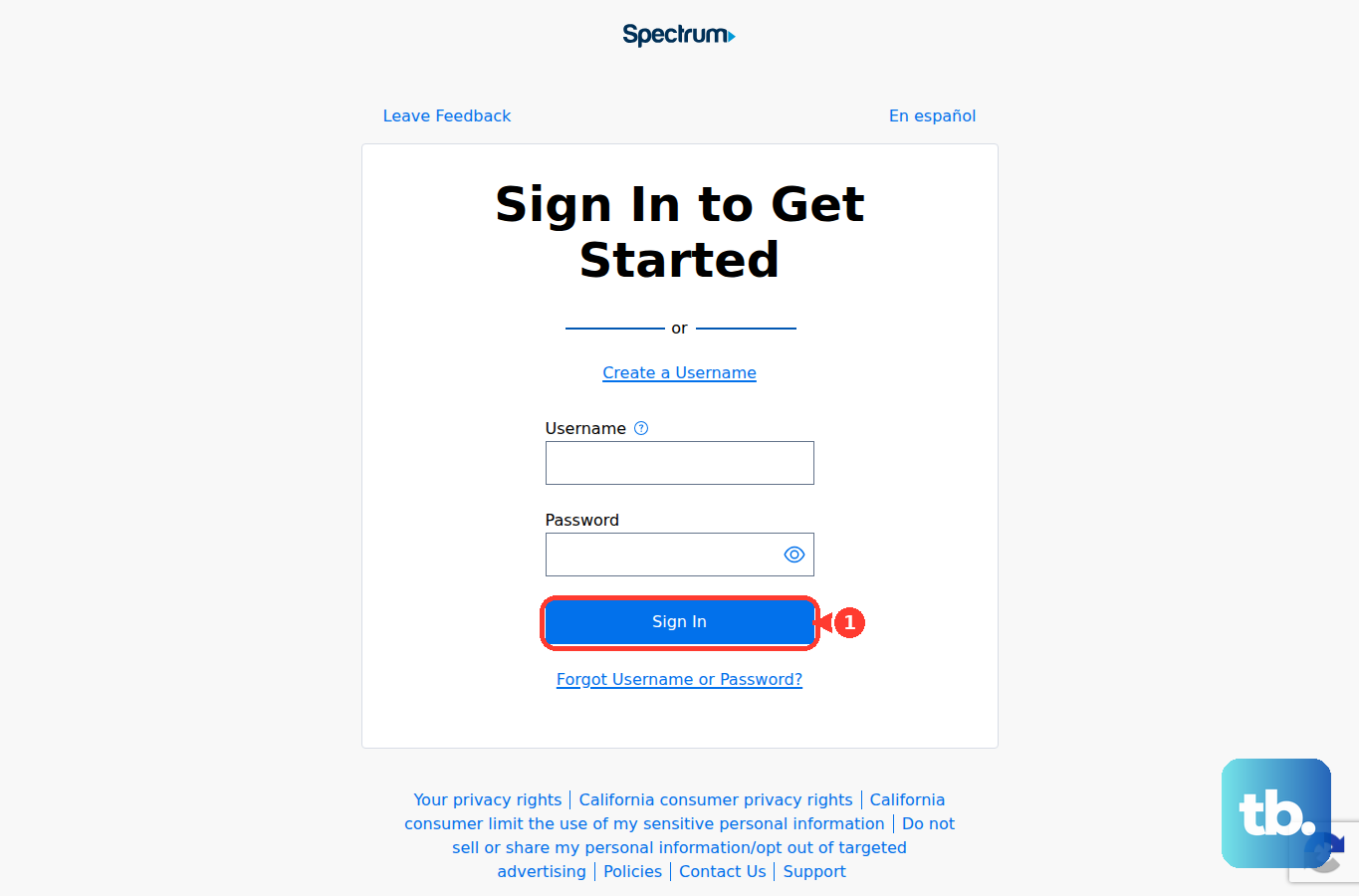
Open Inbox and confirm whether messages appear.
If the inbox looks stale, select the Email tab, choose Inbox on the left, then select Get Email in the top panel.
When webmail opens and refreshes, move to the app, sync, password, cache, or IMAP fixes below.
Fix Spectrum sign in or create the mailbox
Use these account checks when Spectrum webmail will not open or Spectrum says the mailbox is not ready.
- 1.On the Spectrum sign-in page, select Forgot Username or Password? under Sign In.
- 2.Choose the recovery option Spectrum offers and enter the requested information.
- 3.Follow the prompts to reset the Spectrum username or Spectrum email password.
- 4.After signing in, select Check Email from the menu on the left.
- 5.If Spectrum prompts for setup, select Create Mailbox, enter your Spectrum.net password, then select Finish.
Spectrum email is legacy or limited availability for many residential customers, so mailbox creation applies only when your account shows that option.
Use current Charter IMAP settings
Old Charter setup pages point people to POP, port 25, Roadrunner hosts, and outdated server names. Do not use those values unless Spectrum’s current server-settings page lists them for your exact email domain.
In the mail app account settings, use your full Spectrum-provided email address for Username and your Spectrum-provided email password for Password. Set SSL to On, set Protocol to IMAP, set the incoming port to 993, set the outgoing port to 587, and turn Requires Authentication on.
For @charter.net addresses, Spectrum identifies mobile.charter.net as the relevant server host. If automatic setup enters legacy values, replace them with Spectrum’s current values for that address.
Repair Charter email on iPhone or iPad
Use this when Spectrum webmail works but Apple Mail does not refresh, asks for the password again, or shows old mail only. The fix is the Mail switch, fetch schedule, or a clean account setup.
Open Settings, go to Apps, choose Mail, then open Mail Accounts.
Tap the Spectrum account, turn Mail off, wait briefly, then turn Mail back on.
If messages arrive late, open Fetch New Data from Mail Accounts. Under Fetch, choose a timed schedule.
If the account still fails, tap Sign Out or Delete Account, then add it again from Add Account. Enter the Charter email address and password, choose IMAP, enter the incoming and outgoing Spectrum server information, then tap Save.
Rebuild Outlook Gmail or Thunderbird
When one mail app keeps failing after the password and IMAP settings are correct, remove the saved setup and add the account back cleanly.
- 1.In classic Outlook for Windows, open File, Account Settings, Account Settings, then the Email tab. Choose New, select IMAP, and enter the Spectrum email address, password, and server settings.
- 2.In Outlook mobile, open the avatar menu, tap the Gear icon, then choose Add Mail Account and Add Email Account. If detection fails, choose IMAP and use Advanced Settings.
- 3.In Gmail for Android, open Menu, Settings, Add account, then Other. Enter the Charter email address, choose IMAP, enter the password, and finish with Spectrum incoming and outgoing server settings.
- 4.In Thunderbird, enter your name, email address, and password during setup. If automatic setup chooses wrong values, use Manual configuration, enter the Spectrum IMAP and SMTP settings, then choose Re-test or Done.
- 5.Update the app. Microsoft 365 updates through File, Account or Office Account, Update Options, then Update Now; Gmail updates from Google Play Store; Thunderbird updates from the official Thunderbird download page.
Clear browser data when webmail loops
The most common browser-side cause is stale cookies or cached Spectrum webmail data.
In Chrome on a computer, open More, choose Delete browsing data, select Cookies and other site data and Cached images and files, choose a time range, then select Delete data.
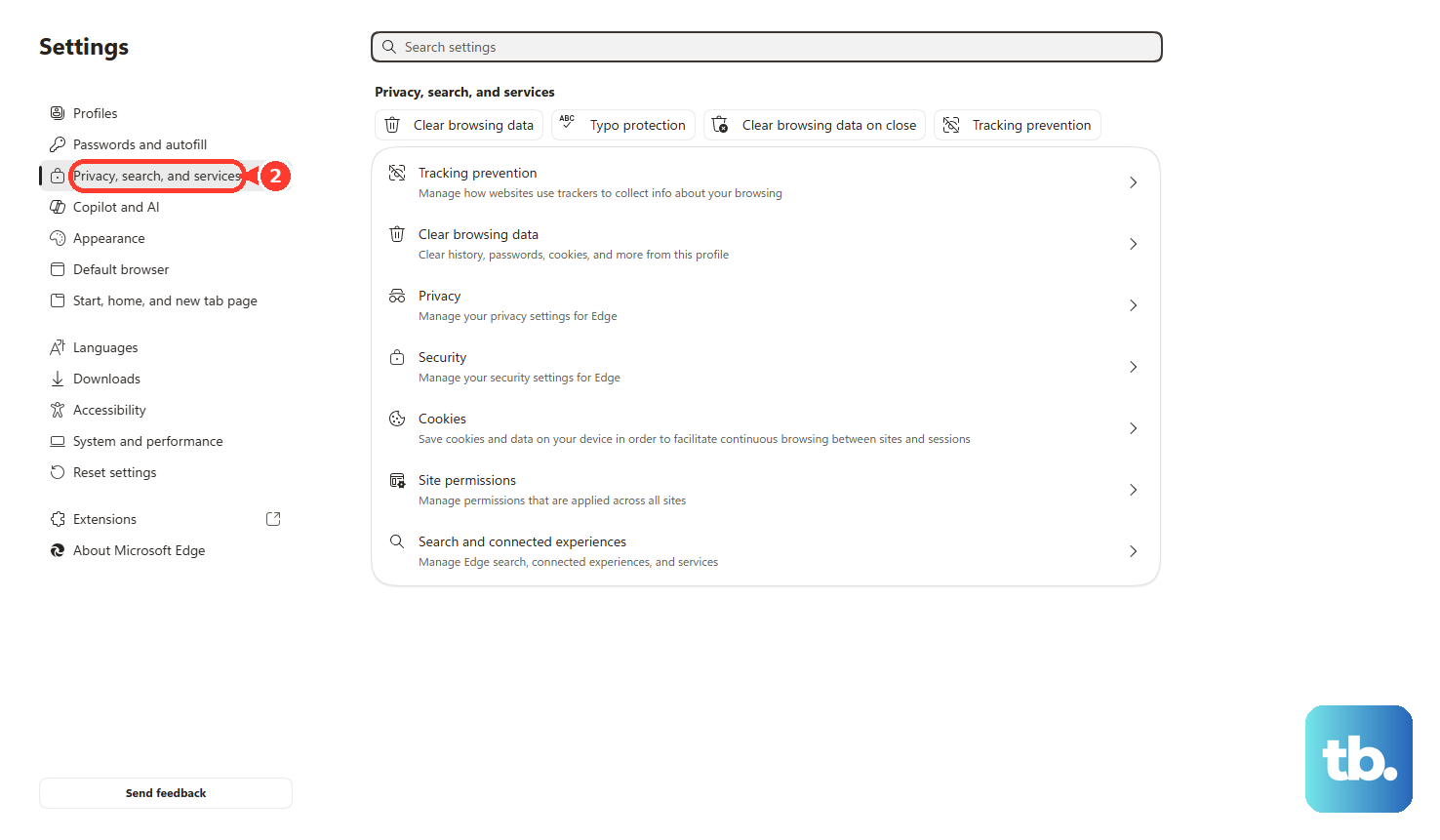
In Microsoft Edge, open Settings and more, then Settings, then Privacy, search, and services. Choose Choose what to clear next to Clear browsing data now, select cookies and cached files, then choose Clear now.
In Firefox, open Settings, then Privacy & Security. Use Cookies and Site Data or Browsing data, or clear only Spectrum data through Manage Data and Remove Selected.
On iPhone or iPad Safari, open Settings, choose Apps, choose Safari, then select Clear History and Website Data.
Check blocked senders storage and send errors
This fixes missing messages, failed outgoing mail, and mailboxes that stop receiving because they are full.
Open Spectrum Email and go to the Settings tab.
Choose Filters & Blocked Senders.
Scroll to Blocked Senders and remove blocked addresses or domains that should be allowed.
Add safe sender entries for senders whose messages need to reach the inbox.
Open Spam or Junk and look for missing messages.
Check mailbox storage in Spectrum Email Settings; Spectrum documents 5 GB of storage per email account and a 30 MB incoming and outgoing message size limit.
Open Trash and Sent Mail.
Select message checkboxes, then use the Delete icon in the top bar to free space.
When sending fails with a Spectrum error code, compare it with Spectrum’s email error-code page. Spectrum documents blocks tied to suspicious activity, including IP address blocks and email accounts blocked from sending.
Restart Spectrum equipment for connection failures
Restarting the modem applies when Charter email fails because Spectrum internet or Wi-Fi is down or unstable. It does not fix a wrong password, blocked sender, full mailbox, or bad IMAP setup.
Unplug the modem or modem/router combo power cord, wait at least one minute, then plug it back in. Test Spectrum webmail after the connection returns.
For a separate router setup, unplug the modem, turn off the router and your devices, plug in the modem, wait two minutes, then turn the router and devices back on.
You can restart from Spectrum’s account or My Spectrum App equipment surface by choosing the equipment and selecting Restart Equipment?.
After a broader service problem, open the My Spectrum App, sign in, go to More, then Settings, then Notifications, and enable outage alerts before changing more email settings.
Contact Spectrum or a business admin
Open Spectrum’s contact page when webmail fails too, the account is locked or blocked, sending errors point to suspicious activity, or the current Spectrum settings still fail.
Use the residential phone or chat options on that page.
For Spectrum Business email, ask the account administrator to reset the email password from the Spectrum Business online account under Services, then Internet.
For a new or updated Spectrum Business mailbox, the administrator signs in with an administrator username and password and uses the business email user-management flow.
Keep the full Charter email address, exact error message, and mail app name ready before contacting support.
Frequently Asked Questions
Is Charter email the same as Spectrum email now?
For troubleshooting, treat Charter email as Spectrum-provided email. The same fixes apply to legacy Charter, Roadrunner, and TWC mailboxes that Spectrum still permits to sign in.
Why does Charter email work in webmail but not on my phone?
The mailbox is working, so fix the phone setup. Check the saved password, use Spectrum’s current IMAP settings, adjust the fetch schedule, or remove and re-add the account.
What are the current Charter email IMAP settings?
Use the full Spectrum email address as the username, the Spectrum email password, SSL on, IMAP, incoming port 993, outgoing port 587, and authentication required. For @charter.net, Spectrum identifies mobile.charter.net as the relevant server host.
Does deleting the account from iPhone Mail close my Charter email account?
No. Removing the account from iPhone Mail removes it from that device only. It does not close the Spectrum email account itself.