A USB Wi-Fi adapter can upgrade a desktop with weak built-in wireless, add newer Wi-Fi support to an older PC, or give a laptop a better connection without opening the case. The right choice starts with your router, operating system, desk layout, and need for 6 GHz access.
Technobezz is supported by its audience. We may get a commission from retail offers.
7 Best USB Wi-Fi Adapters in 2026
NETGEAR Nighthawk A9000 BE6500 is the top USB Wi-Fi adapter for Windows 11 PCs ready for Wi-Fi 7 and 6 GHz.
T
Technobezz
Editorial Team
Updated September 27, 2026Sep 27, 2026
•12 min read

Get Deals Like These in Your Inbox
The best prices, reviewed weekly.
The NETGEAR Nighthawk A9000 BE6500 is the best overall pick because it brings Wi-Fi 7, tri-band support, high rated speeds, and a desktop-friendly cradle design to Windows 11 PCs. It is the most forward-looking option here for buyers with a Wi-Fi 7 or 6 GHz-capable network.
This roundup covers current USB Wi-Fi adapters for home setups, from premium Wi-Fi 7 models to simpler Wi-Fi 6 dongles. Match the adapter to your router generation first, then choose the antenna style, USB interface, and OS support that fit your PC.
At a Glance
| Category | Product | Why We Picked It |
|---|---|---|
| Best overall | NETGEAR Nighthawk A9000 BE6500 | Top Wi-Fi 7 USB pick for Windows 11 PCs |
| Best budget Wi-Fi 6E | Cudy WU5400 AX5400 | Inexpensive tri-band 6E access for Windows PCs |
| Best for gaming desktops | MSI BE6500 WiFi 7 USB Adapter | Gaming-focused Wi-Fi 7 features with desktop antennas |
| Best premium USB-C option | ASUS ROG USB-BE92 BE6500 | Premium Wi-Fi 7 with Type-A and Type-C flexibility |
| Best Wi-Fi 6E adapter | NETGEAR Nighthawk A8000 AXE3000 | Mature 6 GHz upgrade without jumping to Wi-Fi 7 |
| Best for flexible desk placement | ASUS USB-AX56 AX1800 | Cradle-based Wi-Fi 6 adapter for cleaner desktop placement |
| Best simple Wi-Fi 6 dongle | D-Link DWA-X1850 AX1800 | Simple AX1800 stick for laptops and compact desktops |
How we chose
We selected USB Wi-Fi adapters by weighing the criteria that matter most in daily use: Wi-Fi generation, 2.4 GHz, 5 GHz, and 6 GHz band support, rated throughput, USB interface, antenna design, security support, and operating system compatibility. Models with cradle or adjustable antenna designs earned stronger consideration for desktops, while compact adapters were judged by how clearly they fit laptops and simple PC upgrades. The final list favors clear use cases, current Wi-Fi standards, and specs that match the needs of Windows PC buyers upgrading home wireless performance.
The best USB wi-fi adapters right now
NETGEAR Nighthawk A9000 BE6500 - Best overall
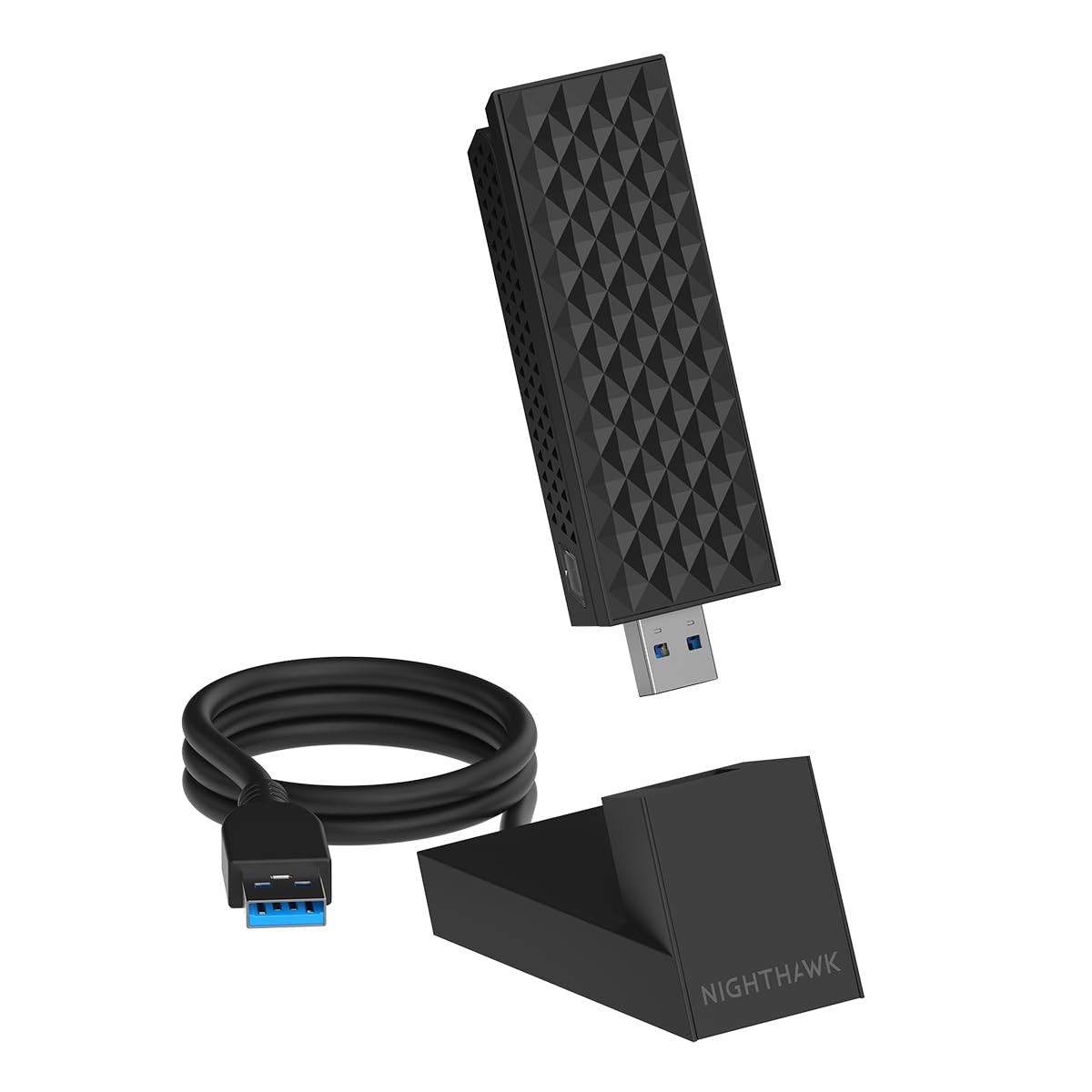
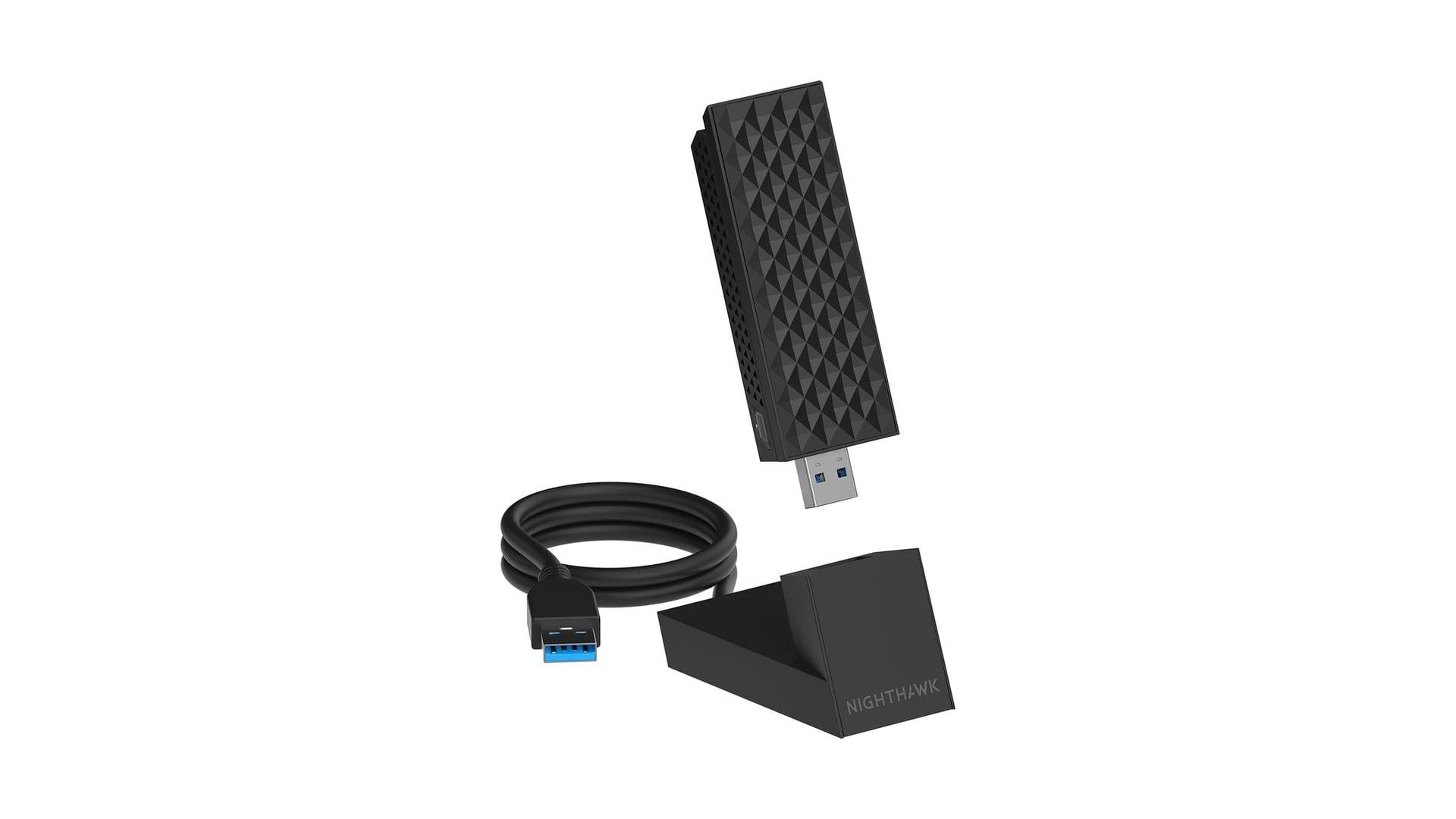
The NETGEAR Nighthawk A9000 BE6500 is the strongest all-around choice for moving a Windows 11 PC onto a modern 6 GHz network. It is a Wi-Fi 7 tri-band adapter rated up to 6.5 Gbps, with 688 Mbps on 2.4 GHz, 2882 Mbps on 5 GHz, and 2882 Mbps on 6 GHz.
A flip-open design, 2 internal high-gain antennas, and the included USB cradle make placement easier on a desktop than a tiny stick plugged behind a tower. The adapter uses USB 3.0 and remains compatible with USB 2.0.
This is the adapter to buy when the rest of your setup can use it. Wi-Fi 7 features and 6 GHz require Windows 11, and the premium makes sense with a Wi-Fi 7 router.
Key highlights
- Wi-Fi 7 tri-band
- Up to 6.5 Gbps rated speed
- 688 Mbps 2.4 GHz, 2882 Mbps 5 GHz, 2882 Mbps 6 GHz
- USB 3.0, compatible with USB 2.0
- Flip-open design with 2 internal high-gain antennas
- Windows 11 and above consumer editions
Pros
- Current name-brand Wi-Fi 7 USB option with 6 GHz support
- Cradle and adjustable antenna make desktop placement easier
- Strong spec sheet for Windows 11 PCs with Wi-Fi 7 routers
- WPA3, MU-MIMO, OFDMA and Beamforming+ support
Cons
- Windows 11-only for practical use
- Expensive versus Wi-Fi 6 adapters
- Needs a Wi-Fi 7 router to justify the premium
Who it's for
Ideal for a Windows 11 desktop or laptop on a Wi-Fi 7 or 6 GHz-capable network.
Skip if
Not the right fit for Windows 10, macOS, Linux, or an older Wi-Fi 5 or Wi-Fi 6 router.
Cudy WU5400 AX5400 - Best budget Wi-Fi 6E
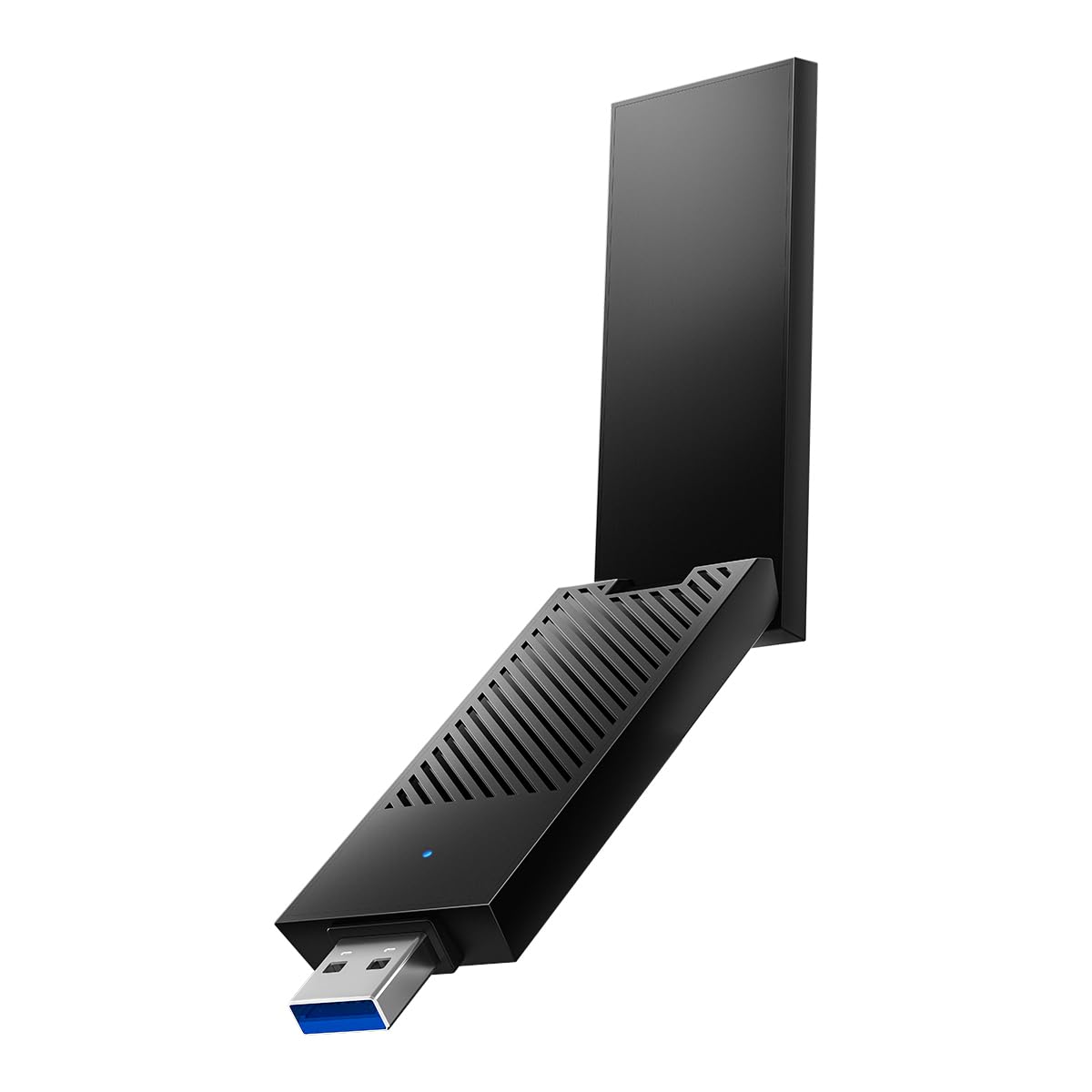
Cudy WU5400 AX5400 is the budget play for shoppers who want 6 GHz access without stepping into premium Wi-Fi 7 territory. It is a Wi-Fi 6E USB-A 3.0 adapter rated for 2402 Mbps on 6 GHz, 2402 Mbps on 5 GHz, and 574 Mbps on 2.4 GHz.
The compact USB-A body keeps the setup simple, while 2 Wi-Fi antennas and tri-band 6E support give it more wireless headroom than a basic dual-band dongle. Cudy lists automatic driver installation for Windows 10 and Windows 11.
Choose it for inexpensive 6 GHz access on a Windows PC, especially when the computer is close enough to the router to benefit from that band. Buyers who prioritize a larger US support footprint should choose a bigger networking brand.
Key highlights
- Wi-Fi 6E
- 2402 Mbps 6 GHz, 2402 Mbps 5 GHz, 574 Mbps 2.4 GHz
- USB-A 3.0 interface
- 2 Wi-Fi antennas
- Windows 10 and Windows 11 support
- Automatic driver installation
Pros
- High AX5400-class rated speeds for less money than big-brand options
- Tri-band 6E with 160 MHz support
- Compact USB-A body
- Auto driver installation on Windows 10/11
Cons
- Cudy has a smaller US support footprint than NETGEAR, TP-Link or ASUS
- No macOS support verified
- 6 GHz behavior can vary by Windows version and router
Who it's for
Suited to buyers who want inexpensive 6 GHz access for a Windows PC.
Skip if
Choose another model if you prefer a major US networking brand with broader retail support.
MSI BE6500 WiFi 7 USB Adapter - Best for gaming desktops
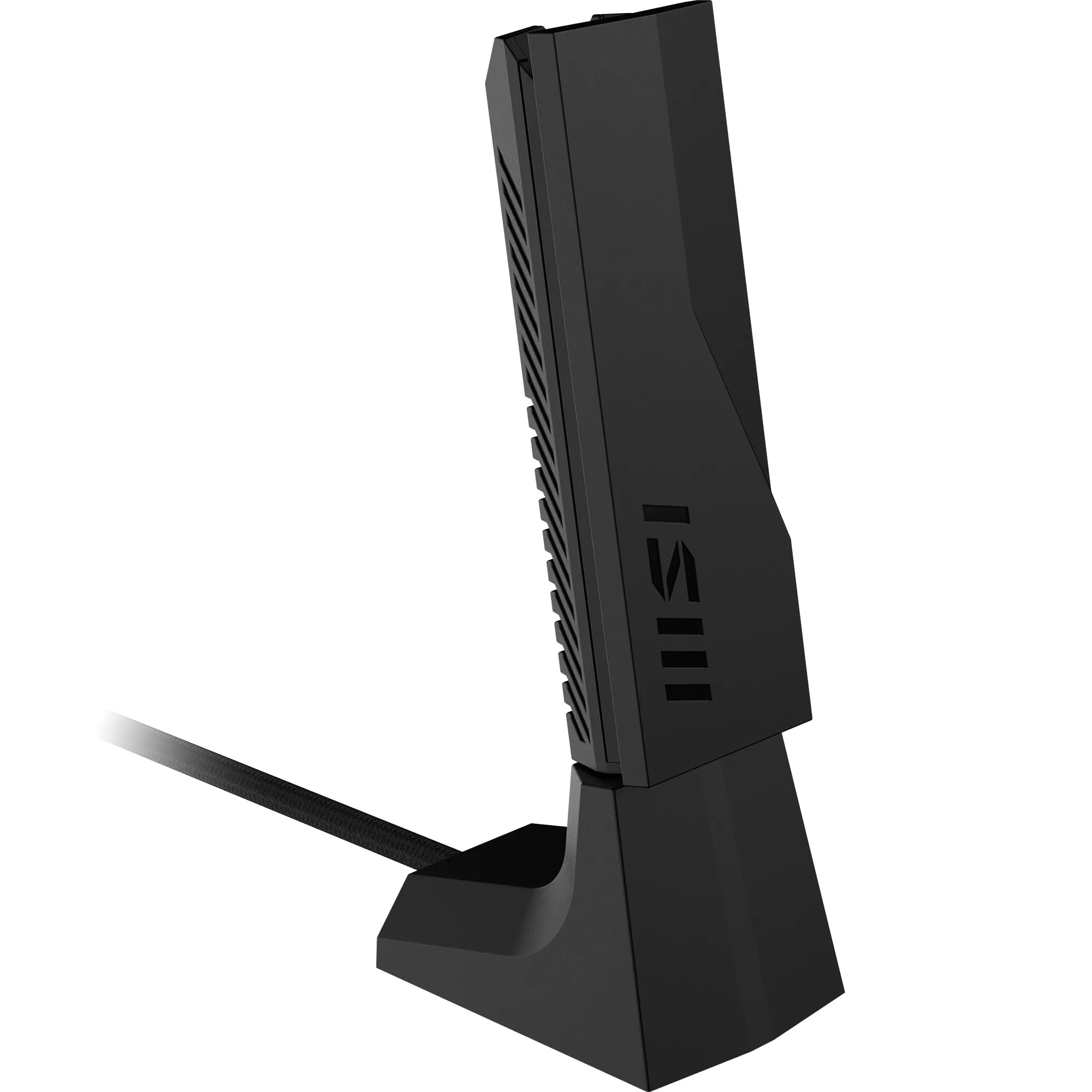
For desktop gaming PCs that cannot easily use Ethernet, the MSI BE6500 WiFi 7 USB Adapter brings a modern tri-band feature set. It supports Wi-Fi 7, Wi-Fi 6, Wi-Fi 5, Wi-Fi 4, and older 802.11a/b/g networks across 2.4 GHz, 5 GHz, and 6 GHz.
Rated speeds are 688 Mbps on 2.4 GHz, 2880 Mbps on 5 GHz, and 2880 Mbps on 6 GHz. MLO, OFDMA, MU-MIMO, Beamforming, and BSS Coloring put it well ahead of basic USB adapters for compatible routers.
The external antenna design is the practical desktop advantage, especially when placement and reception matter. Its Wi-Fi 7 advantage still depends on the router and OS, and USB 3.0 remains the throughput boundary.
Key highlights
- Wi-Fi 7, Wi-Fi 6, Wi-Fi 5, Wi-Fi 4, and 802.11a/b/g
- 688 Mbps 2.4 GHz, 2880 Mbps 5 GHz, 2880 Mbps 6 GHz
- Tri-band 2.4 GHz, 5 GHz, 6 GHz
- WPA-PSK, WPA2-PSK/Enterprise, WPA3-Personal/Enterprise
- MLO, OFDMA, MU-MIMO, Beamforming, BSS Coloring
Pros
- Full BE6500-class tri-band Wi-Fi 7 speeds
- Gaming-focused feature mix with MLO, OFDMA, MU-MIMO and Beamforming
- External antenna design is better suited to desktops than nano dongles
- WPA3 Personal and Enterprise support
Cons
- Newer product with less long-term owner history than older Wi-Fi 6 models
- Still limited by USB 3.0 real-world throughput
- Wi-Fi 7 advantage depends heavily on router and OS
Who it's for
Built for a gaming PC near a modern Wi-Fi 7 router where Ethernet is not practical.
Skip if
Not necessary for buyers with only a Wi-Fi 5 or Wi-Fi 6 router, or for those who want mature, boring driver support above all else.
ASUS ROG USB-BE92 BE6500 - Best premium USB-C option
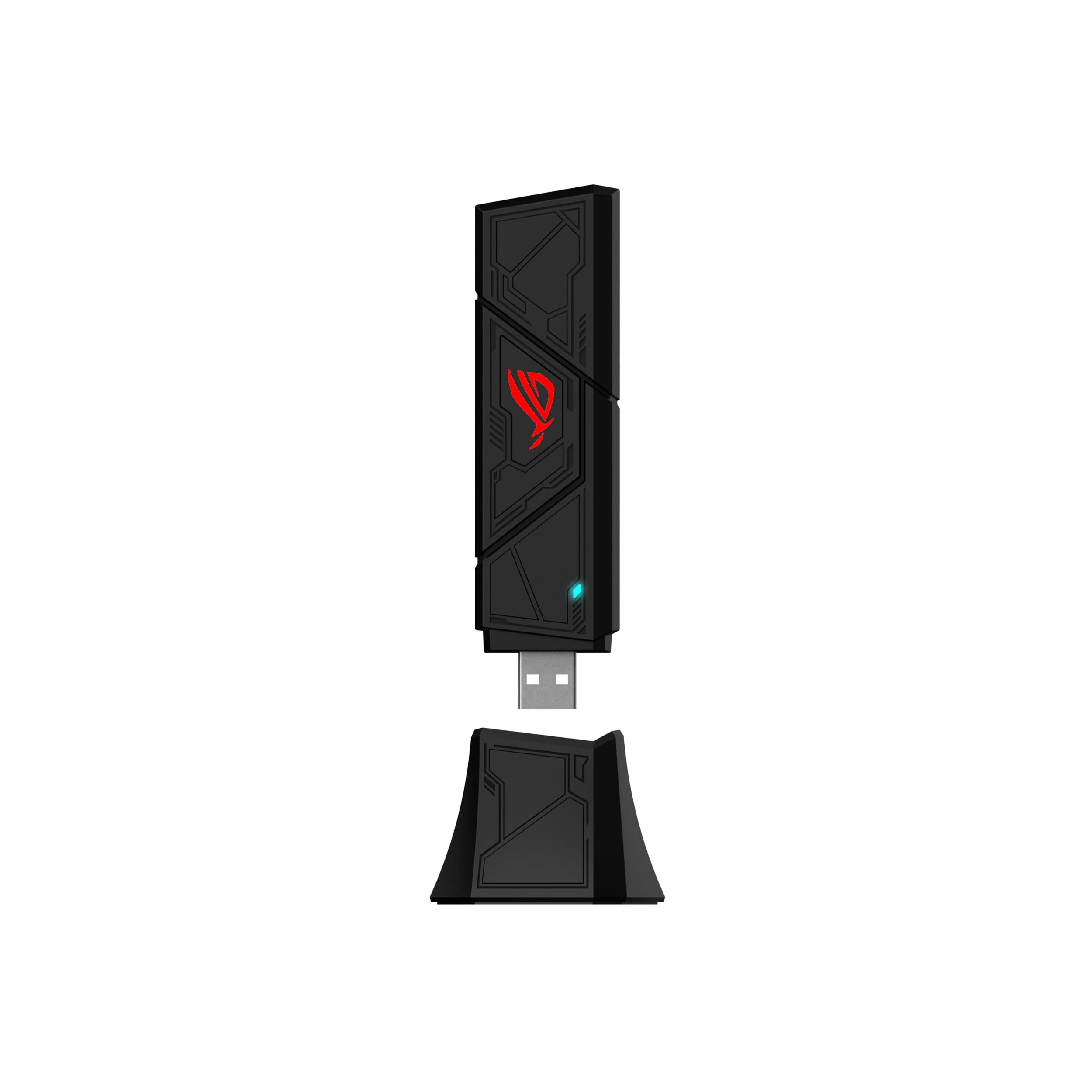
Port flexibility is the main reason to step up to the ASUS ROG USB-BE92 BE6500. ASUS lists it as a BE6500 product segment model with Wi-Fi 7 support and tri-band 2.4 GHz, 5 GHz, and 6 GHz operation.
The USB 3.0 interface works with Type-A and Type-C according to ASUS, which makes it easier to use across newer laptops and desktops. It also supports 4096-QAM, Multi-Link Operation, and WPA3 network security, though ASUS notes that full Wi-Fi 7 functionality arrives with Windows 11 24H2 or later on a Wi-Fi 7 network.
This ROG adapter fits a higher-end PC setup where 6 GHz, MLO, and port flexibility all matter. It is less compact than nano adapters, and its strongest features are overkill without a Wi-Fi 7 router.
Key highlights
- Wi-Fi 7, Wi-Fi 6, Wi-Fi 5, Wi-Fi 4, and IEEE 802.11a/b/g
- BE6500 ultimate BE performance product segment
- Tri-band 2.4 GHz, 5 GHz, 6 GHz
- USB 3.0 interface
- Compatible with Type-A and Type-C
- 4096-QAM, Multi-Link Operation, WPA3 network security
Pros
- BE6500 Wi-Fi 7 spec in a gaming-branded adapter
- Type-A and Type-C flexibility is useful for newer laptops and desktops
- 6 GHz and MLO support for compatible networks
- Stronger pick than the tiny ASUS USB-BE92 Nano for sustained desktop use
Cons
- Likely overkill without a Wi-Fi 7 router
- ROG branding can carry a price premium
- Less compact than nano adapters
Who it's for
Fits buyers who want a premium Wi-Fi 7 adapter for a PC with either USB-A or USB-C ports.
Skip if
Choose another model for the cheapest stable Wi-Fi upgrade for a basic desktop.
NETGEAR Nighthawk A8000 AXE3000 - Best Wi-Fi 6E adapter
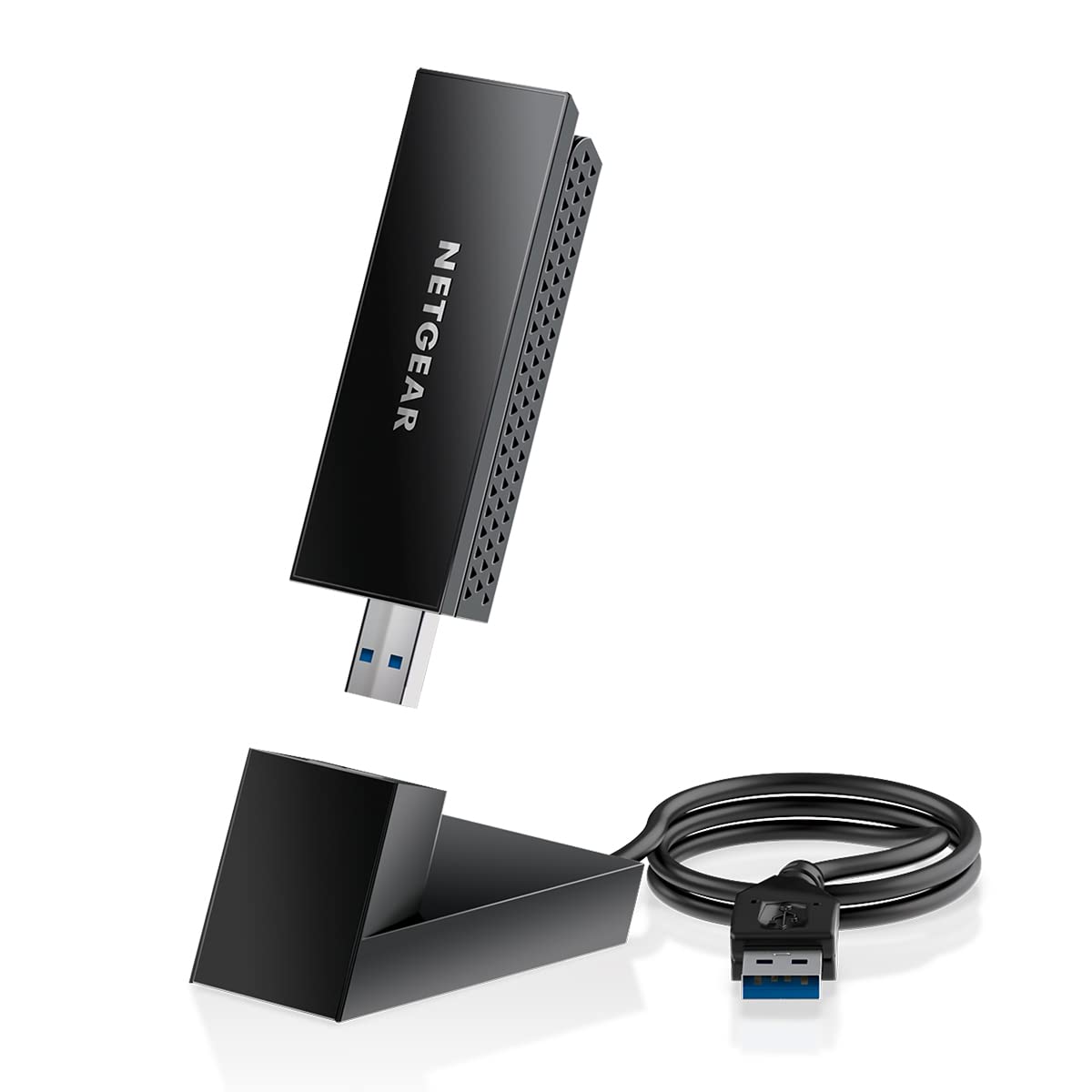
The NETGEAR Nighthawk A8000 AXE3000 is the Wi-Fi 6E choice for users who want 6 GHz support but do not need Wi-Fi 7. It supports Wi-Fi 6/6E, IEEE 802.11ax, and AXE3000 class wireless.
Its rated speeds are 600 Mbps on 2.4 GHz, 1200 Mbps on 5 GHz, and 1200 Mbps on 6 GHz. USB 3.0 support, USB 2.0 compatibility, WPA3 security, and Windows 10/11 support keep it practical for many Windows PCs.
A cradle and flip antenna help with placement, especially for desktops where rear USB ports can hurt reception. Windows 11 is required for the 6 GHz band, so Windows 10 buyers should treat it as a 2.4 GHz and 5 GHz adapter.
Key highlights
- Wi-Fi 6/6E, IEEE 802.11ax, AXE3000
- 600 Mbps 2.4 GHz, 1200 Mbps 5 GHz, 1200 Mbps 6 GHz
- USB 3.0, compatible with USB 2.0
- WPA3 security
- Windows 10 and Windows 11 support
- Windows 11 required for 6 GHz band
Pros
- Mature name-brand Wi-Fi 6E option with 6 GHz support
- Cradle and flip antenna help placement
- Cheaper than many Wi-Fi 7 adapters
- Works with Wi-Fi 6E routers and older 2.4/5 GHz networks
Cons
- Superseded by NETGEAR's A9000 Wi-Fi 7 model
- 6 GHz requires Windows 11
- No Wi-Fi 7 MLO or 4096-QAM
Who it's for
Best for buyers with a Wi-Fi 6E router who want 6 GHz without paying Wi-Fi 7 prices.
Skip if
Not the best pick for a PC build centered on a Wi-Fi 7 router today.
ASUS USB-AX56 AX1800 - Best for flexible desk placement
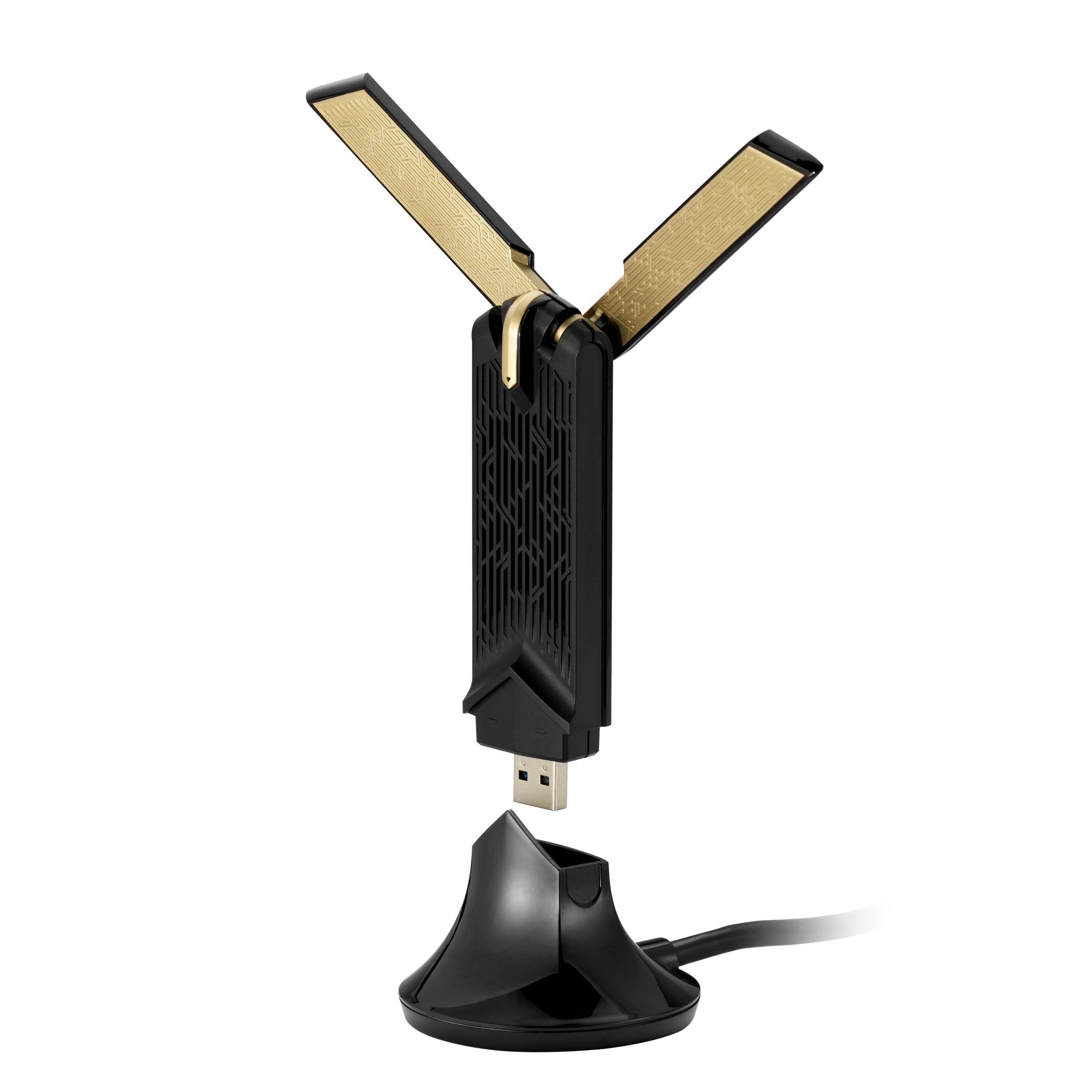
The ASUS USB-AX56 AX1800 keeps the focus on practical Wi-Fi 6 instead of newer 6 GHz standards. It supports Wi-Fi 6, Wi-Fi 5, Wi-Fi 4, and IEEE 802.11a/b/g networks through a USB 3.2 Gen 1 interface.
Its external antenna and cradle are the main reasons to choose it for a desktop. Moving the adapter away from the back of a tower case helps avoid poor reception caused by desk placement or a metal PC case.
WPA3, OFDMA, MU-MIMO, and BSS Coloring round out the feature set for Wi-Fi 6 networks. It is not the future-proof pick for 6 GHz, but it is a clean option for buyers who want an ASUS adapter with placement flexibility.
Key highlights
- Wi-Fi 6, Wi-Fi 5, Wi-Fi 4, and IEEE 802.11a/b/g
- 1 x USB 3.2 Gen 1 interface
- External antenna and cradle
- WPA3 security
- OFDMA, MU-MIMO, BSS Coloring
Pros
- Cradle helps avoid poor reception behind a tower case
- WPA3 and Wi-Fi 6 efficiency features
- Cleaner fit for ASUS-heavy PC setups
Cons
- No 6 GHz support
- Not as future-proof as Wi-Fi 7 adapters
Who it's for
A strong match for buyers who want a reliable Wi-Fi 6 adapter with a desktop cradle from ASUS.
Skip if
Not for buyers who need 6 GHz or the lowest price.
D-Link DWA-X1850 AX1800 - Best simple Wi-Fi 6 dongle
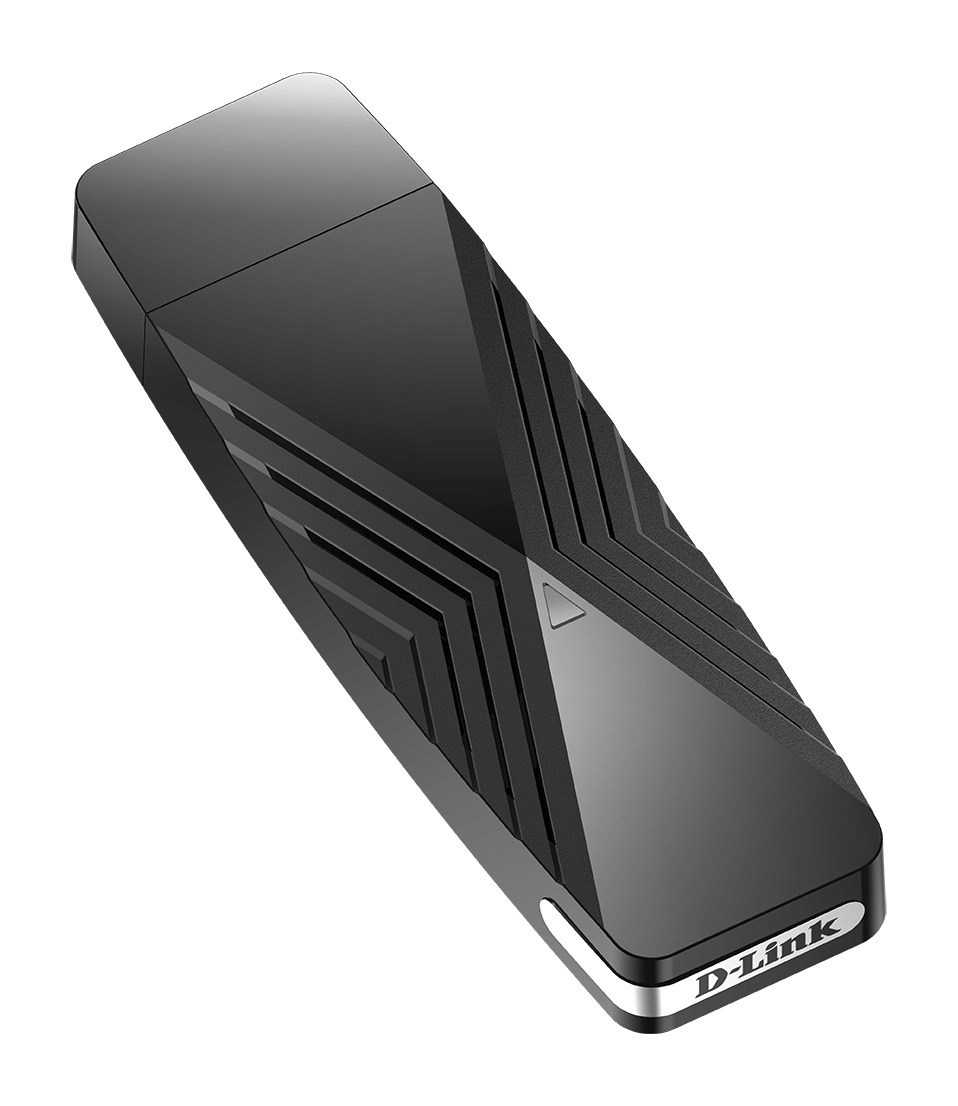
Simple laptop and compact desktop upgrades are where the D-Link DWA-X1850 AX1800 fits best. It supports IEEE 802.11ax/ac/n/a and uses integrated antennas rather than an external antenna setup, with a 3 ft USB cradle in the box for placement.
Rated speeds are 574 Mbps on 2.4 GHz and 1200 Mbps on 5 GHz, with USB 3.2 Gen 1 / USB 3.0 connectivity. WPA2 and WPA3 support cover modern home security needs.
The integrated design is convenient when you do not want extra desktop hardware. For PCs far from the router or tucked behind a metal tower, the integrated antenna is the main tradeoff.
Key highlights
- IEEE 802.11ax/ac/n/a
- 574 Mbps 2.4 GHz, 1200 Mbps 5 GHz
- Integrated antennas, 3 ft USB cradle included
- WPA2 and WPA3 security
- USB 3.2 Gen 1 / USB 3.0 interface
Pros
- WPA3 support
- Major networking brand with current Amazon US listings for the B1 retail revision
- Good option when you do not want external antennas
Cons
- Integrated antennas give less gain than external antenna designs
- No 6 GHz band
- Windows support is the clearly verified path
Who it's for
Works well for a laptop or compact desktop where a simple USB Wi-Fi 6 stick is enough.
Skip if
Choose an external antenna model when your PC sits far from the router, since the bundled cradle helps placement but not antenna gain.
How to Choose
- Match the adapter to your router generation. A Wi-Fi 7 USB adapter will still connect to older routers, but it cannot create Wi-Fi 7 speeds or MLO unless the router and operating system also support them.
- Do not ignore the 6 GHz catch. The 6 GHz band can be fast and less congested, but range through walls is worse than 2.4 GHz and often worse than 5 GHz. It is best for rooms near the router or mesh node.
- For desktops, placement beats tiny size. Adapters with a cradle, extension cable, or adjustable antennas often outperform nano dongles because they can be moved away from the back of a metal PC case.
- Check OS support before buying. Many new Wi-Fi 6E and Wi-Fi 7 USB adapters are Windows-first, and 6 GHz commonly requires Windows 11. Linux and macOS shoppers should choose models with explicit driver support.
- USB 3.x matters for faster adapters. USB 2.0 can bottleneck high-speed models.
- External antennas help range, not magic. High-gain antennas can improve reception, but they do not overcome a weak router, thick walls, or an overloaded band. Sometimes a mesh node or Ethernet is the better fix.
Is Wi-Fi 7 worth it for a USB adapter?
Yes, when you have a Wi-Fi 7 router, a compatible Windows setup, and a reason to use 6 GHz or MLO. With an older router, a Wi-Fi 6 or Wi-Fi 6E adapter is the better match.
Do USB Wi-Fi adapters work with any router?
They generally work when the adapter supports the router's Wi-Fi band and security mode. Advanced features such as Wi-Fi 6E 6 GHz, Wi-Fi 7, MU-MIMO, OFDMA, and MLO require support from the router and the adapter.
Why do many 6 GHz adapters require Windows 11?
Windows 11 is the clear consumer path for 6 GHz on many adapters. Some models support Windows 10 for 2.4 GHz and 5 GHz while reserving 6 GHz features for Windows 11 or specific Windows 10 versions.
Is a nano USB adapter good enough?
Nano adapters are convenient for laptops, but larger adapters with external antennas or a cradle are better for desktops where the USB port may sit behind a tower or near metal obstructions.
Can a USB Wi-Fi adapter replace Ethernet for gaming?
It can work well when signal quality is strong and the PC is near a modern router. Ethernet remains the better choice for the most consistent latency and reliability.
Share this article
More in News
Best HP Desktop Computers in 2026
The HP OmniDesk M03-0155t is our top pick, with balanced memory and storage for home, school, and office use.
5 min read
Best Lenovo Yoga Laptops in 2026
The Lenovo Yoga 9i 2-in-1 Aura Edition Gen 11 is our top pick for premium convertible flexibility, 32GB of memory and a 120Hz OLED display.
5 min read
Best Sony Lenses in 2026
The Sony FE 24-70mm F2.8 GM II is our top pick, with focused choices for travel, portraits, low light, macro, and wildlife.
4 min read
Best Anker Chargers in 2026
The Anker Charger 100W Smart Display is our top pick for balanced laptop power, three-port flexibility and useful live readouts.
3 min read
Bose QuietComfort Headphones Wireless Headphones gets a $40 price cut to $319
4 min read
Amzfast WQHD Curved Gaming Monitor drops to $199.99, its lowest price yet
3 min read
Roku 75-inch Pro TV 4K QLED Mini-LED TV now selling for $899.99
5 min read
2 Headphone Deals Worth Checking Today, Starting at $58.29
4 min read
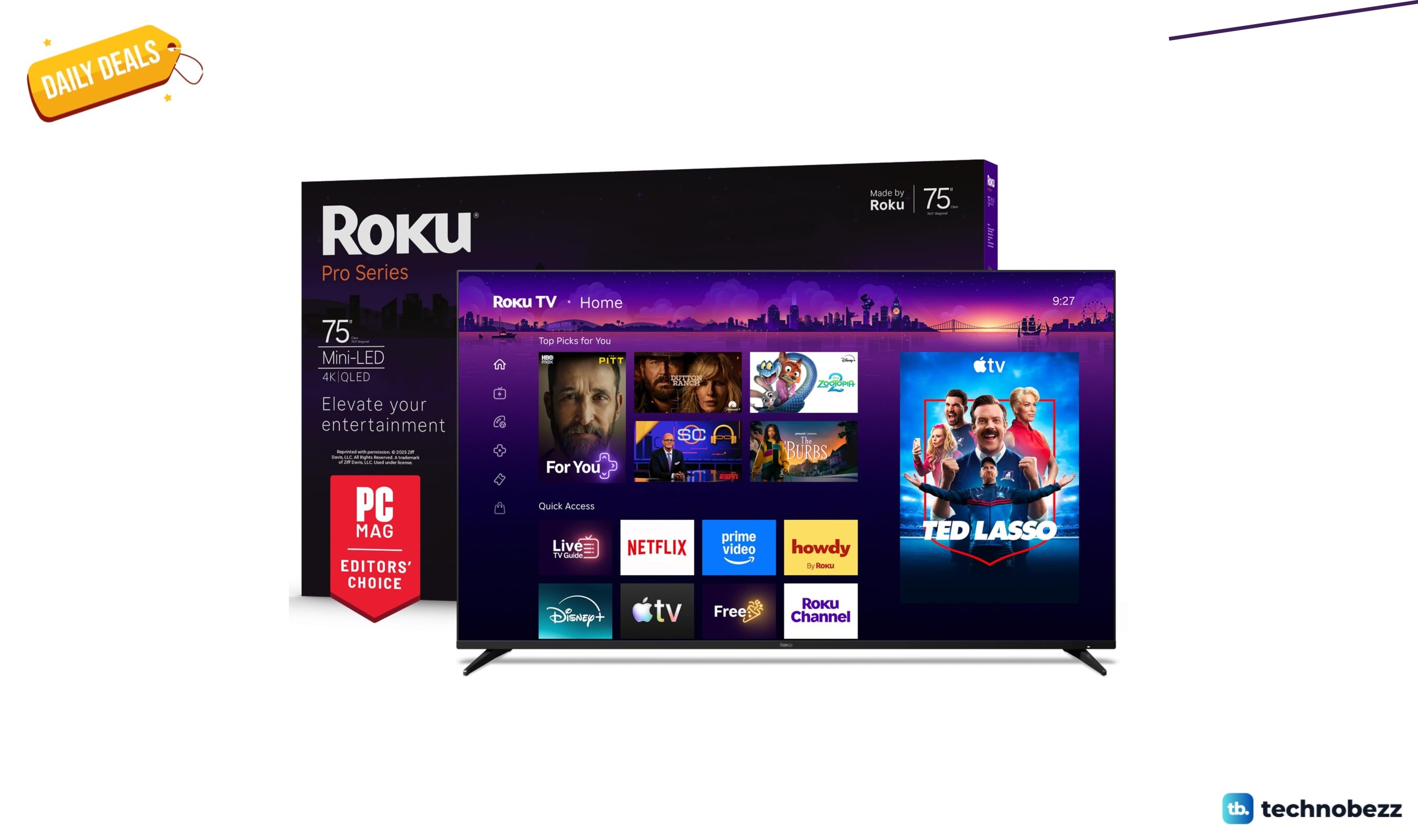
Today's best TV deals, starting at $565.83
3 min read
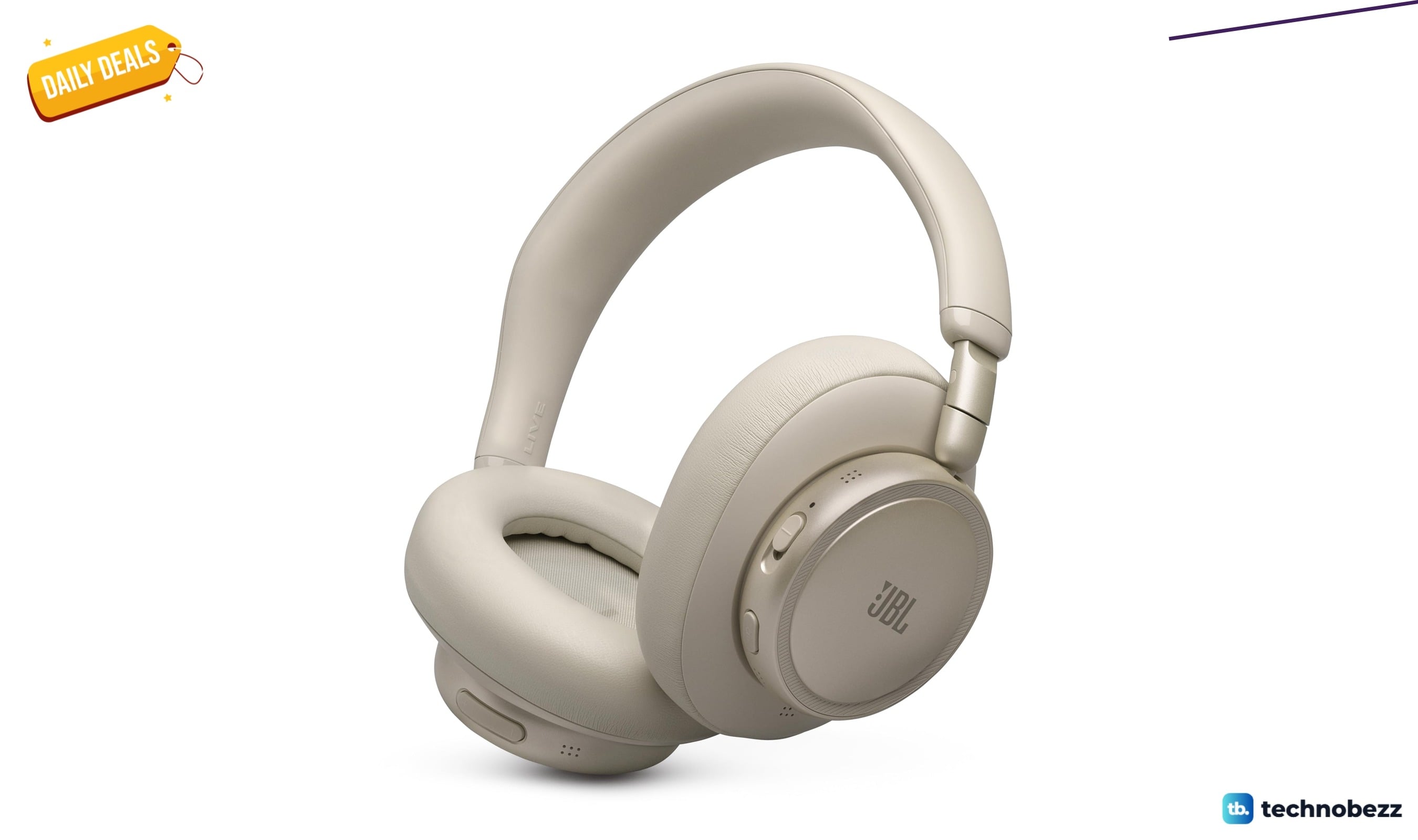
JBL Live 780NC Wireless Over-Ear Noise Cancelling Headphones falls to $189
3 min read
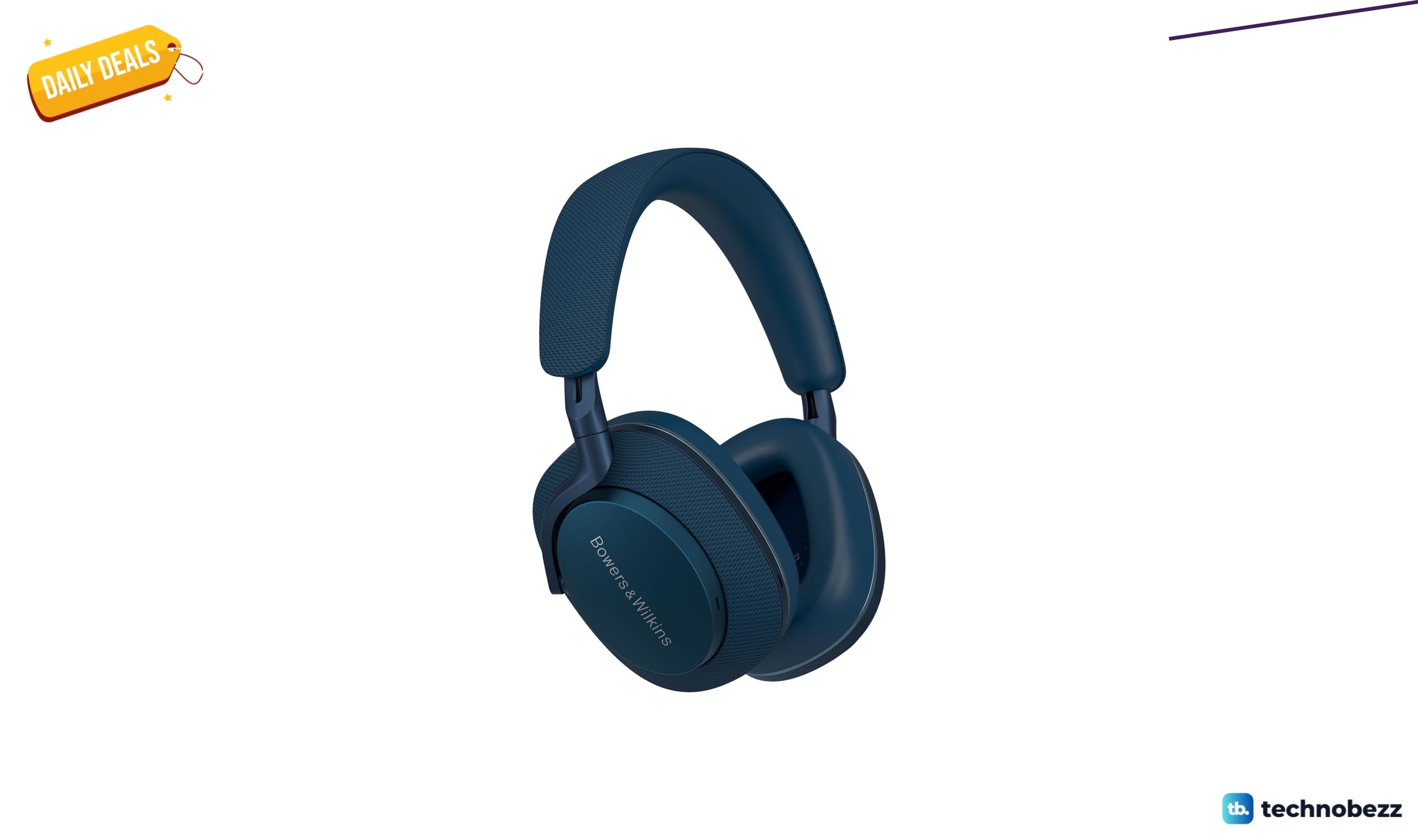
Bowers & Wilkins Px7 S2e Over-Ear Headphones price drops to $319.99
5 min read
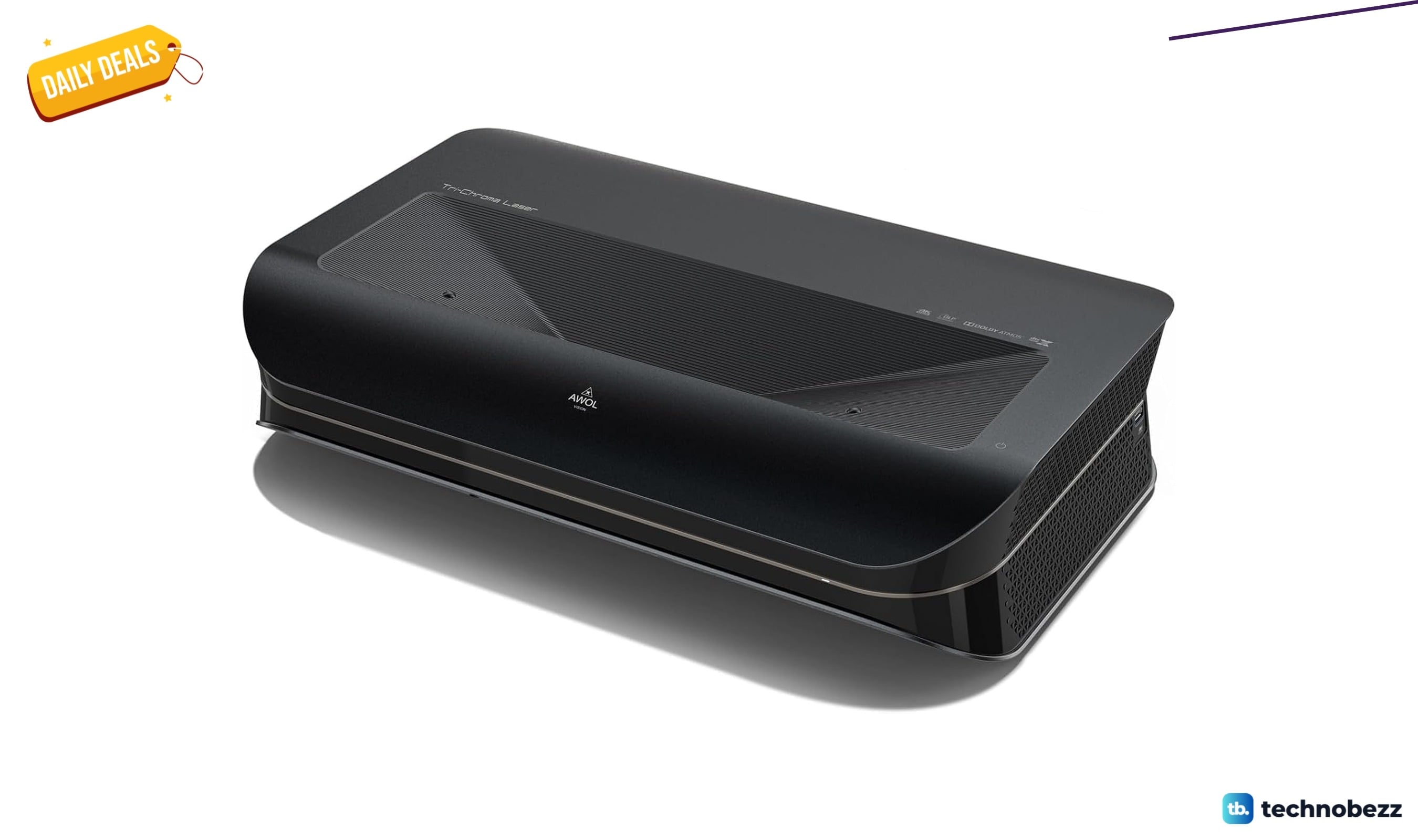
AWOL VISION LTV-3000 Pro 4K 3D Ultra price drops to $1614.15
4 min read