Choosing an Anker charger starts with the wattage your most demanding device needs, followed by port count and power sharing. A phone-only setup has different requirements from a laptop travel kit or a shared desk.
Technobezz is supported by its audience. We may get a commission from retail offers.
Best Anker Chargers in 2026
The Anker Charger 100W Smart Display is our top pick for balanced laptop power, three-port flexibility and useful live readouts.
T
Technobezz
Editorial Team
Updated September 27, 2026Sep 27, 2026
•13 min read

Get Deals Like These in Your Inbox
The best prices, reviewed weekly.
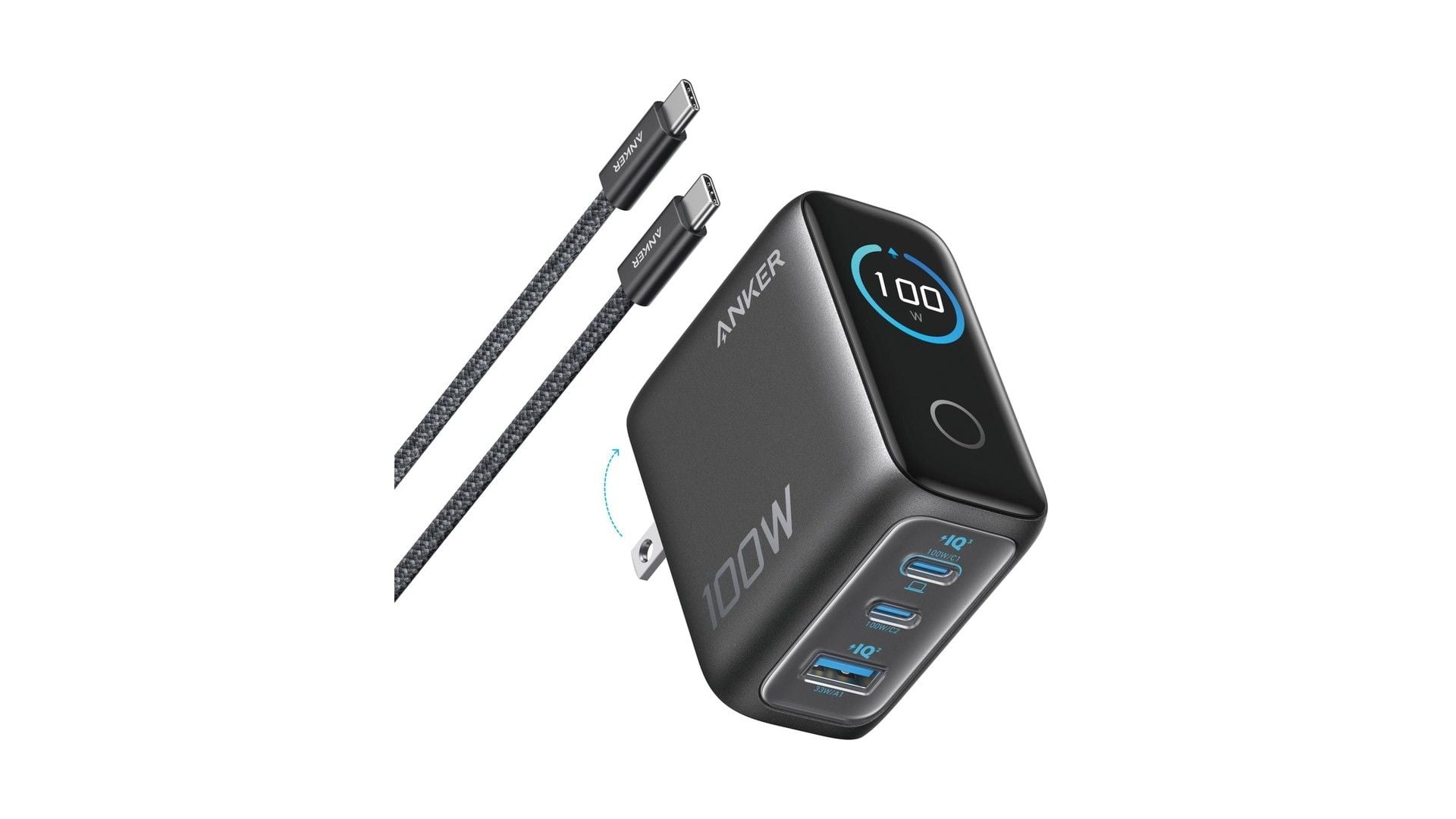
The Anker Charger 100W Smart Display is our best overall pick. It combines 100W single-port charging, two USB-C ports, one USB-A port and a live display in a foldable wall charger.
At a Glance
| Category | Product | Why We Picked It |
|---|---|---|
| Best overall | Anker Charger 100W Smart Display | Balanced 100W output, three ports and live charging data |
| Best value | Anker Nano Charger 70W 3-Port | Compact three-port charging with a strong price-to-power ratio |
| Best for high-power travel | Anker Prime Charger 160W Smart Display | Three USB-C ports with 140W standard single-port charging |
| Best for iPhone charging | Anker Nano Charger 45W Smart Display | Compact 45W charging with live information and flexible prongs |
| Best for four-device charging | Anker Charger 140W 4-Port | Four ports with flexible laptop and mobile-device allocations |
| Best for cable-free carry | Anker Nano Charger 35W Retractable | A built-in retractable cable for tidier everyday carry |
| Best for a power-user desk | Anker Prime Charger 250W | 250W of total output across six desktop ports |
| Best for phone-only charging | Anker Nano Charger 30W | Pocketable 30W output for one phone or small tablet |
| Best for a shared desk | Anker Prime Charger 200W | Two simultaneous 100W laptop outputs from six ports |
How we chose
We prioritized single-device wattage, practical multiport allocations, useful port mixes and required cable support. Portability, display and app controls, and wall versus desktop design determined each recommendation.
The best Anker chargers right now
Anker Charger 100W Smart Display - Best overall
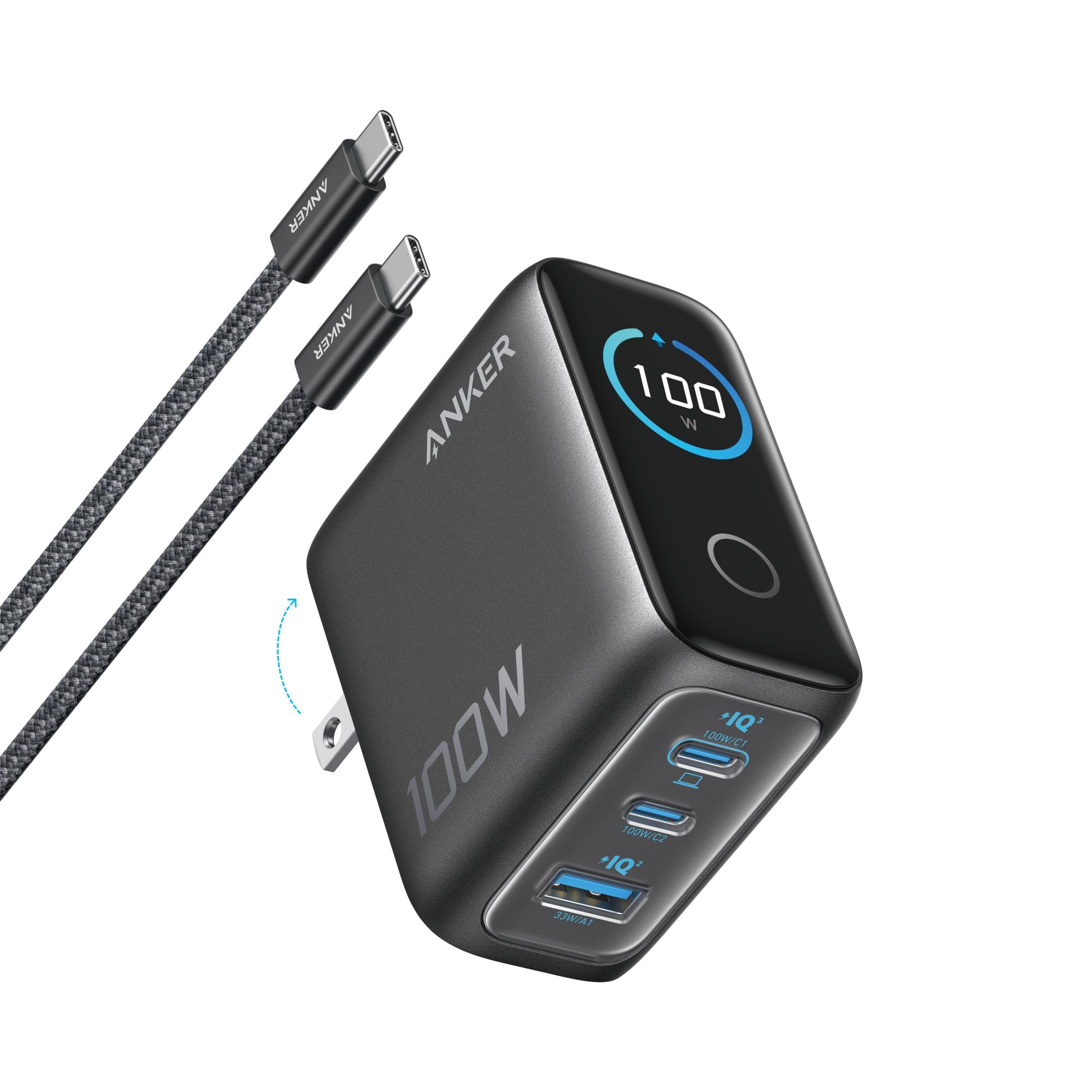
The Anker Charger 100W Smart Display earns the top spot by covering a laptop, phone and accessory through two USB-C ports and one USB-A port. Either USB-C port can deliver 100W alone, while USB-A supports up to 33W. The display shows live power, voltage and temperature.
Connect three devices and the allocation becomes 80W, 12W and 7.5W. Its 7.47-ounce body is heavier than several screenless 100W chargers. It has a foldable plug and includes a USB-C cable.
Key highlights
- 100W maximum total output
- 2 USB-C ports and 1 USB-A port
- Up to 100W from either USB-C port
- Three-port allocation of 80W, 12W and 7.5W
- 2.72 × 2.17 × 1.34 inches and 7.47 ounces
Pros
- Useful live display for power, voltage and temperature
- Enough single-port power for most USB-C laptops
- Two USB-C ports plus legacy USB-A
- Foldable plug and included USB-C cable
Cons
- Heavier than several screenless 100W chargers
- Only two USB-C ports
- Three-port use reduces the primary USB-C allocation to 80W
Who it's for
Choose this for one versatile charger that can handle a laptop, phone and accessory.
Skip if
Choose another model when minimum weight matters more than the display or 140W USB PD 3.1 is required.
Anker Nano Charger 70W 3-Port - Best value
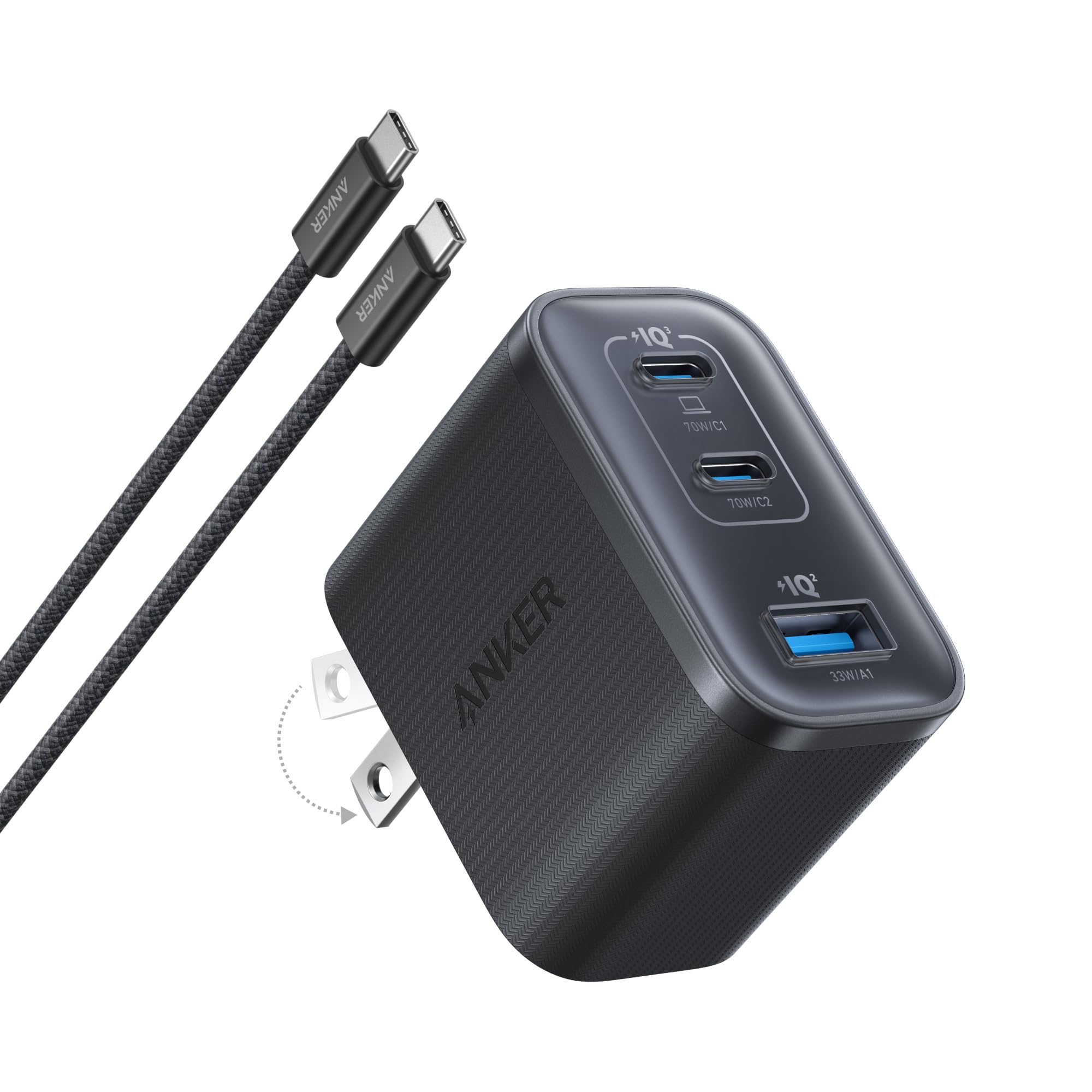
At 4.23 ounces, the Anker Nano Charger 70W 3-Port fits two USB-C ports and one USB-A port into a 2.09 × 1.68 × 1.24-inch body. Either USB-C port supplies up to 70W on its own, and USB-A reaches 33W.
An included USB-C cable adds everyday convenience.
Power sharing is the main compromise. The two USB-C ports can split output at 45W plus 22.5W or 60W plus 5W, while three active ports receive 45W, 7.5W and 7.5W.
Key highlights
- 70W total output
- 2 USB-C ports and 1 USB-A port
- Up to 70W from either USB-C port
- Three-port allocation of 45W, 7.5W and 7.5W
- 2.09 × 1.68 × 1.24 inches and 4.23 ounces
Pros
- Strong price-to-power ratio
- Compact enough for regular travel
- Can charge a laptop at up to 70W
- Three ports and an included USB-C cable
Cons
- Three-device allocation leaves only 7.5W for each secondary port
- No power display
- Not enough for laptops that expect 100W or 140W under load
Who it's for
People carrying an ultraportable laptop, phone and one small accessory get the clearest fit.
Skip if
A laptop needing more than 70W or regular fast charging of several demanding devices calls for a higher-output model.
Anker Prime Charger 160W Smart Display - Best for high-power travel
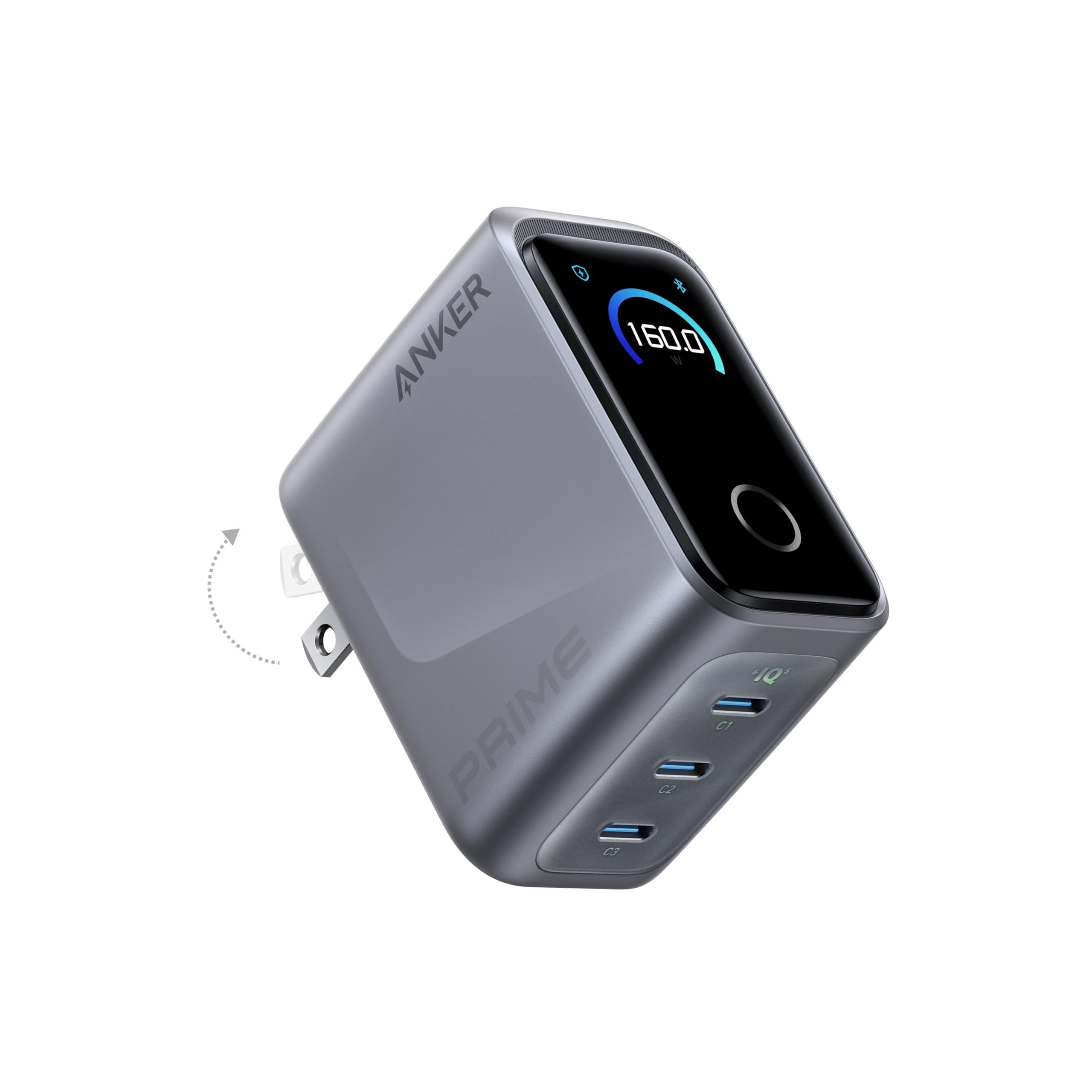
Three high-power USB-C ports make this Prime charger the travel pick for demanding laptop setups. Standard USB PD charging reaches 140W from one port, and total output reaches 160W with two or three ports active.
AI, Standard and Custom modes are available on the charger, with additional controls through the Anker app over Bluetooth. The body measures 2.56 × 2.05 × 1.38 inches and weighs 7.76 ounces. There is no USB-A port, and a compatible high-power cable is not included.
Key highlights
- 160W maximum total output
- 3 USB-C ports
- Up to 140W standard single-port output
- Up to 160W with two or three active ports
- AI, Standard and Custom charging modes
- 2.56 × 2.05 × 1.38 inches and 7.76 ounces
Pros
- Three high-power USB-C ports
- 140W standard single-port charging for demanding laptops
- Very high total output for its size
- Smart display and configurable power allocation
Cons
- Premium price
- No USB-A port
- Some advanced allocation features require the app
- A compatible high-power cable is not included
Who it's for
Travelers carrying a 140W laptop and two additional USB-C devices benefit most from this charger.
Skip if
Devices that top out around 65W or accessories requiring USB-A do not need this configuration.
Anker Nano Charger 45W Smart Display - Best for iPhone charging
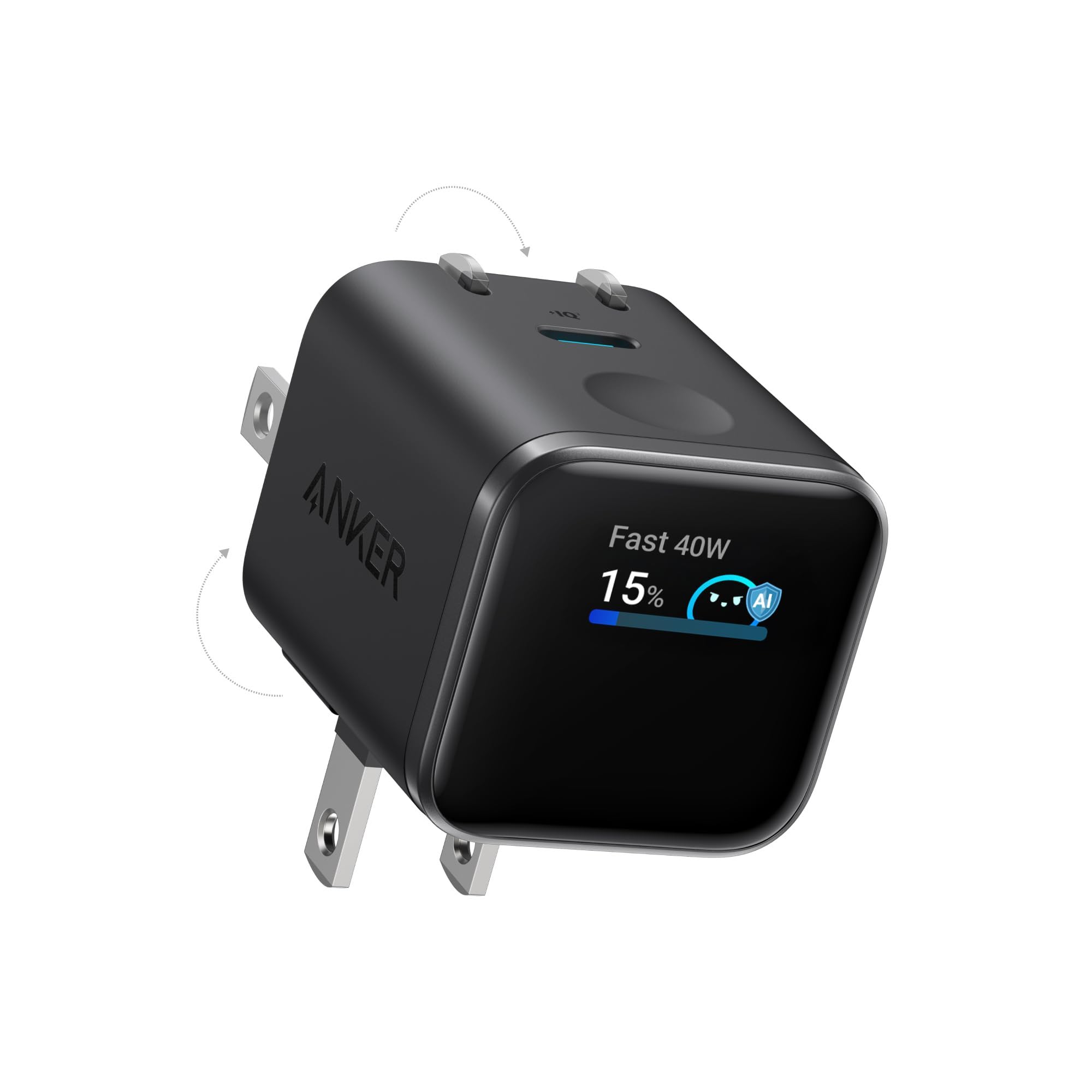
Recent USB-C iPhone owners get a compact 45W charger with a live display. Its single USB-C port supports 5V/3A, 9V/3A, 15V/3A and 20V/2.25A output profiles.
Foldable prongs operate at 90-degree and 180-degree positions for tighter spaces. Care Mode is designed to reduce charging temperature, while the display reports live charging information.
PPS support stops at 3A, and detailed device recognition is primarily for recent USB-C iPhones and iPads. A cable is not included.
Key highlights
- 45W maximum total output
- 1 USB-C port
- 5V/3A, 9V/3A, 15V/3A and 20V/2.25A output profiles
- PPS support up to 3A
- Foldable prongs with 90-degree and 180-degree positions
- 1.34 × 1.40 × 1.57 inches and 2.65 ounces
Pros
- Compact and light
- Display shows live charging information
- Care Mode is designed to reduce charging temperature
- Flexible plug orientation works in tight spaces
Cons
- Only one port
- Cable is not included
- Detailed device recognition is primarily for recent USB-C iPhones and iPads
- No 5A PPS for devices that require it
Who it's for
Owners of a recent USB-C iPhone or iPad who value live charging information are the target users.
Skip if
Charging two devices together or using hardware that requires 5A PPS calls for another charger.
Anker Charger 140W 4-Port - Best for four-device charging
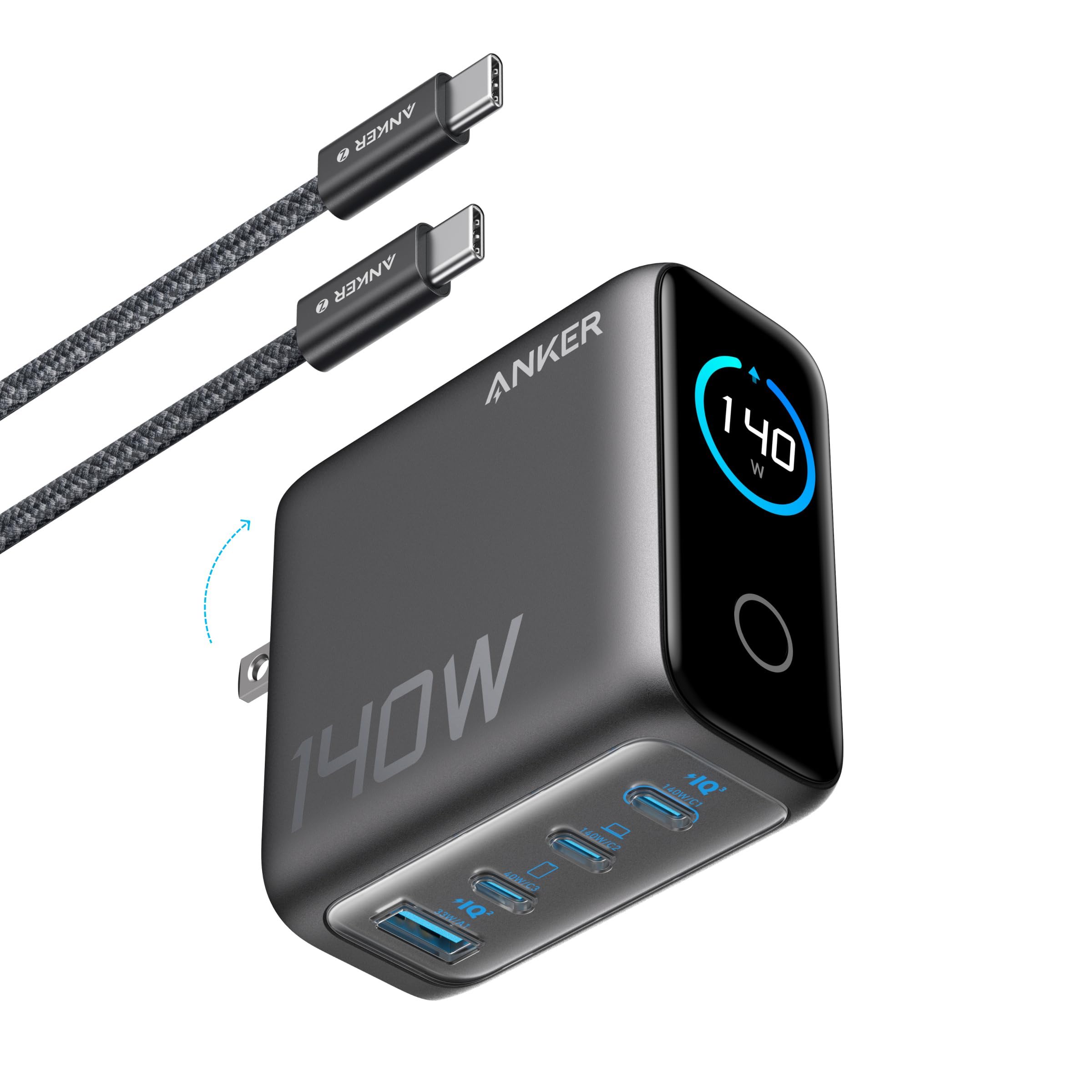
Four connections give this charger room for a laptop and several mobile devices. USB-C1 and USB-C2 each support up to 140W, USB-C3 reaches 40W, and USB-A reaches 33W.
The two primary USB-C ports can divide power evenly at 70W each. With all four ports active, combined output reaches up to 134W. A built-in display and bundled USB-C cable are included, though output above 100W requires an EPR cable.
Key highlights
- 140W maximum total output
- 3 USB-C ports and 1 USB-A port
- Up to 140W from either primary USB-C port
- Secondary outputs up to 40W and 33W
- Dual-laptop allocation of 70W plus 70W
- 2.72 × 2.72 × 1.42 inches
Pros
- Four useful ports, including legacy USB-A
- Either primary USB-C port can provide 140W
- Good dual-laptop 70W plus 70W allocation
- Built-in display and bundled USB-C cable
Cons
- Large for a wall charger
- Only three USB-C ports
- An EPR cable is required above 100W
- All-four-port output is slightly below the 140W ceiling
Who it's for
This four-port charger suits a laptop and several mobile devices sharing one wall outlet.
Skip if
The smallest possible travel brick or an exclusively USB-C setup points to a different option.
Anker Nano Charger 35W Retractable - Best for cable-free carry
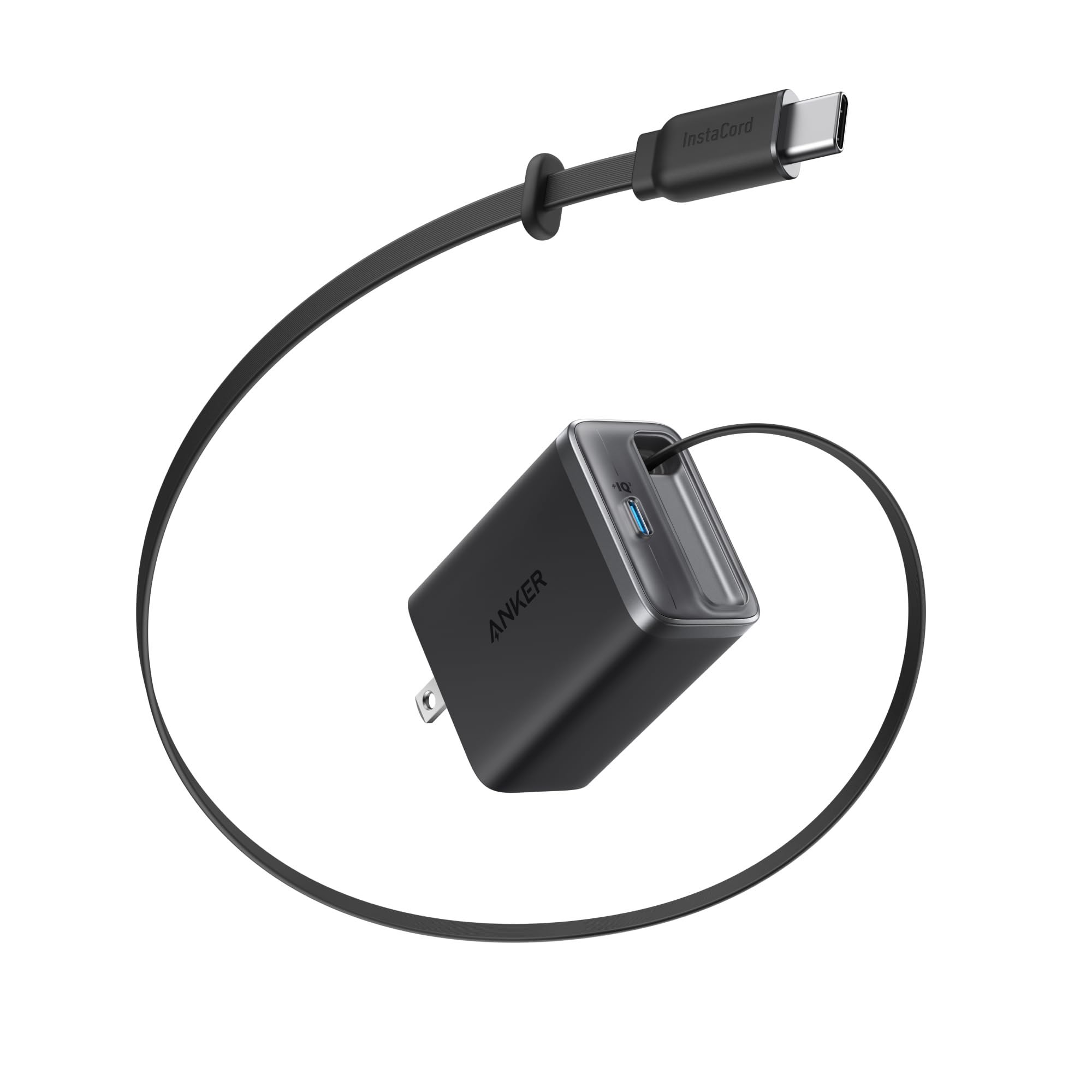
Leave the separate charging cable behind with this 35W Nano and its built-in 2.3-foot retractable USB-C cable. A second USB-C connection adds flexibility. One active output reaches 35W through 5V/3A, 9V/3A, 15V/2.33A or 20V/1.75A profiles, but that power is shared when both connections are used. The 1.9 × 2.5 × 1.2-inch body weighs 3.88 ounces. It is larger and heavier than basic 30W to 35W single-port chargers.
Key highlights
- 35W maximum total output
- Built-in retractable USB-C cable and 1 USB-C port
- 2.3-foot cable length
- Single-output profiles up to 35W
- Cable tested for 20,000 bends and 20,000 retractions
- 1.9 × 2.5 × 1.2 inches and 3.88 ounces
Pros
- No separate cable needed for everyday use
- Second USB-C connection adds flexibility
- Retractable design keeps bags and desks tidy
- Enough power for phones, tablets and light laptop charging
Cons
- 35W is shared when both outputs are used
- Built-in cable is only 2.3 feet long
- Large and heavy compared with basic 30W to 35W single-port chargers
Who it's for
Cable-free carry matters most for the person this retractable charger serves.
Skip if
Fast laptop charging or a cable longer than 2.3 feet requires another option.
Anker Prime Charger 250W - Best for a power-user desk
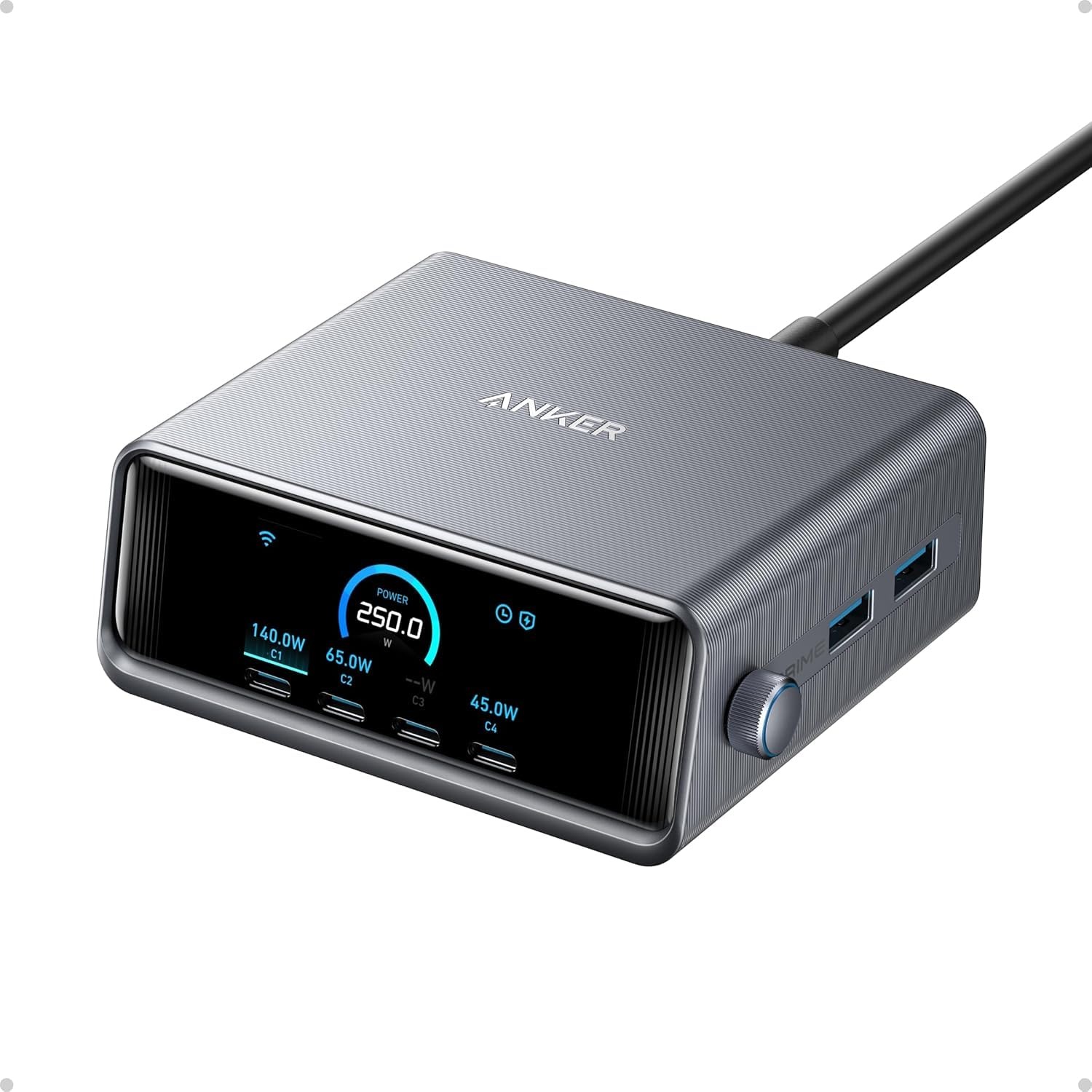
Six devices can share four USB-C ports and two USB-A ports on this 250W desktop charger. USB-C1 reaches 140W, USB-C2 through USB-C4 each reach 100W, and both USB-A ports support up to 22.5W.
Two active ports can provide up to 240W combined. Activating three to six ports raises the available total to 250W, with an LCD, control dial and configurable allocation for power management.
The 4.18 × 1.58 × 3.64-inch body weighs 22.58 ounces and connects to mains through its included detachable AC power cord rather than integrated prongs. Its size and weight make it a desktop unit, not a routine travel charger.
Key highlights
- 250W maximum total output
- 4 USB-C ports and 2 USB-A ports
- Primary USB-C output up to 140W
- Other USB-C outputs up to 100W each
- Up to 250W with three to six active ports
- 4.18 × 1.58 × 3.64 inches and 22.58 ounces
Pros
- 250W maximum total output
- Can simultaneously power multiple laptops
- Six ports cover modern and legacy devices
- LCD, control dial and configurable power allocation
Cons
- Expensive
- Too heavy and bulky for routine carry
- Corded desktop design takes up outlet and desk space
- App networking supports only 2.4GHz Wi-Fi
Who it's for
Power users with several laptops, tablets and phones on one desk will use its capacity best.
Skip if
Portable wall charging or a routine two-device setup does not justify its size and capacity.
Anker Nano Charger 30W - Best for phone-only charging
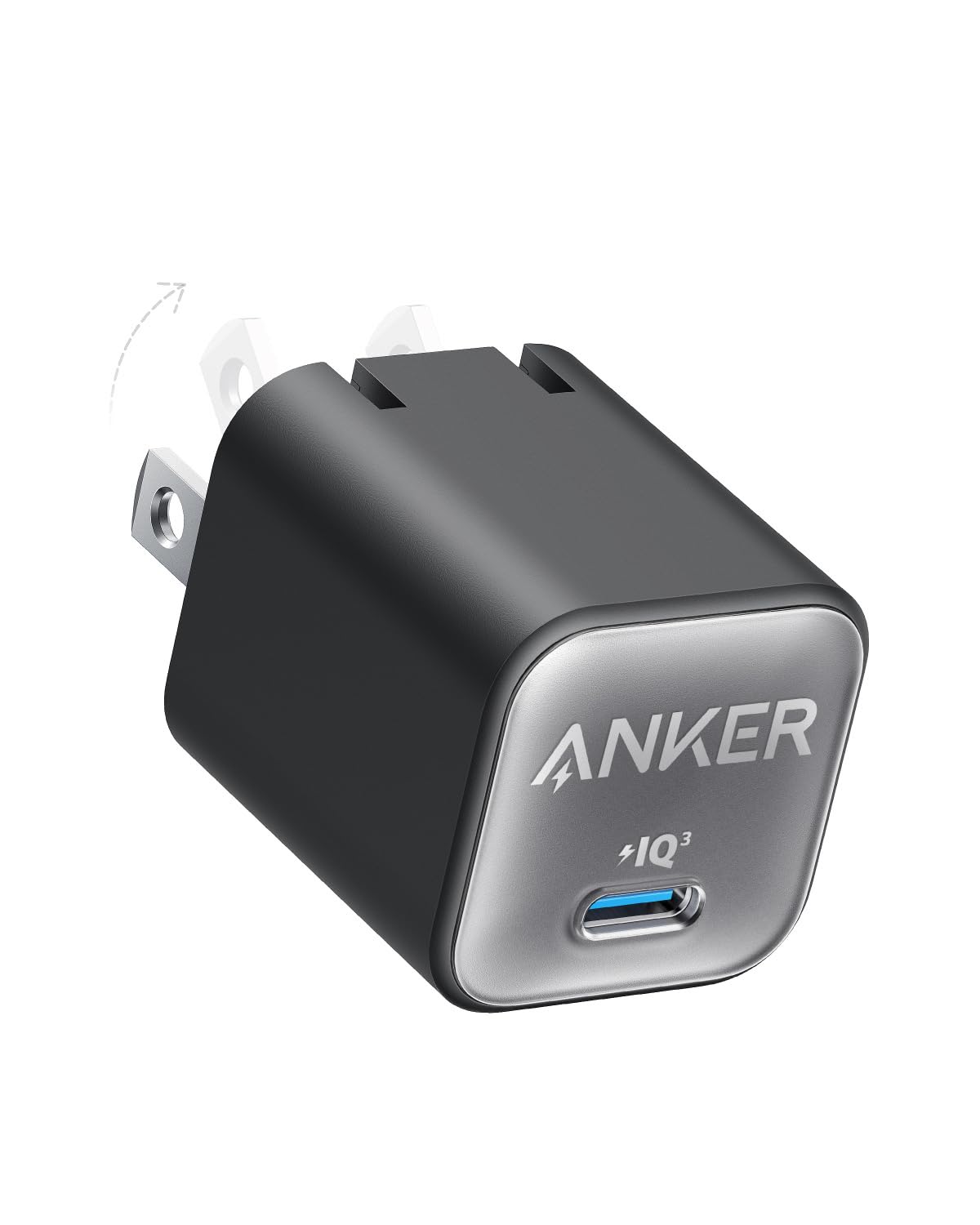
The 30W Nano focuses on one phone or small tablet through a single USB-C port. Its 1.12 × 1.12 × 1.39-inch body has a foldable plug and comes in several color options.
Fixed profiles include 5V/3A, 9V/3A, 15V/2A and 20V/1.5A. PPS supports 3.3 to 11V/3A or 3.3 to 16V/2A up to 30W, while ActiveShield 2.0 handles safety monitoring. No cable is included, and 30W is too slow for many laptops.
Key highlights
- 30W maximum total output
- 1 USB-C port
- 5V/3A, 9V/3A, 15V/2A and 20V/1.5A fixed profiles
- PPS profiles up to 30W
- 1.12 × 1.12 × 1.39-inch dimensions
- ActiveShield 2.0 safety system
Pros
- Very compact
- Low purchase price
- 30W is sufficient for most phones and small tablets
- Foldable plug and several color options
Cons
- Only one port
- No cable included
- Too slow for many laptops
- Older safety generation than newer Nano chargers
Who it's for
Anyone needing an inexpensive, pocketable charger for one phone or small tablet is a strong match.
Skip if
Laptop charging or powering multiple devices requires a higher-capacity charger.
Anker Prime Charger 200W - Best for a shared desk
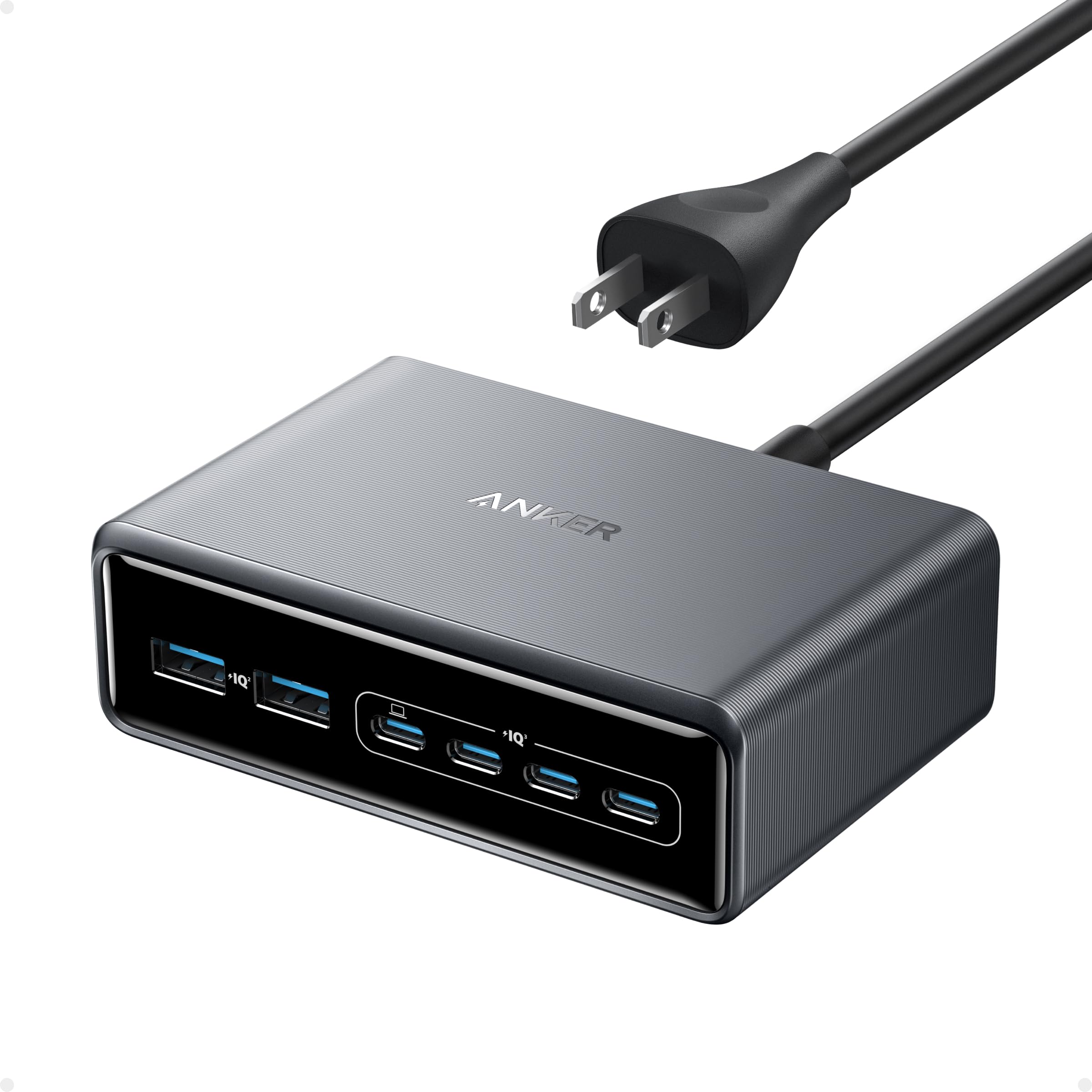
Two laptops can each receive up to 100W simultaneously from this desktop charger. Its six-port layout includes four USB-C connections that each support up to 100W and two USB-A connections that each reach 22.5W.
Total output reaches 200W, or up to 199W with five or six ports active.
A detachable AC cord keeps the 1.24-pound body off the wall outlet. Reaching 100W requires 5A E-marker cables, and single-port charging stops at 100W.
Key highlights
- 200W maximum total output
- 4 USB-C ports and 2 USB-A ports
- Up to 100W from any USB-C port
- Up to 22.5W from either USB-A port
- Two simultaneous 100W USB-C outputs
- 4.4 × 3.0 × 1.4 inches and 1.24 pounds excluding the AC cable
Pros
- Can supply two 100W laptops simultaneously
- Six ports suit a shared workspace
- Four USB-C and two USB-A ports
- Detachable AC cord keeps the charger off the wall outlet
Cons
- Single-port output stops at 100W
- Heavy and intended for desktop use
- Needs 5A E-marker cables to reach 100W
Who it's for
Two people sharing a charging station or one user with two 100W laptops get the intended setup.
Skip if
A device requiring 140W from one port needs a different charger.
How to Choose
- Match wattage to the hungriest device. Around 30W to 45W suits phones and tablets, 65W to 70W covers many ultraportable laptops, and 100W to 140W is more appropriate for larger laptops. A device draws only the power it negotiates, so a higher-rated charger does not force excess wattage into it.
- Read the multiport allocation table. The headline wattage is shared. A 70W charger can fall to 45W plus 7.5W plus 7.5W with three devices, while a 160W or 200W model can sustain more useful laptop and mobile-device combinations.
- Count USB-C ports before USB-A ports. USB-C is the better long-term choice for phones, tablets and laptops. Keep USB-A if you still use older watch pucks, cables or accessories.
- Check PD, PPS and cable requirements. USB PD 3.1 and an EPR-rated 5A cable are needed for standard charging above 100W. High-speed PPS charging also depends on the charger's supported voltage and current range, the cable and the connected device.
- Choose wall versus desktop construction. Wall chargers are easier to travel with but place their weight on the outlet. Corded desktop models are heavier, stay on a desk and generally provide more ports and sustained total power.
- Treat displays and apps as conveniences. A display can reveal power sharing, cable limits and temperature, but it does not inherently charge faster. App-controlled allocation is most useful when managing several high-power devices.
How many watts does an Anker charger need for a laptop?
Many thin-and-light USB-C laptops work well with 65W to 70W, while performance laptops may request 100W or 140W. Check the wattage printed on the original adapter or the laptop manufacturer's USB-C charging specification.
Does plugging in more devices make charging slower?
Usually. Multiport chargers redistribute a fixed total output when another device is connected, and the per-port limits vary by combination. Consult the allocation table instead of assuming every port can deliver its maximum simultaneously.
Can a 100W or 140W charger damage a phone?
Not under normal standards-compliant operation. USB-C devices negotiate supported voltage and current with the charger, so the phone draws only an accepted power level.
What cable is required for charging above 100W?
Use a 5A USB-C cable rated for USB PD 3.1 EPR, commonly labeled 240W. The Anker Charger 140W 4-Port requires an E-marker cable to exceed 100W.
Can these US Anker chargers be used internationally?
Check the input label for the exact model before international travel. The reviewed models with published input specifications list 100 to 240V support, but US plugs still require suitable physical plug adapters abroad, and a plug adapter does not add grounding or change local outlet-safety requirements.
Share this article
More in News
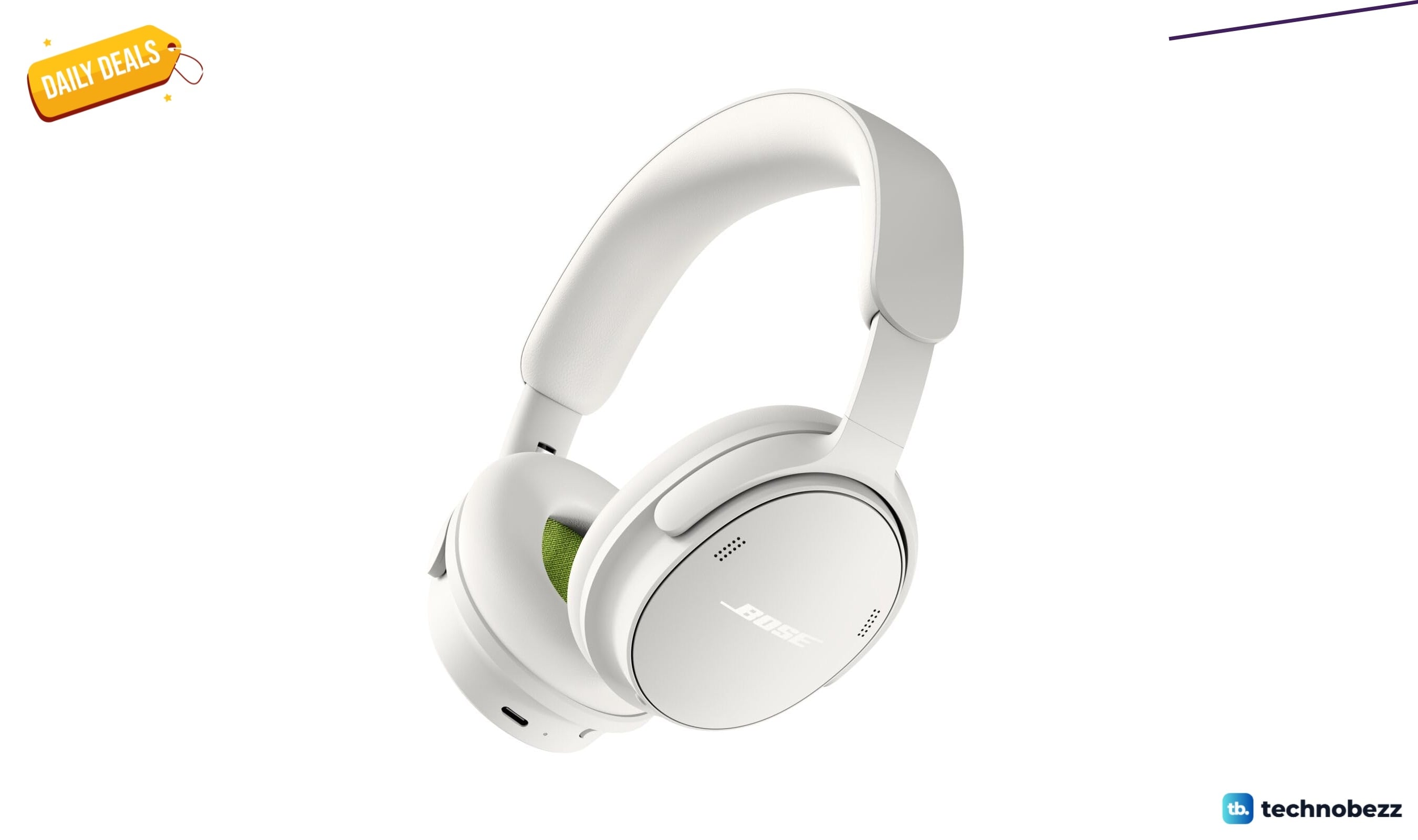
Bose QuietComfort Headphones Wireless Headphones gets a $40 price cut to $319
Bose QuietComfort wireless headphones drop to a record-low $319, saving $40 on a model that rarely goes on sale.
4 min read
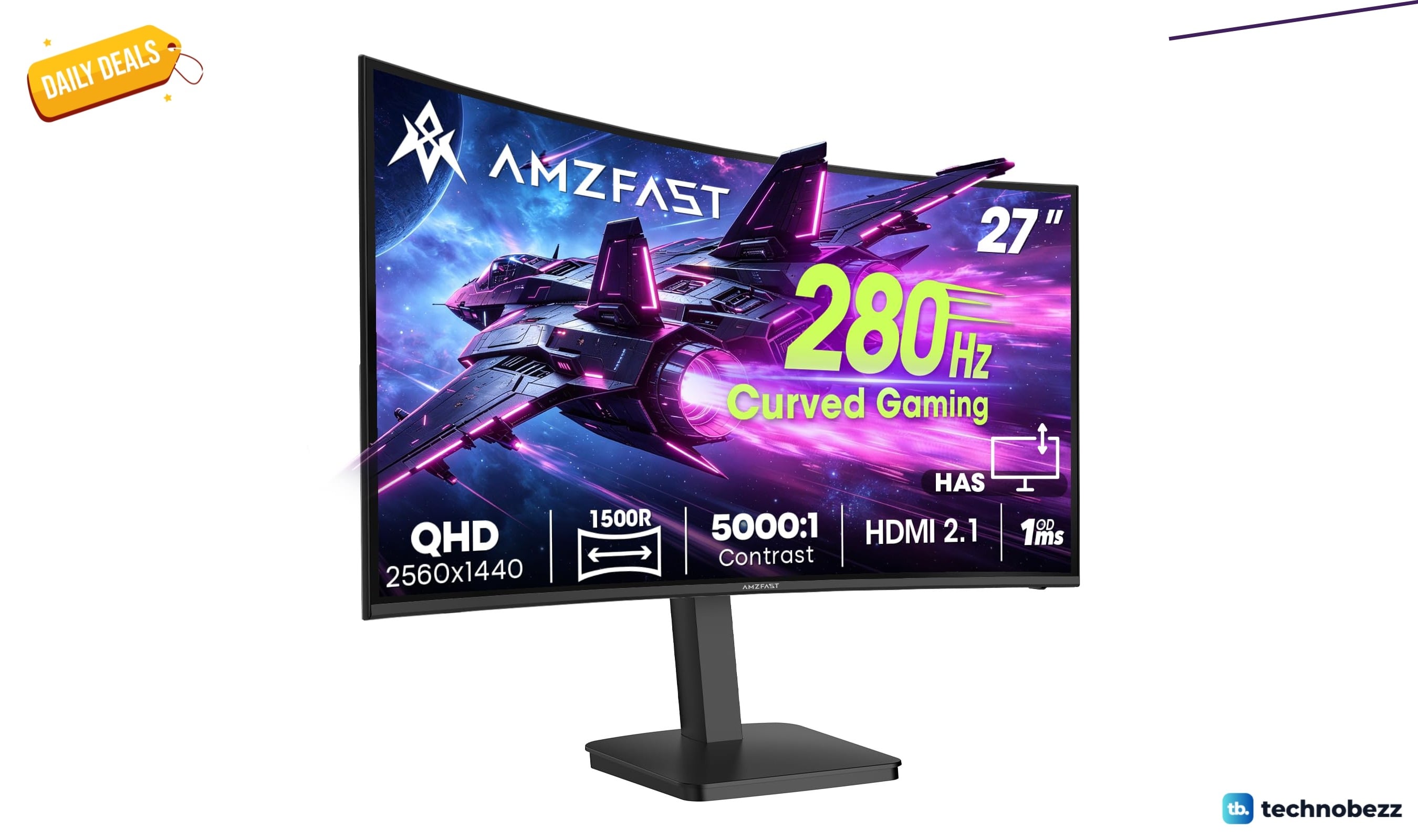
Amzfast WQHD Curved Gaming Monitor drops to $199.99, its lowest price yet
Score a 27-inch 1440p 280Hz curved gaming monitor for $199.99, a record low that saves $50 off list.
3 min read
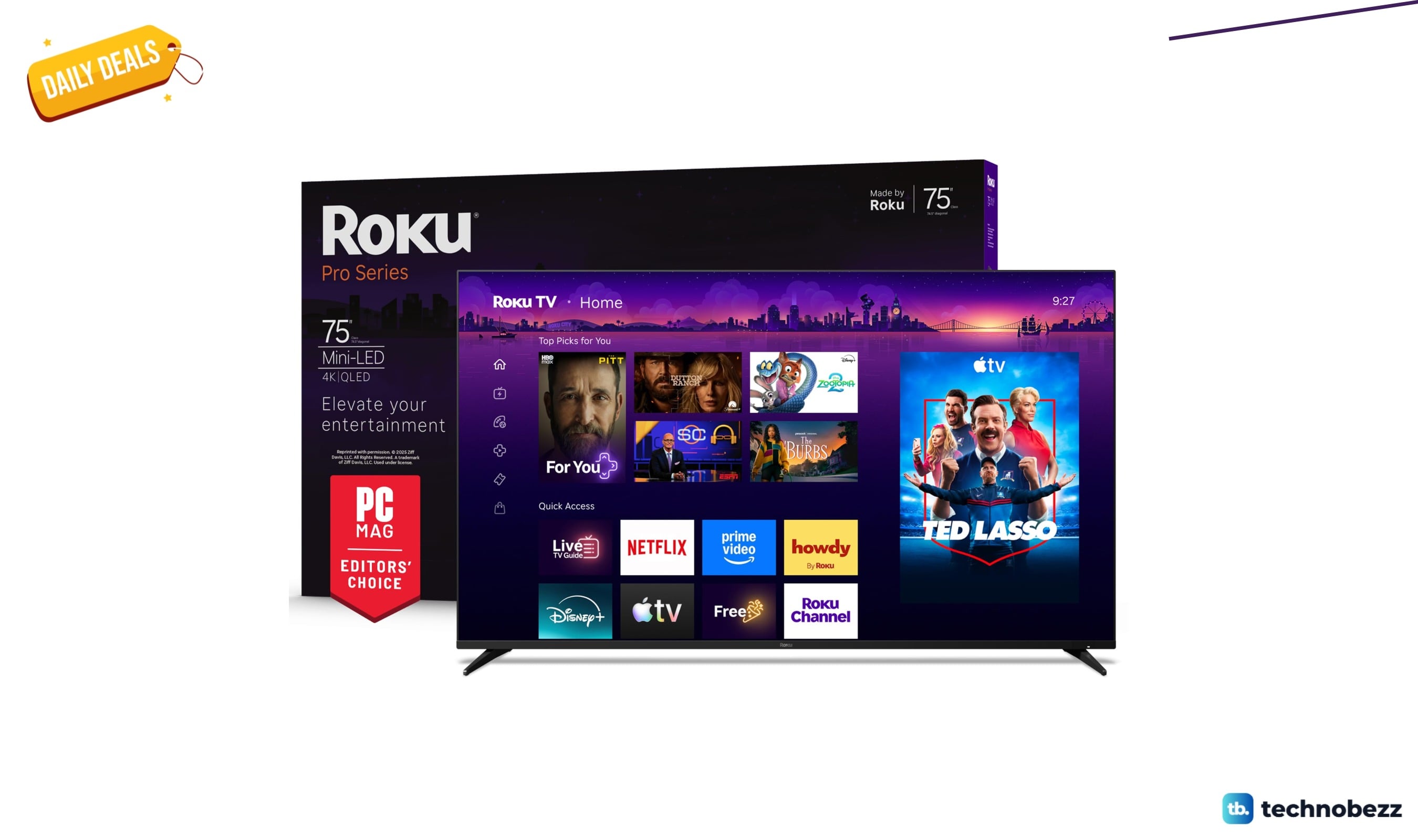
Roku 75-inch Pro TV 4K QLED Mini-LED TV now selling for $899.99
Save $800 on the Roku 75-inch Pro 4K QLED Mini-LED TV at $899.99, its lowest price ever, with 120Hz and Dolby Vision IQ.
5 min read
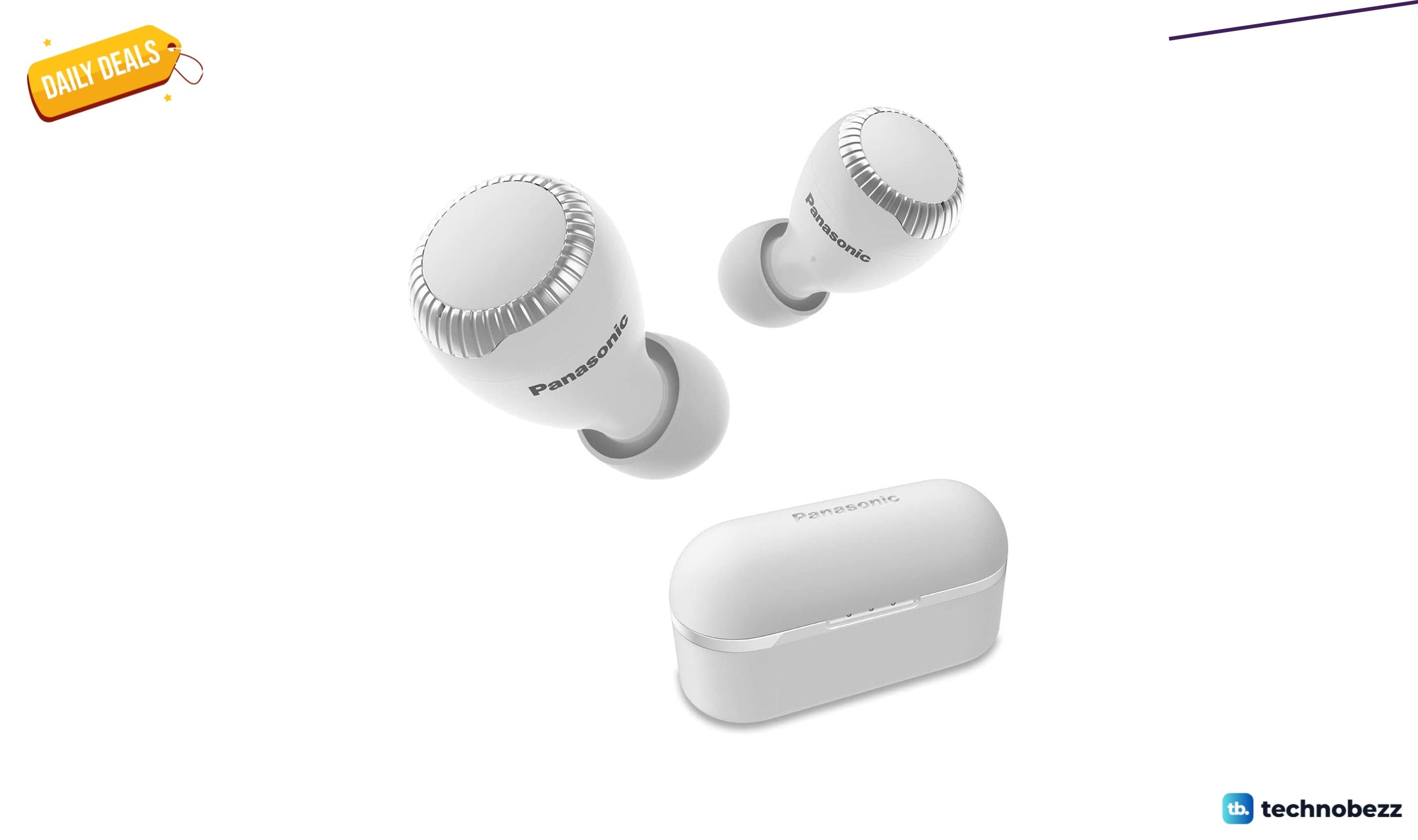
2 Headphone Deals Worth Checking Today, Starting at $58.29
Score two headphone deals today: Panasonic wireless earbuds at 51% off for $58.29 and a rare Bose flagship discount.
4 min read
Today's best TV deals, starting at $565.83
3 min read
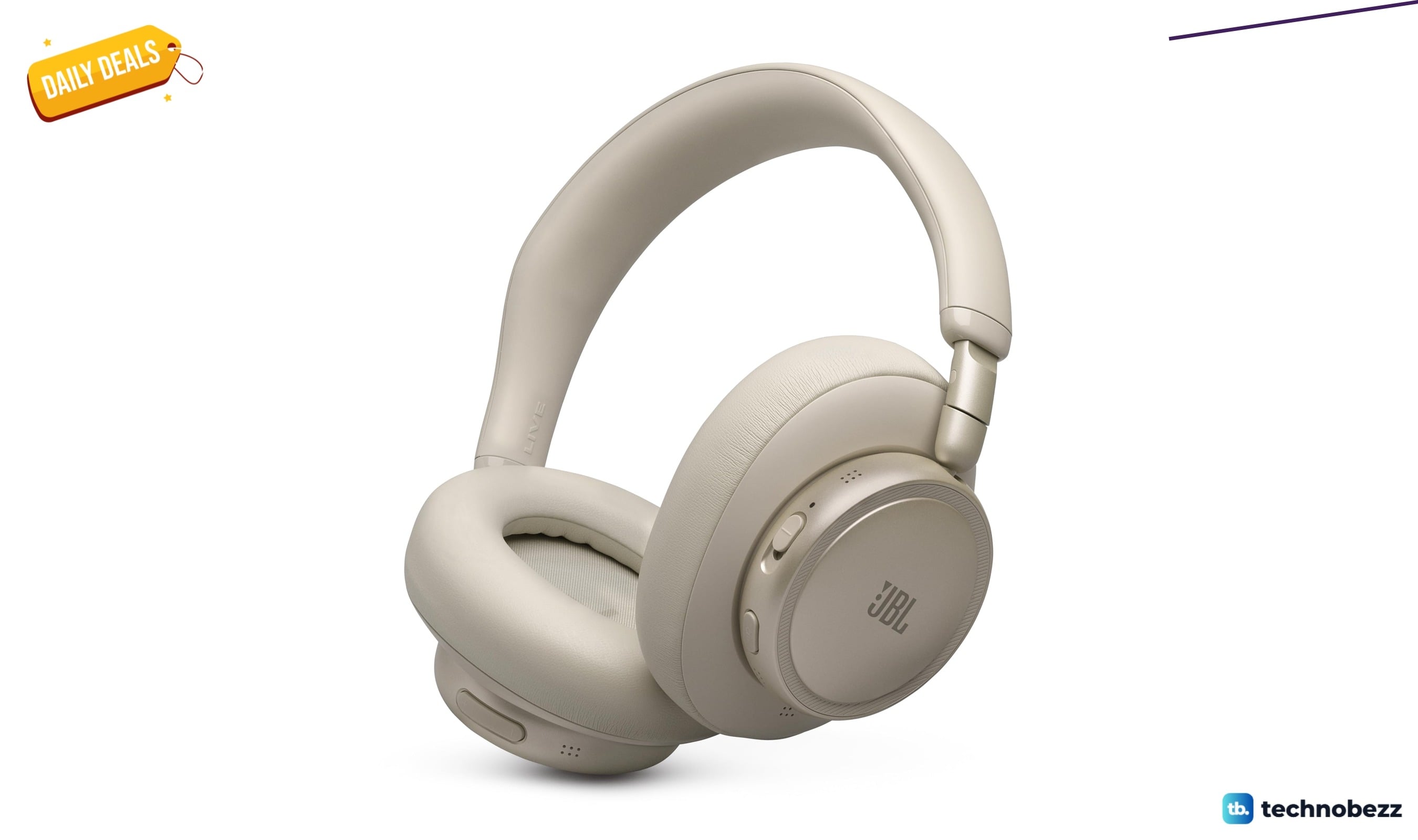
JBL Live 780NC Wireless Over-Ear Noise Cancelling Headphones falls to $189
3 min read
Bowers & Wilkins Px7 S2e Over-Ear Headphones price drops to $319.99
5 min read
AWOL VISION LTV-3000 Pro 4K 3D Ultra price drops to $1614.15
4 min read
Lenovo Idea Tab Pro Gen 2 Tablet on sale for $349.99
5 min read

Lenovo coupon codes and deals
5 min read

LG coupon codes and deals
4 min read

Woot coupon codes and deals
3 min read