Lenovo Yoga laptops span 360-degree convertibles, conventional clamshells and a dual-screen system. Processor architecture, graphics, displays, memory and ports determine which design fits your workload.
Technobezz is supported by its audience. We may get a commission from retail offers.
Best Lenovo Yoga Laptops in 2026
The Lenovo Yoga 9i 2-in-1 Aura Edition Gen 11 is our top pick for premium convertible flexibility, 32GB of memory and a 120Hz OLED display.
T
Technobezz
Editorial Team
Updated September 27, 2026Sep 27, 2026
•16 min read

Get Deals Like These in Your Inbox
The best prices, reviewed weekly.
The Lenovo Yoga 9i 2-in-1 Aura Edition Gen 11 is the best overall choice for its balance of performance, portability and convertible versatility. The remaining recommendations cover AMD convertibles, study, big-screen work, travel, creative work, Windows on Arm and specialized multitasking.
At a Glance
| Category | Product | Why We Picked It |
|---|---|---|
| Best overall | Lenovo Yoga 9i 2-in-1 Aura Edition Gen 11 | Premium convertible versatility with a sharp 120Hz OLED display |
| Best 14-inch AMD 2-in-1 | Lenovo Yoga 7a 2-in-1 Gen 11 14 | OLED convertible flexibility with an efficient AMD platform |
| Best for students | Lenovo Yoga 7i 2-in-1 Aura Edition Gen 11 14 | Extra memory and pen support for assignments, notes and presentations |
| Best big-screen 2-in-1 | Lenovo Yoga 7a 2-in-1 Gen 11 16 | A spacious convertible touchscreen for split-screen work |
| Best for Windows on Arm | Lenovo Yoga Slim 7x Gen 11 | A light, efficient Arm laptop with 32GB of fast memory |
| Best for frequent travelers | Lenovo Yoga Slim 7i Ultra Aura Edition Gen 11 | Exceptionally low weight with 32GB of memory and a premium display |
| Best for video editing | Lenovo Yoga Pro 7i Aura Edition Gen 11 | RTX 5060 acceleration paired with a fast wide-gamut OLED display |
| Best for pen-assisted creation | Lenovo Pro 9i Aura Edition Gen 11 | A large pen-enabled OLED workspace with creator-focused hardware |
| Best for dual-screen multitasking | Lenovo Yoga Book 9i Gen 10 | Two high-resolution OLED displays in a portable multitasking design |
How we chose
Form factor comes first, followed by processor and graphics performance, display quality, memory, battery capacity, ports, compatibility and portability. The best choice is the one whose strengths match the buyer's workload.
The best Lenovo Yoga laptops right now
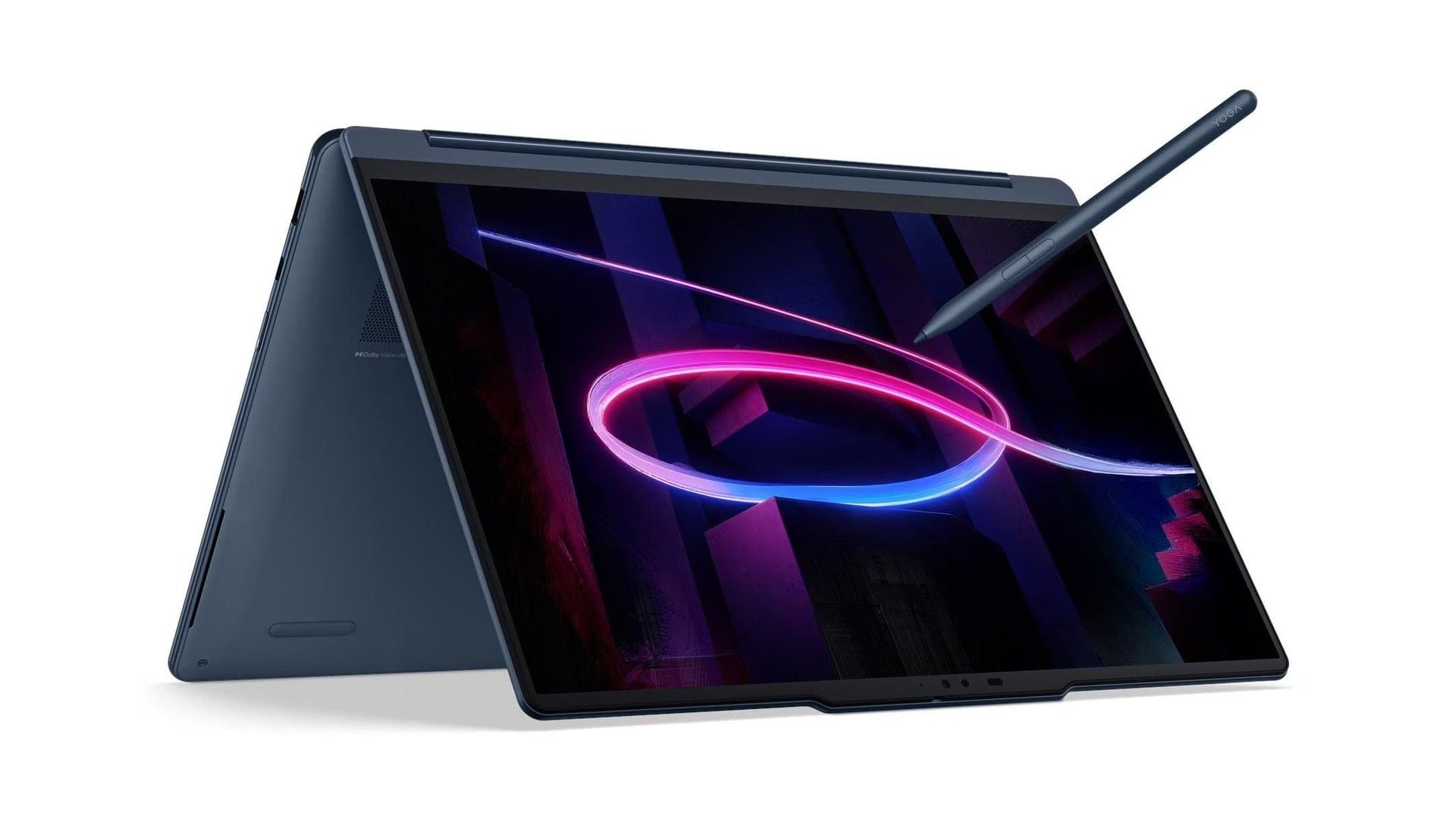
Lenovo Yoga 9i 2-in-1 Aura Edition Gen 11 - Best overall
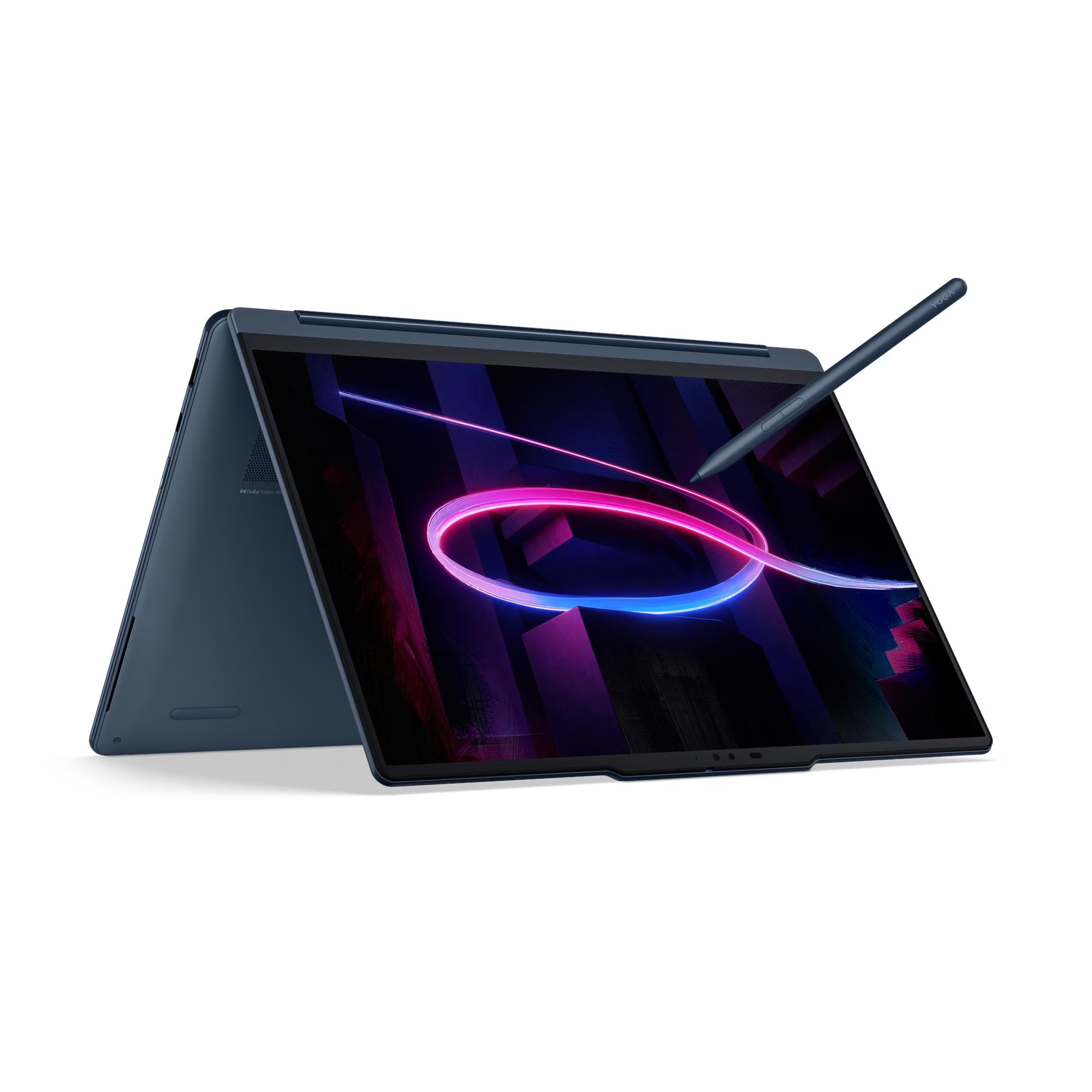
Leading the lineup, the Yoga 9i combines an Intel Core Ultra 7 355, 32GB of LPDDR5X-7467 memory and a 1TB PCIe SSD. Its 14-inch 2880 x 1800 OLED touchscreen runs at 120Hz and reaches 500-nit SDR and 1100-nit peak HDR brightness.
The 360-degree design, included pen and four-speaker audio system extend its usefulness beyond conventional laptop work. A 70Wh battery and starting weight of 2.84 lb support travel, but the glossy display shows reflections and the integrated graphics are not intended for serious gaming or sustained 3D rendering.
Key highlights
- Intel Core Ultra 7 355 processor
- 32GB LPDDR5X-7467 memory
- 1TB PCIe SSD
- 14-inch 2880 x 1800 OLED touchscreen
- 120Hz refresh rate
- 70Wh battery
Pros
- Excellent balance of portability, performance and convertible versatility
- Sharp 120Hz OLED display with wide color coverage
- 32GB of memory suits heavy multitasking
- Included pen and strong four-speaker audio system
- Longer-lasting 70Wh battery
Cons
- Premium price
- Memory is soldered and cannot be upgraded
- Glossy OLED can show reflections
- Integrated graphics are not intended for sustained 3D rendering or serious gaming
Who it's for
The strongest match is someone seeking a complete premium Yoga for everyday productivity, media, handwriting and travel.
Skip if
Choose another model if you need RTX graphics, user-upgradable memory or a lower-cost basic laptop.
Lenovo Yoga 7a 2-in-1 Gen 11 14 - Best 14-inch AMD 2-in-1
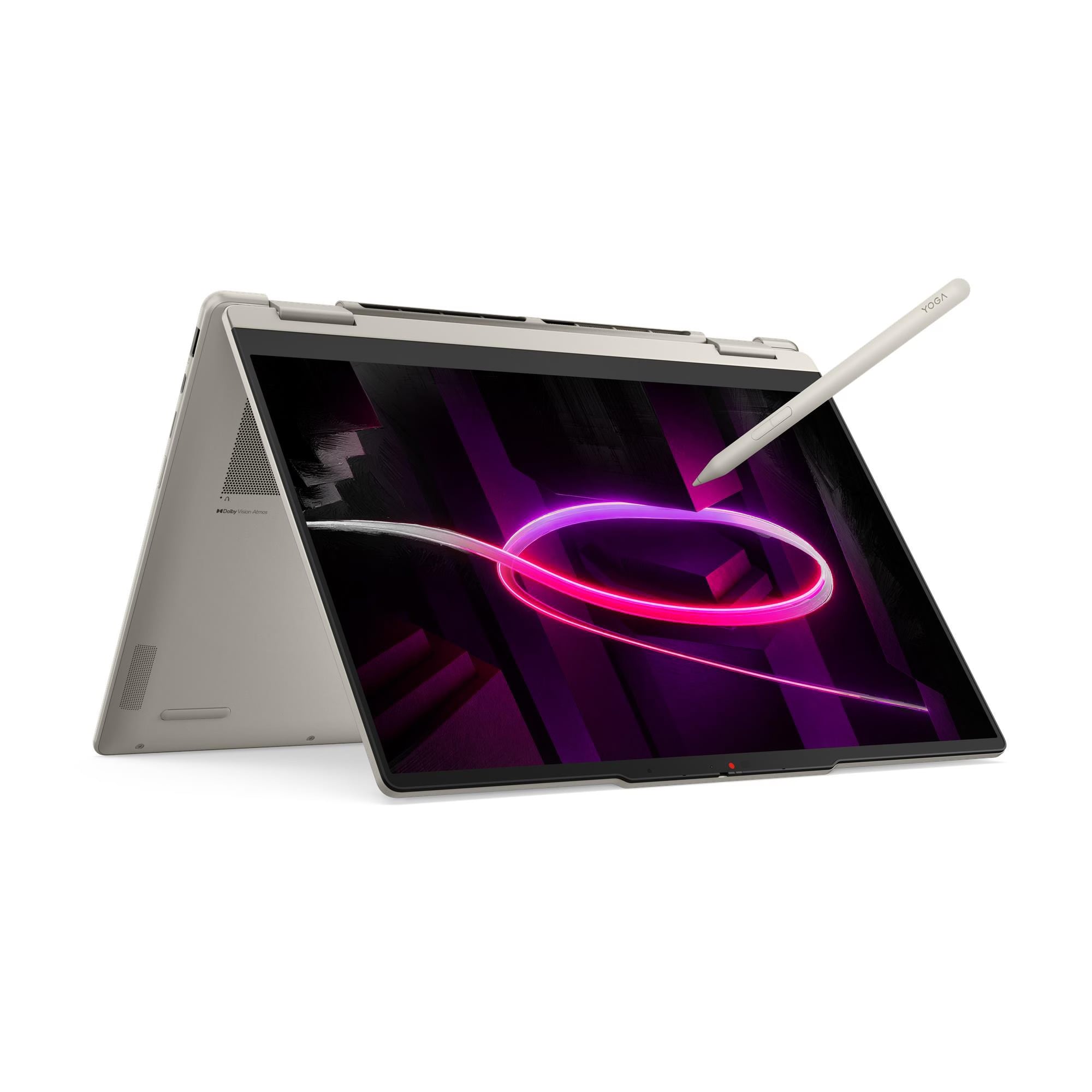
The 14-inch design centers on a 1920 x 1200 OLED touchscreen, a 360-degree hinge and pen support. The display covers 100% DCI-P3 and reaches 400 nits, though its refresh rate is limited to 60Hz.
Its four-core AMD Ryzen AI 5 430, integrated Radeon 840M graphics, 16GB of soldered memory and 70Wh battery suit school, office work and entertainment. Wi-Fi 7, Bluetooth 5.4, HDMI and a microSD reader strengthen connectivity.
Demanding video editing, large development workloads and memory-heavy multitasking expose the limits of the processor, graphics and non-upgradable 16GB memory.
Key highlights
- AMD Ryzen AI 5 430 processor
- Integrated AMD Radeon 840M graphics
- 16GB LPDDR5X-8000 memory
- 14-inch 1920 x 1200 OLED touchscreen
- 70Wh battery
- Wi-Fi 7 and Bluetooth 5.4
Pros
- Color-rich OLED touchscreen
- Versatile 360-degree hinge and pen support
- Useful port selection includes HDMI and a microSD reader
- 70Wh battery is generous for a 14-inch convertible
Cons
- 16GB soldered memory limits long-term headroom
- Four-core Ryzen AI 5 trails higher-tier processors in demanding work
- Display is limited to 60Hz
- Radeon 840M is only suitable for light gaming and GPU work
Who it's for
Shoppers seeking an OLED convertible for school, office work and entertainment without moving to the premium Yoga 9i tier get the best fit.
Skip if
Look elsewhere for complex video editing, large development workloads or extensive memory-heavy multitasking.
Lenovo Yoga 7i 2-in-1 Aura Edition Gen 11 14 - Best for students
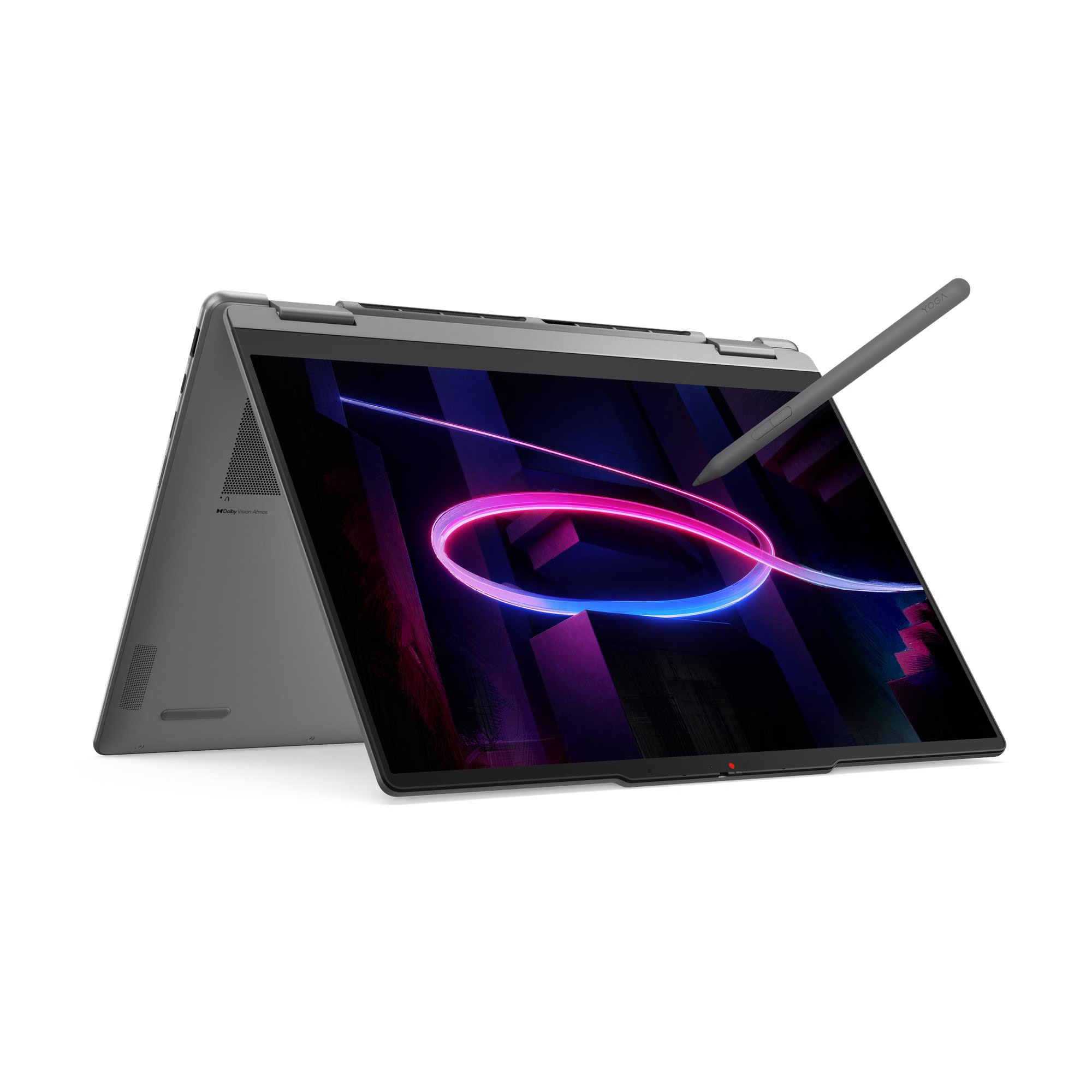
For students, 24GB of LPDDR5X-7467 memory provides more multitasking room than a typical 16GB student laptop. The Intel Core Ultra 7 355, 1TB PCIe SSD, 14-inch OLED touchscreen and pen support cover typed assignments, handwritten notes, reading and entertainment.
The portable 14-inch convertible pairs a 70Wh battery with HDMI, USB-A and Thunderbolt 4 for presentations and accessories, while the glossy 60Hz display and integrated graphics limit gaming and 3D work.
Key highlights
- Intel Core Ultra 7 355 processor
- 24GB LPDDR5X-7467 memory
- 1TB PCIe SSD
- 14-inch 1920 x 1200 OLED touchscreen
- 70Wh battery
- Pen input support
Pros
- 24GB of memory provides more multitasking room than typical 16GB student laptops
- OLED touchscreen works well for reading, media and handwritten notes
- Included Lenovo Yoga Pen Gen 2 with case for handwritten notes
- HDMI, USB-A and Thunderbolt 4 connectivity
- 70Wh battery
Cons
- WUXGA screen is less sharp and fluid than the Yoga 9i's 2.8K 120Hz panel
- Memory is soldered
- Glossy display can reflect classroom lighting
- Integrated graphics limit gaming and 3D work
Who it's for
Students who need one portable computer for assignments, handwritten notes, presentations and entertainment will benefit most.
Skip if
A lower-cost model makes more sense when the extra memory, Intel platform and pen-oriented convertible design are not priorities.
Lenovo Yoga 7a 2-in-1 Gen 11 16 - Best big-screen 2-in-1
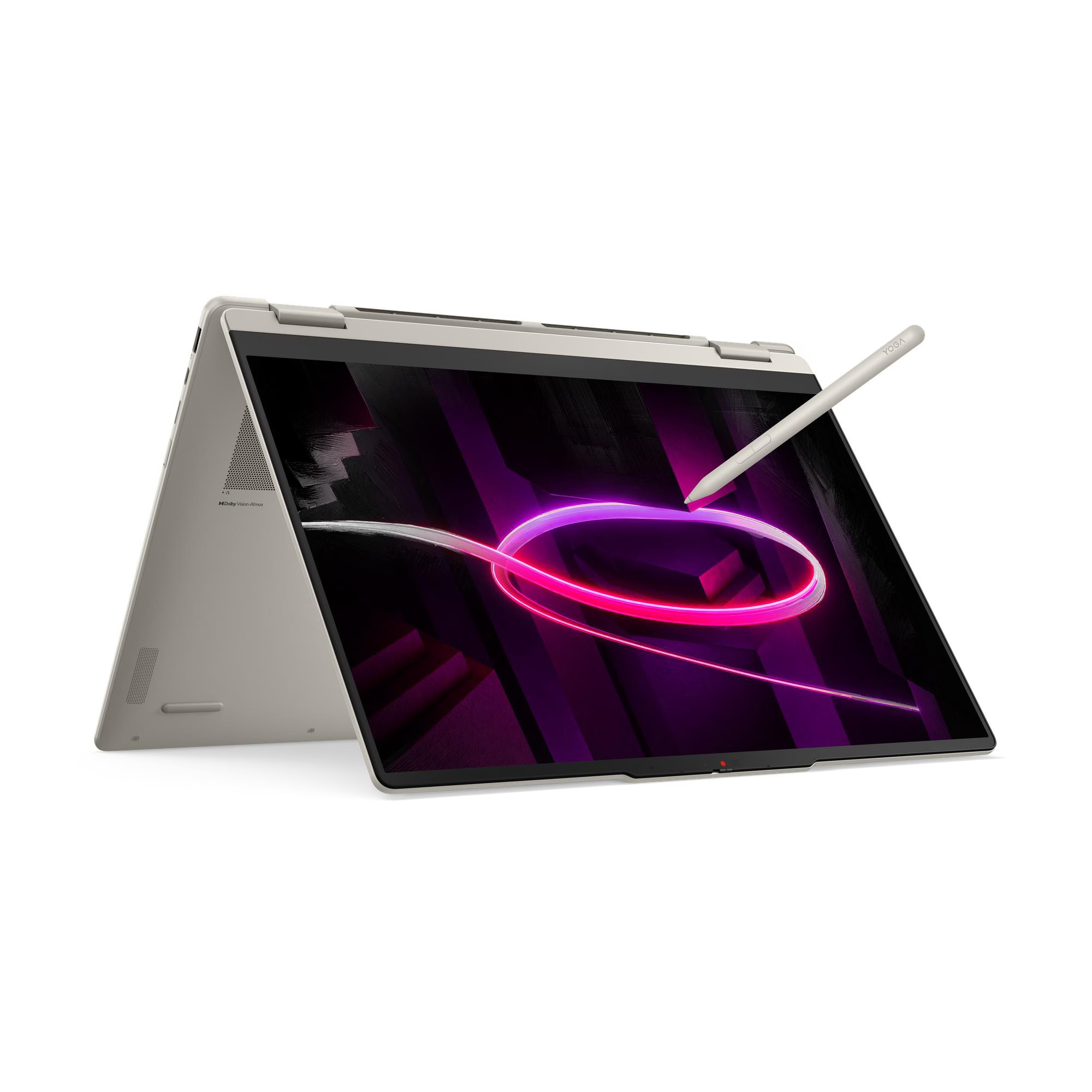
Screen space defines this 16-inch convertible. Its 1920 x 1200 LCD touchscreen supports split-screen work and presentations, while the 360-degree hinge and pen support add flexible positioning and input.
Inside are an AMD Ryzen AI 5 430, Radeon 840M graphics, 16GB of soldered memory and a 1TB PCIe 4.0 SSD. The 70Wh battery is substantial, but the chassis is considerably bulkier than a 14-inch Yoga.
The display's 45% NTSC color coverage rules it out for color-critical creation, and the entry-level processor and graphics restrict demanding workloads.
Key highlights
- AMD Ryzen AI 5 430 processor
- Integrated AMD Radeon 840M graphics
- 16GB LPDDR5X memory
- 1TB PCIe 4.0 SSD
- 16-inch 1920 x 1200 LCD touchscreen
- 70Wh battery
Pros
- Spacious touchscreen for split-screen work and presentations
- 360-degree convertible hinge and pen support
- 1TB of storage
- Good physical connectivity
- Typically better value than premium 16-inch creator laptops
Cons
- Considerably bulkier than a 14-inch Yoga
- 45% NTSC LCD panel is unsuitable for color-critical creation
- Only 16GB of non-upgradable memory
- Entry-level processor and graphics restrict demanding workloads
Who it's for
People who prioritize screen space and convertible flexibility over maximum portability and professional-grade color are the best match.
Skip if
Daily travelers, color-critical creators and users requiring strong rendering performance should choose a different model.
Lenovo Yoga Slim 7x Gen 11 - Best for Windows on Arm
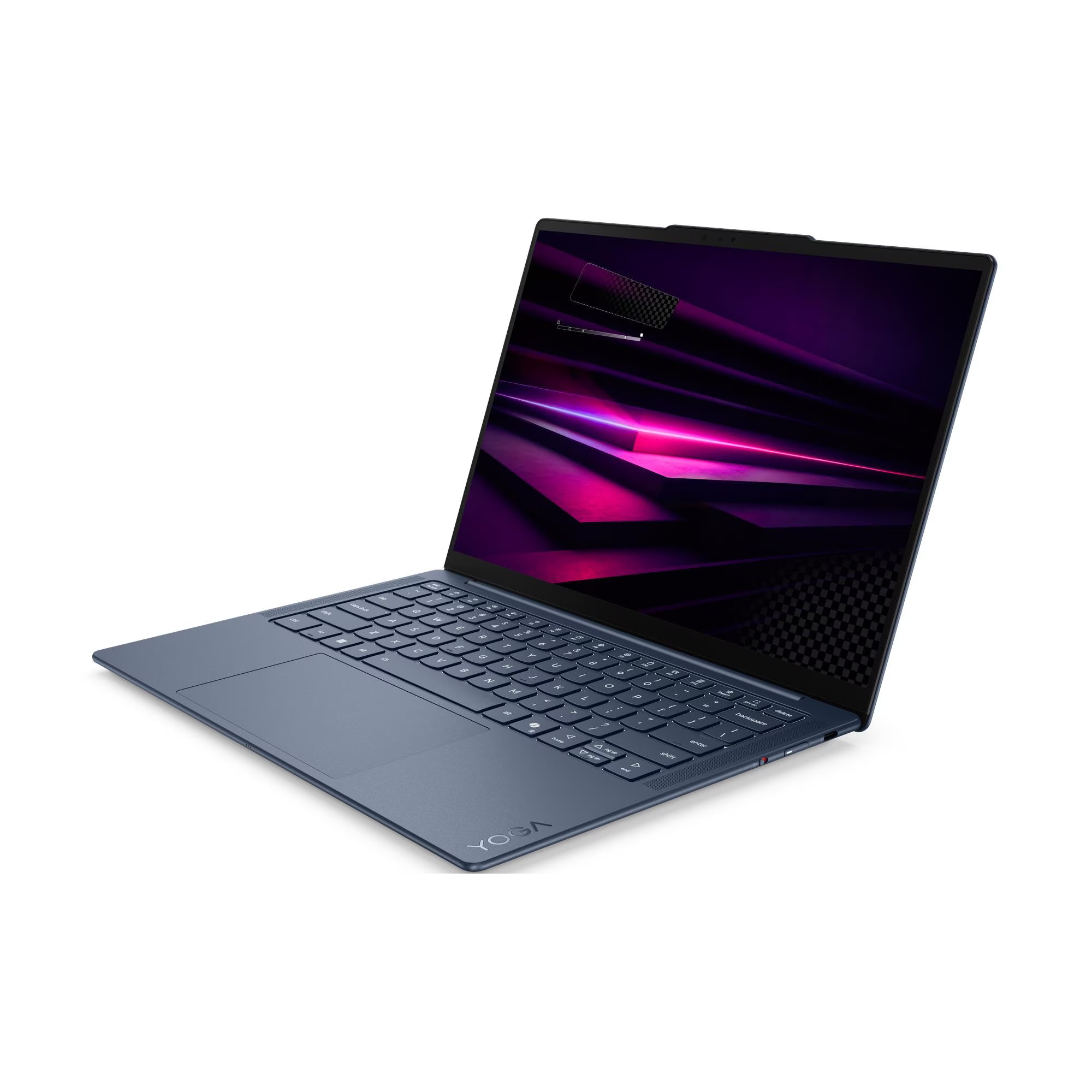
Windows on Arm is the reason to choose the Yoga Slim 7x. Its Snapdragon X2 Elite X2E-80-100 processor and 32GB of LPDDR5X-9523 memory deliver strong CPU and NPU performance in native Arm applications, backed by a 1TB PCIe 4.0 SSD.
The 14-inch OLED touchscreen covers 100% DCI-P3 and reaches 600-nit peak HDR brightness. The lightweight chassis uses a 70Wh battery and provides USB4 ports on both sides.
Compatibility is the deciding check. Some specialized applications, peripherals and games remain incompatible with Arm or rely on emulation, and the laptop has no USB-A, HDMI or headphone jack.
Key highlights
- Qualcomm Snapdragon X2 Elite X2E-80-100 processor
- 32GB LPDDR5X-9523 memory
- 1TB PCIe 4.0 SSD
- 14-inch 1920 x 1200 OLED touchscreen
- 70Wh battery
- Lightweight 14-inch chassis
Pros
- Light, quiet and power-efficient design
- 32GB of fast memory
- Colorful OLED touchscreen
- USB4 ports available on both sides
- Strong CPU and NPU performance in native Arm applications
Cons
- Some specialized Windows applications, peripherals and games remain incompatible with Arm or rely on emulation
- Only USB-C and USB4 ports, with no USB-A, HDMI or headphone jack
- Display is limited to 60Hz
- Memory is soldered
Who it's for
Browser-focused and Microsoft 365-focused users who prioritize a light, efficient laptop over legacy compatibility are the best match.
Skip if
This model does not suit anyone dependent on niche x86 software, kernel-level utilities, particular peripheral drivers or anti-cheat games.
Lenovo Yoga Slim 7i Ultra Aura Edition Gen 11 - Best for frequent travelers
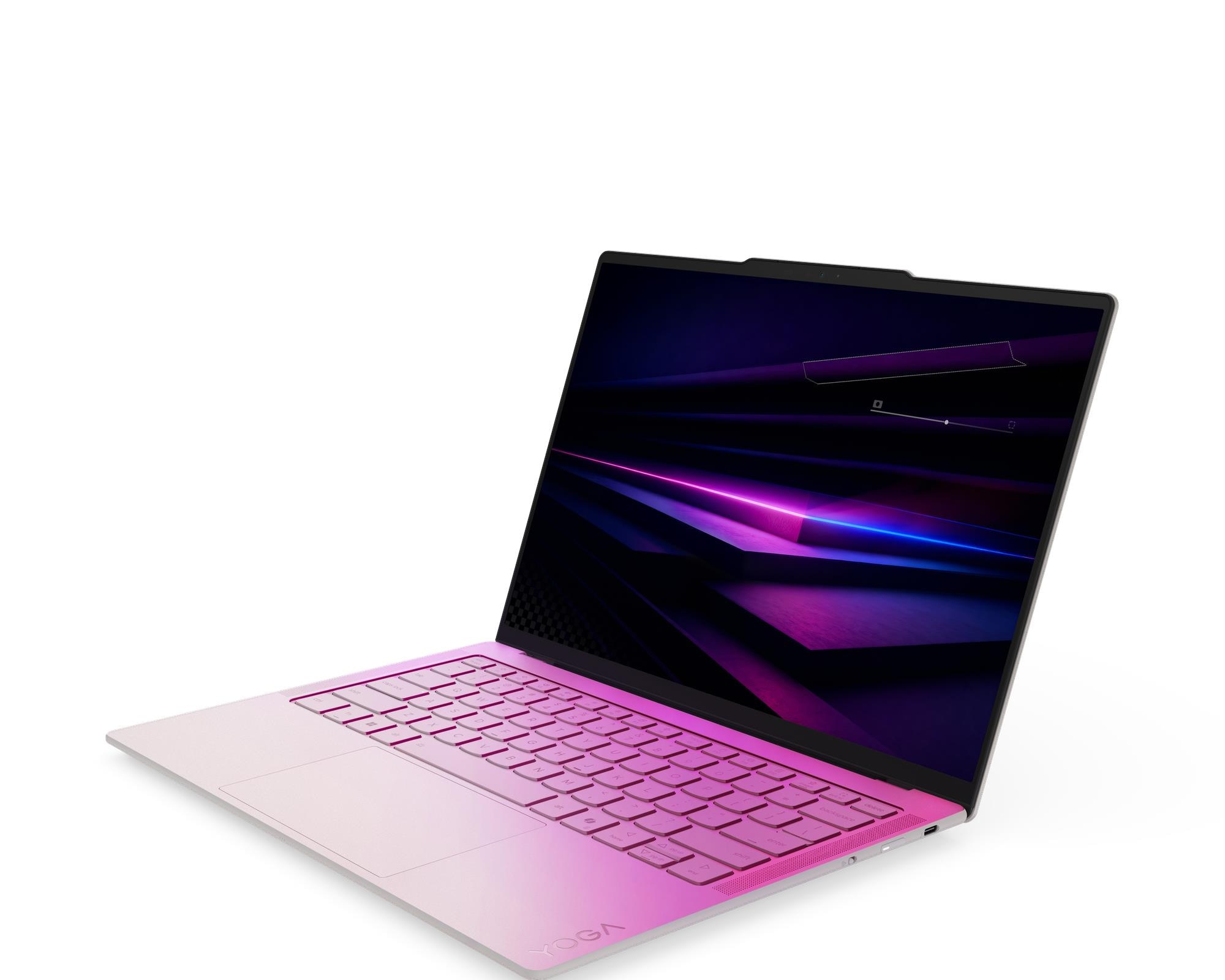
At a starting weight of 2.15 lb, the Yoga Slim 7i Ultra is exceptionally light for a 14-inch Windows laptop. Its magnesium-alloy construction houses an Intel Core Ultra 7 355, 32GB of soldered LPDDR5X memory and a 1TB PCIe SSD.
A 2880 x 1800 OLED touchscreen with a 120Hz refresh rate provides a sharp display, and the 75Wh battery is large relative to the laptop's weight. Connectivity is limited to three USB-C and Thunderbolt ports, with no USB-A, HDMI, card reader or headphone jack. The glossy high-resolution OLED can also reduce battery endurance.
Key highlights
- Intel Core Ultra 7 355 processor
- 32GB LPDDR5X memory
- 1TB PCIe SSD
- 14-inch 2880 x 1800 OLED touchscreen
- 75Wh battery
- Starting weight of 2.15 lb
Pros
- Exceptionally light for a 14-inch Windows laptop
- Sharp 120Hz OLED display
- 32GB of memory and 1TB storage
- Large 75Wh battery relative to its weight
- Premium magnesium-alloy construction
Cons
- Three USB-C and Thunderbolt ports but no USB-A, HDMI, card reader or headphone jack
- Premium pricing
- Glossy high-resolution OLED can reduce real-world battery endurance
- Memory is soldered
Who it's for
Frequent travelers who want minimal bag weight, x86 Windows compatibility and a premium display are the ideal audience.
Skip if
A different model will work better for users who regularly connect legacy accessories without a dock or prioritize maximum battery life over resolution.
Lenovo Yoga Pro 7i Aura Edition Gen 11 - Best for video editing
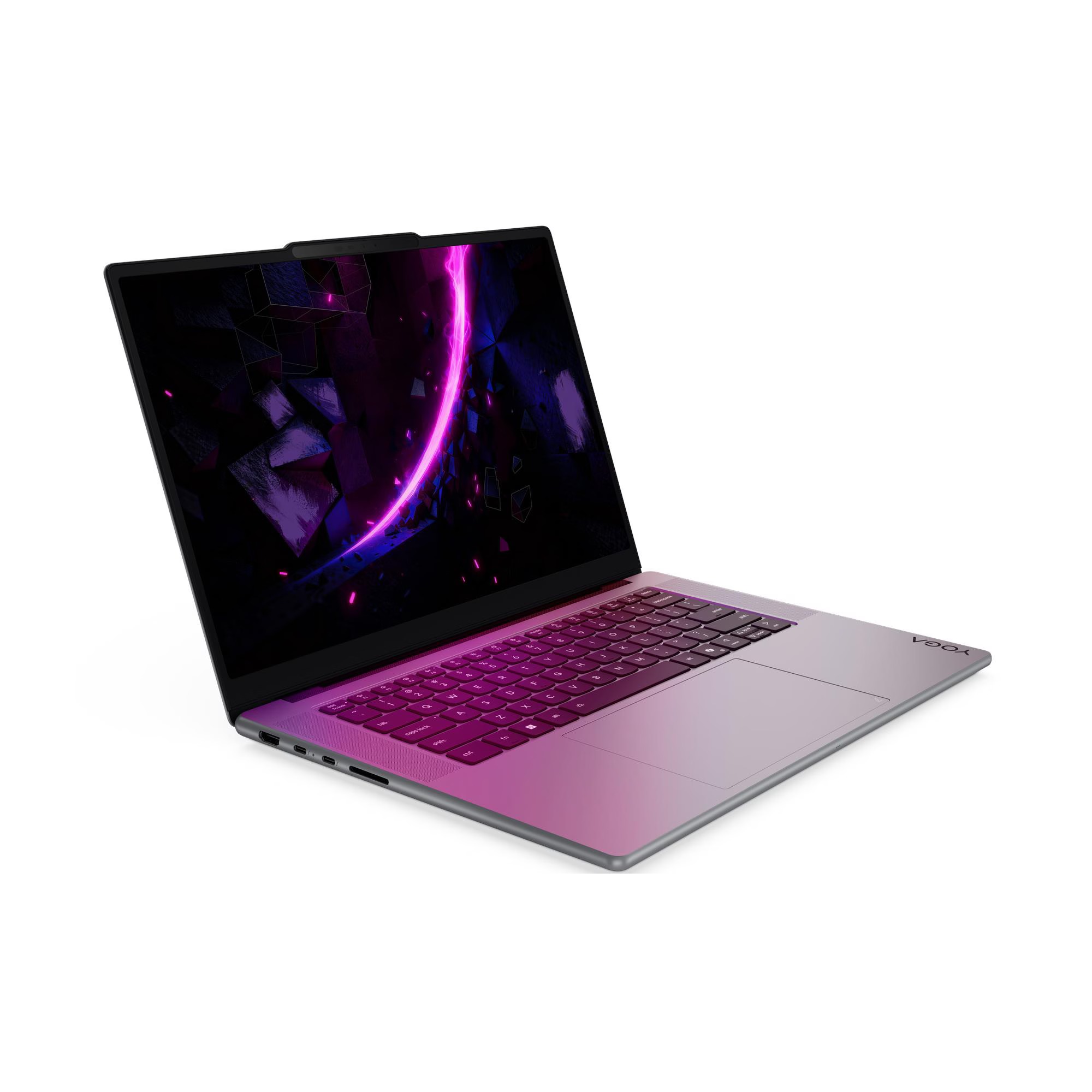
Video editing calls for the Yoga Pro 7i's Intel Core Ultra 9 386H, GeForce RTX 5060 Laptop GPU and 32GB of LPDDR5X-8533 memory. The RTX graphics provide meaningful acceleration for editing, effects and 3D work, while a 1TB PCIe 4.0 SSD supplies project storage.
Its 15.3-inch 2560 x 1600 OLED touchscreen covers 100% DCI-P3 and runs at 165Hz. Two Thunderbolt 4 USB-C ports, two USB-A ports, HDMI 2.1 and an SD card reader support creator workflows.
Battery life drops sharply under load, and the cooling and GPU power limits favor portability instead of maximum gaming performance. The memory is also soldered.
Key highlights
- Intel Core Ultra 9 386H processor
- GeForce RTX 5060 Laptop GPU with 8GB GDDR7
- 32GB LPDDR5X-8533 memory
- 1TB PCIe 4.0 SSD
- 15.3-inch 2560 x 1600 OLED touchscreen
- 165Hz refresh rate
Pros
- RTX 5060 provides meaningful acceleration for editing, effects and 3D work
- Fast 165Hz wide-gamut OLED touchscreen
- Powerful Core Ultra 9 processor and 32GB of memory
- Creator-friendly SD card, HDMI and Thunderbolt connectivity
- More portable than many comparably equipped gaming laptops
Cons
- Battery life is much shorter under load than on non-RTX Yoga models
- High price
- Memory is soldered
- Cooling and GPU power limits favor portability rather than maximum gaming performance
Who it's for
Video editors and visual creators who need substantial GPU power in a polished, relatively portable chassis will get the most value here.
Skip if
Office-focused buyers and anyone needing all-day unplugged endurance should choose a non-RTX option.
Lenovo Pro 9i Aura Edition Gen 11 - Best for pen-assisted creation
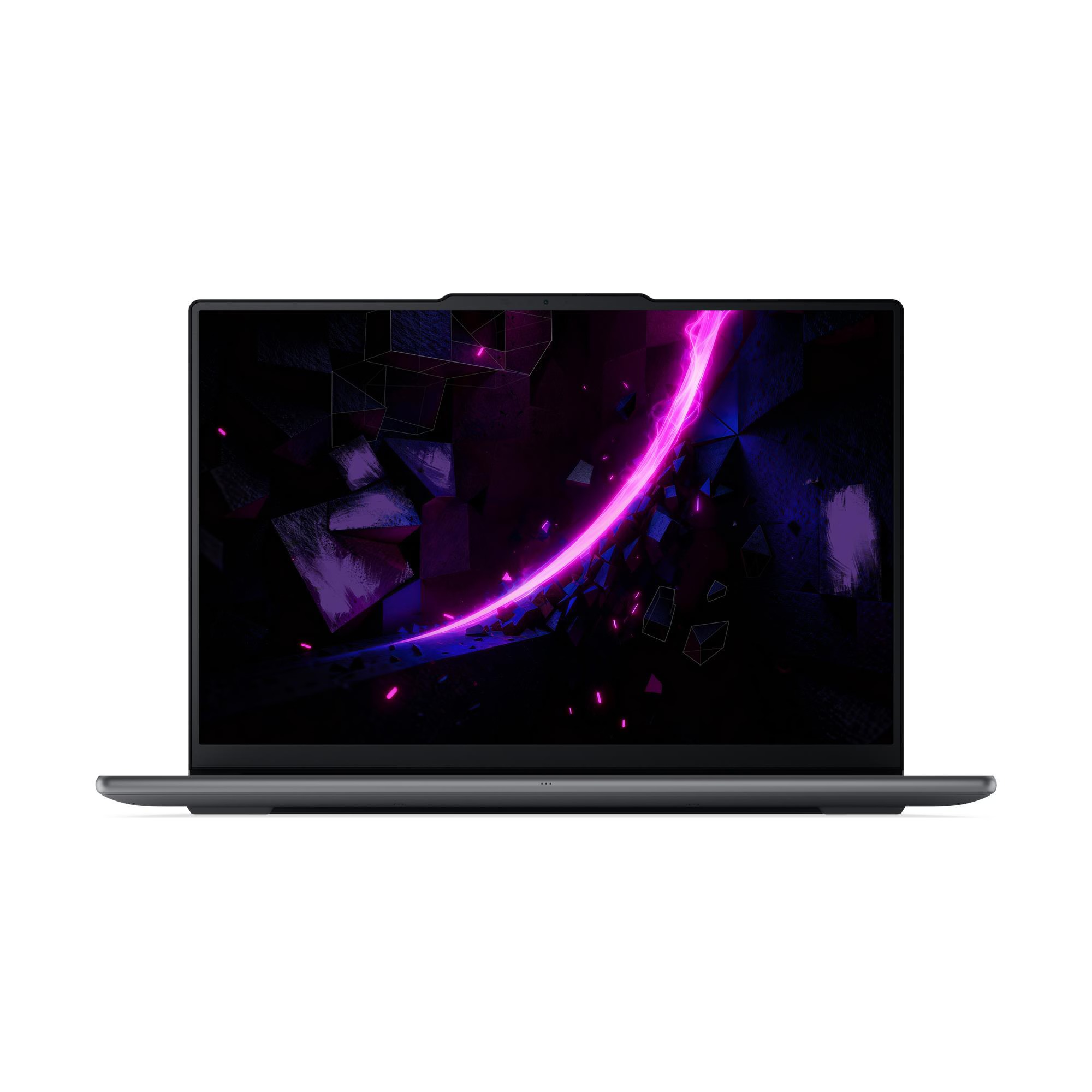
Creative interaction begins with a 16-inch 2880 x 1800 OLED touchscreen and a pen-enabled ForcePad. The display runs at 120Hz and reaches 500-nit SDR and 1100-nit peak HDR brightness, providing a large workspace for drawing and visual workflows.
Performance comes from an Intel Core Ultra 9 386H, GeForce RTX 5050 Laptop GPU with 8GB GDDR7, 32GB of soldered memory and a 1TB PCIe SSD. A 92.5Wh battery and full-size creator connectivity round out the hardware.
The RTX 5050 provides less GPU performance than the RTX 5060 in the Lenovo Yoga Pro 7i Aura Edition Gen 11. This 16-inch system is also expensive, heavier and less travel-friendly than the 14-inch options.
Key highlights
- Intel Core Ultra 9 386H processor
- GeForce RTX 5050 Laptop GPU with 8GB GDDR7
- 32GB LPDDR5X memory
- 1TB PCIe SSD
- 16-inch 2880 x 1800 OLED touchscreen
- 92.5Wh battery
Pros
- Large high-resolution OLED touchscreen for drawing and visual workflows
- Pen-enabled ForcePad and premium creator-focused design
- Strong processor and discrete RTX graphics
- Large 92.5Wh battery
- Full-size creator connectivity
Cons
- RTX 5050 provides less GPU performance than the Yoga Pro 7i's RTX 5060
- Expensive
- Heavier and less travel-friendly than 14-inch Yoga models
- Memory is soldered
Who it's for
Creators who value a large pen-enabled OLED workspace and premium interaction features over maximum GPU performance per dollar are the best fit.
Skip if
Choose a different laptop for faster RTX performance, maximum portability or a lower-cost convertible.
Lenovo Yoga Book 9i Gen 10 - Best for dual-screen multitasking
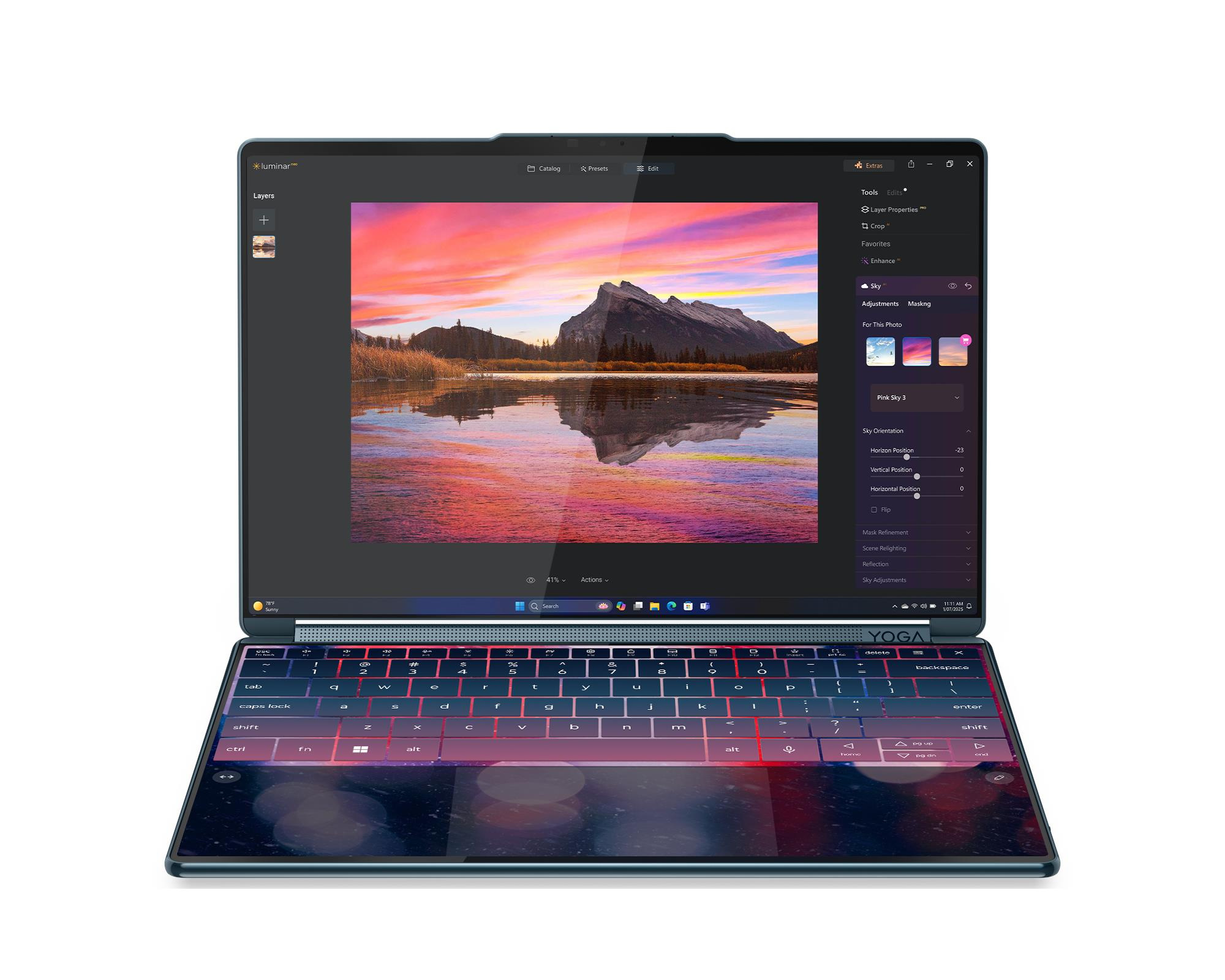
Two 14-inch 2880 x 1800 OLED touchscreens transform the Yoga Book 9i into a portable two-monitor workspace. Both displays run at 120Hz and reach 500 nits, while the included Bluetooth keyboard, mouse and pen support its flexible desktop-style arrangements.
An Intel Core Ultra 7 255H, integrated Intel Arc 140T graphics, 32GB of LPDDR5X memory and a 1TB PCIe 4.0 SSD provide a strong foundation for communication, information gathering and creative work.
The dual displays reduce battery endurance, and the USB-C-only port selection can require adapters. Lap-based typing is also less convenient than on a conventional laptop.
Key highlights
- Intel Core Ultra 7 255H processor
- Integrated Intel Arc 140T graphics
- 32GB LPDDR5X memory
- 1TB PCIe 4.0 SSD
- Two 14-inch 2880 x 1800 OLED touchscreens
- Bluetooth keyboard, mouse and pen included
Pros
- Two excellent 2.8K 120Hz OLED screens
- Unusually flexible desktop-style multitasking in a portable package
- Strong Core Ultra H-series processor and 32GB of memory
- Keyboard, mouse and pen are included
- Excellent webcam and audio hardware
Cons
- Divisive design is less convenient than a normal laptop on the lap
- Dual displays reduce battery endurance
- Only USB-C ports
- Memory is not upgradeable
Who it's for
People whose communication, information gathering or creative workflow benefits substantially from a portable two-monitor workspace are the ideal users.
Skip if
A conventional laptop is better for anyone prioritizing lap-based typing, simplicity or long battery life away from an outlet.
How to Choose
- Choose the right form factor first. A 360-degree hinge supports tablet, tent, touch and pen use, while a conventional clamshell provides a standard laptop design. A dual-screen system offers a portable two-display workspace.
- Match the architecture to your software. Intel and AMD provide broad x86 Windows application and peripheral compatibility. The Snapdragon Arm platform can be efficient and responsive, but specialized applications, games, VPNs and hardware drivers require compatibility checks.
- Pay for discrete graphics when needed. Integrated graphics handle office work, streaming and basic editing. RTX 5050 and RTX 5060 graphics are substantially better for video effects, 3D rendering and GPU-accelerated creative work, but add heat, weight and battery drain.
- Compare display quality and size. OLED provides excellent contrast and wide color, while resolution and refresh rate affect sharpness and motion clarity. Glossy finishes and higher power use are tradeoffs, and a 45% NTSC IPS panel is not suitable for color-critical work.
- Buy enough memory at checkout. Memory is soldered in every configuration here. Choose at least 16GB for ordinary use, or 24GB to 32GB for development, large photo libraries, creative applications and heavier multitasking.
- Audit ports and portability. Some slim models rely entirely on USB-C and may require a dock. Frequent travelers should favor a sub-3-pound 14-inch system, while larger performance laptops provide more ports and power at the cost of weight and unplugged endurance.
Are all Lenovo Yoga laptops 2-in-1 convertibles?
No. Lenovo uses the Yoga name for 2-in-1 convertibles, conventional clamshells and the dual-screen Lenovo Yoga Book 9i Gen 10.
Should I choose an Intel, AMD or Snapdragon Yoga?
Intel provides broad compatibility and Thunderbolt on applicable models, while AMD configurations emphasize value. Snapdragon offers an efficient, quiet experience but requires Arm compatibility checks for specialized software, games and peripherals.
Is 16GB of memory enough?
It is adequate for web browsing, Microsoft 365, streaming and typical schoolwork. Choose 24GB or 32GB for heavier multitasking, coding, large creative projects or a longer useful life because the memory in these models is soldered.
Do Lenovo Yoga laptops include a stylus?
Lenovo's per-SKU configuration records list an included pen for the linked Lenovo Yoga 9i, both Yoga 7a models, Lenovo Yoga 7i, Lenovo Pro 9i and Lenovo Yoga Book 9i. The linked Lenovo Yoga Pro 7i supports an optional pen sold separately and uses a standard clickpad. The Yoga Slim 7x and Yoga Slim 7i Ultra do not support a pen.
Is an OLED Yoga worth buying?
OLED is compelling for movies, photography and design because it provides deep contrast and wide color. Tradeoffs include reflections, potentially higher power use, possible sensitivity to PWM flicker and a small long-term risk of uneven wear from persistent static content.
Share this article
More in News
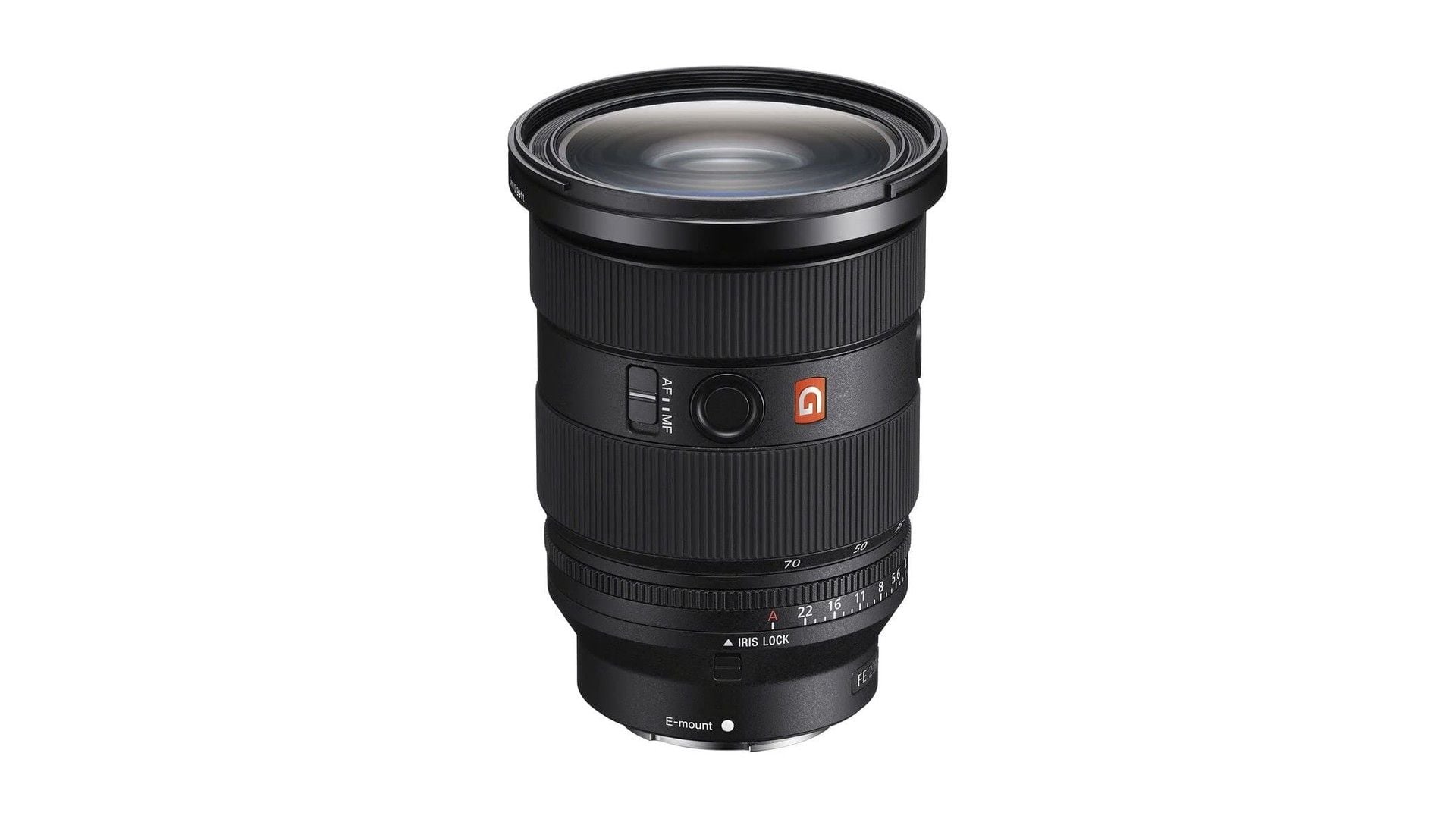
Best Sony Lenses in 2026
The Sony FE 24-70mm F2.8 GM II is our top pick, with focused choices for travel, portraits, low light, macro, and wildlife.
4 min read
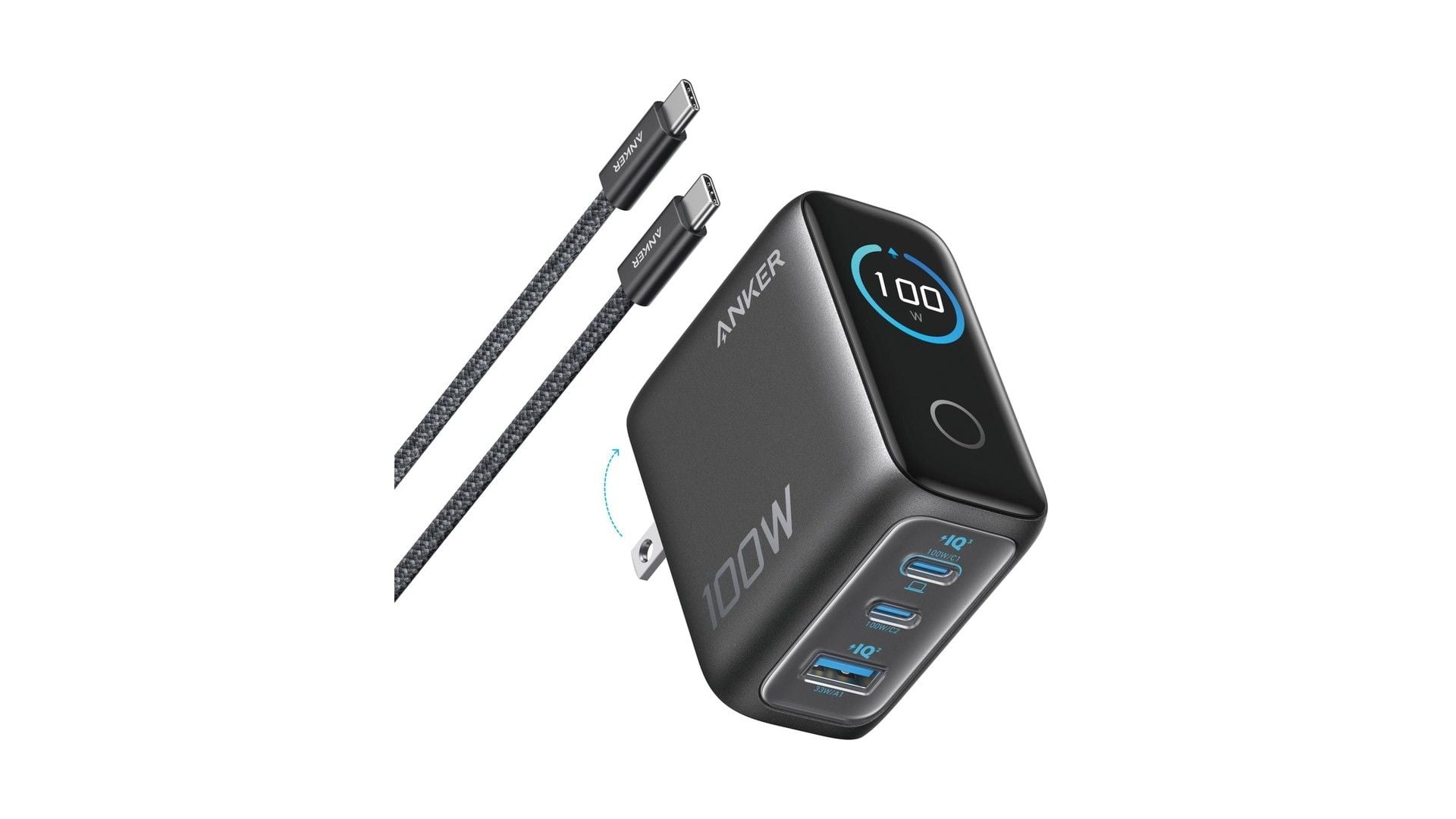
Best Anker Chargers in 2026
The Anker Charger 100W Smart Display is our top pick for balanced laptop power, three-port flexibility and useful live readouts.
3 min read
Bose QuietComfort Headphones Wireless Headphones gets a $40 price cut to $319
Bose QuietComfort wireless headphones drop to a record-low $319, saving $40 on a model that rarely goes on sale.
4 min read
Amzfast WQHD Curved Gaming Monitor drops to $199.99, its lowest price yet
Score a 27-inch 1440p 280Hz curved gaming monitor for $199.99, a record low that saves $50 off list.
3 min read
Roku 75-inch Pro TV 4K QLED Mini-LED TV now selling for $899.99
5 min read
2 Headphone Deals Worth Checking Today, Starting at $58.29
4 min read
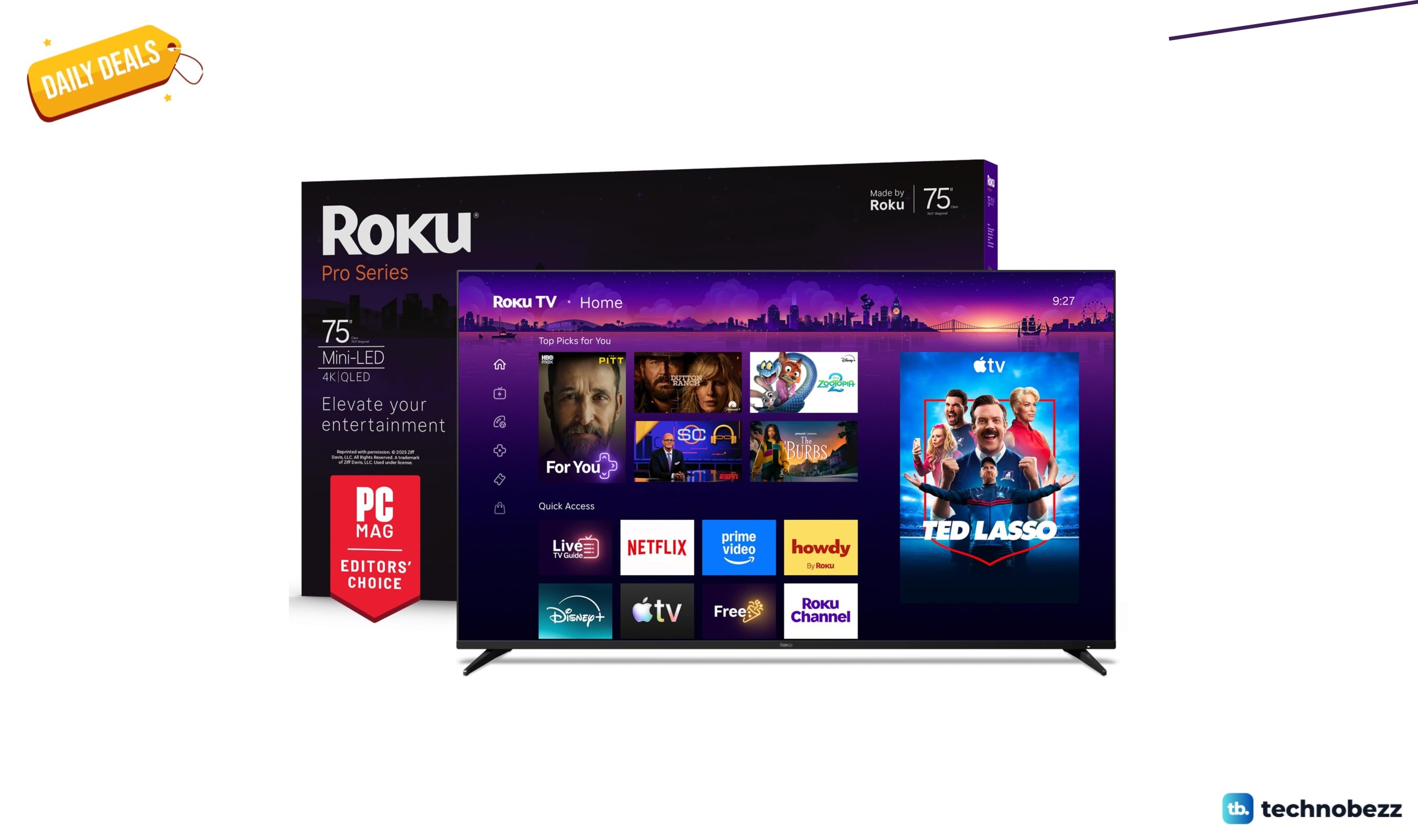
Today's best TV deals, starting at $565.83
3 min read
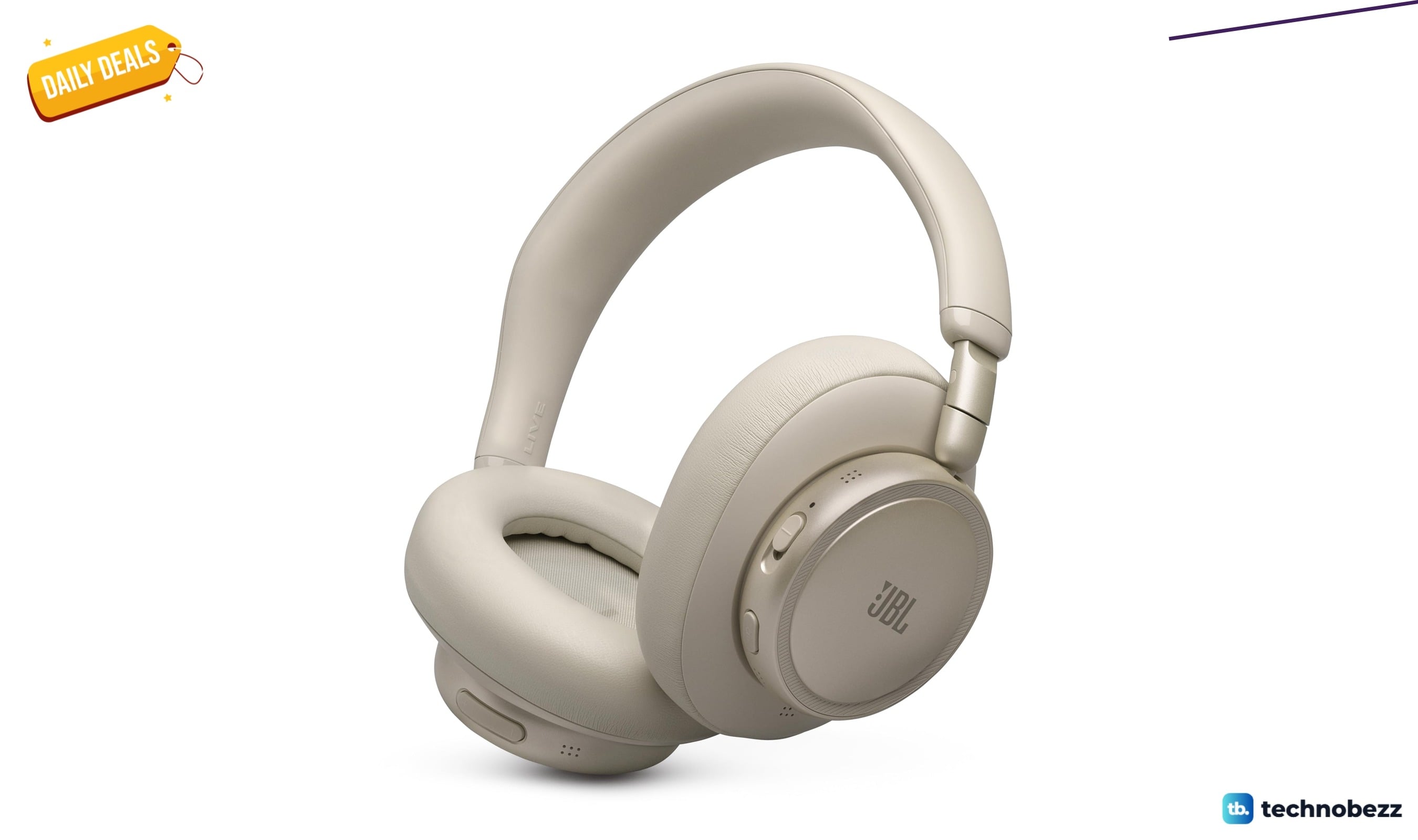
JBL Live 780NC Wireless Over-Ear Noise Cancelling Headphones falls to $189
3 min read
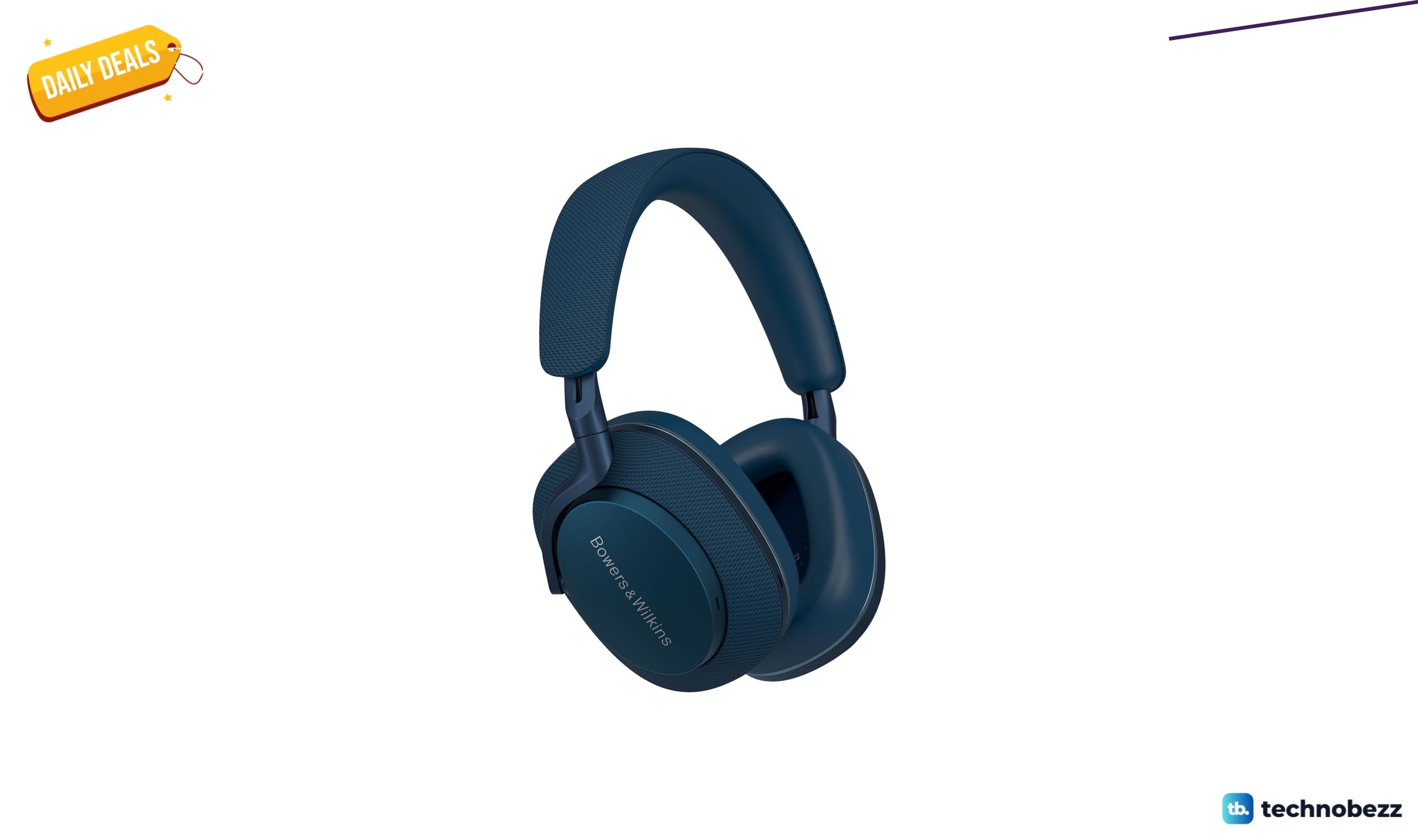
Bowers & Wilkins Px7 S2e Over-Ear Headphones price drops to $319.99
5 min read
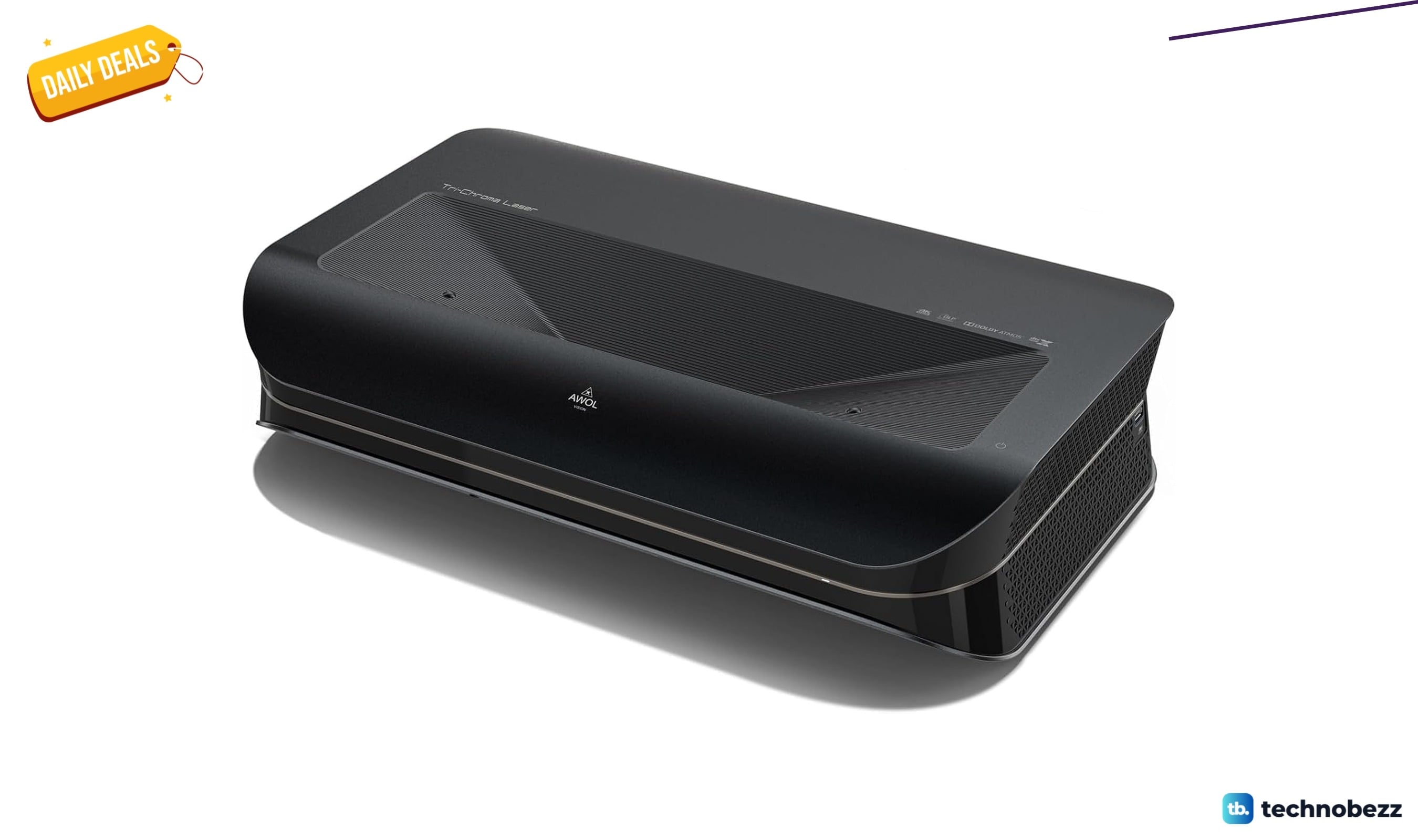
AWOL VISION LTV-3000 Pro 4K 3D Ultra price drops to $1614.15
4 min read
Lenovo Idea Tab Pro Gen 2 Tablet on sale for $349.99
5 min read

Lenovo coupon codes and deals
5 min read