If you spend hours typing code, the right keyboard can make a real difference. The Keychron Q5 Max stands out as our top pick for its compact 96% layout that keeps essential keys while saving desk space. This list is for programmers who want reliable typing, good ergonomics, and the right balance between features and simplicity.
Technobezz is supported by its audience. We may get a commission from retail offers.
Best Keyboards for Programming in 2026: Top Picks for Developers
The Keychron Q5 Max is the top-rated programming keyboard for 2026, offering a compact 96% layout with a number pad and programmable keys for efficient coding.
T
Technobezz
Editorial Team
Updated January 26, 2026Jan 26, 2026
•5 min read

Get Deals Like These in Your Inbox
The best prices, checked by our editors.
At a Glance
| Category | Product | Why We Picked It |
|---|---|---|
| Best overall | Keychron Q5 Max | Compact layout with all essential keys |
| Best value | Keychron V3 Max | Solid mechanical performance at a lower price |
| Best for low profile | Logitech G915 TKL | Wireless with tactile switches |
| Best for customization | Keychron V6 Max | Full-size with programmable options |
How we chose
Our selection process centered on the specific needs of developers. We prioritized keyboards with superior typing feel, efficient layouts for coding, and robust build quality. Practical features like deep programmability were also essential to our final choices.
The best keyboards for programming right now
Keychron Q5 Max - Best overall
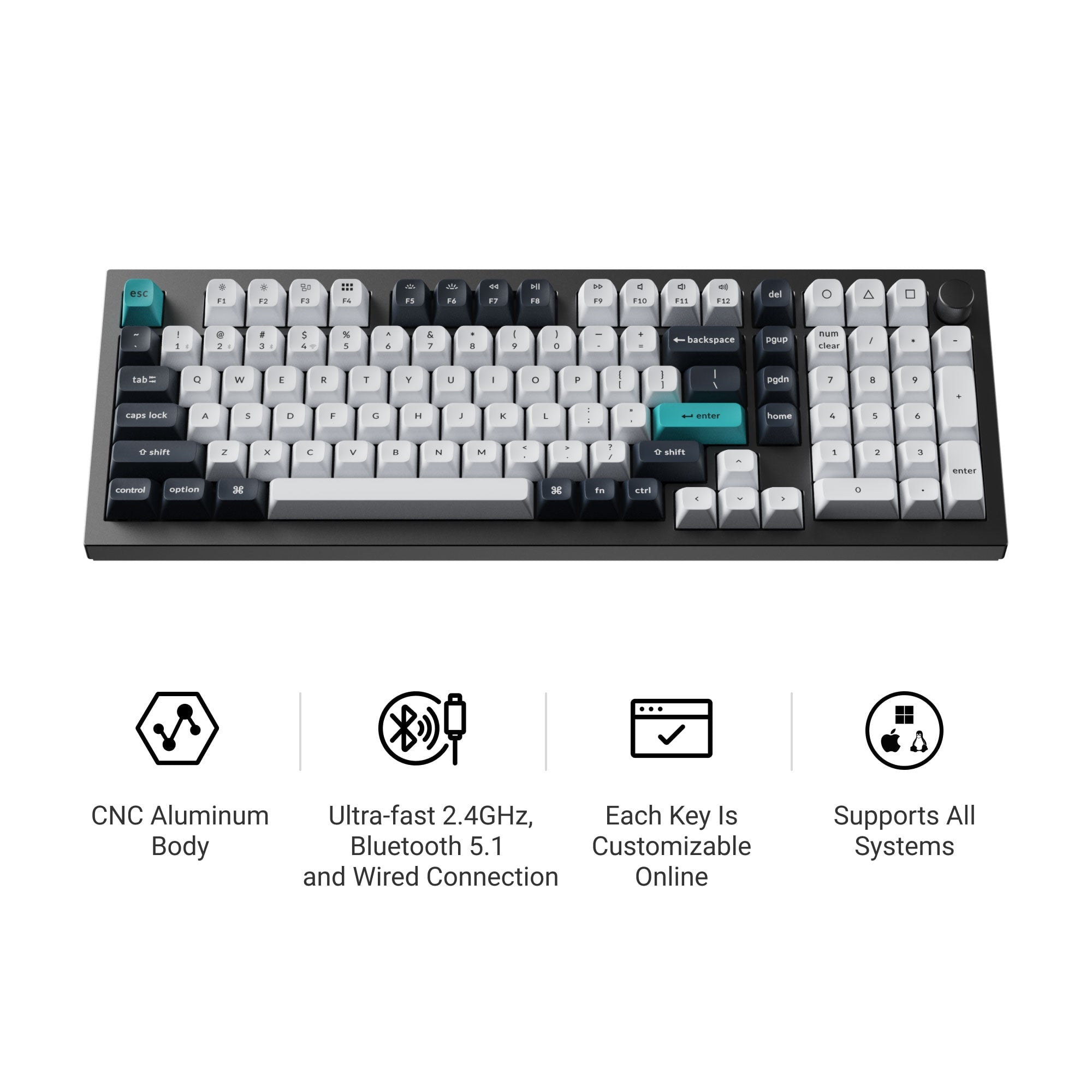
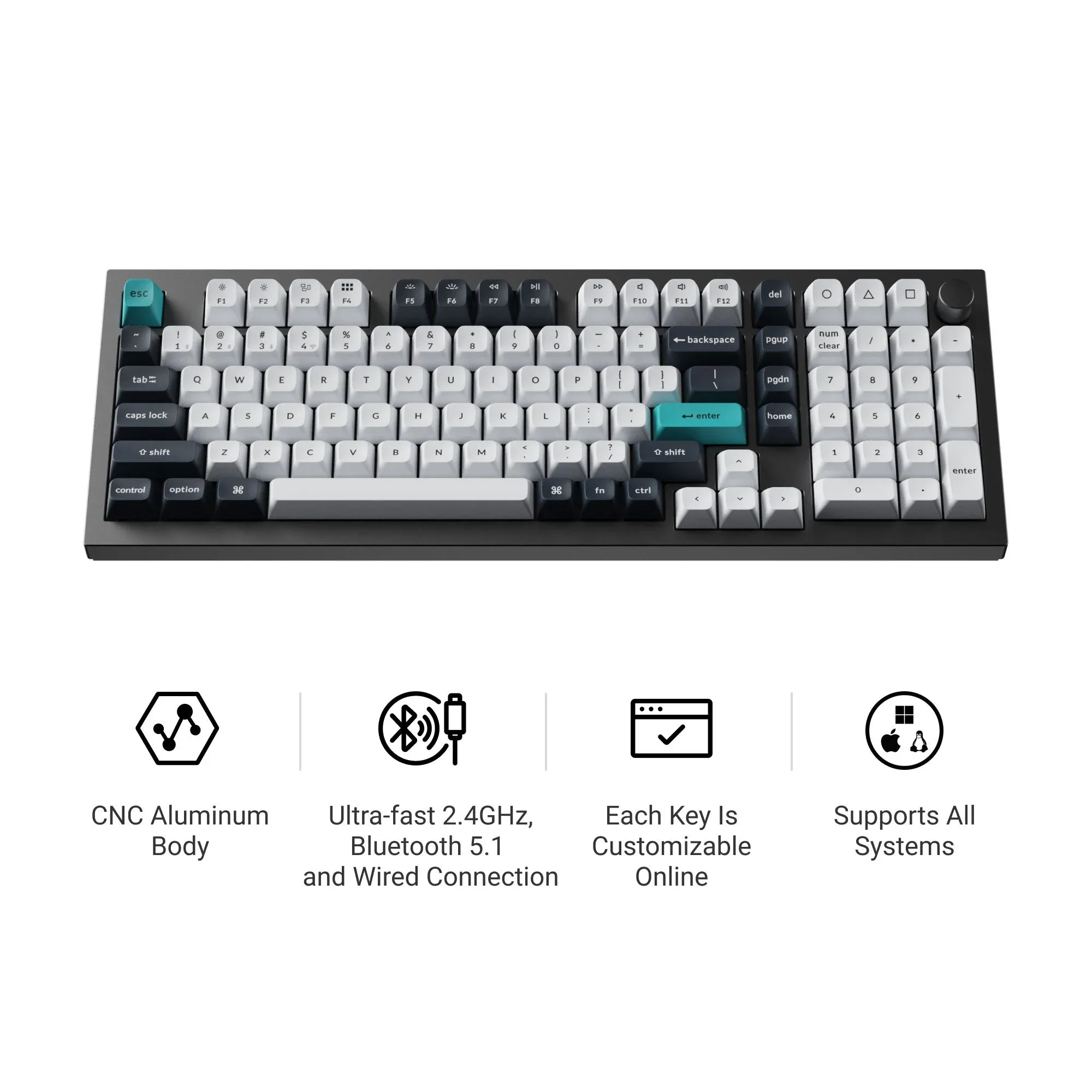
The Keychron Q5 Max stands out as our top pick for programming, delivering the ideal balance of compact design and full functionality. Its 96% layout keeps the number pad while trimming unnecessary space.
Key highlights
- Compact 96% layout with number pad included
- High-quality PBT keycaps that resist wear
- Multiple switch options for different typing preferences
- Programmable via VIA software for custom macros
- Solid aluminum construction
Pros
- Saves desk space without sacrificing essential keys
- Excellent typing feel with mechanical switches
- Good build quality for long-term use
- Compatible with both Windows and macOS
Cons
- Taller profile may require wrist rest for some users
- Can be heavy compared to plastic keyboards
- Software learning curve for programming macros
Who it is for: Programmers who want a compact layout but still need a number pad for data entry or calculations.
Skip if
You prefer ultra-portable keyboards or need a completely flat profile.
Keychron V3 Max - Best value
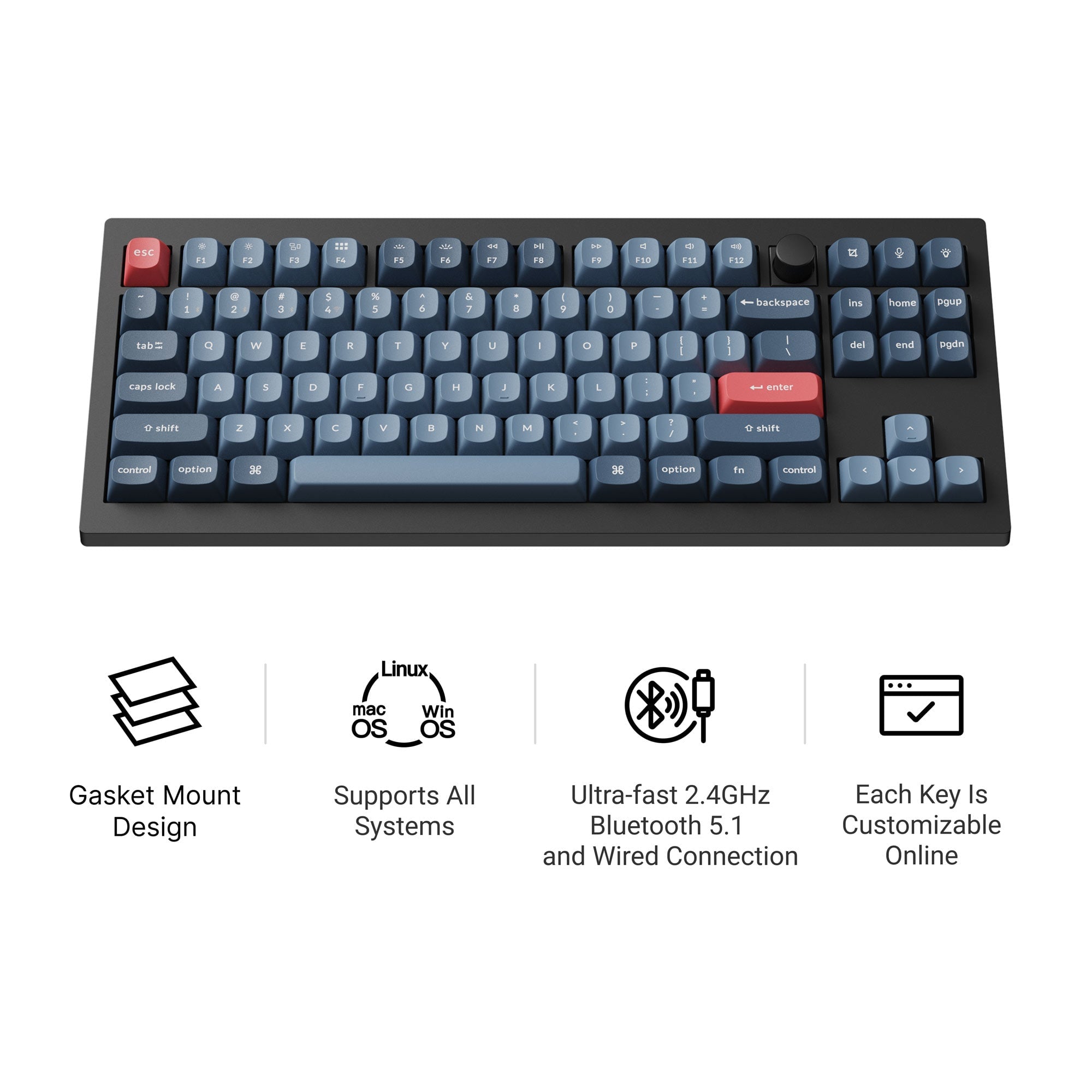
The Keychron V3 Max offers similar quality to our top pick at a more accessible price point. It's a tenkeyless design that focuses on the essentials.
Key highlights
- Tenkeyless layout saves space
- Mechanical switches with good tactile feedback
- Programmable with VIA software
- PBT keycaps included
- Wireless connectivity option
Pros
- More affordable than premium models
- Good typing experience for the price
- Saves desk space without number pad
- Wireless option adds flexibility
Cons
- Lacks number pad for those who need it
- Some users report shorter battery life in wireless mode
- Plastic construction feels less premium
Who it is for: Programmers on a budget who still want mechanical quality and programmability.
Skip if
You regularly use number pads or want premium metal construction.
Logitech G915 TKL - Best for low profile
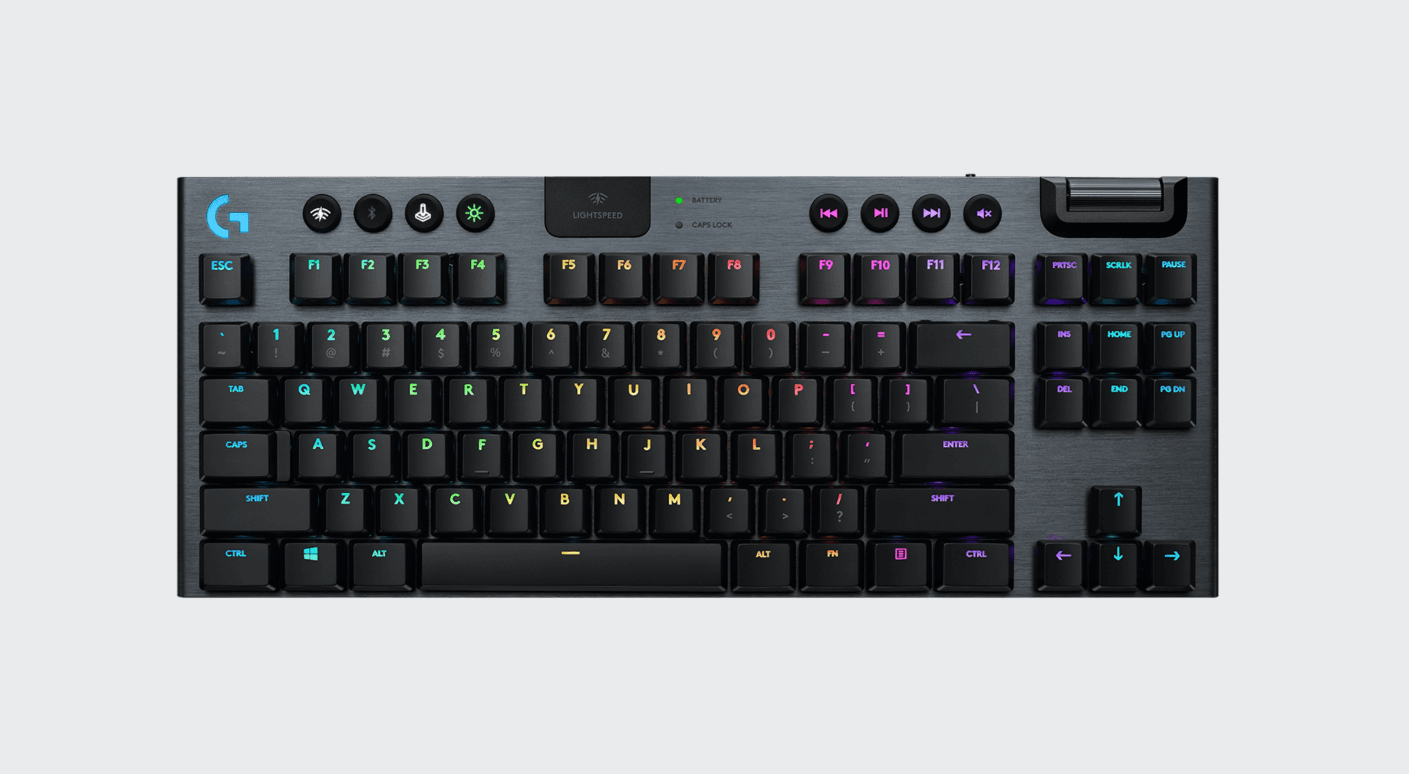
The Logitech G915 TKL combines wireless convenience with a low-profile mechanical design that's easier on the wrists. Its tactile switches provide good feedback without excessive noise.
Key highlights
- Low-profile mechanical switches
- Wireless connectivity with good battery life
- Tactile switch option for coding feedback
- Tenkeyless design
- RGB lighting with customization
Pros
- Lower profile reduces wrist strain
- Wireless operation eliminates cable clutter
- Good battery life for all-day use
- Tactile switches help with typing accuracy
Cons
- Expensive compared to wired alternatives
- Low-profile design limits keycap customization
- Some users find the key travel too short
Who it is for: Programmers who want wireless freedom and a lower typing angle for comfort.
Skip if
You prefer traditional mechanical key travel or need extensive keycap customization.
Keychron V6 Max - Best for customization
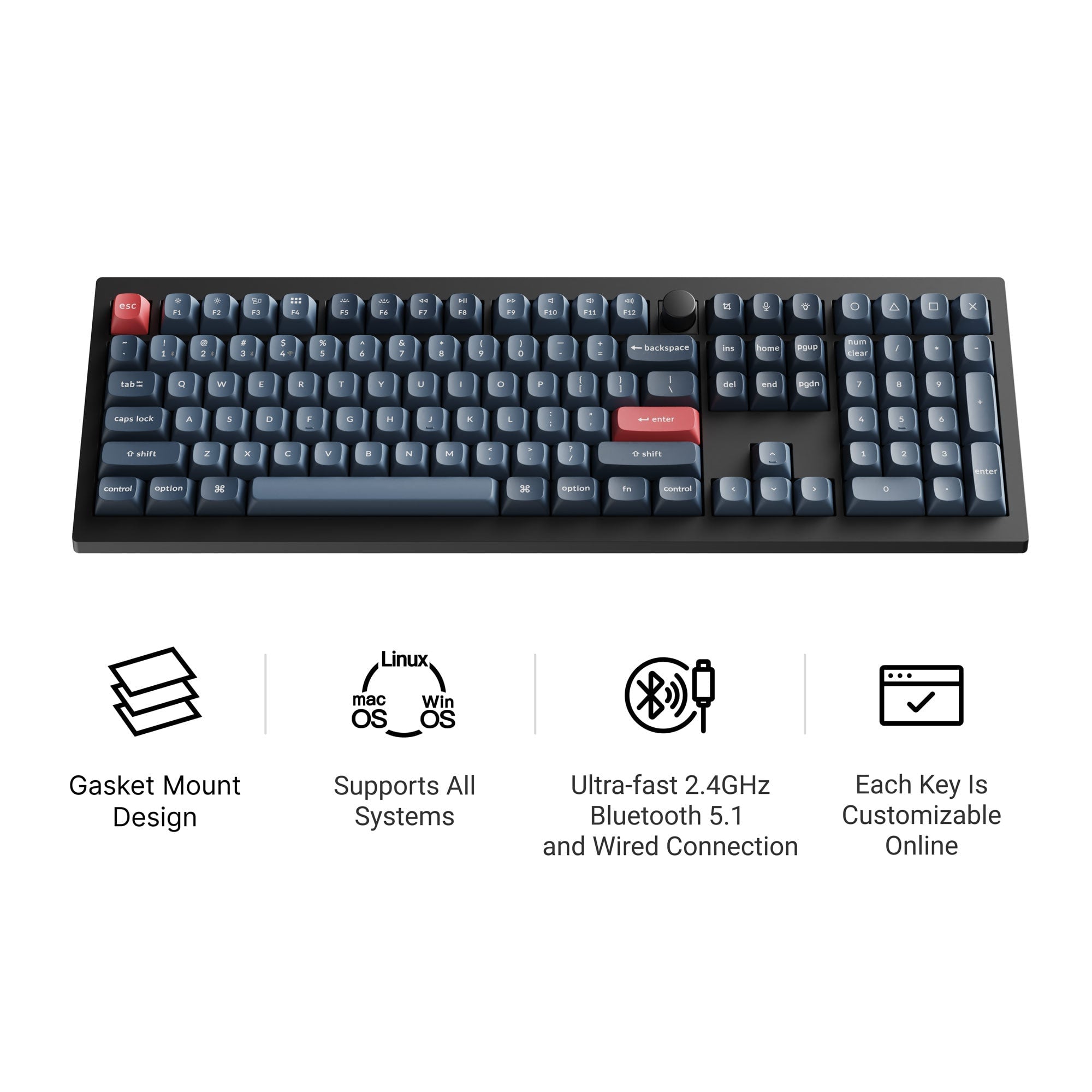
The Keychron V6 Max is a full-size keyboard that offers maximum programmability and switch options. It's ideal for programmers who want complete control over their typing experience.
Key highlights
- Full-size layout with number pad
- Extensive programmability via VIA
- Multiple switch types available
- PBT keycaps standard
- Aluminum frame construction
Pros
- Complete layout with all keys
- Highly customizable for specific workflows
- Good build quality
- Compatible with custom keycap sets
Cons
- Takes up significant desk space
- Heavier than compact alternatives
- Can be overwhelming for beginners
Who it is for: Programmers who need every key available and want extensive customization options.
Skip if
You have limited desk space or prefer simpler, plug-and-play keyboards.
Also Good
- Das Keyboard 4 Professional, for those who prefer a more traditional mechanical feel with dedicated media controls
- Tecware Phantom 87, a budget mechanical option that's surprisingly capable for the price
- Happy Hacking Keyboard Professional2, for programmers who appreciate minimalist layouts and Topre switches
How to Choose
Consider these factors when selecting a programming keyboard:
Layout size matters most. Full-size keyboards have number pads but take space. Tenkeyless (TKL) models save room while keeping arrow keys. Compact layouts (75%, 65%) maximize desk space but may require layer adjustments.
Switch type affects typing feel. Tactile switches provide feedback without loud clicks. Linear switches offer smooth keystrokes. Consider your typing style and whether you work in shared spaces.
Programmability saves time. Macros for common code snippets or commands can significantly boost productivity. Look for keyboards with good software support.
Build quality ensures longevity. PBT keycaps resist shine better than ABS. Metal frames feel more substantial than plastic. Consider how much you'll be typing daily.
Connectivity depends on your setup. Wireless keyboards reduce cable clutter but require charging. Wired connections ensure reliability without battery concerns.
FAQ
What size keyboard is best for programming?
Many programmers prefer tenkeyless or compact layouts (75-96%) that save desk space while keeping essential keys, though preferences vary based on individual workflow needs. Full-size keyboards are useful if you regularly use number pads for data entry.
Are mechanical keyboards worth it for programming?
Yes, mechanical keyboards typically offer better typing feel, durability, and customization options. The tactile feedback can help reduce typing errors during long coding sessions.
Which switch type is best for coding?
Tactile switches are popular because they provide feedback without being too loud. They help you know when a key has been actuated, which can improve accuracy.
Do I need a programmable keyboard for programming?
While not essential, programmability lets you create macros for repetitive tasks like code snippets or debugging commands. This can significantly speed up your workflow.
How important is wireless connectivity?
Wireless keyboards offer cleaner desk setups and more flexibility in positioning. However, wired keyboards never need charging and have slightly lower latency, which some programmers prefer.
Share this article
More in News
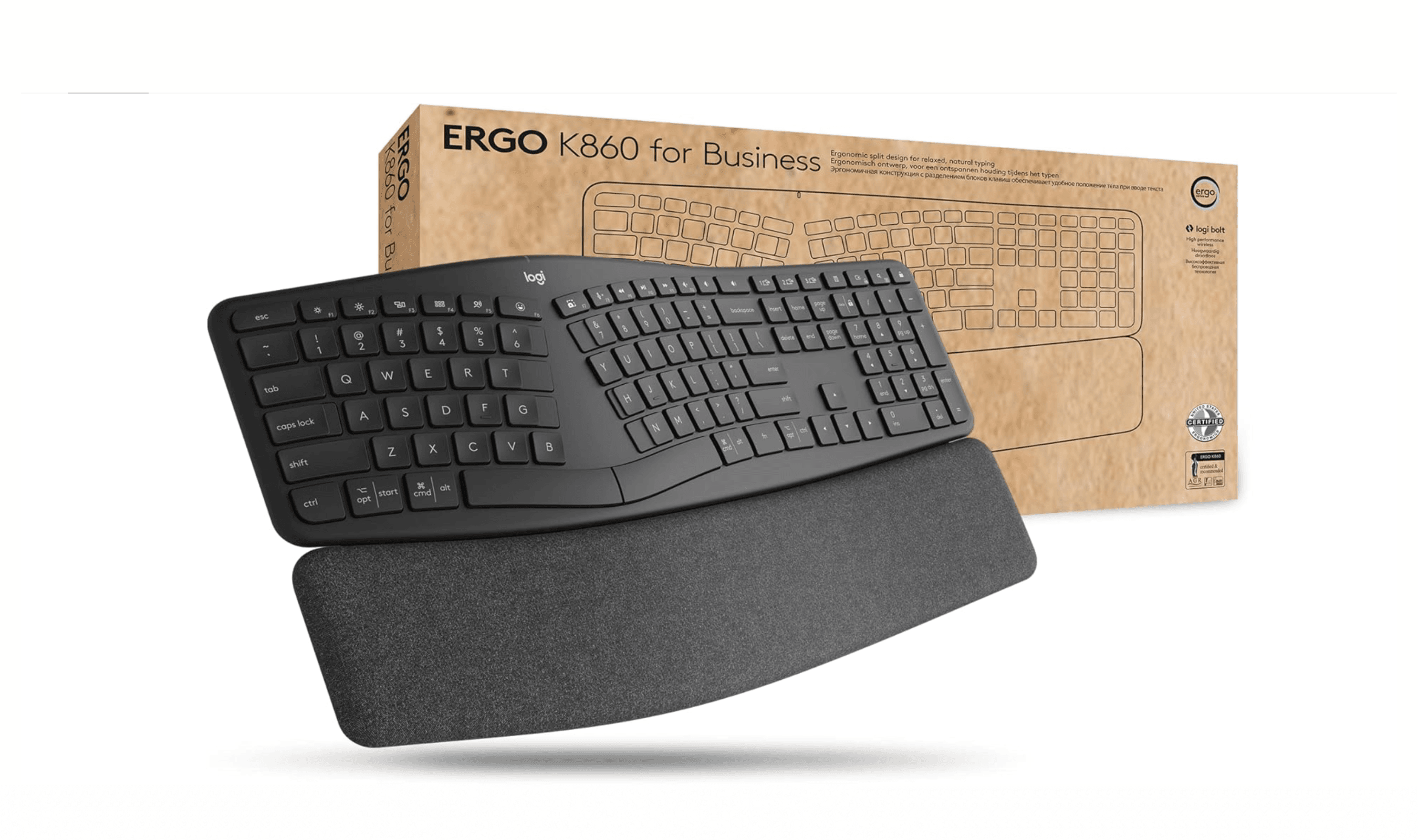
5 Best Ergonomic Keyboards for 2026
Logitech Ergo K860 leads our picks for the best ergonomic keyboards. See top models for comfort, value, and mechanical feel in 2026.
5 min read
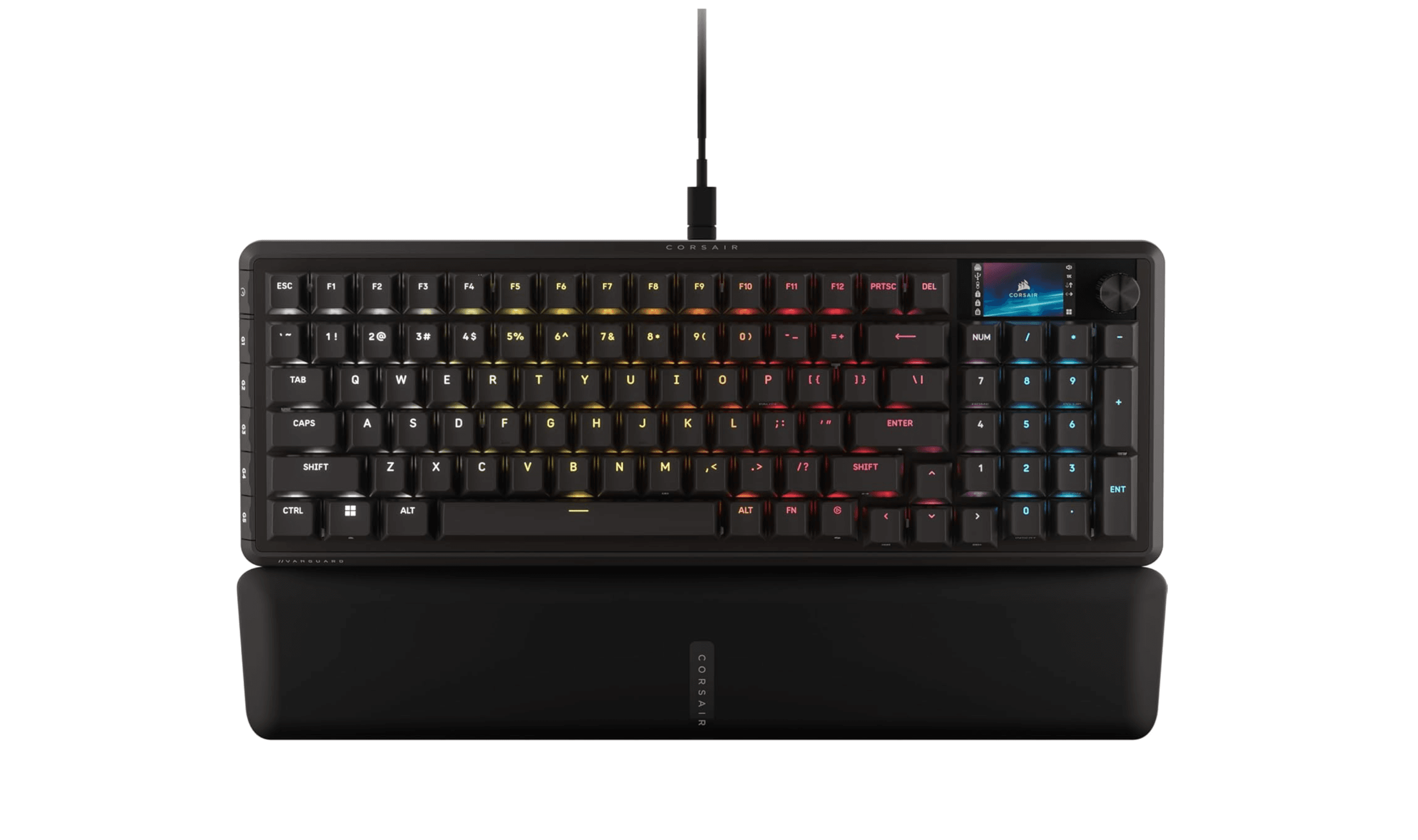
Best Gaming Keyboards for 2026
The best gaming keyboards for 2026, from the Corsair Vanguard Pro 96 magnetic flagship to budget, wireless, TKL and 60% competitive picks tested for speed and feel.
5 min read
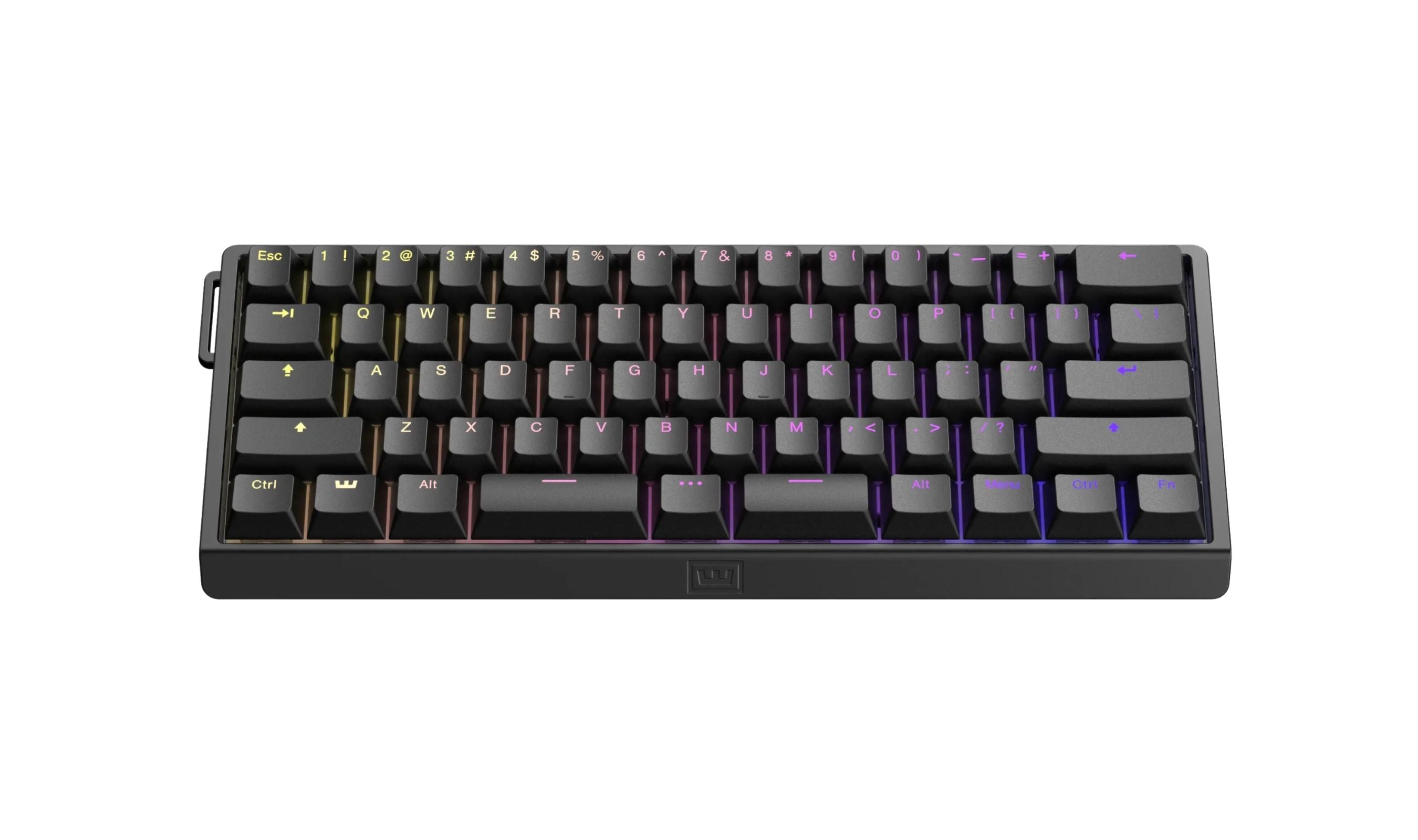
7 Best 60 Percent Keyboards of 2026
The Wooting 60HE v2 tops our list of the 8 best 60 percent keyboards of 2026, with rapid trigger and software unmatched for gamers and typists.
4 min read
Best Low Profile Mechanical Keyboards in 2026
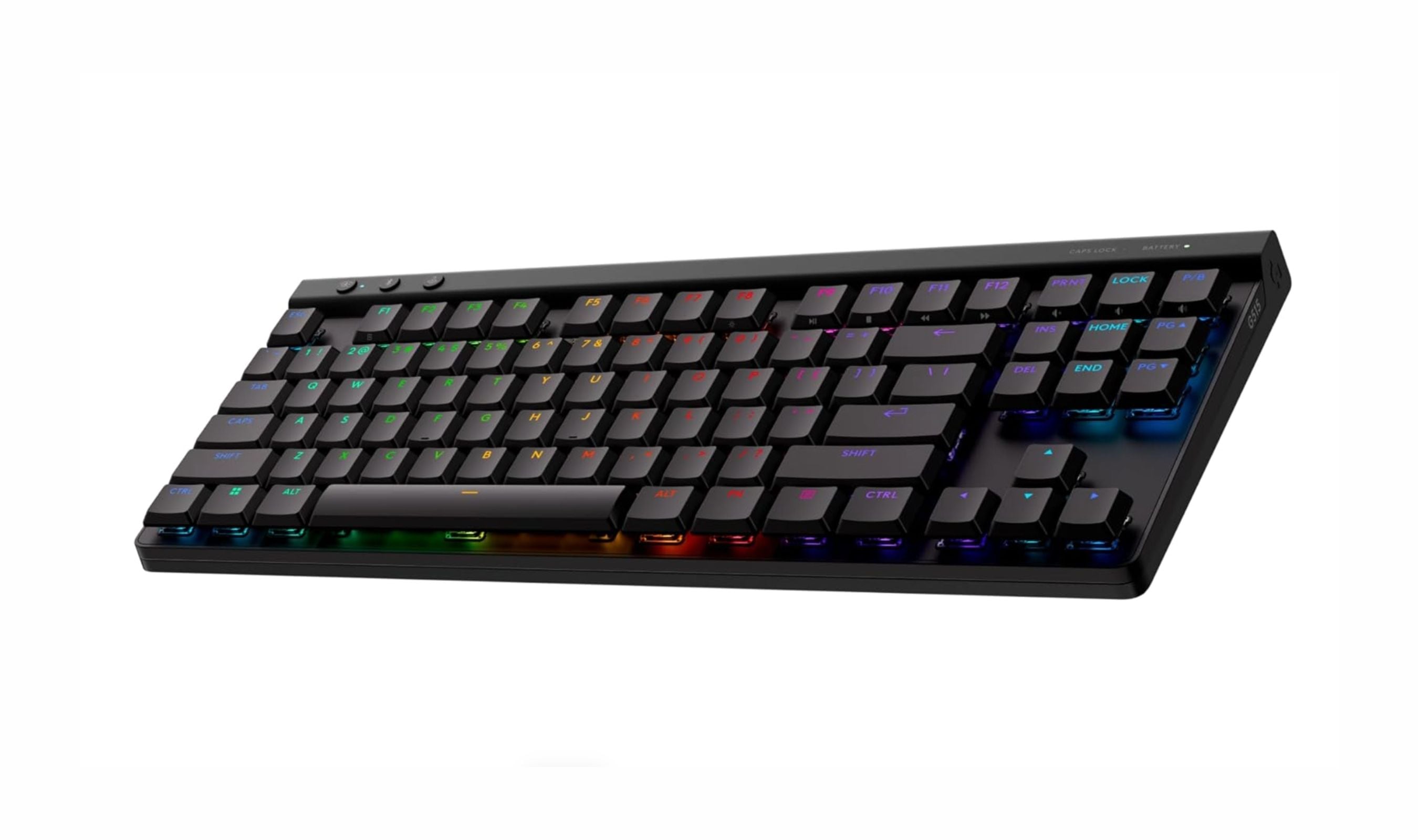
The Logitech G515 TKL Lightspeed tops our list of the best low profile mechanical keyboards in 2026, offering speed, build quality, and wireless performance in a slim 22mm chassis.
3 min read
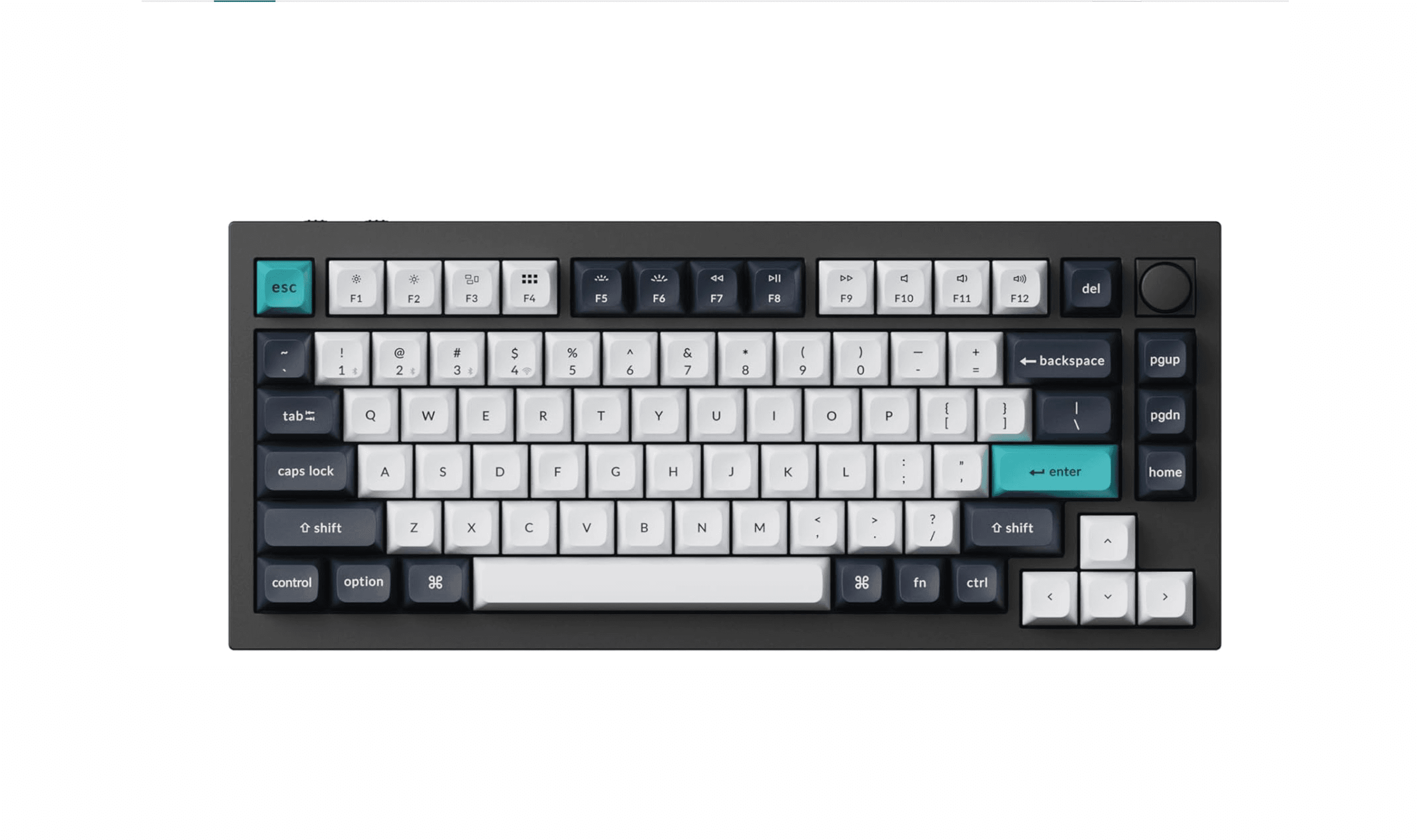
10 Best Mechanical Keyboards to Buy in 2026
3 min read

AKG K 701 Ultra Reference Class Stereo discounted to $247.37
5 min read

Apple Watch SE 3 GPS 40mm Smartwatch discounted to $189.97
5 min read

Cleer Audio Enduro ANC Noise Canceling Headphones price drops to $94.99
3 min read

Lenovo coupon codes and deals
5 min read

Woot coupon codes and deals
3 min read

Samsung coupon codes and deals
5 min read

Best tech coupon codes and online deals
4 min read