
When your Xiaomi 15's hotspot stops working, it can leave your laptop or tablet stranded without internet. Whether other devices can't see the network, fail to connect, or get dropped, the issue is usually something you can fix yourself with a few adjustments.
Toggle the Hotspot Off and On
Head into Settings > Connections & sharing > Portable hotspot and turn the toggle off. Wait about 10 seconds, then switch it back on. This quick reset can clear a temporary glitch in HyperOS 2 and get things running again right away.
Restart Your Xiaomi 15
Press and hold the Power button for about 15 seconds until you feel a vibration and see the phone restart. This force restart is a bit more thorough than a standard reboot and is great for clearing up system hiccups, including those affecting the network stack.
Verify Your Mobile Data Connection
The hotspot relies entirely on your cellular data. Pull down the notification shade and make sure mobile data is enabled. If you're in an area with a weak signal, the hotspot will be unstable or not work at all. Also, double-check with your carrier that your plan includes tethering, as some budget plans restrict it.
Reset Your Network Settings
Go to Settings > Additional settings > Backup & reset > Reset phone > Reset Wi-Fi, mobile & Bluetooth. This will erase all saved Wi-Fi networks, Bluetooth pairings, and cellular settings. You'll have to reconnect to your Wi-Fi and re-pair devices, but it's a powerful fix for persistent network problems.
Check for a Carrier Settings Update
While Android and HyperOS handle most updates automatically, carrier configurations can sometimes get stuck. You can try inserting your SIM card into another phone and then back into your Xiaomi 15. This can sometimes trigger a refresh of the carrier profile on your device.
Forget the Network on the Connecting Device
On the laptop or tablet that's trying to connect, go into its Wi-Fi settings and find your Xiaomi 15's hotspot name. Choose to forget or remove the network. Then, scan for networks again, select your hotspot, and enter the password fresh. A corrupted connection profile on the client device is a common culprit.
Change Your Hotspot Name and Password
In Settings > Connections & sharing > Portable hotspot > Set up Portable hotspot, you can change both the network name (SSID) and the password. Set a new password, save it, and then try connecting your other device again. This forces a completely new authentication process.
Try USB Tethering Instead
If the Wi-Fi hotspot is being difficult, a wired connection is often more reliable. Connect your Xiaomi 15 to your computer with a USB-C cable. Then, on your phone, go to Portable hotspot settings and enable USB tethering. Your computer should recognize it as a new internet source almost instantly.
Update Your Phone's Software
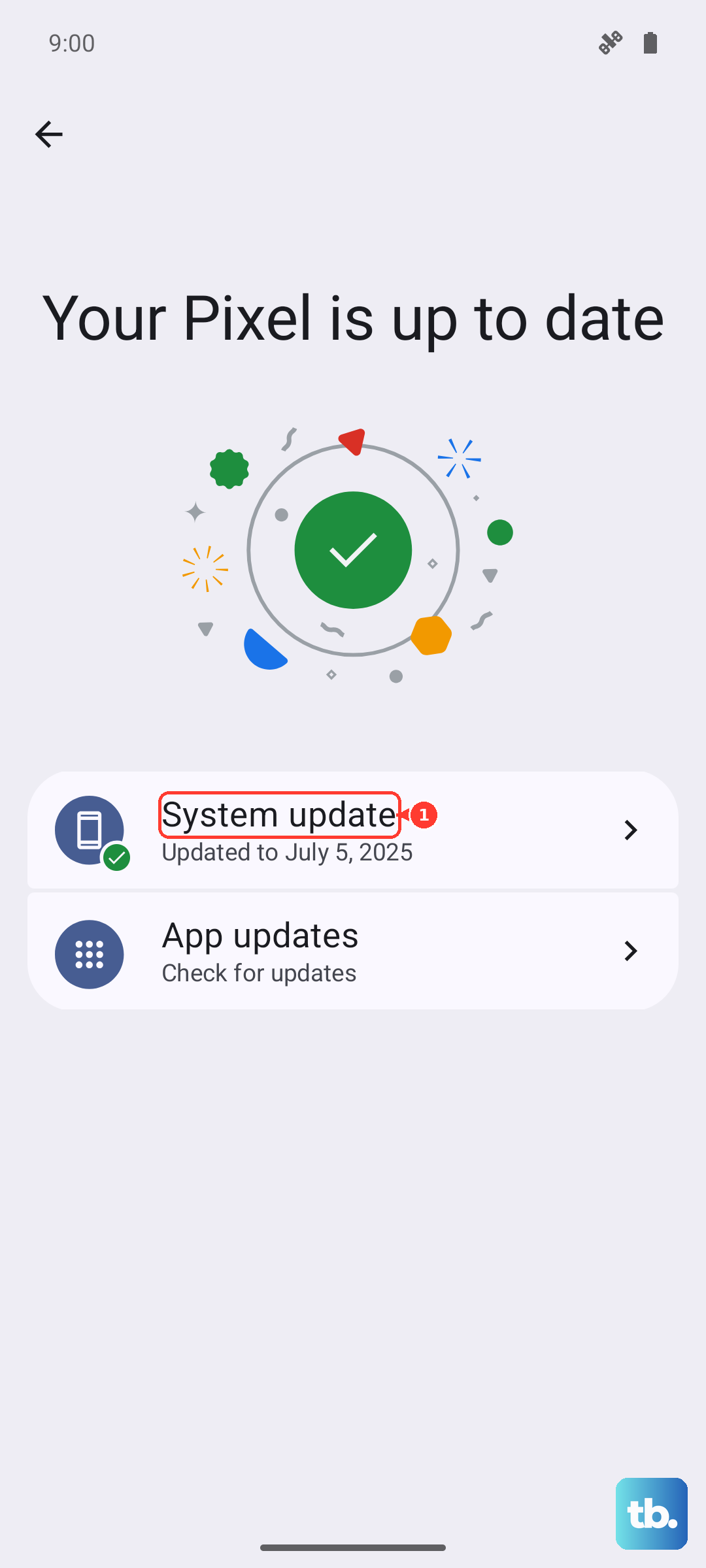
Go to Settings > About phone > HyperOS version and tap on the icon to check for updates. Bugs in HyperOS 2, including those affecting connectivity features like the hotspot, are frequently patched in system updates. I've seen updates resolve similar issues on other Xiaomi models.
Review Your Data Saver and Battery Settings
Some power-saving modes or data restrictions can interfere with the hotspot. Go to Settings > Battery and make sure you're not in a restrictive power-saving mode. Also, check Settings > SIM cards & mobile networks > Data usage > Data saver to ensure it's not turned on, as it can block background data for tethering.
Contact Your Mobile Carrier
If you've tried everything else, the issue might be on your carrier's end. There could be a provisioning error on your account where the tethering feature isn't activated, or you might have hit a hidden data cap for hotspot usage. A quick call to their support can confirm your plan details and check for any network outages in your area.