
When your Xiaomi 14T Pro won't charge wirelessly, it's often a simple alignment or accessory issue rather than a serious hardware fault. The 50W wireless charging is fast, but it needs the right conditions to work. Let's get it working again.
Center Your Phone on the Charger
Wireless charging requires the coil in your phone to line up almost perfectly with the coil in the pad. Place your 14T Pro dead center on the charging stand or pad. You should see the charging animation or feel a slight vibration. Being off by even a small amount can break the connection, so take a second to position it carefully.
Take Off the Phone Case
This is a very common culprit. Thick cases, especially those with metal plates, magnetic rings, or built-in card holders, will block the wireless signal. Pop your case off and try charging the bare phone. If it works, you'll need a case specifically advertised as compatible with Qi wireless charging.
Verify Your Charger and Power Source
Make sure your wireless charger is plugged into a working outlet. The 14T Pro's 50W wireless charging needs a powerful power adapter. Use the 120W brick that came with your phone, or a USB-C PD adapter rated for at least 65W. A weak power source won't deliver enough juice to initiate the fast wireless charge.
Perform a Force Restart
Sometimes a minor software hiccup is to blame. Press and hold the Power button for about 15 seconds. Keep holding it until you see the Xiaomi logo appear and the phone restarts. This is a clean reboot that can clear up temporary glitches preventing the charging system from engaging.
Clean the Phone and Charger Surface
Dust, lint, or any grime on the back glass of your phone or the surface of the charging pad creates a barrier. Wipe both down thoroughly with a dry, soft cloth. Pay special attention to the center of the phone's back, where the charging coil is located. A clean connection is essential.
Check for Overheating Protection
The Dimensity 9300+ chip and 120W wired charging can generate significant heat. If the phone gets too hot, HyperOS will automatically stop wireless charging to protect the battery. This can happen if you're using the phone while it's on the pad or if the environment is warm. Let the phone cool down completely before trying again.
Update Your Software
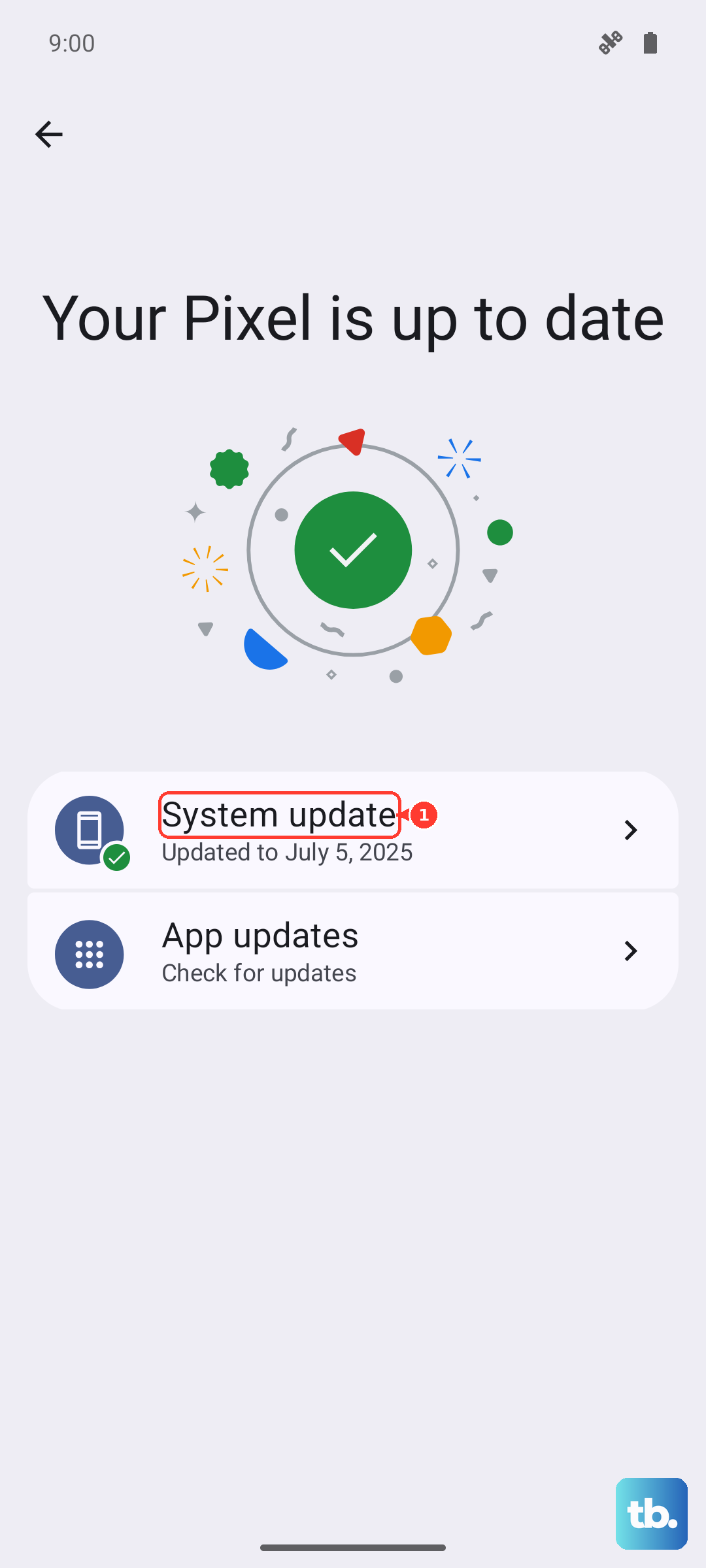
Head to Settings > About phone > HyperOS version and tap "Check for updates". Install any available system update. Xiaomi frequently releases patches that improve device stability and fix bugs, including ones related to power management and charging. I've seen updates resolve quirky charging behavior on past models.
Try a Different Wireless Charger
If you have access to another Qi wireless charger, test your 14T Pro on it. If it charges on a different pad, then your original charger is likely faulty. If it fails on multiple known-good chargers, the issue is probably with the phone itself. Remember, for the full 50W speed, you need a charger that supports the Xiaomi proprietary fast wireless protocol.
Review Battery and Charging Settings
Go into Settings > Battery. Look for any enabled battery protection modes that might limit charging. Also, check if "Wireless charging" is toggled on (it usually is by default). Some regional variants of HyperOS come with pre-installed cleaner or booster apps that can interfere. You can remove suspicious bloatware via Settings > Apps > Manage apps.